Cloudflare Quick Tunnels allows you to securely expose your localhost to the internet at lightning speed. With just one command, you can create an encrypted public URL without needing an account, DNS records, or port forwarding.
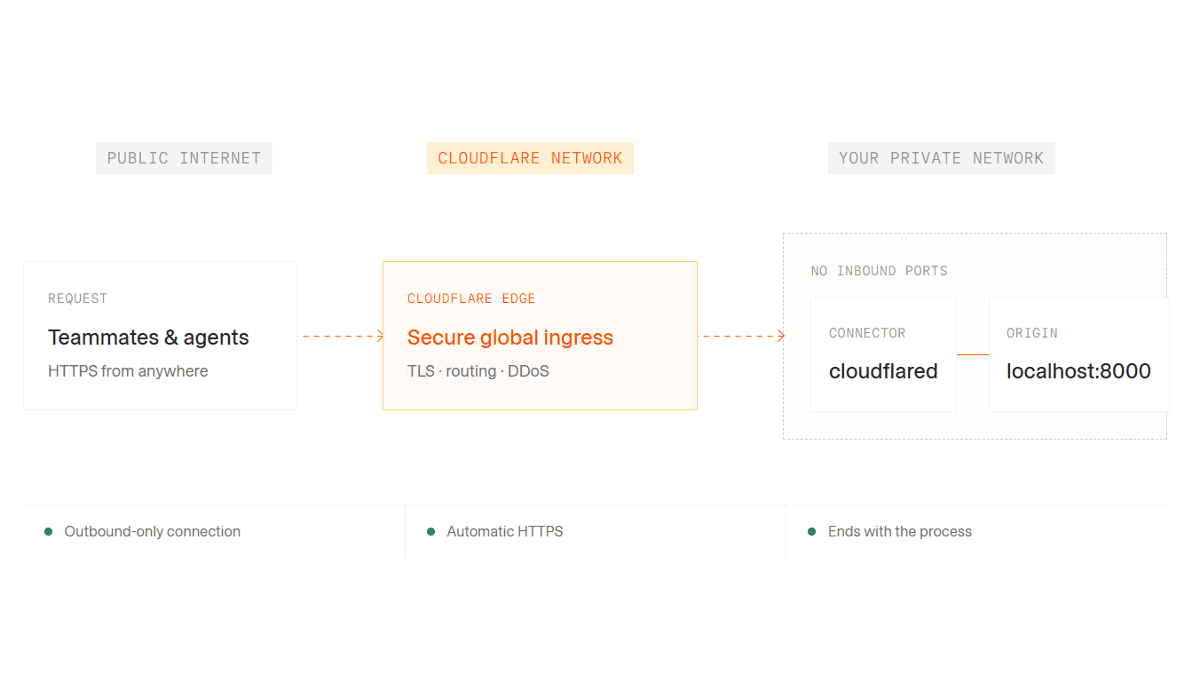
To access and view a web application under development on a PC from an external source, you need to go through the hassle of opening ports and configuring server settings. I tried out 'Cloudflare Quick Tunnels,' which is even easier than '
Cloudflare Quick Tunesels
https://try.cloudflare.com/
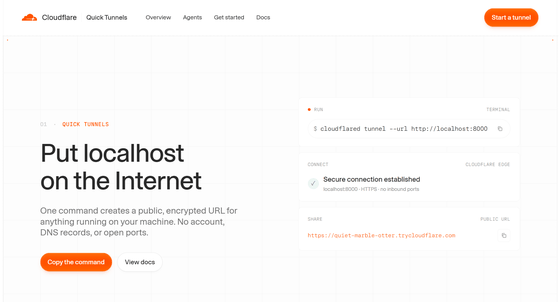
◆Install Cloudflare Quick Tunnels
This time, assuming you have an environment where
winget install Cloudflare.cloudflared
◆Publish localhost to the internet with a single command
Create an 'index.html' file in the working folder for testing purposes. This is for when using Git Bash in Git for Windows .
echo 'Cloudflare Quick Tunnels Test' > index.html
We will start a simple HTTP server using Python on port 8000.
python -m http.server 8000
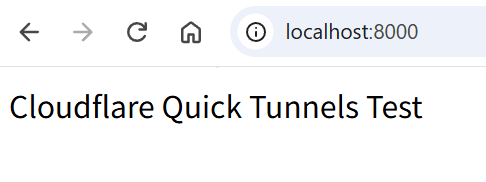
By accessing 'http://localhost:8000' in your browser, you can see a test page that only works on your PC.
Next, open another Git Bash and execute the following command.
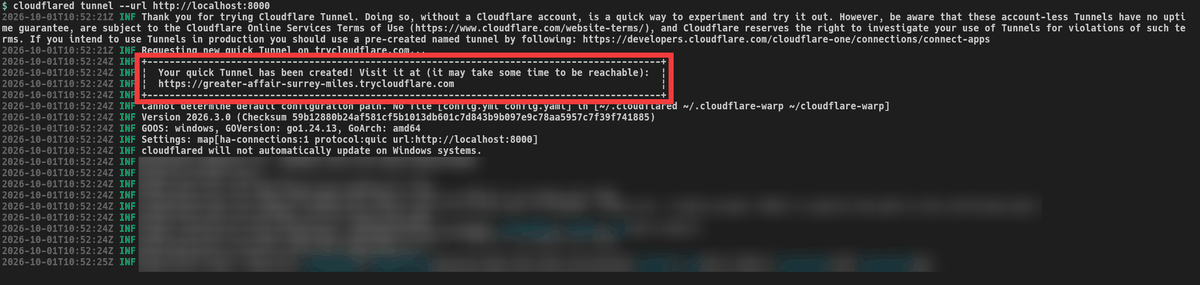
cloudflared tunnel --url http://localhost:8000
A URL containing a random string, 'trycloudflare.com,' will be generated without requiring you to log in to your Cloudflare account or configure DNS settings.
◆ Access localhost from your smartphone
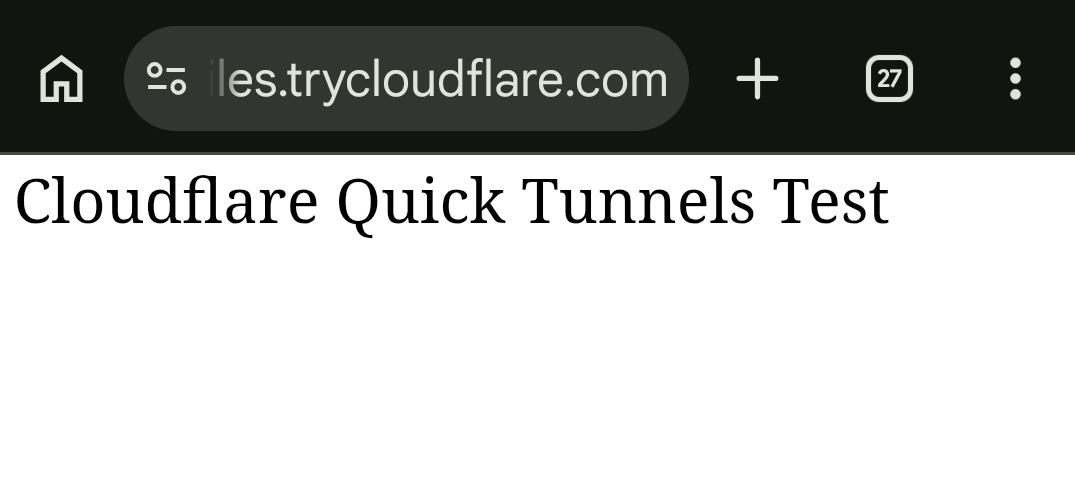
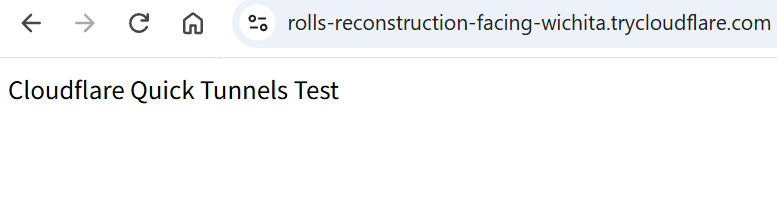
When I opened the issued URL on a mobile device using a different network connection than my PC, a test page was displayed.
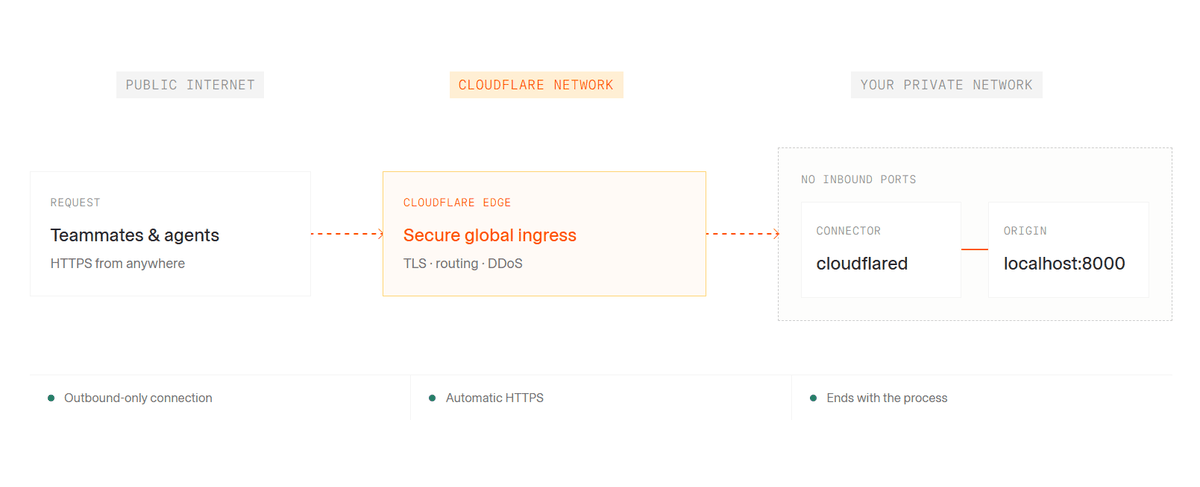
This system doesn't connect directly to the PC from the outside; instead, it sends requests to localhost via an outgoing encrypted connection established from Cloudflare to Cloudflare, eliminating the need to open an incoming port on the router.
◆Restrict access by email address
While a standard Quick Tunnel can be accessed by anyone who knows the URL, adding the '--allowed-mail' option allows you to add authentication using a one-time PIN sent to a specified email address.
cloudflared tunnel --url http://localhost:8000 --allowed-mail [email protected]
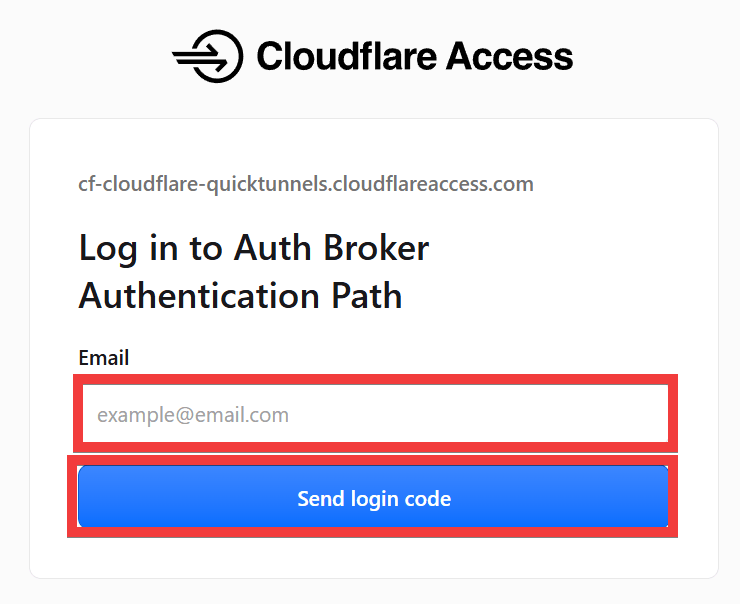
When you access the generated URL, a screen will appear asking you to enter your email address. Enter the email address you set in the 'Email' field and click 'Send login code'.
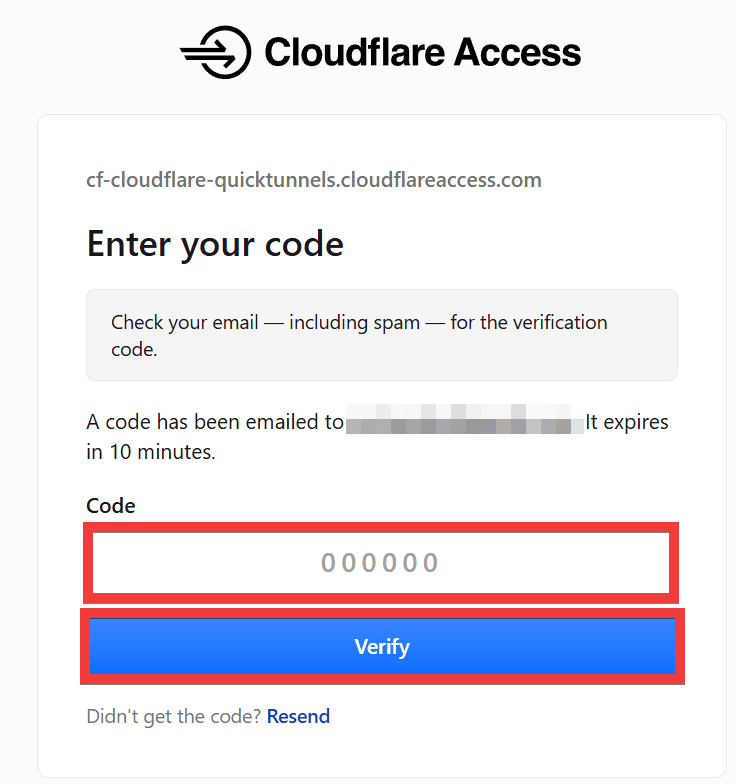
A verification code will be sent to your email address. Enter it in the 'Code' field and click 'Verify'.
A test page will be displayed.
◆Supports JSON format which can be handled by AI agents.
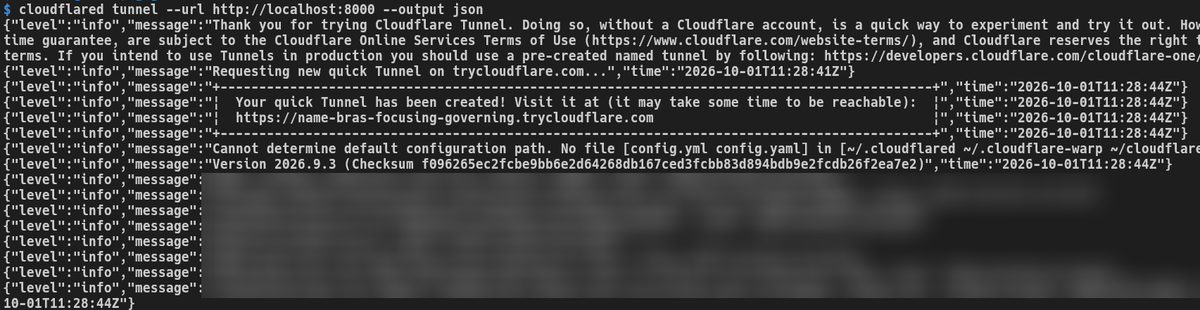
When you run the command with the '--output json' option...
cloudflared tunnel --url http://localhost:8000 --output json
You can obtain information in JSON format, which is easy for scripts and AI coding agents to analyze.
◆Quick Tunnels is for development and testing.
Quick Tunnels is a feature for temporary development environments. When you close Cloudflared, the public URL becomes unavailable, and the hostname changes each time you create a new tunnel.
Furthermore, a single Quick Tunnel can only process a maximum of 200 requests at a time, and it does not support Server-Sent Events (SSE). Cloudflare also advises using the regular Cloudflare Tunnel in production environments.
◆Cloudflare Quick Tunnels Review
On the social news site Hacker News , there has been much discussion about Cloudflare Quick Tunnels. Some users have praised it, saying they were able to install it with Homebrew and create a working tunnel in about 15 seconds. Others have commented that Cloudflare Quick Tunnels have been around for over five years and that the title should indicate that it's a 2021 feature.
Furthermore, the founder of ngrok has posted concerns about the security aspects of an anonymous Tunnel that does not require an account, stating that anonymity was previously discontinued in ngrok because it was a major cause of abuse of the service. In response, adamch, who was involved in the development of Cloudflare Tunnel, explained that 'working on Tunnel was a highlight of my career, and I worked on bug fixes, feature additions, and architectural design.'
Quick Tunnels connects to Cloudflare from the Cloudflare side instead of accepting direct communication from external sources to your PC. However, the generated URL itself is a public URL, so it is important to be mindful of its scope of exposure when using it in development environments containing confidential information, such as by combining it with authentication using '--allowed-mail'.
Related Posts: