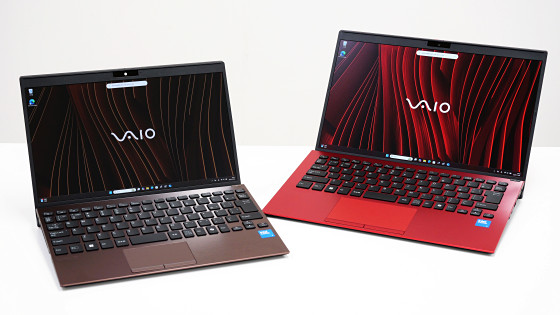
A review of the VAIO T, a notebook PC with a multi-flip mechanism that allows the screen to rotate to the opposite side; it can also be used vertically as a touch tablet.
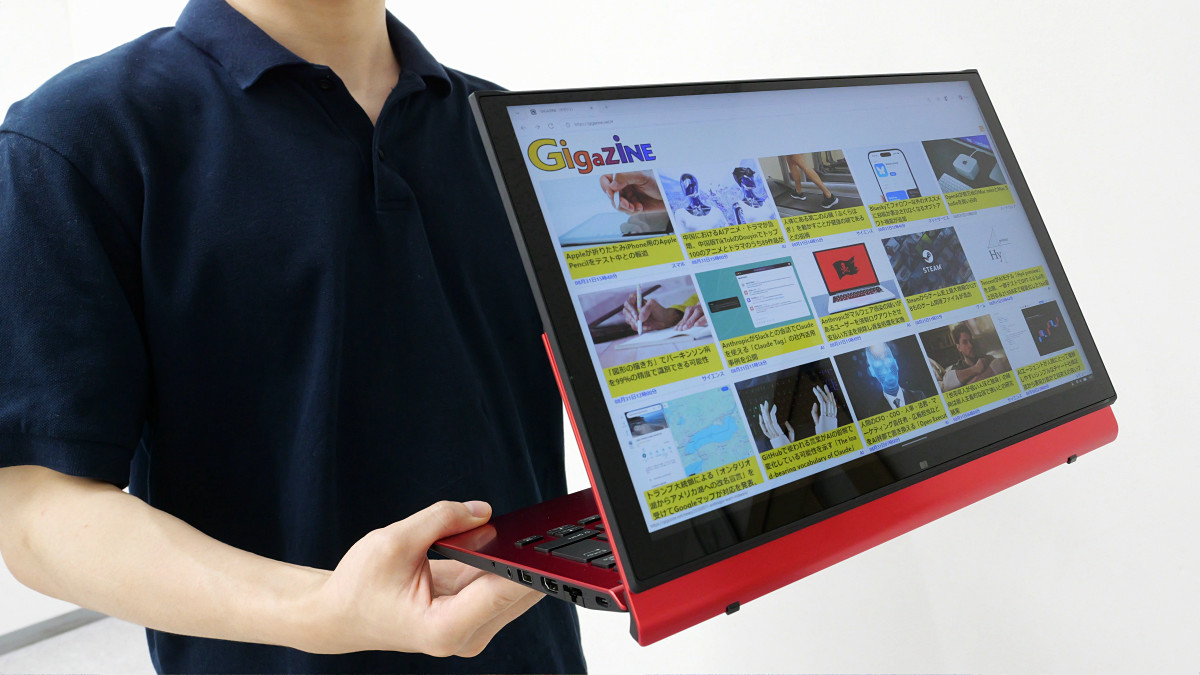
VAIO's new notebook PC, the ' VAIO T, ' will be released on September 11, 2026. The VAIO T features a screen rotation system called the 'Multi-Flip Mechanism,' which allows you to rotate the screen to use it in three ways: 'normal notebook PC mode,' 'view mode to show the screen to someone facing you,' and 'tablet mode for touch operation.' I had the opportunity to try out the VAIO T ahead of its release, so I took a closer look at its appearance and how to use the Multi-Flip Mechanism.
VAIO T | VAIO | VAIO Official Online Store | VAIO STORE
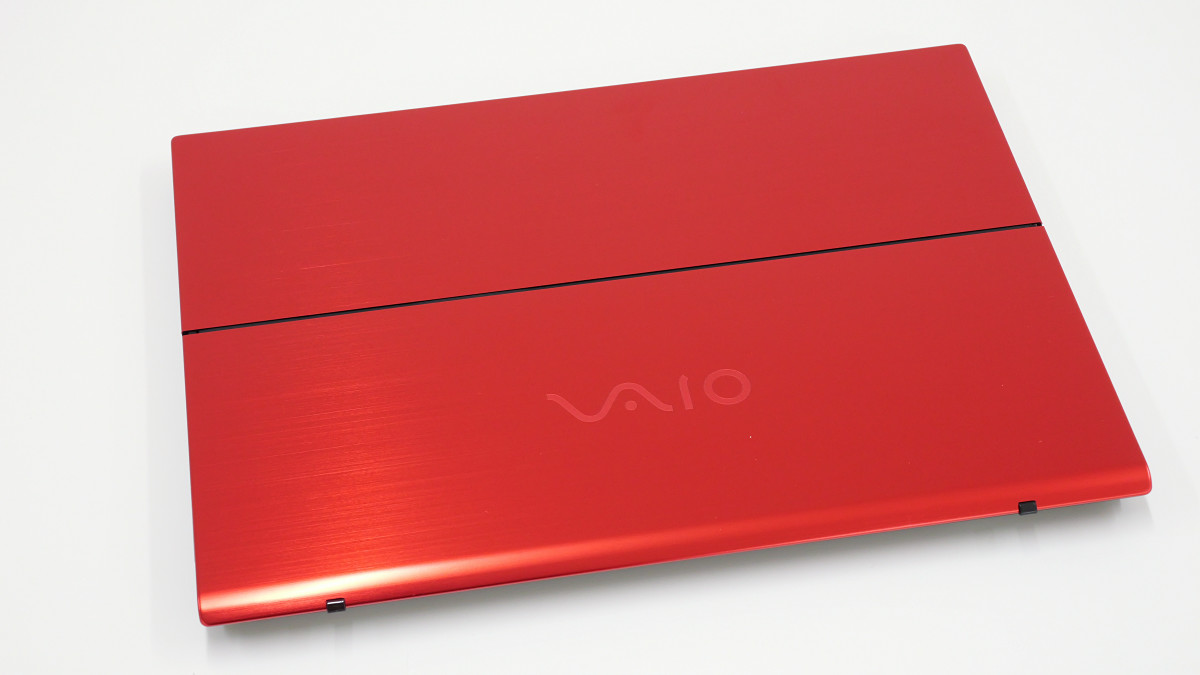
The VAIO T comes in three colors: Fine Black, Fine Red, and Kachi-iro (dark indigo). This time, we'll be looking at the Fine Red version.
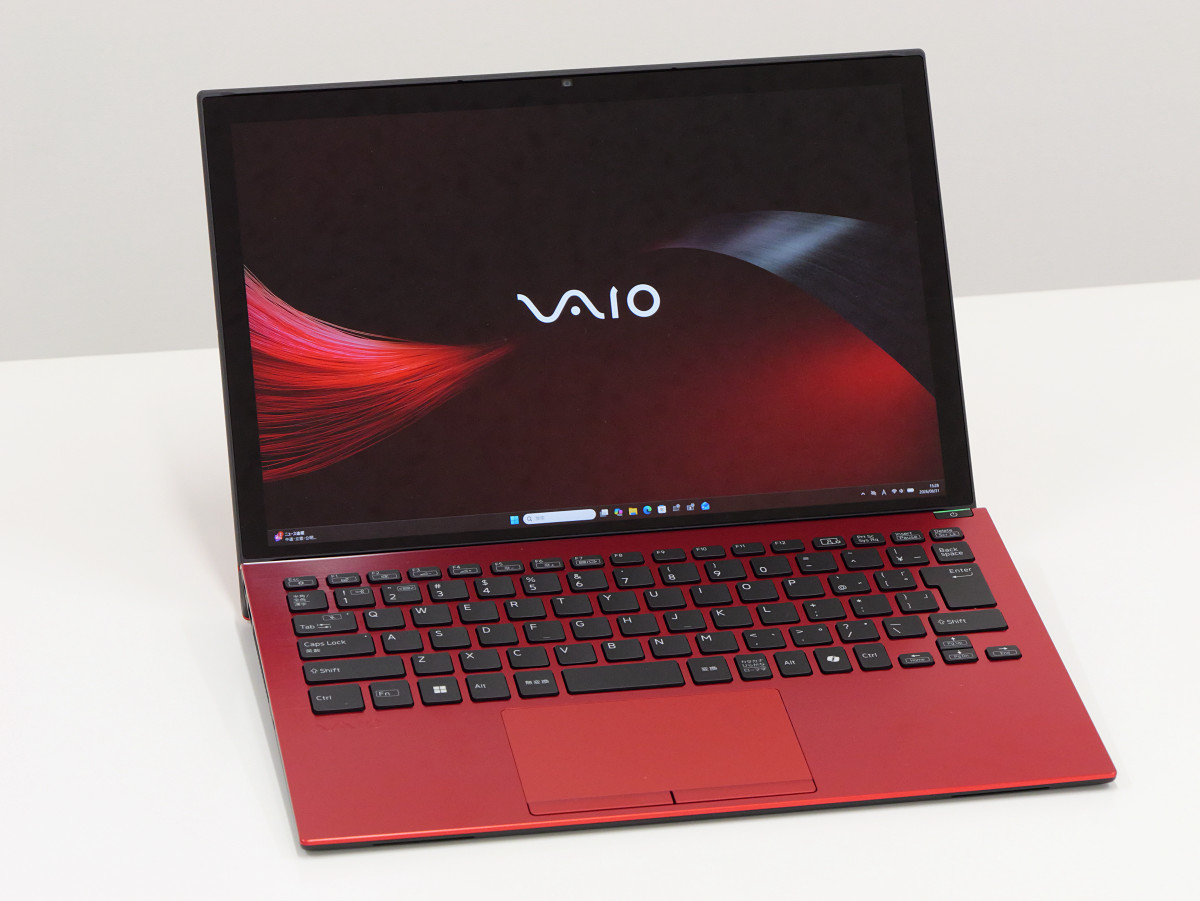
This is what it looks like when you open the screen. The screen size is 13.3 inches, and the resolution is 2560 x 1600 pixels. It supports touch operation.
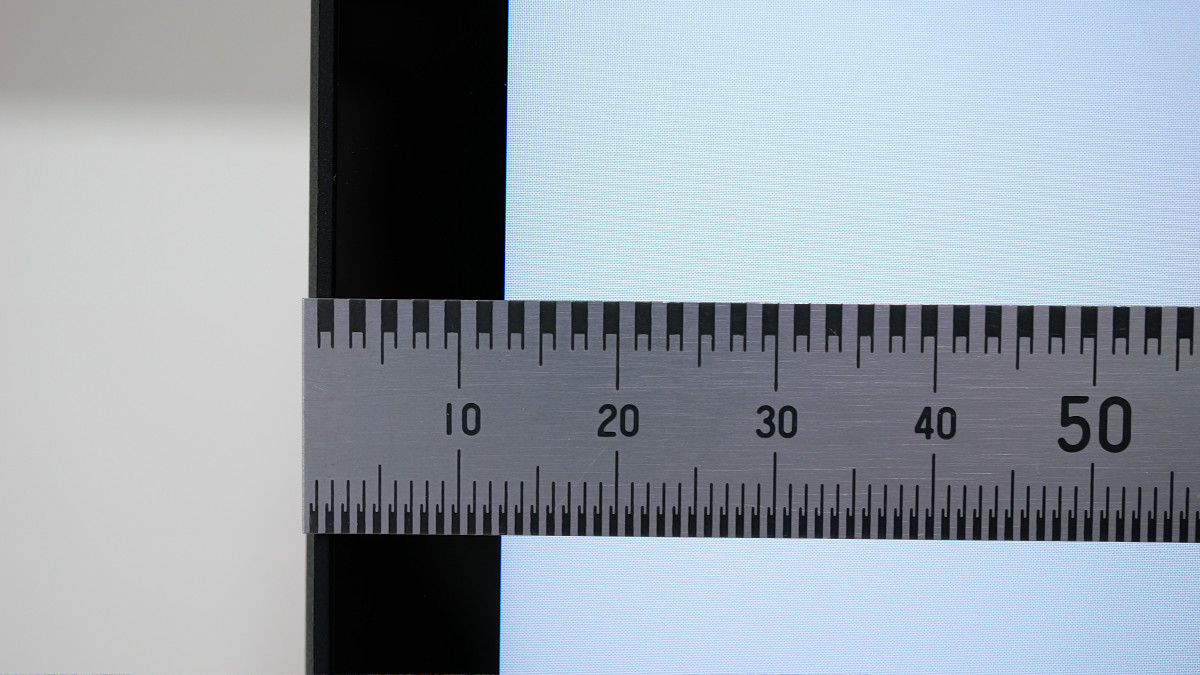
The width of the non-display area on the screen is approximately 13mm according to actual measurements.
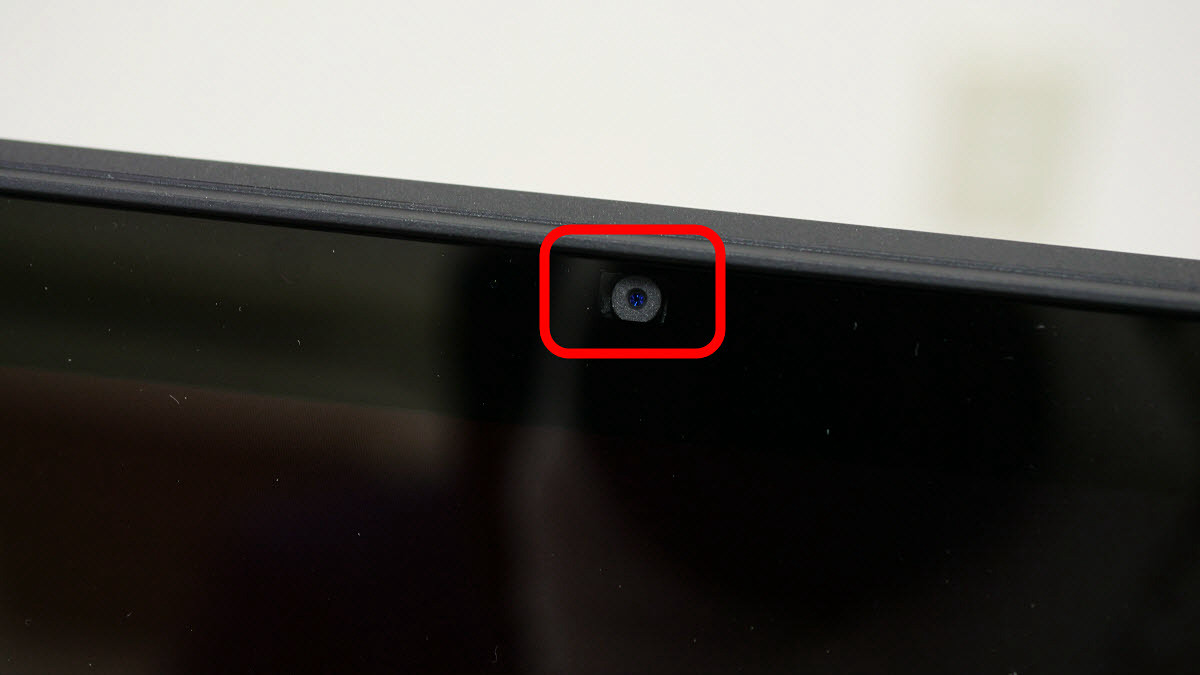
It features a 9.21-megapixel camera on the top.
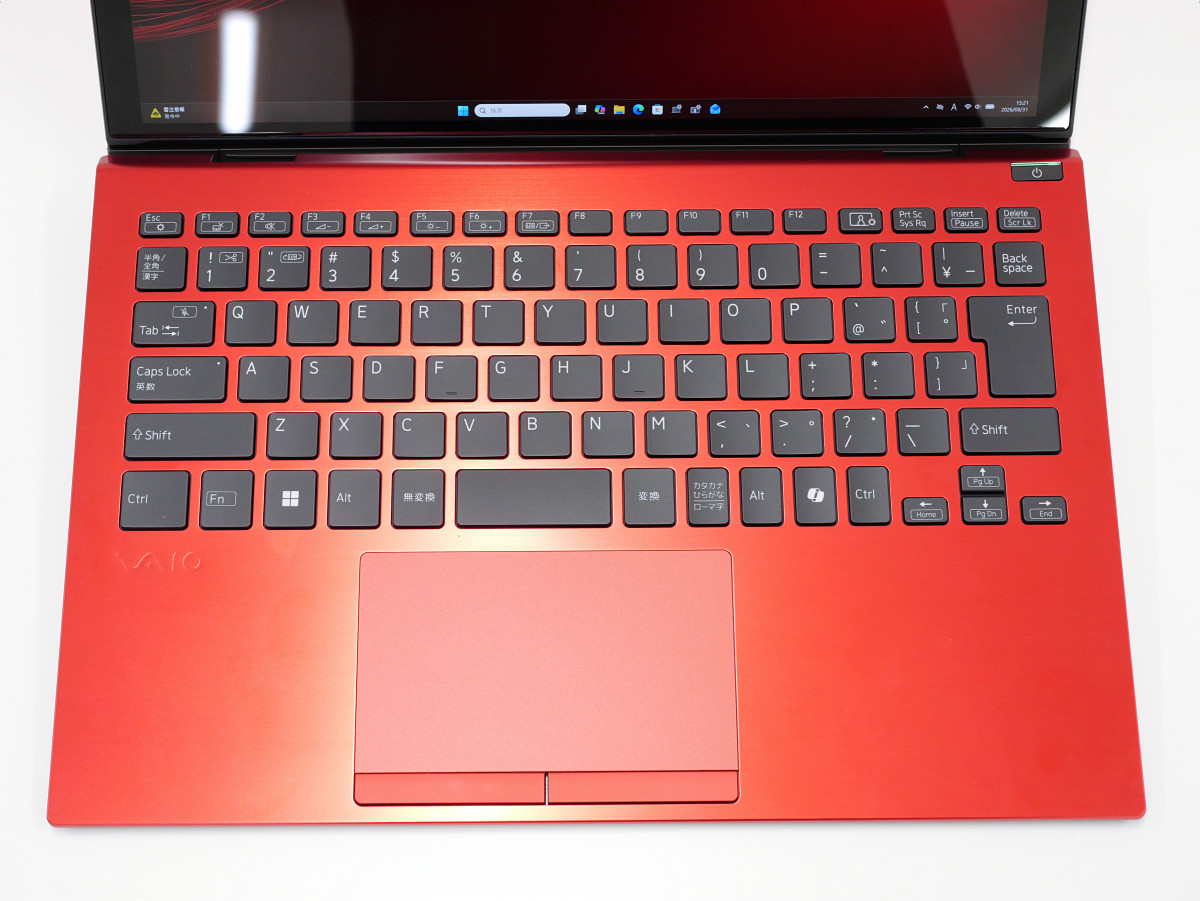
The keyboard layout is as follows. It includes all the important buttons, such as the Fn key and the Print Screen key. A nice feature is that the power button and keyboard are located far apart, making it less likely to accidentally press the wrong button.
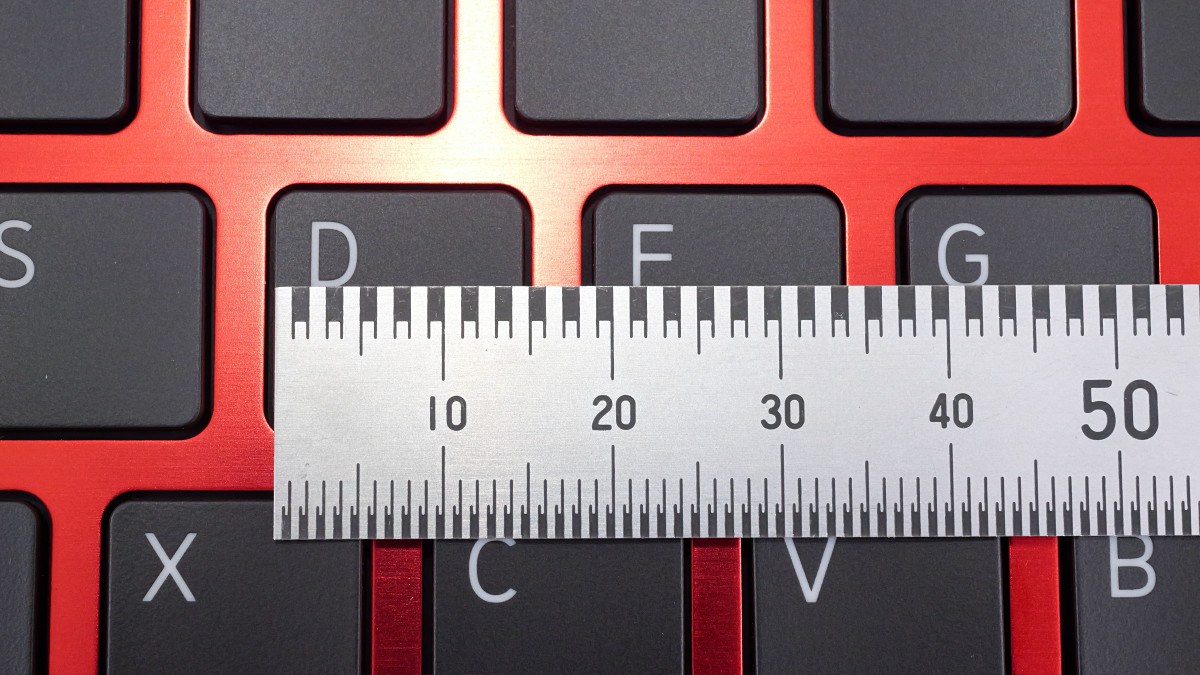
The key pitch is approximately 19mm.
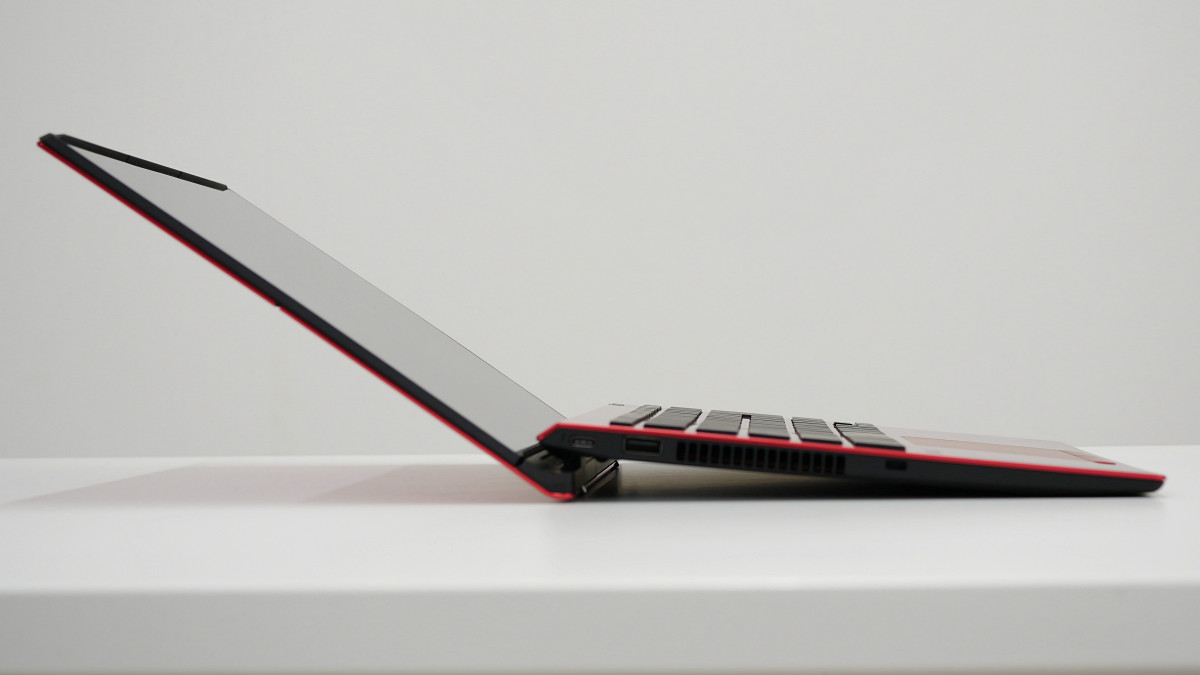
When you open the screen, the back of the keyboard pops up.
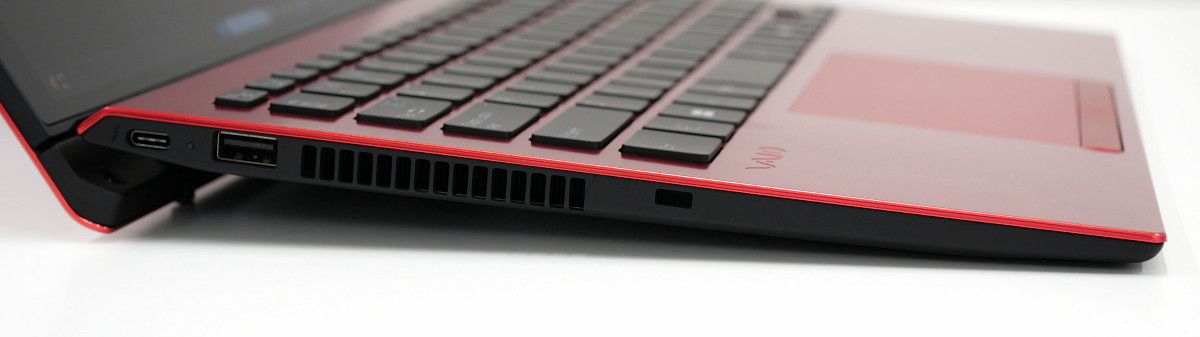
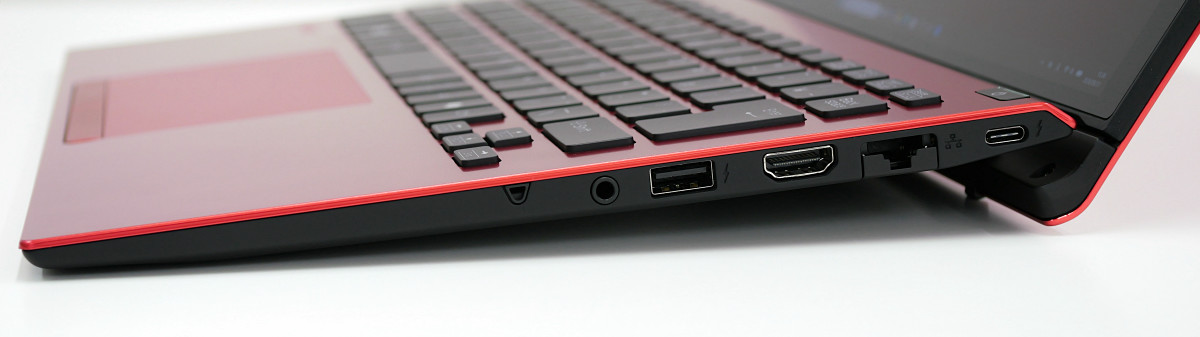
Let's check the ports. On the left side, from the back, there is a USB Type-C port, a USB Type-A port, and a security lock slot. The USB Type-C port supports 'USB4' and 'Thunderbolt 4' standards and also supports USB Power Delivery. Furthermore, it can output a screen up to 5120 x 2880 pixels at 60Hz as a DisplayPort 2.1. The USB Type-A port standard is 'USB 5Gbps (USB 3.0)'.
The right side features, from back to front, a USB Type-C port, a wired LAN port, an HDMI port, a USB Type-A port, and a headphone jack. The wired LAN port supports 1000BASE-T, enabling communication speeds of up to 1Gbps. The HDMI port supports output at 4096 x 2160 pixels at 60Hz or 3840 x 2160 pixels at 60Hz. It also supports wireless communication via Wi-Fi 7 and Bluetooth 5.4.
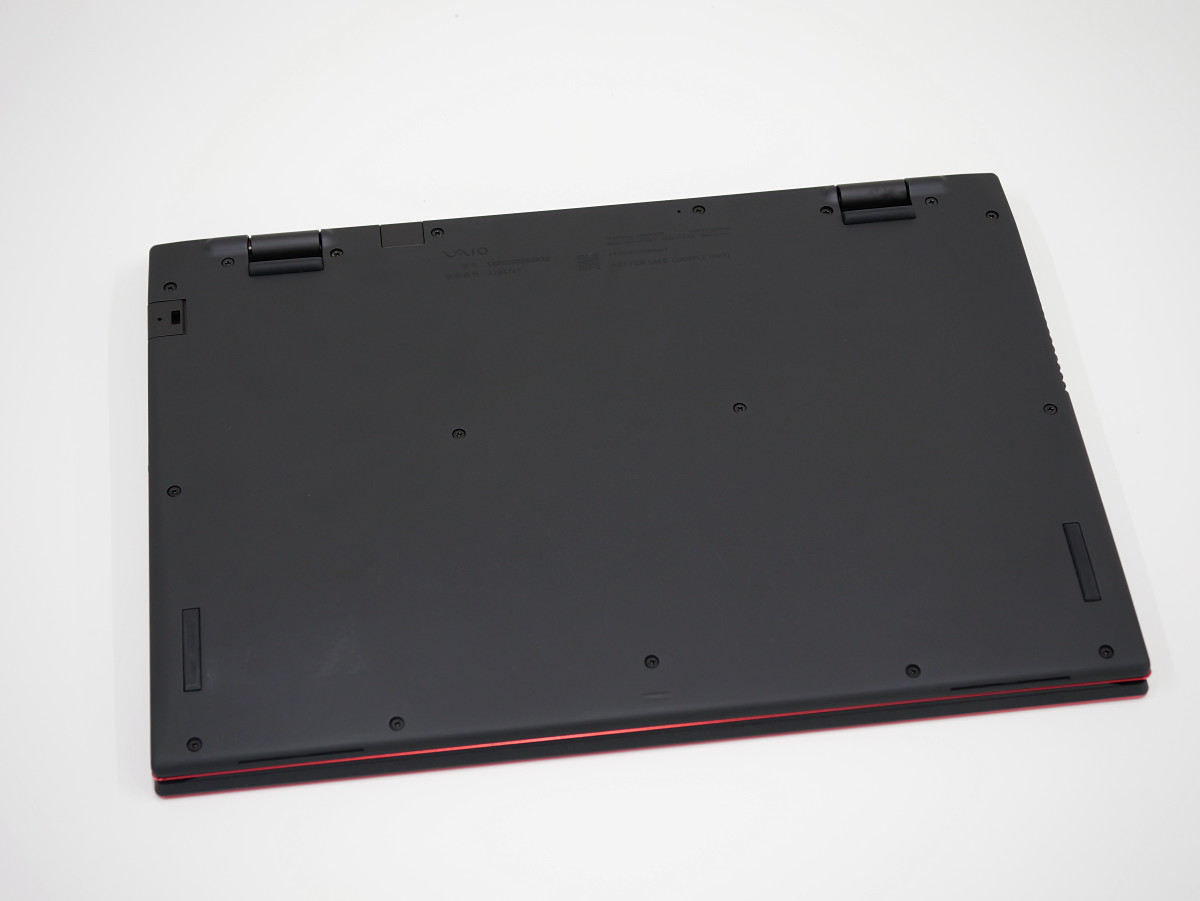
This is what the back looks like.
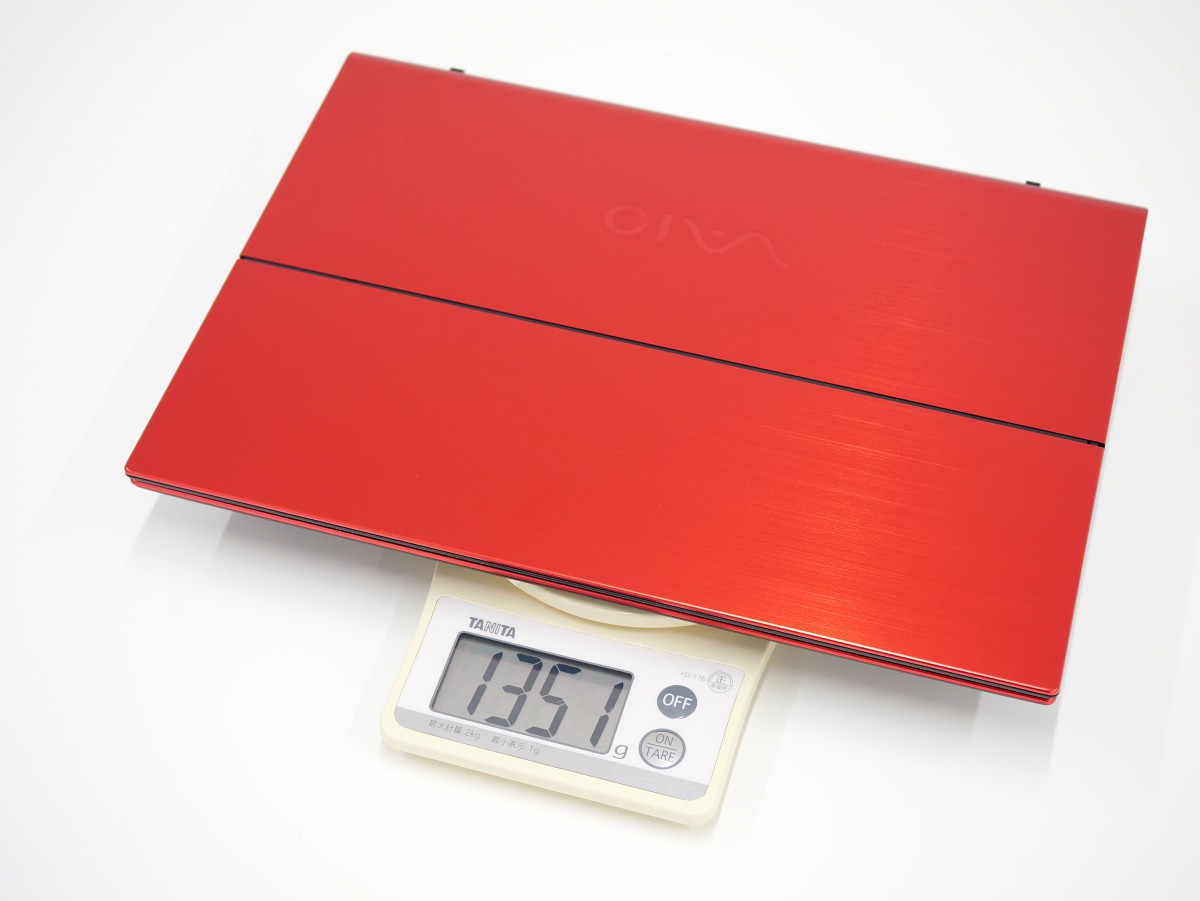
The dimensions are 312.0mm wide x 14.6-19.6mm high x 224.6mm deep. The actual weight was 1351g.
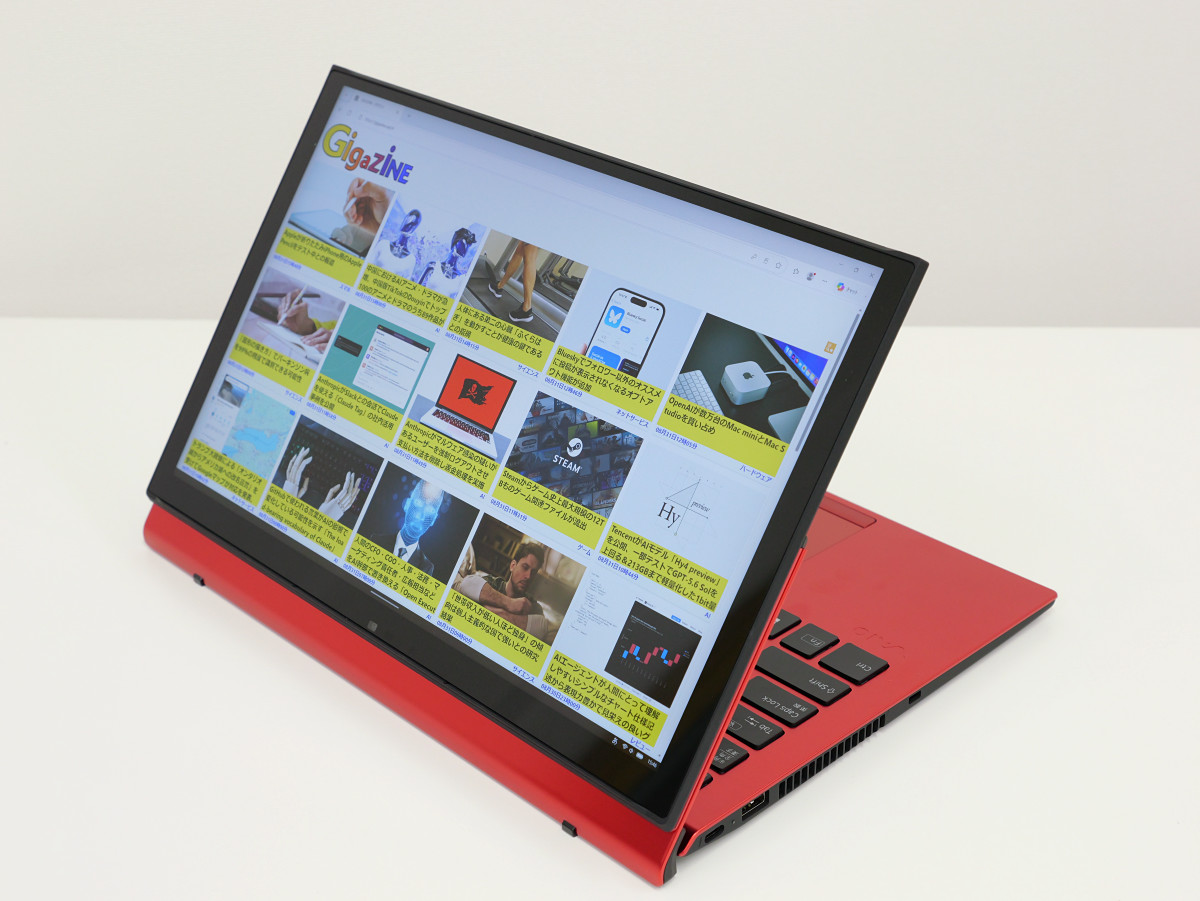
Let's try out the multi-flip mechanism. When you tilt the screen towards the back, it rotates away from you, pivoting around the center.
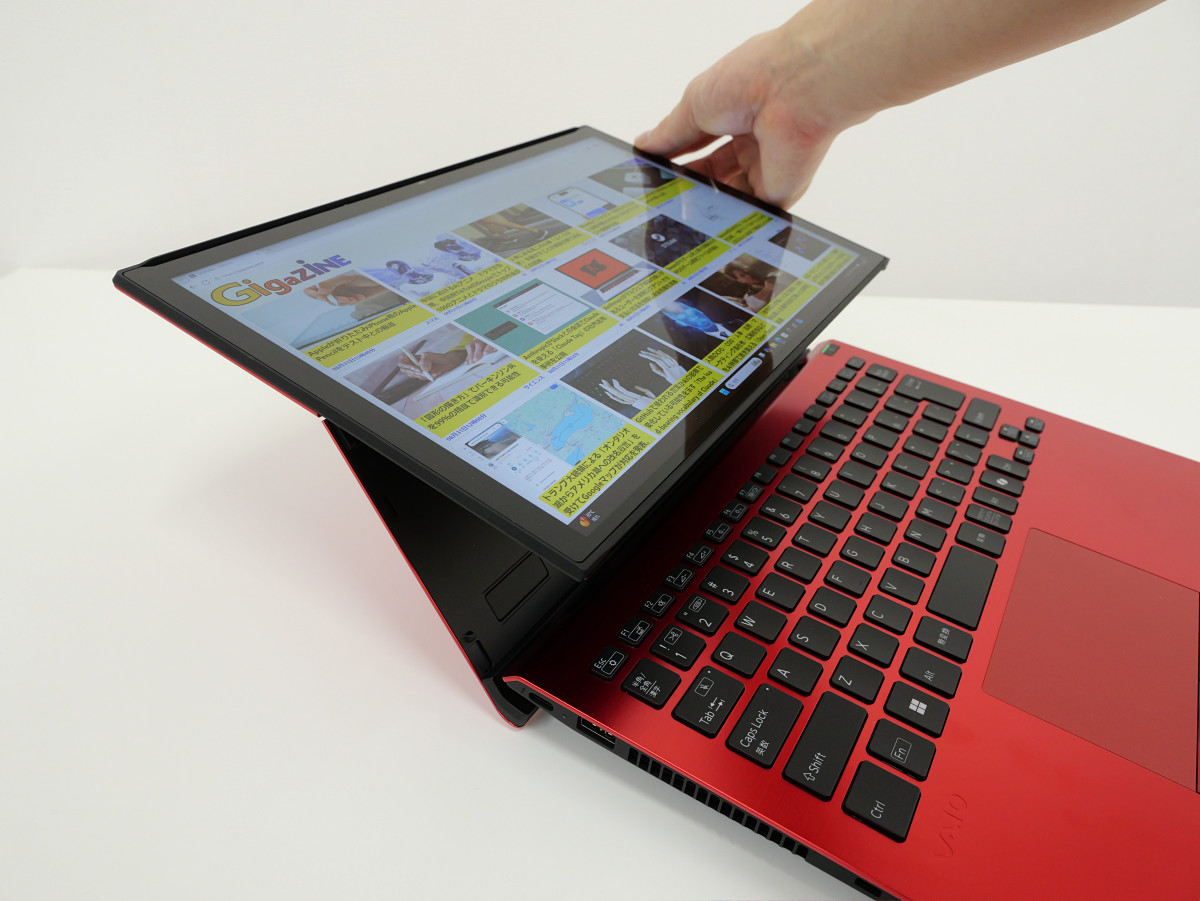
Once fully rotated, it enters a view mode where the screen can be shown to the person opposite you, as shown below. The screen display automatically rotates 180 degrees, and the left and right speaker indicators are also reversed.
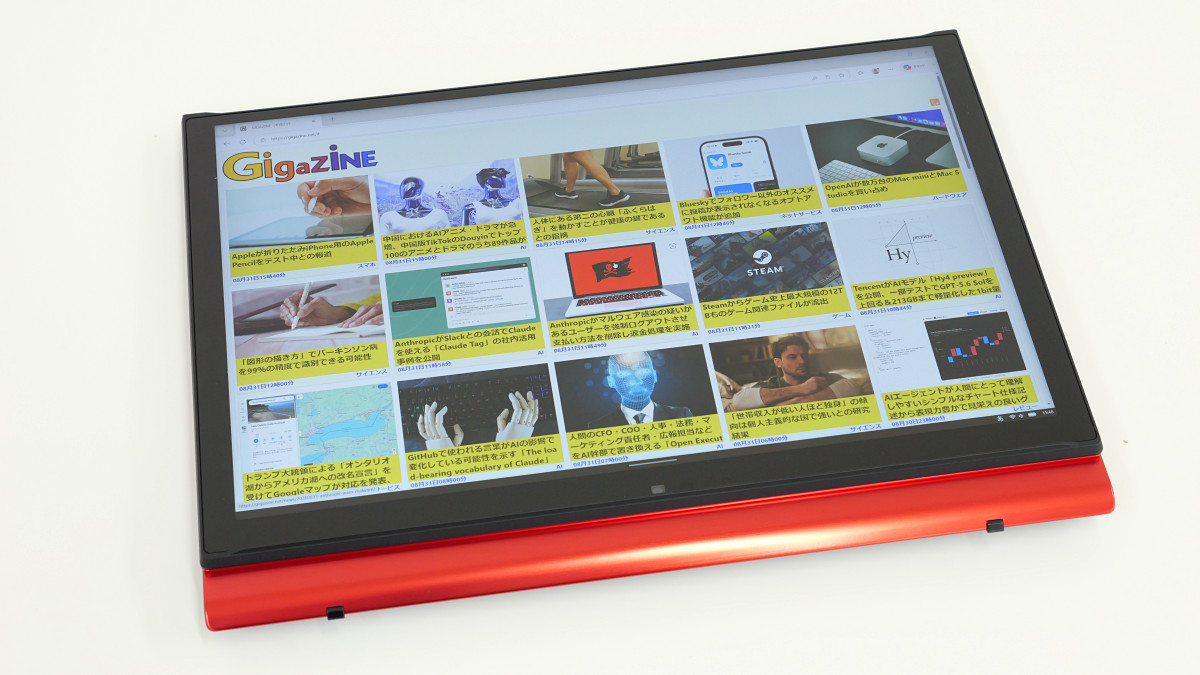
You can also close the screen and switch to tablet mode.
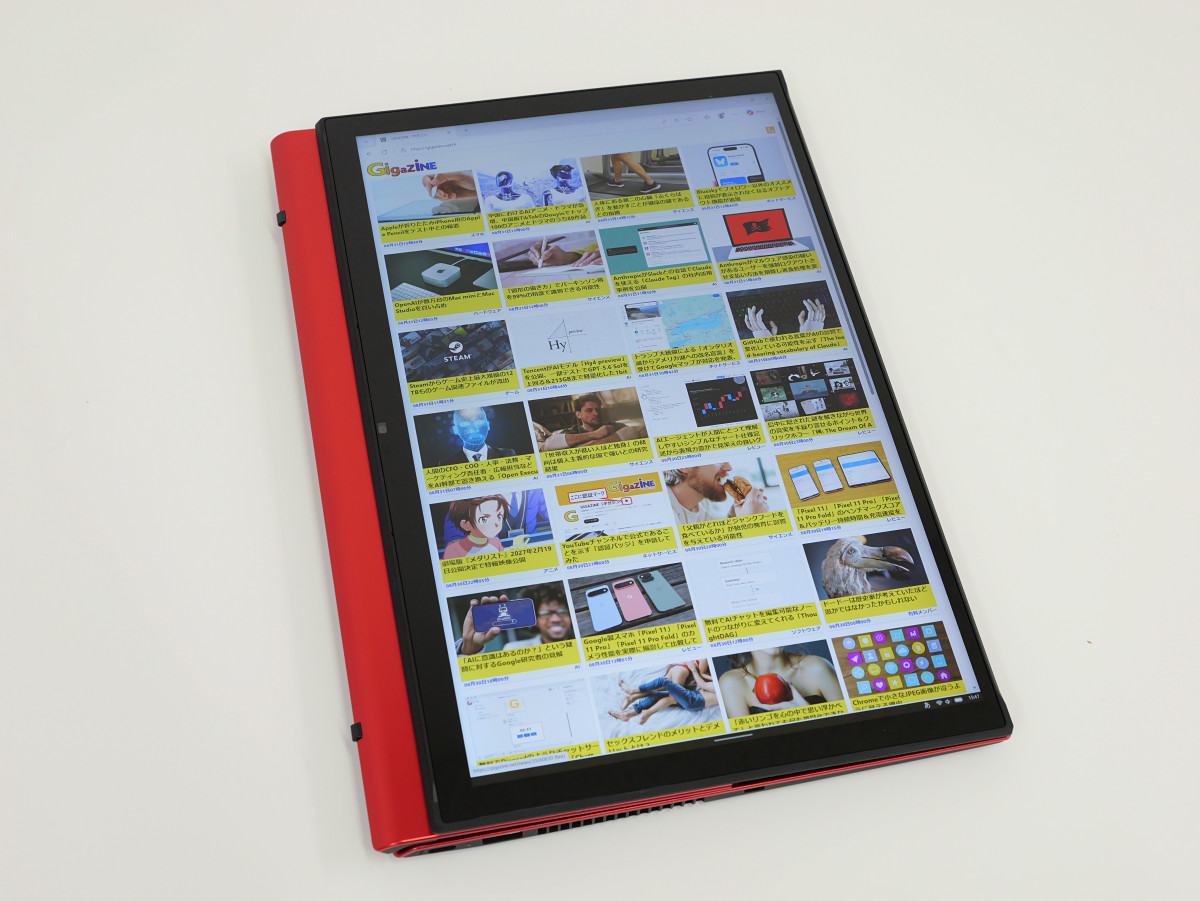
When you turn it to portrait mode, the screen automatically rotates, allowing you to use it as a vertical tablet.
I recorded a video demonstrating how to switch between 'notebook PC mode,' 'view mode,' and 'tablet mode' using the multi-flip mechanism. Switching from notebook PC mode to view mode requires rotating the screen using the center as a pivot point, so it seems unlikely that the screen will rotate accidentally during normal opening and closing.
The VAIO T PC, which can rotate its screen to the other side to function like a tablet - YouTube
The VAIO T is an interesting PC with a multi-flip mechanism. Next, we're curious about its performance in basic aspects of a notebook PC, such as processing power and battery life. The results of benchmark tests and battery testing are summarized in the article below.
We ran benchmark tests on the VAIO T, a laptop with a rotating screen, and also tested its battery life - GIGAZINE review
Related Posts: