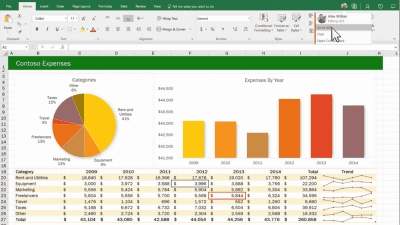
An extension has been released that allows you to control Word, Excel, and PowerPoint using Grok.

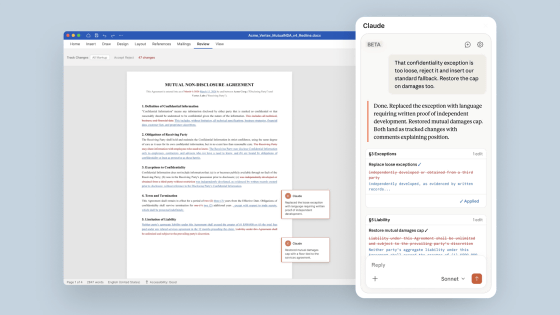
xAI has released extensions for Microsoft Word, Microsoft Excel, and Microsoft PowerPoint. By installing these extensions, you can use Grok to create documents, analyze tables, generate slides, and perform other operations.
Grok for Word | xAI
Grok for Excel | xAI
https://x.ai/grok/excel
Grok for PowerPoint | xAI
https://x.ai/grok/powerpoint
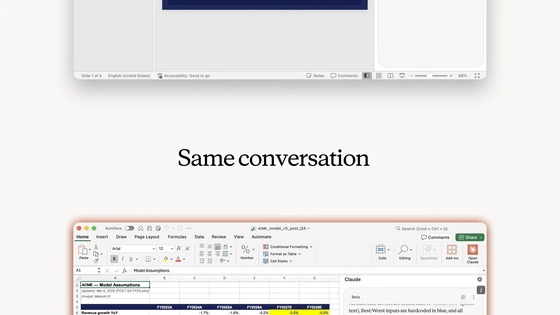
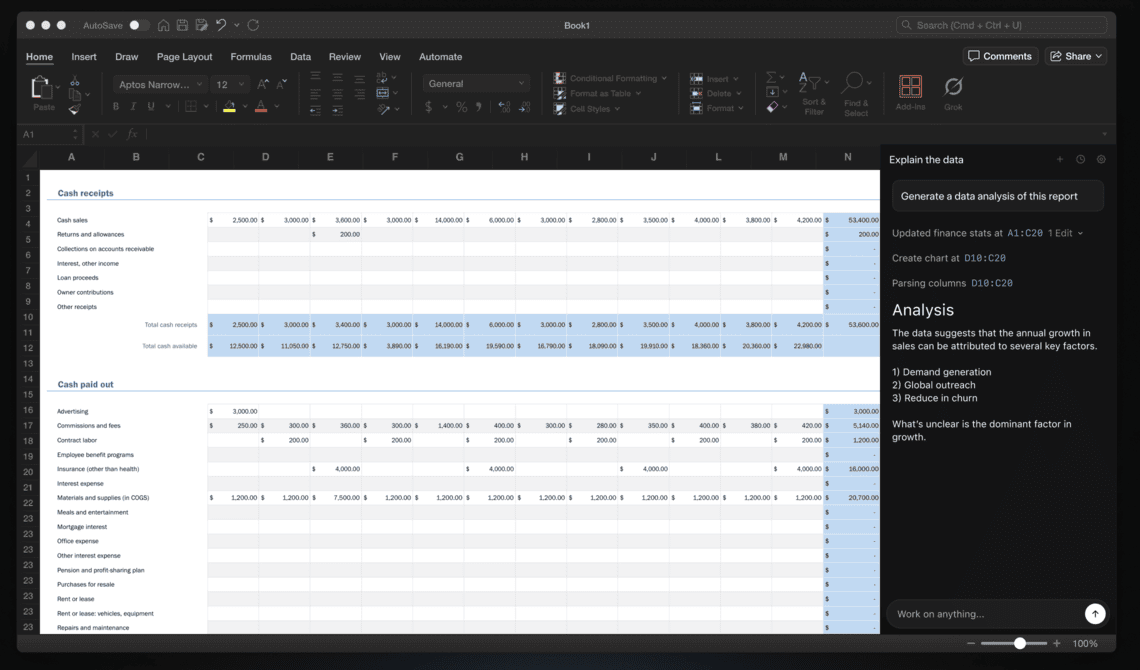
The released extensions are 'Grok for Word' for Word, 'Grok for Excel' for Excel, and 'Grok for PowerPoint' for PowerPoint. Installing the extensions adds a sidebar to the screen of your office applications that allows you to converse with Grok.
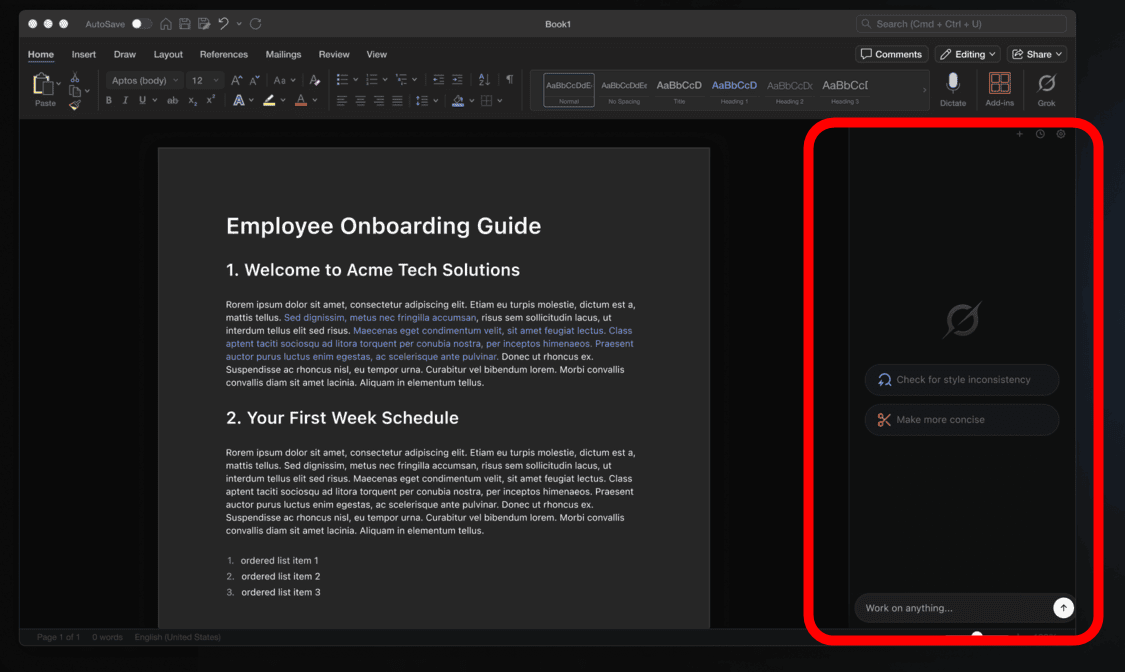
With Word, you can have Grok write a document simply by entering a rough draft and your desired format. You can also receive grammatical corrections and expression suggestions, and incorporate those changes into the document while keeping track of where they need to be corrected. You can even write detailed analytical information based on information from the internet, including X.

Excel allows you to analyze selected data and create graphs.
PowerPoint automatically generates slides based on your instructions.

The three types of extensions are available at the following link. To use the extensions, you need to subscribe to one of the following plans: 'SuperGrok,' 'Heavy,' 'Business,' or 'Enterprise.'
Grok by SpaceXAI for Word | Microsoft Marketplace
https://marketplace.microsoft.com/ja-jp/product/WA200011055
Grok by SpaceXAI for Excel | Microsoft Marketplace
https://marketplace.microsoft.com/ja-jp/product/WA200011056
Grok by SpaceXAI for PowerPoint | Microsoft Marketplace
https://marketplace.microsoft.com/ja-jp/product/WA200011057
Related Posts: