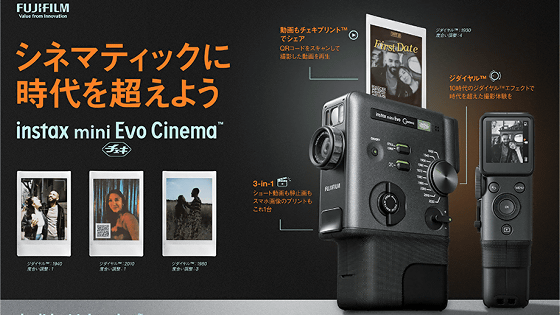
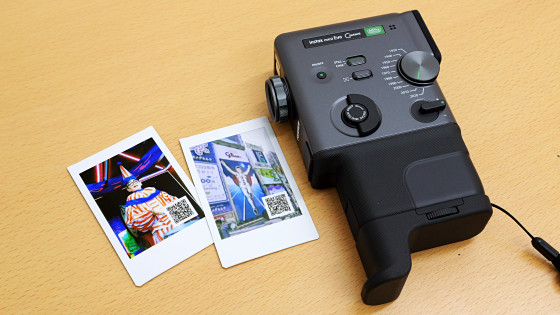
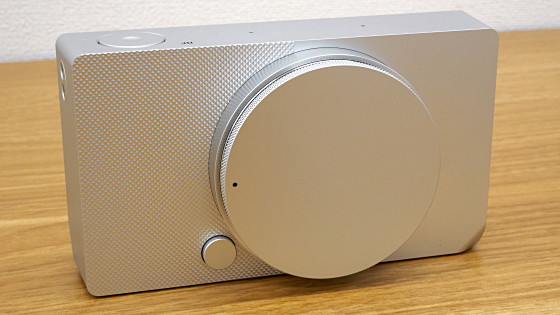
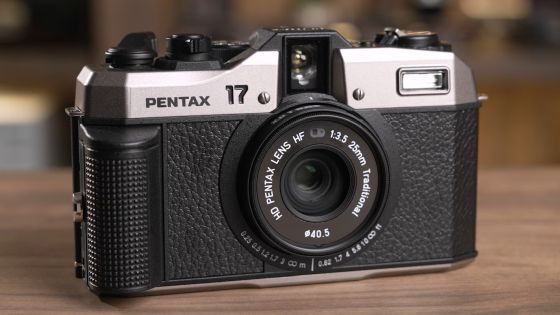
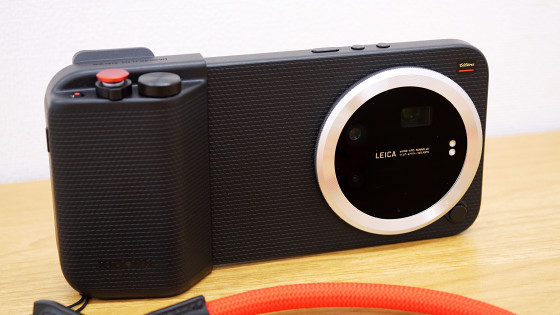
This is what the new instax mini Evo Cinema, which can also shoot video, looks like
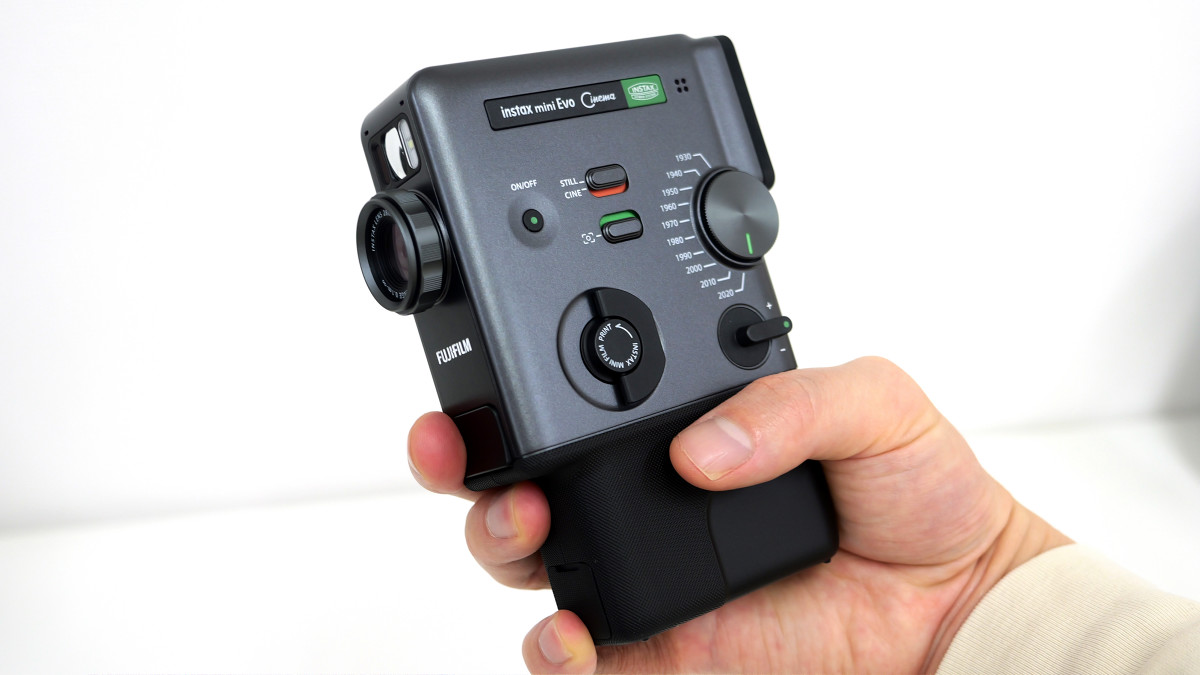
Fujifilm's Instax series is a camera that can take photos and instantly print them, making it popular as a way to take commemorative photos at events or as a way to preserve physical memories. The '
“Cheki” instax mini Evo Cinema™ | FUJIFILM
https://instax.jp/mini_evo_cinema/
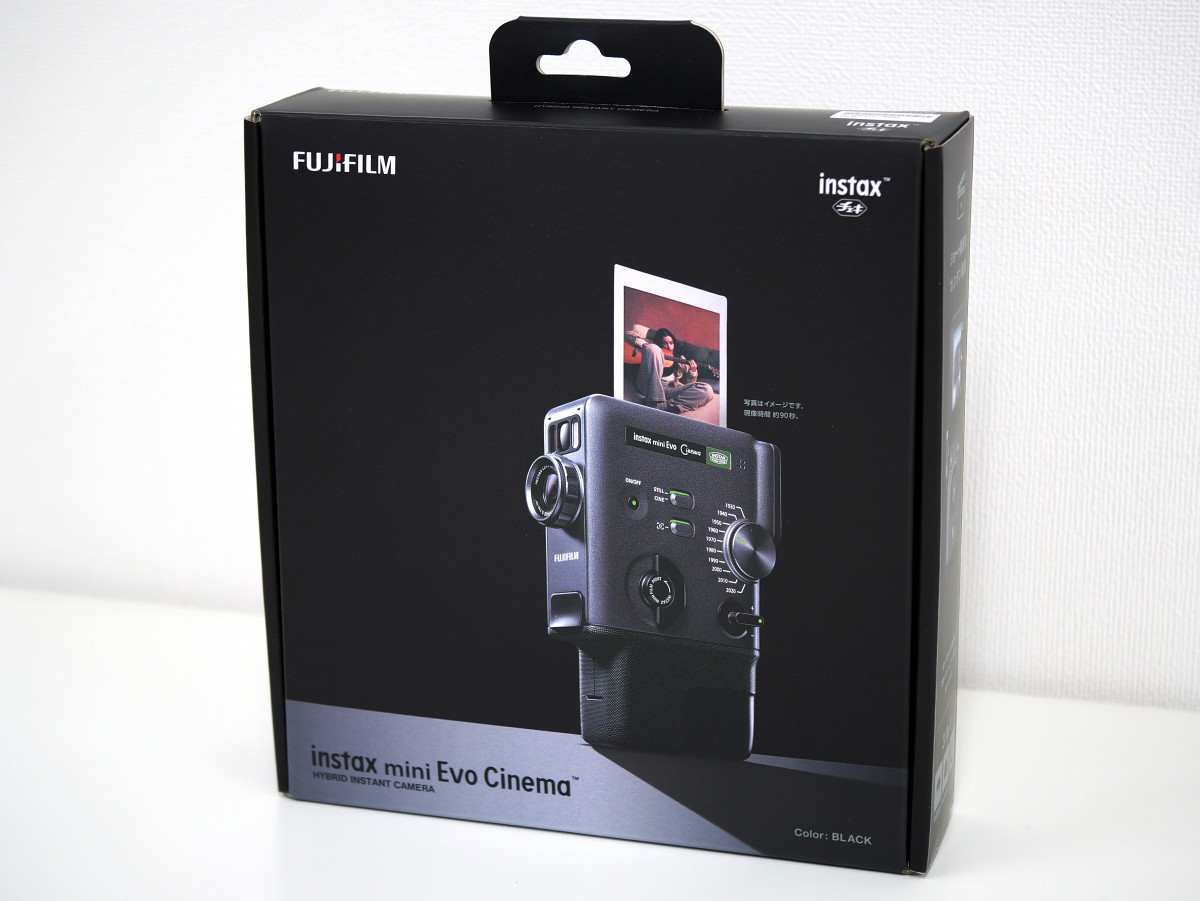
The outer box of the instax mini Evo Cinema looks like this.
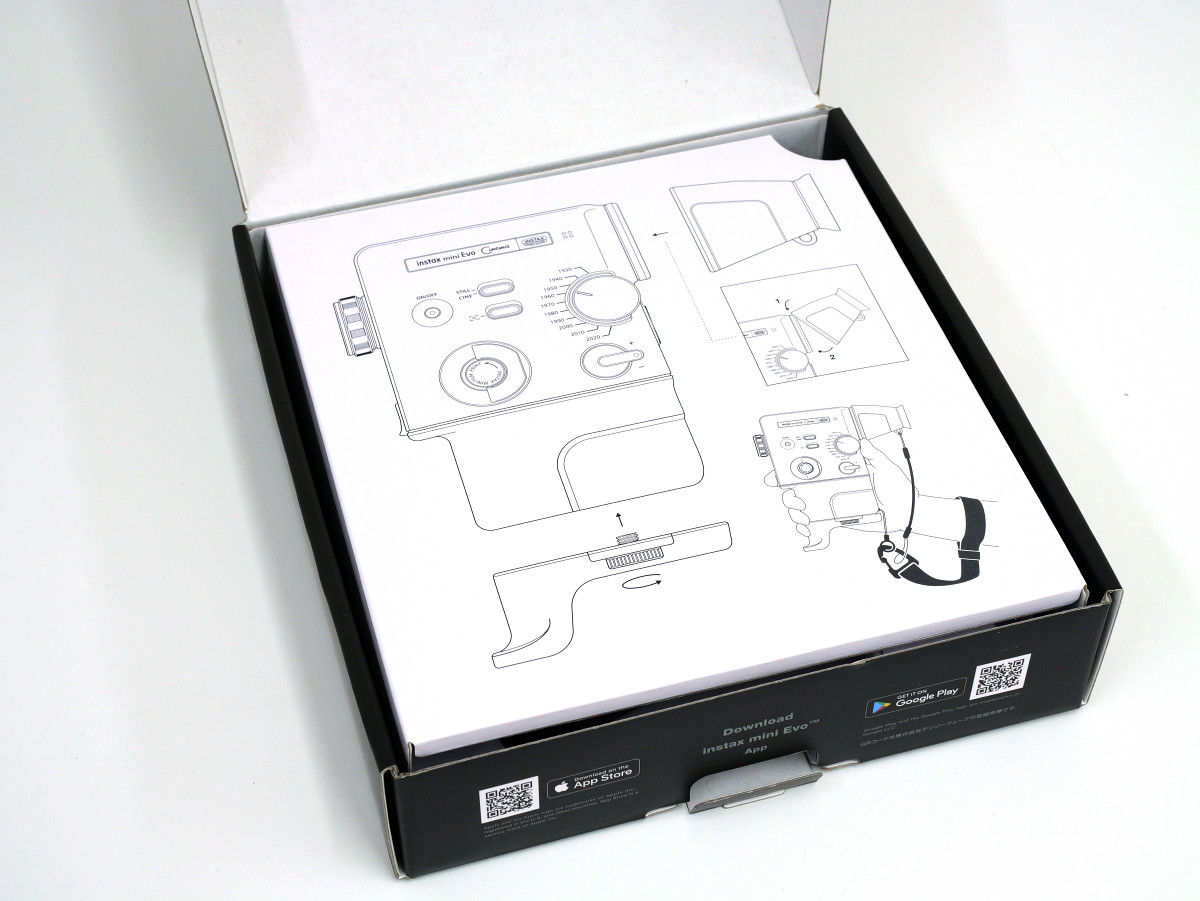
When I opened the box, I found an illustrated card with instructions on how to install the accessories.
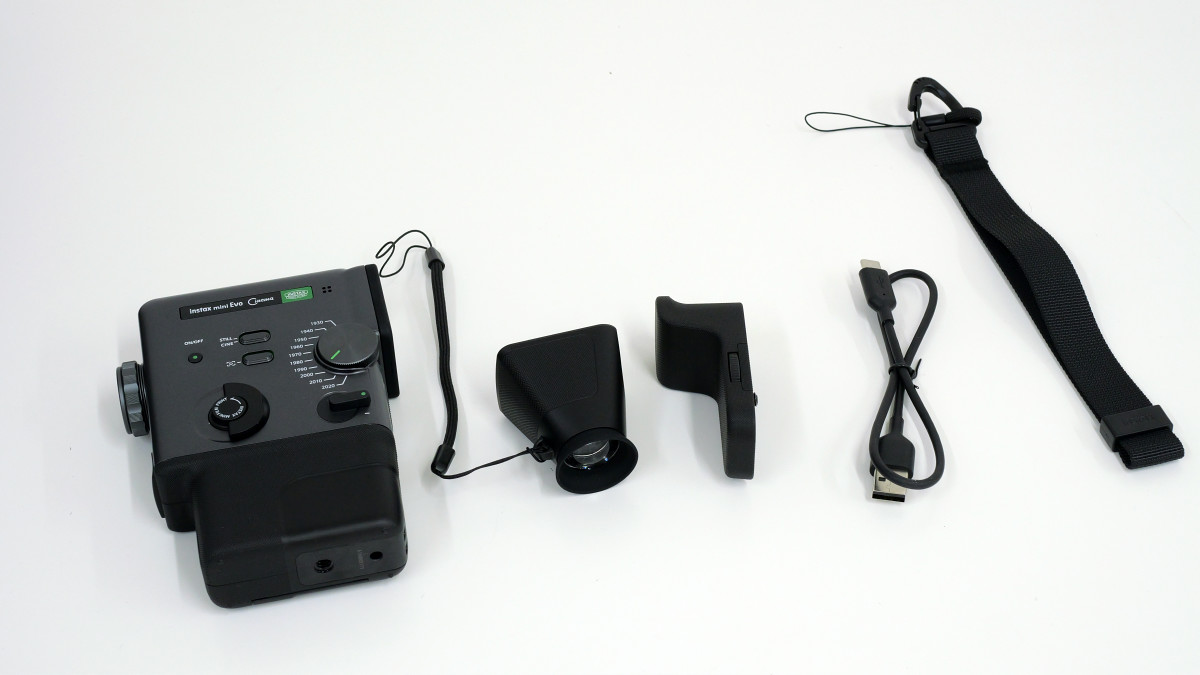
Inside the box were the instax mini Evo Cinema camera, a viewfinder attachment, a grip attachment, a USB Type-C cable, and a hand strap.
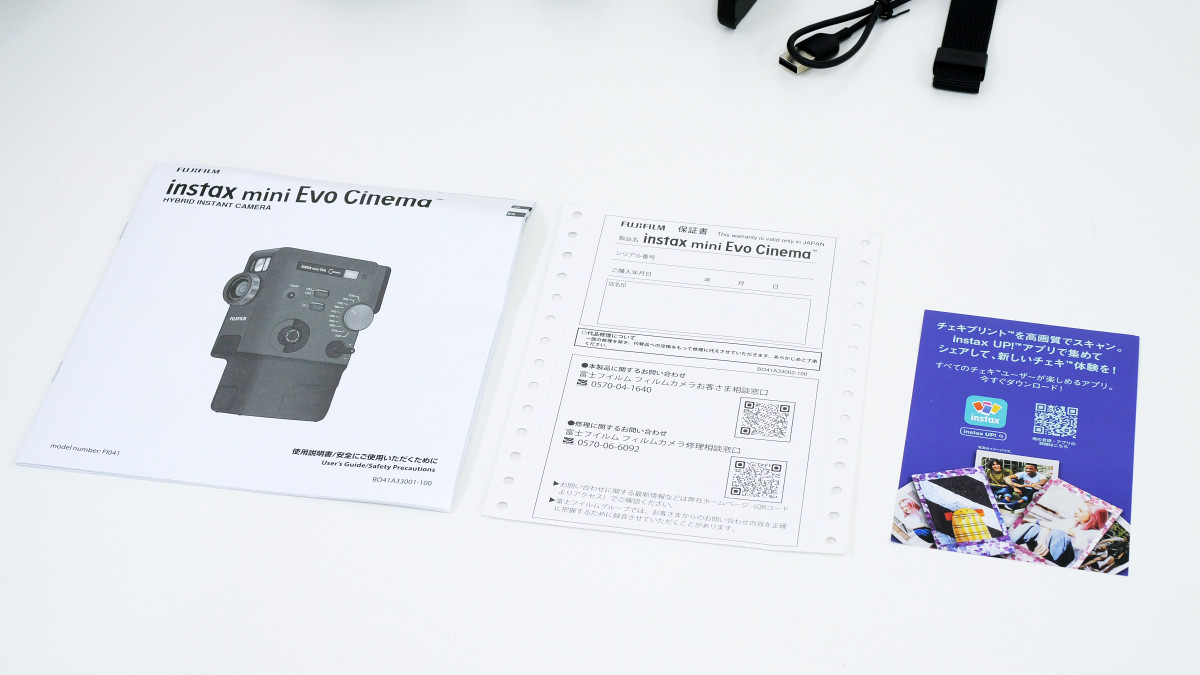
The box also contained an instruction manual, warranty card, and a QR code for installing the app.
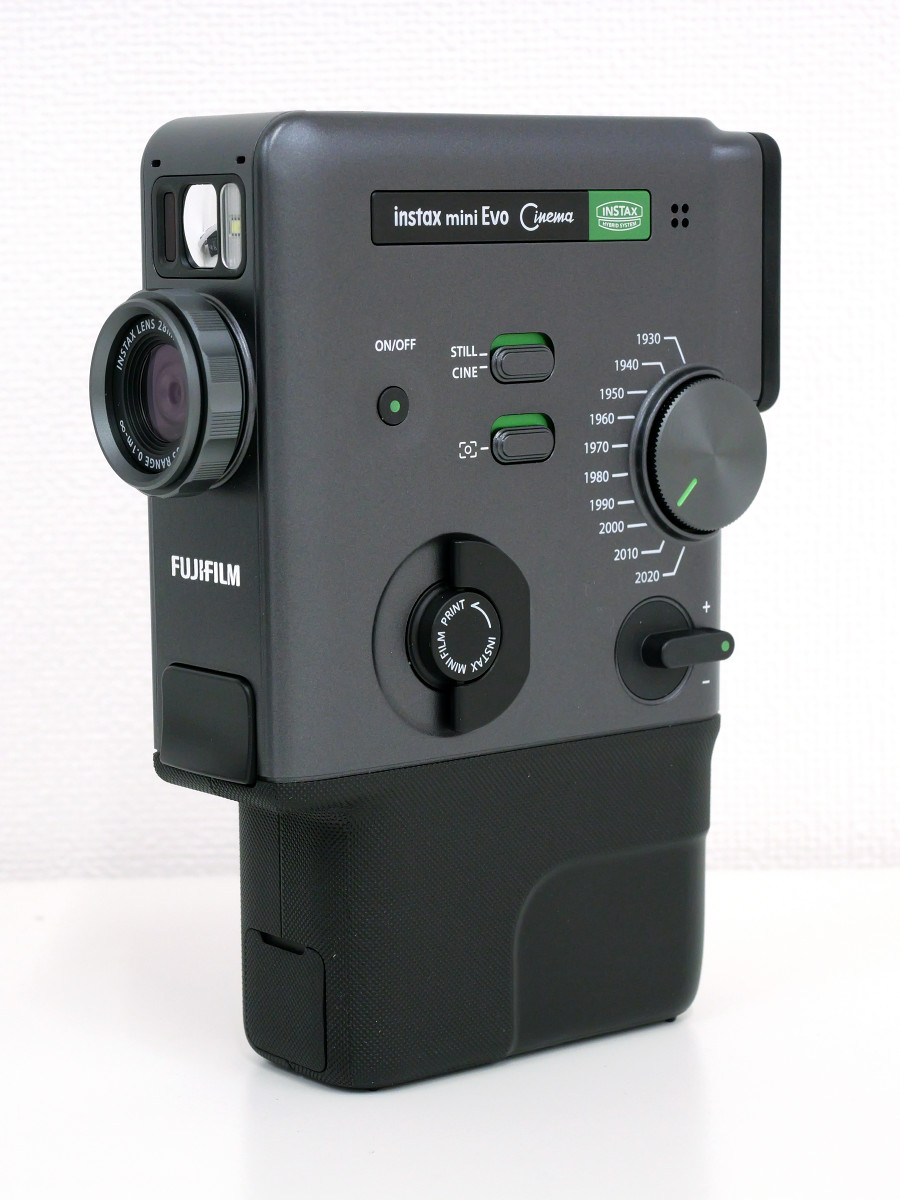
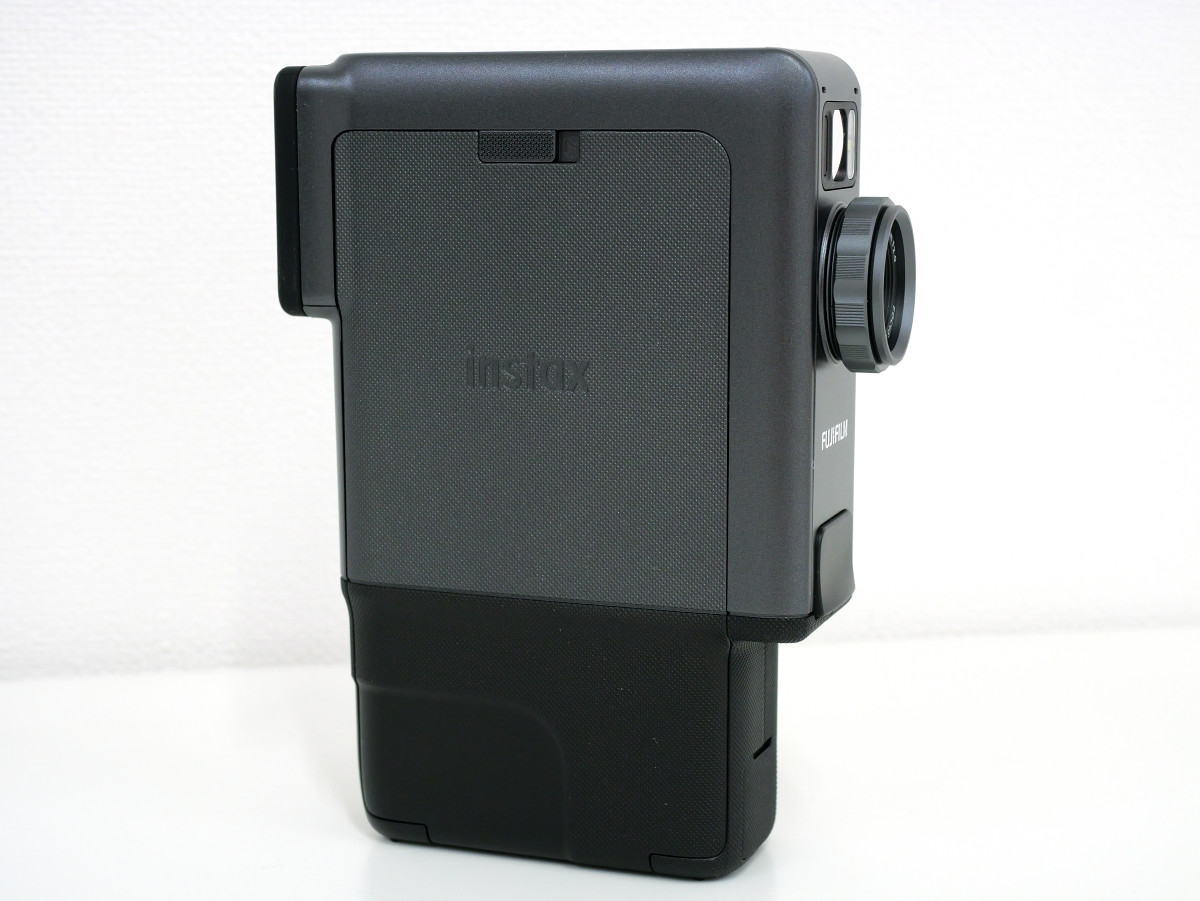
This is the Instax Mini Evo Cinema. It looks like an 8mm film camera, and its distinctive feature is that the lens is attached to a narrow side.
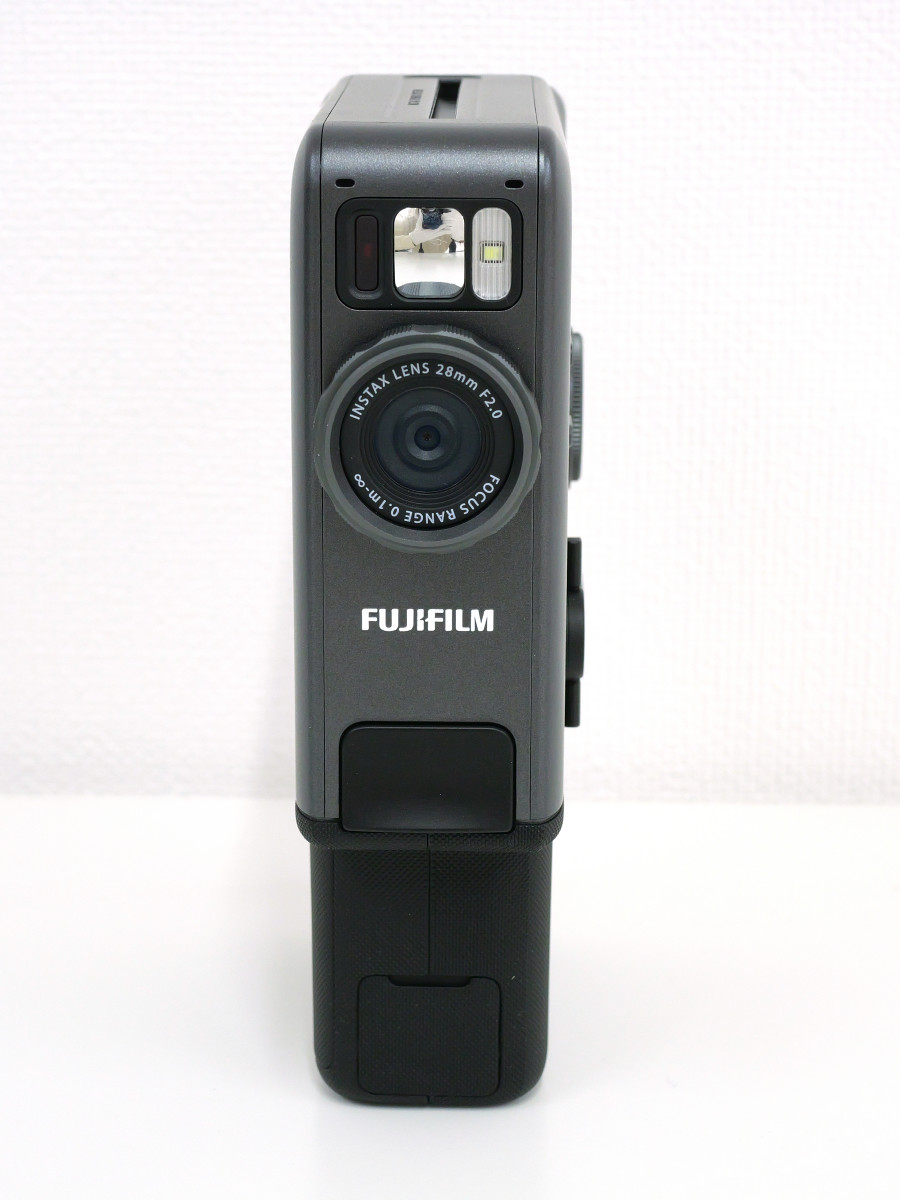
The front of the phone with the lens looks like this: At the top are a mirror and a flash, which are useful for taking selfies, and underneath them is the lens.
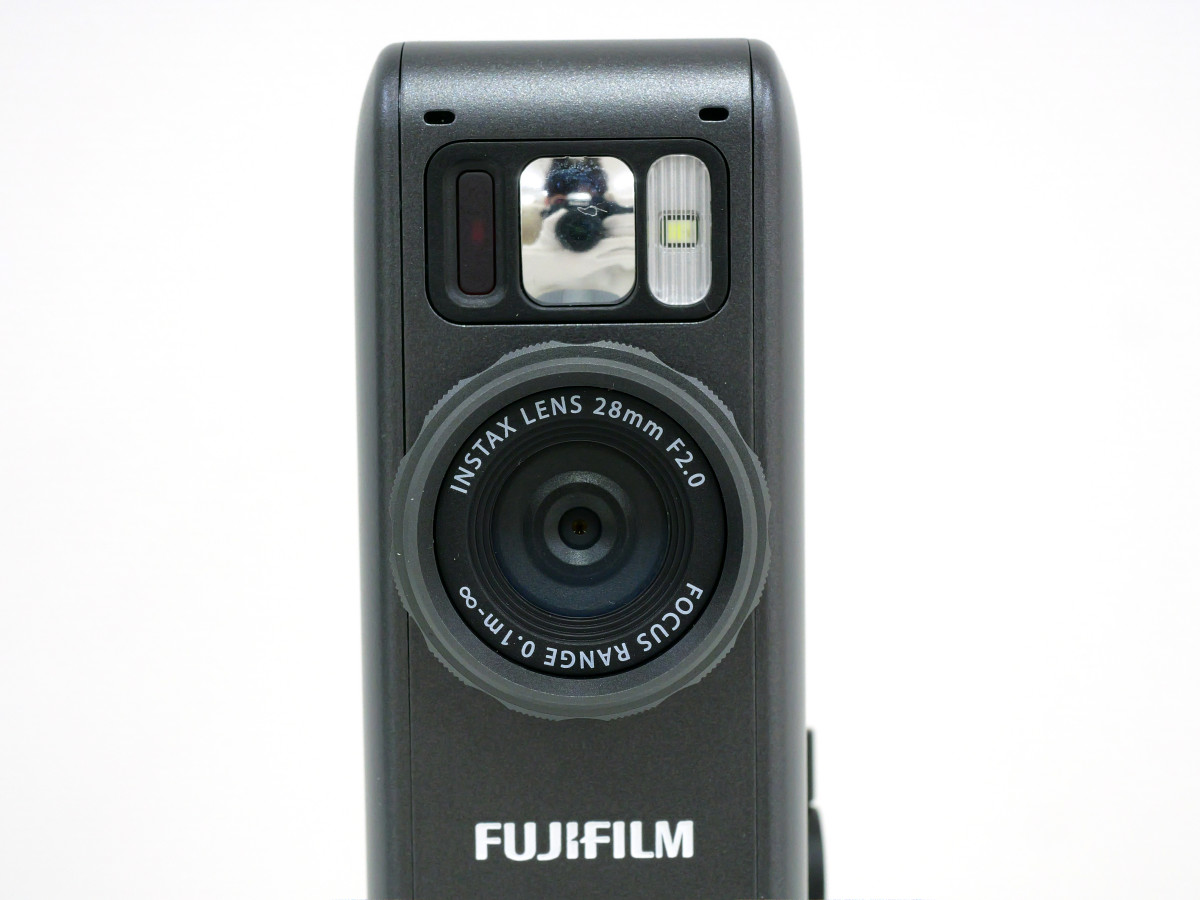
The lens's focal length is 28mm in 35mm format. The aperture is F2.0, and the minimum focusing distance is 10cm. A 'level adjustment dial' is attached around the lens to adjust the intensity of the effect. The sensor is a 1/5-inch CMOS with an effective pixel count of approximately 5 million. The recording resolution is 1920 x 2560 pixels for still images and 600 x 800 pixels for video, with 1080 x 1440 pixels available only when using the '2020' effect.
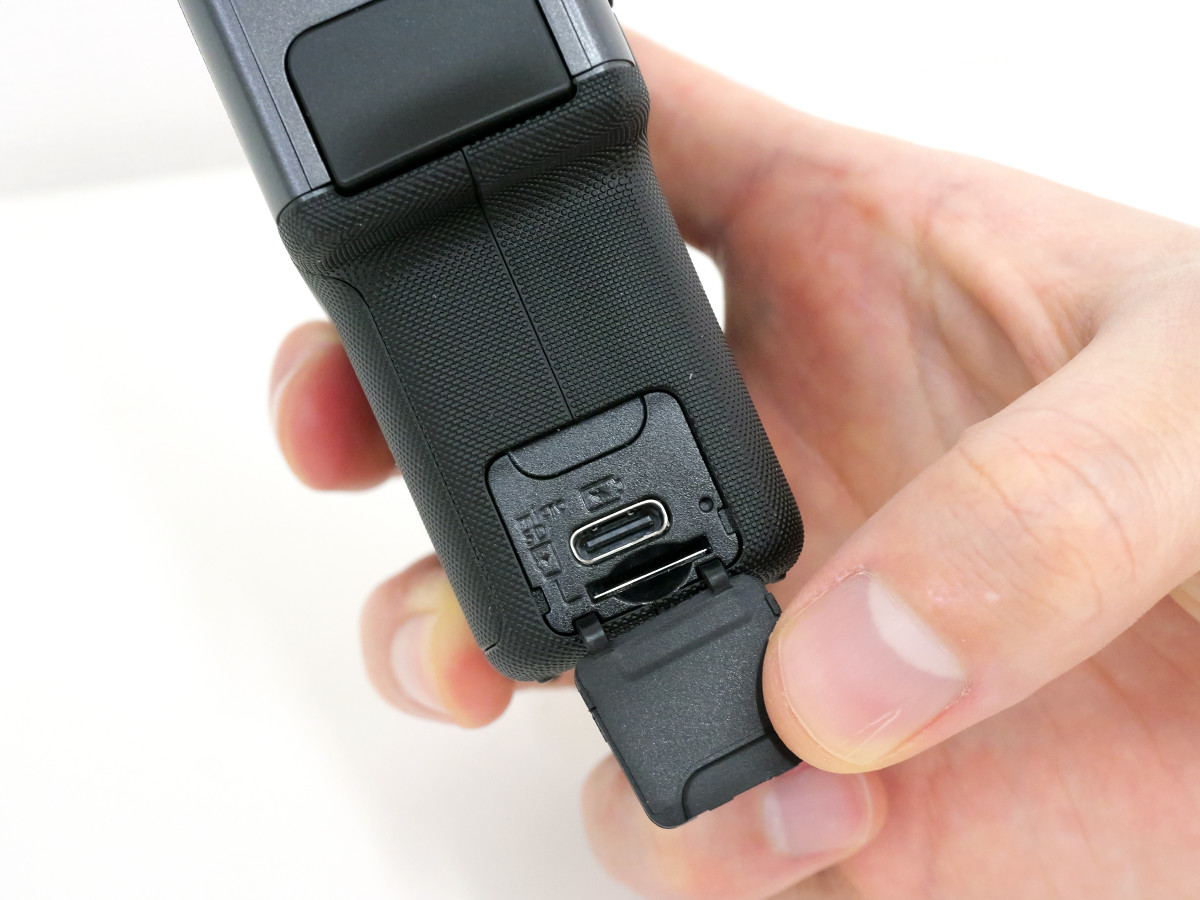
The bottom of the front is equipped with a USB Type-C port and a microSD card slot, which supports microSD, microSDHC, and microSDXC cards with a maximum capacity of 256GB.
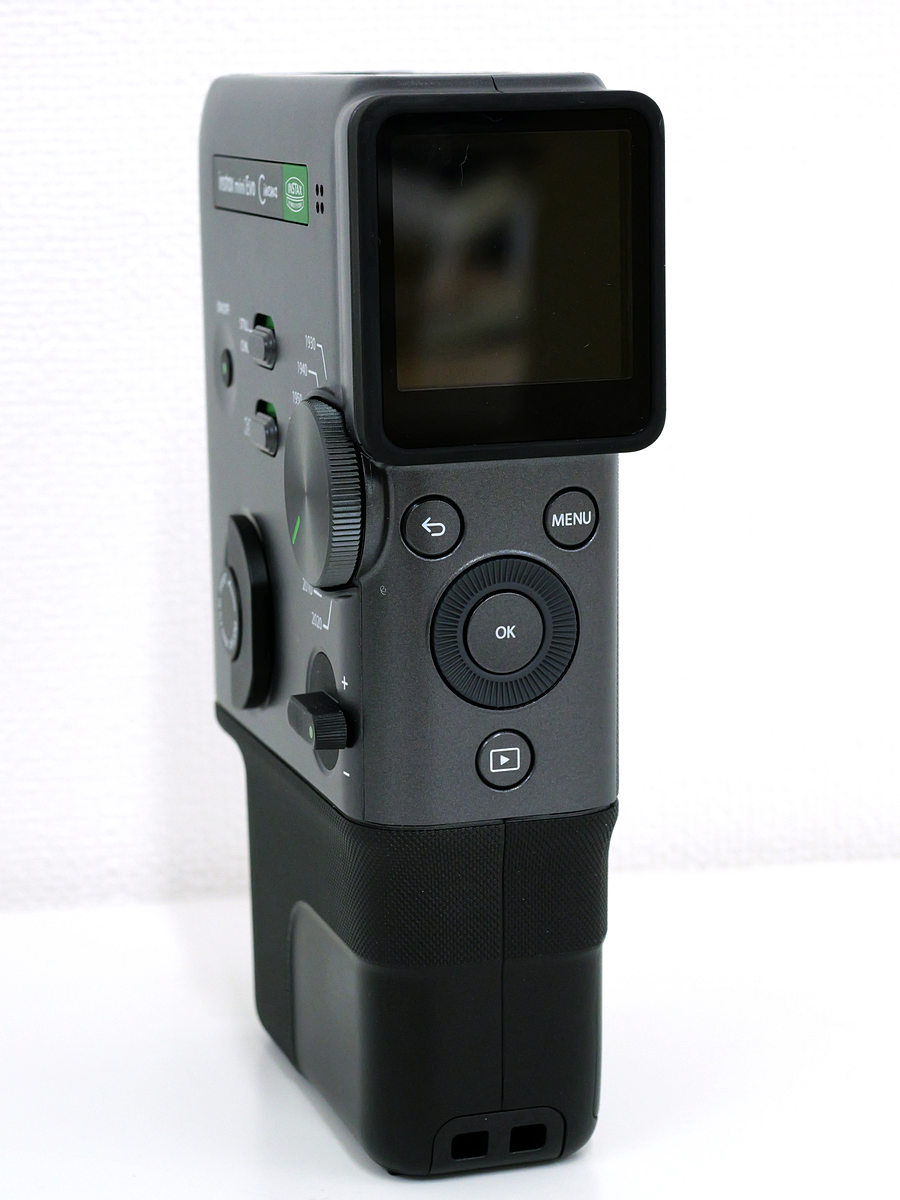
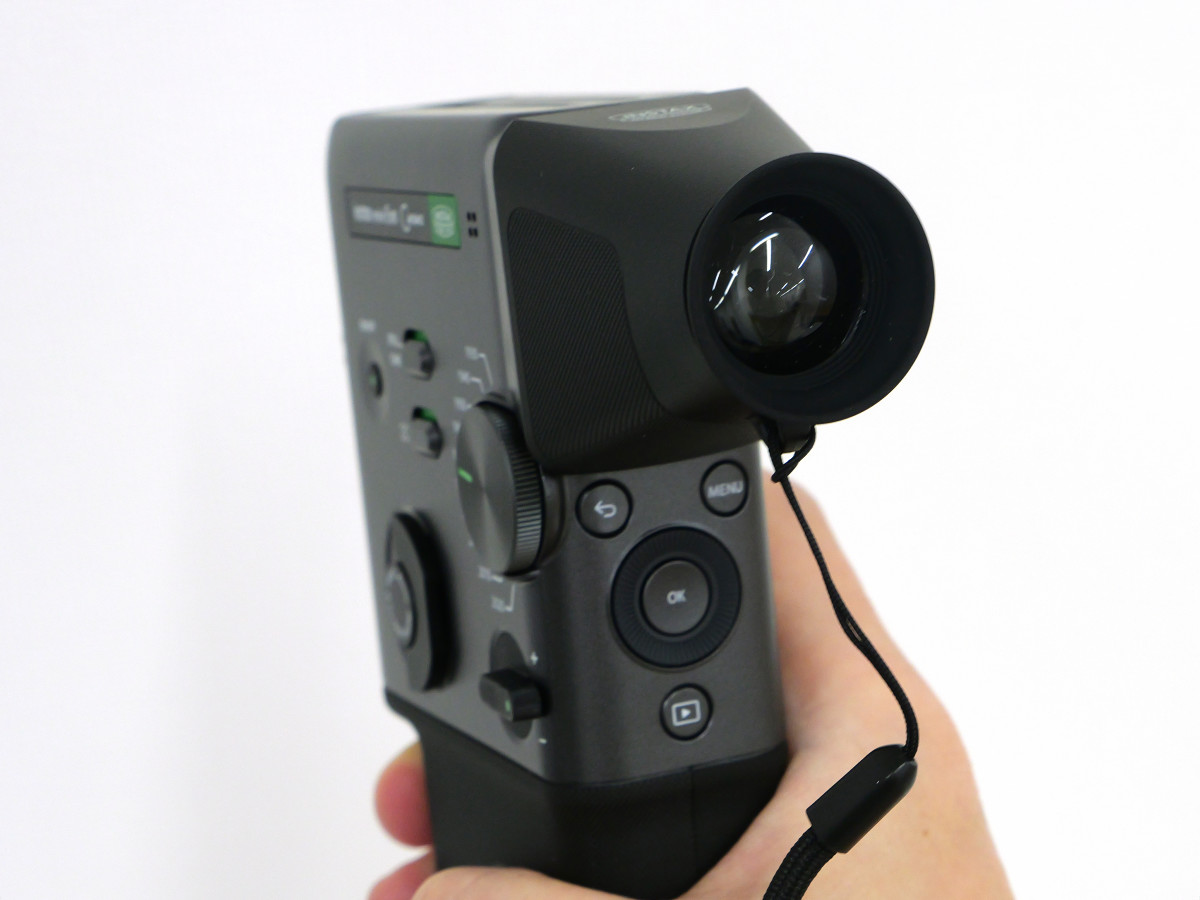
The back is equipped with an LCD monitor, back button, MENU button, select button/command dial, OK button, and playback button.
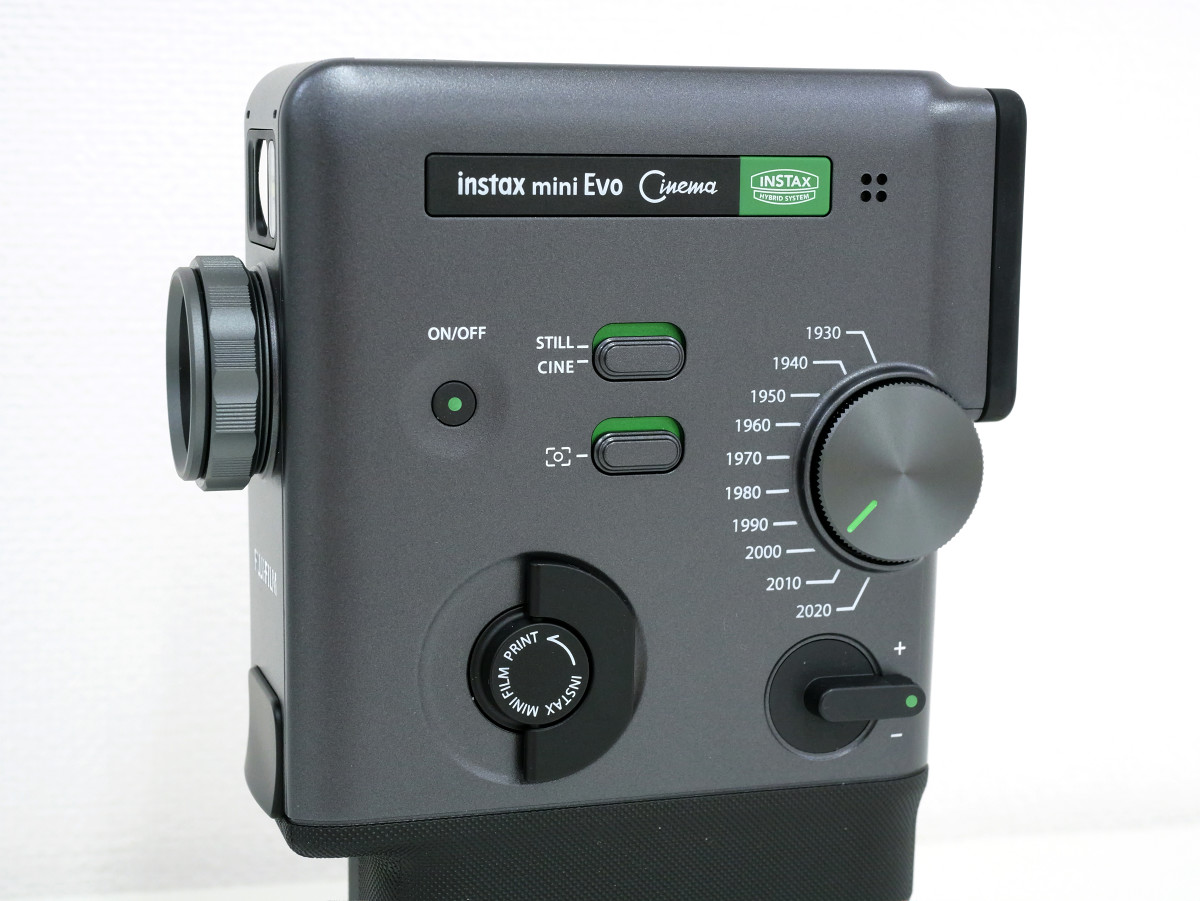
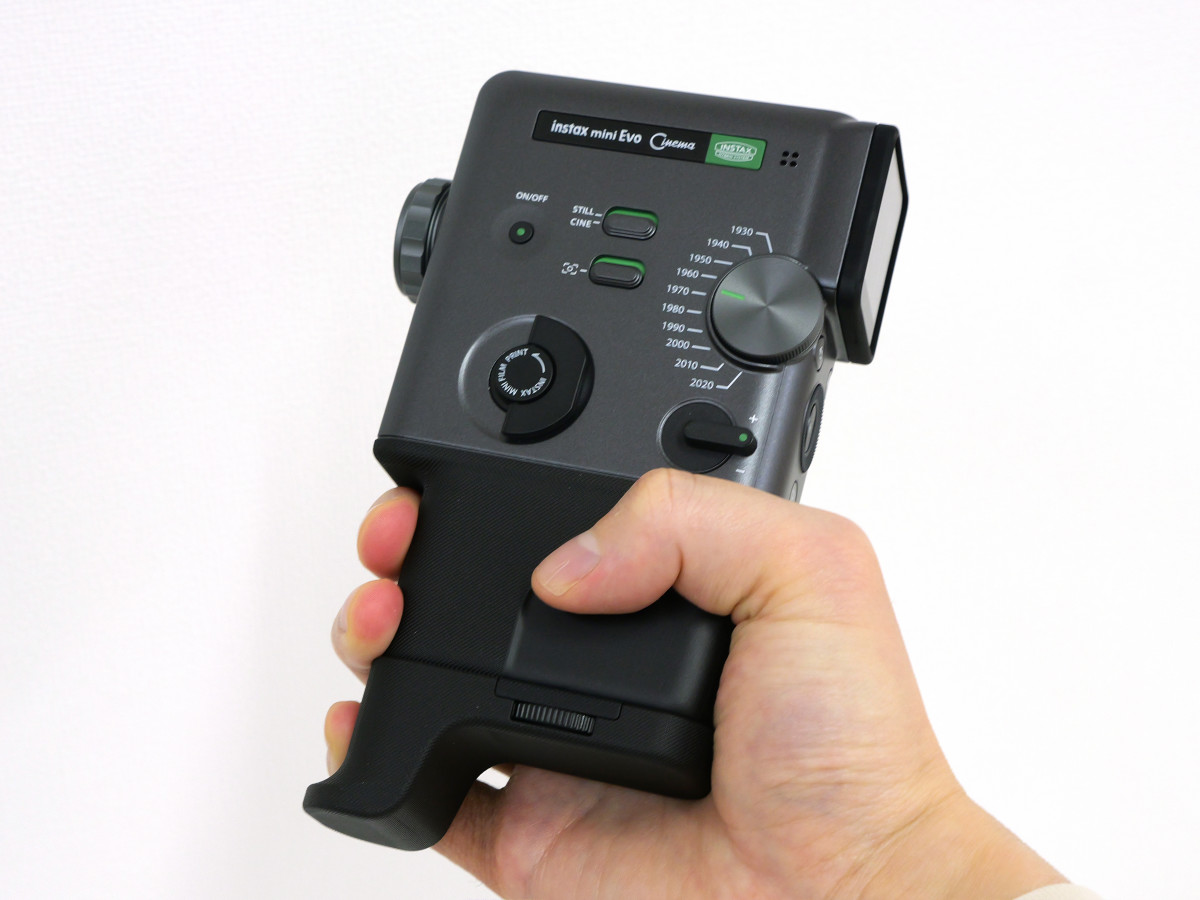
On the right side of the lens are the power button, CINE/STILL mode switch (switch to switch between video and still image shooting), frame switch, print lever, dial, and zoom lever.
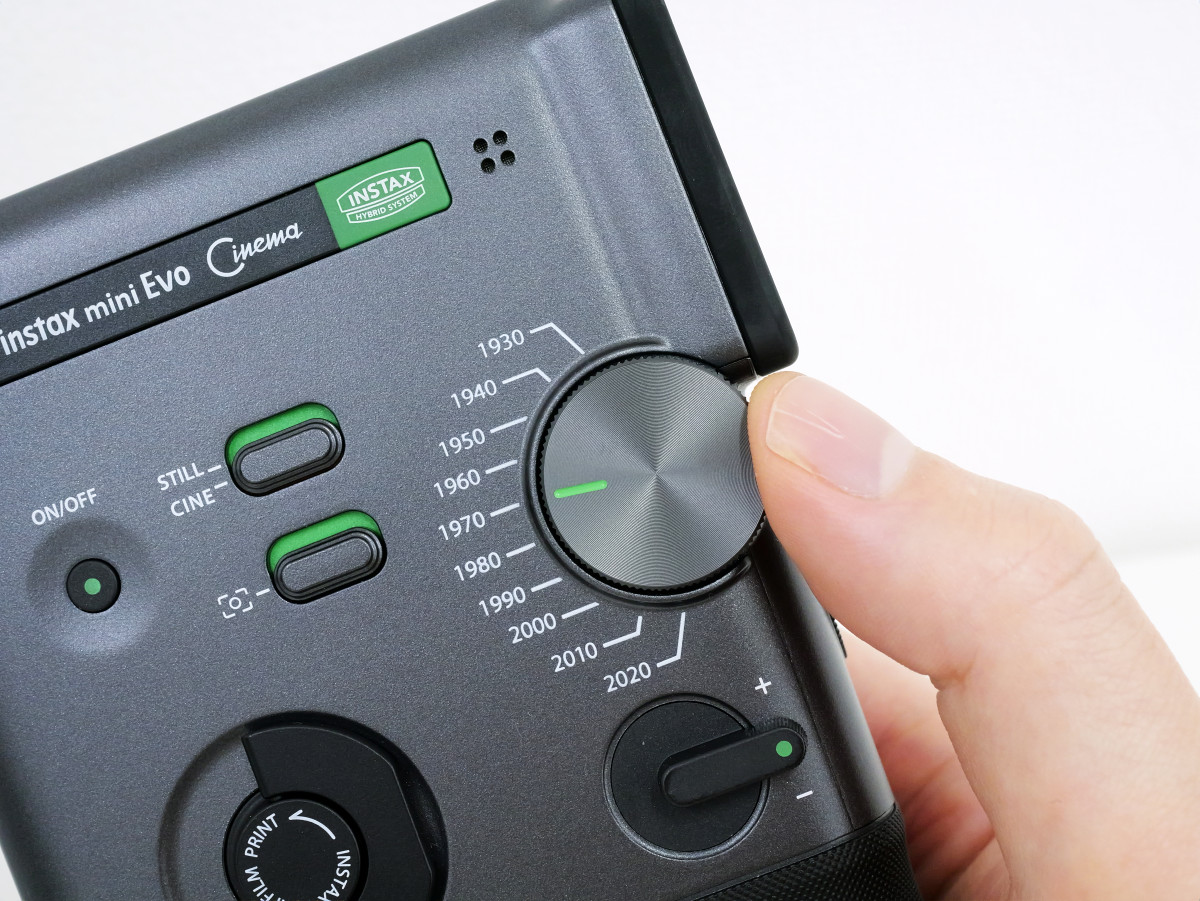
The Dial is a dial that lets you switch between effects. The instax mini Evo Cinema comes equipped with effects corresponding to 10 decades, from the 1930s to the 2020s, and you can switch between effects simply by turning the Dial.
The other side is where you can insert a film cartridge.
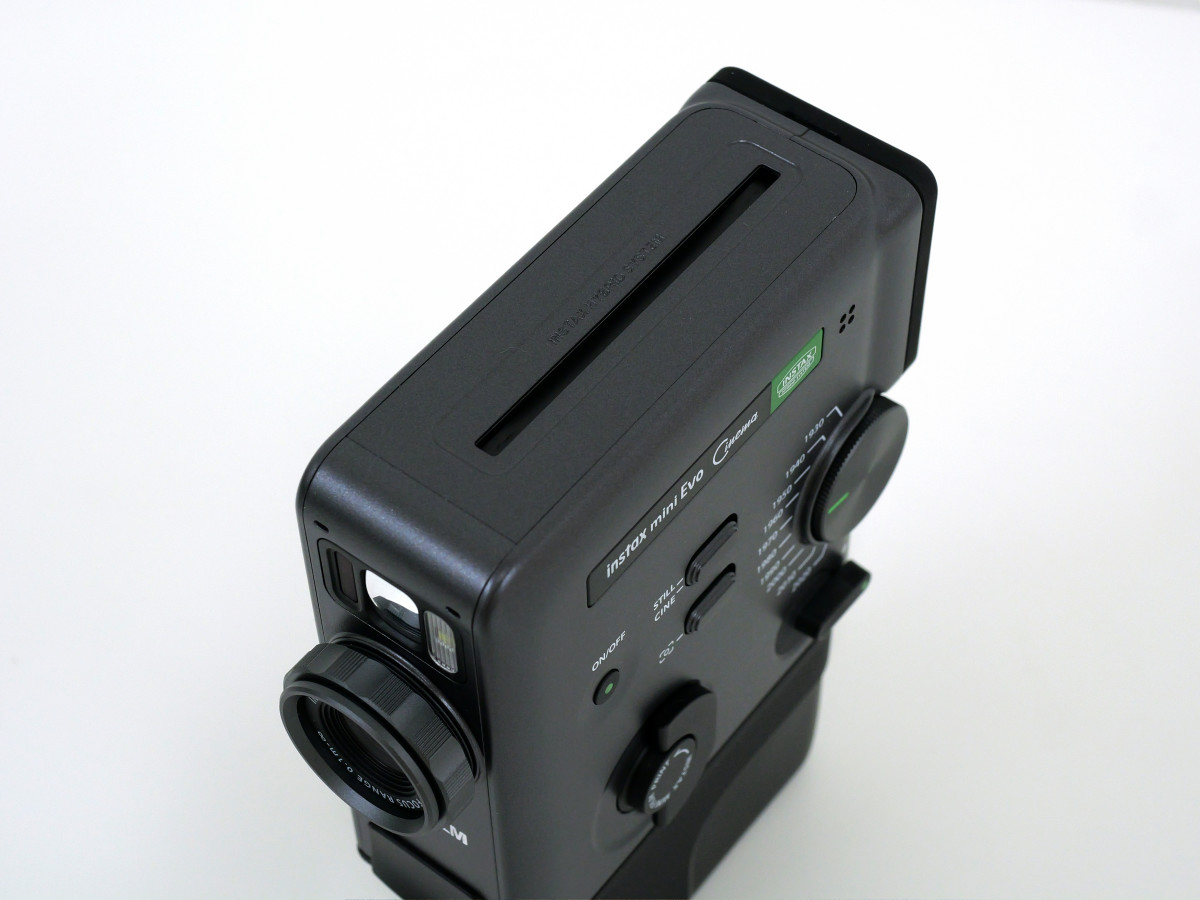
There is a film ejection port on the top.
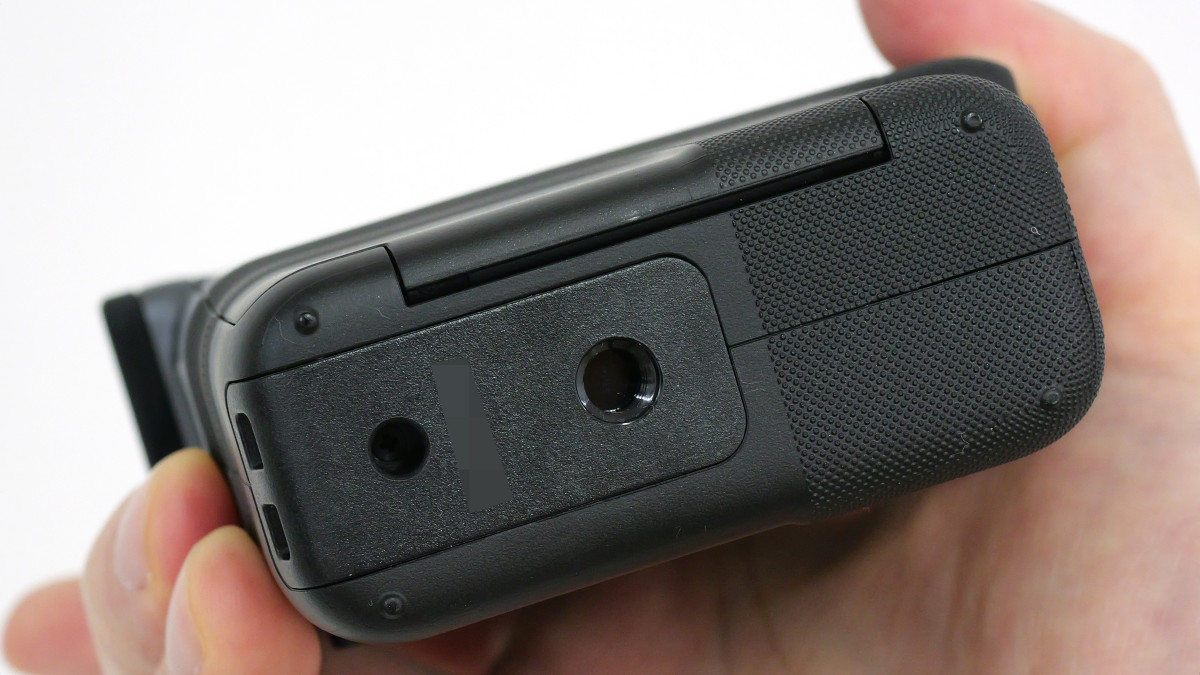
There was a tripod hole on the bottom.
This is what it looks like when you grip it with your hand.
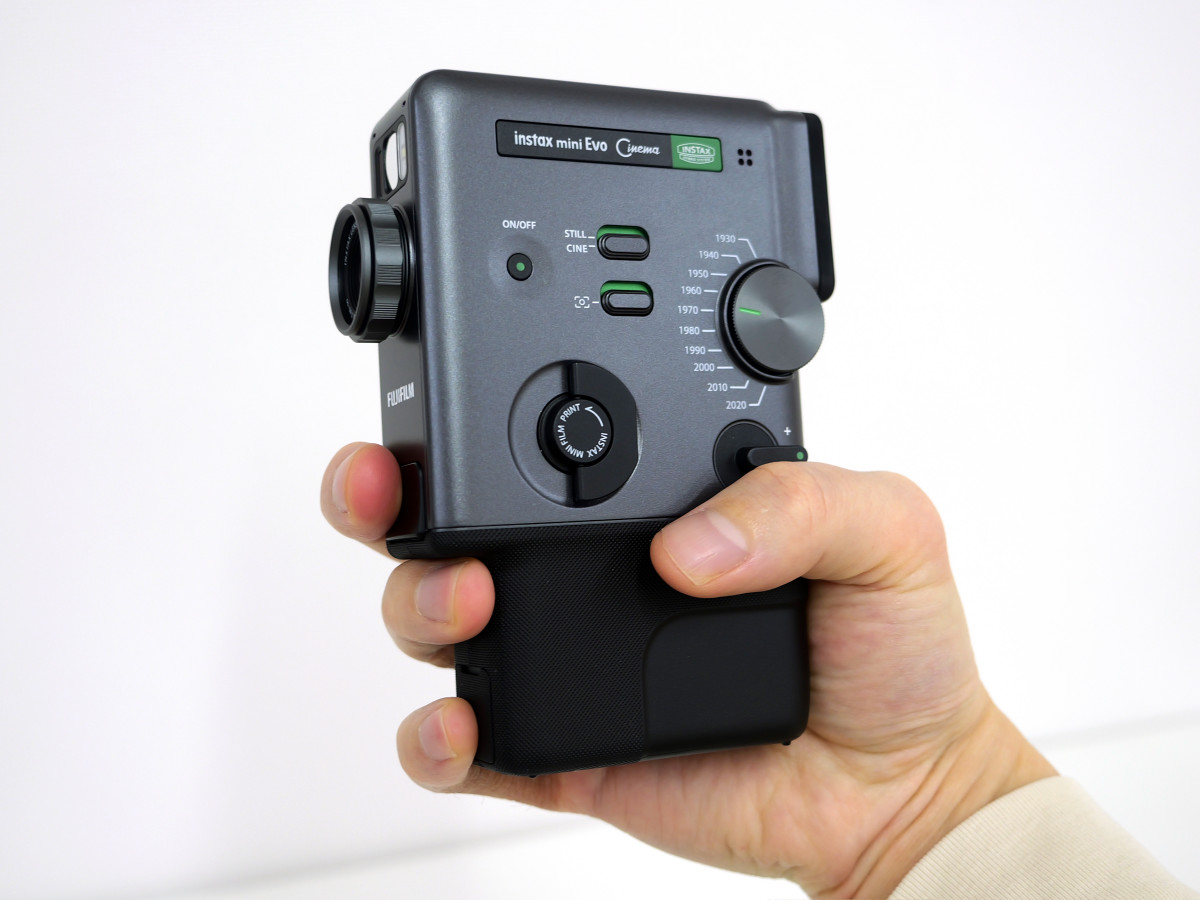
Attaching the included grip attachment makes it easier to grip without leaving any space for your little finger.
By attaching the viewfinder attachment to the LCD monitor, you can recreate the shooting style of an 8mm film camera, where you take pictures while looking through the viewfinder.
We plan to publish a review article in the future that will actually show photos and videos taken with the instax mini Evo Cinema, so please stay tuned.
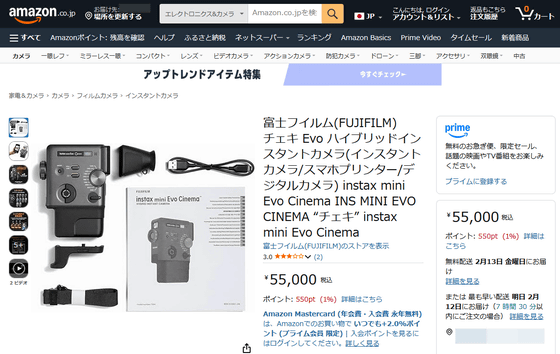
In addition, instax mini Evo Cinema is available at Amazon.co.jp for 55,000 yen including tax.
Amazon | Fujifilm Instax Evo Hybrid Instant Camera (Instant Camera/Smartphone Printer/Digital Camera) instax mini Evo Cinema INS MINI EVO CINEMA “Instax” instax mini Evo Cinema | Instant Camera Online Store
[to be continued]
Related Posts: