WalletWallet is a web app that reads codes from point cards and membership cards and adds them to your iPhone wallet.
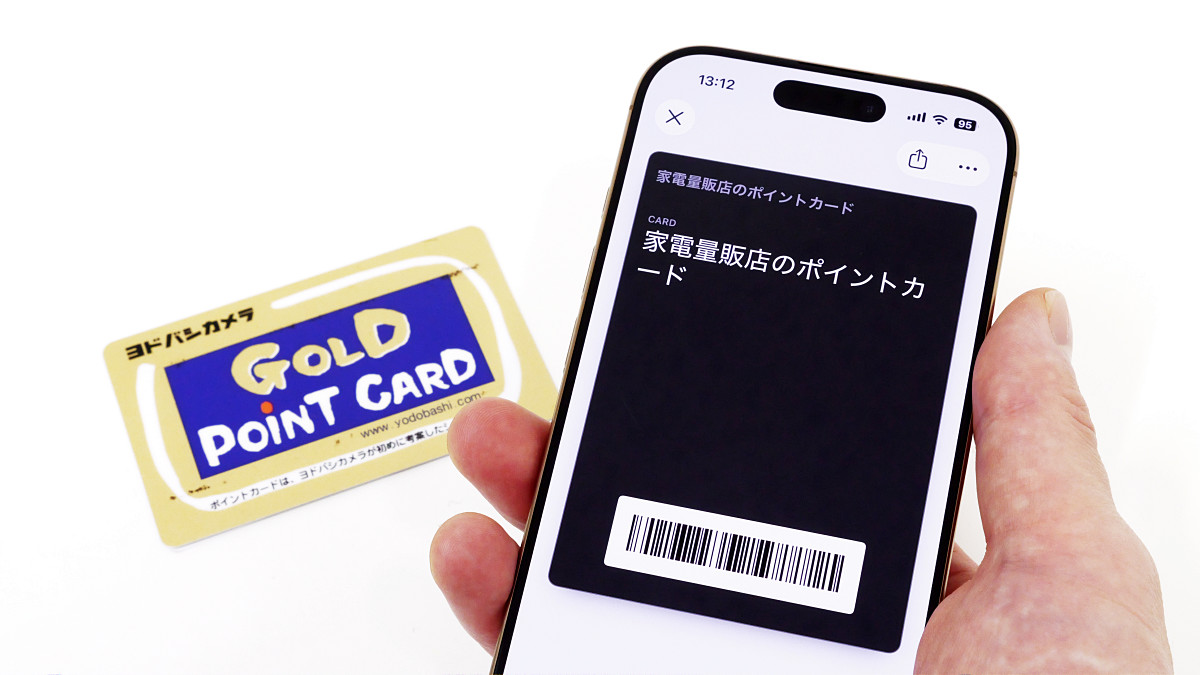
The iPhone's Wallet app has
WalletWallet — Create Apple Passes for Free
https://walletwallet.alen.ro/
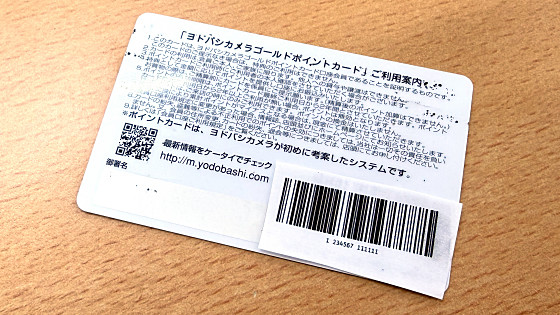
Some membership cards and point cards have a mechanism for reading barcodes or QR codes displayed on the card. With WalletWallet, you can register code-reading cards in your iPhone's wallet. Note that the point card used as an example in this article has a dummy barcode attached for testing purposes.
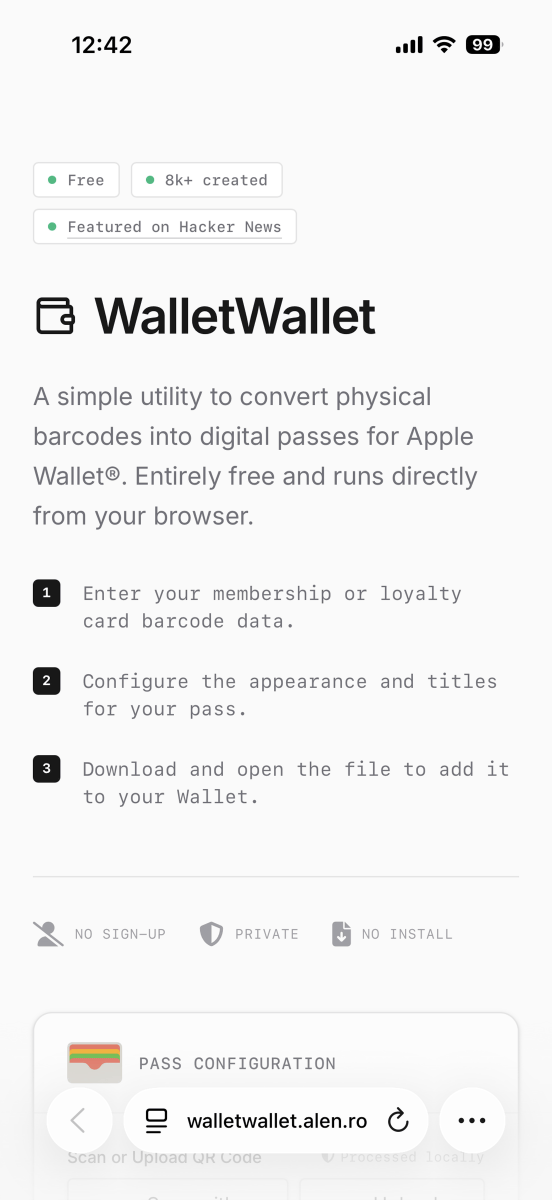
The steps to register your card are as follows: First, access WalletWallet on your iPhone.
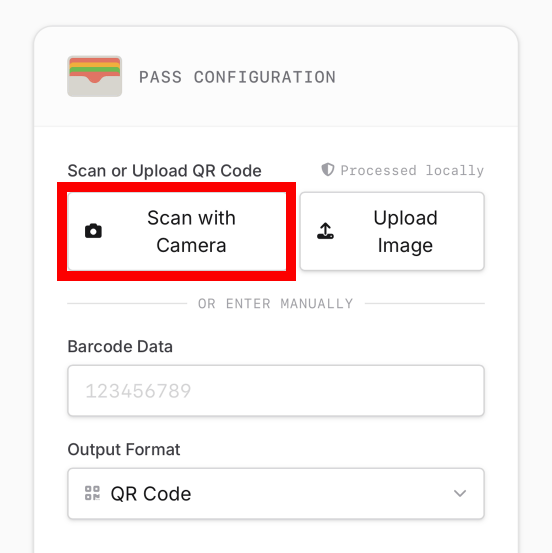
Scroll down and tap 'Scan with Camera'.
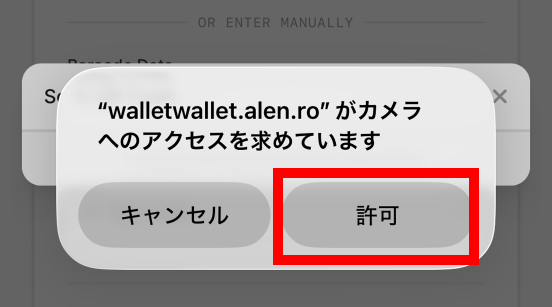
If you are asked for permission to use the camera, tap 'Allow.'
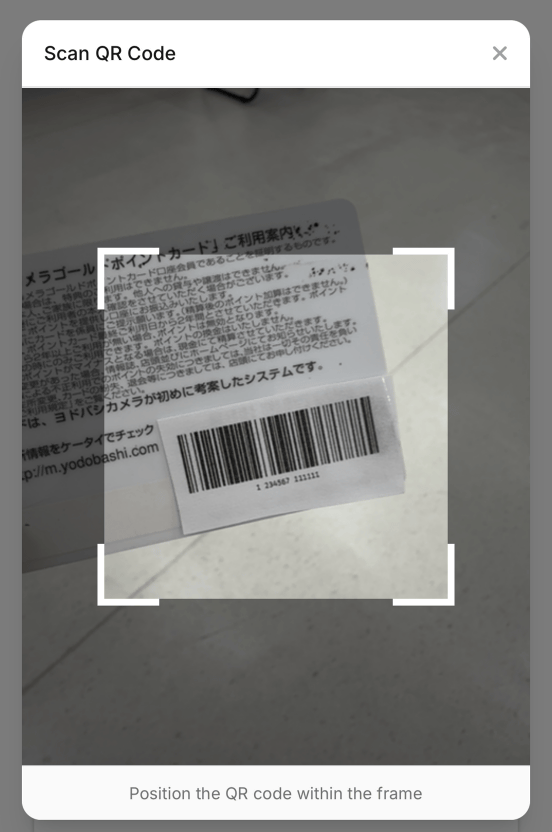
Scan the code on the card.
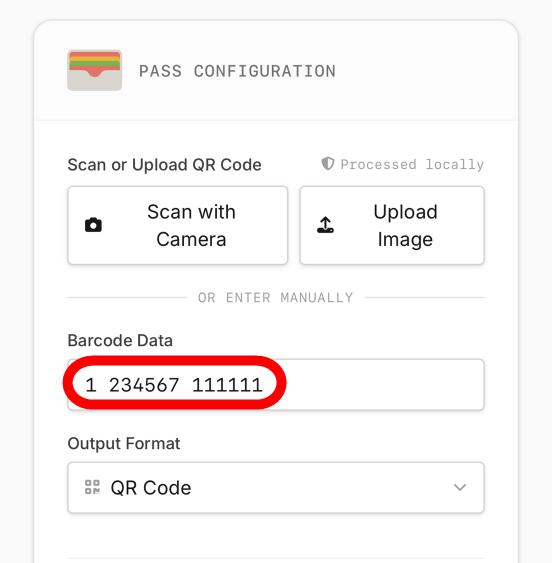
If the scan is successful, the data contained in the code will be displayed in the 'Barcode Data' section. Check that the displayed data matches your membership number, etc. before proceeding to the next step.
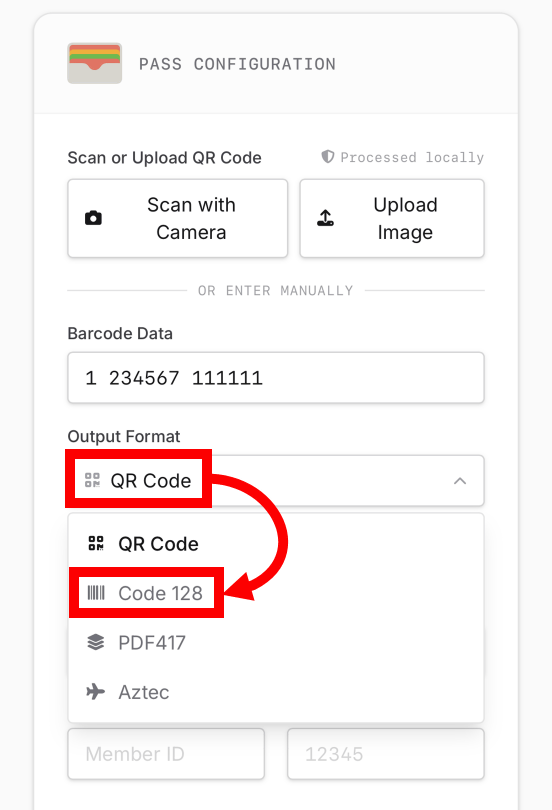
Next, tap the 'Output Format' field and select the same format as the card. Since I want to register a barcode, I tapped 'Code 128.'
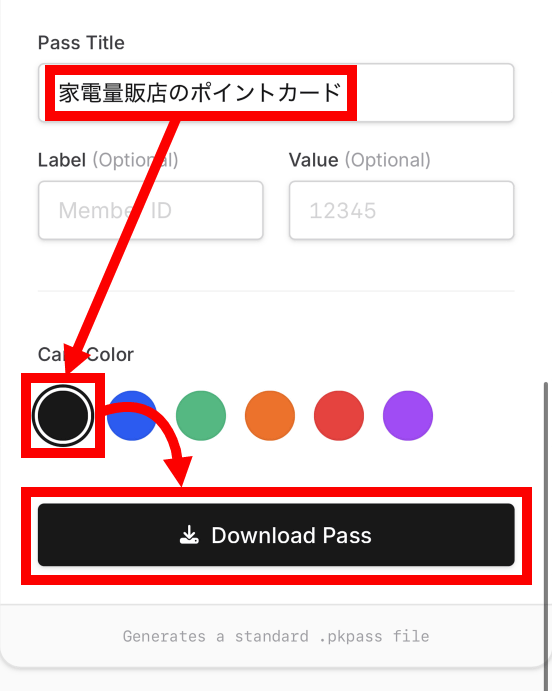
Next, enter any name in the 'Pass Title' field, select the card color, and then tap 'Download Pass.'
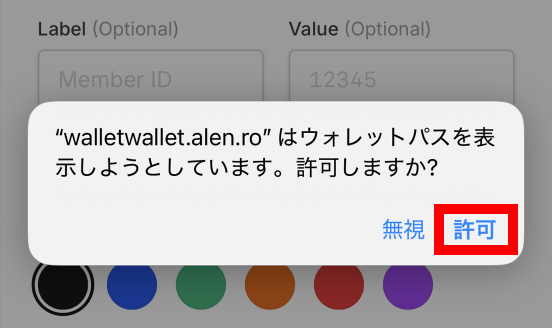
When asked for permission to add a wallet pass, tap 'Allow.'
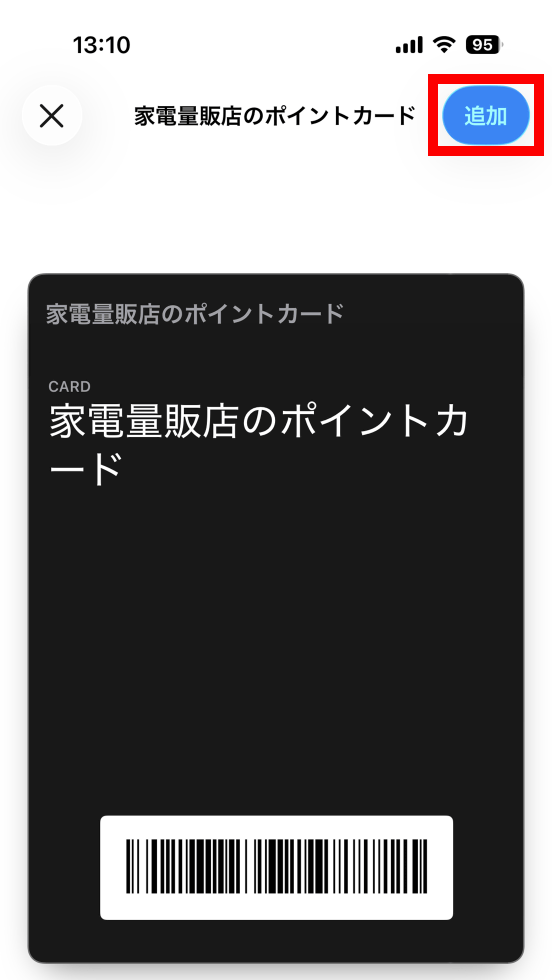
Tap 'Add' to complete the registration process.
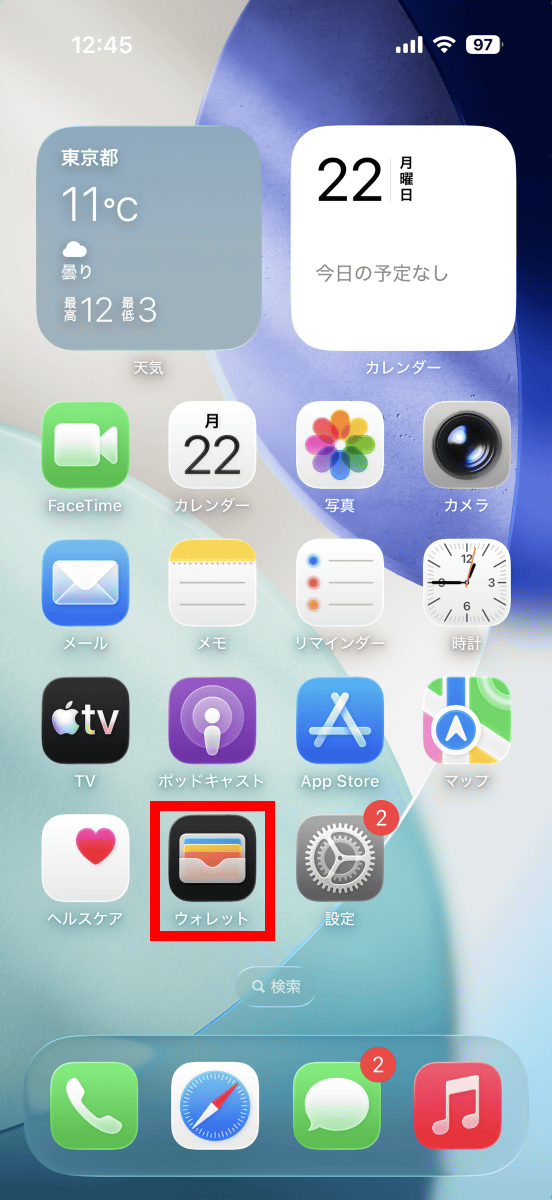
To get the code, first launch your wallet. You can find it on the home screen or by pressing the side button twice in a row.
Tap the card you want to view the code for.
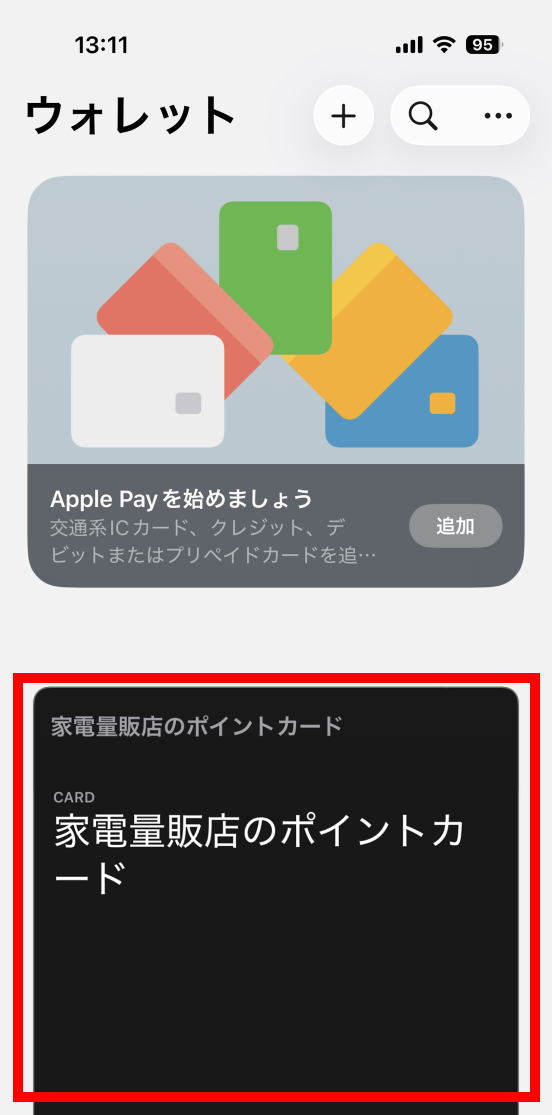
Now you can view the code.
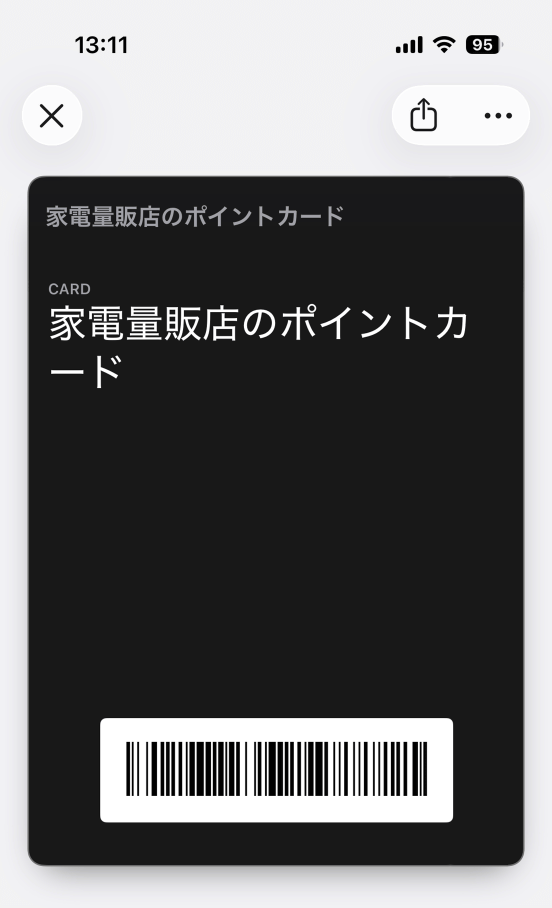
Furthermore, for security reasons, stores that issue code-readable cards often have rules that state that only physical cards can be used and that codes stored on smartphones cannot be read. Whether or not you can use codes registered to your wallet with WalletWallet depends on the store's rules and judgment, so we recommend that you carry your physical card with you at first.
Related Posts:


in Smartphone, Review, Web Application, Posted by log1o_hf