It turns out that the Codex CLI installs a persistent, self-updating background daemon by default, and there is no official way to disable it.
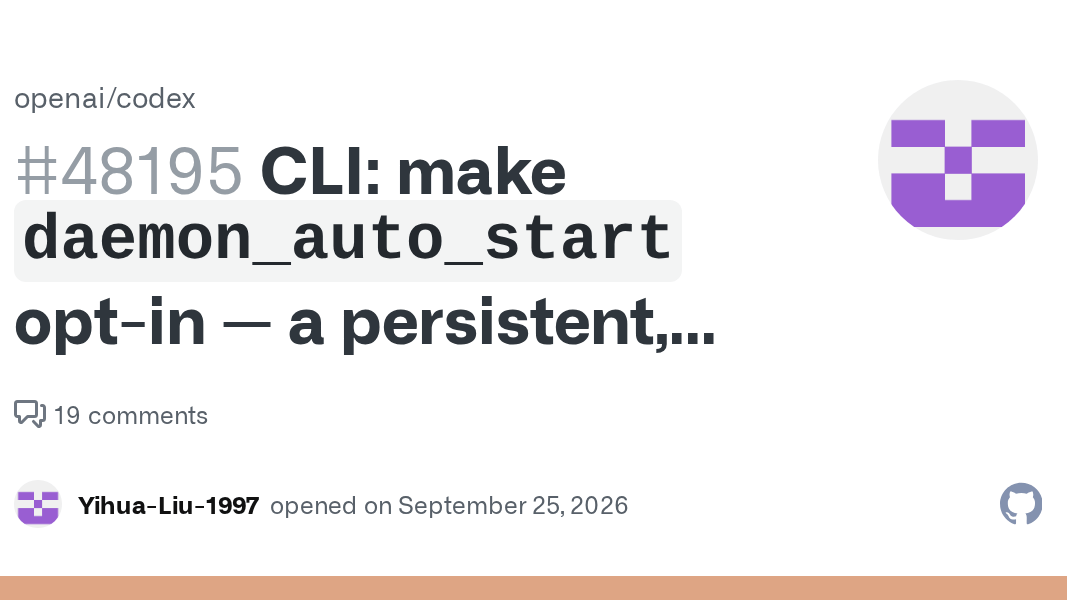
Since version 0.157.0 of the Codex CLI, the daemon_auto_start feature has been enabled by default. However, users have reported issues related to the daemon_auto_start feature, such as unexpected background process startup, resource consumption, impact on sessions, and environment inconsistencies.
CLI: make `daemon_auto_start` opt-in — a persistent, self-updating background daemon shouldn't be the default · Issue #48195 · openai/codex
When you launch the Codex CLI, approximately 374MB of platform packages are installed, and the 'codex app-server --managed-daemon' command automatically starts it as a persistent background daemon process, even if you don't explicitly configure it. This daemon continues to run even after the CLI window is closed, with its parent process changed to process ID 1, and manages its version independently of the CLI version.

The daemon runs an 'automatic update process' that checks for updates once 5 minutes after startup, and then once every hour thereafter, downloading any new releases and restarting the backend. The automatic update process has a 60-second grace period before it can finish any running processes, and if it exceeds that time,

The following issues have also been reported regarding background daemons:
- Changes to proxy settings cannot be applied due to environment variable fixation.
- Inconsistent behavior with the package manager due to daemon self-updating.
- The daemon stop command cannot stop the automatic update process.
Furthermore, a bug has been reported where the automatic update process changes file permissions, causing the Git repository to become read-only.
The daemon has many bugs. For example, when auto-updating, it would randomly rui... | Hacker News
As of the time of writing, there is no official setting to disable background daemons, but the most recommended workaround is to turn off the feature flag in the configuration file '~/.codex/config.toml'.
[code]
[features]
daemon_auto_start = false
[code]
Many users have criticized the behavior of the background daemon as 'malware-like,' with some reporting that the CLI has become unusable. Some users have implemented workarounds such as turning off feature flags and manually stopping the update process. According to the commit log, a change called 'codex: disable daemon auto-start by default' has been made, suggesting that some work is being done to resolve the issue. However, there are still reports that no mention of daemon_auto_start can be found in the official documentation.

The default automatic activation of the daemon_auto_start function in the Codex CLI is causing problems for users such as unexpected resource consumption, impact on sessions, and environment inconsistencies. To fundamentally resolve this, it should be changed to an opt-in system that users can explicitly control.
Related Posts: