REA, an AI coding agent that can reverse engineer executable files, libraries, and applications simply by asking questions, can implement equivalent functionality without source code.
REA (Reverse Engineer Anything) is a comprehensive platform for reverse engineering the entire binary application runtime operation. Even without source code, it allows you to investigate the target, uncover the mechanisms and rationale behind its functions, and implement similar functions, making program analysis, modification, and reconstruction easier.
REA — Reverse Engineering for Your Coding Agent
GitHub - morluto/rea: Reverse engineer anything with agents, from app behavior down to native binaries. · GitHub
https://github.com/morluto/rea
The main functions and features of REA are as follows:
• Cross-platform support : Allows connection of agents to inspect a variety of targets, including native binaries, JavaScript/Electron apps, .NET assemblies, and websites.
• Local analysis : All analysis is performed locally.
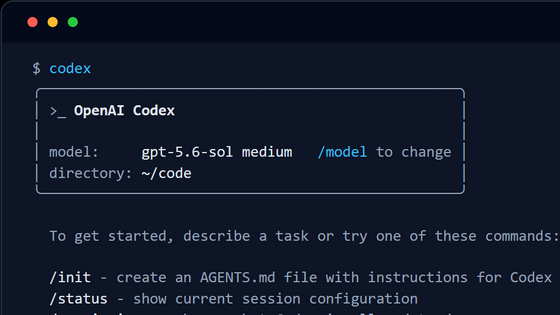
- Agent Integration : Integrates with agents such as Claude Code, Codex, Cursor, Gemini CLI, and Grok Build to create and test implementations based on analysis results.
• Diverse range of subjects : Can analyze a very wide range of subjects.
• Abundant evidence and documentation : Each analysis result is accompanied by supporting evidence, limitations, and detailed documentation, which helps to deepen understanding.
• Continuous updates : Frequent updates are provided to fix bugs and add new features.
The following are specific examples of subjects that can be analyzed.
Native binary
Go binary
WASM Artifacts
EVM bytecode
SQLite database
- Recorded Linux crashes
JavaScript/Electron app
• Website
• Saved network captures
.NET Assembly
Android APK
Android devices
JEB Project
Android resources
Flutter app
·firmware
- Recorded packets
• Recorded logic signals
Packages and Resources
Process operation
The REA system works as follows:
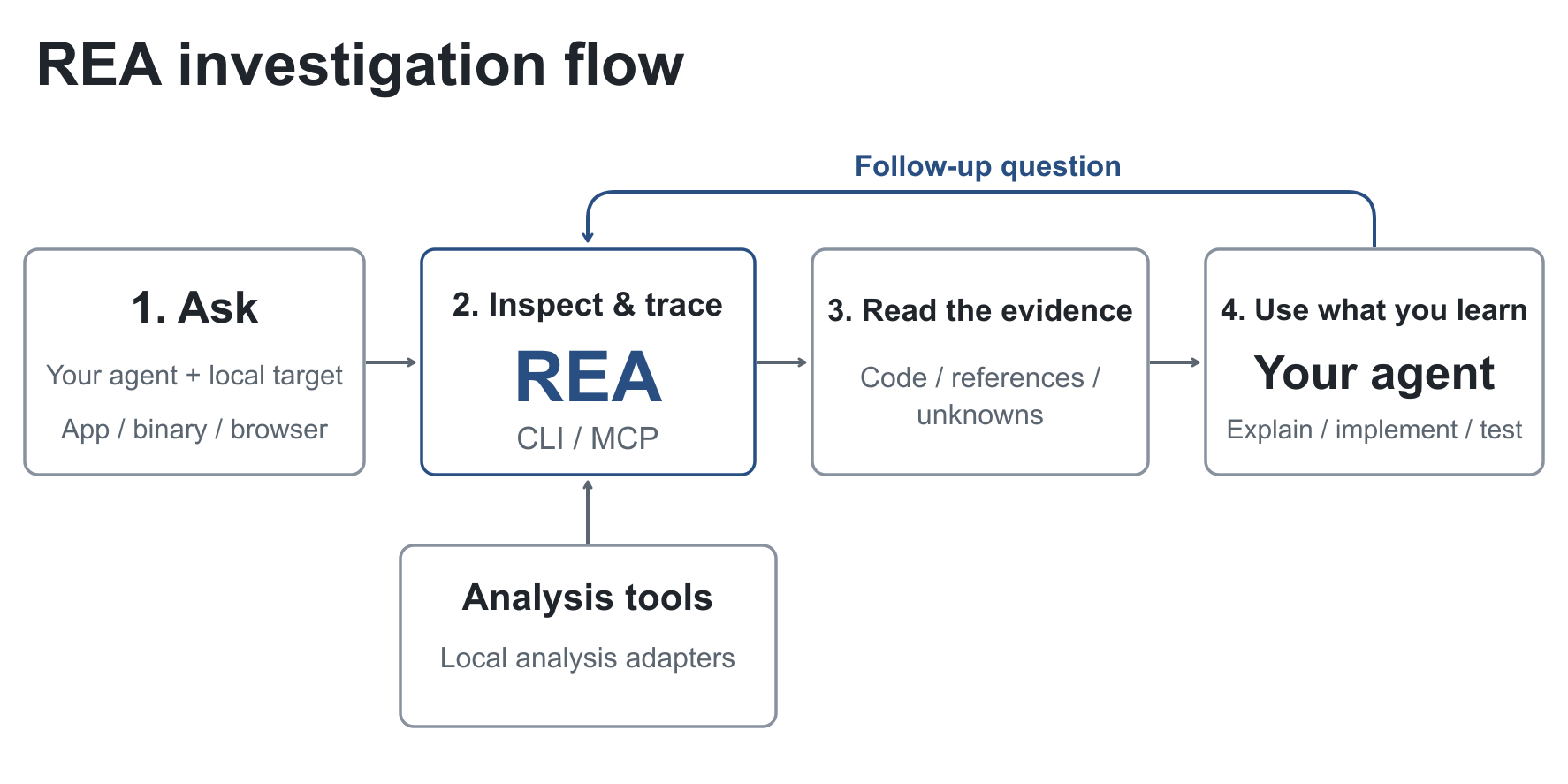
- The AI agent invokes REA via CLI/MCP to inspect the target and track down related code.
REA will return the investigation results and evidence to the agent.
The agent uses the output from the REA to ask additional questions to the REA, explain its behavior, implement code, and perform tests.
The following are examples of how REA is being used.
Analysis of percentage calculations in the Windows calculator
Examples of questions to ask an agent are as follows:
[code]
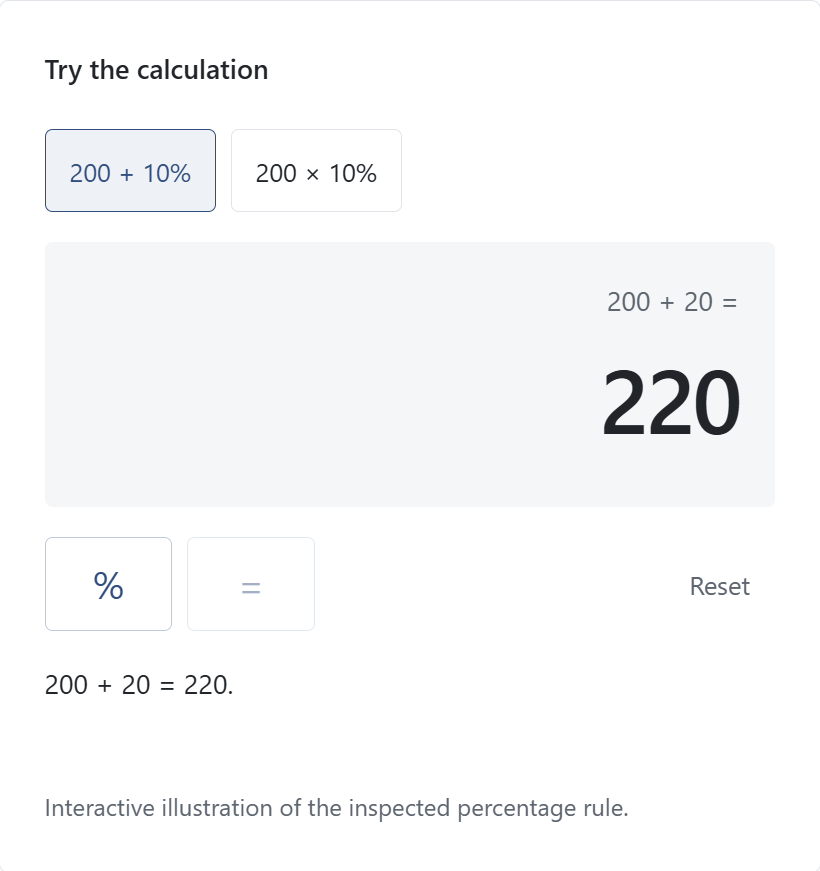
Use REA to inspect Windows Calculator. Why does 200 + 10% give 220?
[code]
REA's detailed investigation into the operation of the percentage button on calculators revealed that the method of calculating percentages differs for addition and multiplication, allowing us to reconstruct a small calculator that works correctly for both addition and multiplication.
Analysis of speed changes in Chrome's 'Dinosaur Game'
Examples of questions to ask an agent are as follows:
[code]
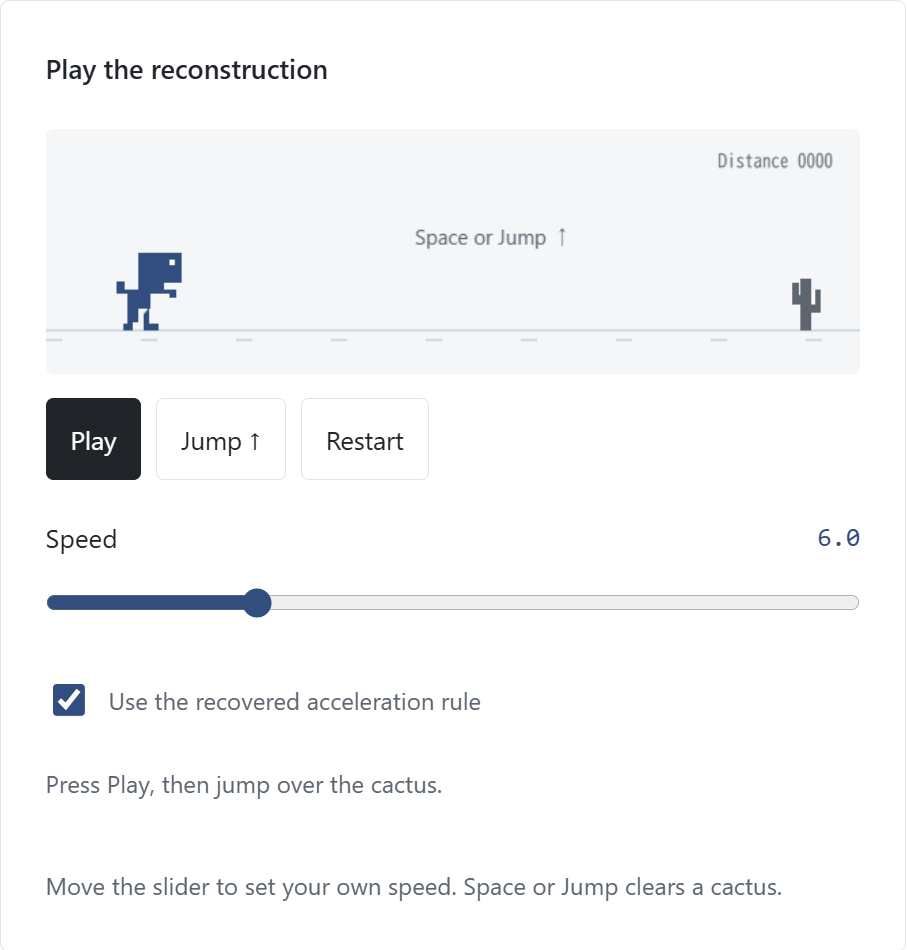
Use REA to inspect this dinosaur game. Why does it get faster? Show the speed rule, then build a small version with an adjustable speed.
[code]
REA inspected the running game's script and identified the speed settings and update functions. By applying the acceleration rules revealed through the analysis, we were able to reconstruct a small game with an adjustable speed slider thanks to REA.
REA significantly simplifies the reverse engineering process and is a powerful tool that helps developers gain a deep understanding of how software works internally.
Related Posts: