Review of the 'Tile Starter Pack,' which lets you find your keys, wallet, and smartphone all in one place.
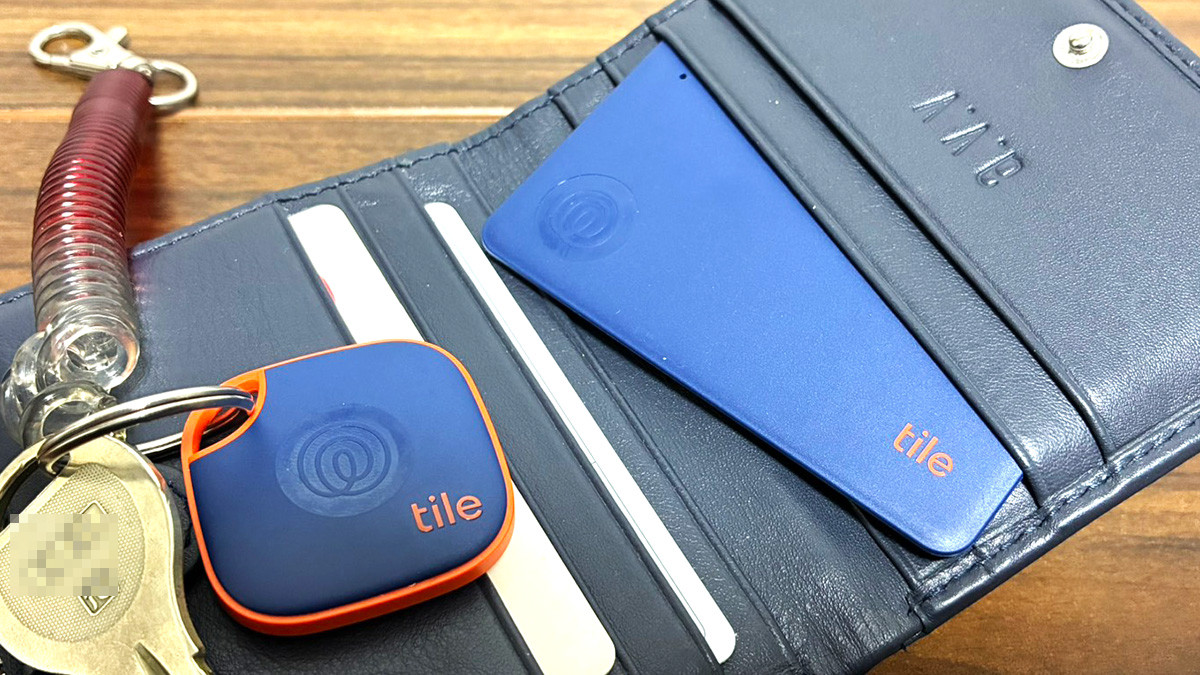
Tile is a smart tracker that not only lets you locate important items by making your smartphone emit a sound, but also lets you locate your smartphone even when it's in silent mode, and lets you check the last location where your important items were detected on a map.
Product Introduction | Tile
https://thetileapp.jp/products/
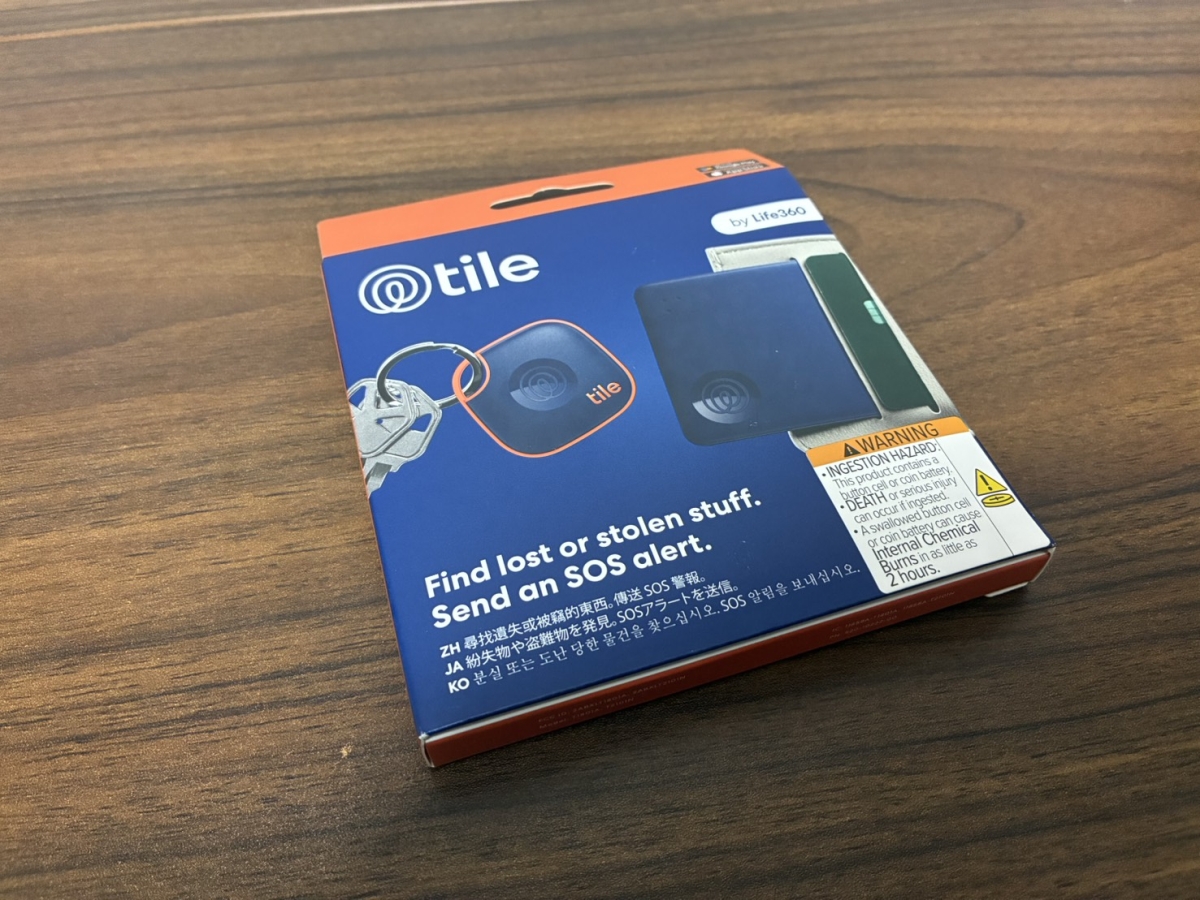
The 'Tile Starter Pack' is a set that includes the standard Mate model, which is easy to attach to keys and bags, and the card-sized Slim model, which is easy to put in a wallet or passport case. The 'Tile Starter Pack' arrived in this box.
Crack.
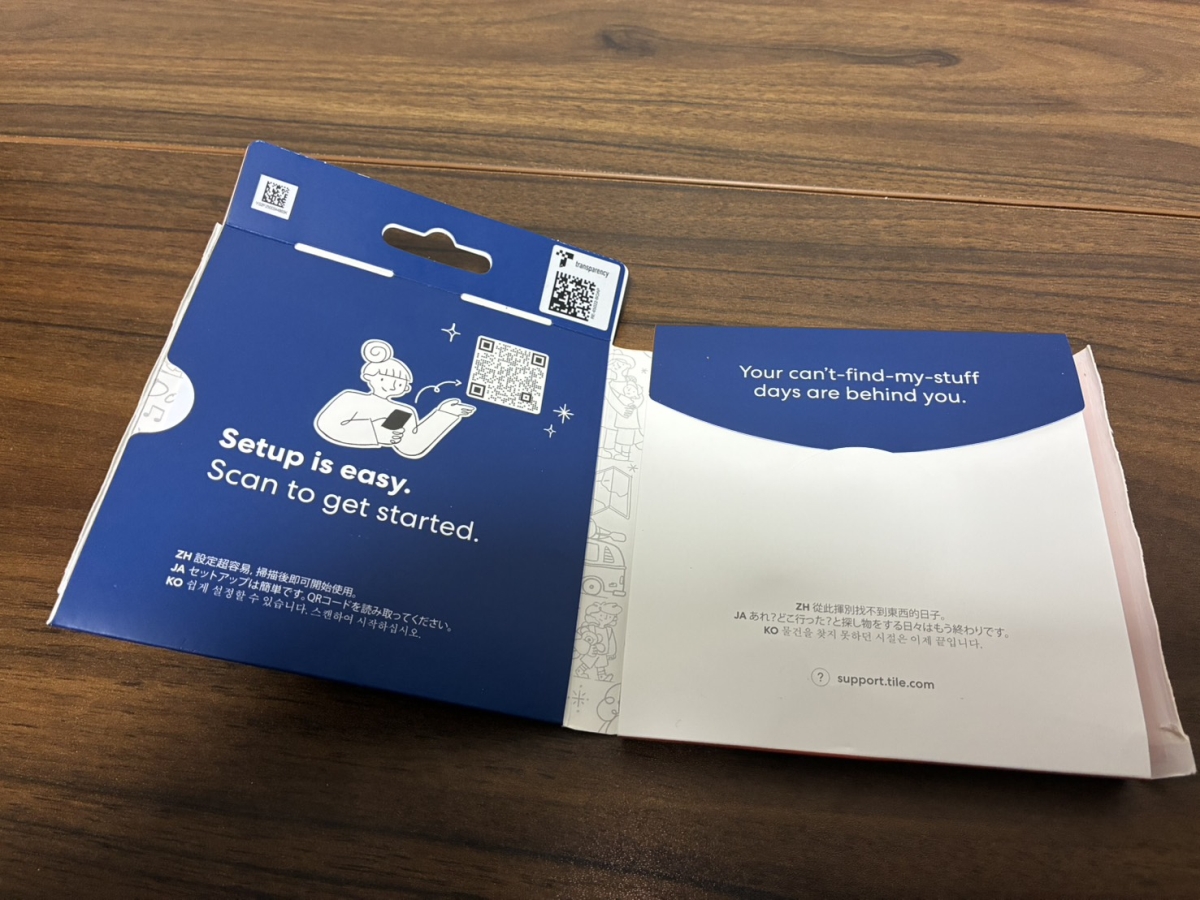
The warranty card was tucked inside the left side of the box.
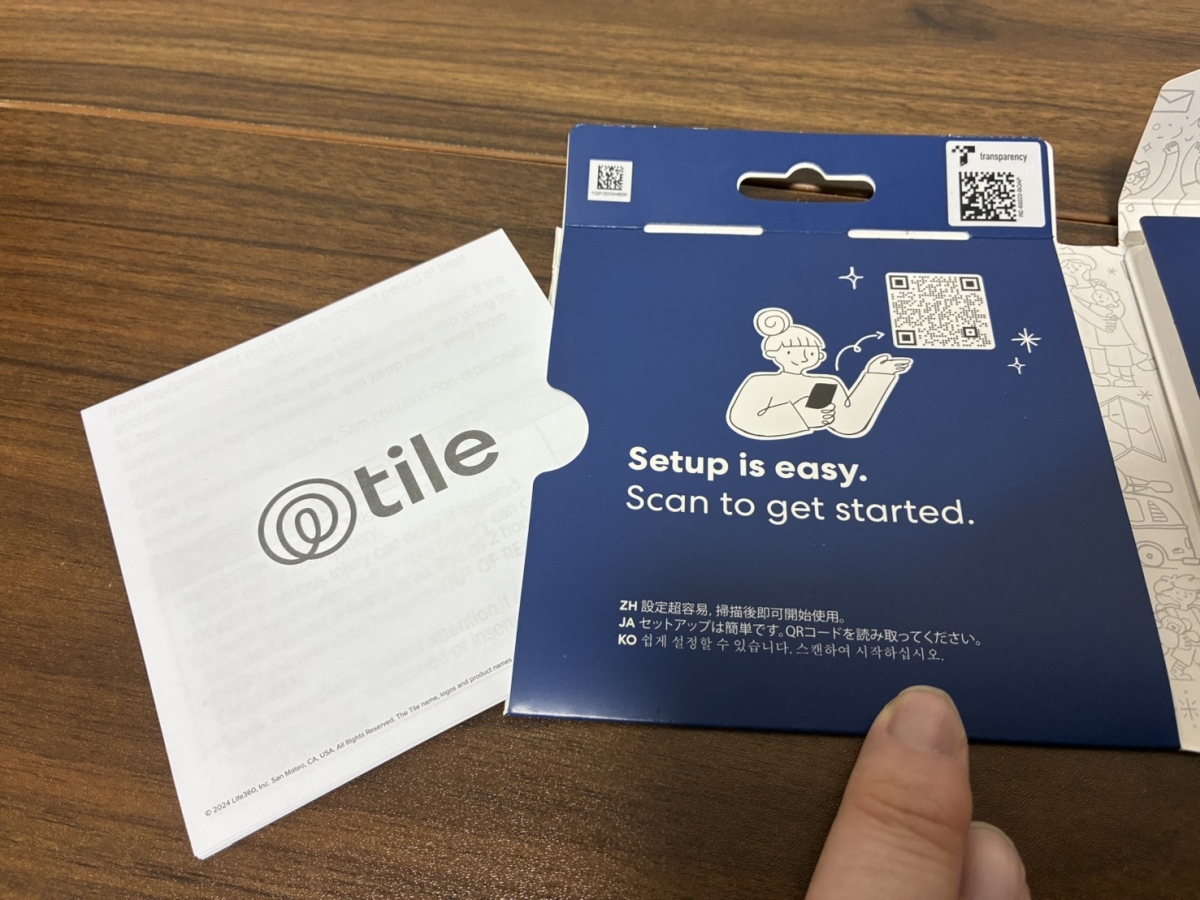
On the right side are the Tile 'Mate' (top) and 'Slim' (bottom). These are the only contents; there's no instruction manual.

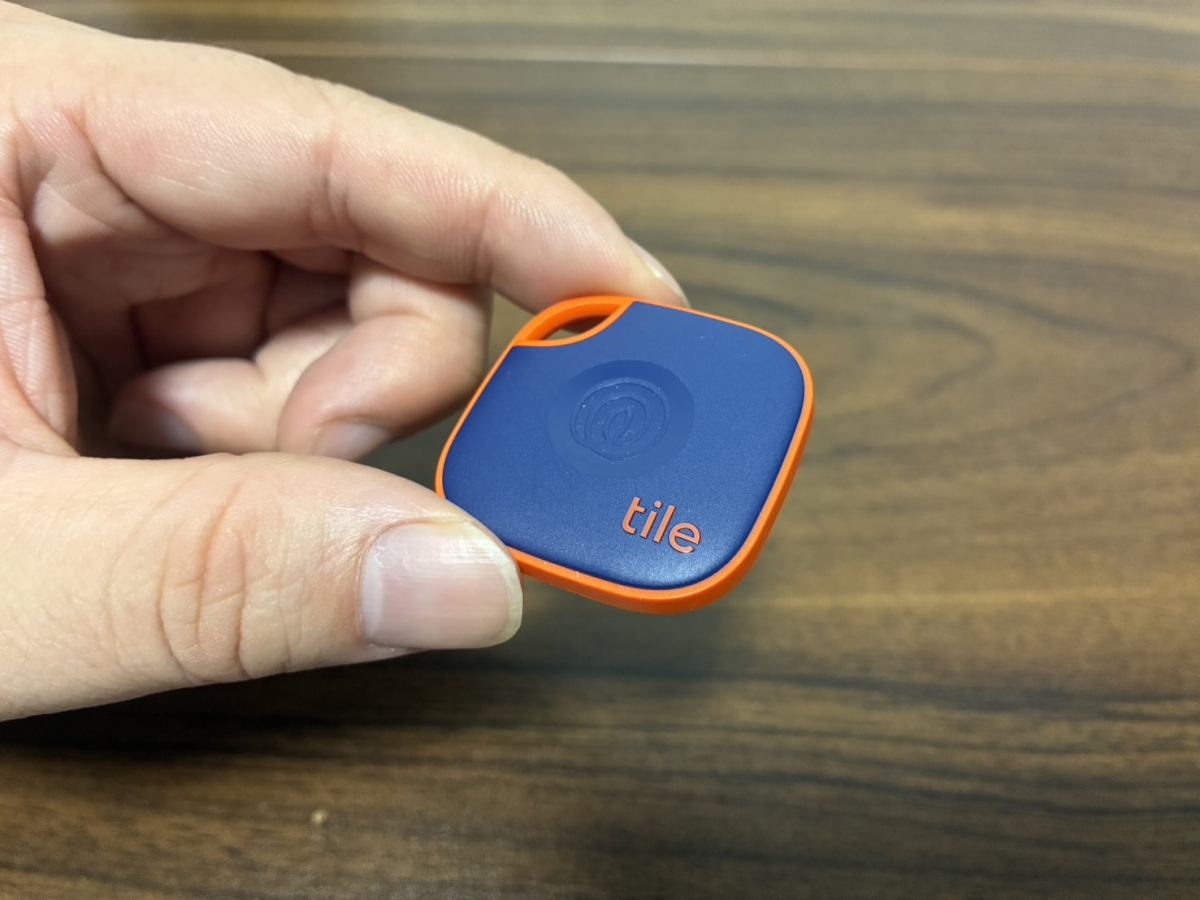
'Mate' is a compact tag-shaped item measuring 37.6mm (height) x 37.6mm (width) x 7.2mm (thickness), making it suitable for attaching to keys, bags, or pouches. The surface looks like this, and the indentation in the center is a button.
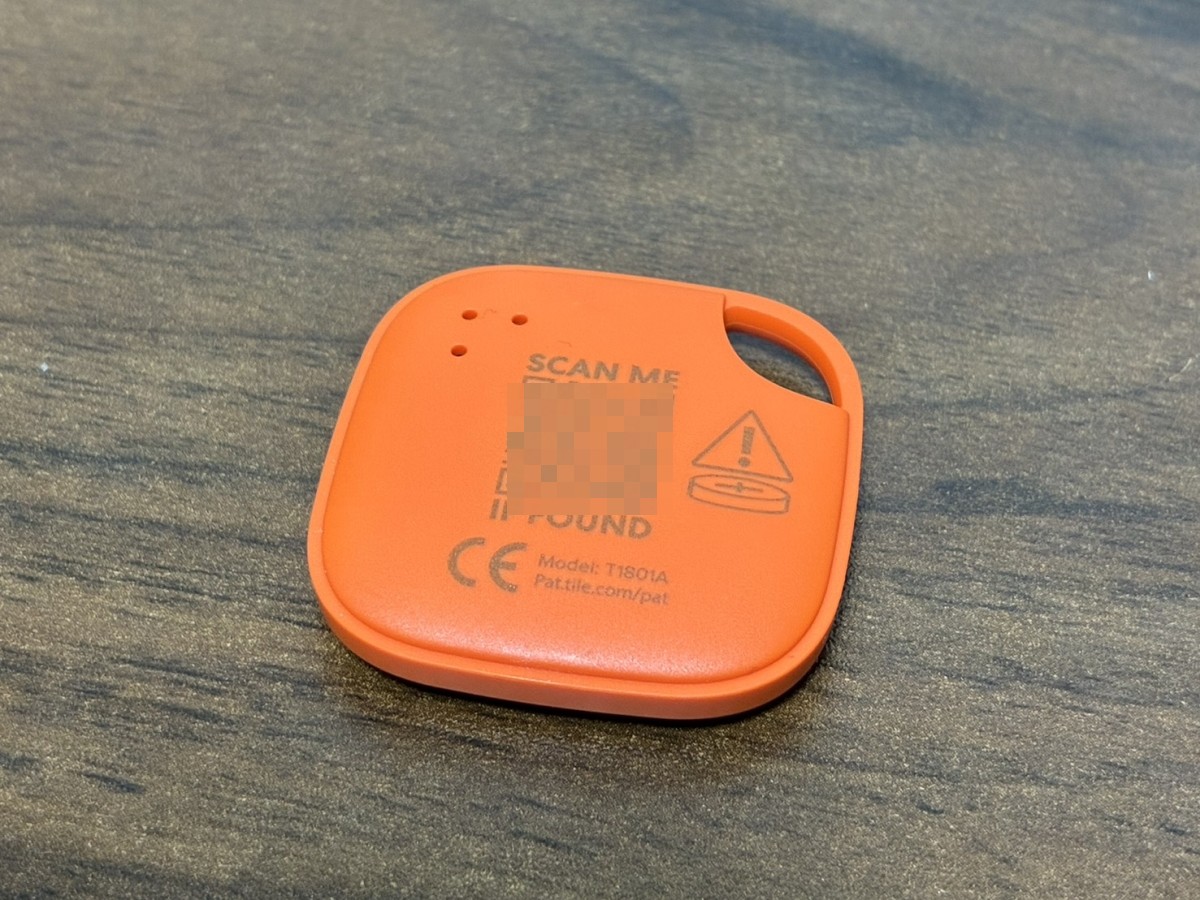
The back of the device has the words 'SCAN ME IF FOUND' and a QR code printed on it. This QR code is for anyone who finds a lost Mate to scan and locate it.
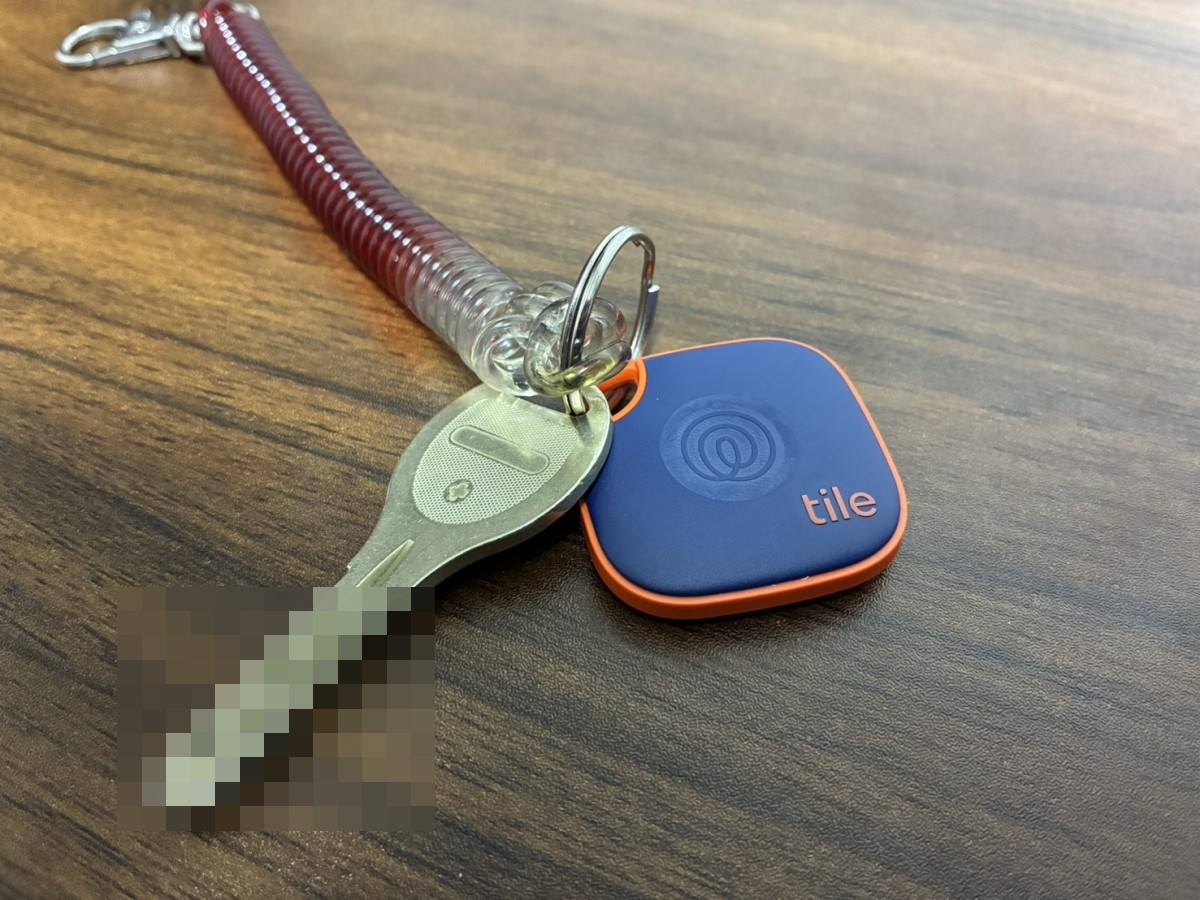
It's small, so you shouldn't even notice it if you attach it to your keys and put it in your pocket.
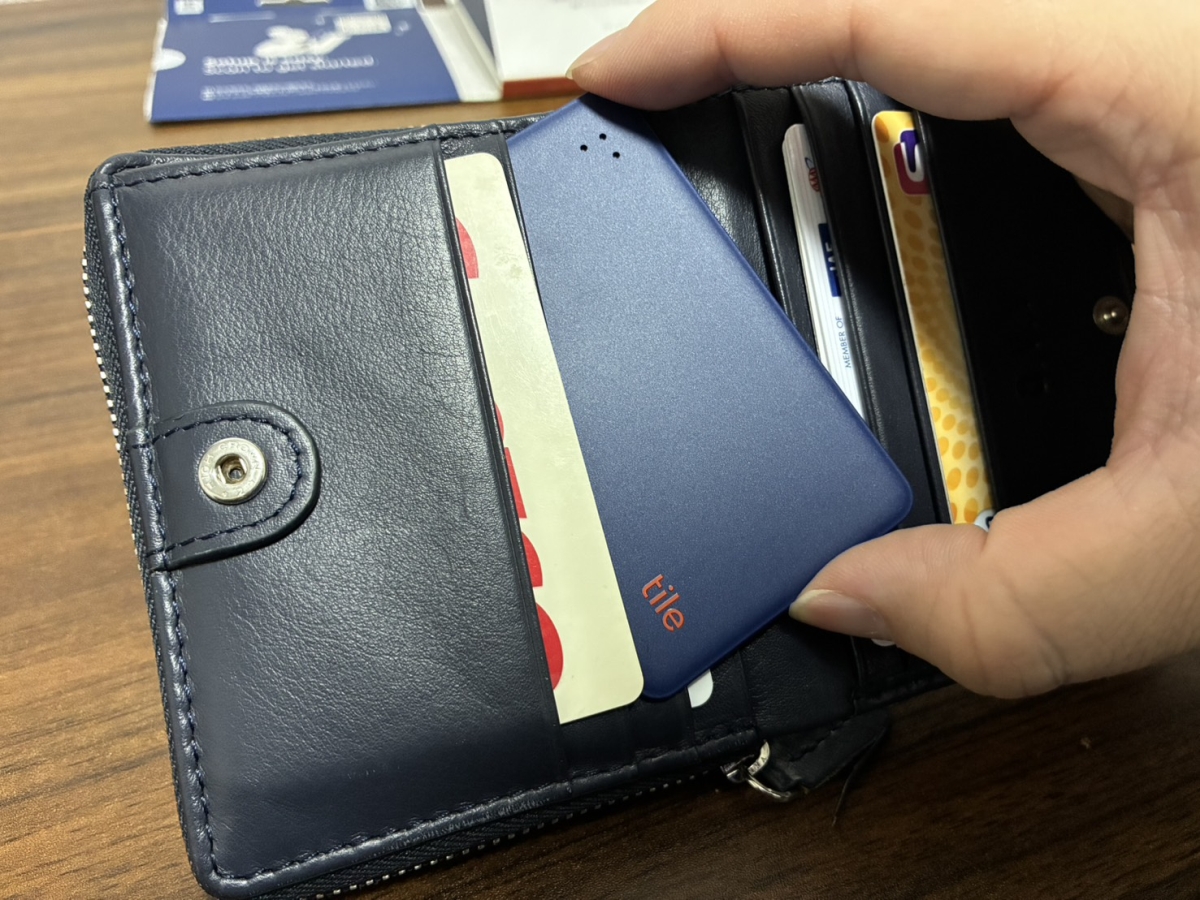
The 'Slim' version, on the other hand, is a card-shaped card measuring 54mm (height) x 85.5mm (width) x 2.5mm (thickness). It has a button on the lower left of the front surface.
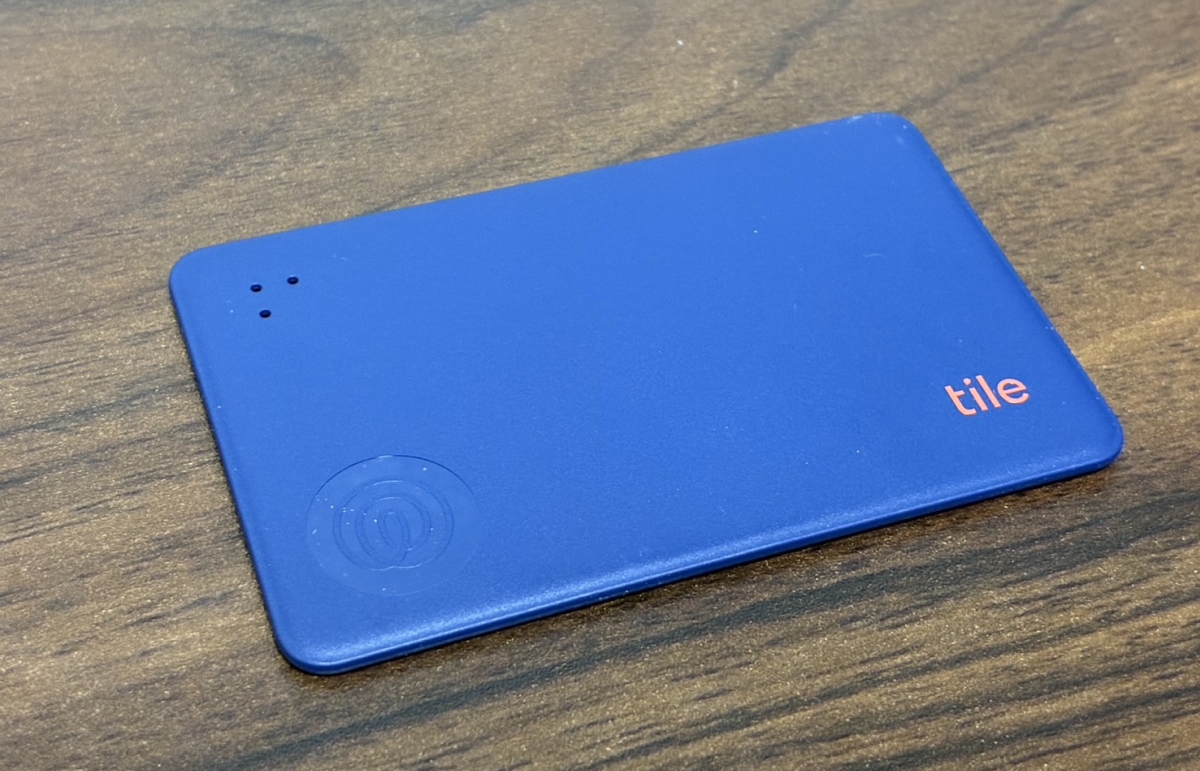
It's the same size as a typical IC card or credit card, and it's slim, making it suitable for putting in a wallet's card slot or a pass case.
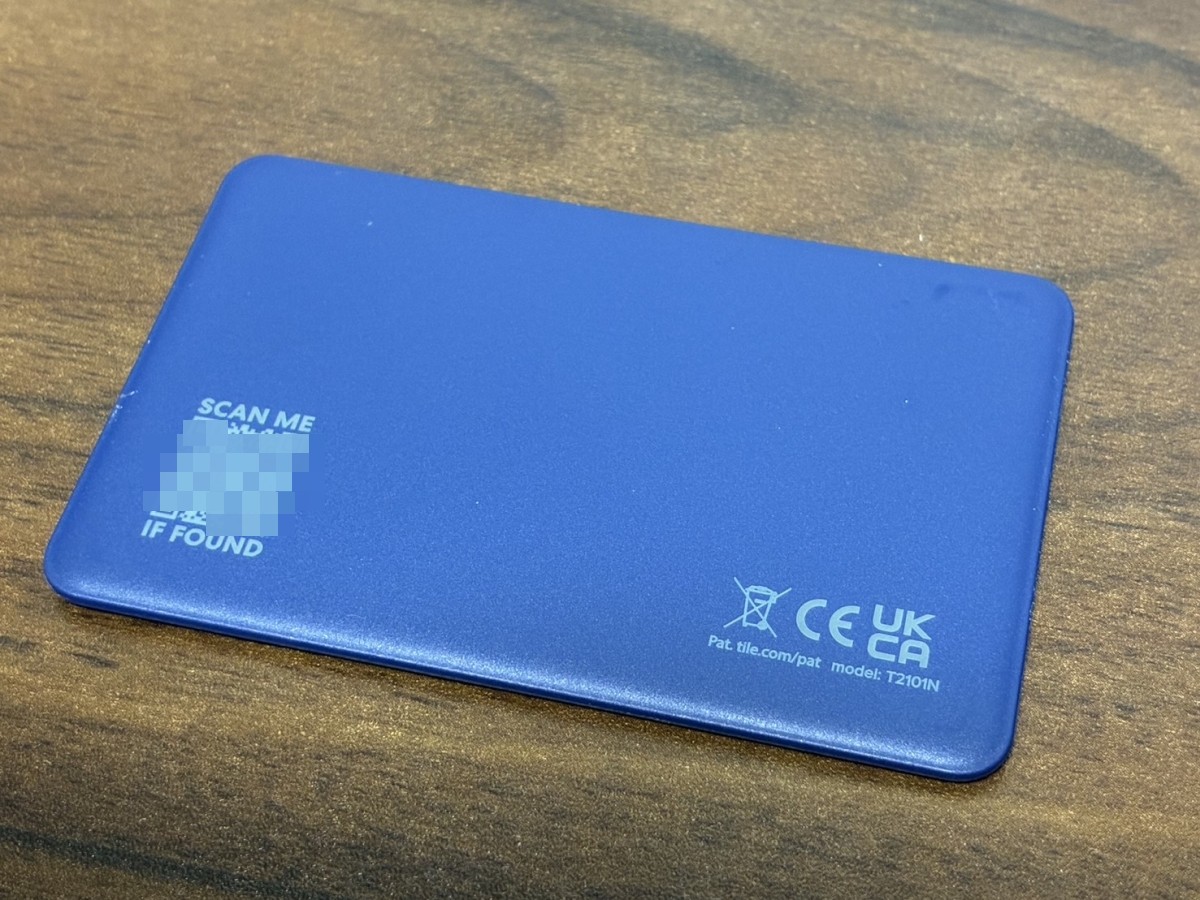
A QR code is also printed on the back of the 'Slim' in case you lose it.
Both models have a battery life of approximately 3 years, a Bluetooth connection range of up to approximately 105 meters, and an
To use Tile, you need to install and set up the Tile app from the App Store or Google Play.
Tile - Find lost keys & phone app - App Store
https://apps.apple.com/jp/app/tile-find-lost-keys-phone/id664939913
Tile - Google Play app
https://play.google.com/store/apps/details?id=com.thetileapp.tile&hl=ja
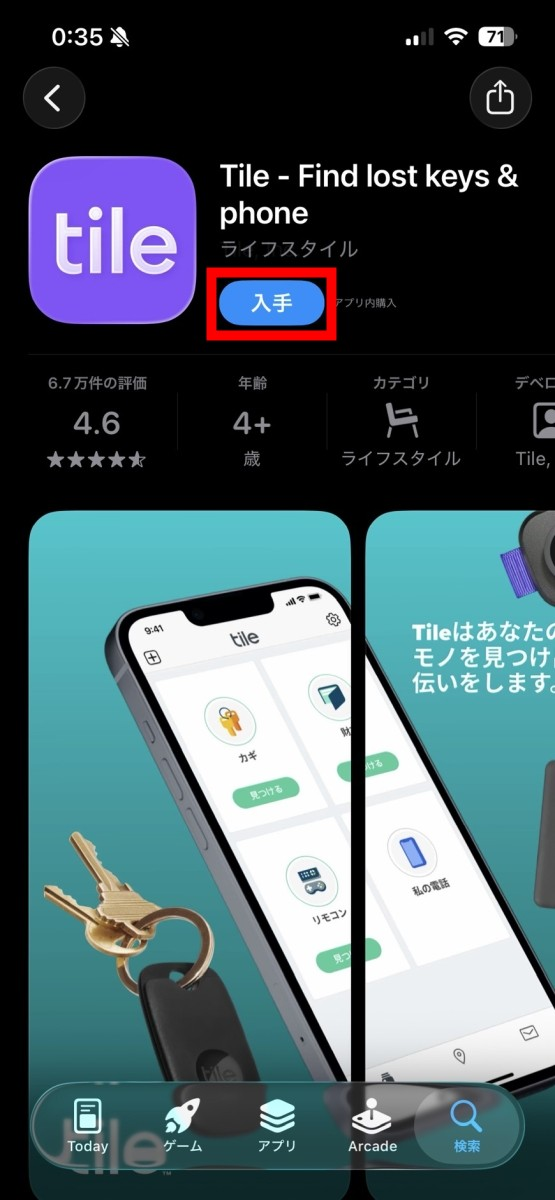
This time, we'll use Tile with an iPhone, so we'll install it from the App Store. Tap 'Get'.
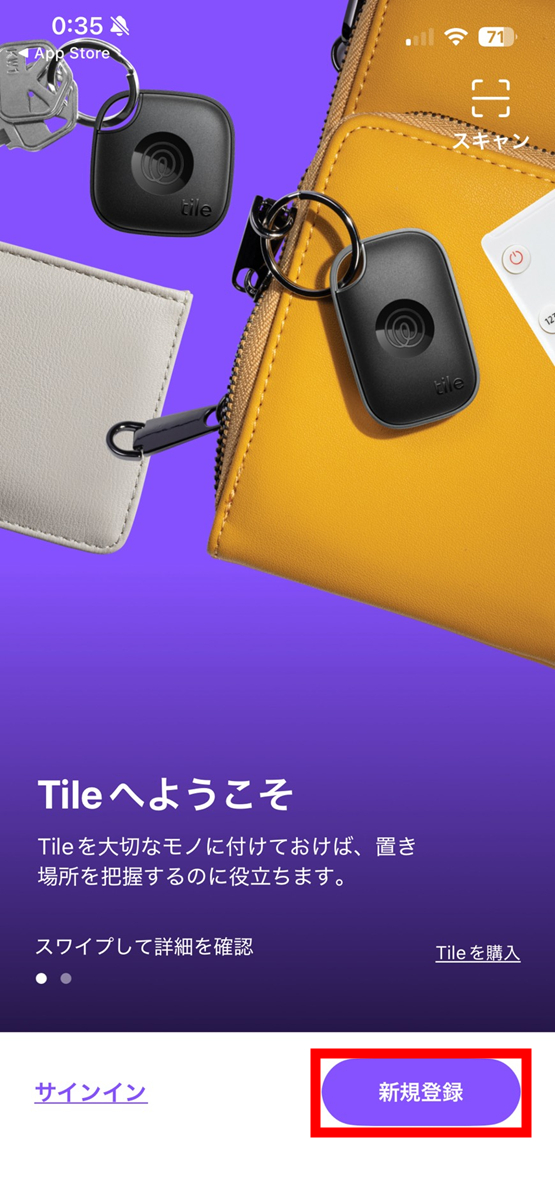
Once the installation is complete and you open the app, you will see the following screen, so tap 'New Registration'.
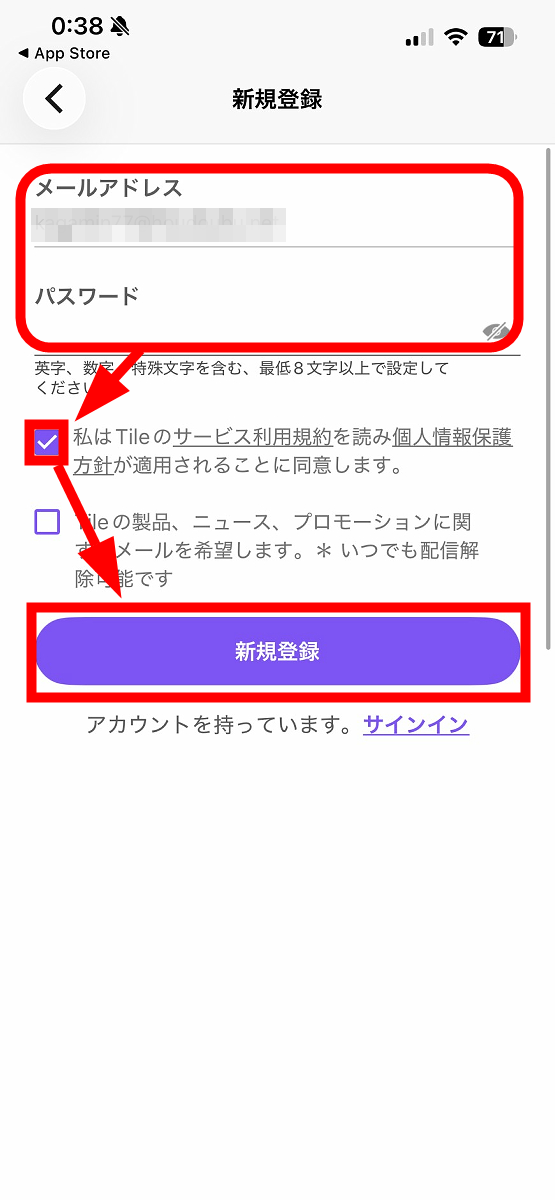
Enter your email address and desired password, check the box that says 'I have read Tile's Terms of Service and agree that the Privacy Policy applies,' and tap 'Register.'
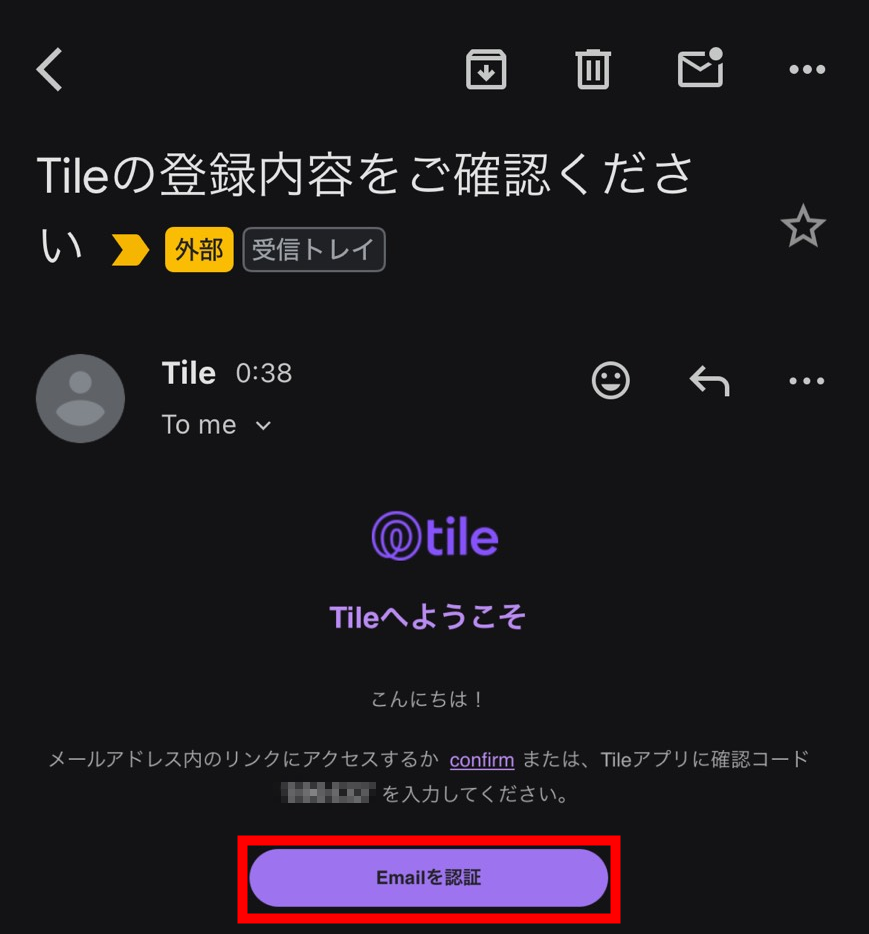
You will receive an email with the subject 'Please verify your Tile registration details' at the email address you entered, so tap 'Verify Email'.
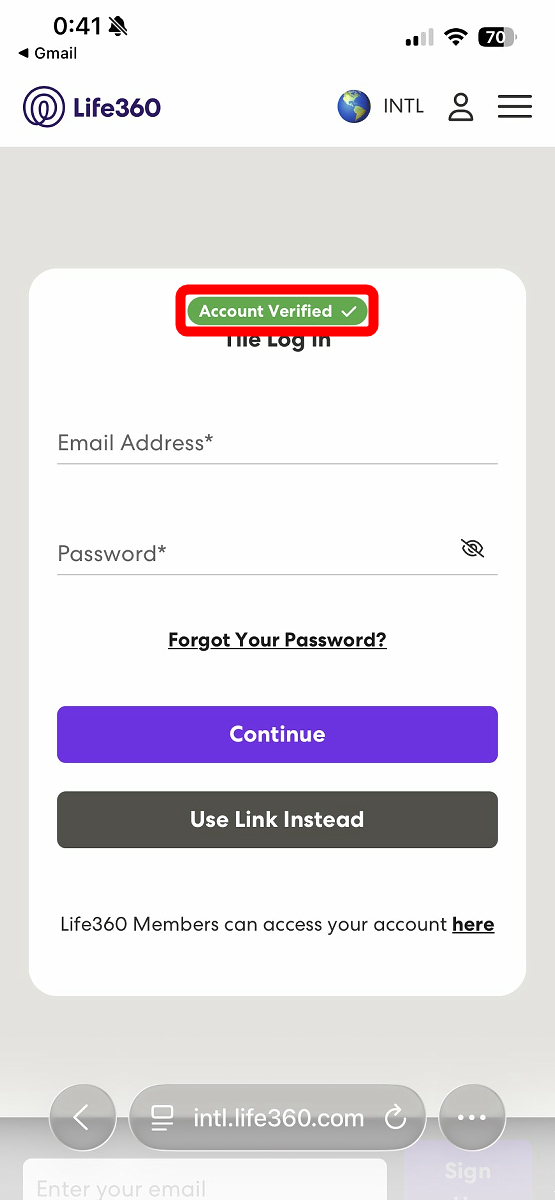
If 'Account Verified' is displayed on the destination page, then it's OK.
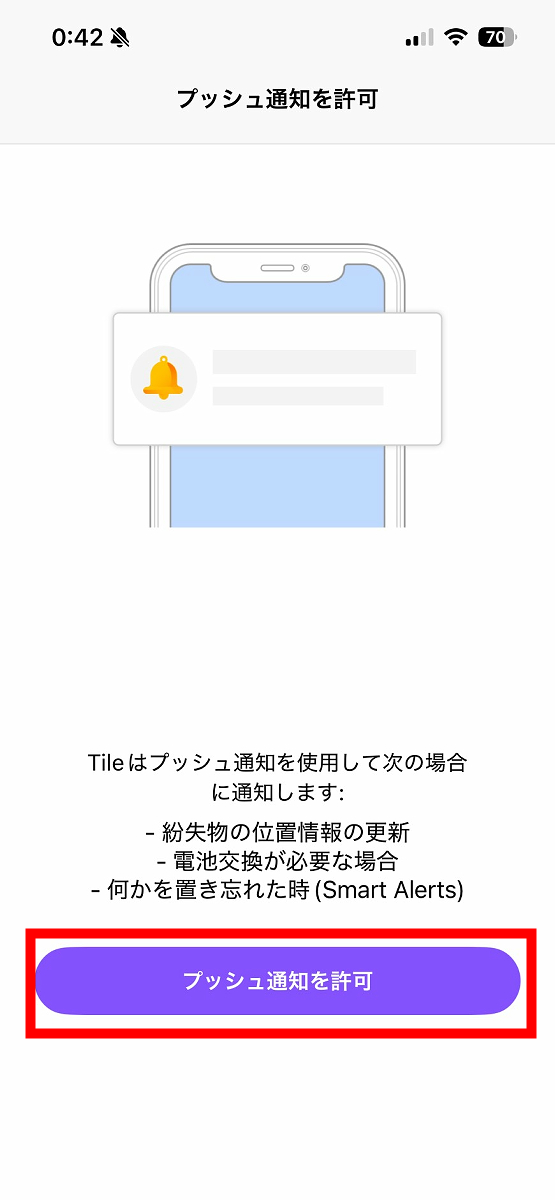
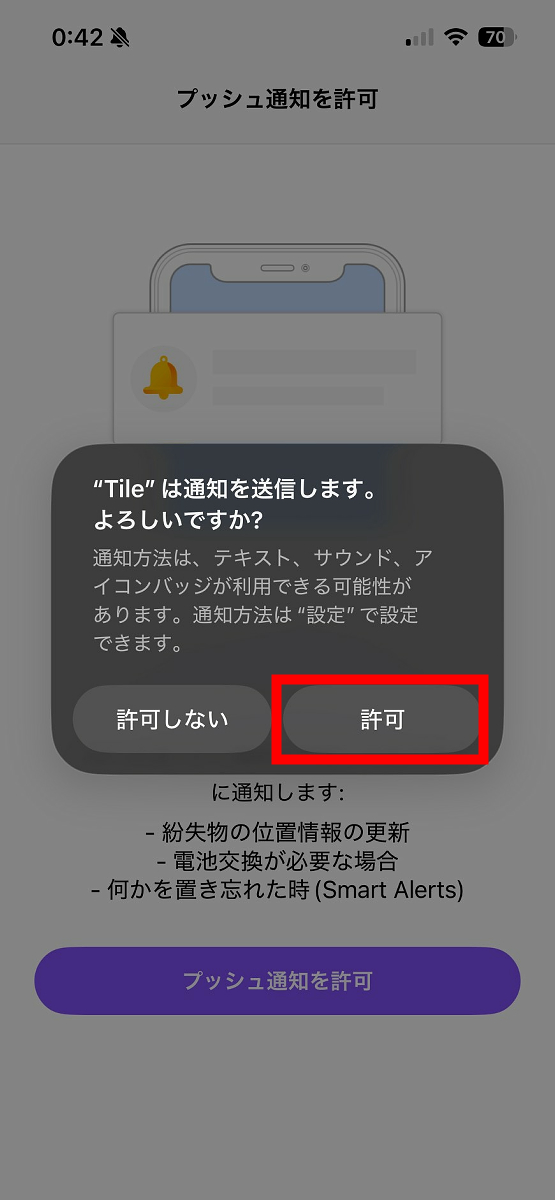
Return to the home screen and reopen the Tile app. A push notification permission screen will appear, so tap 'Allow push notifications'.
Tap 'Allow'.
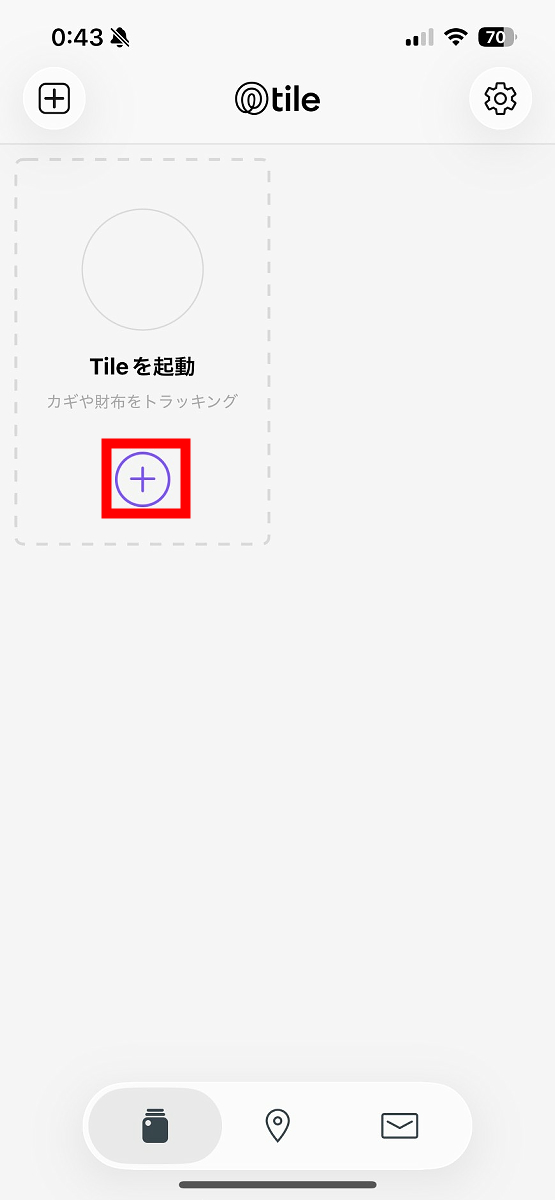
This is the home screen of the Tile app. To register 'Mate' and 'Slim' with the app, tap the '+' below 'Launch Tile'.
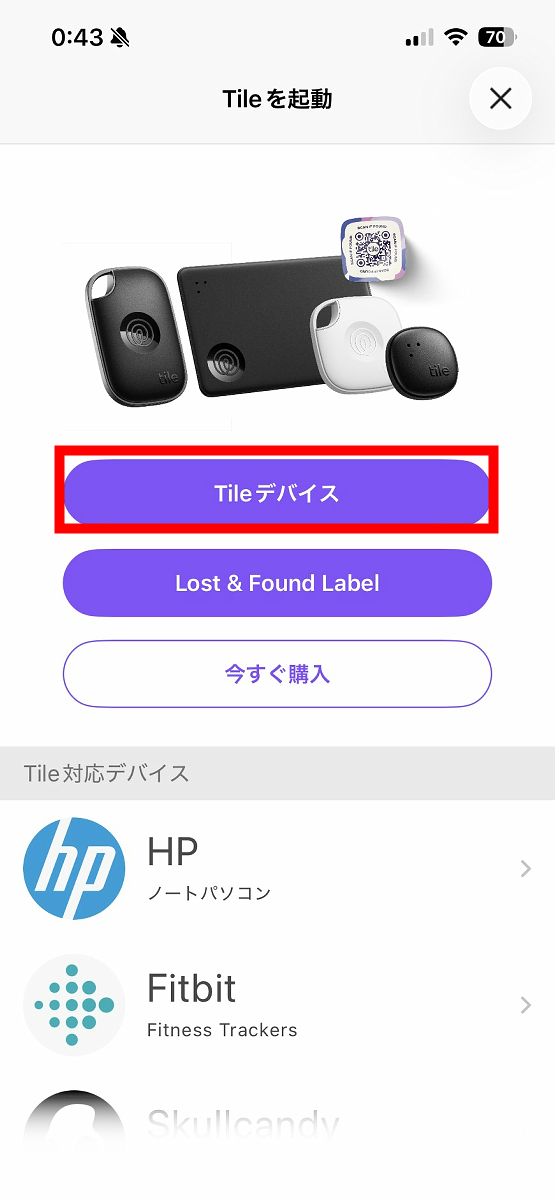
Tap 'Tile device'.
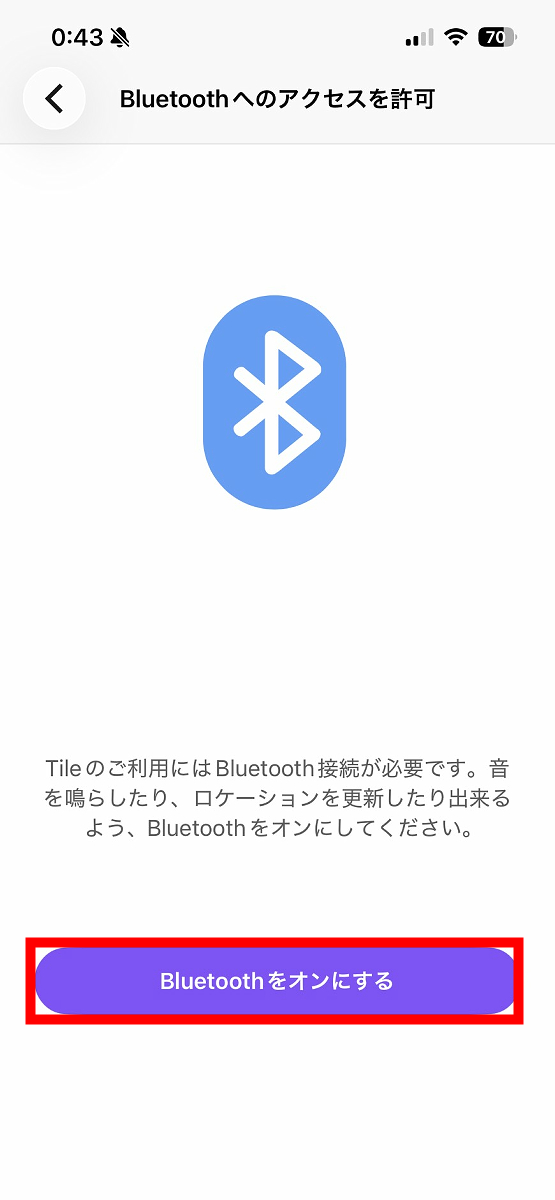
Tap 'Turn on Bluetooth'.
Tap 'Allow'.
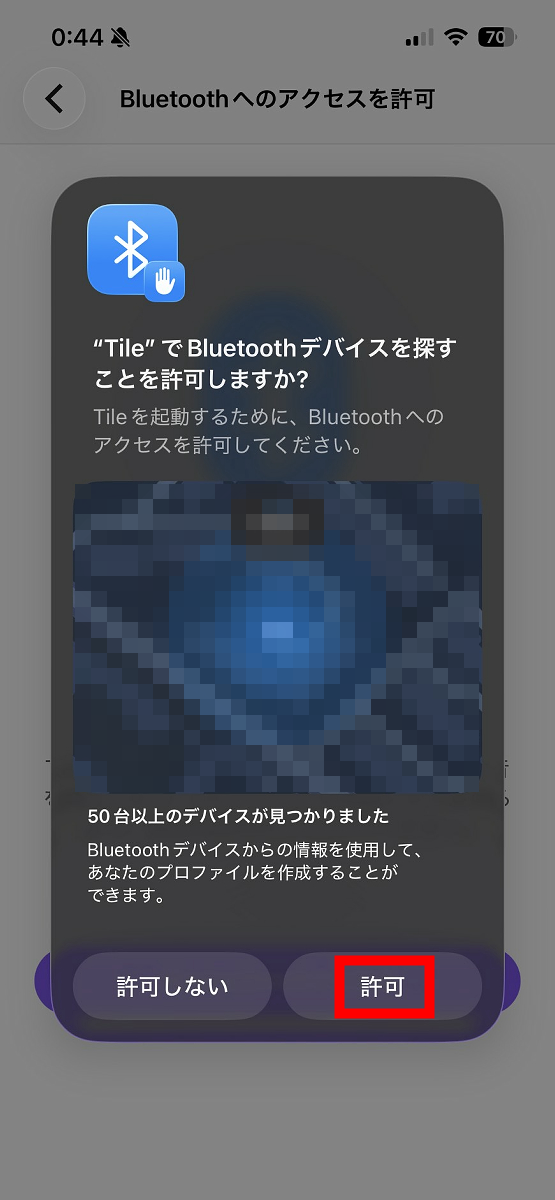
Tap 'Continue'.
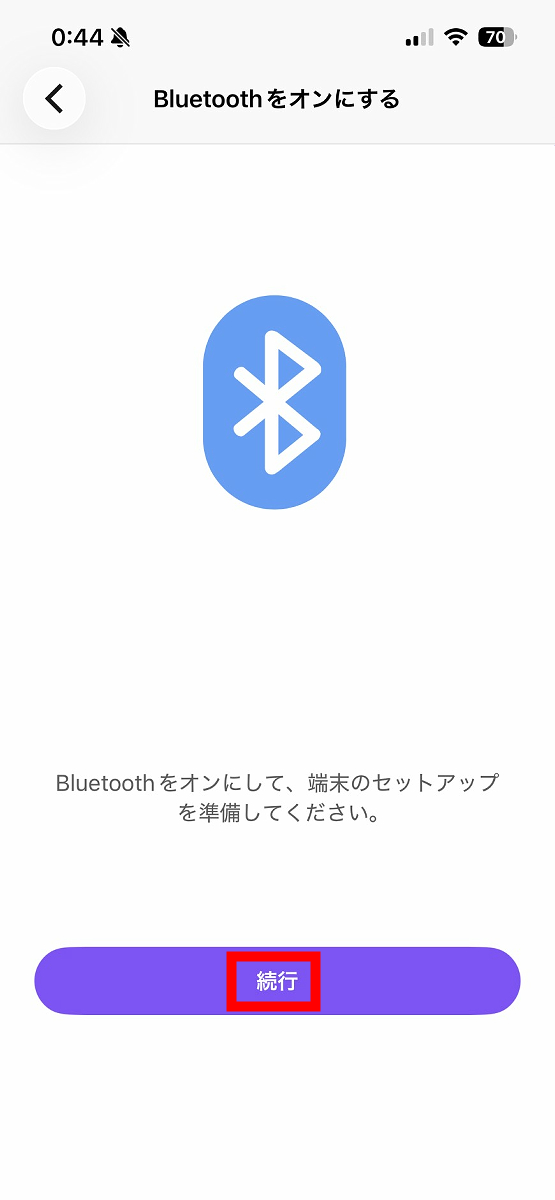
Tap 'Continue'.
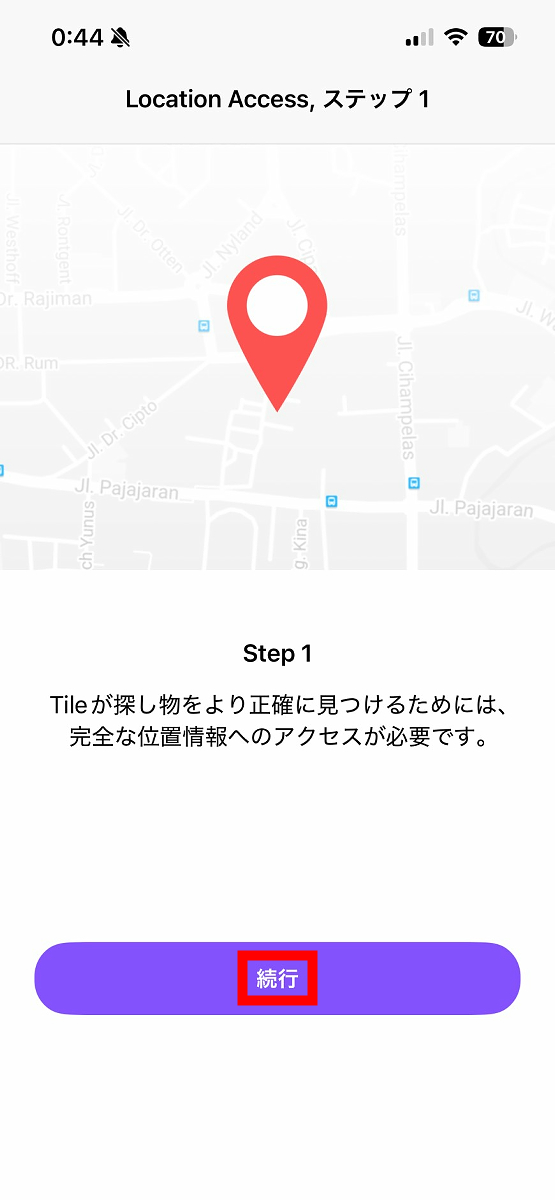
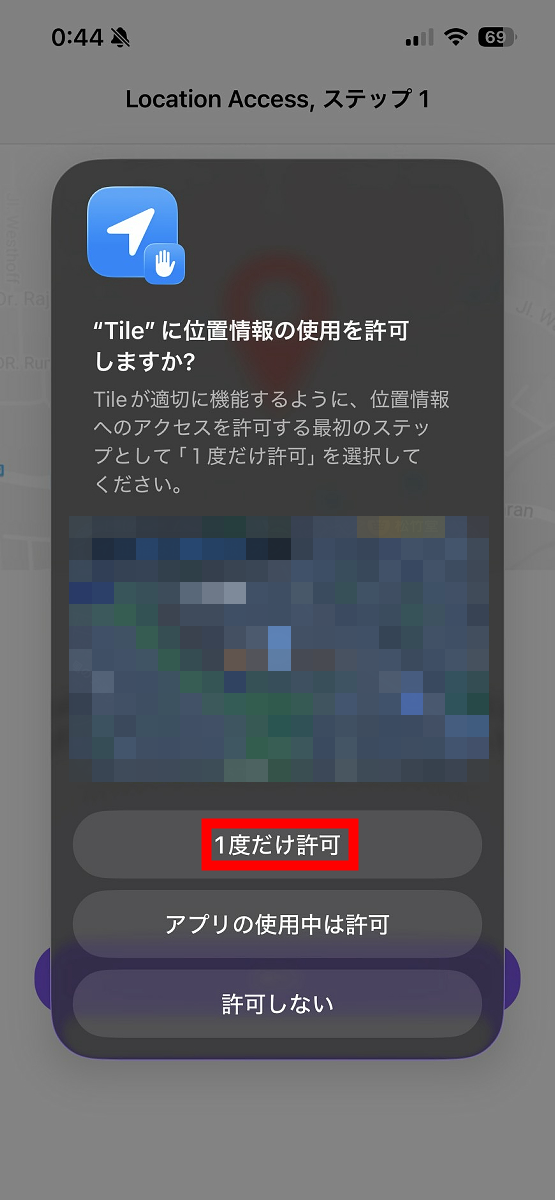
Tap 'Allow once'.
Tap 'Continue'.
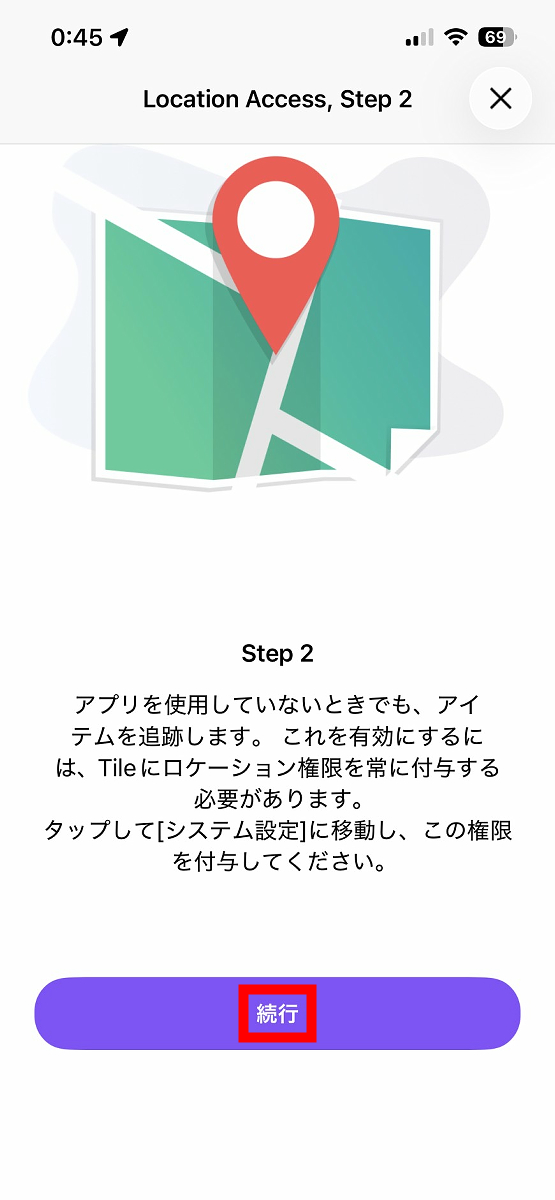
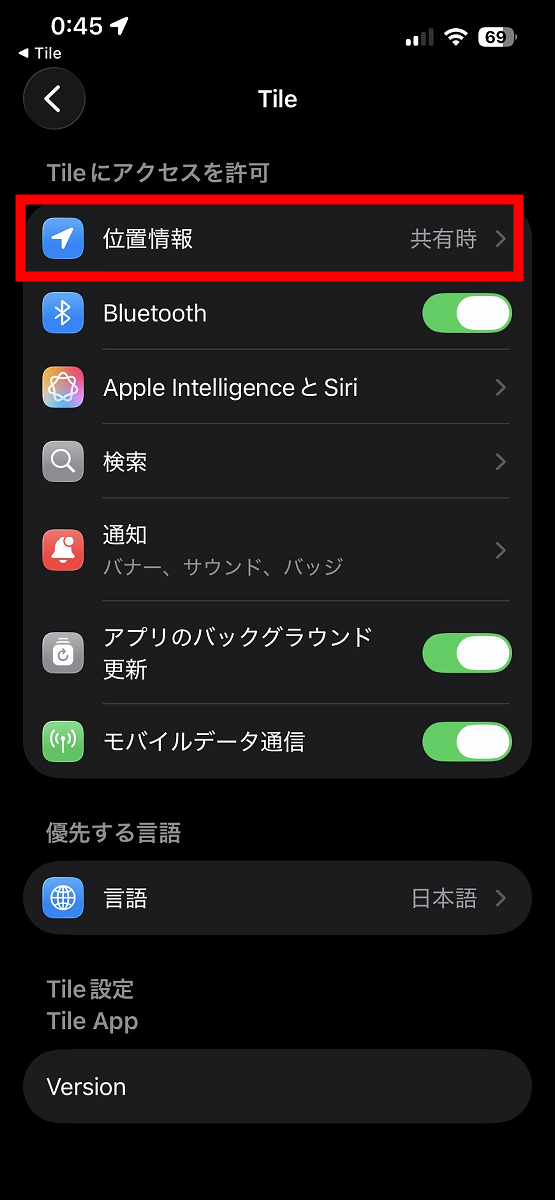
The settings screen will automatically appear, so tap 'Location Information'.
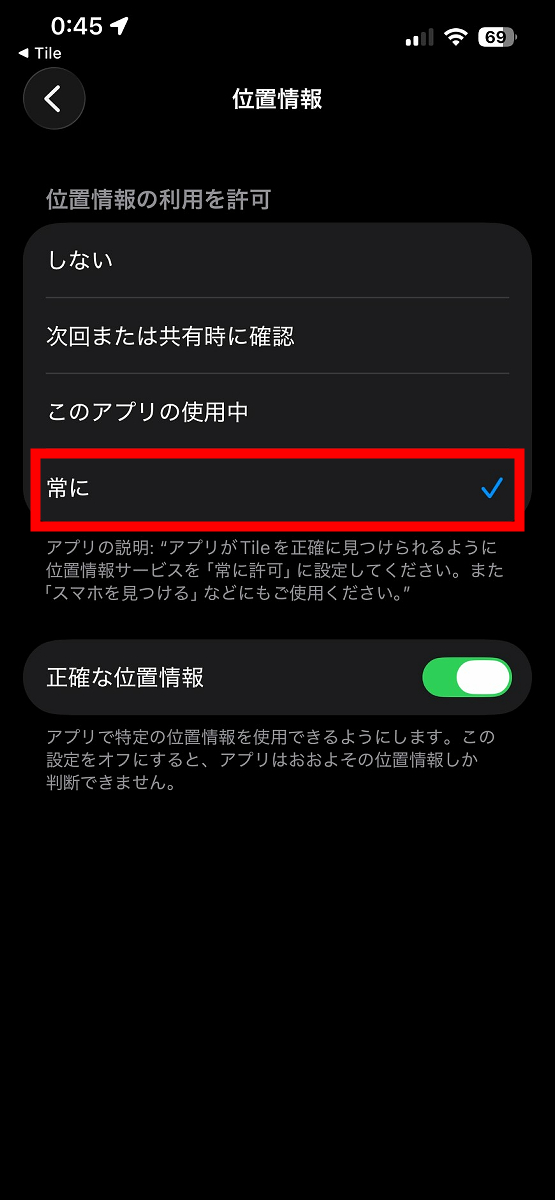
Change the location access permission to 'Always' and close the settings.
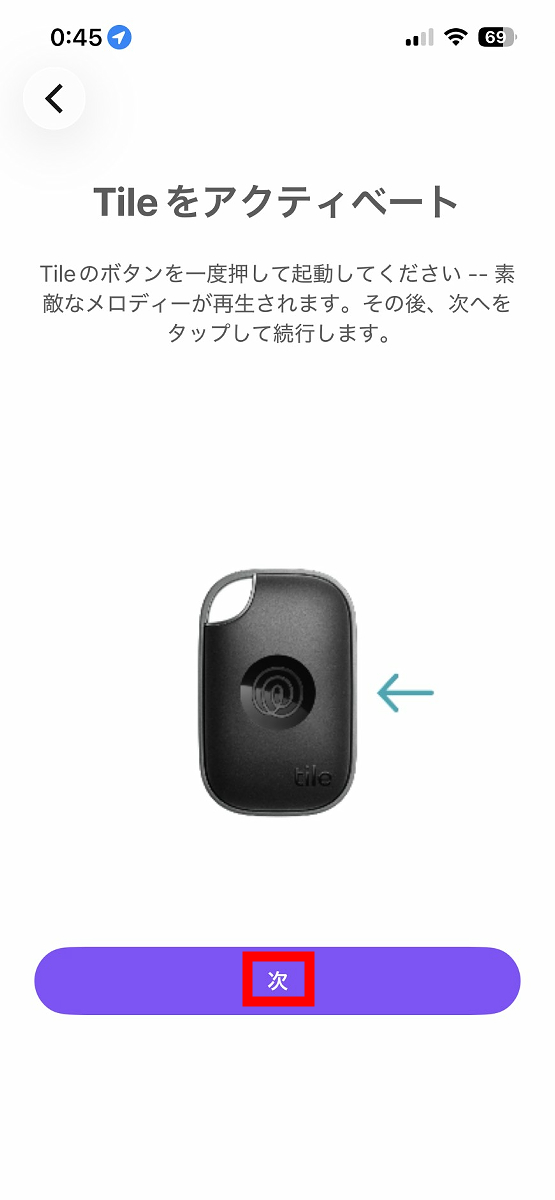
When you open the Tile app again, you will see the following screen. First, to activate it from 'Mate,' follow the on-screen instructions and press the button on the surface of 'Mate' once.
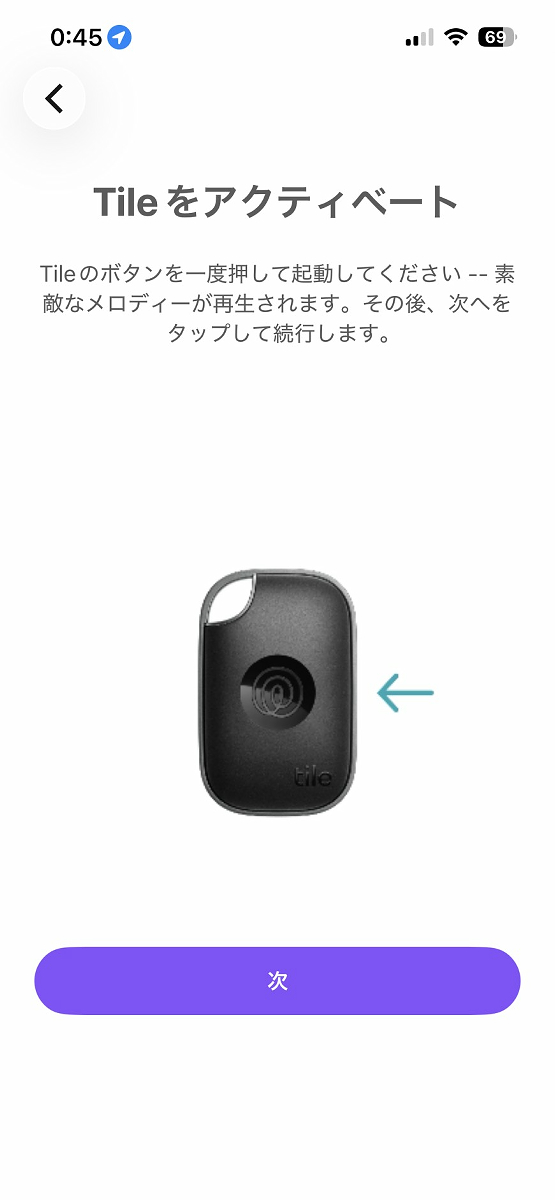
The following video clearly shows how to start up 'Mate'.
Once 'Mate' starts up and music begins to play, tap 'Next'.
Tile detection will start automatically.
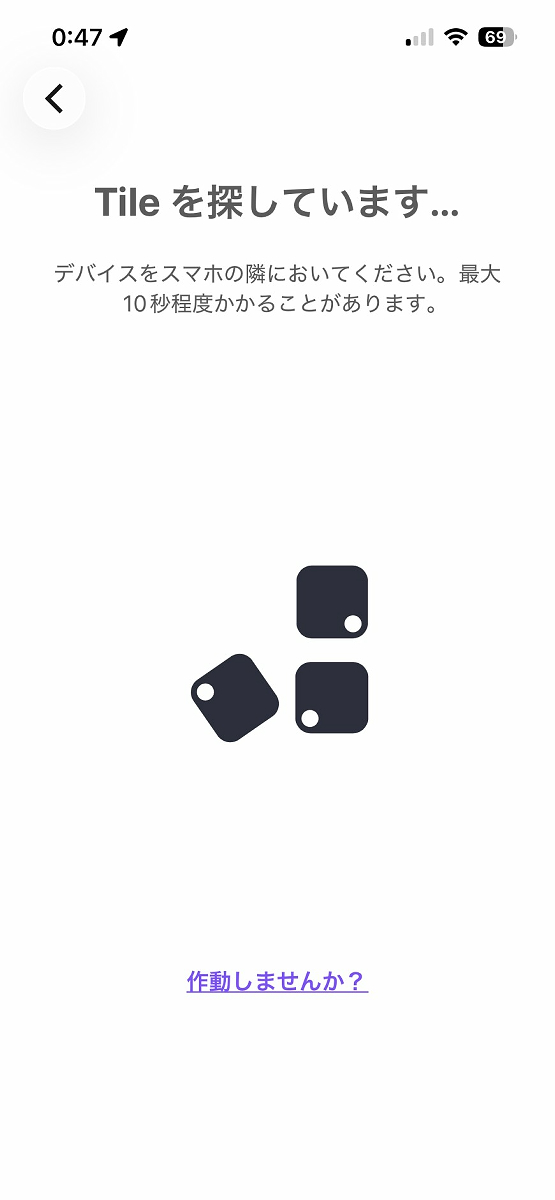
When a Tile is detected, the message 'Activating Tile...' is displayed.

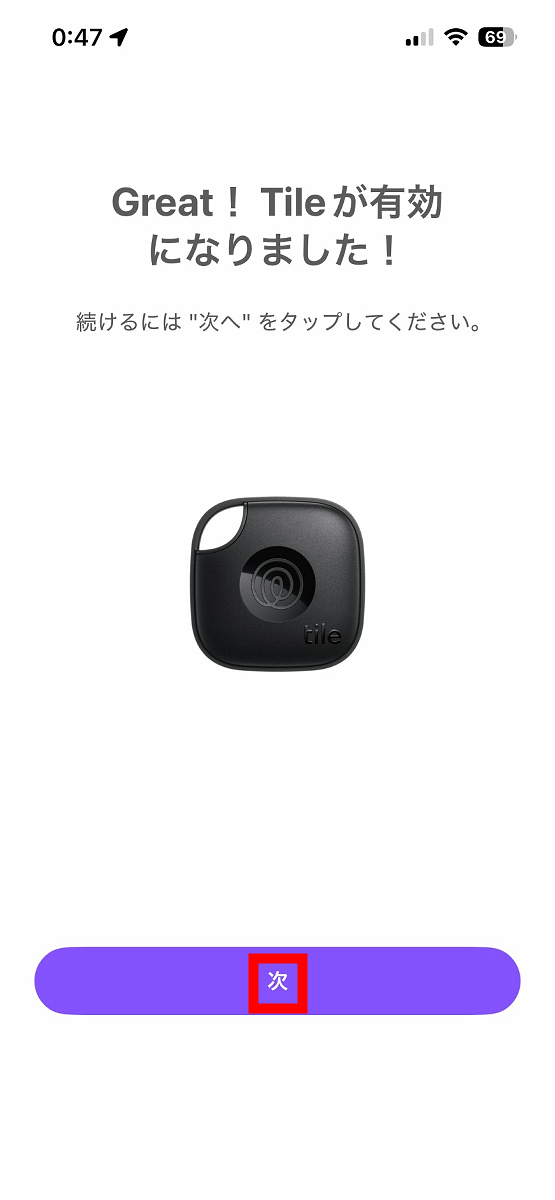
After waiting a while, Tile activation was successful. Tap 'Next'.
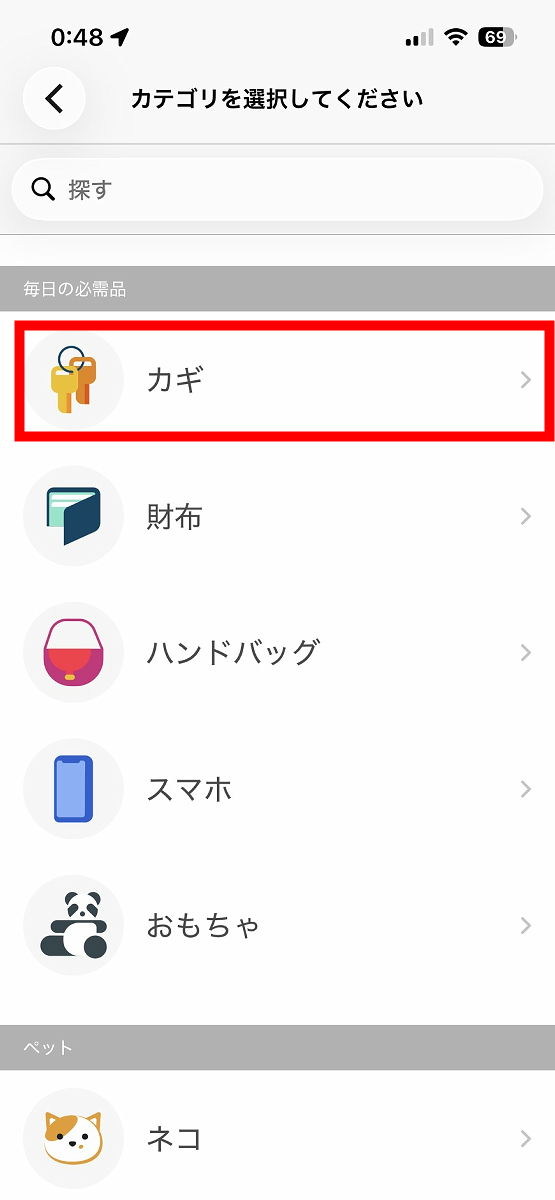
A screen will appear asking you to choose which category to associate 'Mate' with. Select from the following 24 categories.
Key
·wallet
• Handbag
・Smartphone
Toys
Cat
Dog
·car
·bicycle
Backpack
ID badge
Briefcase
Luggage
·passport
・Remote control, controller, etc.
·tablet
• Laptop
·camera
headphones
Health
• Spare key
・court
·umbrella
·others
This time, tap 'Key'.
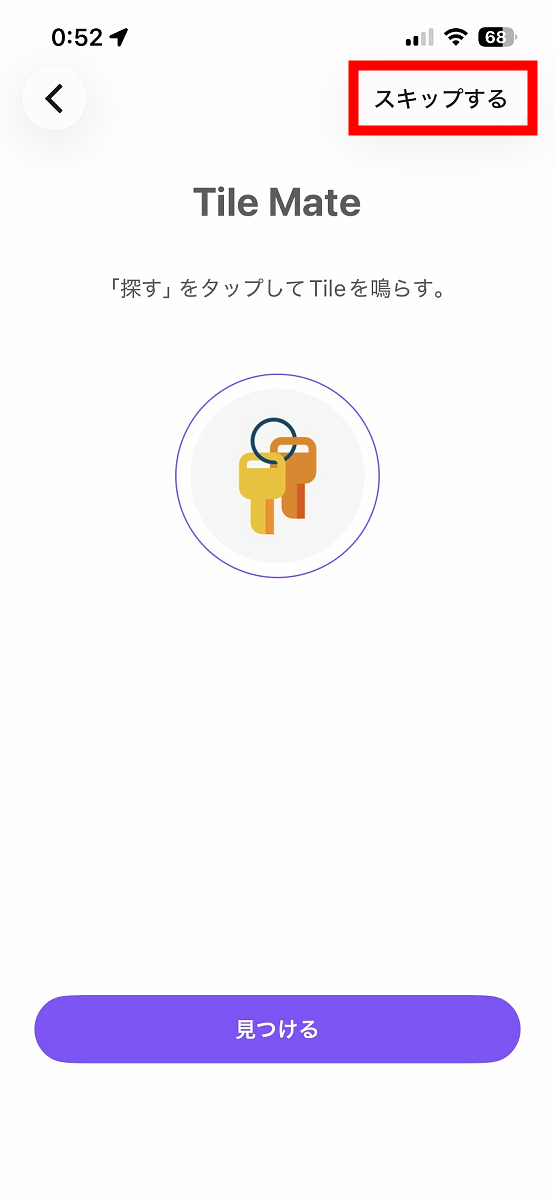
You have now successfully registered 'Mate' as your key. You will see tutorials on how to actually make a sound and introductions to exclusive features unlocked by subscribing to the paid 'Tile Premium' service, but just keep tapping 'Skip' until you see the screen that says 'Tile has been activated!'.
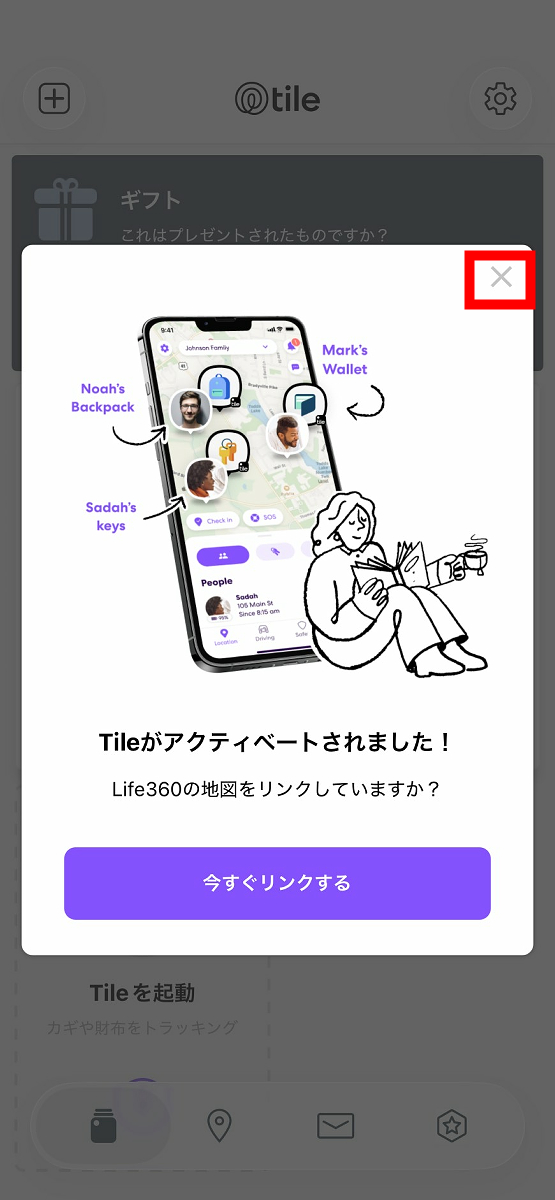
When the screen appears saying 'Tile has been activated! Are you linked to your Life360 map?', tap '✕'.
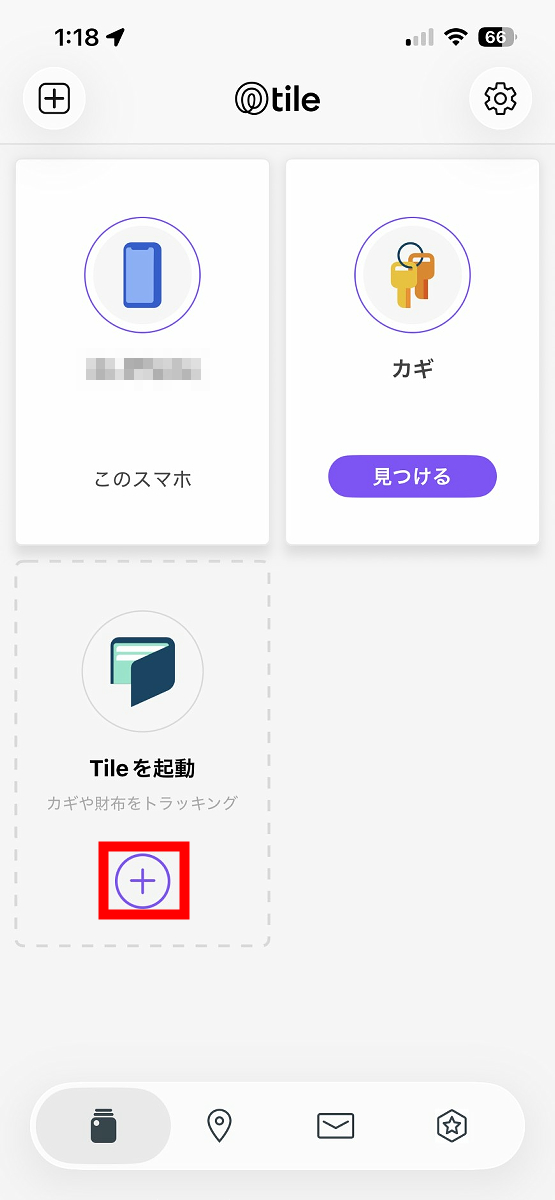
Returning to the Tile app's home screen, you should see your smartphone and the 'key' displayed. Next, tap '+' to register 'Slim'.
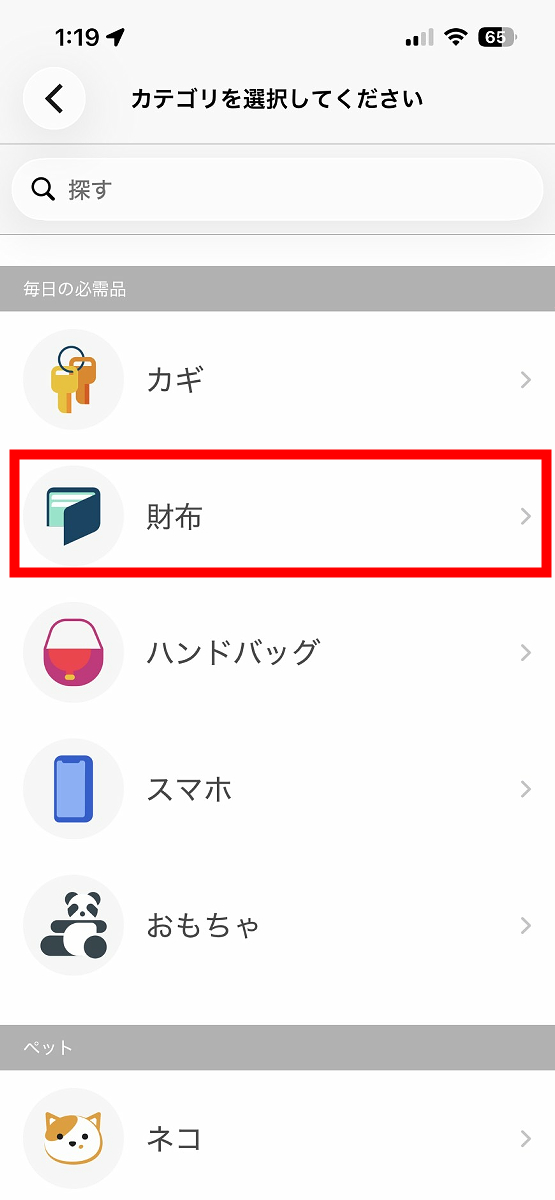
Register using the exact same procedure, but this time select the 'Wallet' category.
If 'Wallet' appears on the home screen of the Tile app, then it's OK.
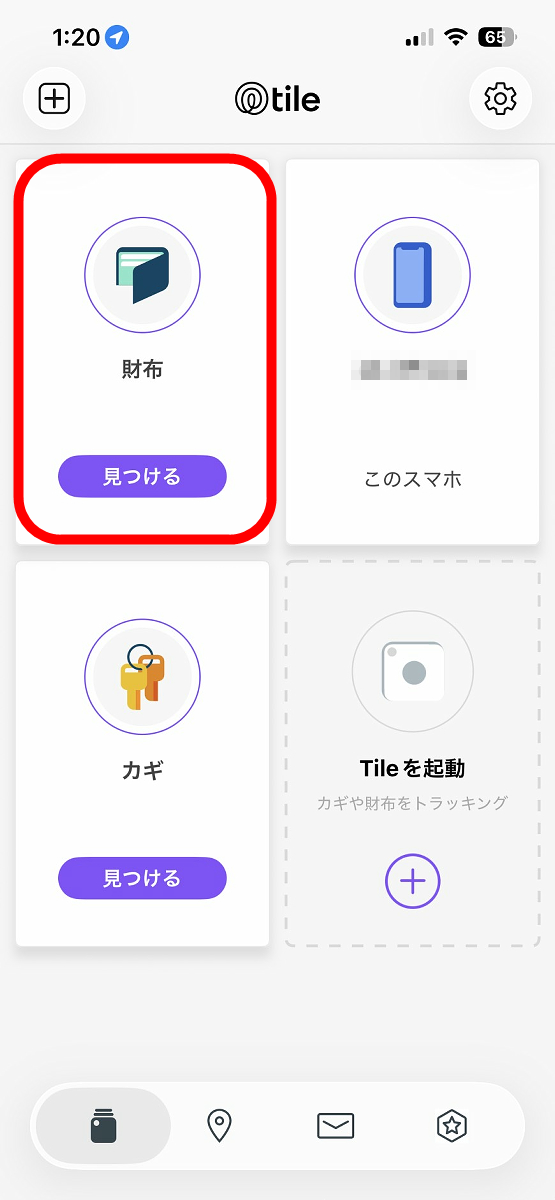
Tile's initial setup involves a few steps, but once it's set up, it's very simple to use. For example, if you misplace your keys, simply tap 'Find' below the keys.
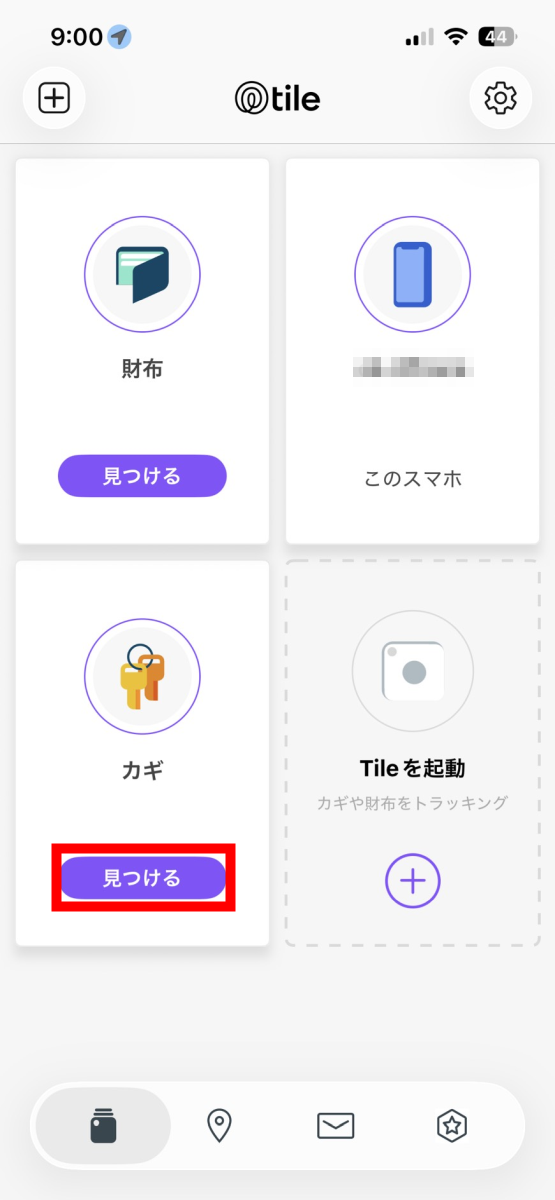
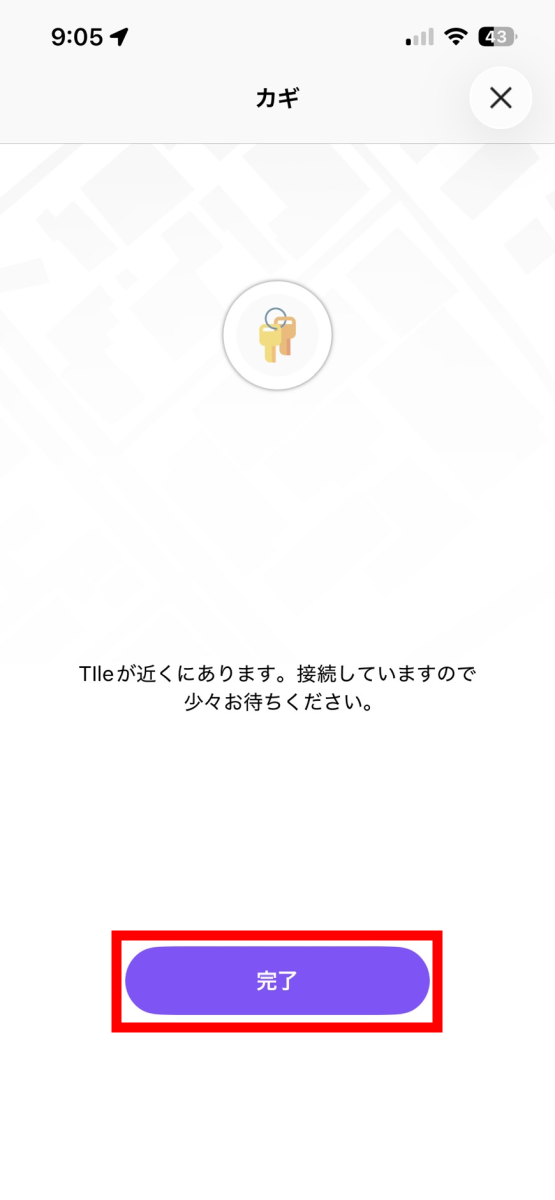
If your keys are within Bluetooth range of your smartphone, the 'Mate' device attached to your keys will automatically connect via Bluetooth, and a notification sound will play from the 'Mate.' You can then follow the sound to find your keys. Once you've successfully found them, tap 'Done' to stop the notification sound.
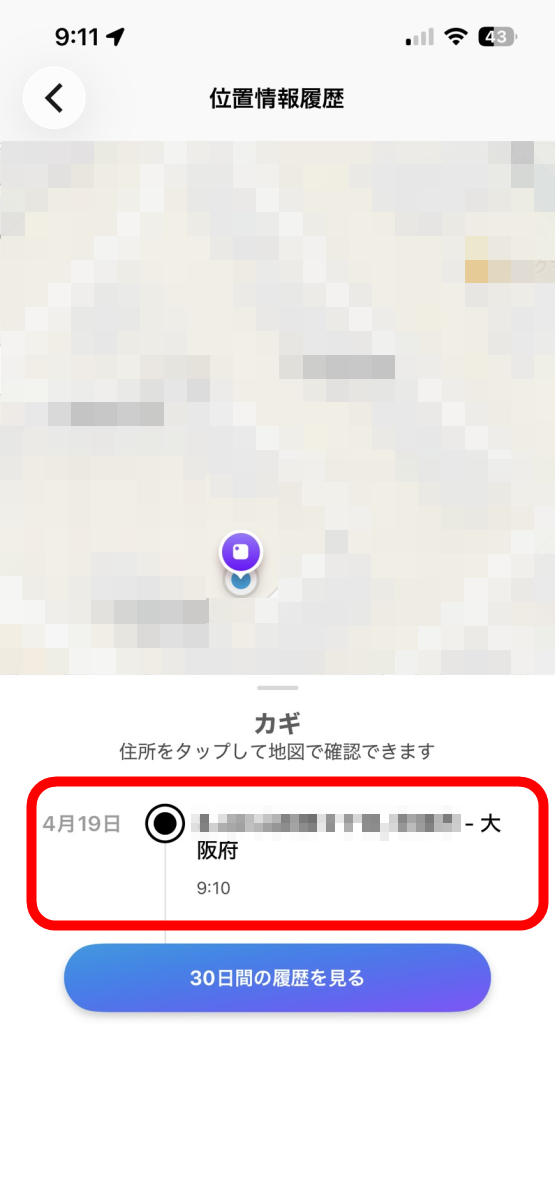
Furthermore, even if your keys have gone somewhere outside of Bluetooth range, the app can display the last location where they were connected via Bluetooth on a map, providing a clue if you don't know where you dropped them.
Furthermore, Tile is compatible with the 'Tile Network,' which consists of Tile and Life360 users worldwide. When another user passes near a lost Tile, its location information is notified to the owner's app. Therefore, even if an important item with a Tile attached is outside the Bluetooth range of your smartphone and you can't find it by searching near the last place it was connected, there is still a chance it can be found.
Additionally, pressing the 'Mate' or 'Slim' button twice in quick succession will make your smartphone emit a sound, providing peace of mind in case you can't find your phone! Even if you lose two of your three items—smartphone, wallet, and keys—if you have at least one of them, you can first find your smartphone, and once you find it, you can use the Tile app to locate the remaining item. When I tested it on an iPhone 17e, the notification sound played clearly even with silent mode turned on.
However, according to official support, some models do not produce sound in silent mode, and sound will not be produced when sleep mode is turned on.
While Tile offers plenty of convenient features even in its free version, subscribing to the paid 'Tile Premium' service unlocks features such as 'Smart Alerts,' which notifies your smartphone if you leave your Tile behind; 'Unlimited Sharing,' which allows you to share a single Tile with an unlimited number of people; and 'Location History,' which lets you review the locations where your Tile was detected in the past 30 days. Furthermore, the standard one-year warranty is extended to three years.
The 'Tile Starter Pack' has a few steps to set up initially, but once it's ready to use, its appeal lies in its simple and easy-to-understand process: 'make a sound to find it,' 'check the last connected location on a map,' and 'as a last resort, wait for a notification from the Tile network.' Since it comes as a set with 'Mate' for keys and 'Slim' for wallets, it's a recommended product for people who often 'leave things behind without realizing it' or 'whose things 'get lost because their children take them somewhere without them realizing it.'
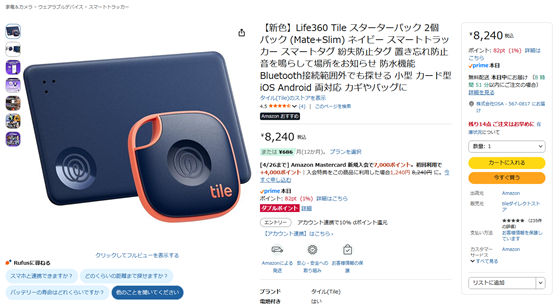
The suggested retail price for the 'Tile Starter Pack' is 8,240 yen (tax included), and at the time of writing, it is also available for purchase on Amazon.co.jp for the same price.
Amazon.co.jp: [New Color] Life360 Tile Starter Pack 2-Pack (Mate+Slim) Navy Smart Tracker Smart Tag Anti-Loss Tag Prevents Misplacement Sounds to Locate Waterproof Bluetooth Range Compatible Small Card-Shaped iOS Android Compatible Attaches to Keys and Bags: Electronics & Camera
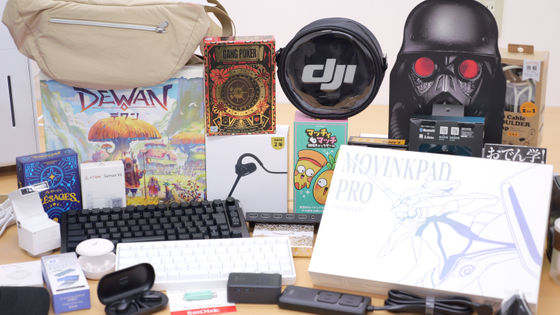
You can also get the 'Tile Starter Pack' through the following giveaway article. The application period ends at 11:59 PM on April 19, 2026.
GIGAZINE's Spring Giveaway Project: 'Answer the survey and take everything!' - GIGAZINE
Related Posts:
in Hardware, Smartphone, Review, Posted by log1b_ok