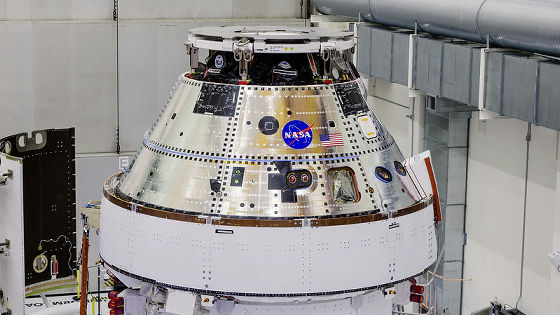
A compilation of trackers showing the real-time location of the Artemis II Orion spacecraft, which is aiming for the moon for the first time in about 50 years.
by
The National Aeronautics and Space Administration (NASA) is carrying out the Artemis II mission, which will send humans into lunar orbit for the first time in about half a century, and the manned spacecraft Orion was successfully launched on April 1, 2026. Orion is scheduled to enter lunar orbit in about four days, perform a flyby , and return to Earth 10 days after launch. Various trackers showing Orion's current position in real time have been made public, so we took a look at what each of them does.
Artemis II Mission Dashboard
https://artemis-ii-tracker.com/
Artemis II Mission Tracker | Live Orion 3D Timeline – Track humanity's next crewed journey around the Moon in real time.
https://artemistracker.com/
Artemis II Live Tracker — Real-Time NASA Mission Telemetry | artemislivetracker.com
https://artemislivetracker.com/
NASA: Artemis II
https://www.nasa.gov/missions/artemis-ii/arow/
This is what it looks like when you open the ' Artemis II Mission Dashboard '.
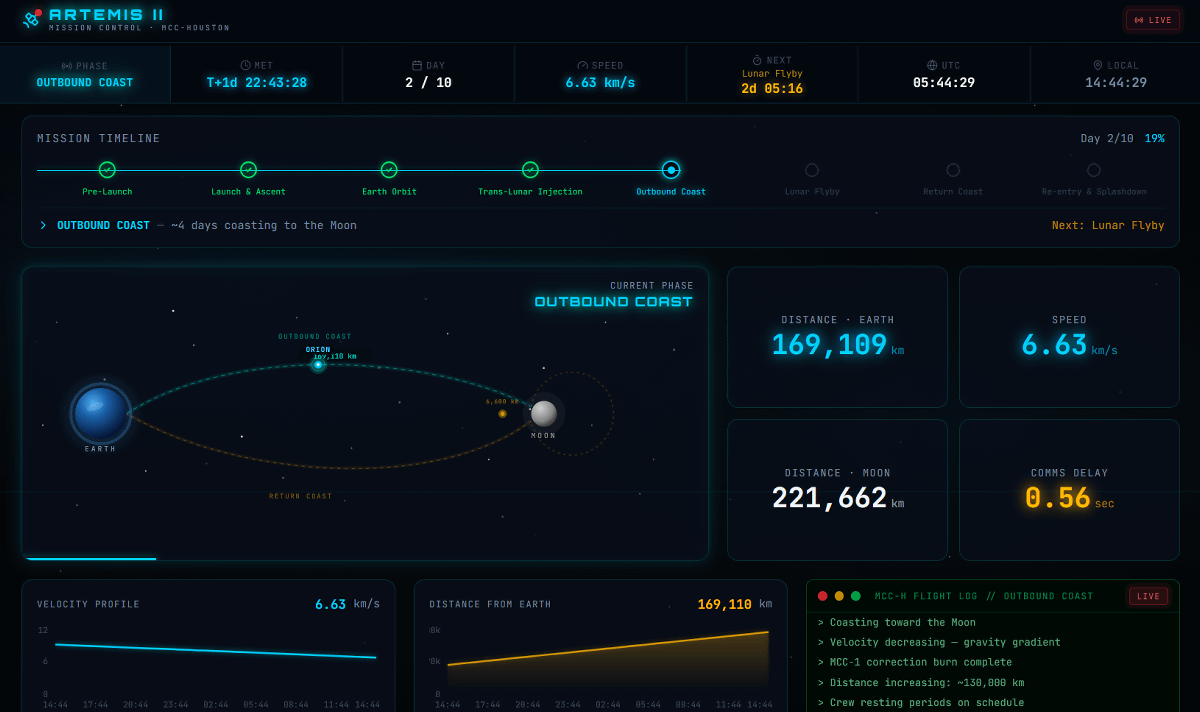
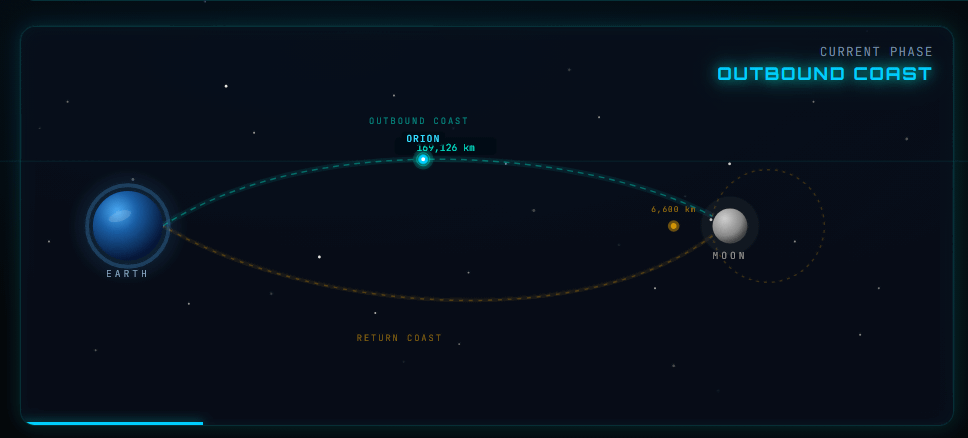
On the left side of the screen, a diagram shows Orion's current position relative to the positions of the Earth and Moon.
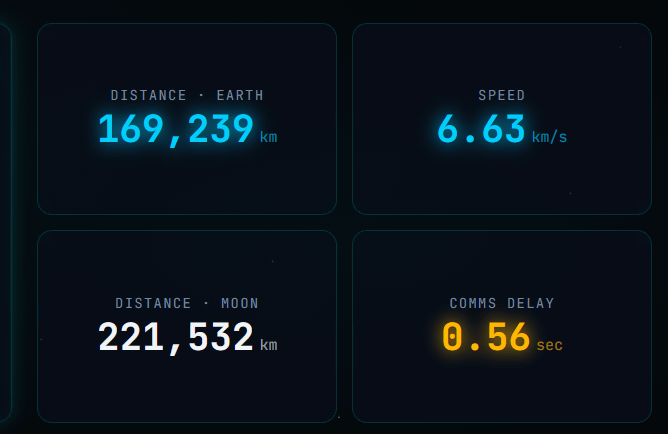
On the right side, you can see the distance and speed between Earth and Orion, the distance to the Moon, and the latency of the communication speed.
Next, when I opened '
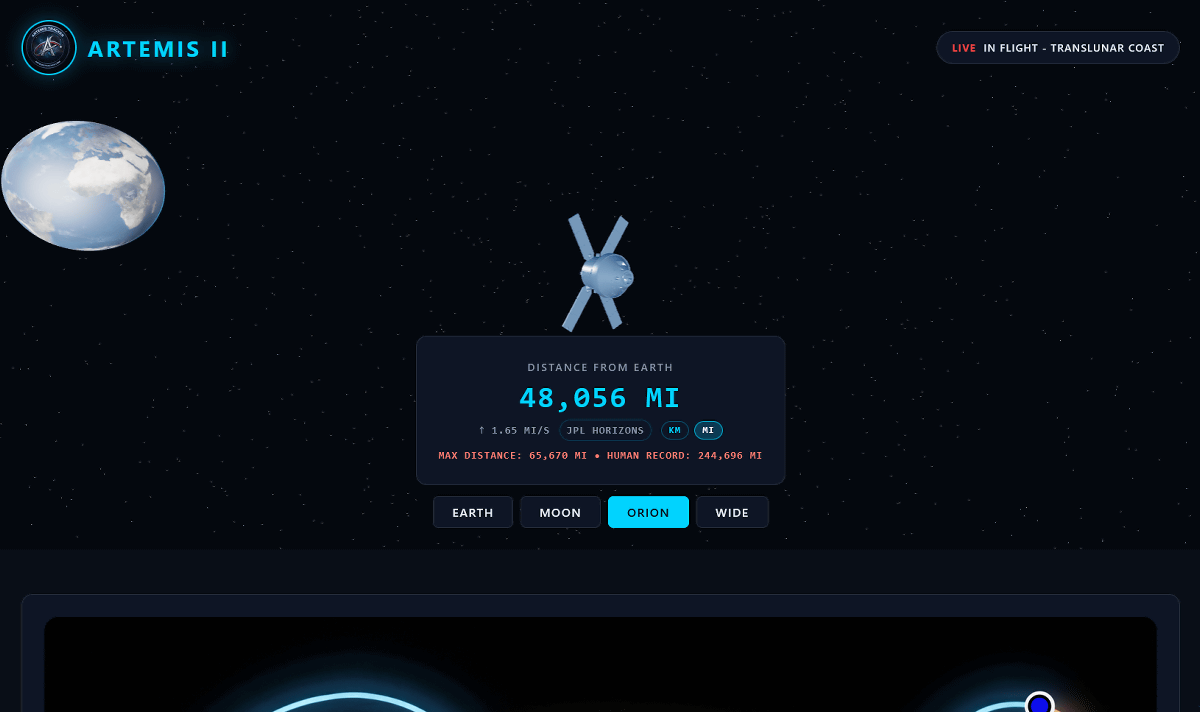
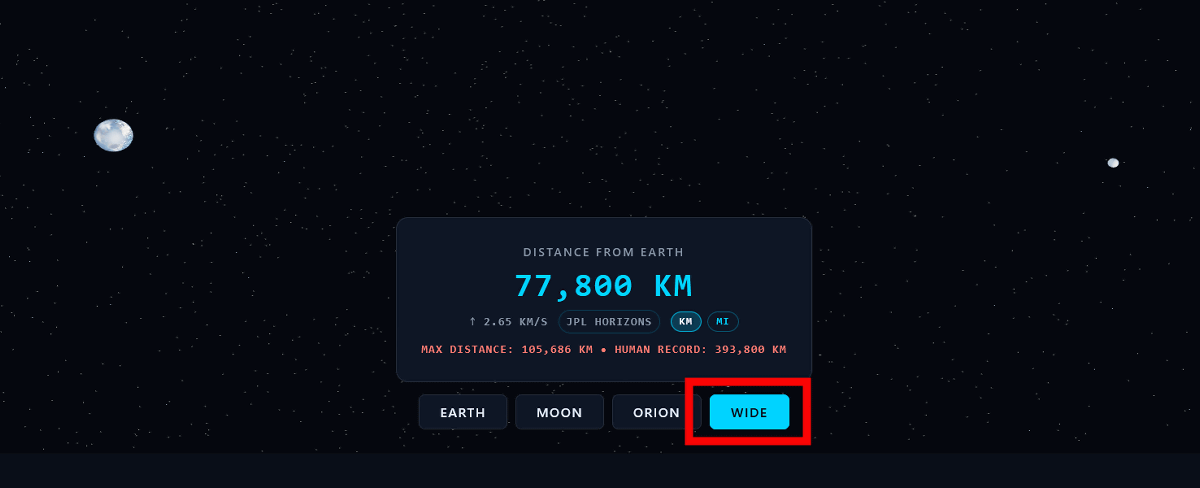
Clicking 'KM (kilometers)' in the lower right corner of the distance display will switch to the more familiar kilometer display.
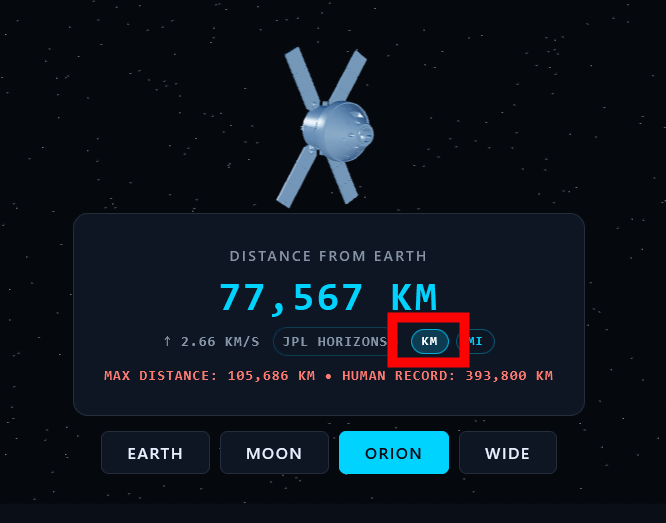
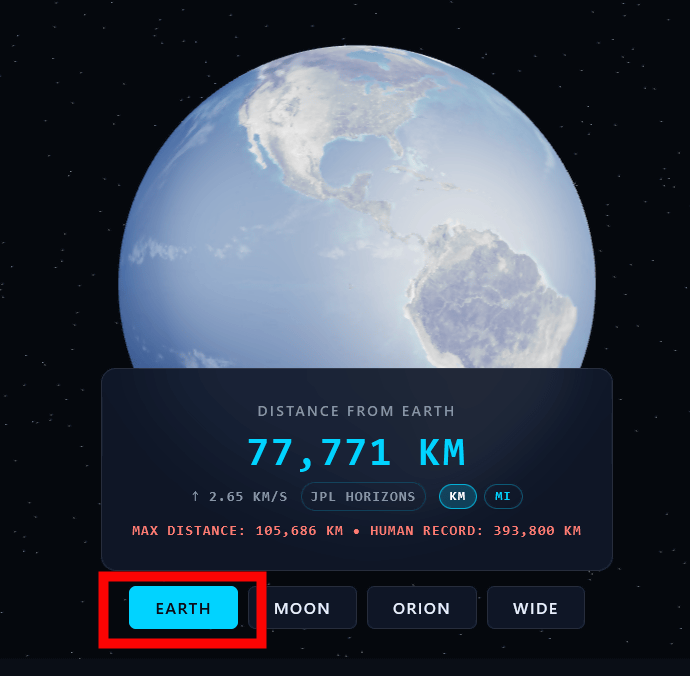
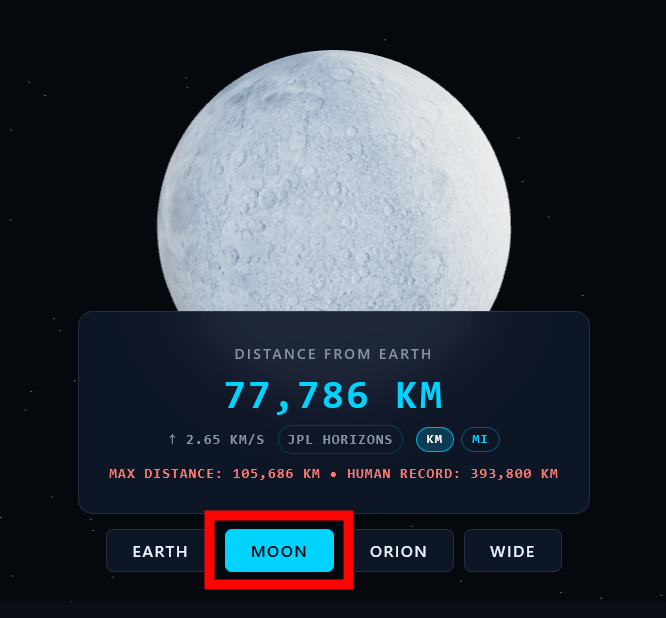
Clicking on 'EARTH' or 'MOON' will zoom in on the respective 3D models.
Clicking 'WIDE' will show you the realistic relative positions of the Earth (left) and the Moon (right). Note that Orion is too small to be seen in WIDE view.
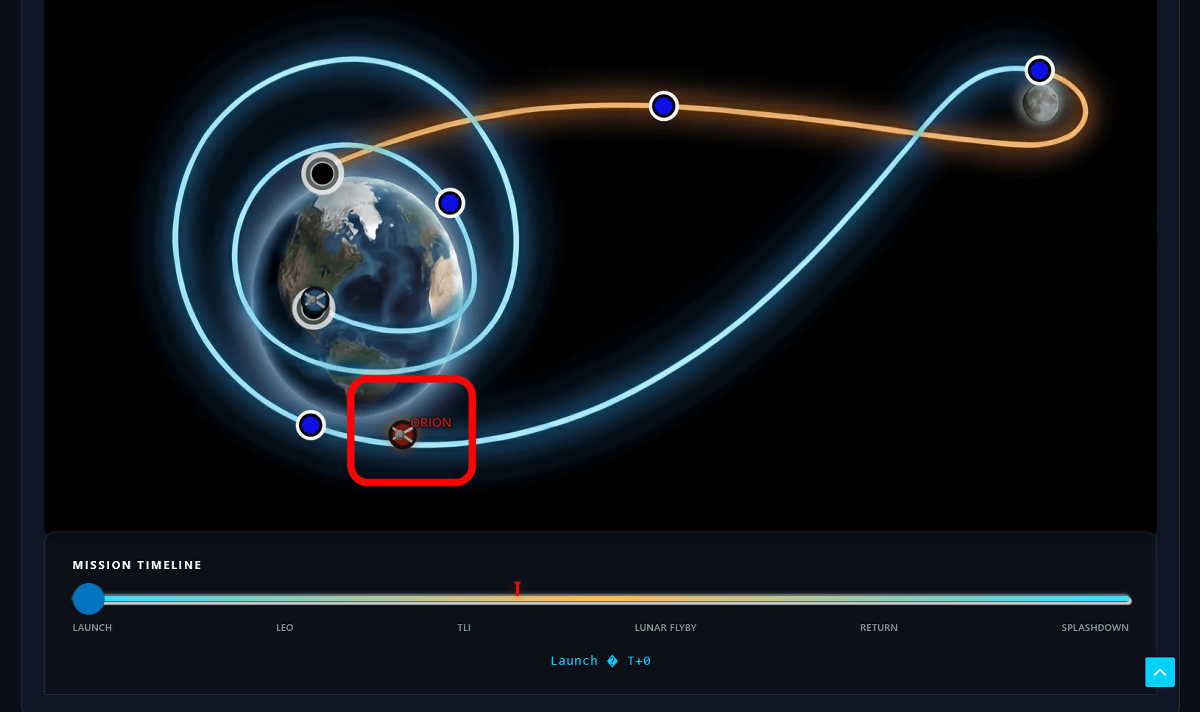
Scrolling down the screen revealed a clear diagram showing Orion's route and current location. At the time of writing, Orion had just begun to move away from Earth and it appeared it would travel a long distance to reach the Moon.
'
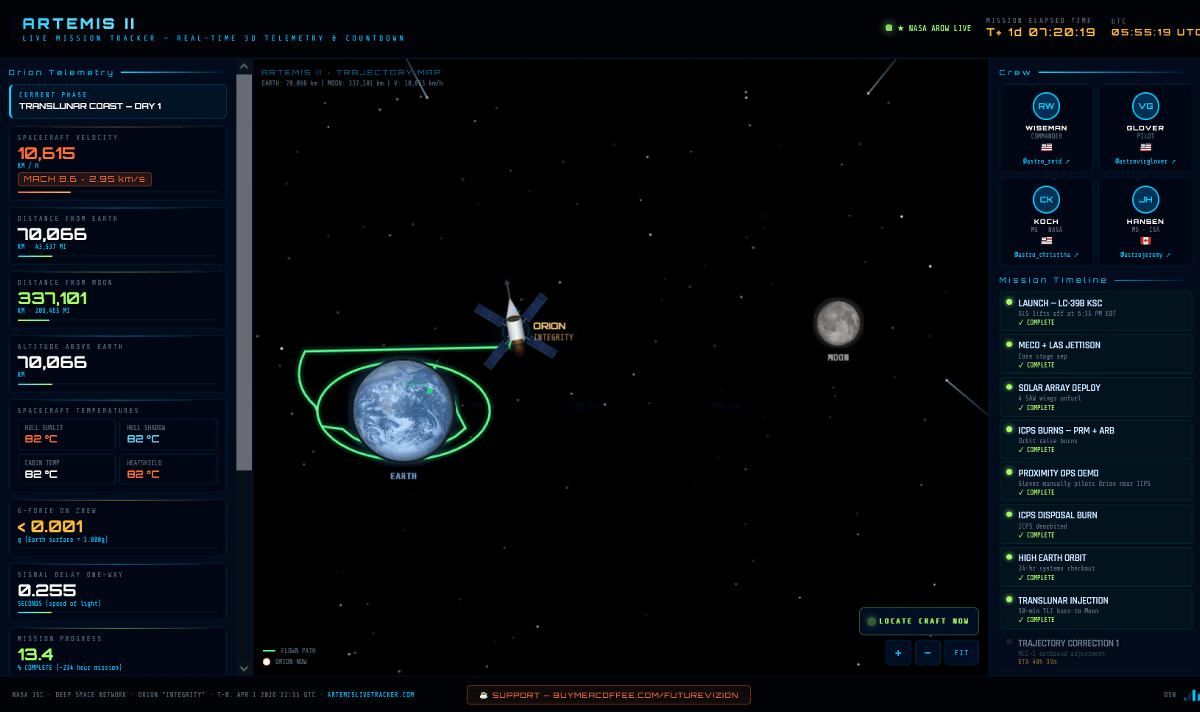
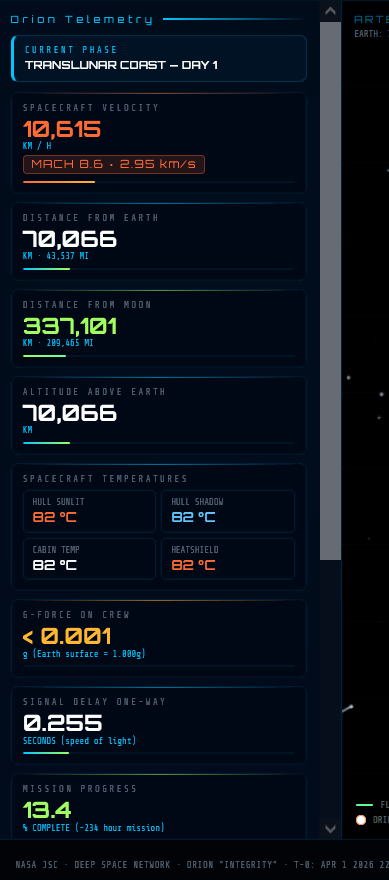
The panel on the left displays a variety of data, including Orion's speed, distance from Earth, and distance to the Moon.
In the center, Orion's route and current location were displayed.
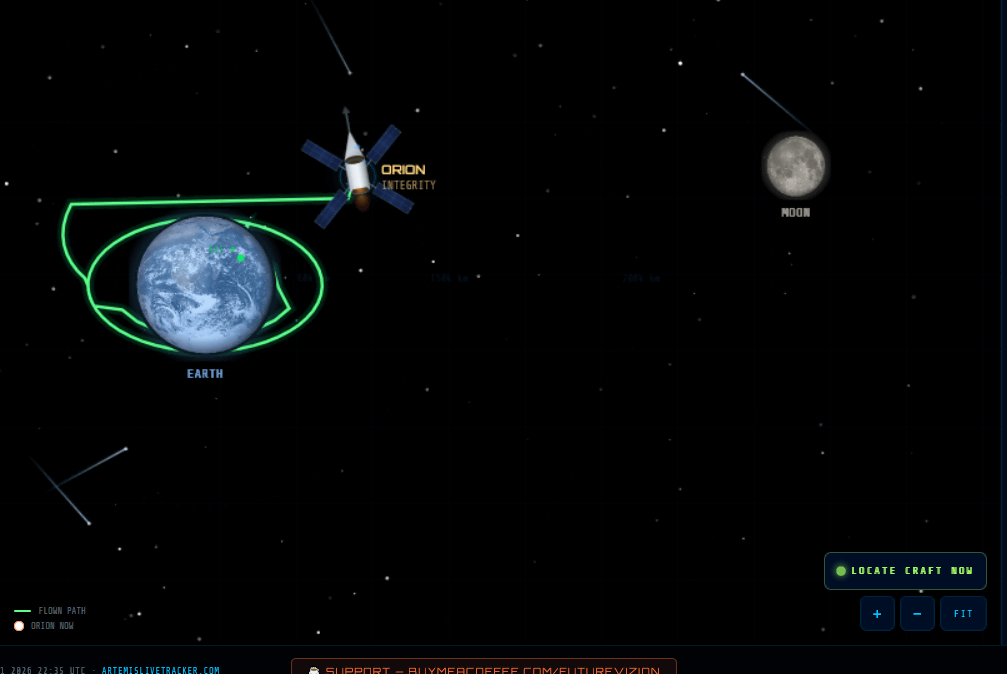
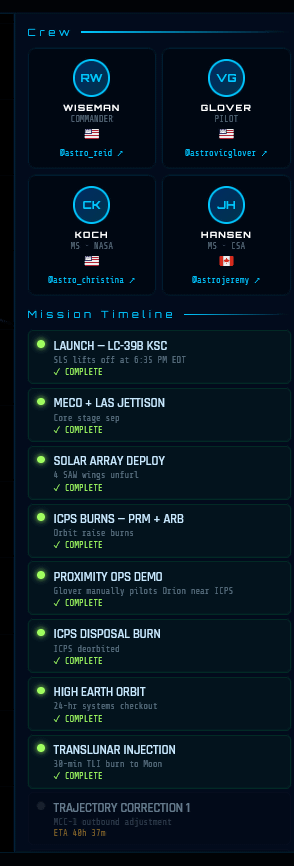
The upper right corner displays the profiles of the astronauts featured, their completed missions, and more.
'
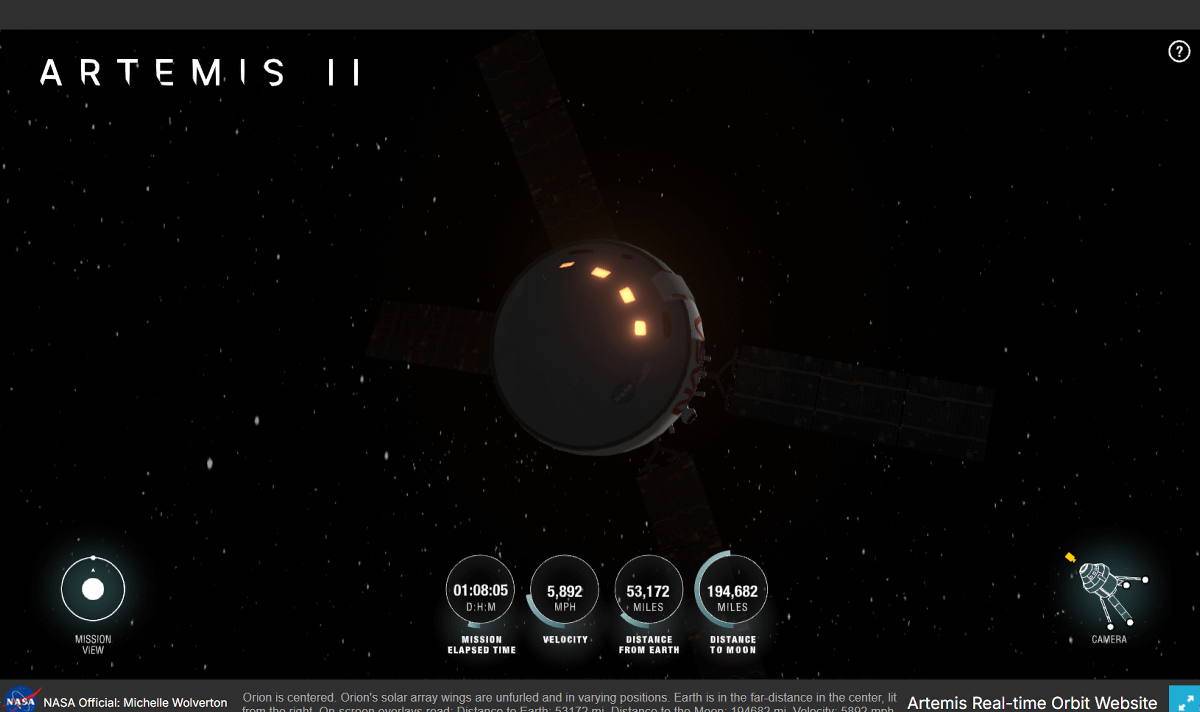
You can move the camera around by clicking and dragging on the screen.
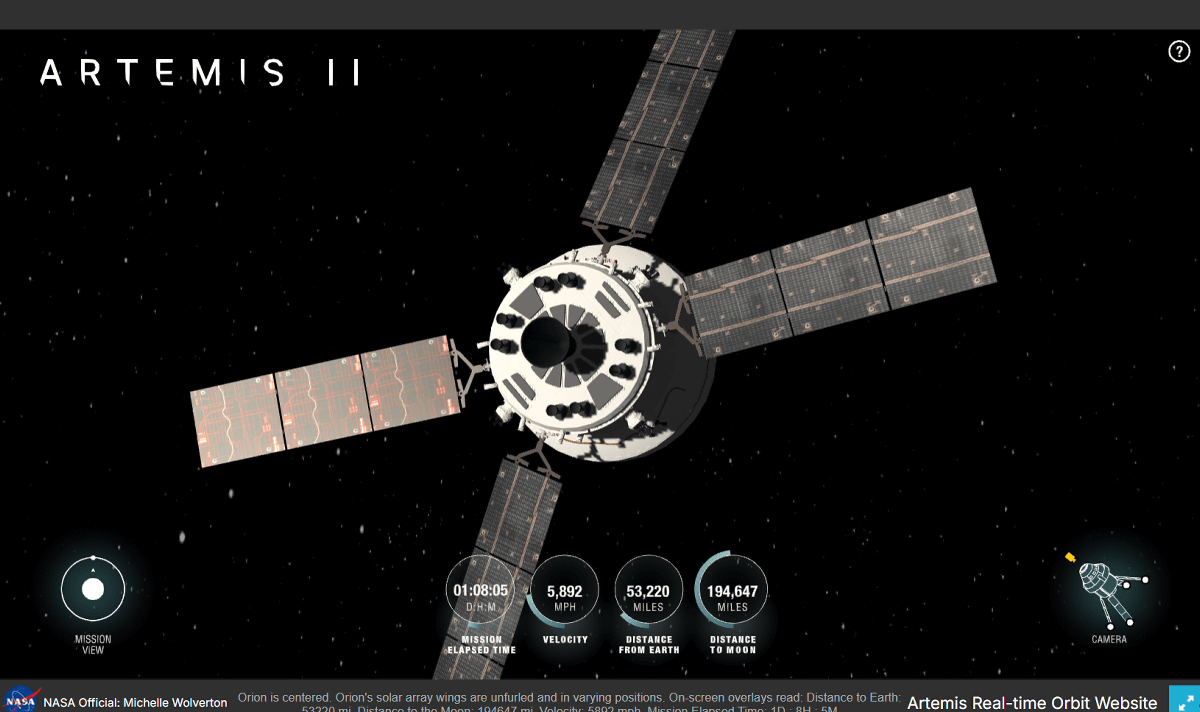
Clicking the button in the lower left corner allows you to switch between 'Spacecraft View,' which centers on Orion, and 'Mission View,' which provides an overview of the entire mission. By default, Spacecraft View is displayed, so clicking it to switch to Mission View will show you what it looks like.
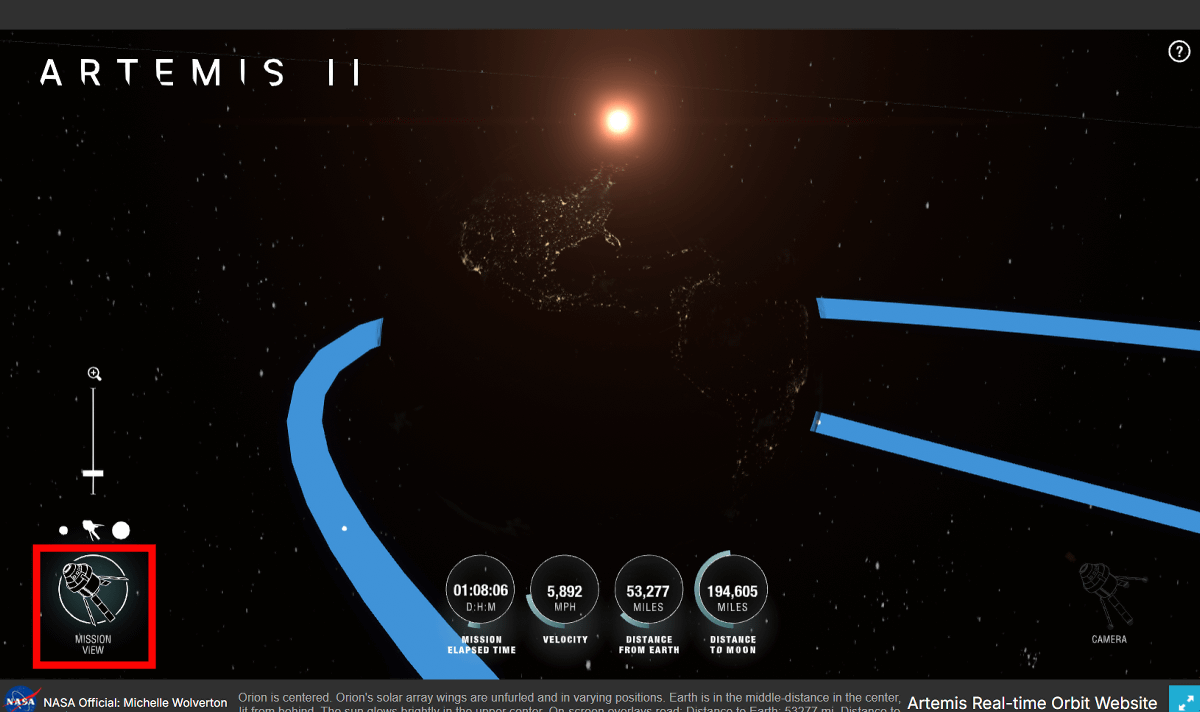
Operating the slider above the toggle button changes the visible area. In Mission View, the route Orion is following is shown with a blue line, allowing you to understand Orion's current position and its relative position to Earth.
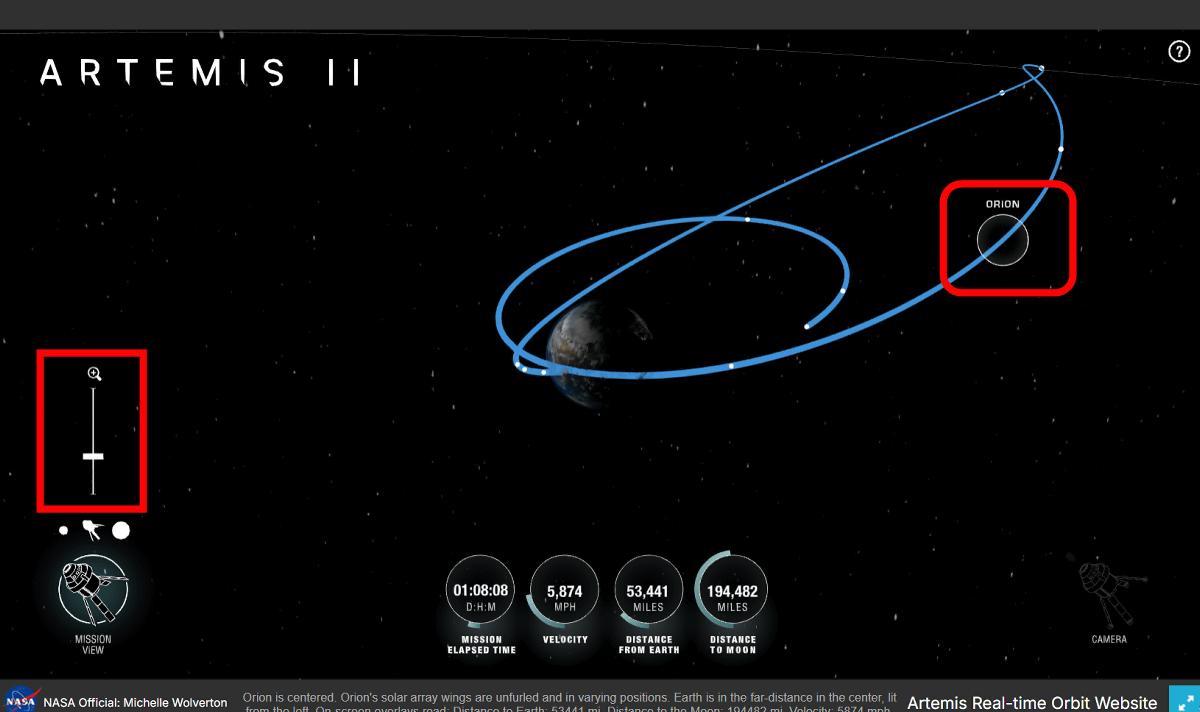
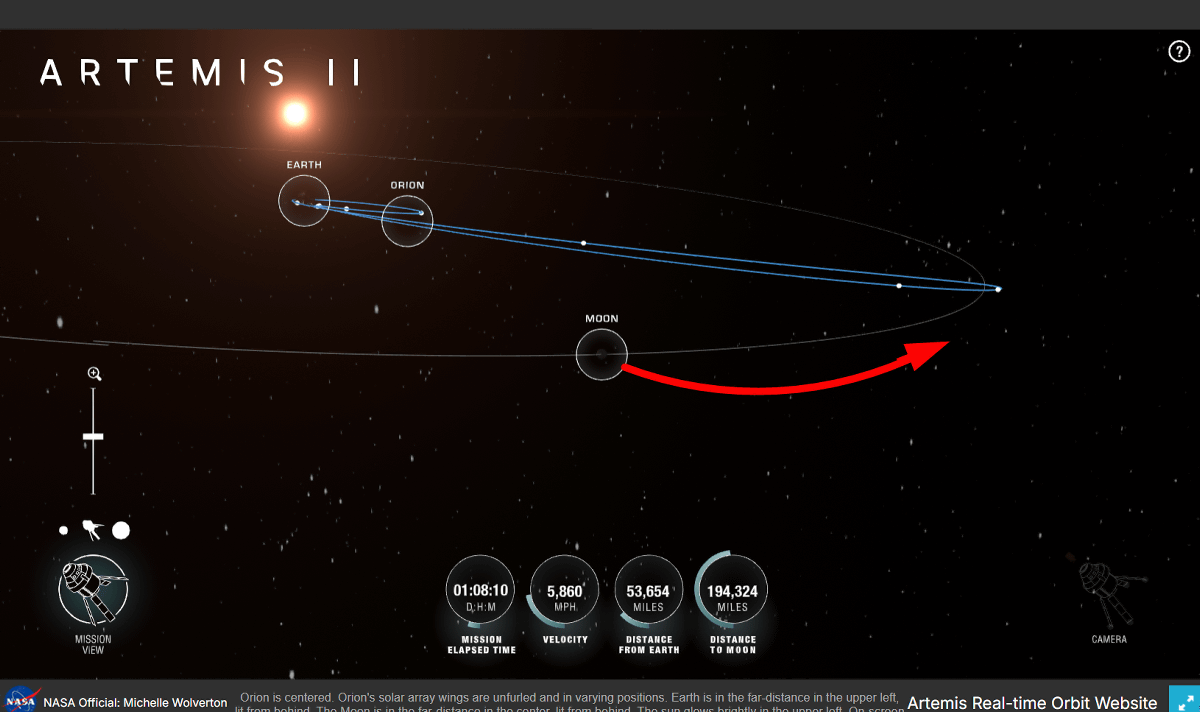
Clicking the icon at the top of the toggle button allows you to switch the Mission View perspective between 'Earth,' 'Orion,' and 'Moon.' In the Moon view, you can see that it overlaps with Orion after moving a short distance.
Related Posts:


in Web Service, Science, Review, Posted by log1h_ik