You can now preview and edit generated code within the ChatGPT interface.
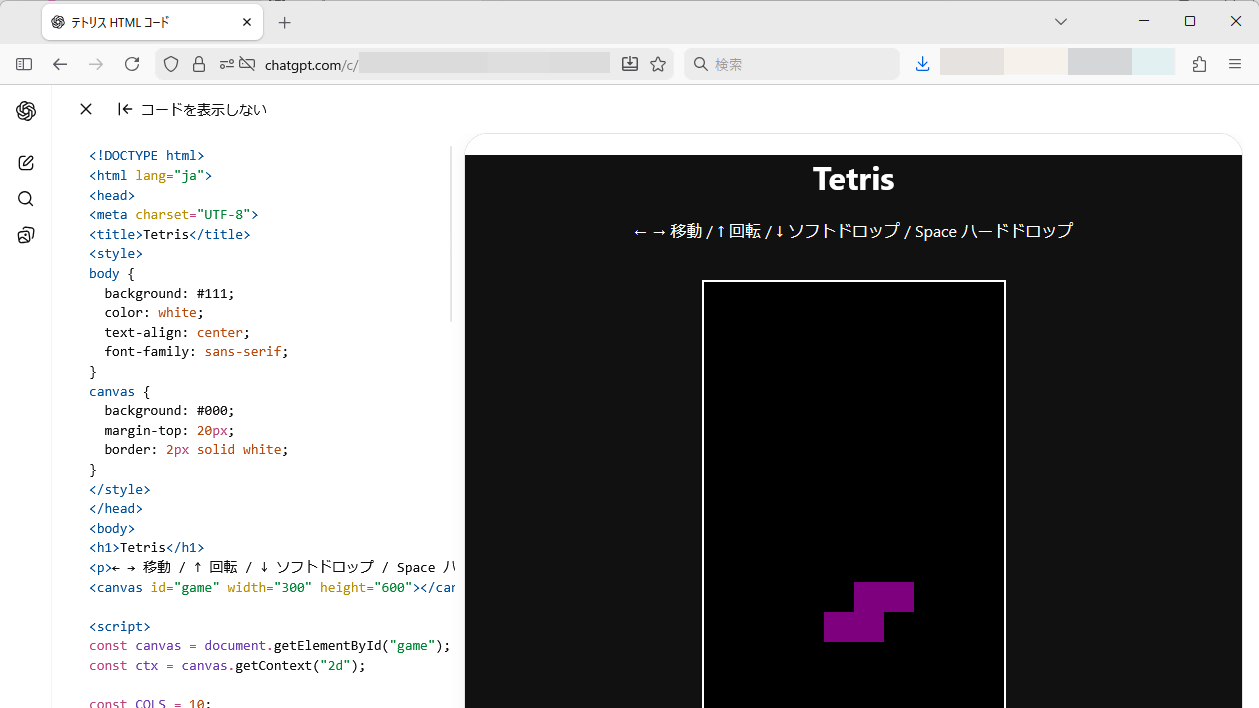
ChatGPT has been updated, allowing you to preview the generated game and edit the code within the ChatGPT interface. This feature has already been rolled out to free users in Japan, so I tried it out.
Code Blocks in ChatGPT got more interactive.
pic.twitter.com/Spe0HjvQgJ — OpenAI Developers (@OpenAIDevs) February 19, 2026
Write, edit, and preview your code, all in one place:
• Create and preview diagrams and mini apps in chat
• Review code in split-screen views
• Make changes in full-screen view
We'd love to see what you'll build.
First, let ChatGPT generate the HTML code for a 'Tetris playable web page.'
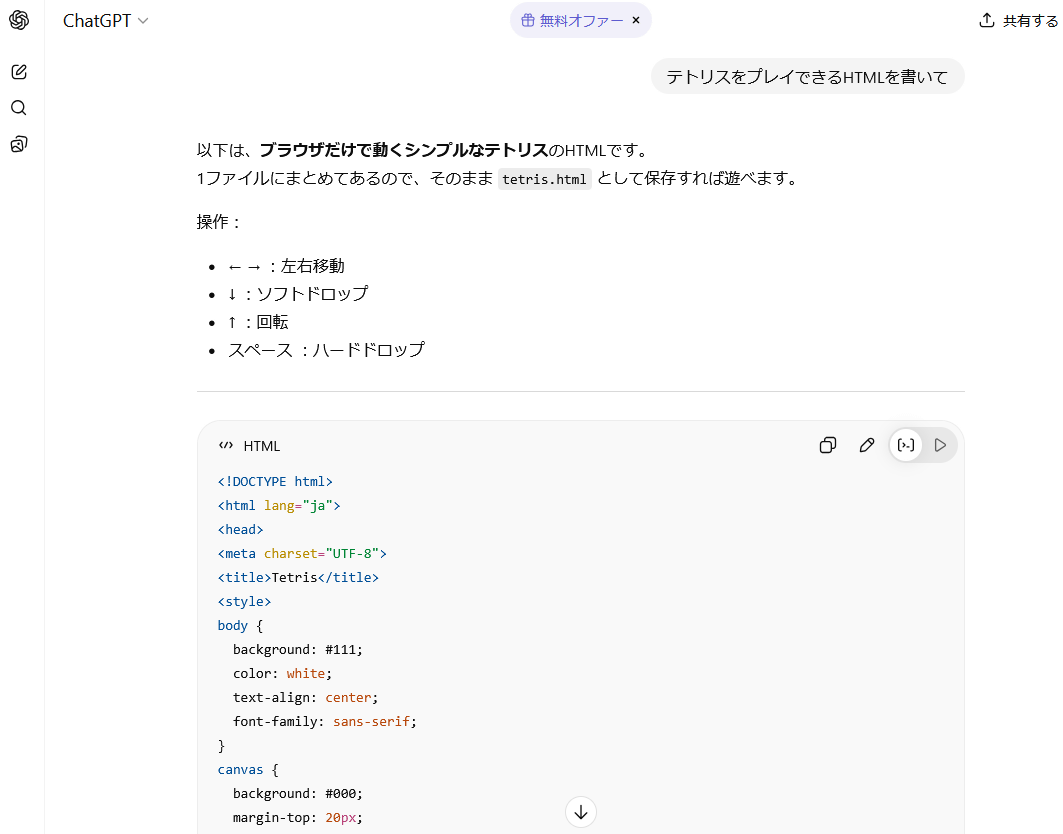
Once the output is complete, click the toggle switch in the red box in the upper right corner of the code display area.
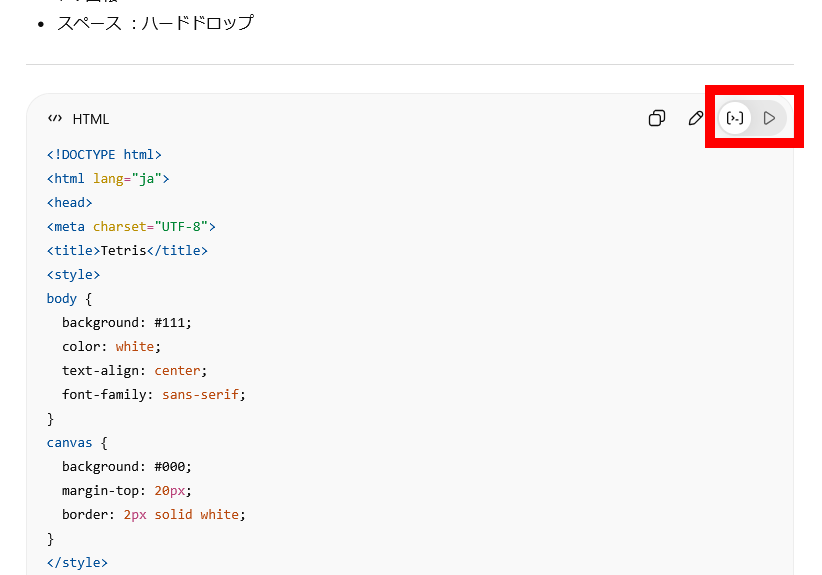
A preview of the 'webpage where you can play Tetris' was displayed inside the chat box.
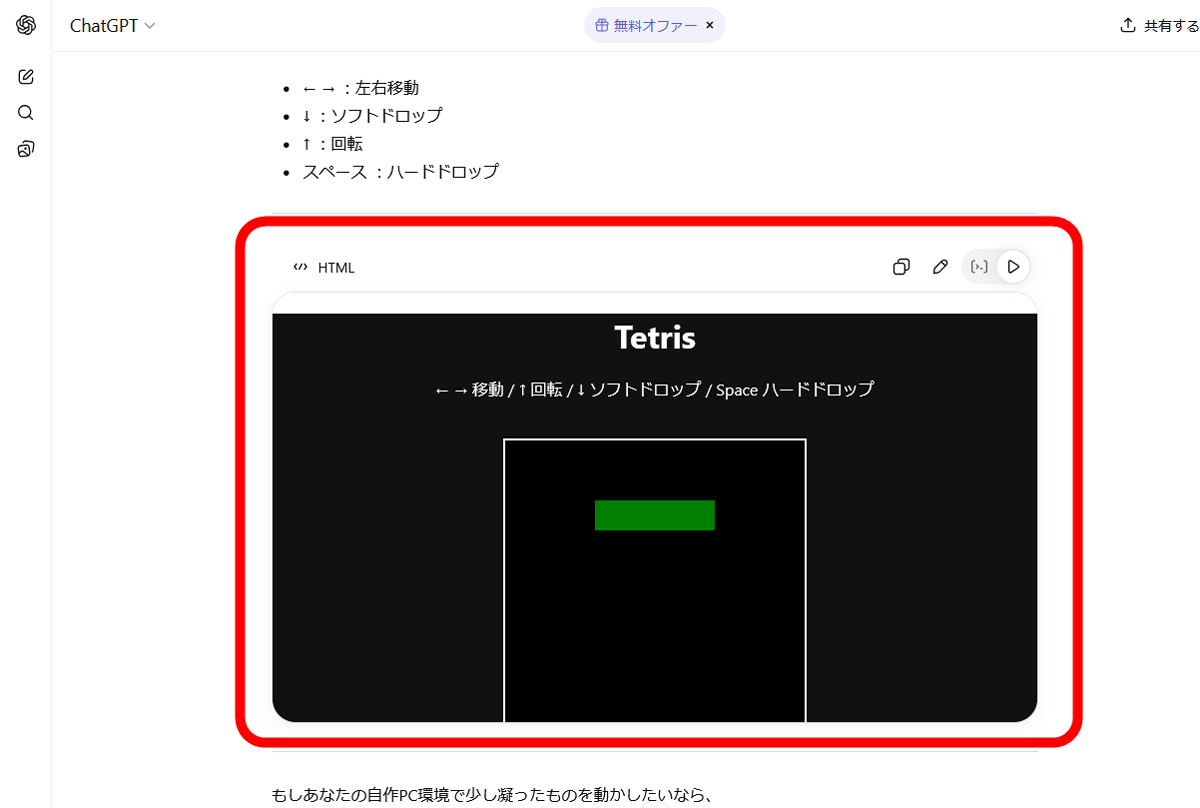
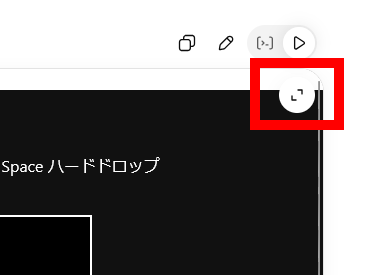
Click the enlarge button in the upper right corner of the preview screen.
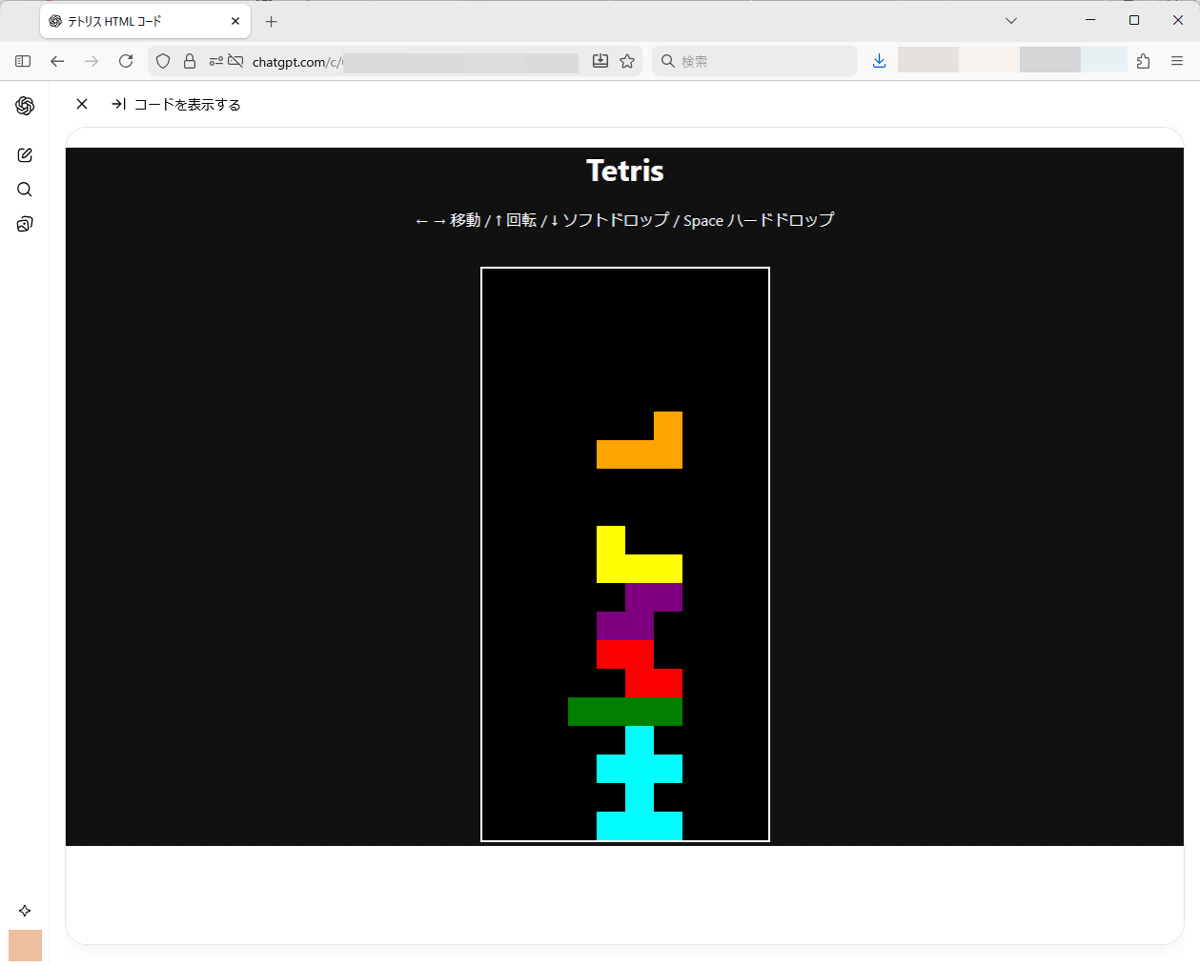
A large preview screen will be displayed within the ChatGPT screen. On this screen, you can actually play Tetris using the arrow keys.
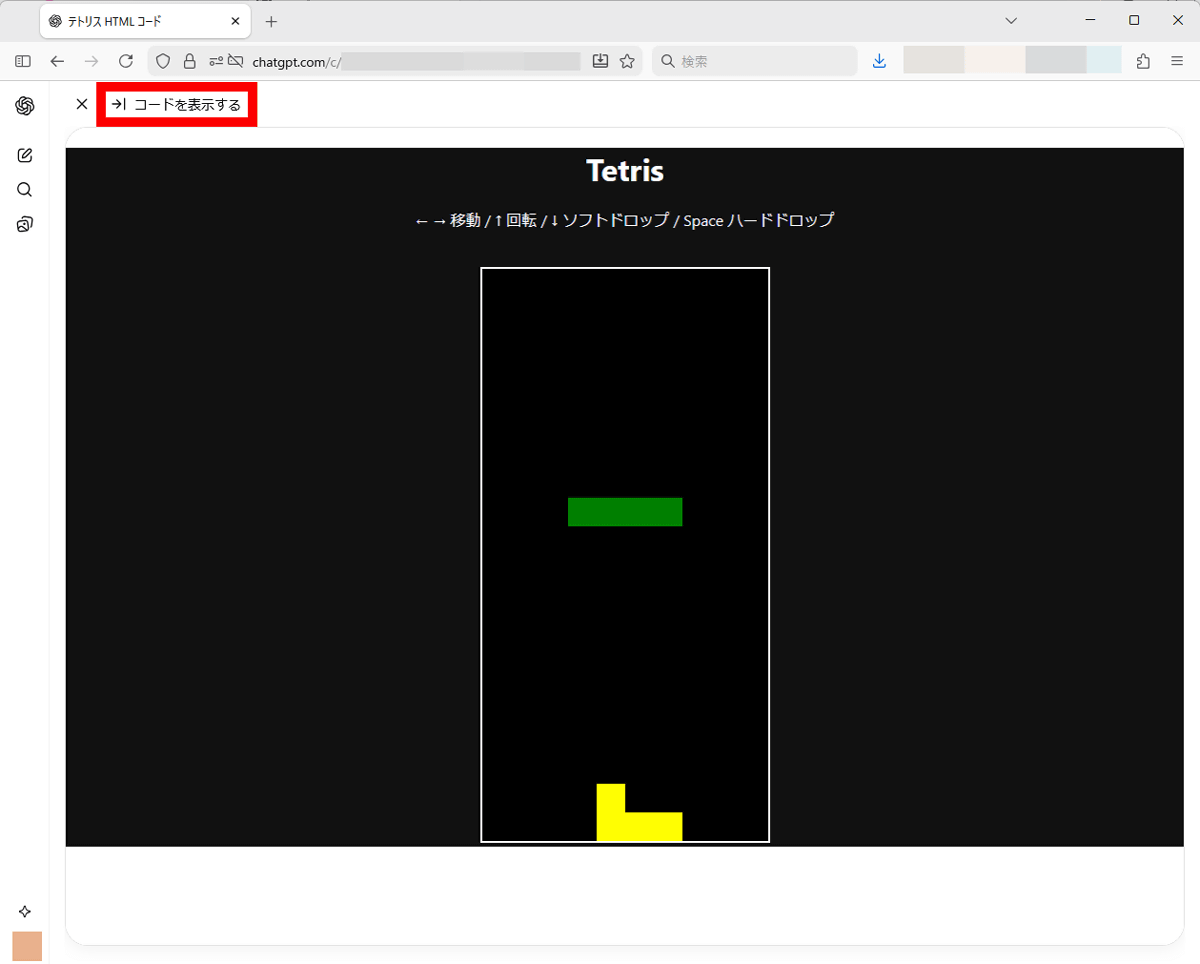
You can also edit the code by clicking 'View Code' in the top left of the preview screen.
The code is displayed on the left side of the screen.
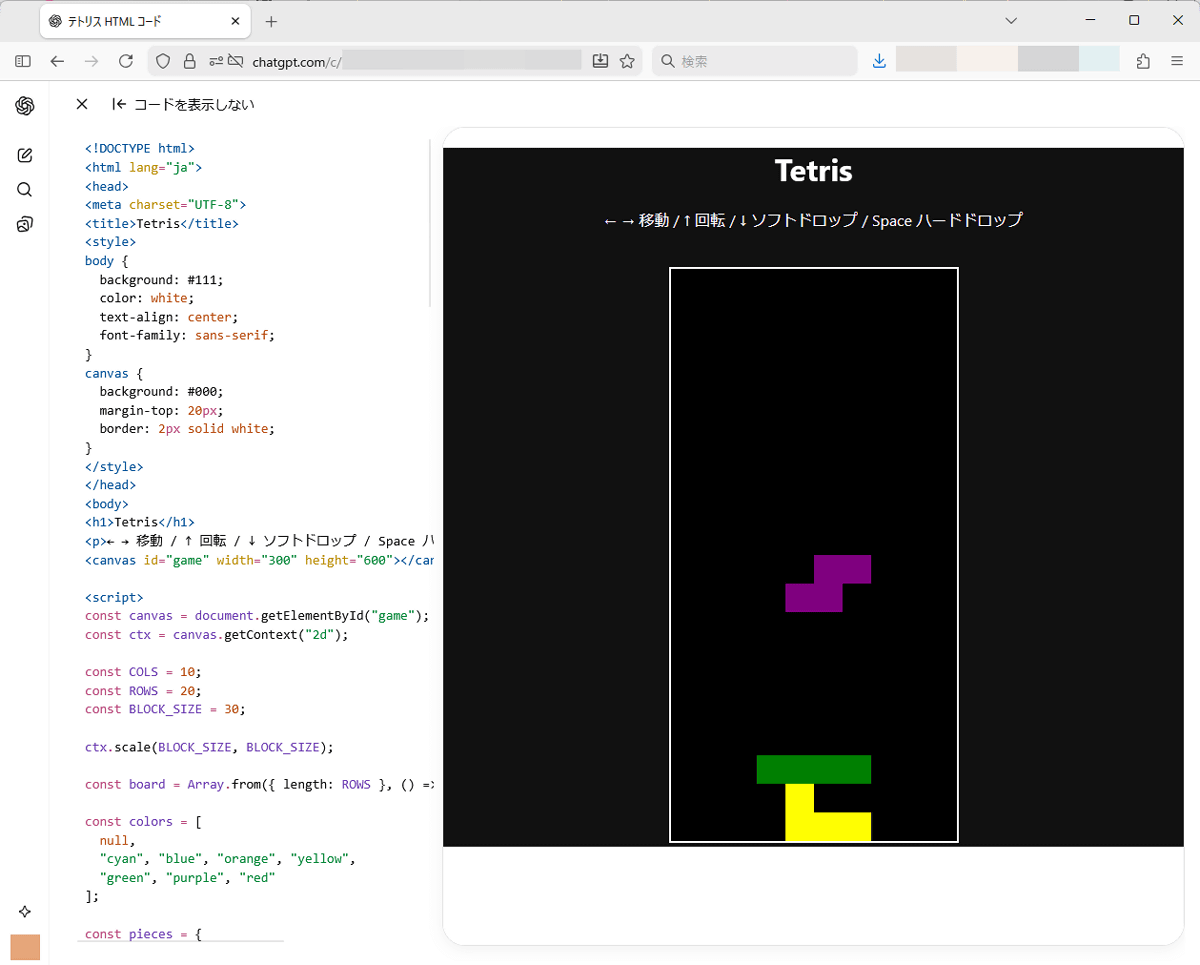
The code display area is an editor where you can freely edit the code, and the changes you make are reflected in the preview screen in real time.
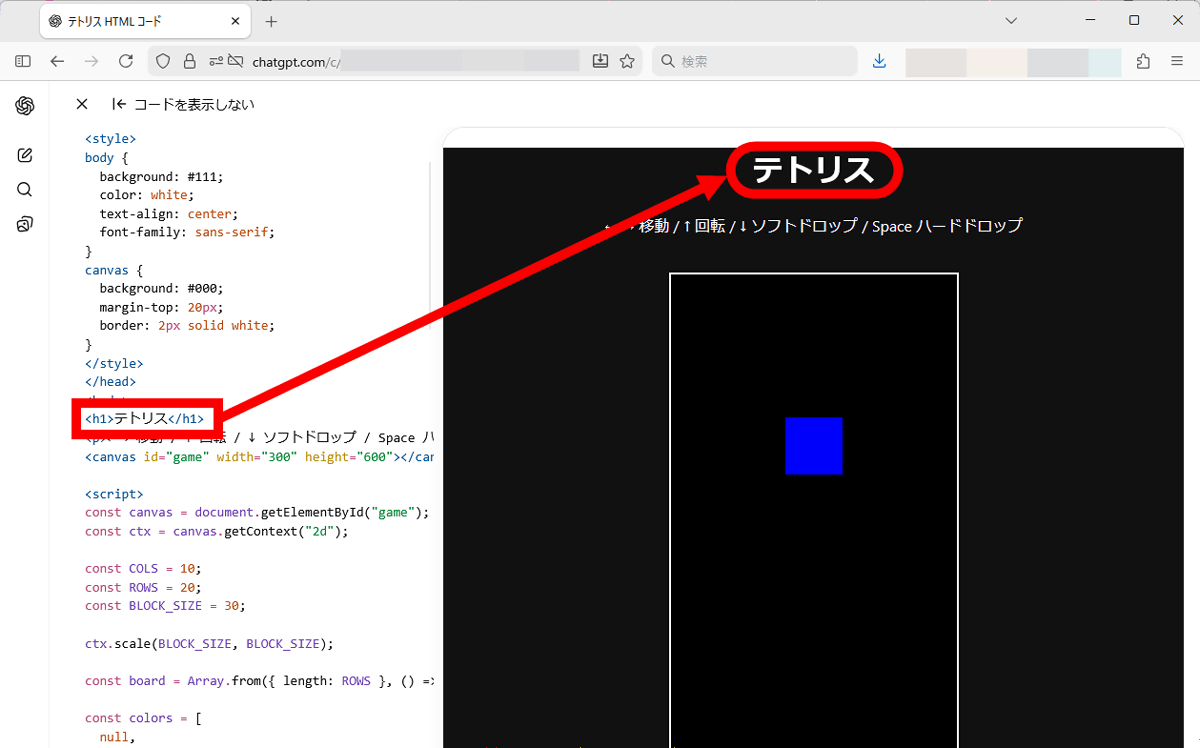
Preview and code editing features are available even to free users.
Related Posts:

in AI, Review, Web Application, Posted by log1o_hf