How to remove YouTube short videos from your video list
Many people have probably experienced the feeling that time just flies by while watching YouTube short videos continuously. In such cases, a 'block list' that can hide short videos from YouTube's homepage and search results has been released, which seems to be useful, so I tried it out.
GitHub - i5heu/ublock-hide-yt-shorts: Maintained - uBlock Origin filter list to hide YouTube Shorts
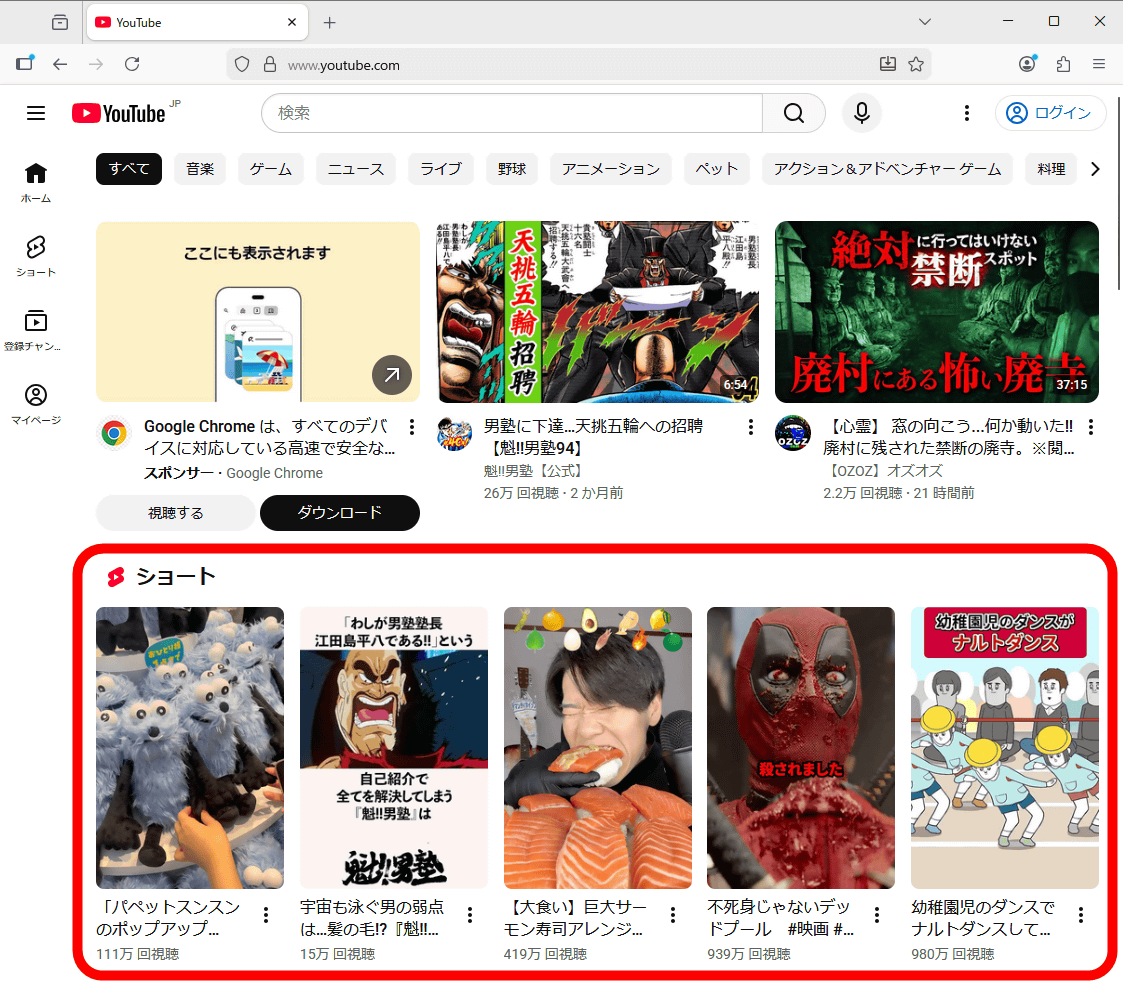
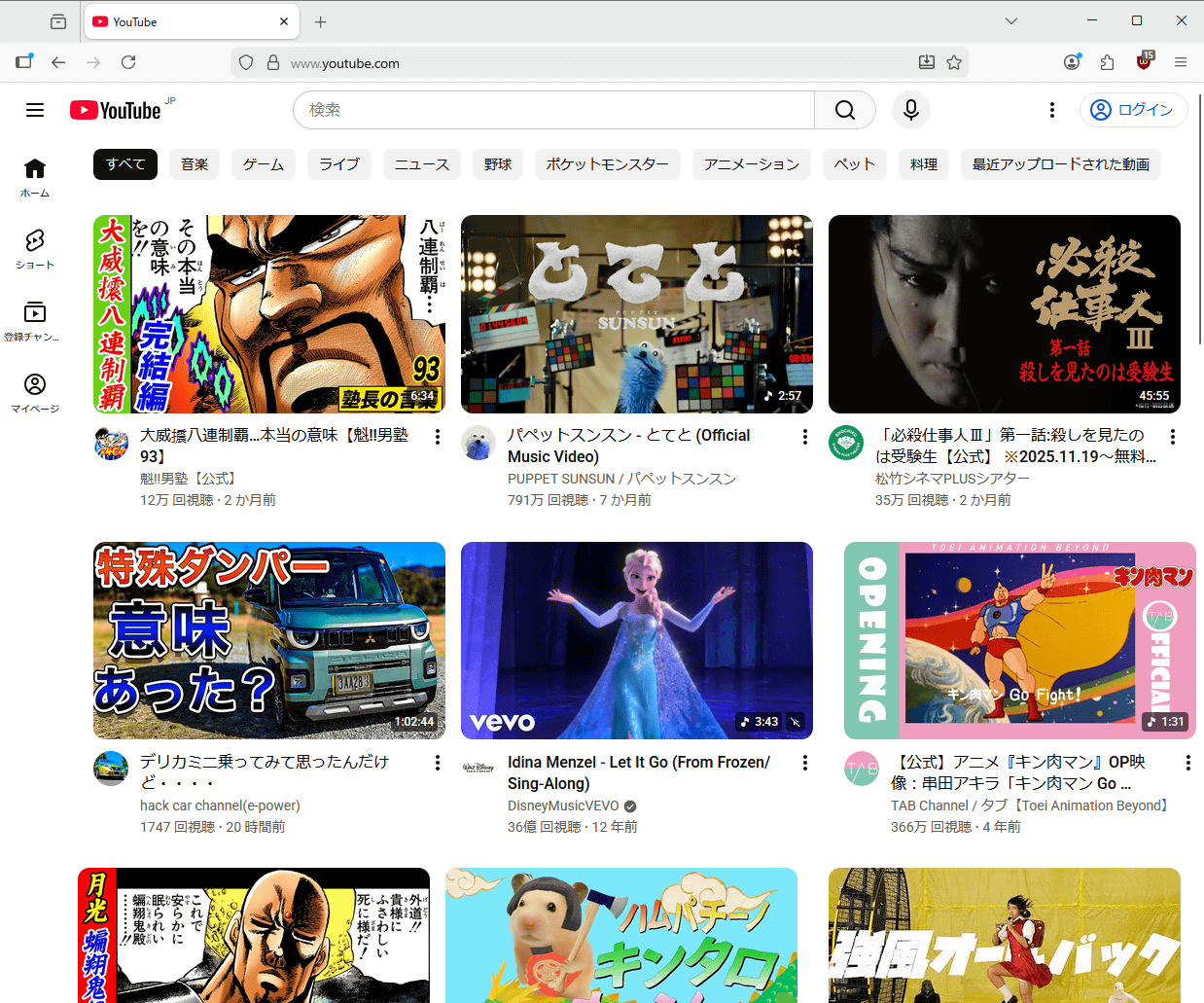
Below is a screenshot of the YouTube homepage. The second row from the top features short videos, which makes you want to click on them.
The screen shot after applying the block list is shown below. Short videos have disappeared from the top screen.
The block list is published as a custom filter in the ad blocking extension '
First, go to the link below to install uBlock Origin on Firefox.
uBlock Origin – Get the Extension for 🦊 Firefox (en-US)
https://addons.mozilla.org/ja/firefox/addon/ublock-origin/
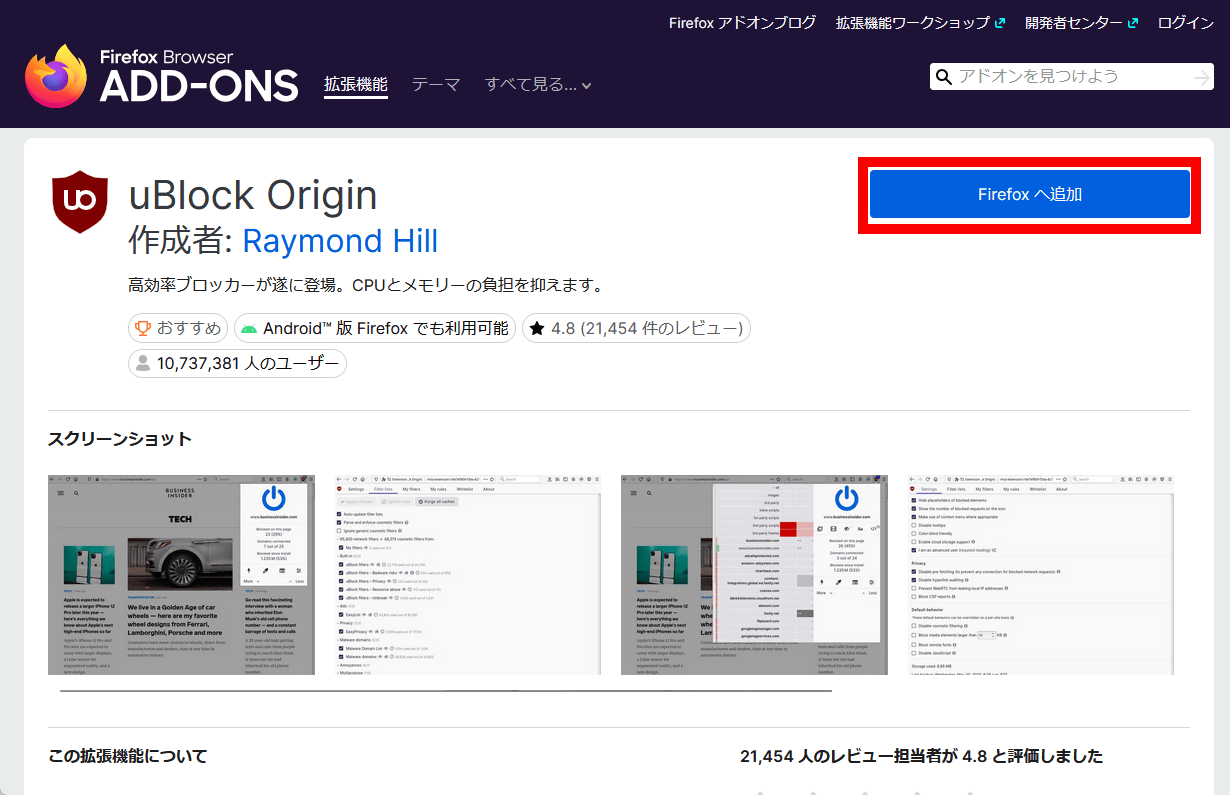
Click 'Add to Firefox.'
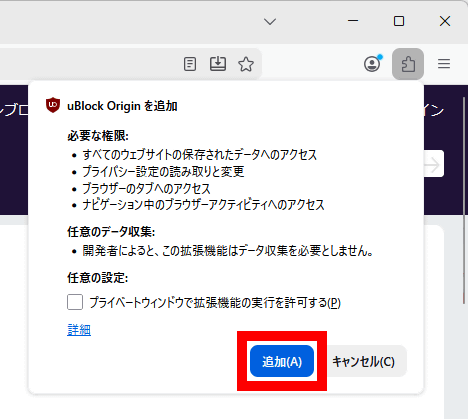
When the following pop-up appears, click 'Add'.
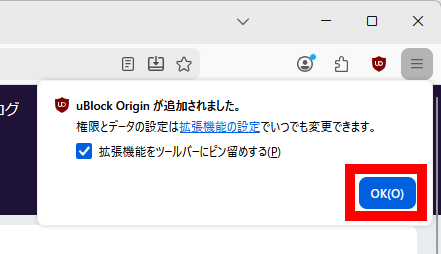
Click “OK”.
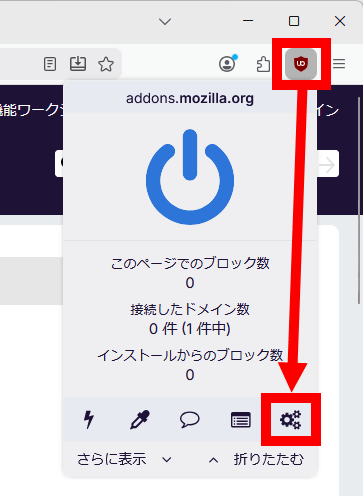
Click the uBlock Origin button added to the top right of the screen, then click the Settings button.
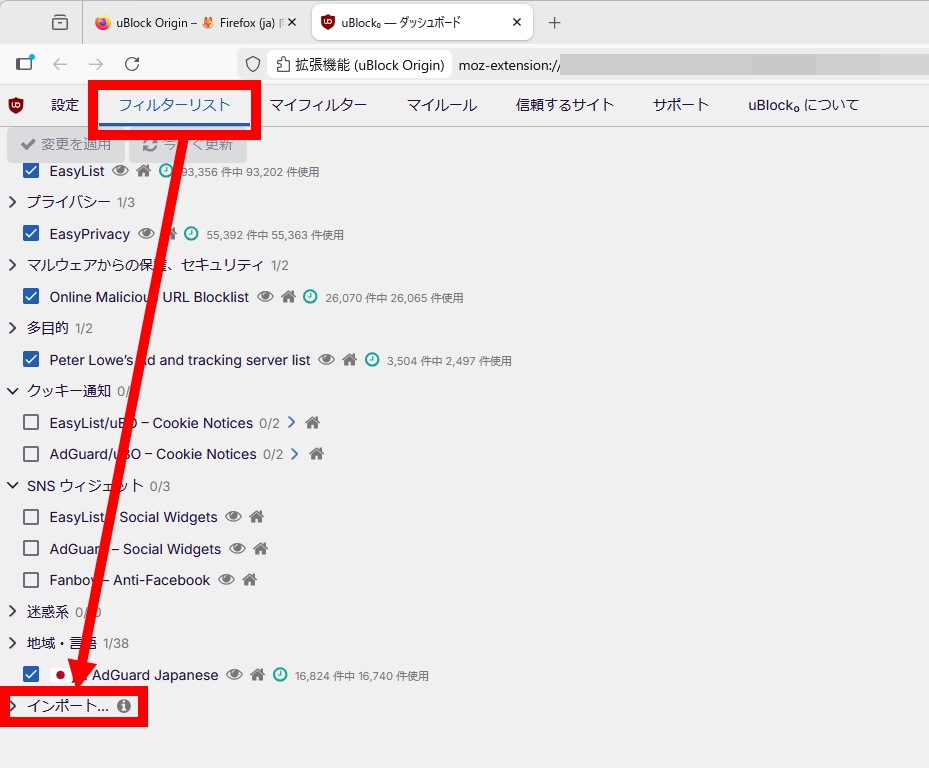
Once the dashboard opens, click 'Filter List' and then 'Import.'
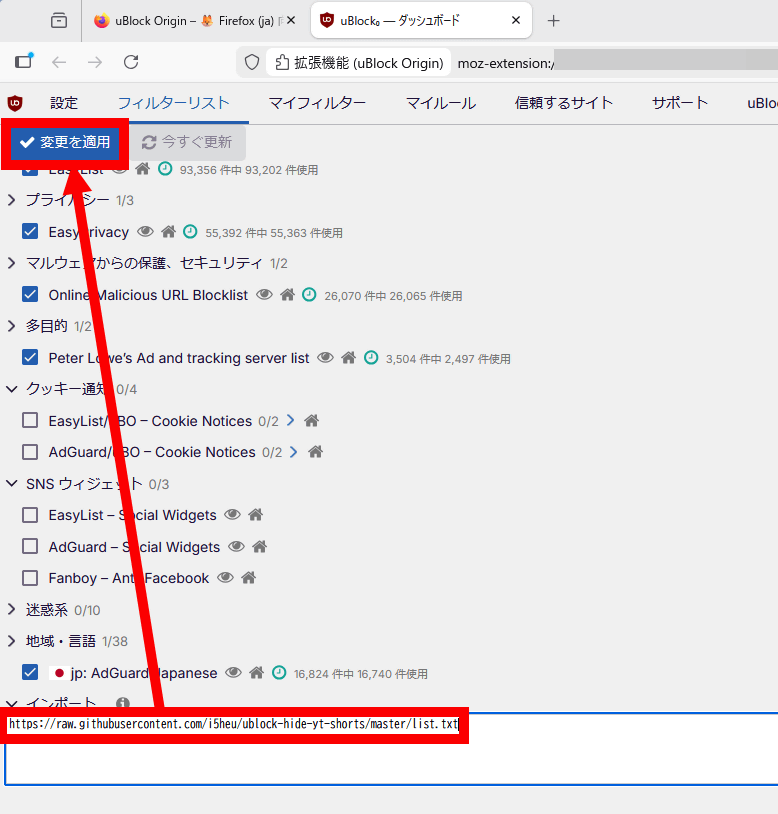
Enter ' https://raw.githubusercontent.com/i5heu/ublock-hide-yt-shorts/master/list.txt ' in the input field and click 'Apply Changes.'
Short videos have now disappeared from the YouTube homepage.
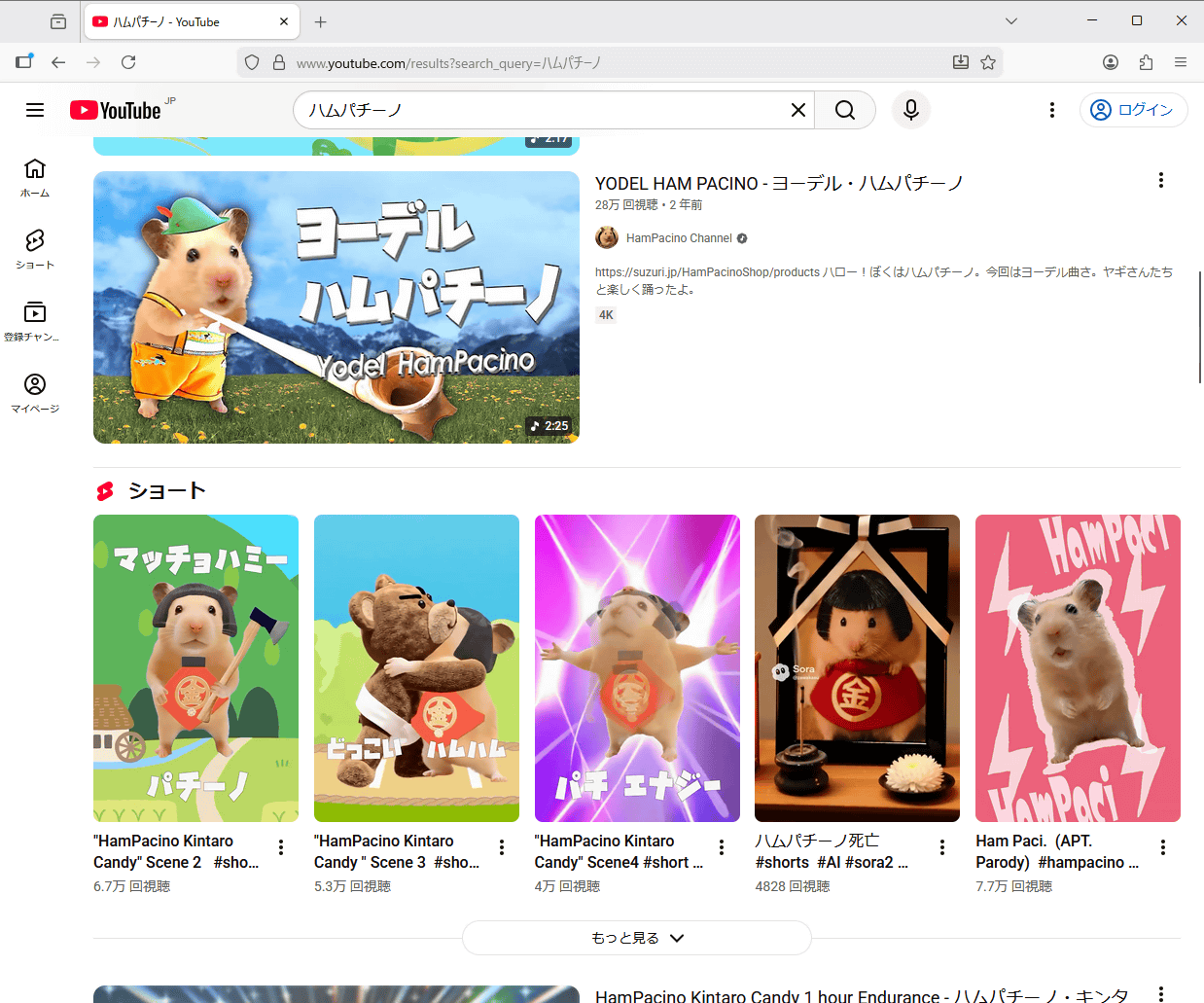
Before the block list is applied, short videos will also be displayed in the search results list.
When the block list was applied, short videos disappeared from the search results list.
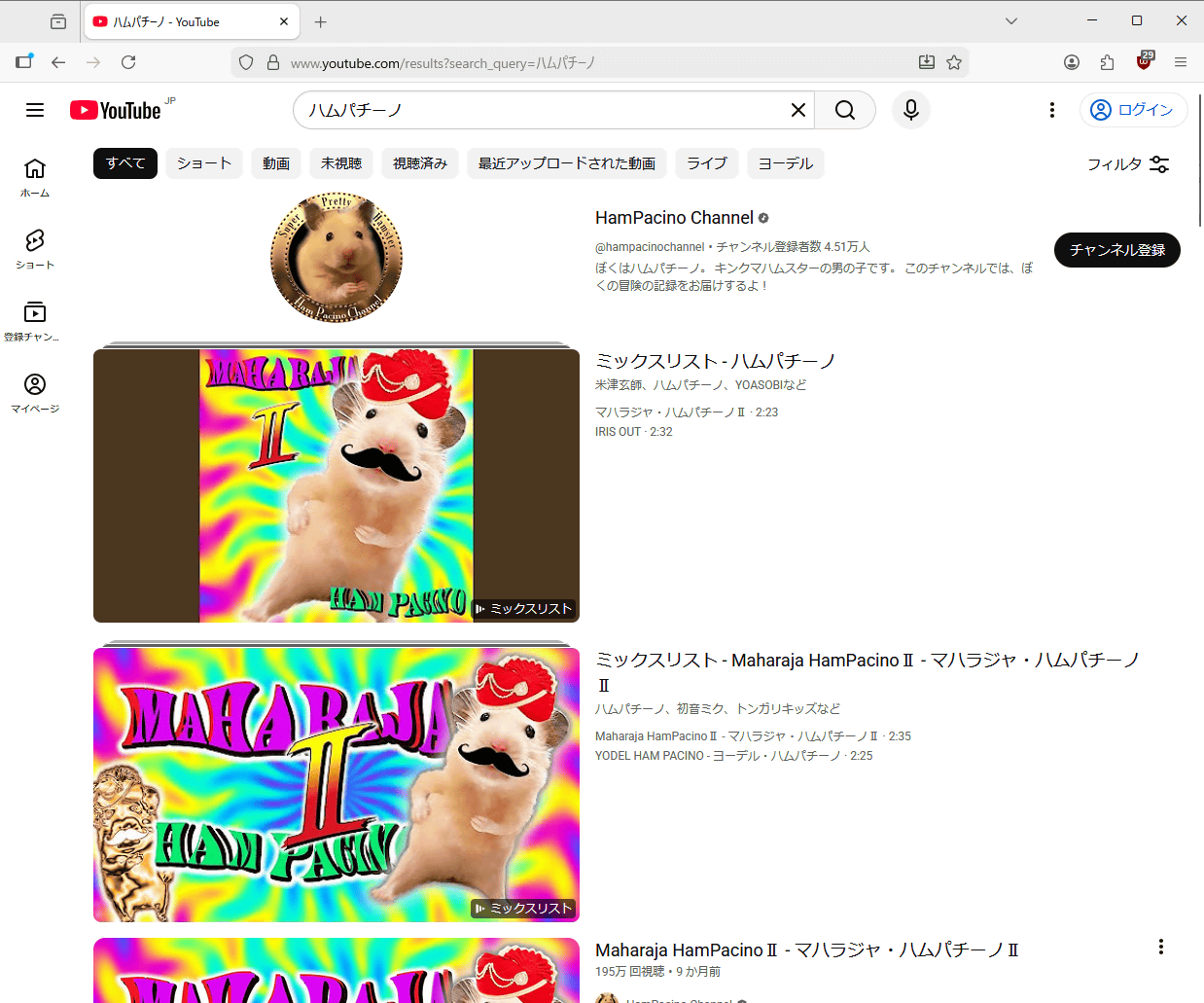
This does not mean that you can no longer play short videos; you can still play them as usual by explicitly accessing them from bookmarks or by visiting the short video list page of each channel.

This block list has also become a hot topic on the news-sharing site Hacker News, with comments sharing ideas such as ' How to play short videos in the video frame of a regular video ' and ' User scripts to hide short videos .'
Related Posts: