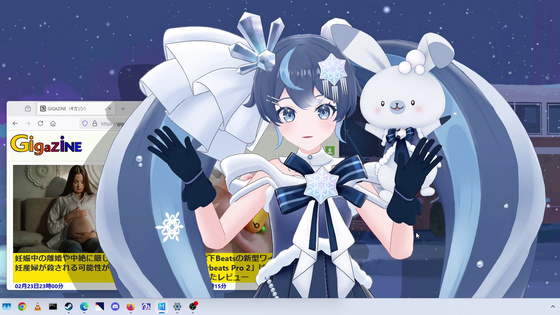
Review of 'Desktop Mate Snow Miku 'SNOW MIKU 2026 Ver.' DLC' that lets you bring the 2026 version of Snow Miku to your desktop
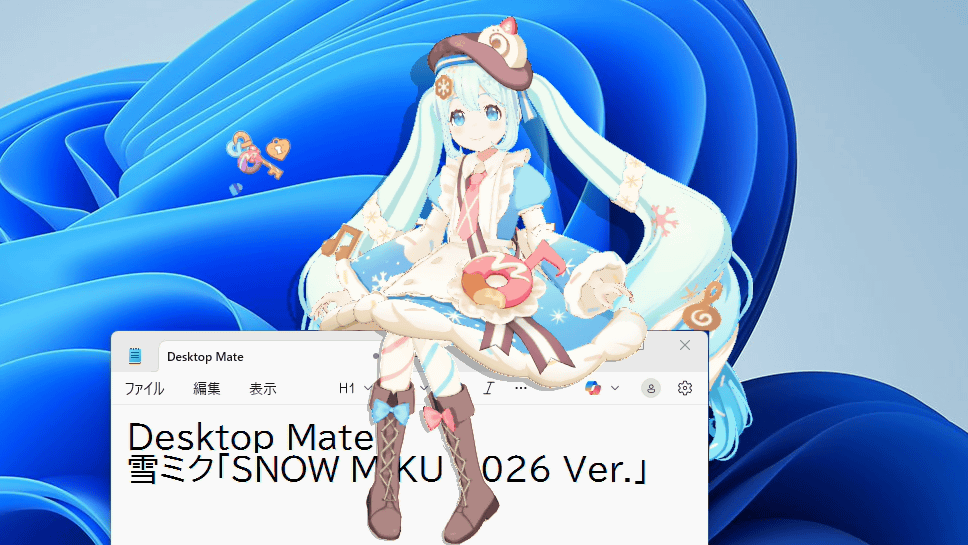
' Snow Miku 2026 Ver. ' and ' Snow Miku JR Tower Ver. ' were released as DLC for '
Steam: Desktop Mate Snow Miku 'SNOW MIKU 2026 Ver.' DLC
https://store.steampowered.com/app/4018720/Desktop_Mate_SNOW_MIKU_2026_VerDLC/
Steam: Desktop Mate Snow Miku 'JR Tower Ver.' DLC
https://store.steampowered.com/app/4145020/Desktop_Mate_JR_Ver_DLC/
Desktop Mate is an app that lets you summon popular characters like Hatsune Miku, Megurine Luka, and Shigoto Neko to your desktop. The summoned characters can sit on your window frame or tell you the time with an alarm. Desktop Mate itself is a free app available on Steam, and you can add more characters by adding DLC. For detailed instructions on how to use Desktop Mate, please see the article below.
A review of the 'Desktop Mate' application that allows you to summon characters such as Hatsune Miku into your PC, lying on the taskbar, playing with the mouse pointer, and various other movements are good - GIGAZINE
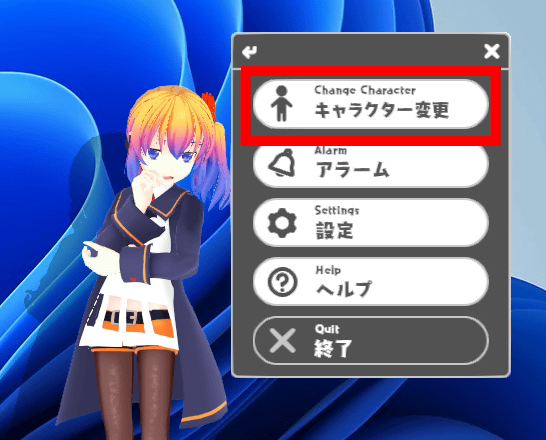
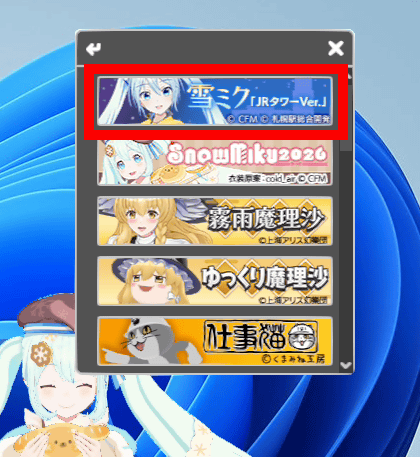
Both 'Snow Miku 2026 Ver.' and 'Snow Miku JR Tower Ver.' are sold as paid DLC for 2,200 yen including tax. After purchasing the DLC on the Steam sales page, click 'Change Character' in the Desktop Mate right-click menu.
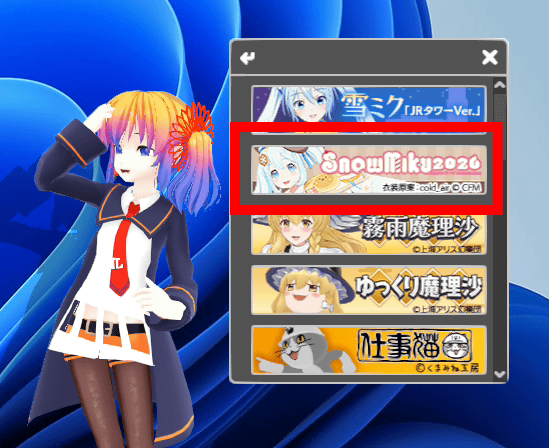
Click on 'SnowMiku2026'.
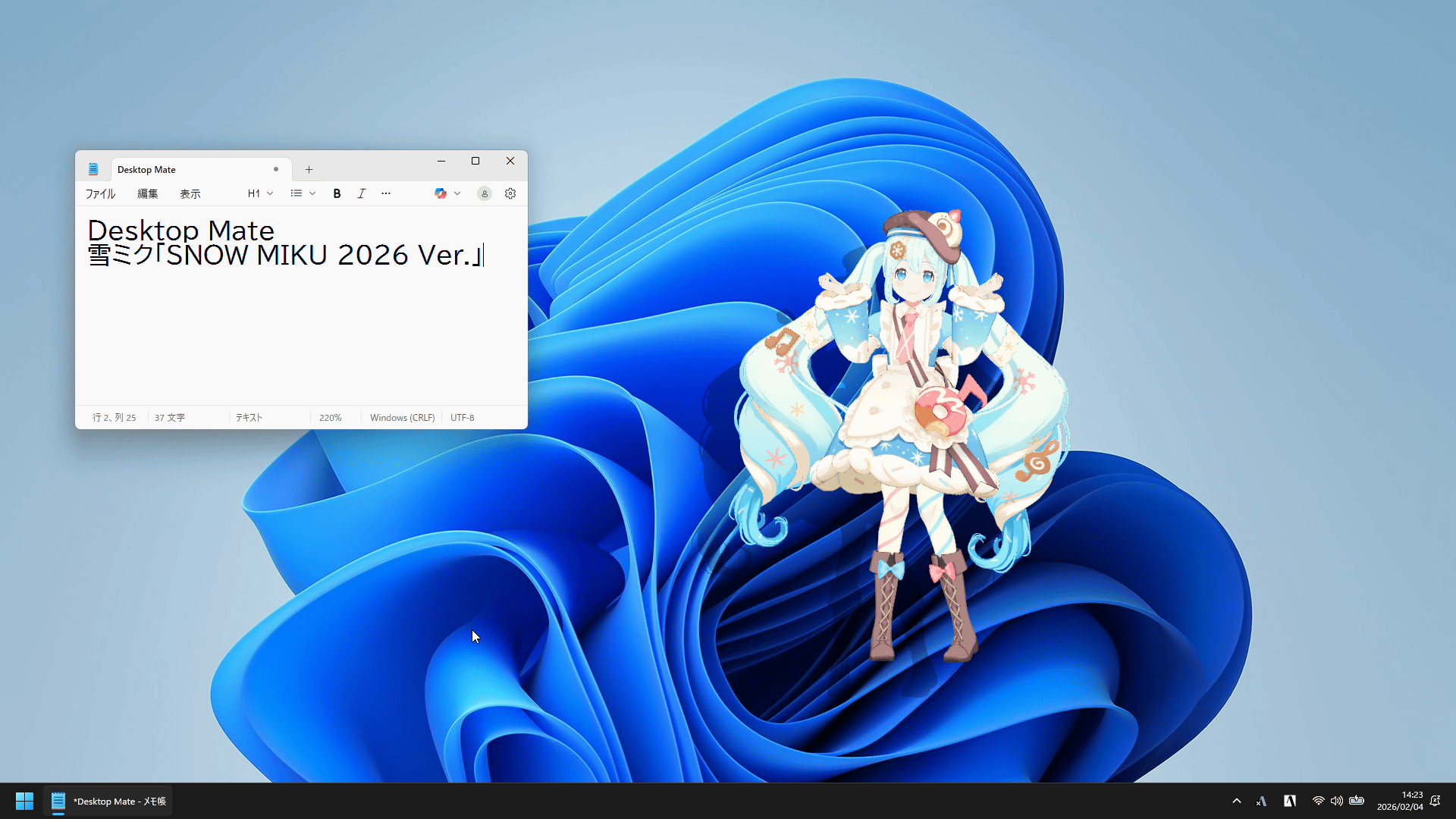
The 2026 version of Snow Miku has appeared on your desktop.
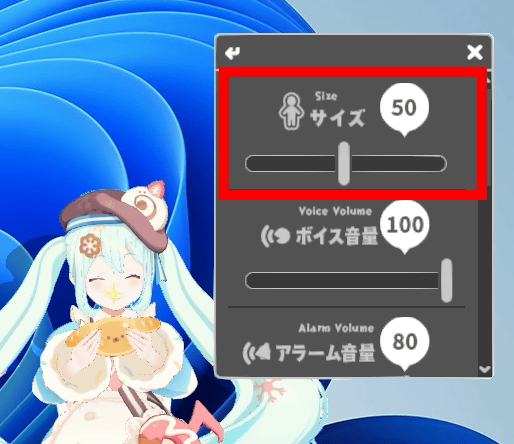
You can adjust the size in 100 steps from 1 to 100 from the right-click menu.
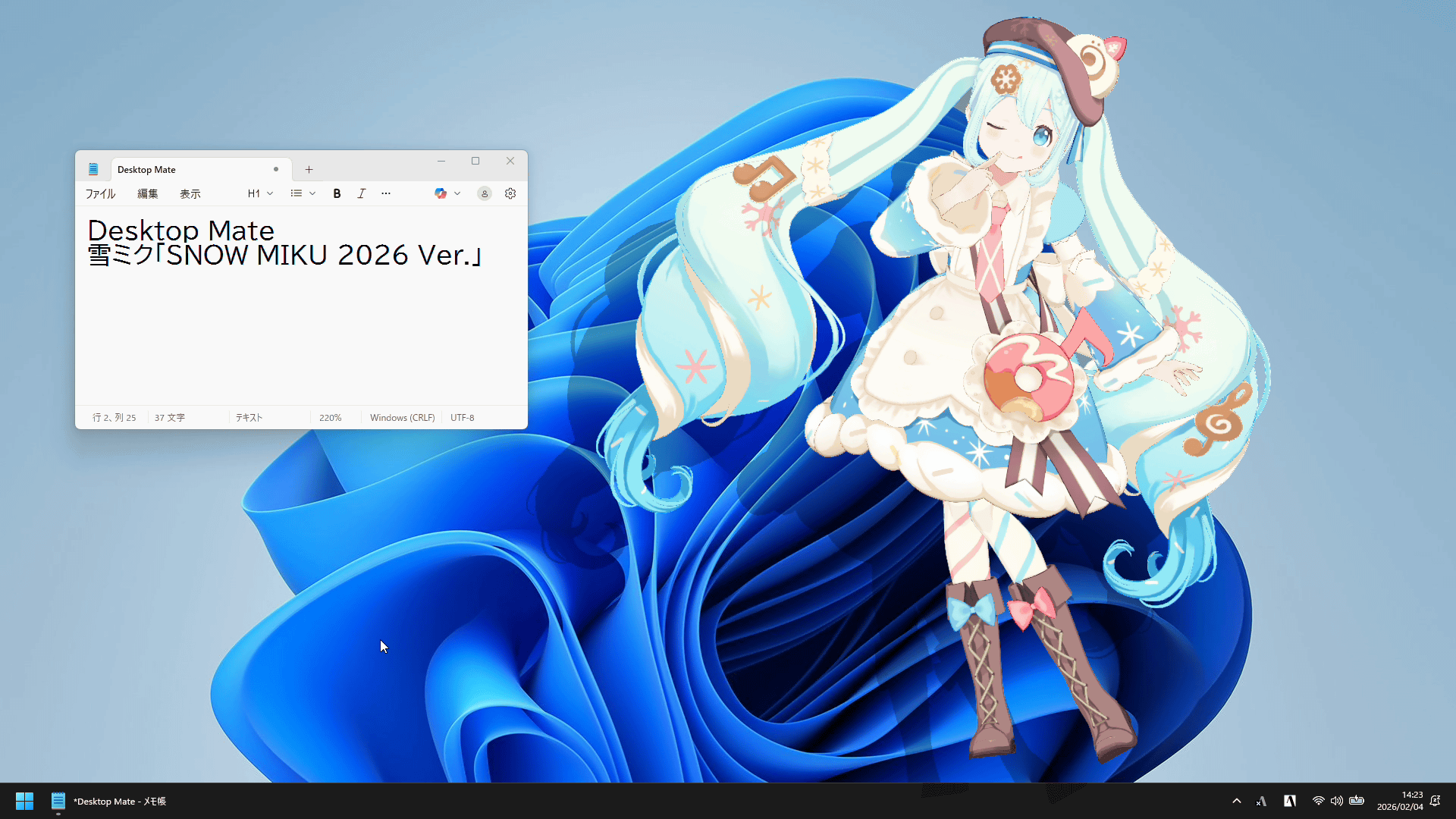
This is what it looks like at size 100.
If you click on Snow Miku or stroke her head with the mouse pointer, she will respond with voice and motion. Also, if you drag Snow Miku close to a window frame, she will sit on the window. You can see the actual voice and motion in the video below.
It also has a one-minute alarm function, and when the time comes, Snow Miku will appear at the forefront of the screen to let you know. There are multiple alarm voices and motions available.
Snow Miku tells you the time [Desktop Mate 'Snow Miku 2026 Ver.' DLC] - YouTube
Let's take a look at the JR Tower version of Snow Miku. JR Tower is a shopping center directly connected to Sapporo Station, and is collaborating with Snow Miku .
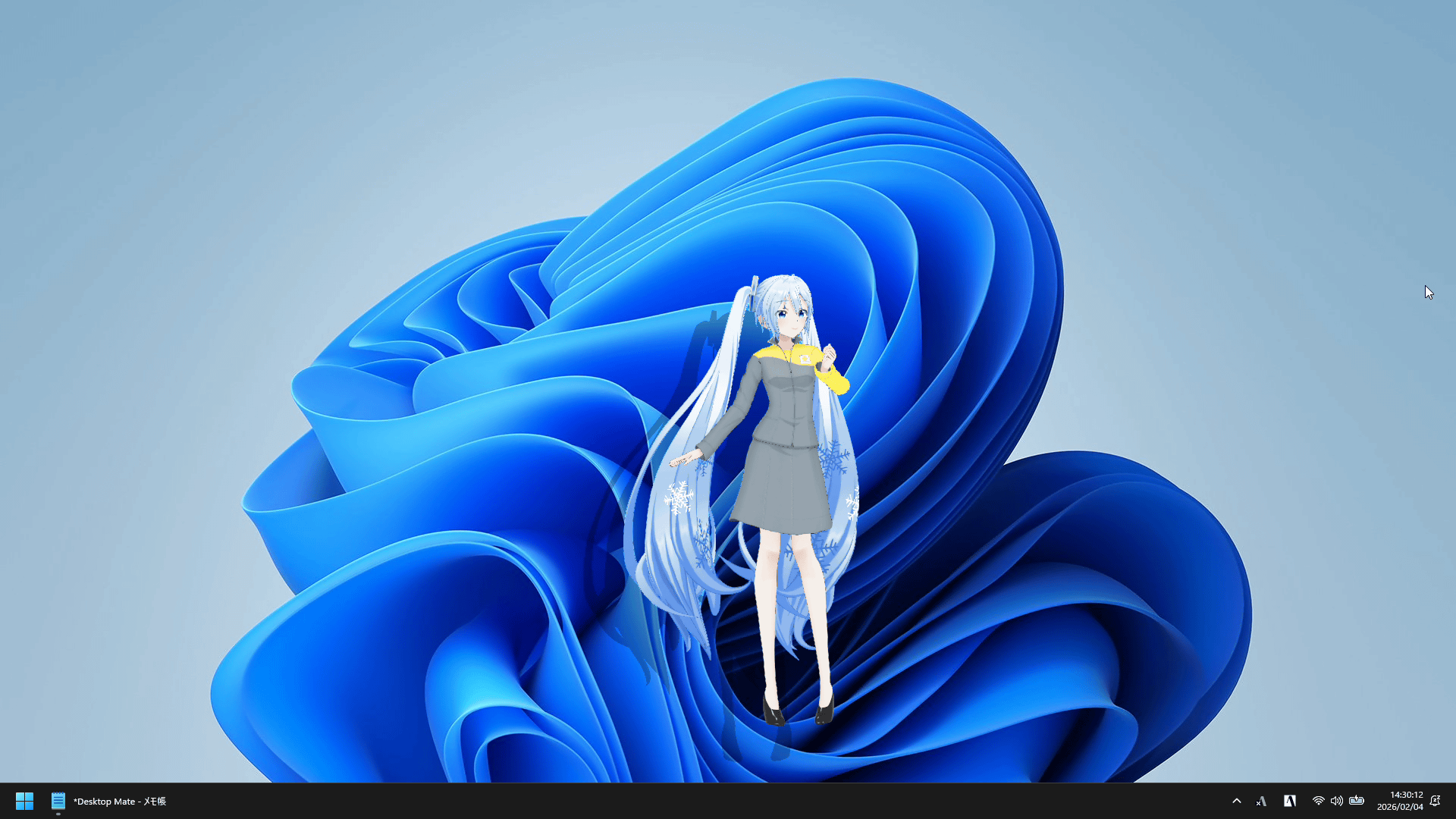
I brought up the JR Tower version of Snow Miku on my desktop. It looks like this at size 50.
Size 100 is quite large.
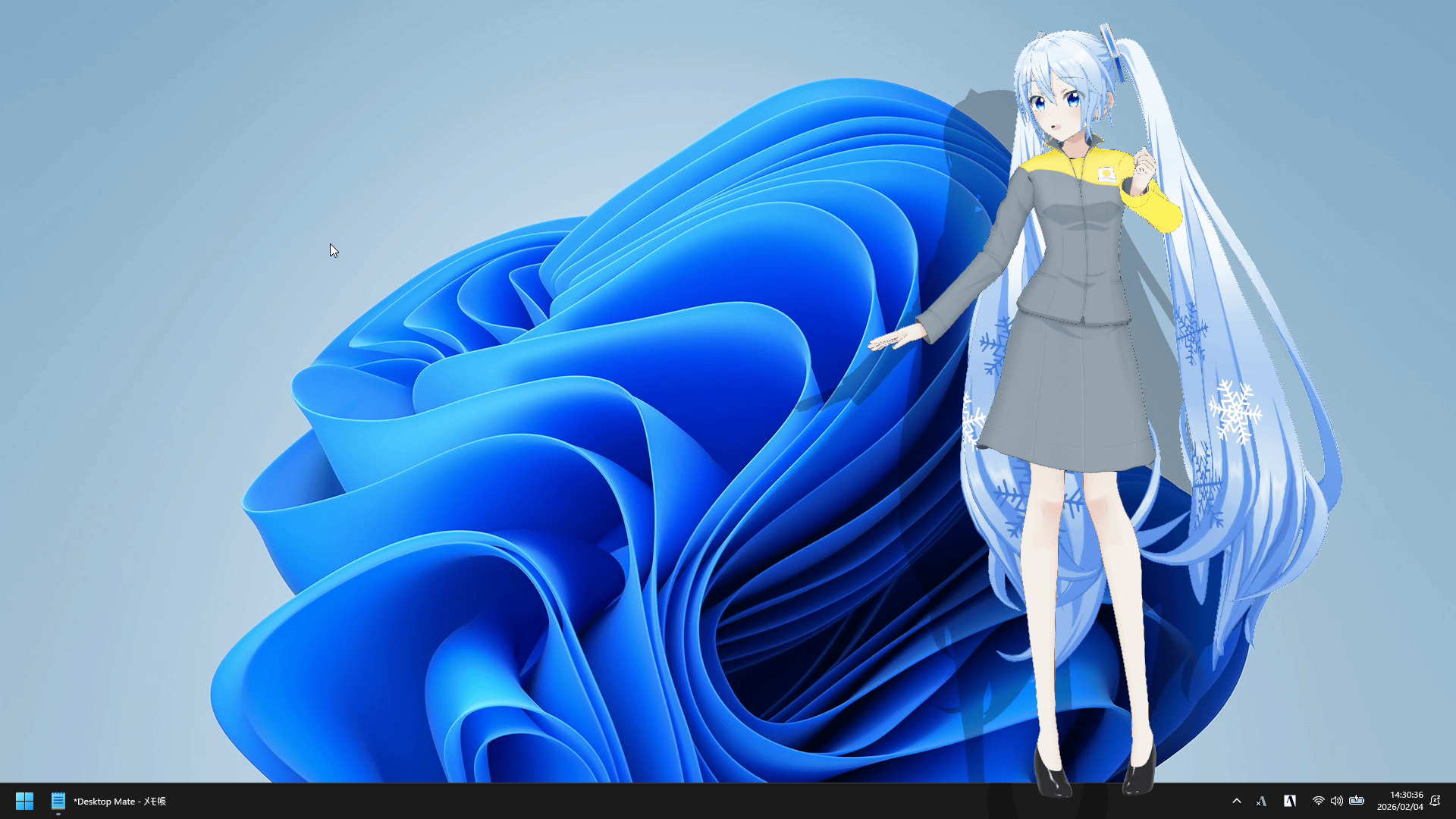
I actually tried out the alarm function of the JR Tower version of Snow Miku.
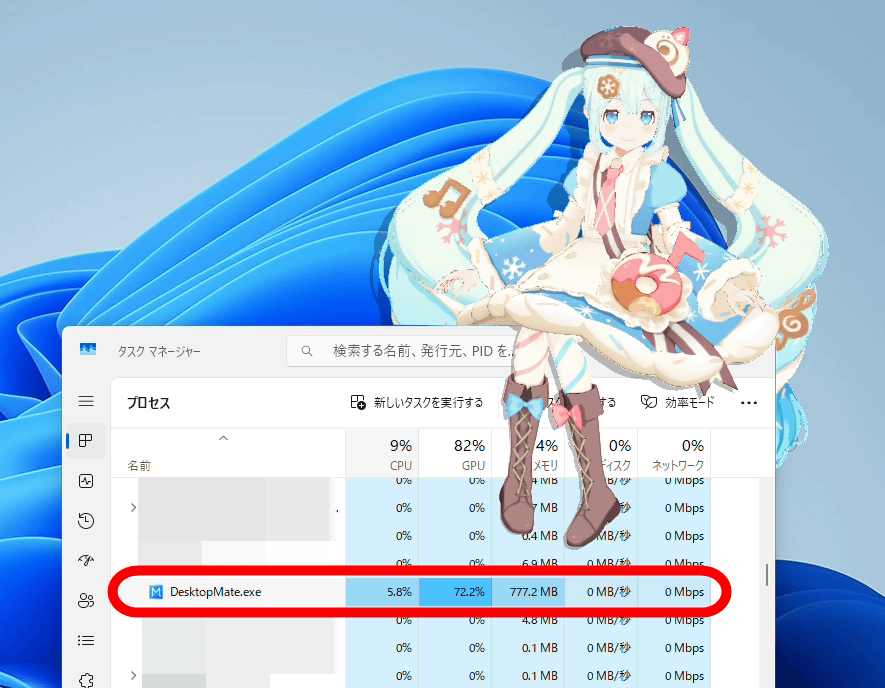
Desktop Mate constantly draws 3D models, which places a considerable load on the GPU. For reference, on a laptop equipped with an Intel Core i7-1065G7, Desktop Mate's GPU usage was around 70%. It works well on PCs with a graphics card, but on PCs with only an iGPU, it may affect other tasks.
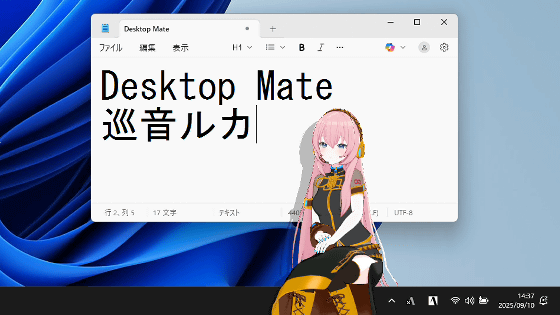
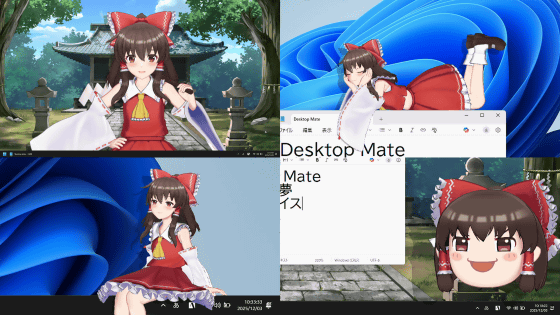
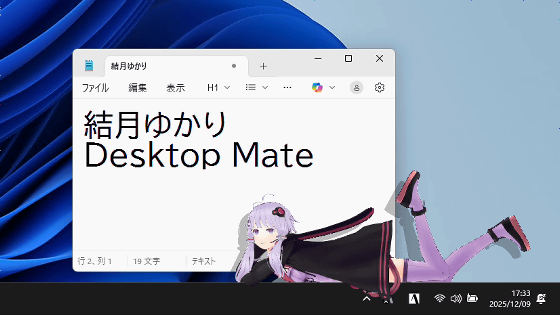
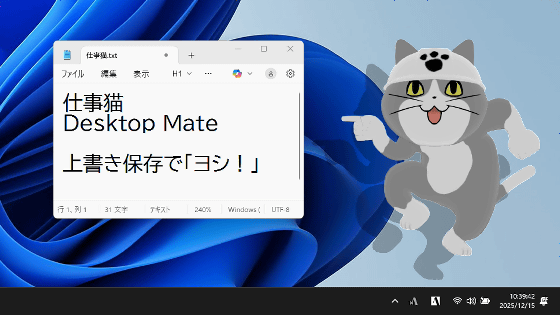
Desktop Mate also allows you to add a variety of other characters, including 'Work Cat,' 'Hakurei Reimu,' 'Yukkuri Reimu,' 'Kirisame Marisa,' 'Yukkuri Marisa,' 'Yuzuki Yukari,' and 'Tsubasa Akari.' Work Cat has a feature that 'every time you press Ctrl+S, it will point and say 'OK!' to confirm.'
'Desktop Mate Work Cat DLC' review, which allows you to place a work cat on your PC screen that will say 'Yoshi!' when you overwrite it, equipped with new voices and experienced voices - GIGAZINE
Related Posts: