Here's how to set up Amazon's 4K security camera, the Ring Outdoor Cam Pro.
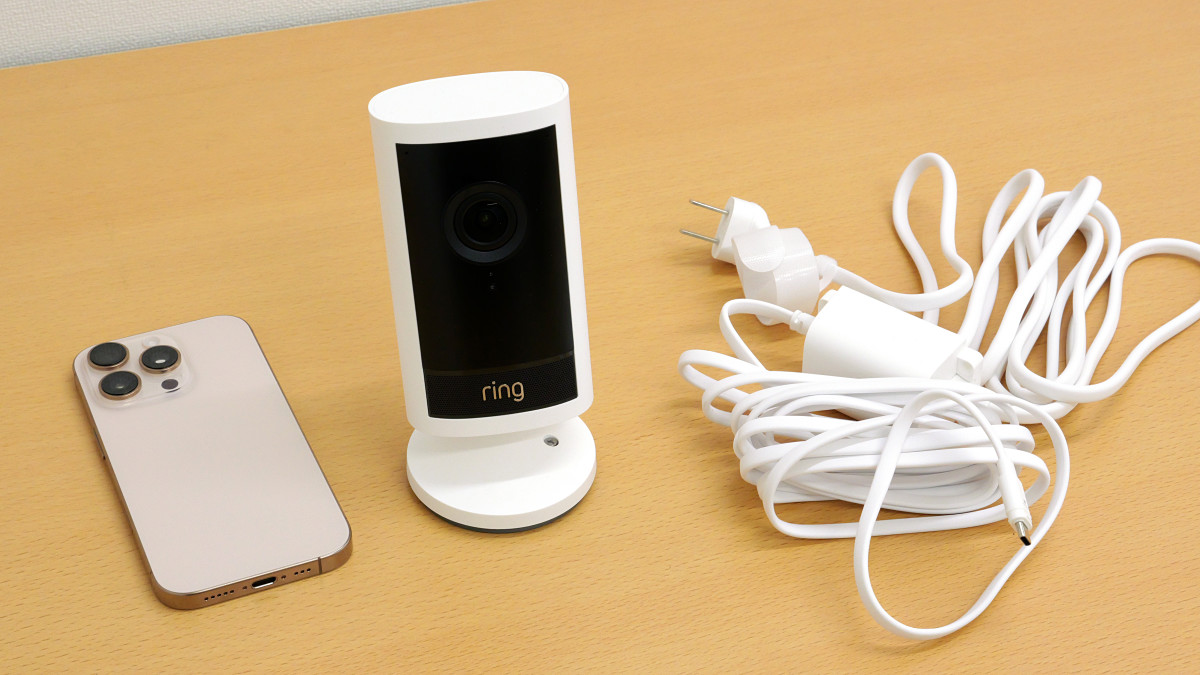
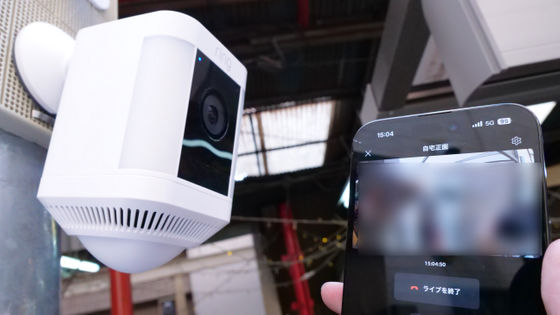
The ' Ring Outdoor Cam Pro ' is a security camera developed by Amazon that allows you to check the footage from anywhere on your smartphone. The Ring Outdoor Cam Pro arrived at the GIGAZINE editorial department, so we've put together a detailed setup guide.
Amazon.co.jp: [New] Ring Outdoor Cam Pro Plug-in (Ring Outdoor Cam Pro Power Adapter Model) | High-Quality, Wide-Angle 4K Video Outdoor Security Camera | 10x Zoom & Motion Detection | Ring Home Plan with 30-Day Free Trial - White
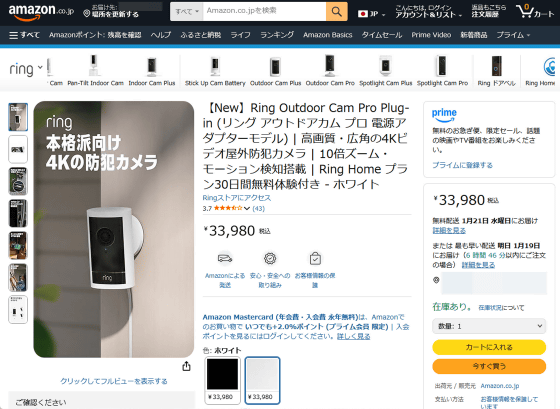
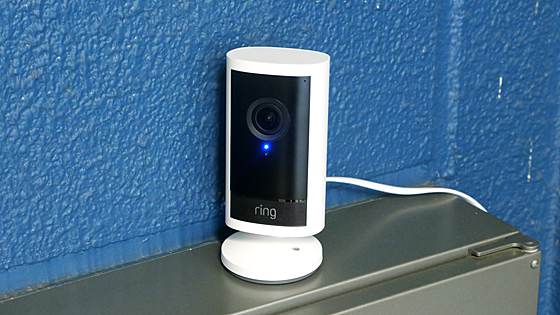
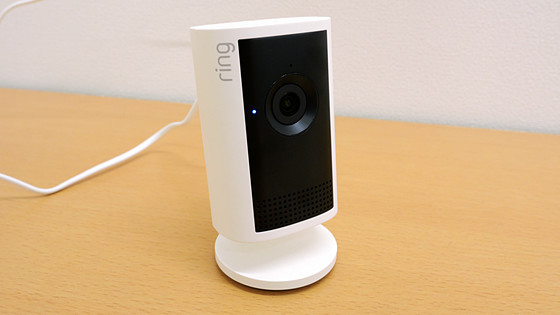
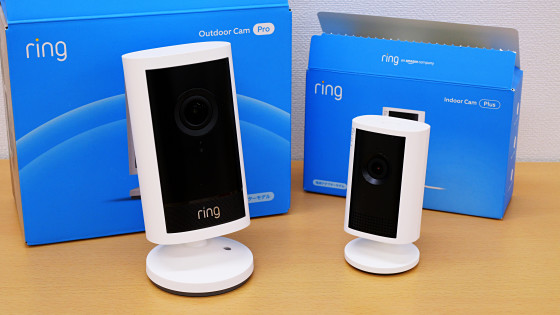
The Ring Outdoor Cam Pro is a security camera that lets you view 4K video from anywhere. It features color night vision, motion detection, and a smartphone notification. The appearance of the Ring Outdoor Cam Pro is summarized in the article below.
A detailed look at the appearance of Amazon's 4K security camera 'Ring Outdoor Cam Pro' and indoor camera 'Ring Indoor Cam Plus' - Review - GIGAZINE
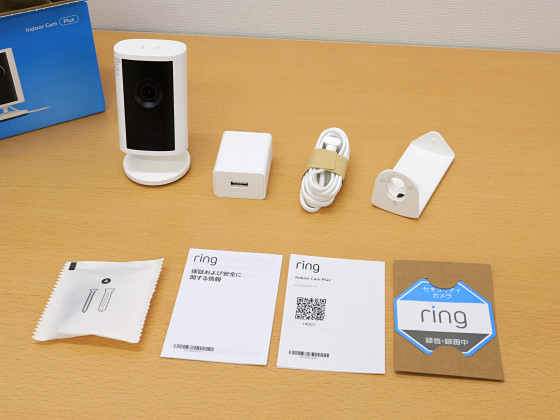
The initial setup of the Ring Outdoor Cam Pro is performed using the Ring smartphone app, which is available for both Android and iOS .
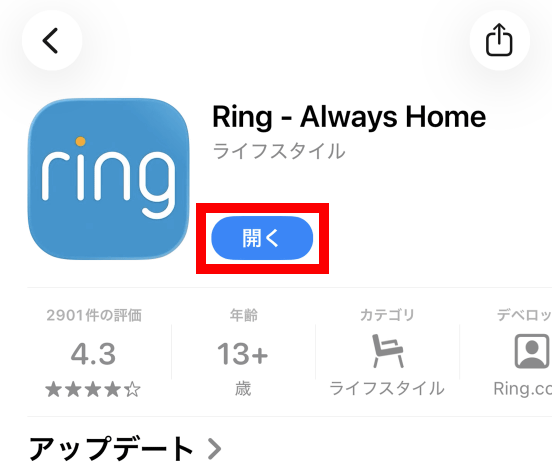
First, search for Ring in the App Store and install it, then tap 'Open' once the installation is complete.
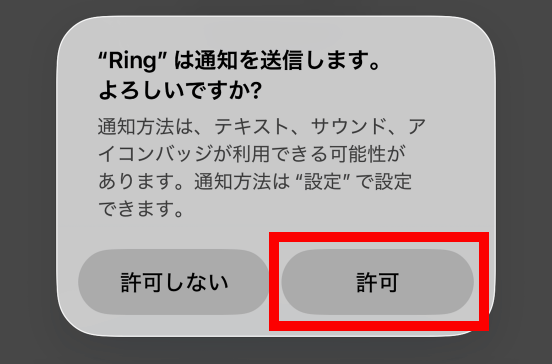
When you first start the app, you will be asked to allow notifications, so tap 'Allow'.
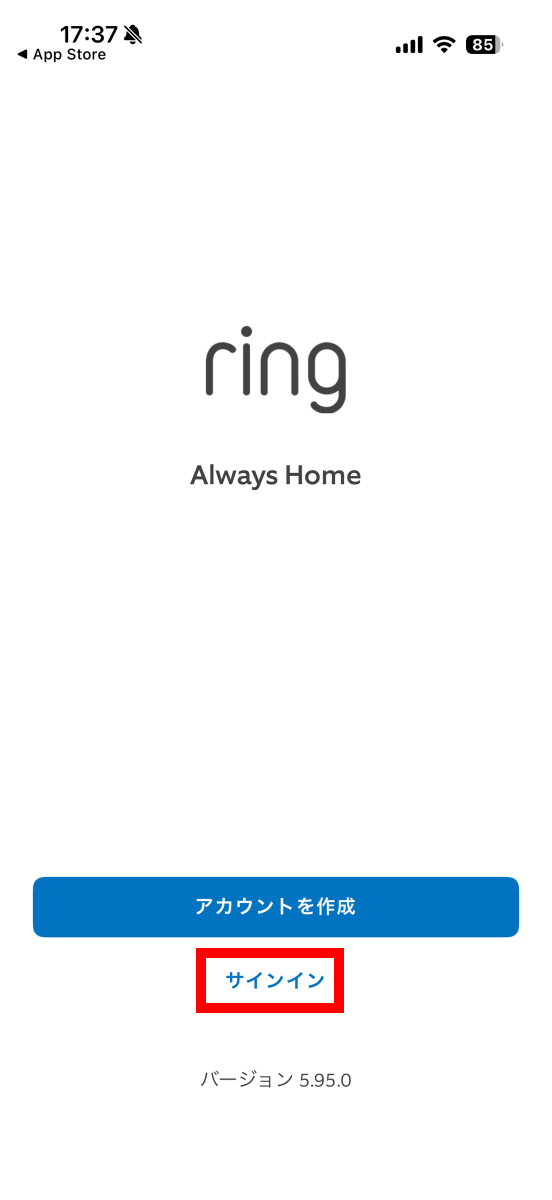
You will be asked to sign in with your Ring account, so tap 'Sign in.' If you don't have an account, please create one by referring to our previous article .
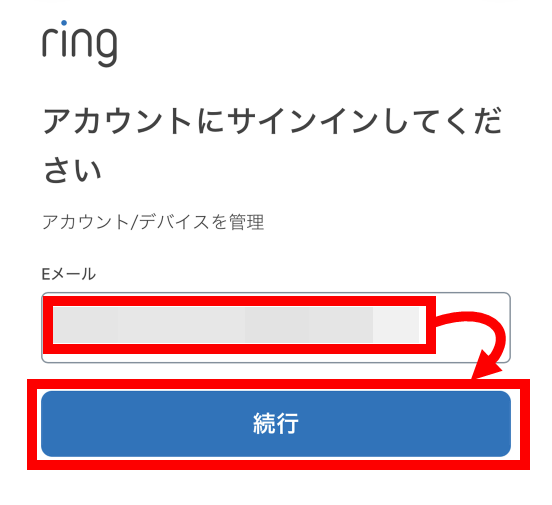
Enter your email address and tap 'Continue.'
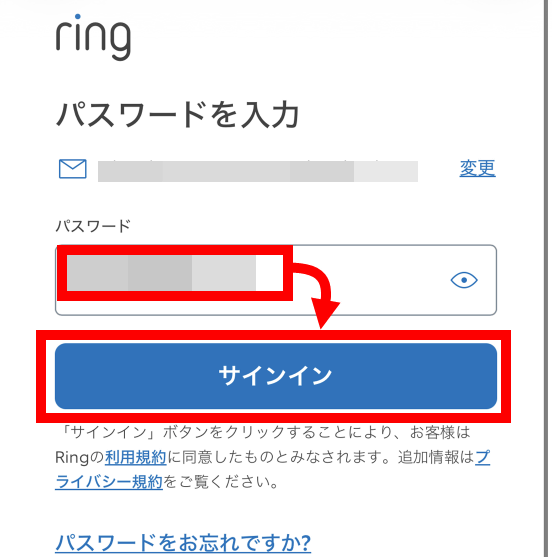
Enter your password and tap 'Sign in.'
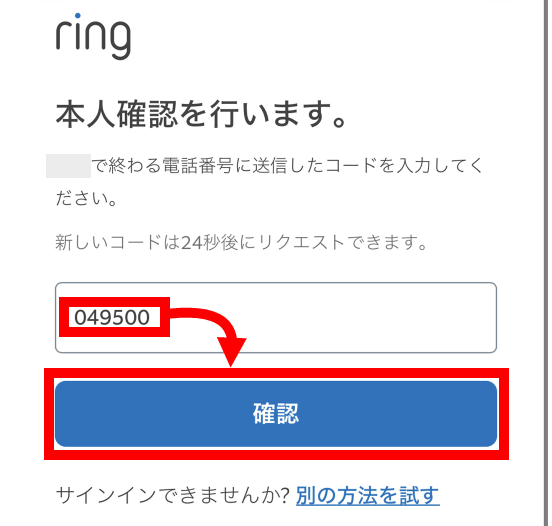
A 6-digit verification code will be sent to the phone number registered to your account, so enter the verification code and tap 'Confirm.'
Once you have successfully signed in, tap 'Set up device.'
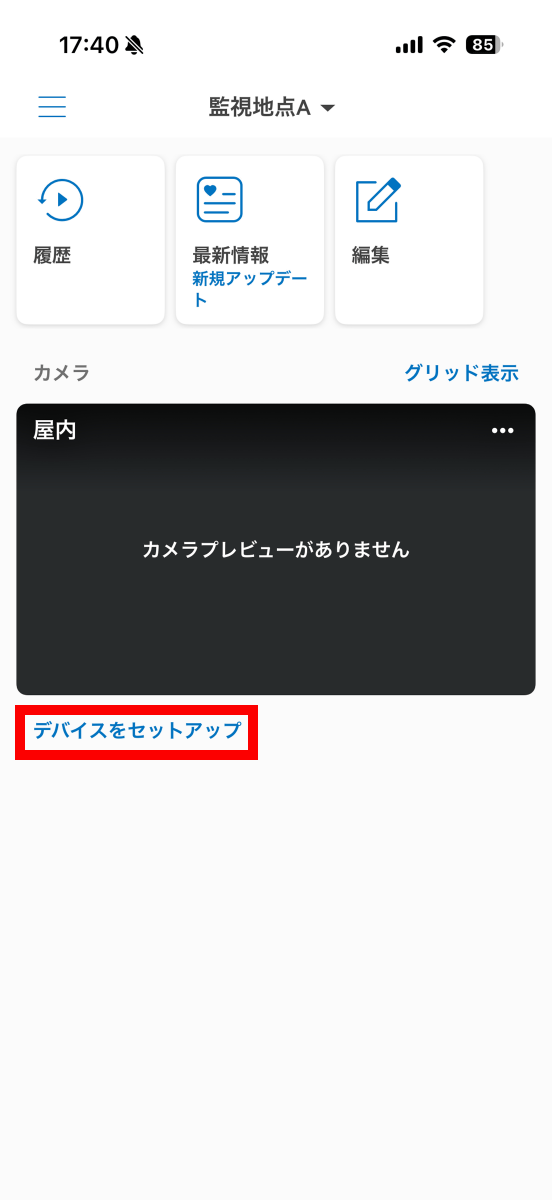
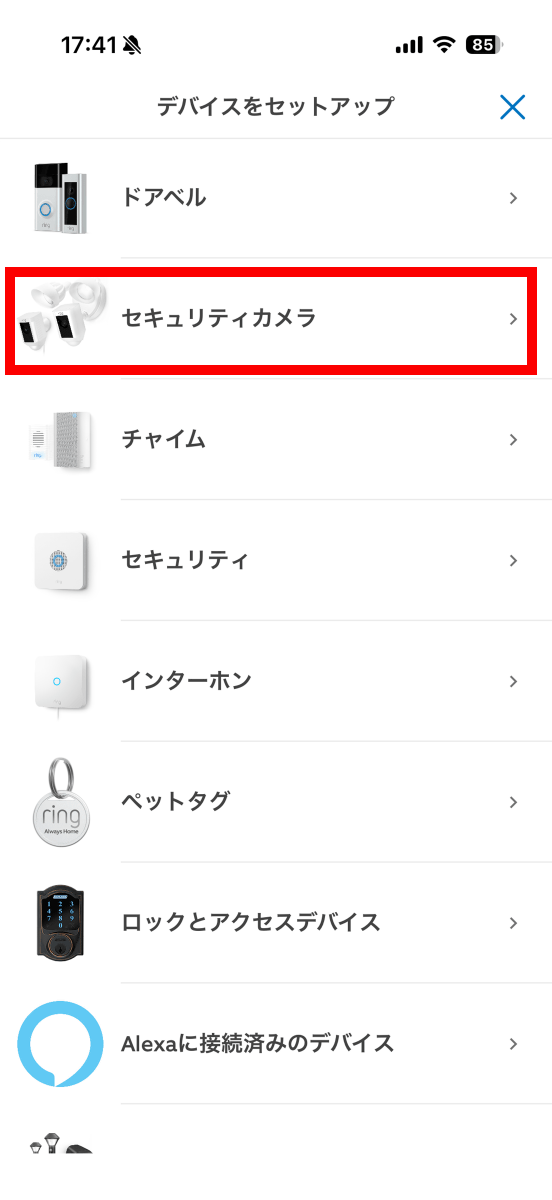
Tap 'Security Camera.'
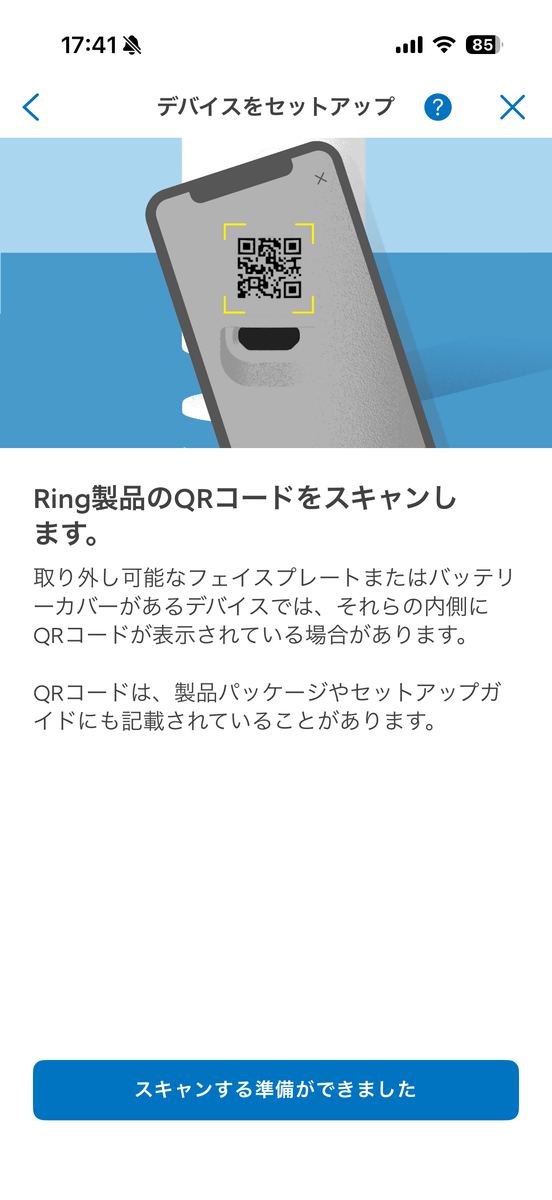
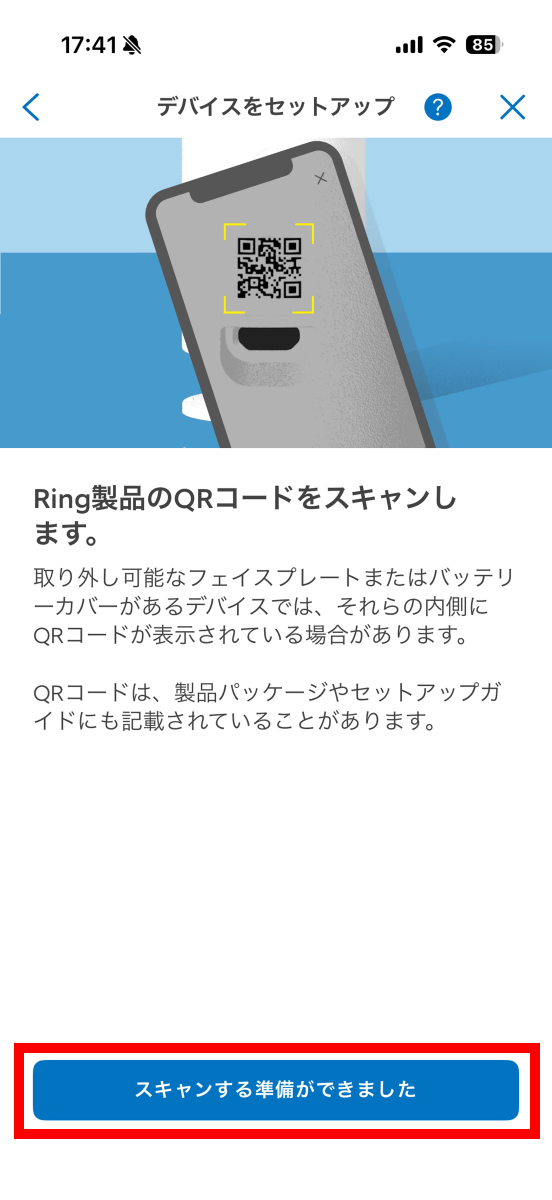
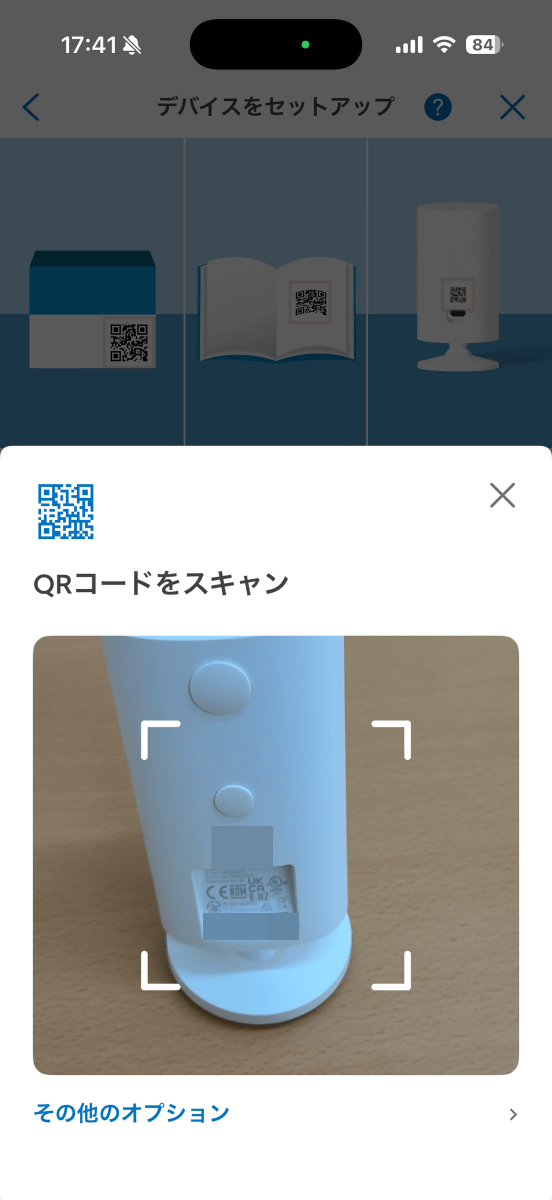
Next, you will be asked to scan the QR code of the camera you want to connect to.
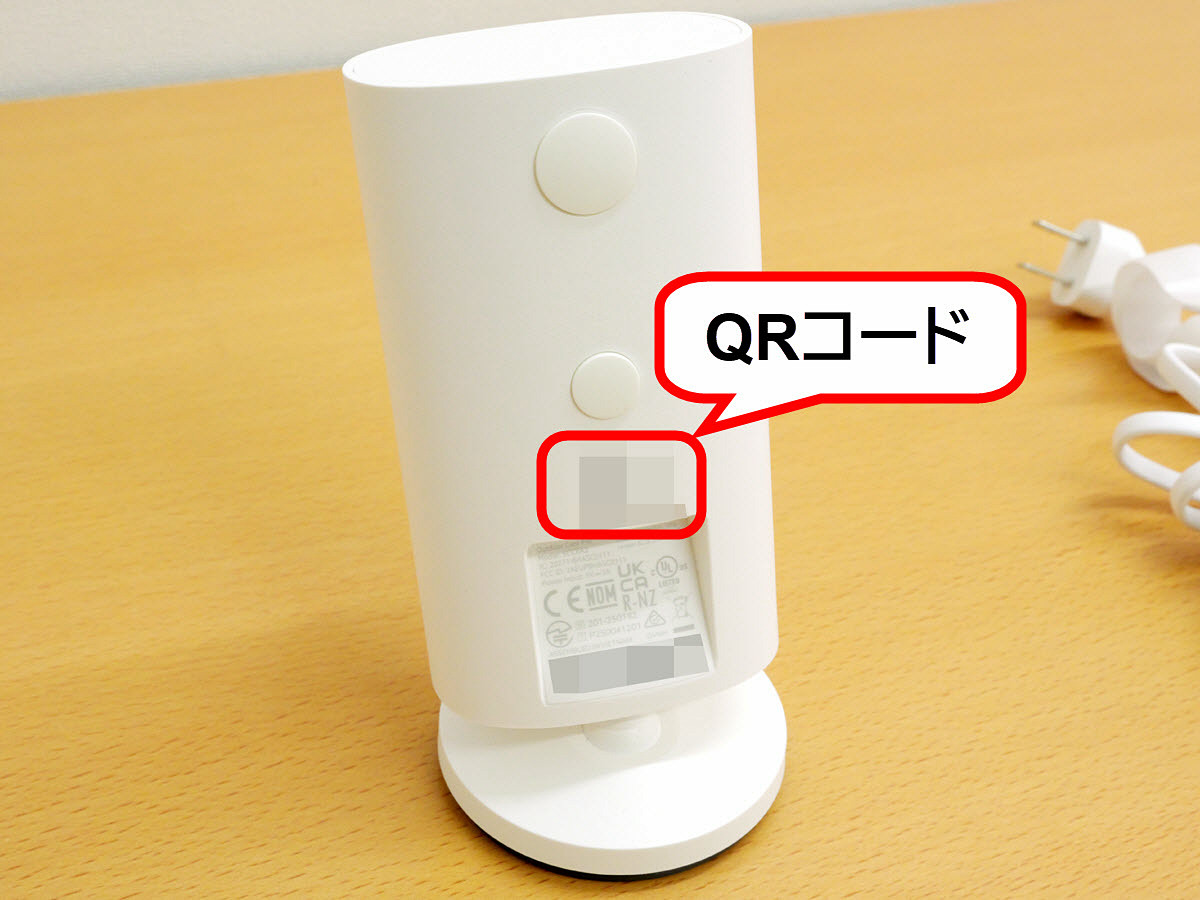
The Ring Outdoor Cam Pro has a QR code printed on the back.
Tap 'Ready to scan'.
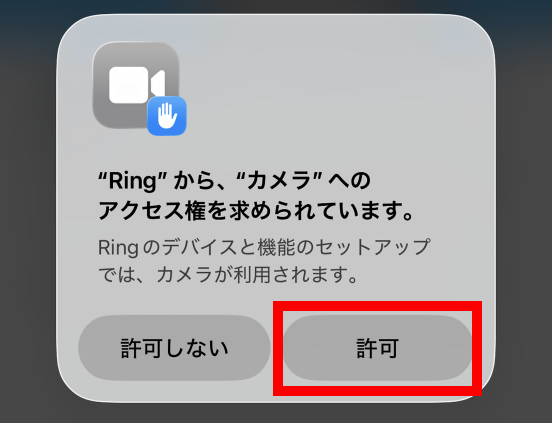
If you are asked for permission to use the camera, tap 'Allow.'
Scan the QR code.
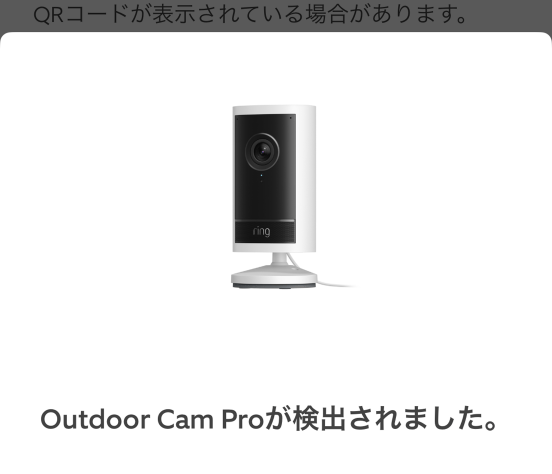
If the scan is successful, the message 'Outdoor Cam Pro detected' will be displayed.
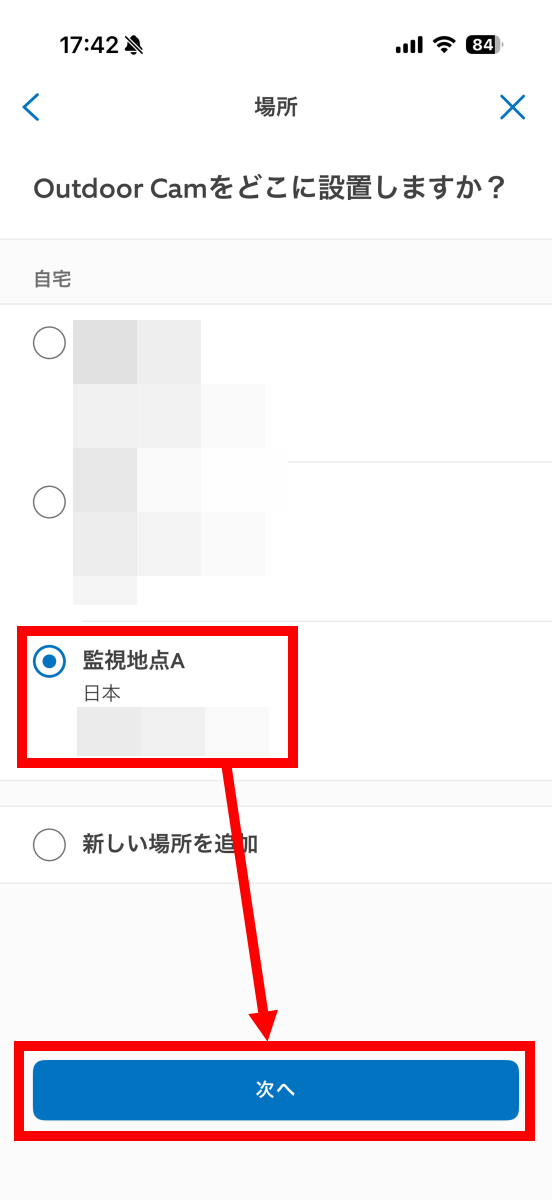
Next, select the installation location and tap 'Next.'
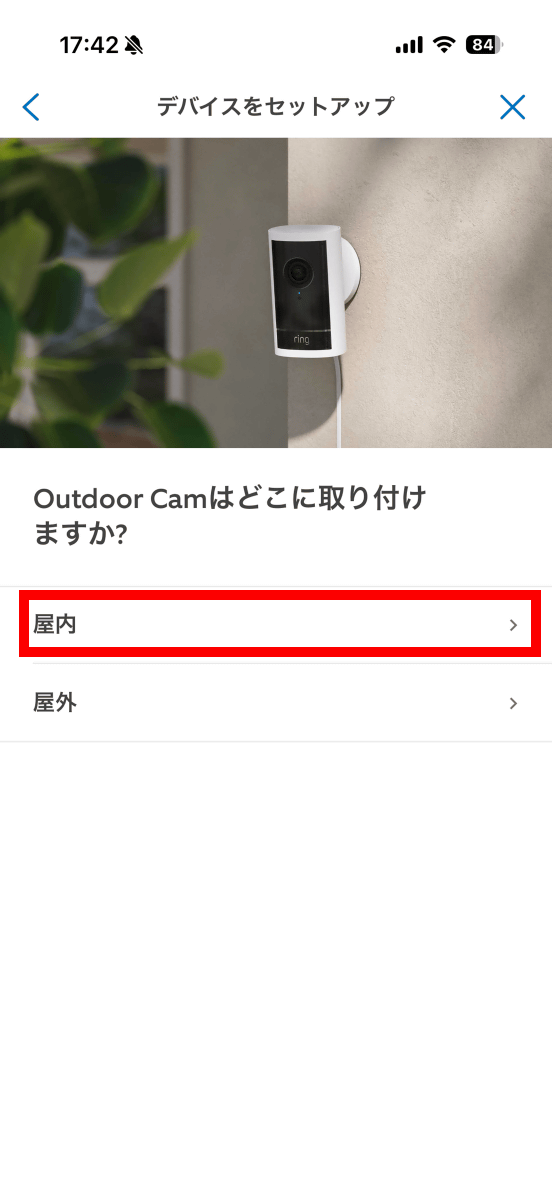
A screen will appear asking you to choose whether to install it indoors or outdoors. Tap 'Indoors' this time.
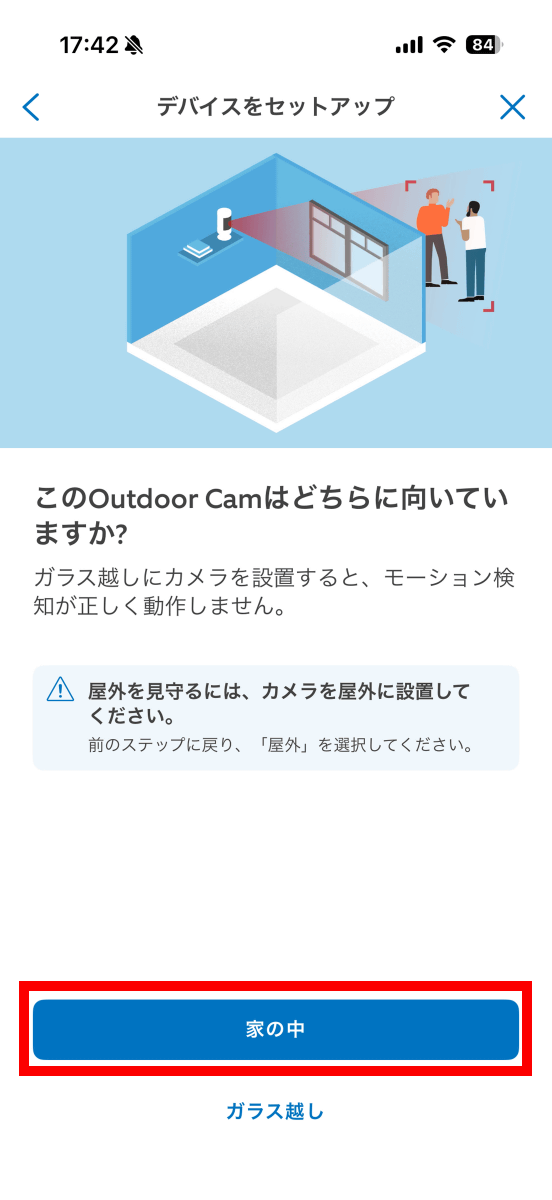
Next, you'll be asked to choose whether the camera is facing inside or outside the house. Tap 'Inside the house.'
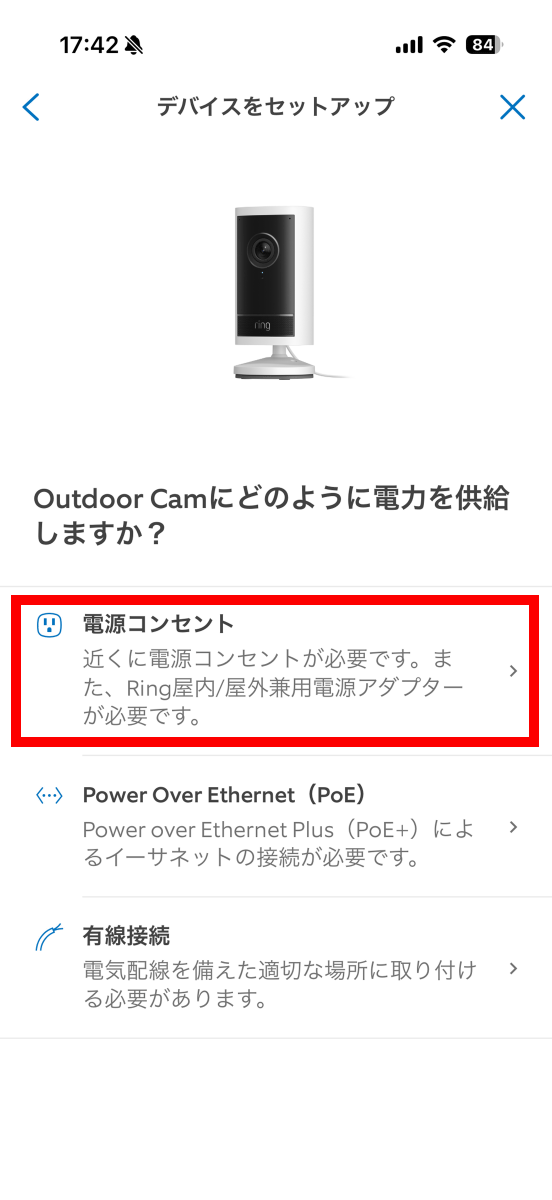
On the power source selection screen, tap 'Power Outlet.'
Once you've completed the setup, you'll be prompted to power on your Ring Outdoor Cam Pro.
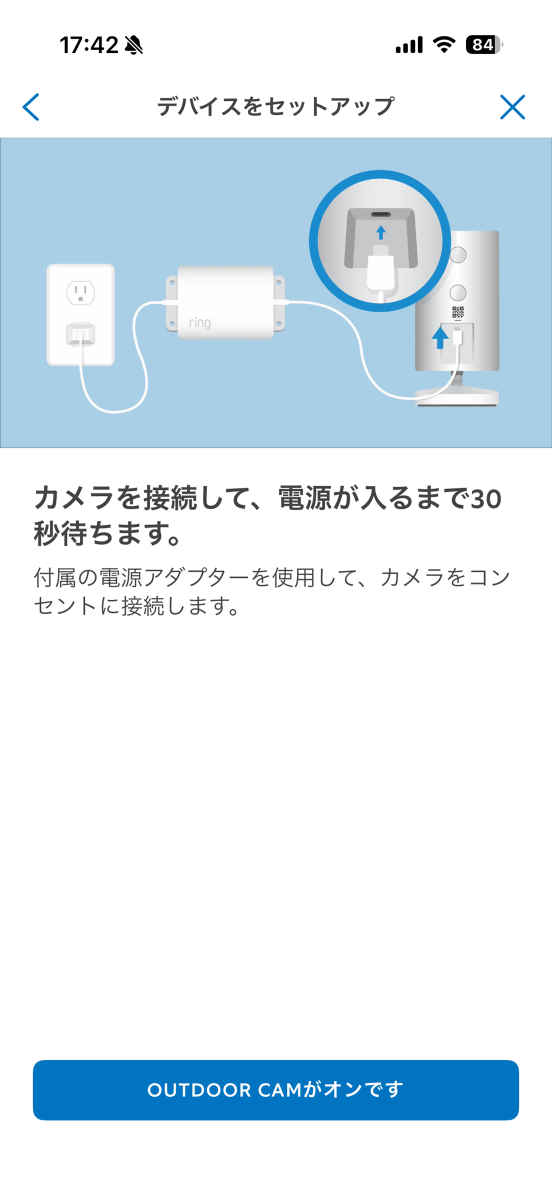
Just plug the power cord into the outlet.
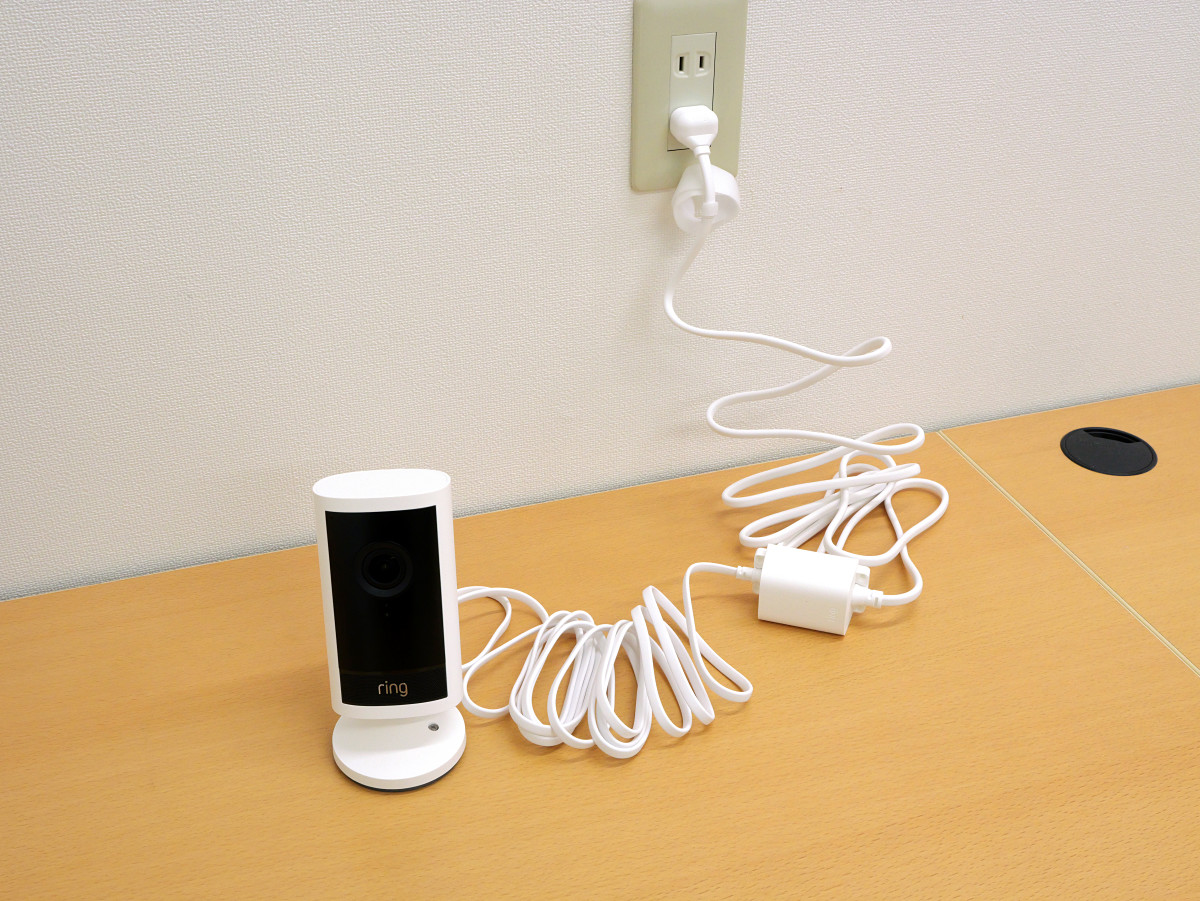
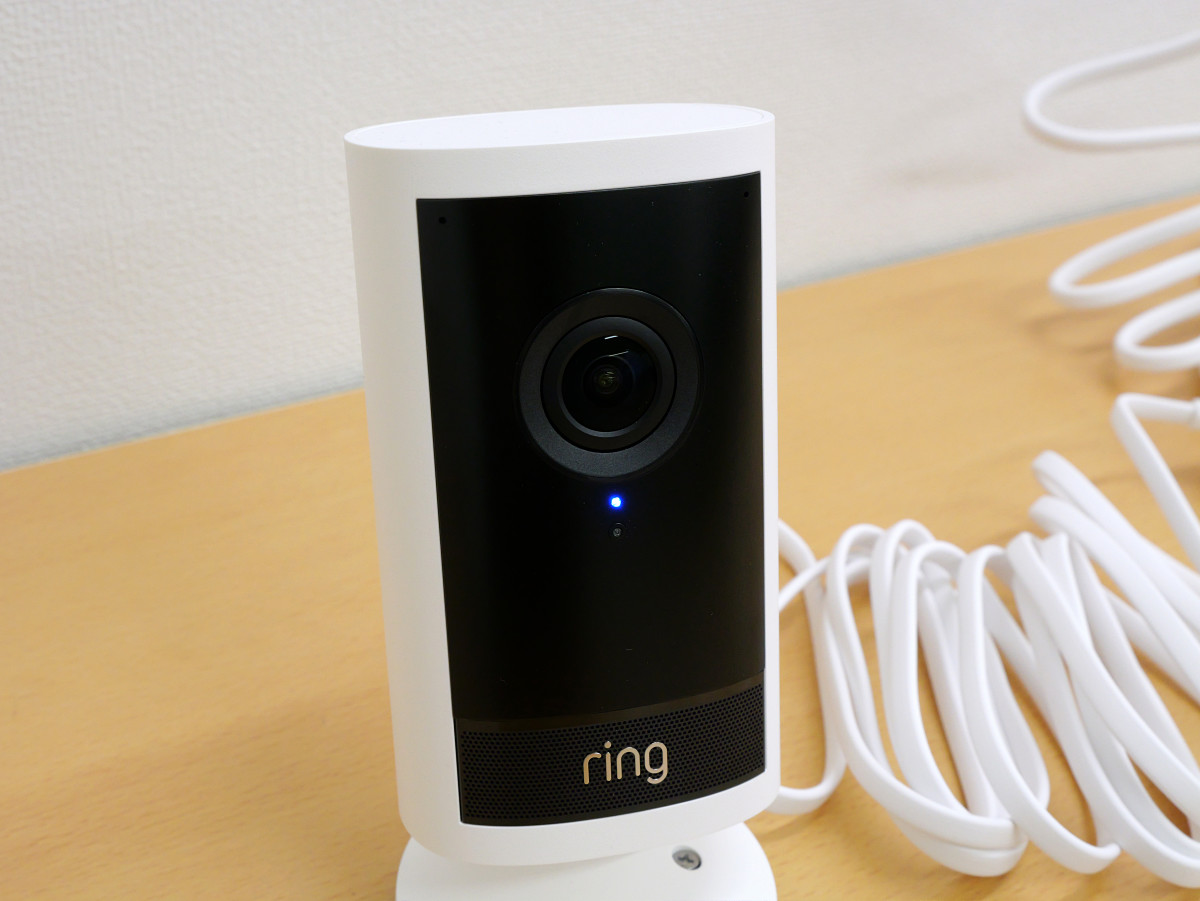
Wait a few seconds and when the blue light on the front comes on, it's ready to go.
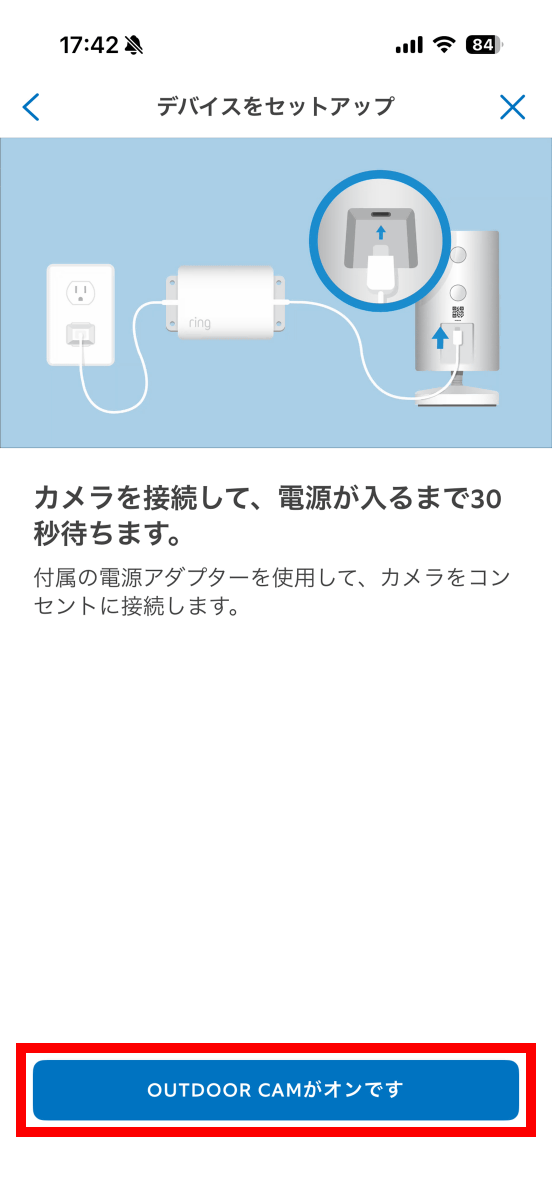
Tap 'OUTDOOR CAM is on.'
Give it any name you like.
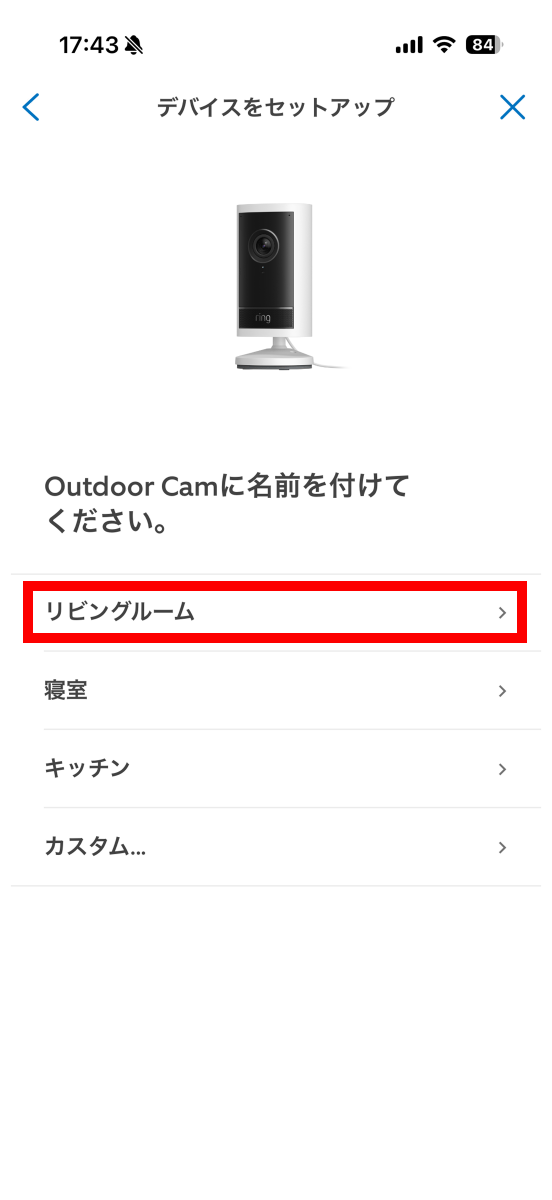
Since the Ring Outdoor Cam Pro is a camera that connects to the Internet, the Wi-Fi connection setup will begin. First, have the Wi-Fi access point password ready and tap 'I have a passcode.'
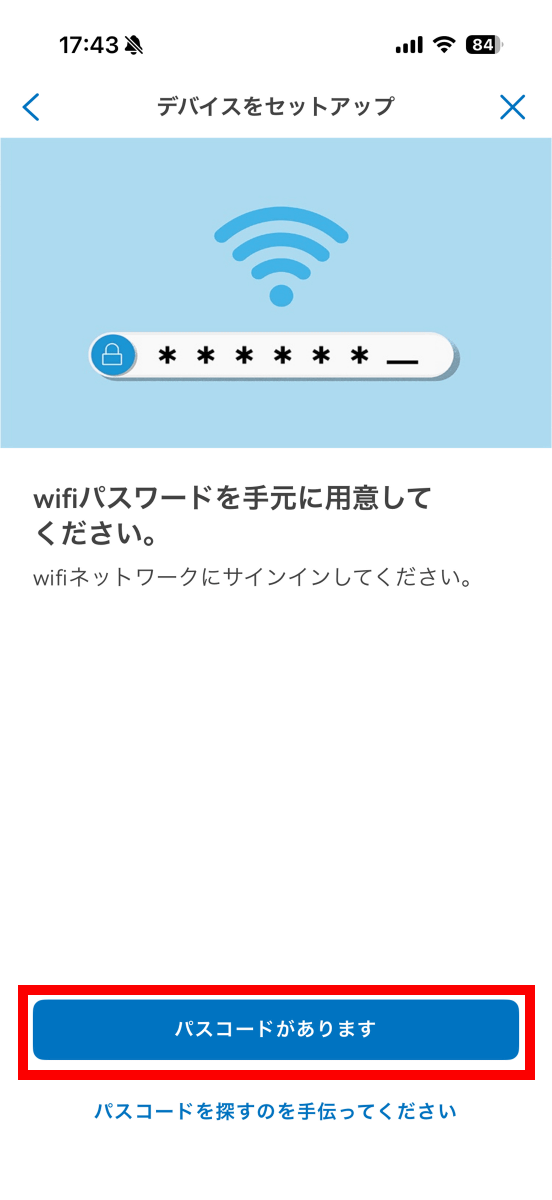
Tap 'OK'.
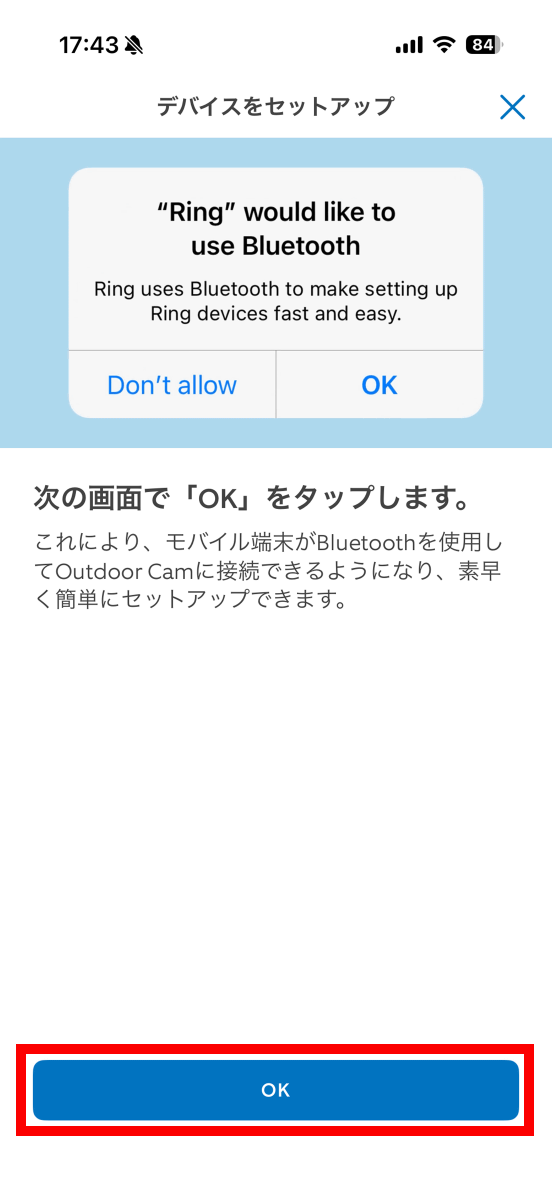
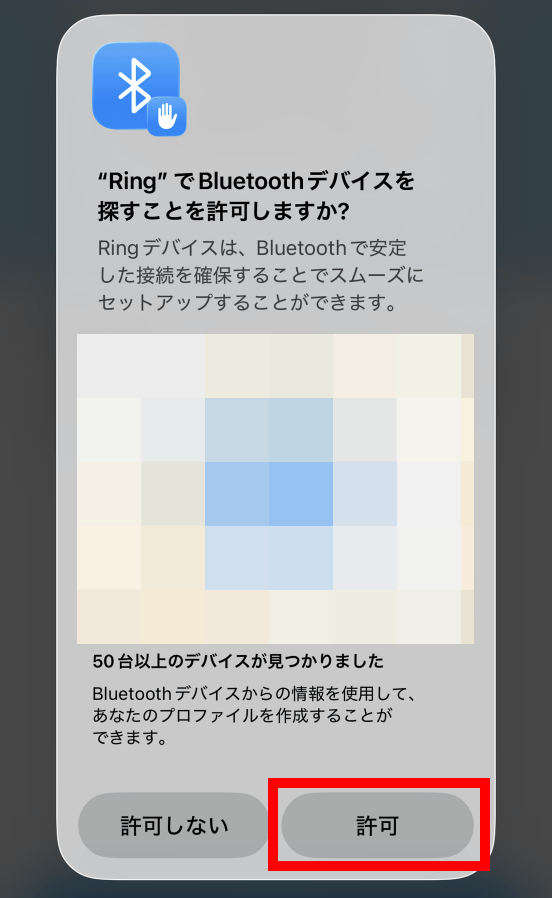
If you are asked for permission to use Bluetooth, tap 'Allow.'
Tap 'Next'.
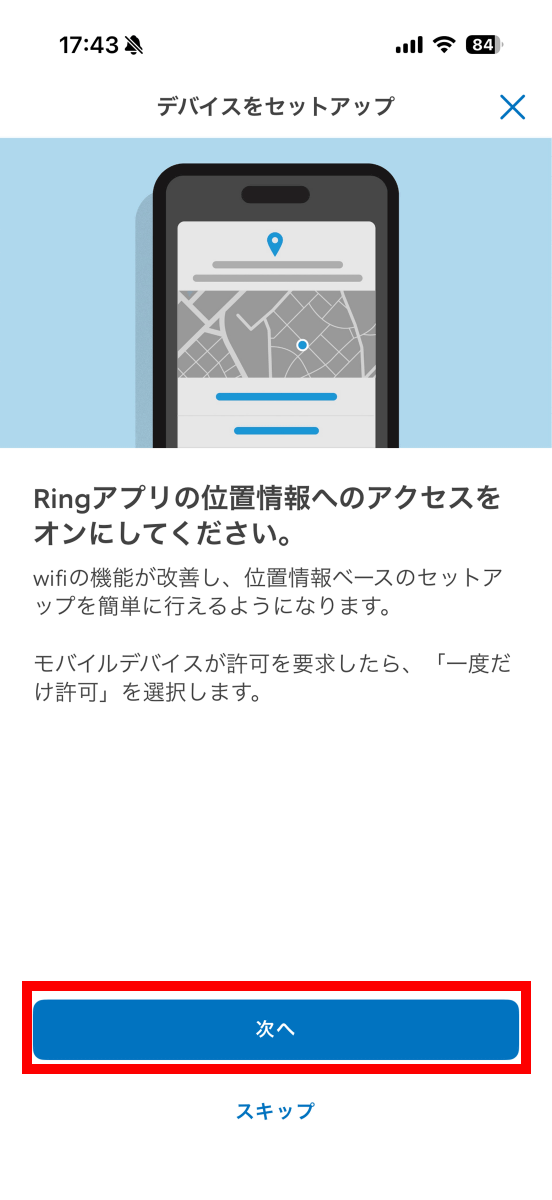
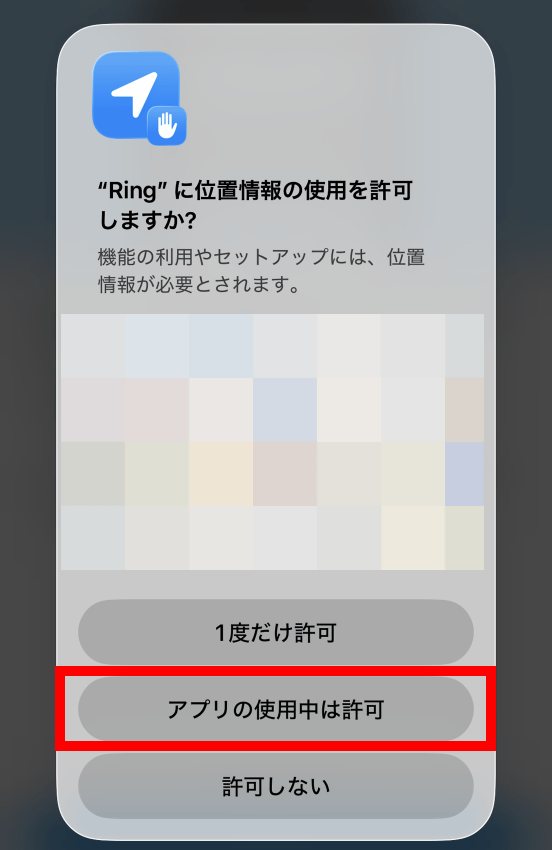
If you are asked for permission to use your location, tap 'Allow while using the app.'
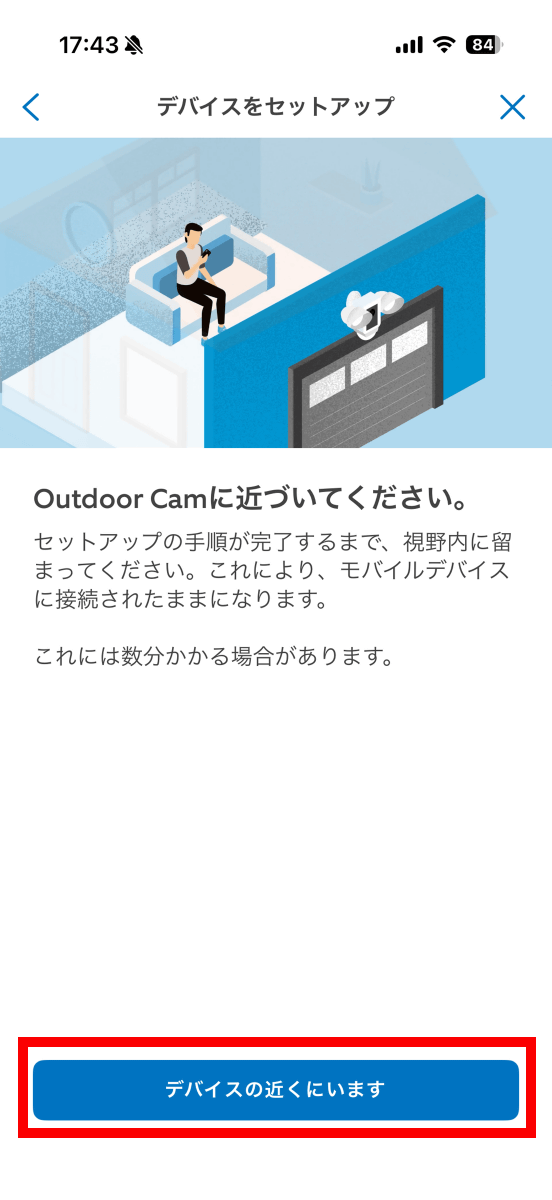
Tap 'Nearby device.'
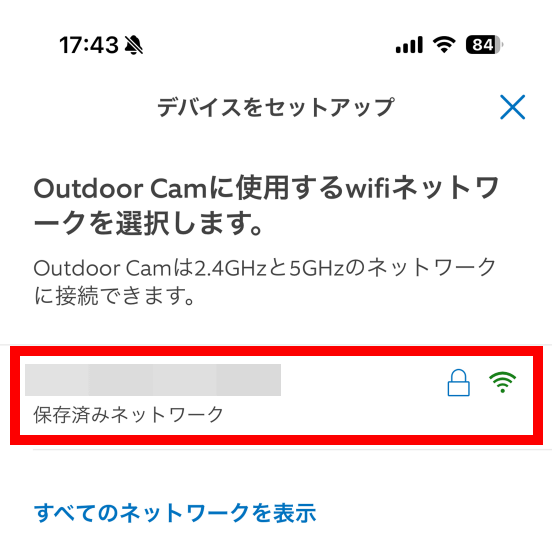
Select the access point you want to connect to and enter the password. In this case, I tapped a network saved in my Ring account.
Wait a few seconds for the connection to complete.
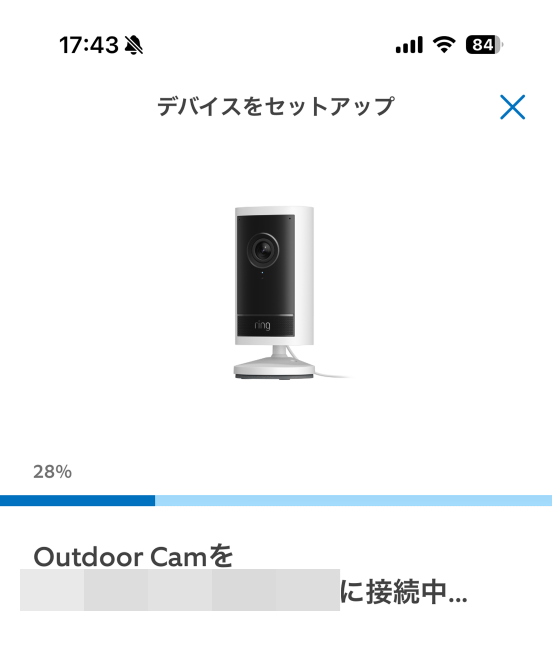
Once the connection is complete, tap 'Next.'
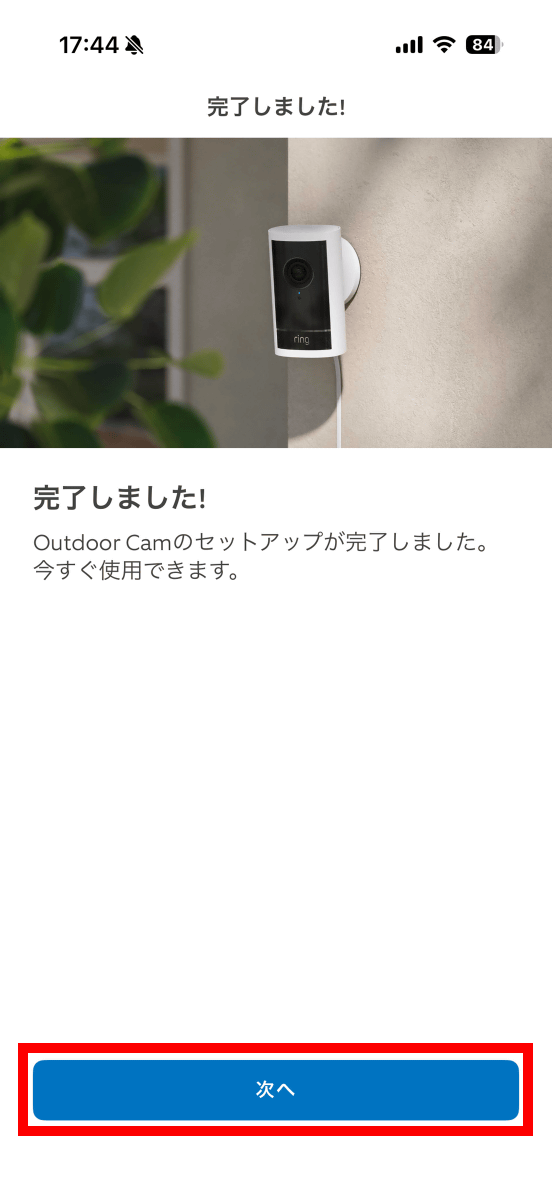
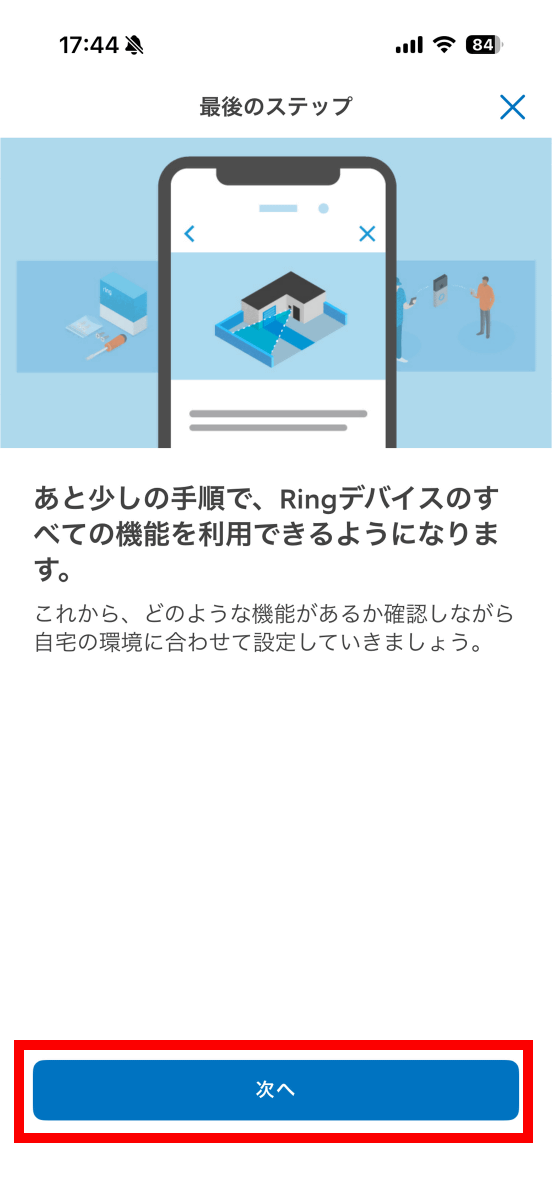
Tap 'Next'.
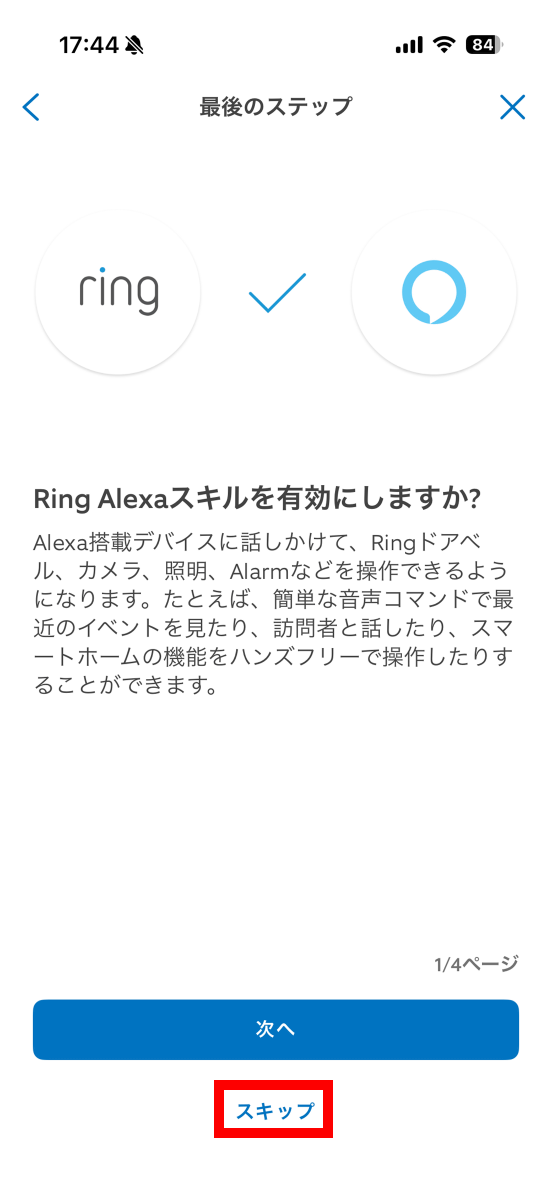
The Alexa explanation screen will appear. You can enable Alexa later, so tap 'Skip' for now.
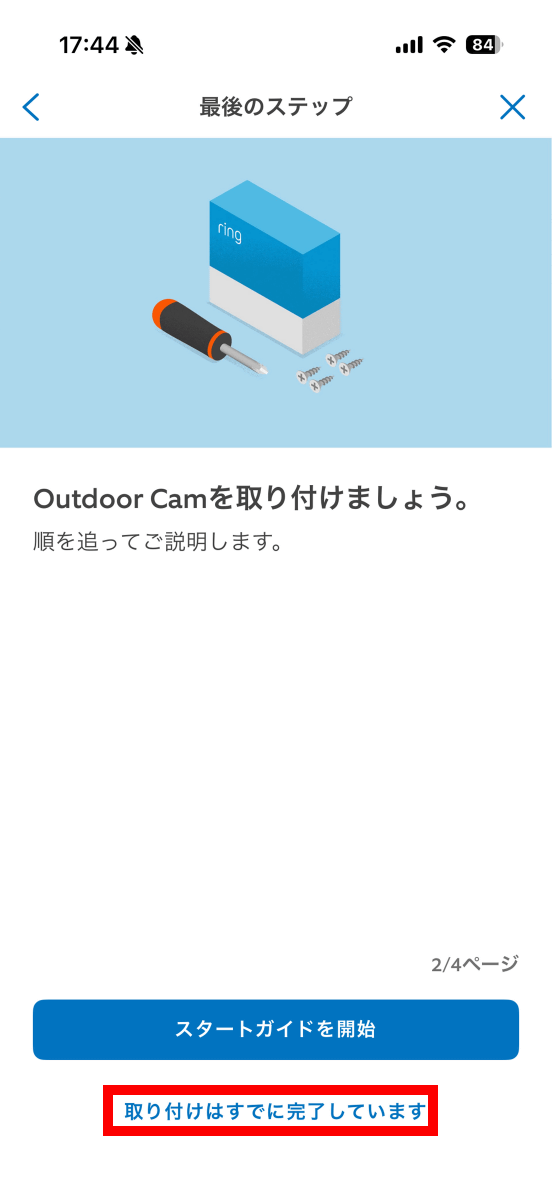
You can also view instructions on how to install it. This time, tap 'Installation has already been completed.'
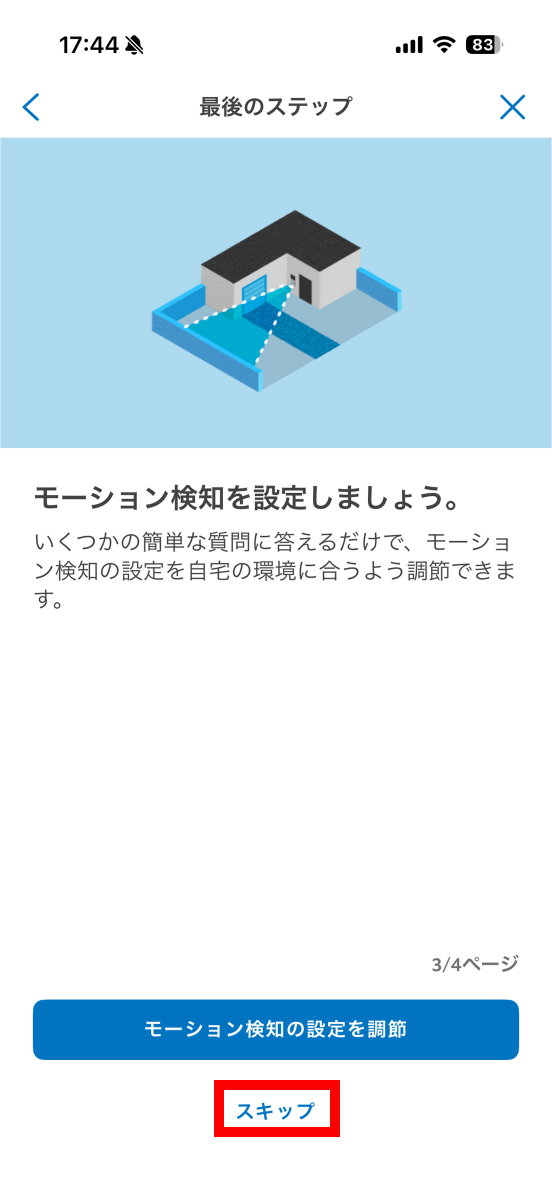
You can also customize the motion detection function later, so tap 'Skip.'
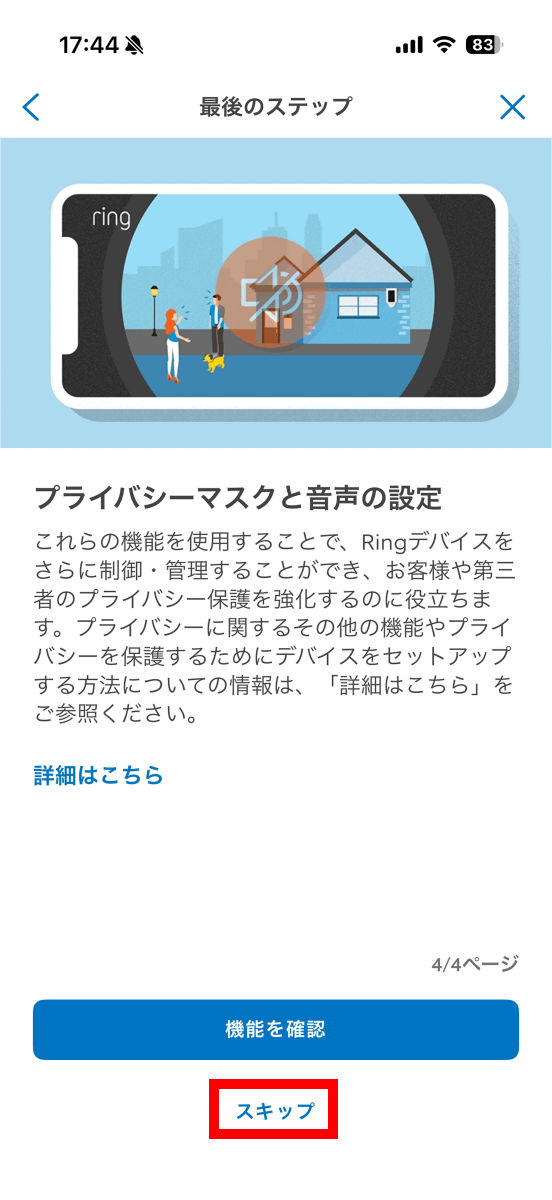
Privacy features can also be configured later, so tap 'Skip'.
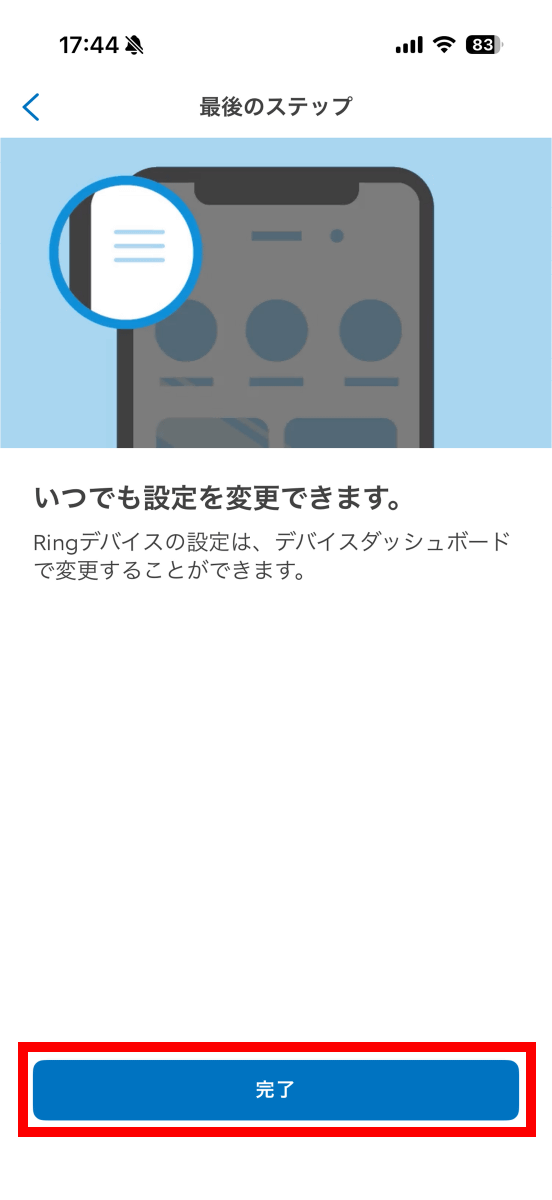
Tap 'Finish' to complete the setup.
Once the setup is complete, the firmware update will begin, so please wait a while.
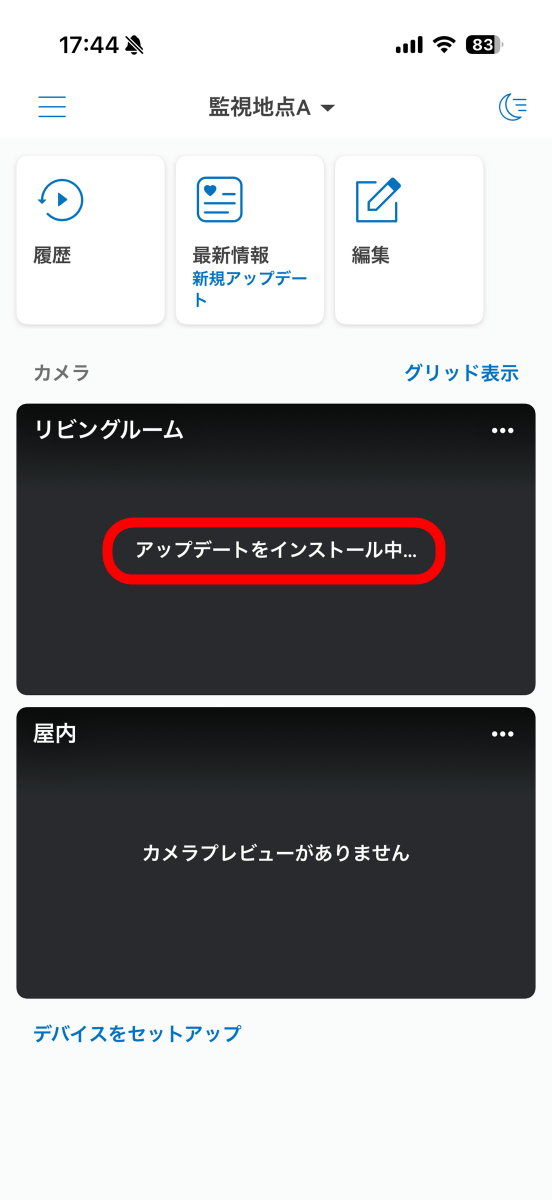
Once the update is complete, a snapshot of the footage taken with the Ring Outdoor Cam Pro will be displayed on the Ring home screen. Tap the snapshot to view the camera's individual page.
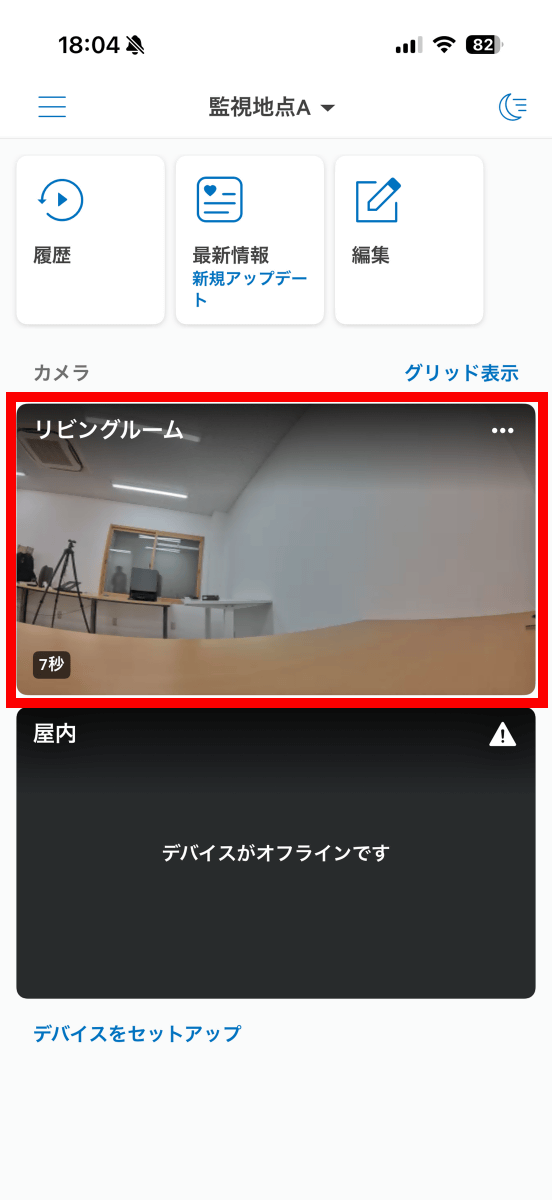
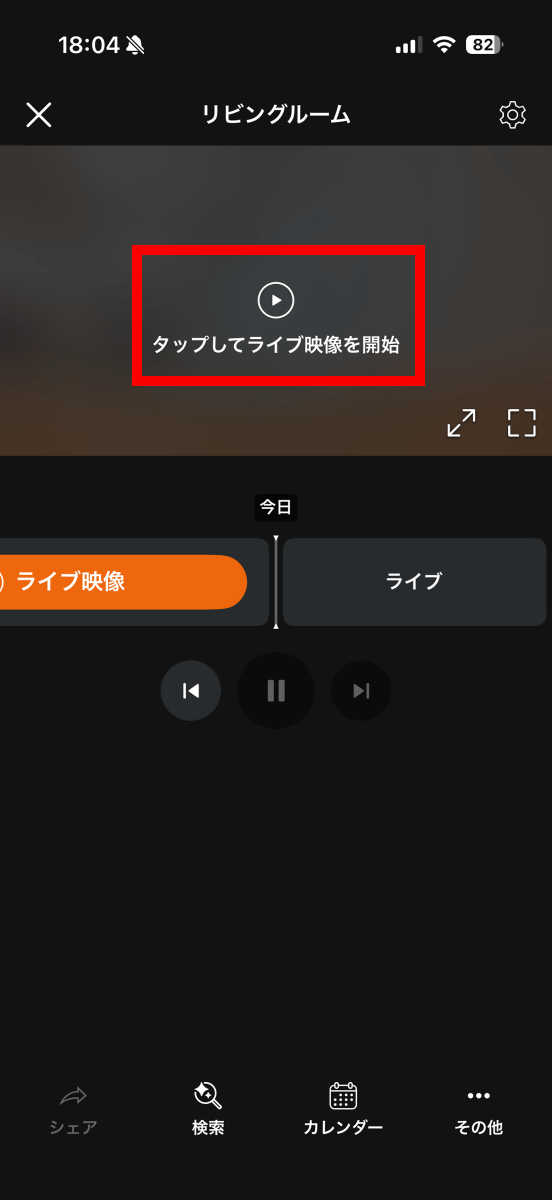
The individual page looks like this. Tap 'Tap to start live video.'
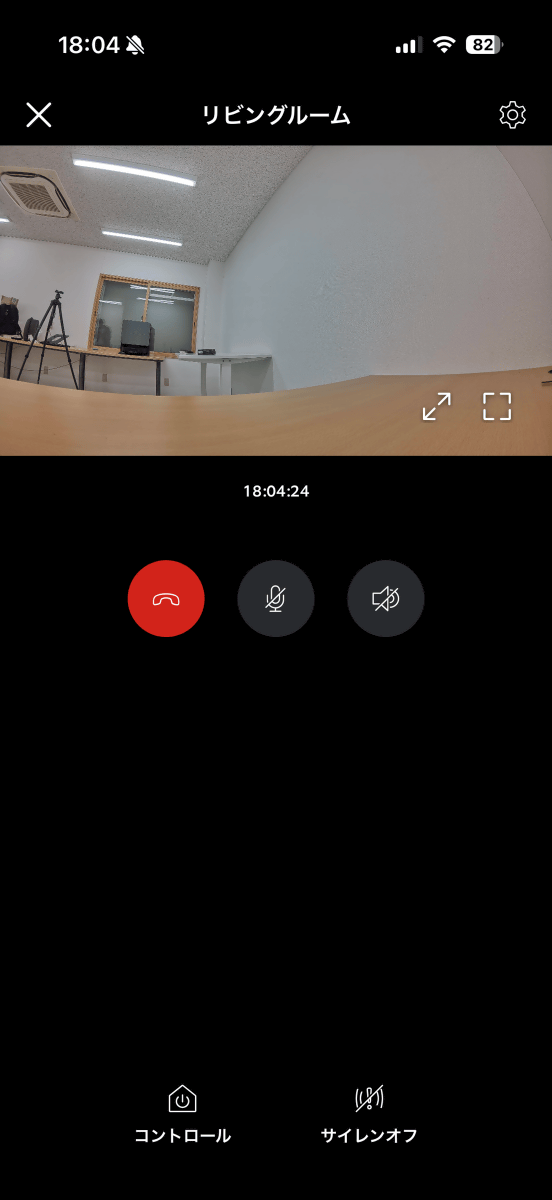
The live video is now displayed. This video can be viewed from anywhere on your smartphone.
Ring Outdoor Cam Pro is available on Amazon.co.jp for 33,980 yen including tax.
Amazon.co.jp: [New] Ring Outdoor Cam Pro Plug-in (Ring Outdoor Cam Pro Power Adapter Model) | High-Quality, Wide-Angle 4K Video Outdoor Security Camera | 10x Zoom & Motion Detection | Ring Home Plan with 30-Day Free Trial - White
We plan to publish a review article using the various features of the Ring Outdoor Cam Pro at a later date.
Related Posts: