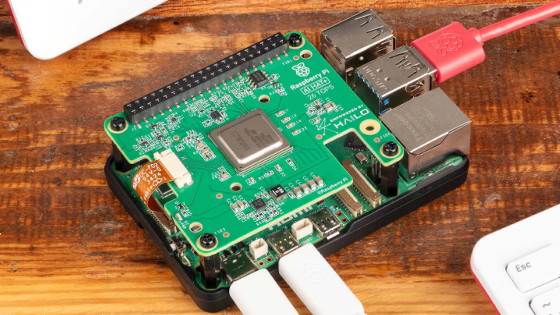
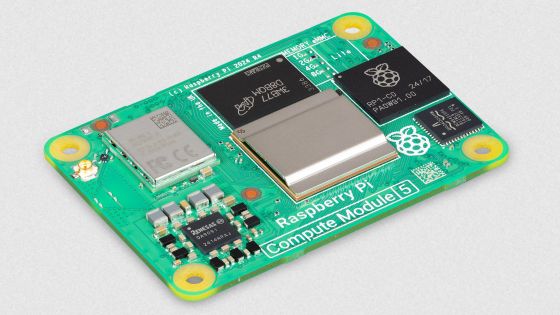
Introducing the 'Raspberry Pi AI HAT+ 2,' an expansion board that can run AI such as Llama 3.2 on Raspberry Pi, the real thing looks like this
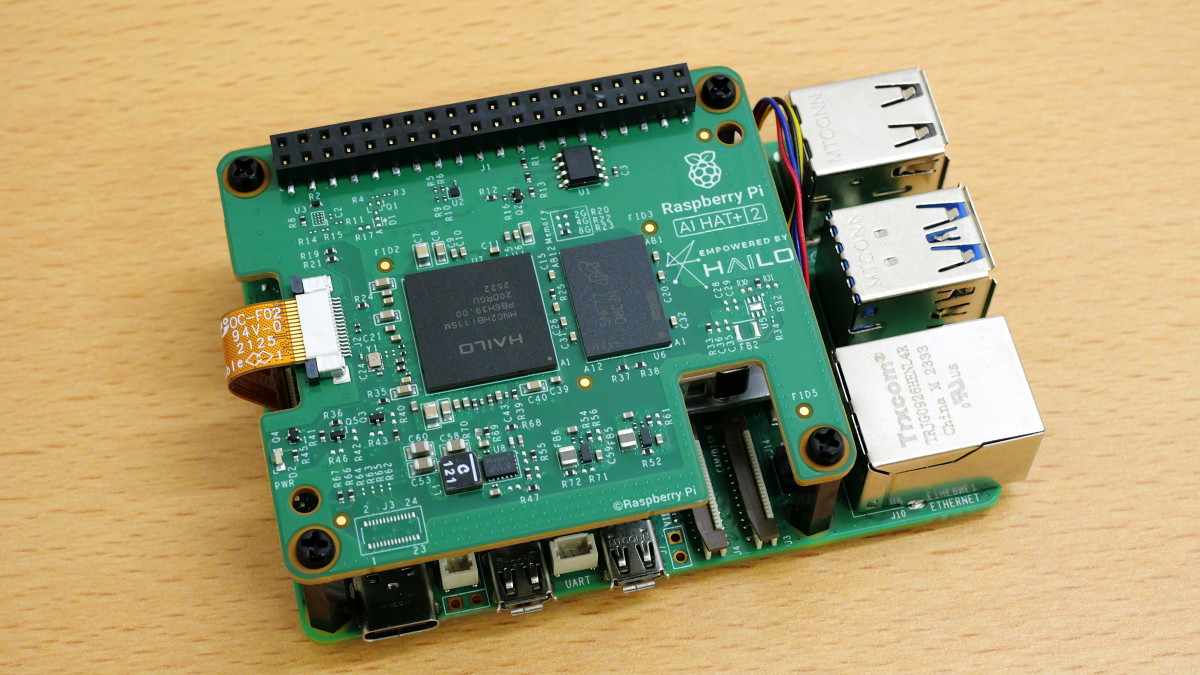
The Raspberry Pi AI HAT+ 2 , an external AI processing board that can be connected to
Raspberry Pi AI HAT+ 2 – Raspberry Pi
https://www.raspberrypi.com/products/ai-hat-plus-2/
AI HATs - Raspberry Pi Documentation
https://www.raspberrypi.com/documentation/accessories/ai-hat-plus.html
Introducing the Raspberry Pi AI HAT+ 2: Generative AI on Raspberry Pi 5 - Raspberry Pi
https://www.raspberrypi.com/news/introducing-the-raspberry-pi-ai-hat-plus-2-generative-ai-on-raspberry-pi-5/
The outer box of the Raspberry Pi AI HAT+ 2 looks like this.
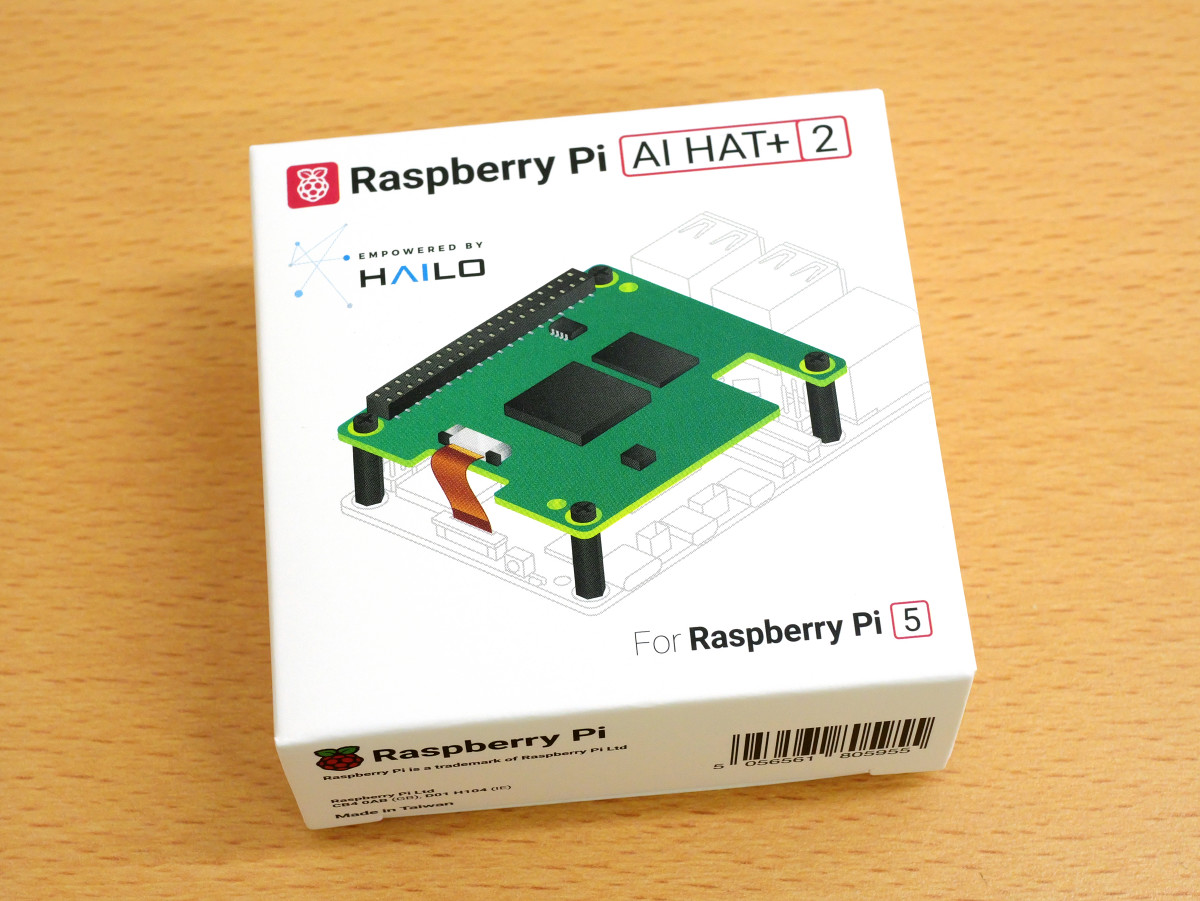
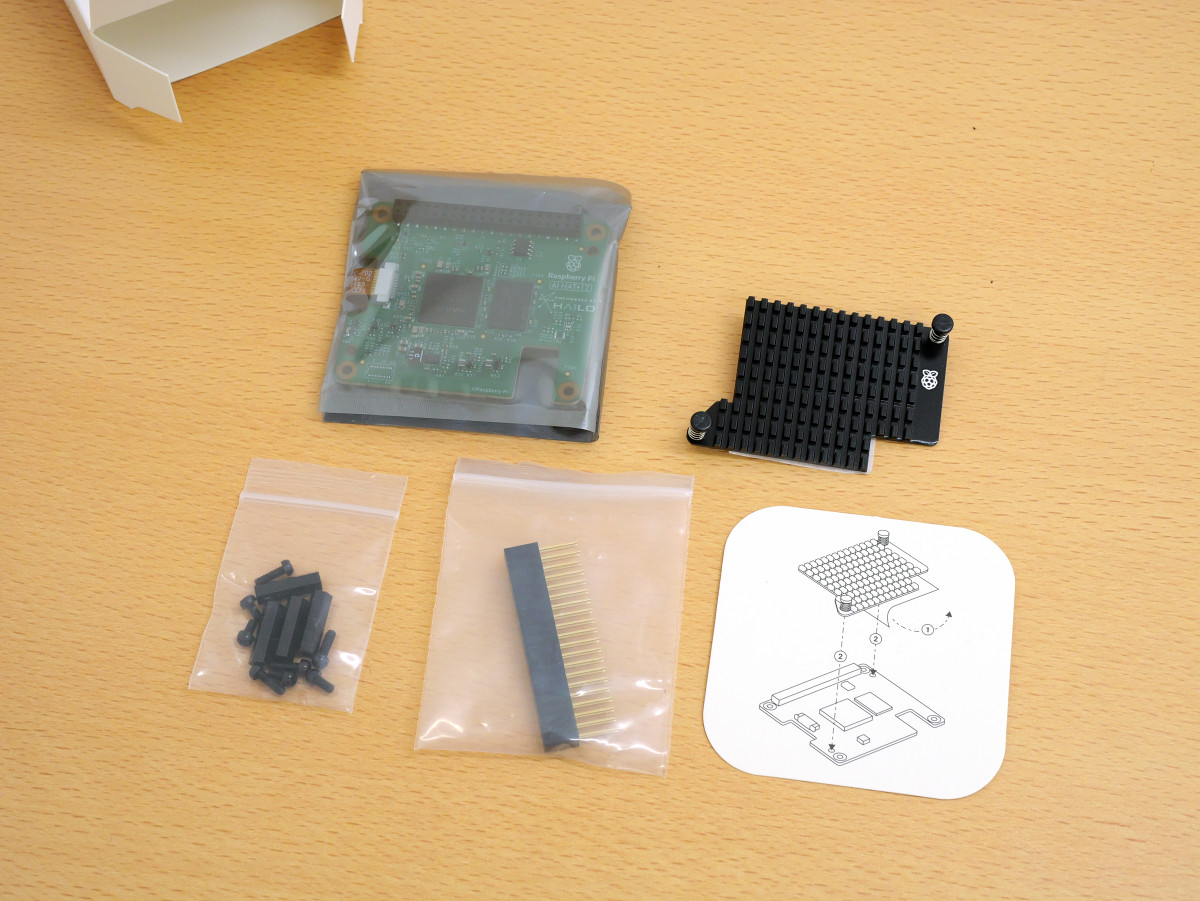
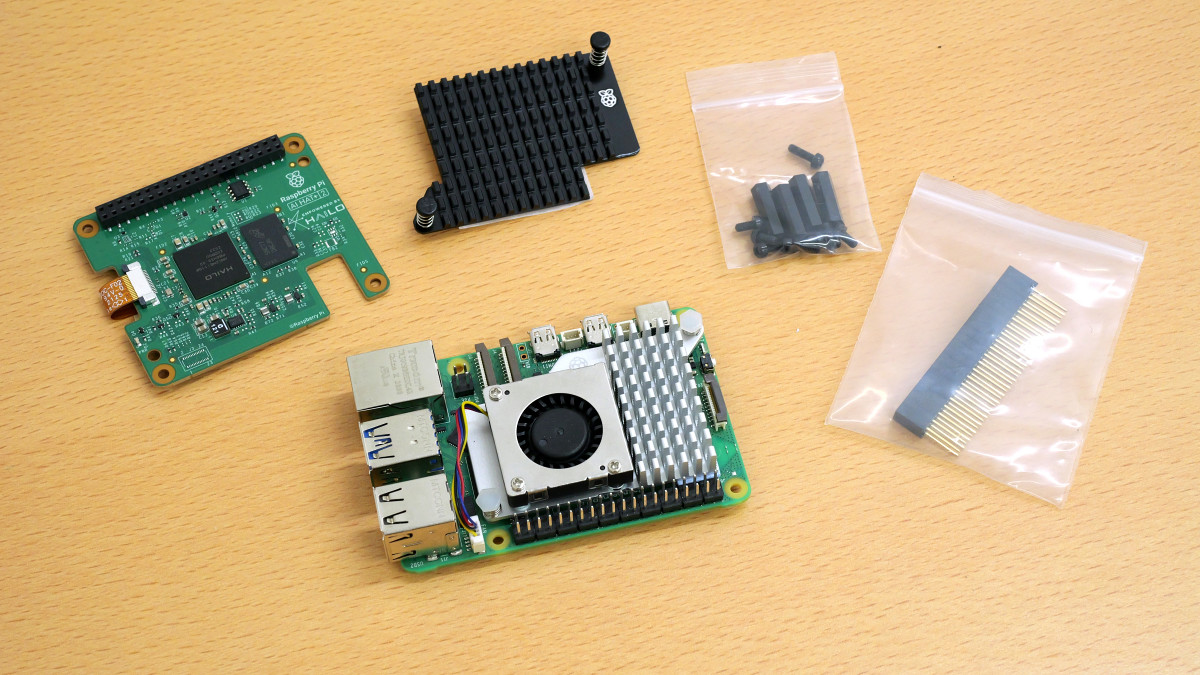
Inside the box were the Raspberry Pi AI HAT+ 2 itself, a heat sink, screws, spacers, pin headers, and an installation guide.
This is the Raspberry Pi AI HAT+ 2.
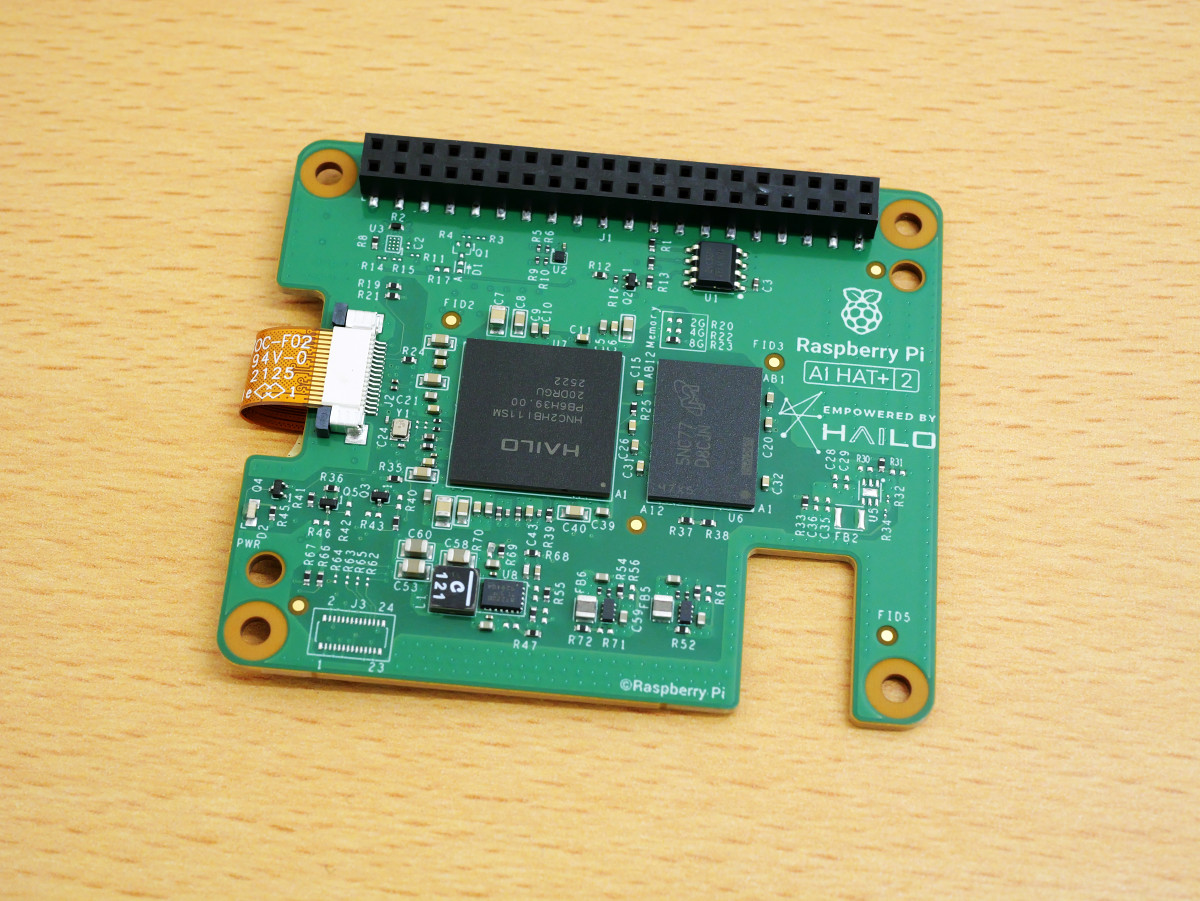
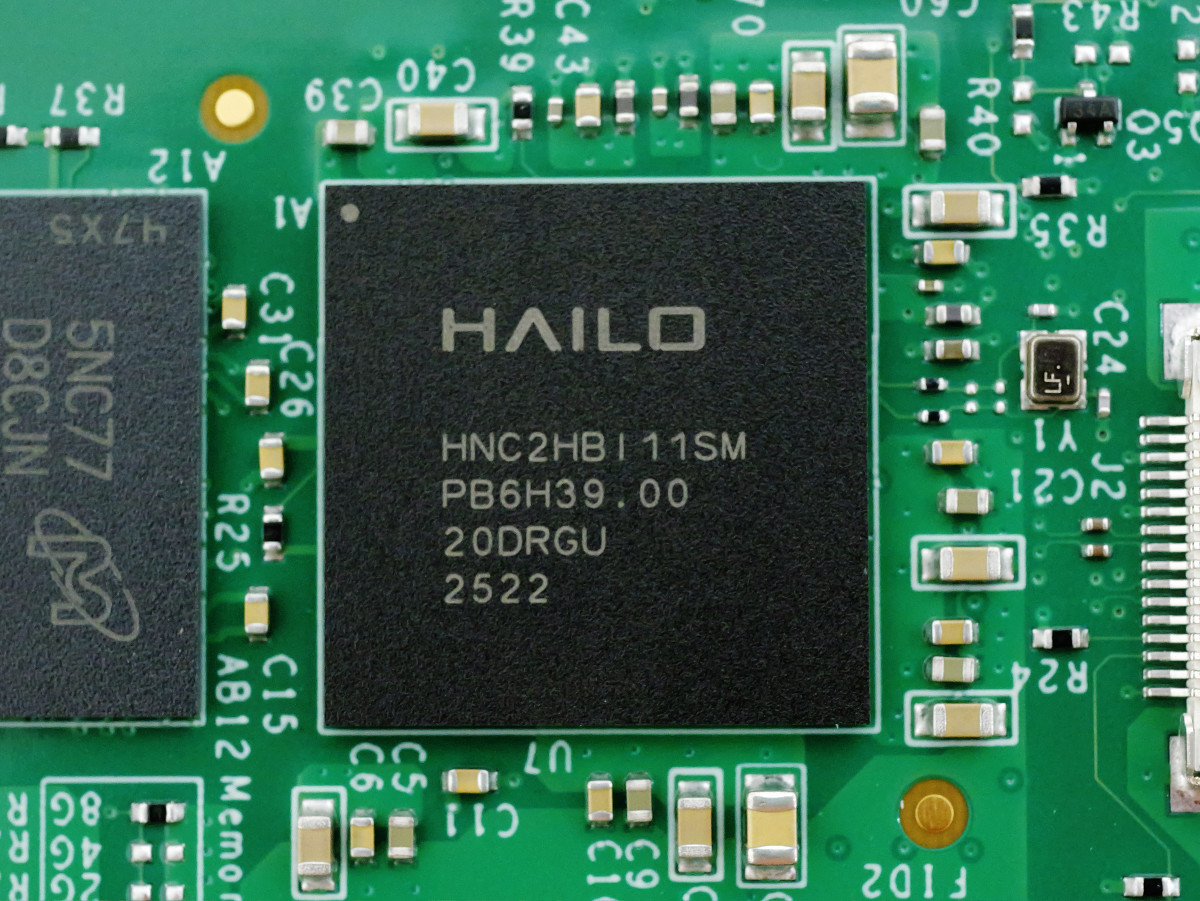
It is equipped with the AI processing chip '
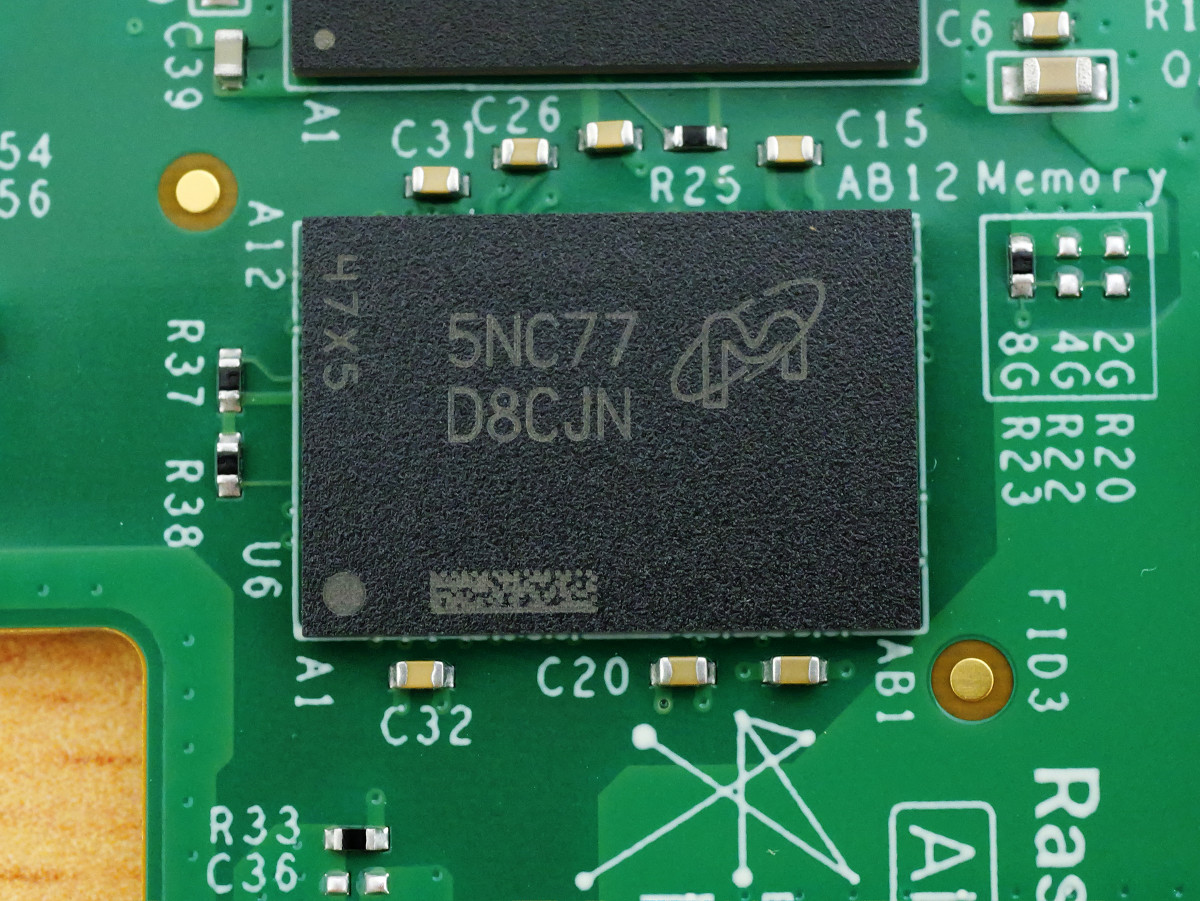
It also has 8GB of RAM, allowing it to run large-scale language models (LLMs) and visual language models (VLMs) with up to 6 billion parameters.
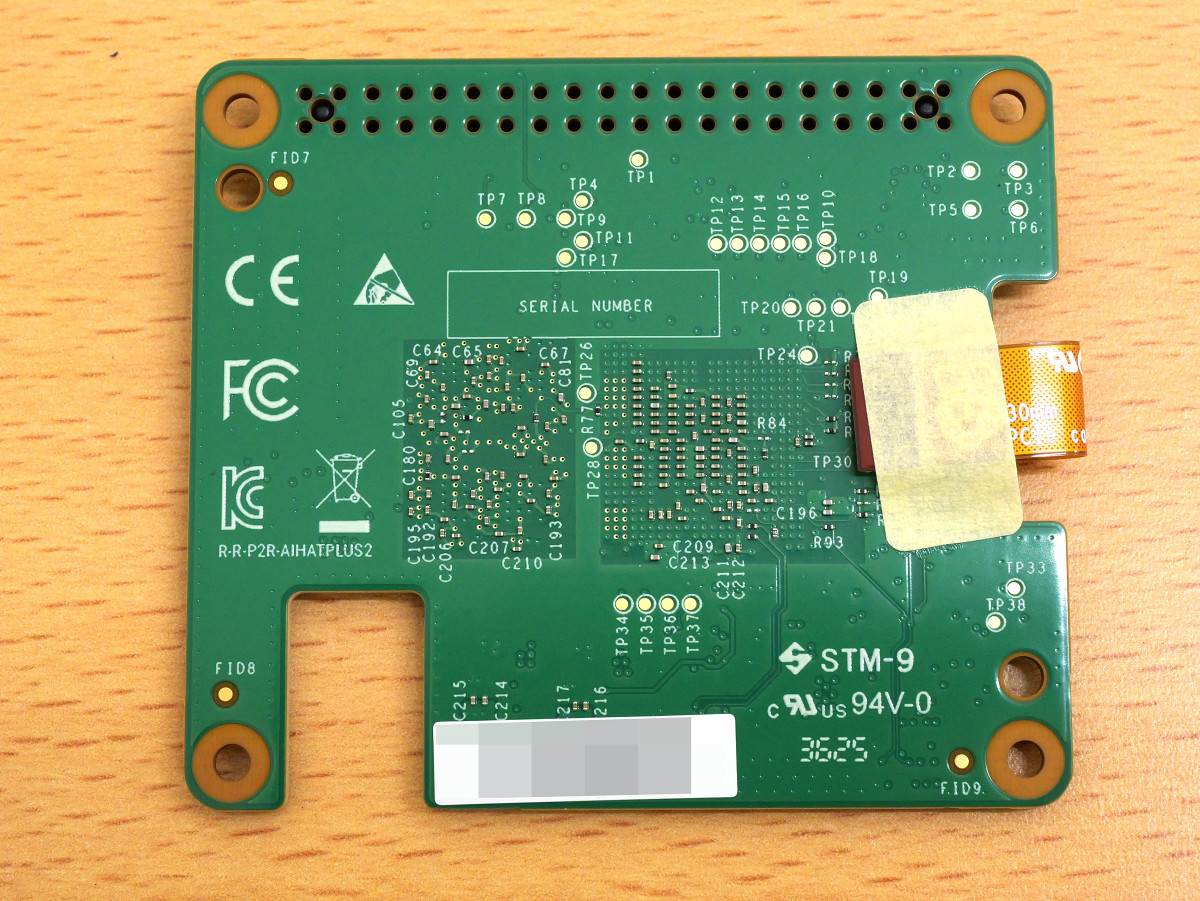
The back looks like this.
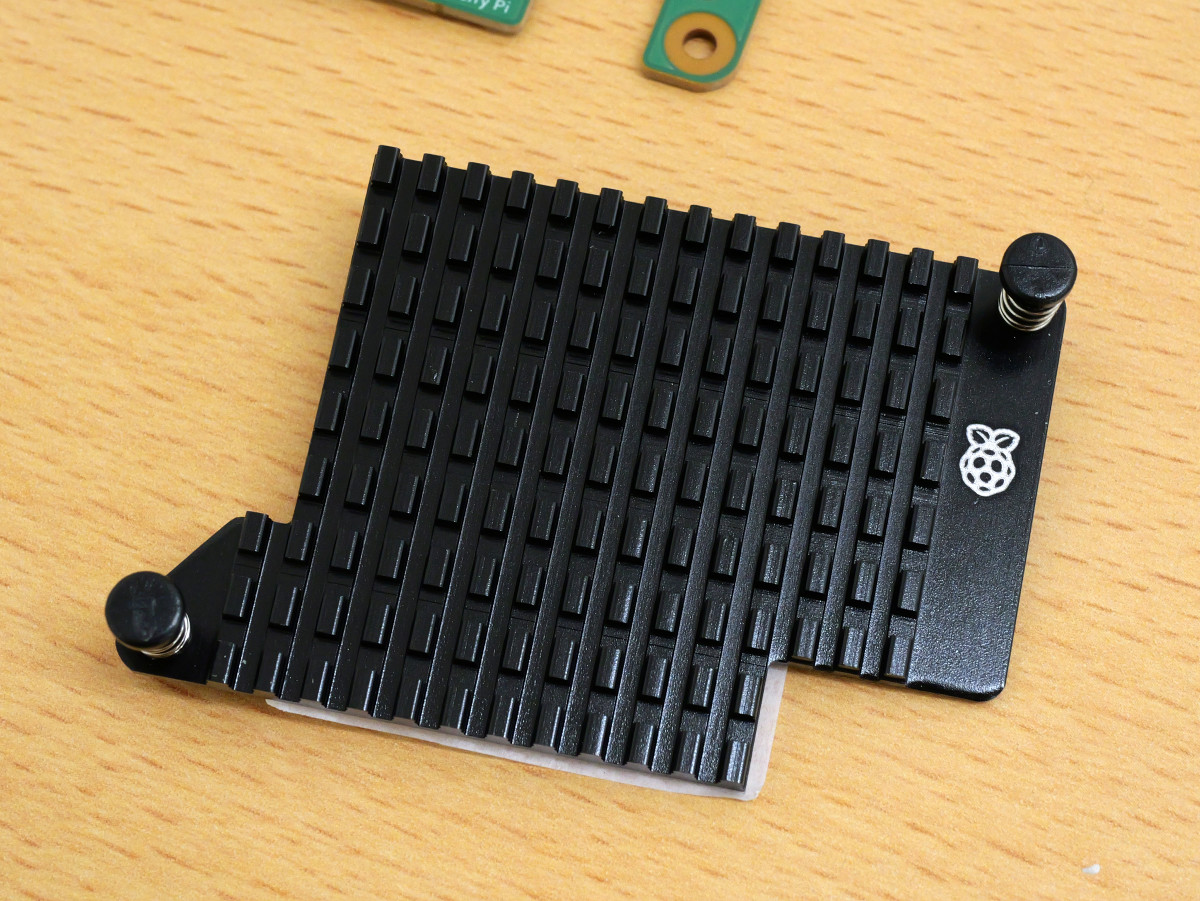
The heat sink is push-pin type and can be attached simply by pushing it in.
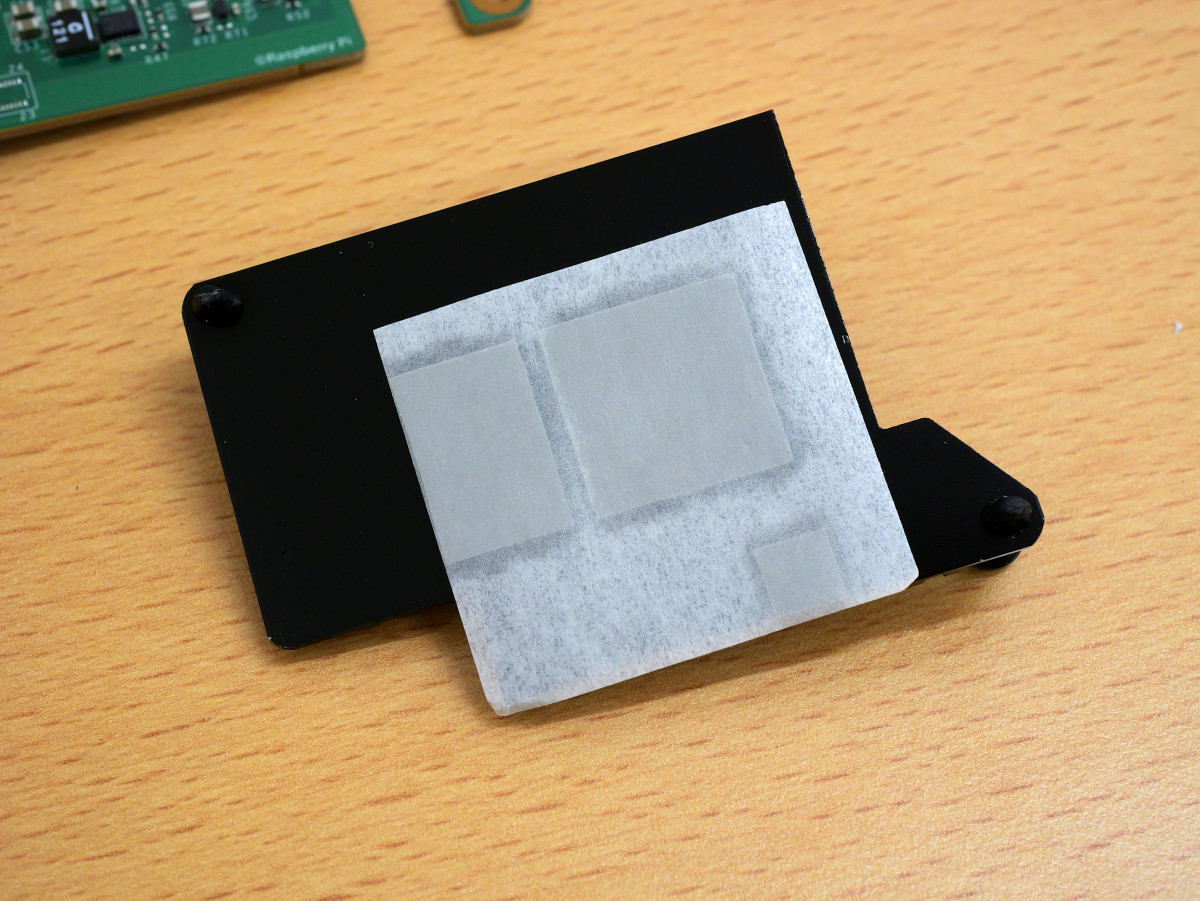
Thermal pads are attached to the back of the device, over the AI processing chip and RAM.
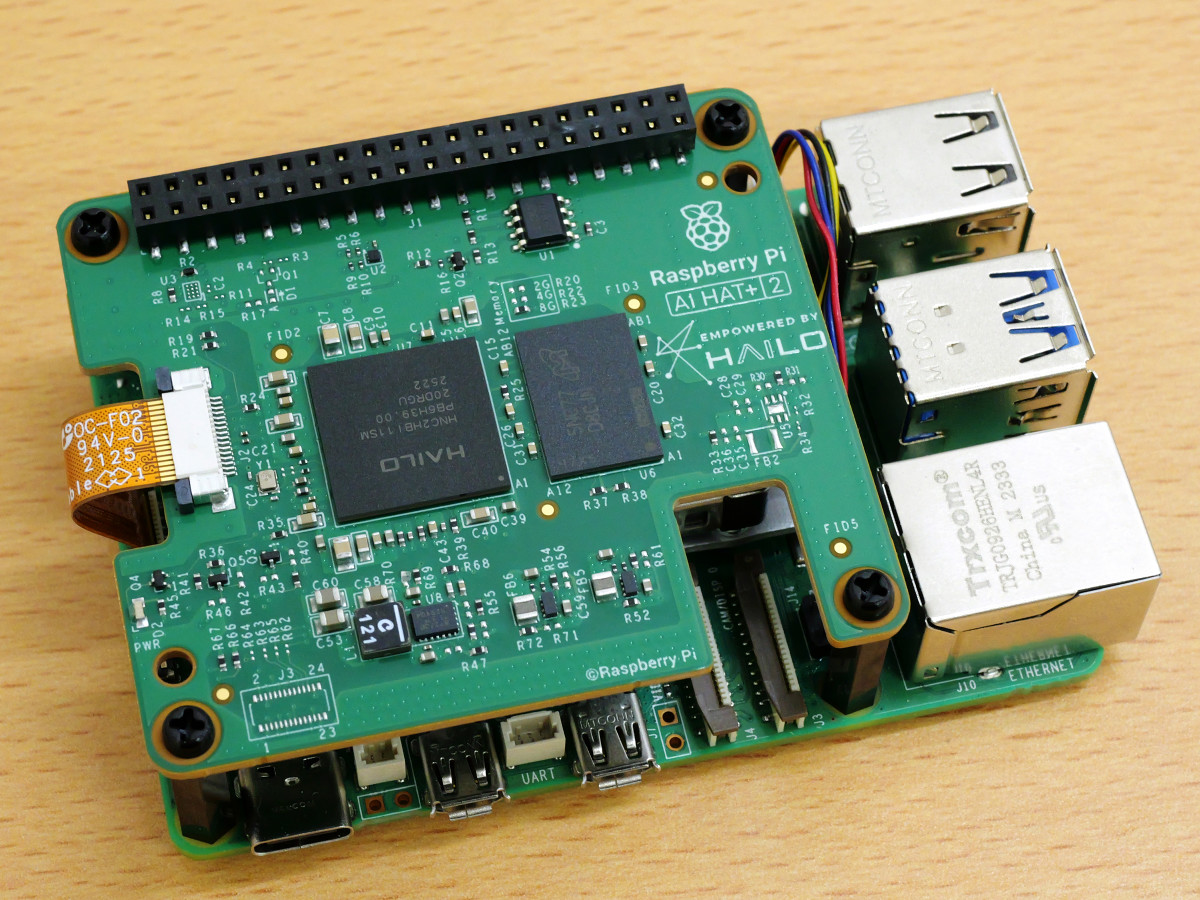
Let's actually install the Raspberry Pi AI HAT+ 2 on a Raspberry Pi 5.
Installation complete. Just connect the ribbon cable and secure it with the spacers and screws.
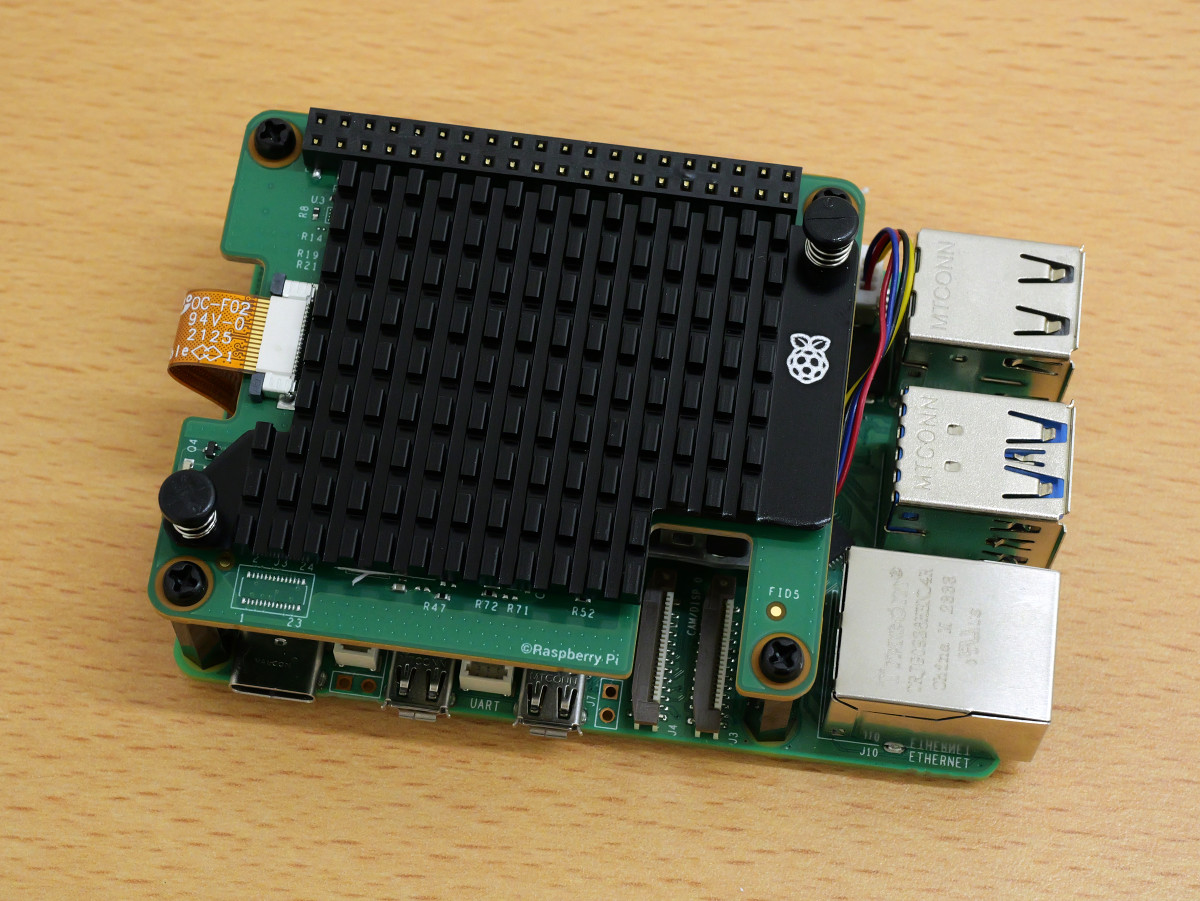
This is what it looks like with the heat sink attached.
The combination of Raspberry Pi 5 and Raspberry Pi AI HAT+ 2 can run AI models such as 'DeepSeek-R1-Distill with 1.5 billion parameters,' 'Llama3.2 with 1 billion parameters,' 'Qwen2.5-Coder with 1.5 billion parameters,' 'Qwen2.5-Instruct with 1.5 billion parameters,' and 'Qwen2 with 1.5 billion parameters.' The Raspberry Pi development team has released a demo video of Qwen2 in action.
Using an LLM with the Raspberry Pi AI HAT+ 2 - YouTube
GIGAZINE has also provided detailed reviews on Raspberry Pi 5, ranging from basic operations such as installing an OS on the Raspberry Pi 5 to more niche topics such as 'How to set up an SSD as a boot disk' and 'How to use the Raspberry Pi 5 as an AI camera.' Review articles related to the Raspberry Pi 5 are summarized at the following link.
GIGAZINE Review Summary of Raspberry Pi 5 - Plenty of reviews to answer questions such as 'What power supply is needed?', 'Is a cooler necessary?', 'OS installation procedure?', 'How to connect an M.2 SSD?', and 'Details of the RTC function' - GIGAZINE
Related Posts: