'CreepyLink' allows you to create shortened URLs that look suspicious

When you receive an email or message that you don't recognize, you might have the experience of thinking, 'It's definitely a scam' because the URL in the message looks suspicious. ' CreepyLink ' is a tool that can create such suspicious-looking shortened URLs.
CreepyLink
The top page of 'CreepyLink' looks like this.
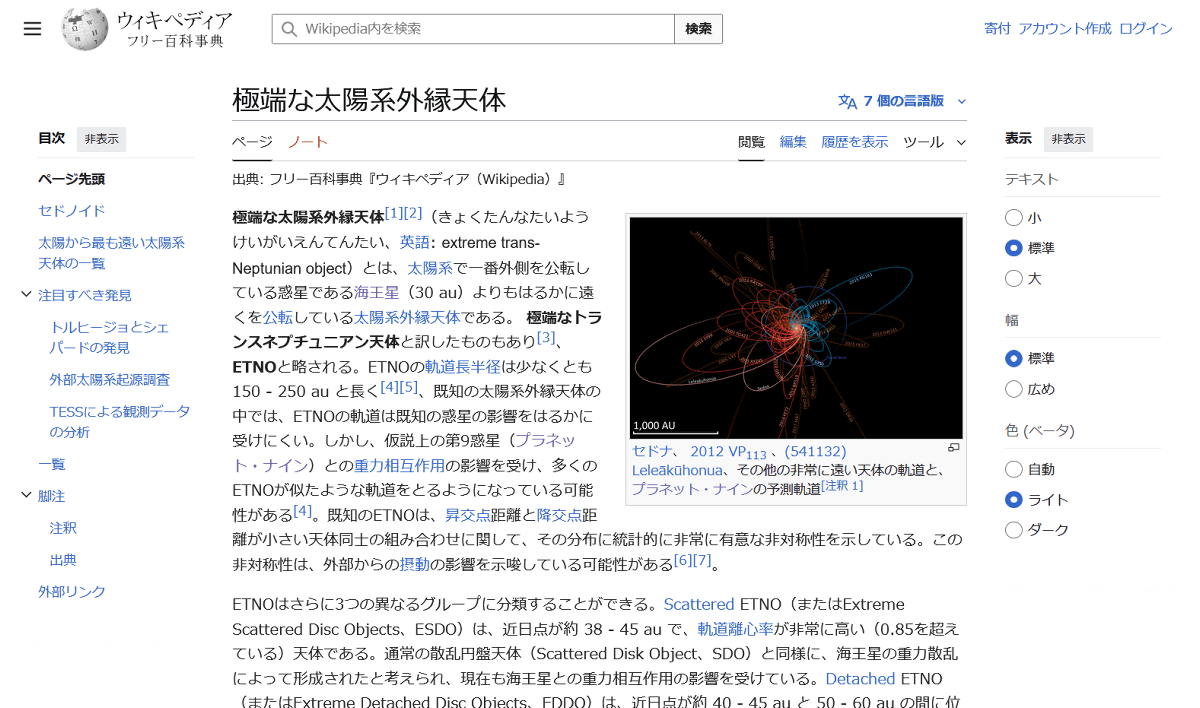
First, let's try shortening the URL for the Wikipedia article '
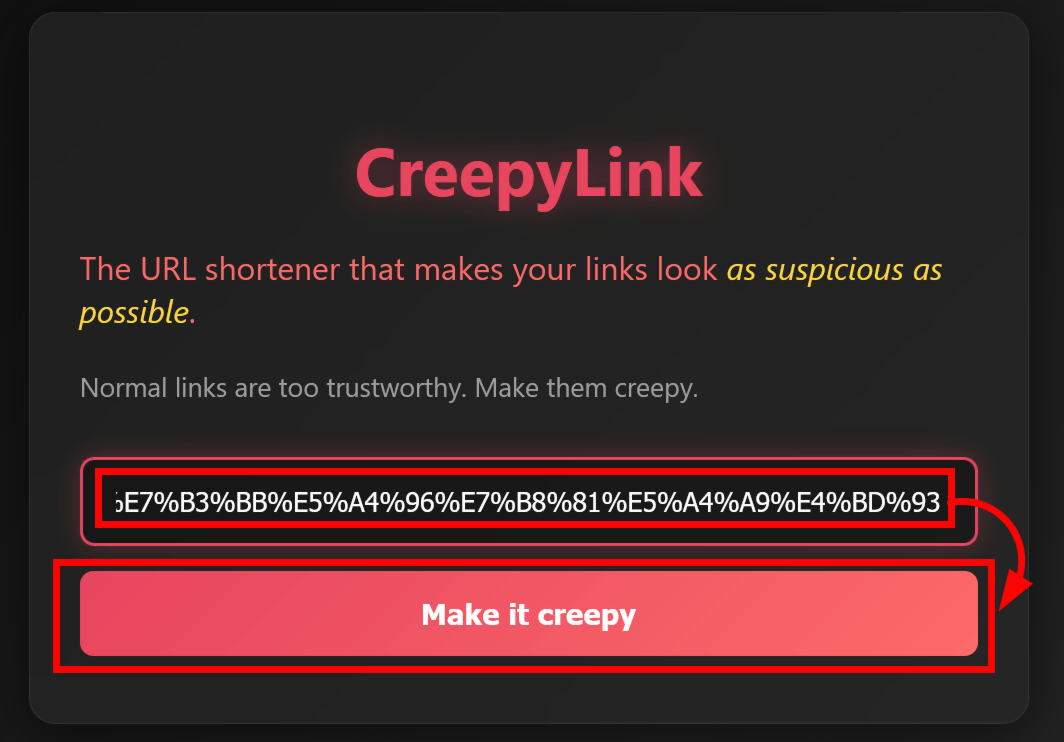
Enter the URL into the CreepyLink form and click 'Make it creepy.'
A suspicious URL was generated at the bottom. You can copy the URL by clicking the button on the right.
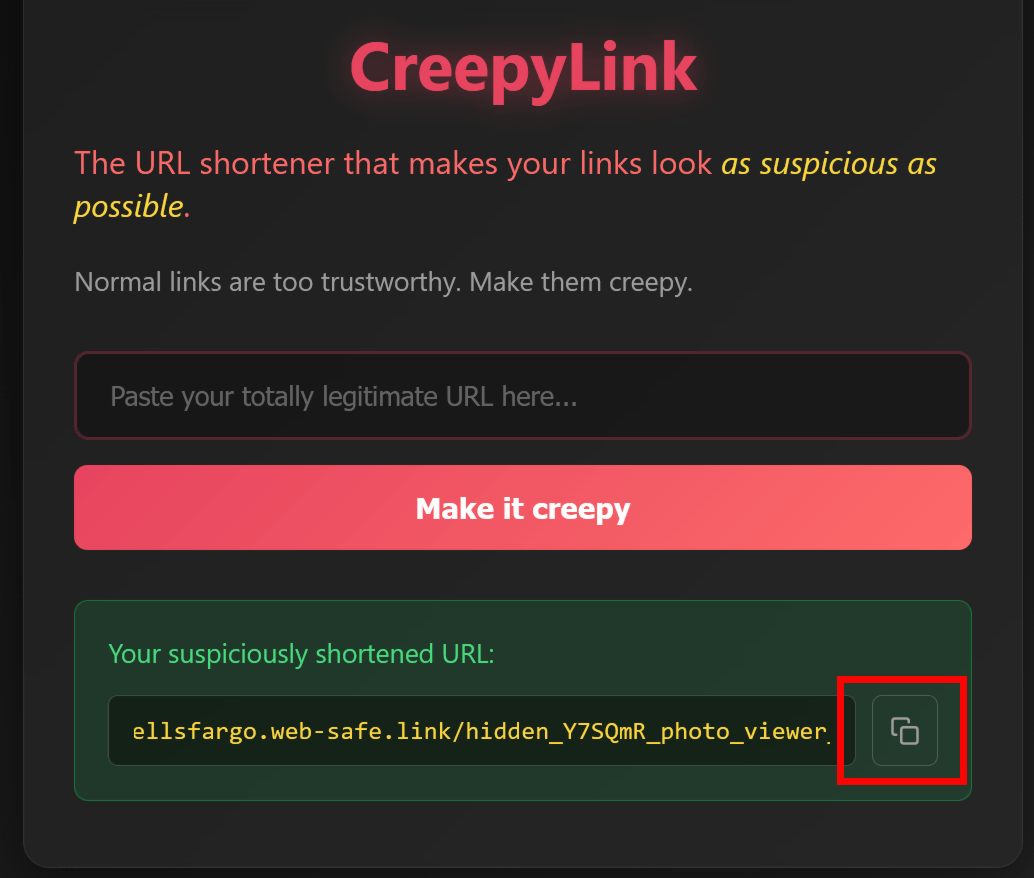
The generated URL is ' https://wellsfargo.web-safe.link/hidden_Y7SQmR_photo_viewer_update '. The domain part is 'wellsfargo.web-safe.link', which is unusually long, and the latter half is 'hidden_Y7SQmR_photo_viewer_update', which gives it the appearance of a suspicious file.

However, when I actually opened this URL, the Wikipedia article on 'Extreme Trans-Neptunian Objects' opened without any problems.

Next, let's convert the page in the Wikipedia entry for '
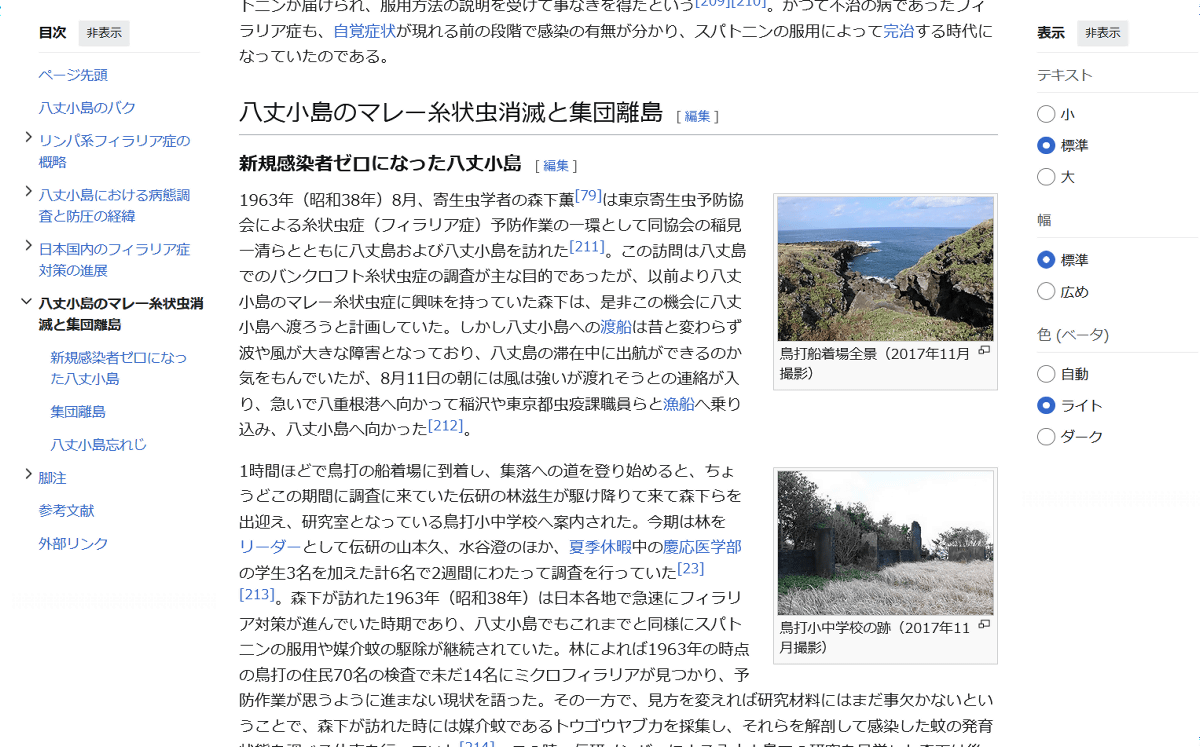
Enter the link and click 'Make it creepy.'
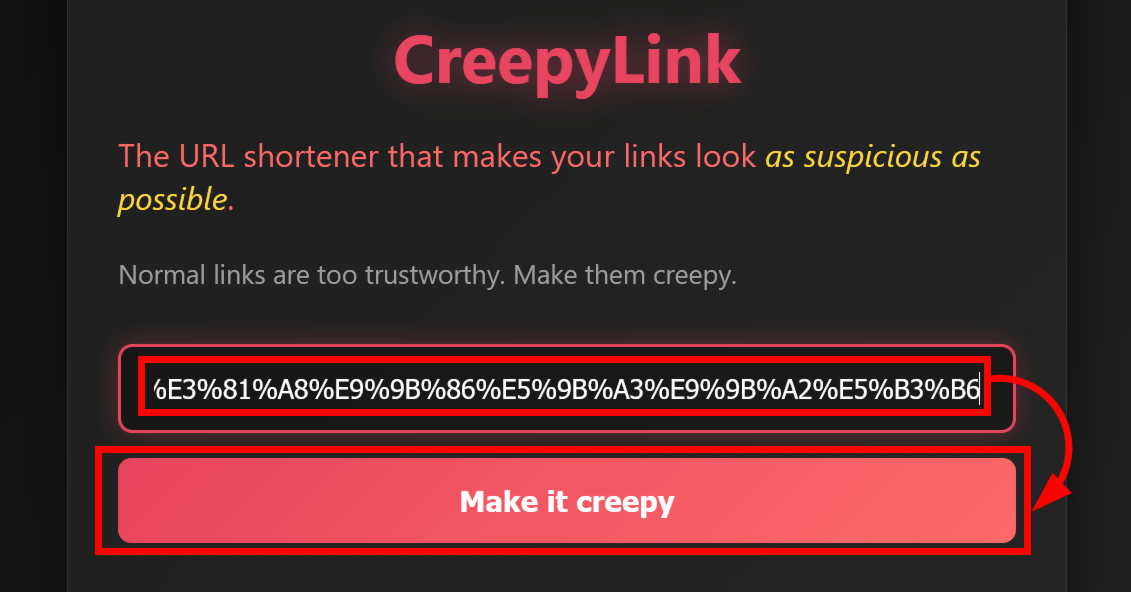
Then, a suspicious URL was generated.
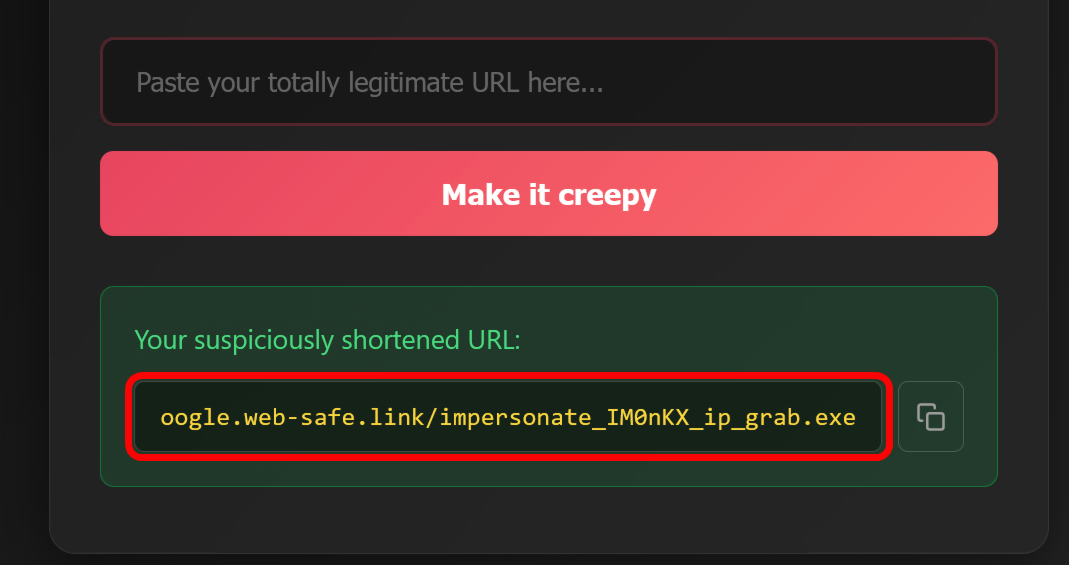
The generated URL is '

However, when I actually opened it, the corresponding Wikipedia page was displayed without any problems.
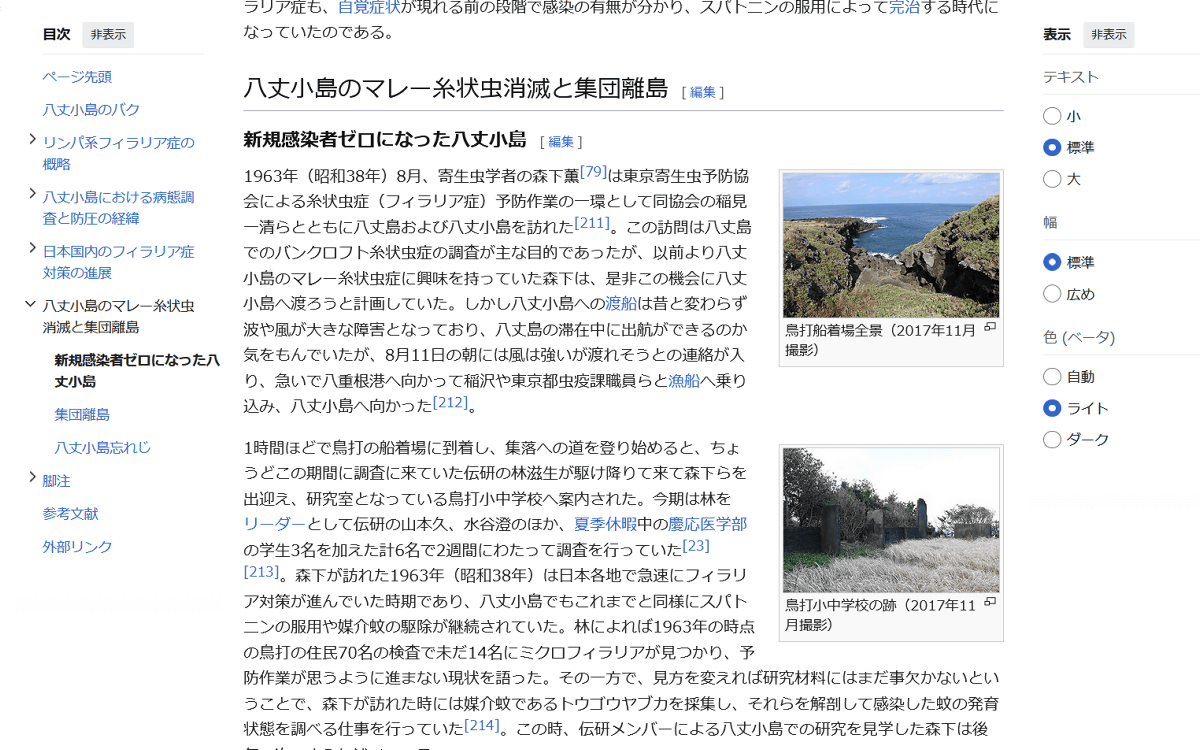
Because CreepyLink doesn't use a specific algorithm to convert URLs, it can generate multiple URLs from the same URL. The same link, 'Malayan Heartworm Disease on Hachijo Kojima #Malayan Heartworm Extinction on Hachijo Kojima and the Mass Extinction of a Remote Island,' generated links like ' https://netflix.web-safe.link/X6TTU6_secure_login_page.pl ,' 'LinkedIn-like' ' https://linkedin.web-safe.link/phish_xwvowh_free_money.pl ,' and ' https://adobe.c1ic.link/WQ0LmL_ping_flood.dll ,' which appears to be from Adobe.
Related Posts:




in Web Service, Review, Posted by log1h_ik