Review of the Anker Prime Charger (160W, 3 Ports), a high-power USB charger with adjustable output power distribution via an app
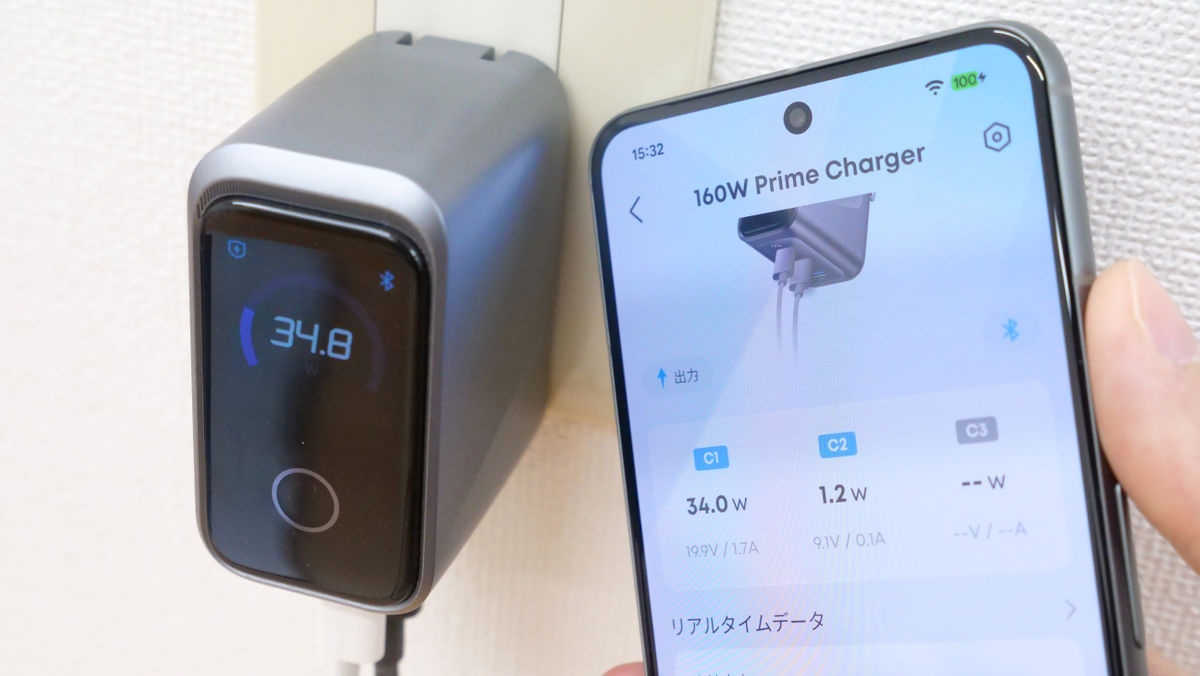
Anker has released a USB charger with three USB Type-C ports and a maximum output of 160W. Its unique feature is its ability to connect to a smartphone app via Bluetooth.
Anker Prime Charger (160W, 3 Ports) | Charger Product Information | Anker Japan Official Online Store
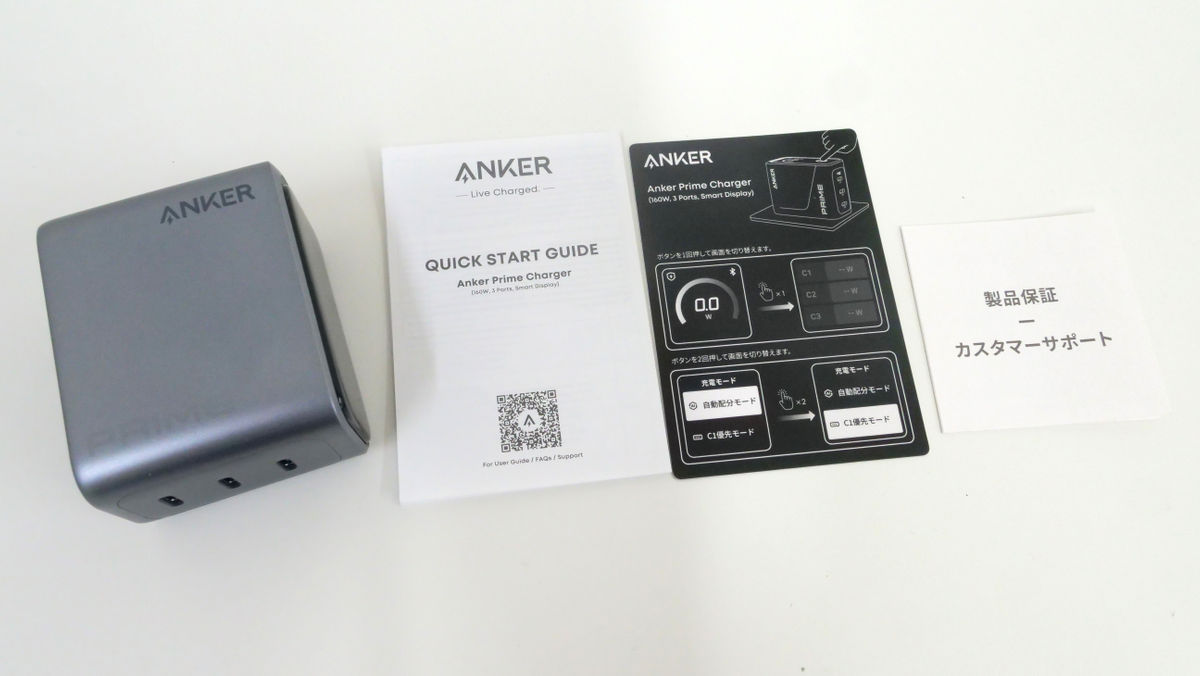
This is the package for the 'Anker Prime Charger (160W, 3 Ports)'.
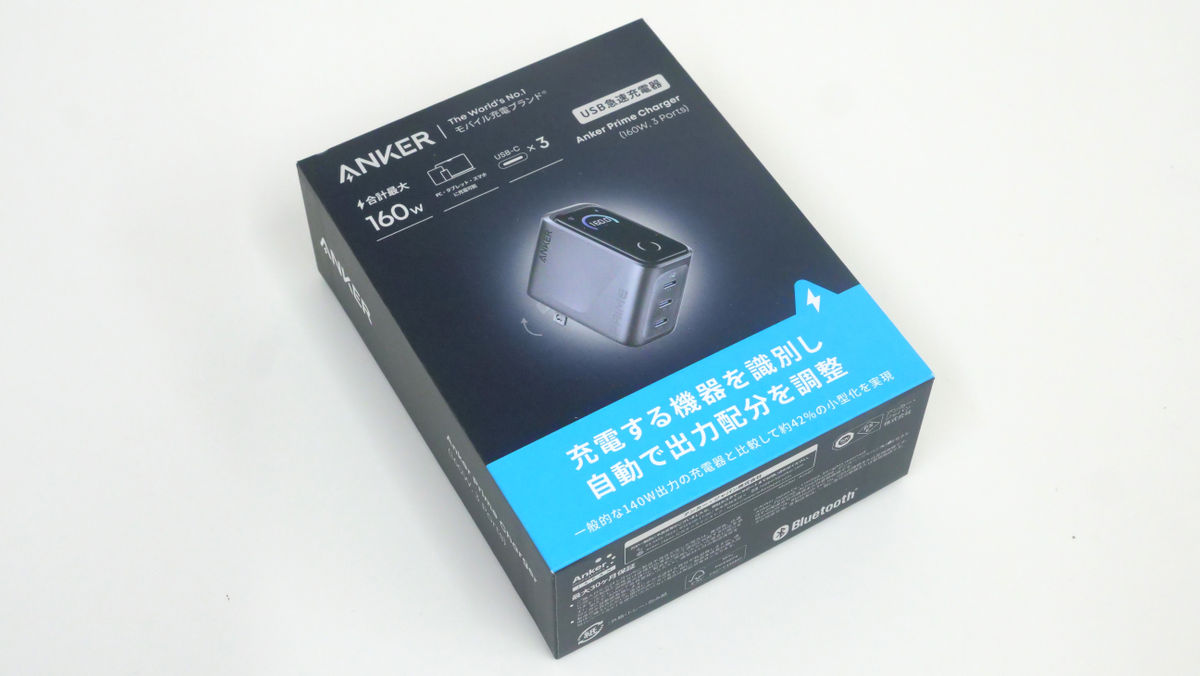
The contents are the main body and various documents.
This is the 'Anker Prime Charger (160W, 3 Ports)' body. The size is about 65mm x about 52mm x about 35mm and the weight is about 220g.
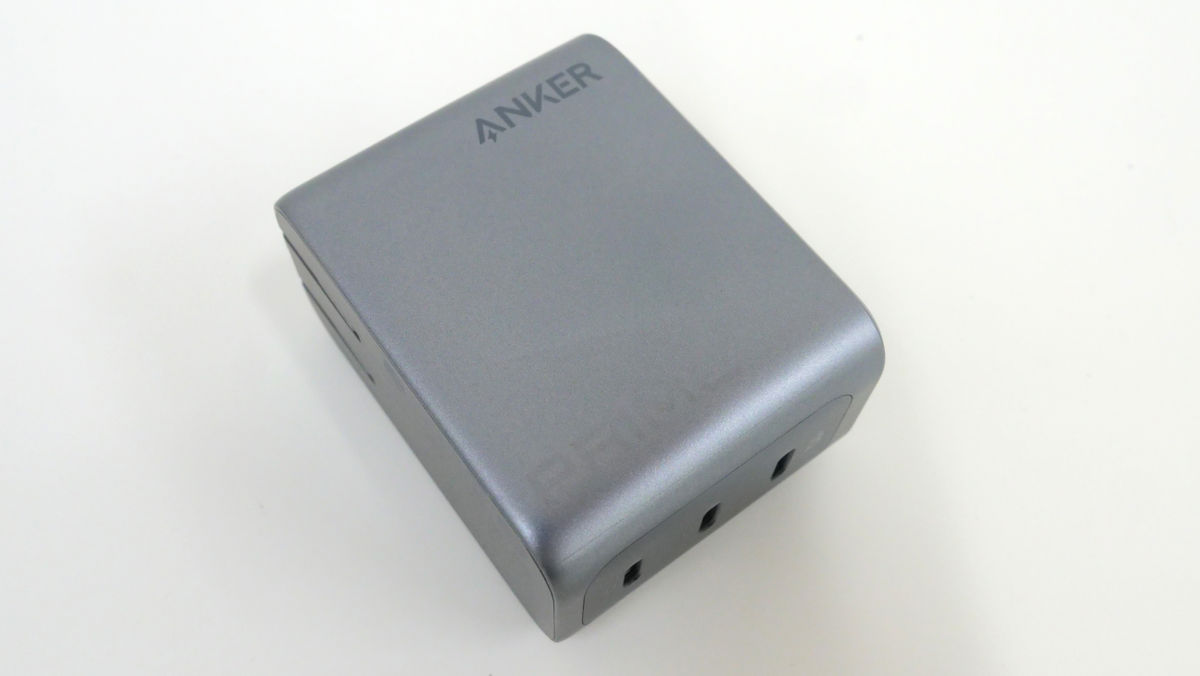
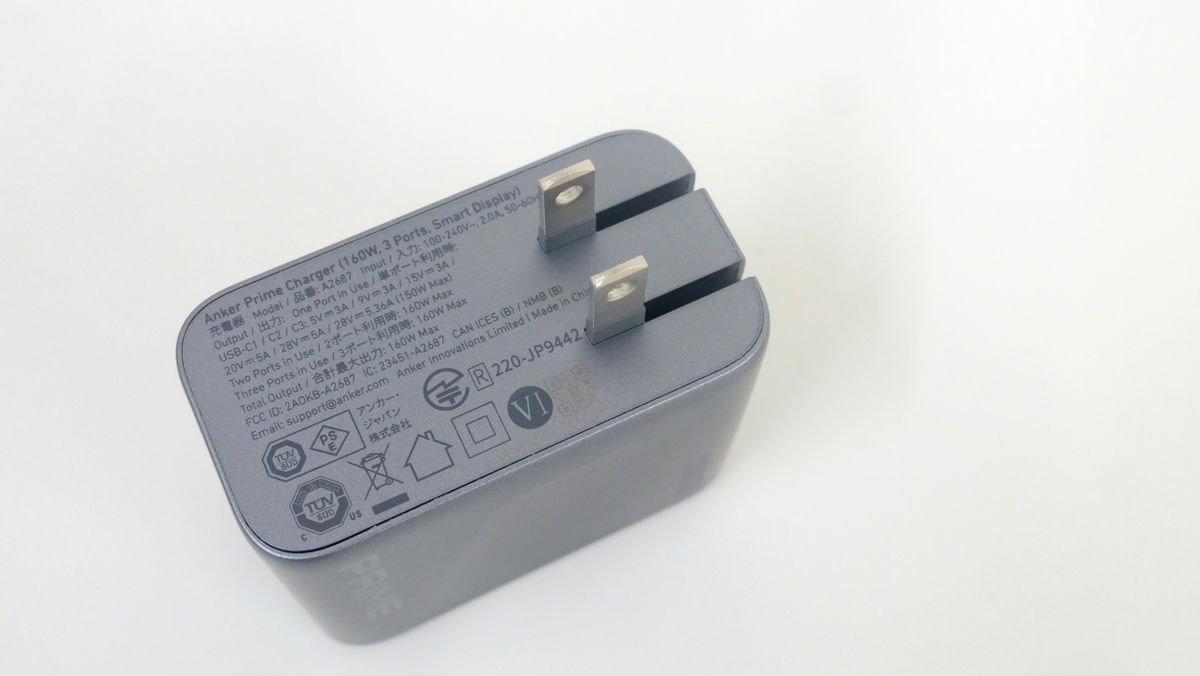
There is a retractable plug on the side.
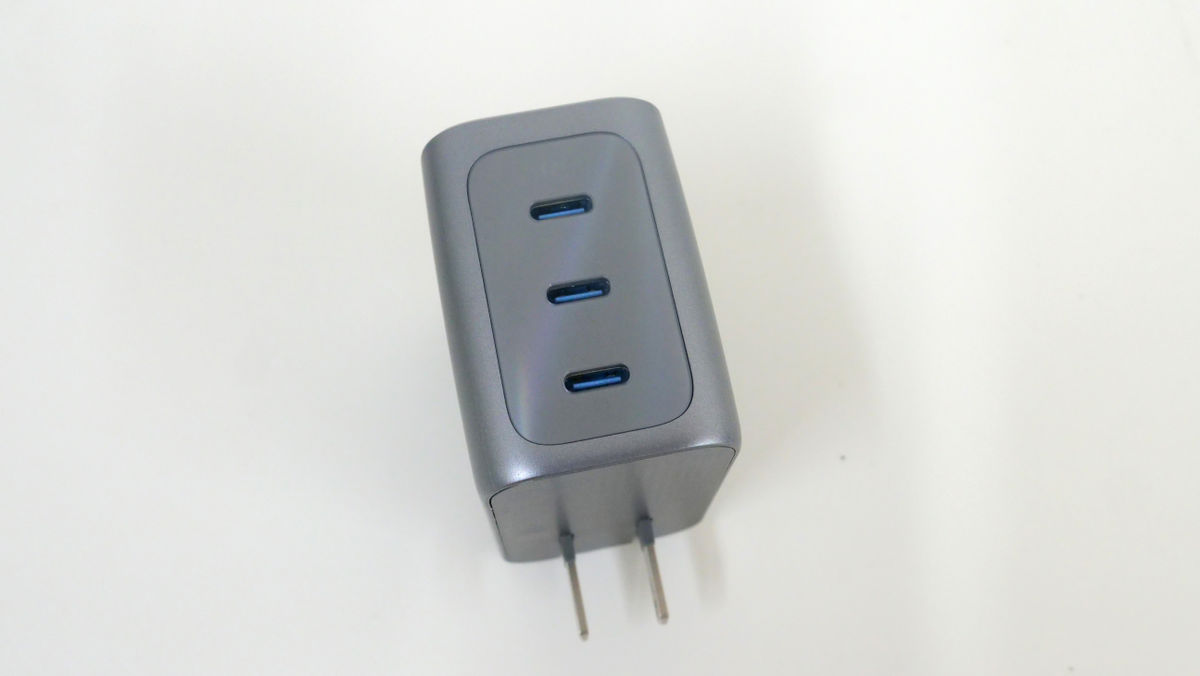
There are three USB Type-C ports located 90 degrees to the side of the plug. For convenience, they're labeled C1, C2, and C3 from top to bottom. When two or three ports are used, the total output reaches a maximum of 160W. When a single port is used, the output is 5V⎓3A / 9V⎓3A / 15V⎓3A / 20V⎓5A / 28V⎓5A (maximum 140W).
On the other side of the plug is the display.
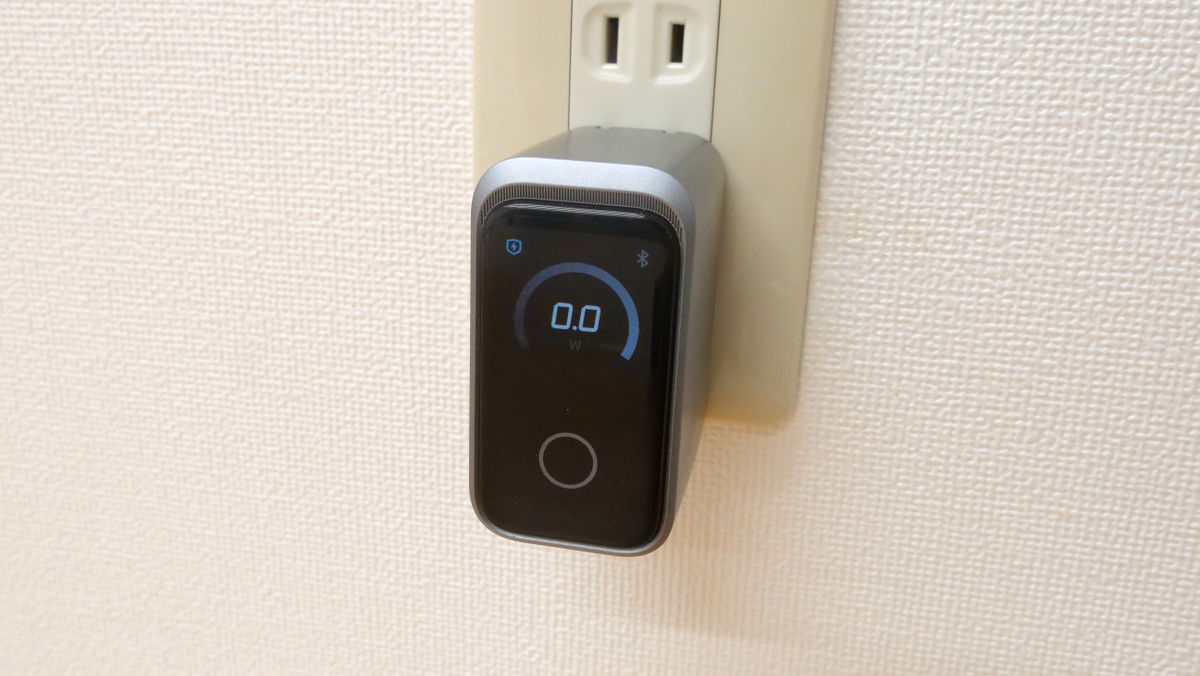
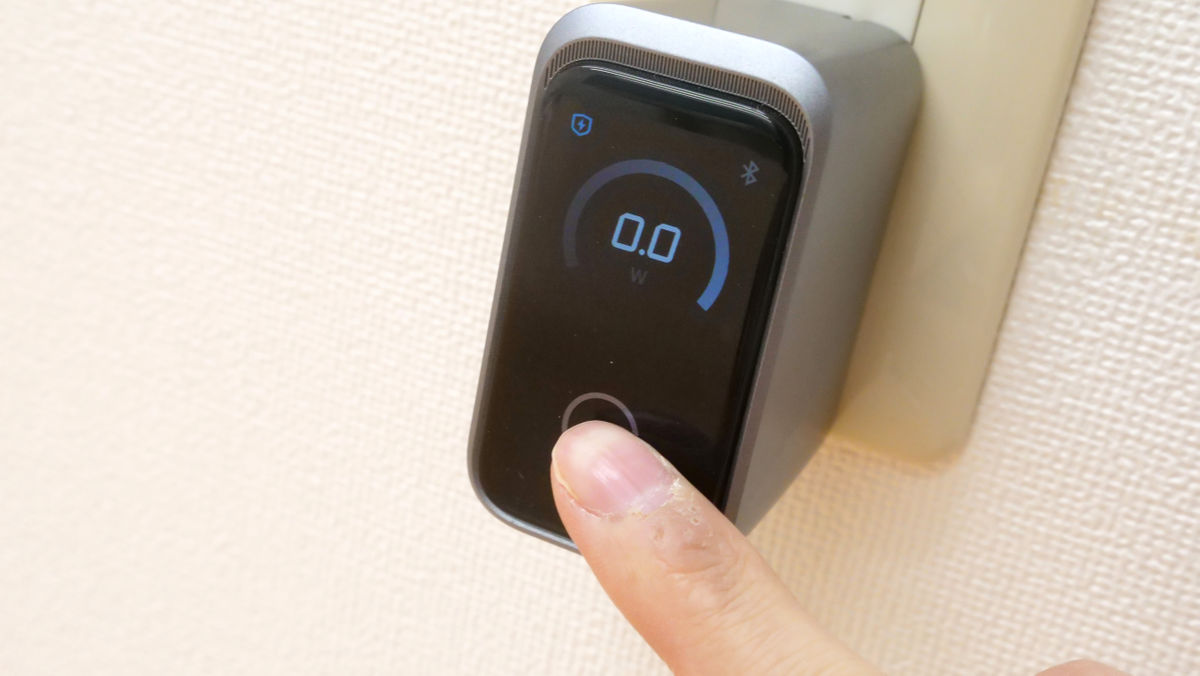
The display is touch-sensitive and can be switched to show the charging status of each port, the temperature of the device, and more.
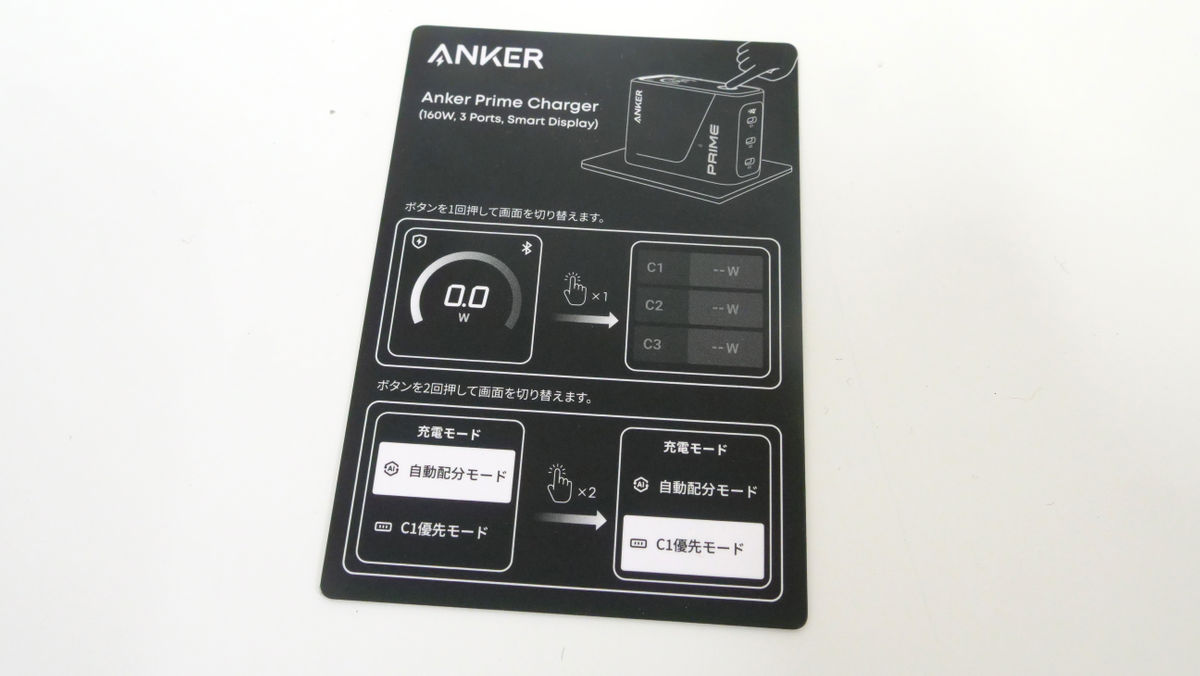
The accompanying documentation explained how the display would switch.
The biggest feature of this product is that it can be linked to the Anker app. There are versions
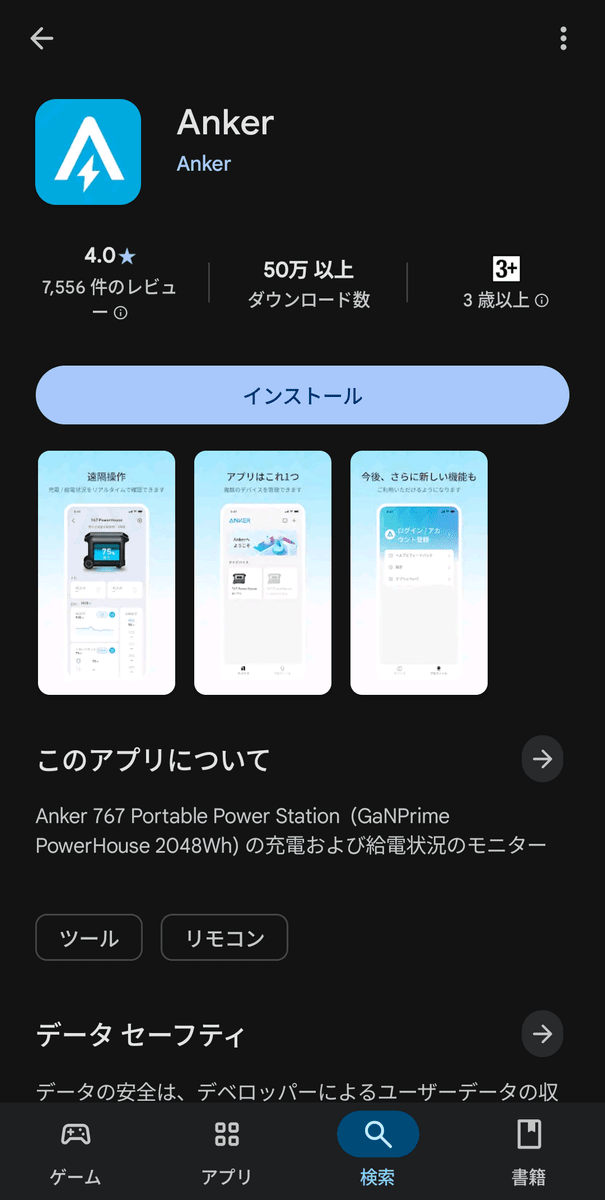
Once you open the app, tap 'Add Device' to begin connecting.
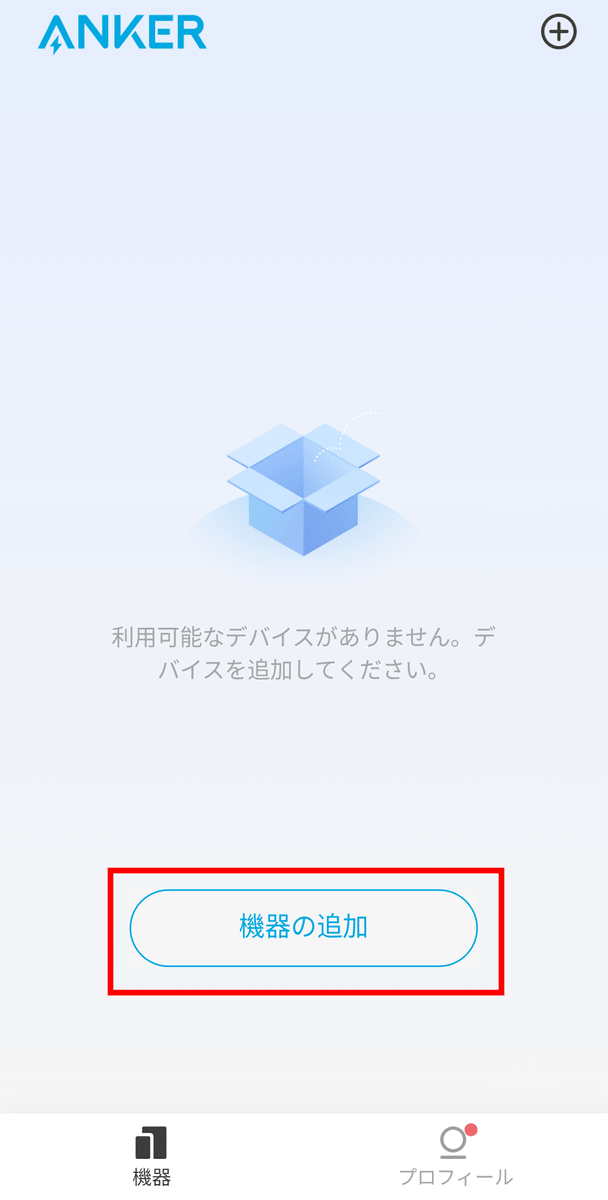
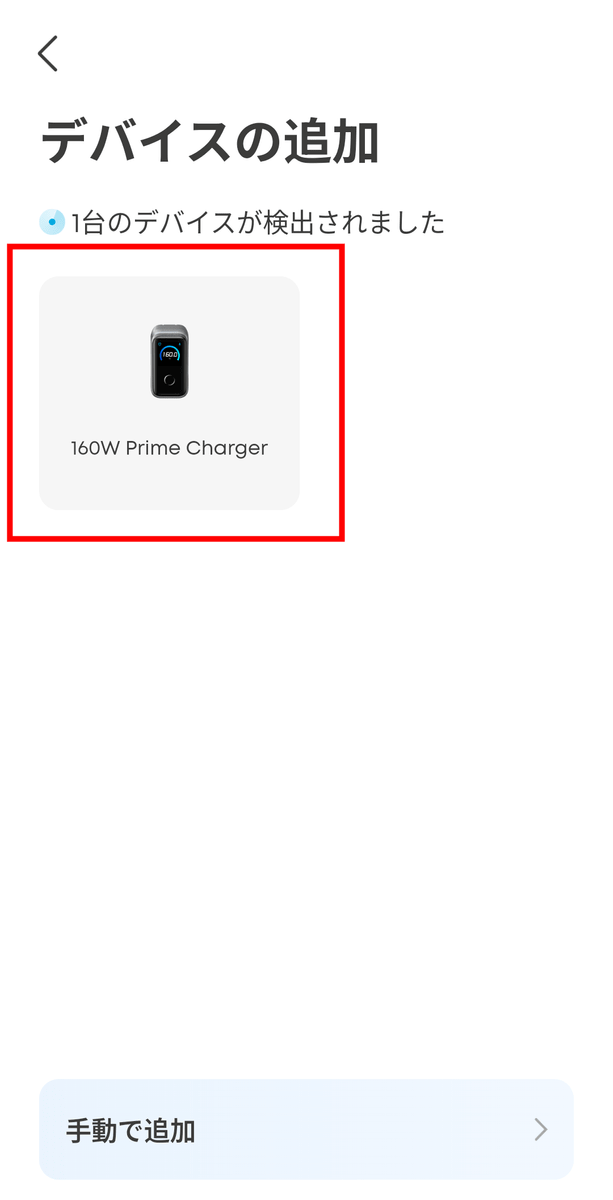
Simply plug in the Anker Prime Charger (160W, 3 Ports) and turn on your smartphone's Bluetooth. The product will then appear in the app. Tap to connect.
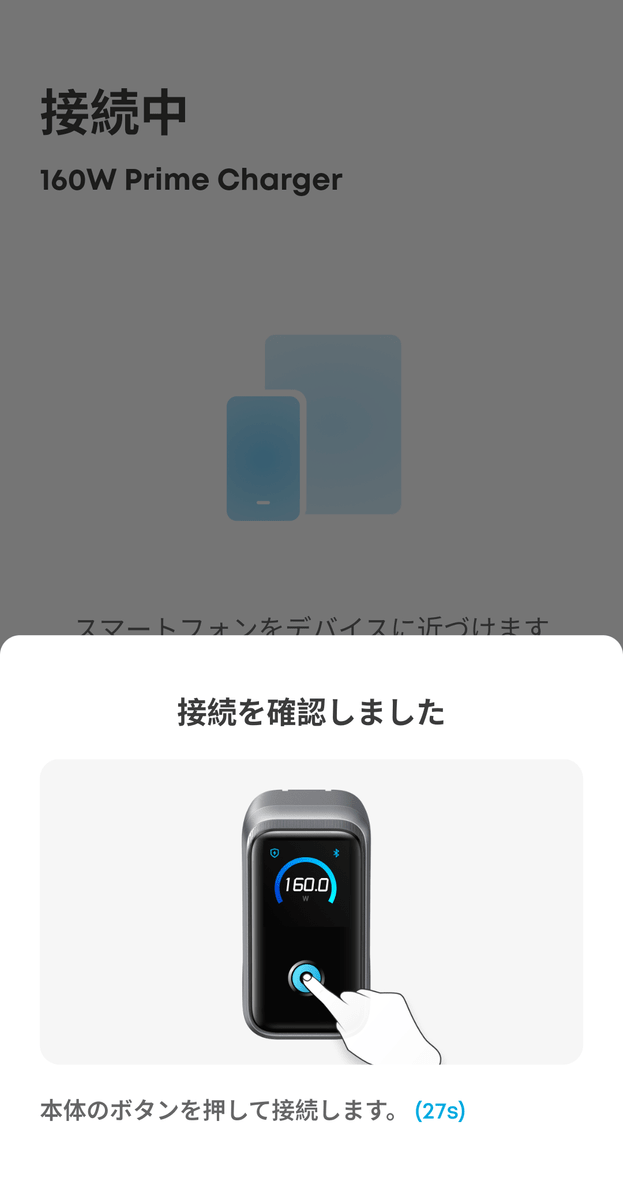
Follow the instructions in the app and press the button on the device to complete the connection.
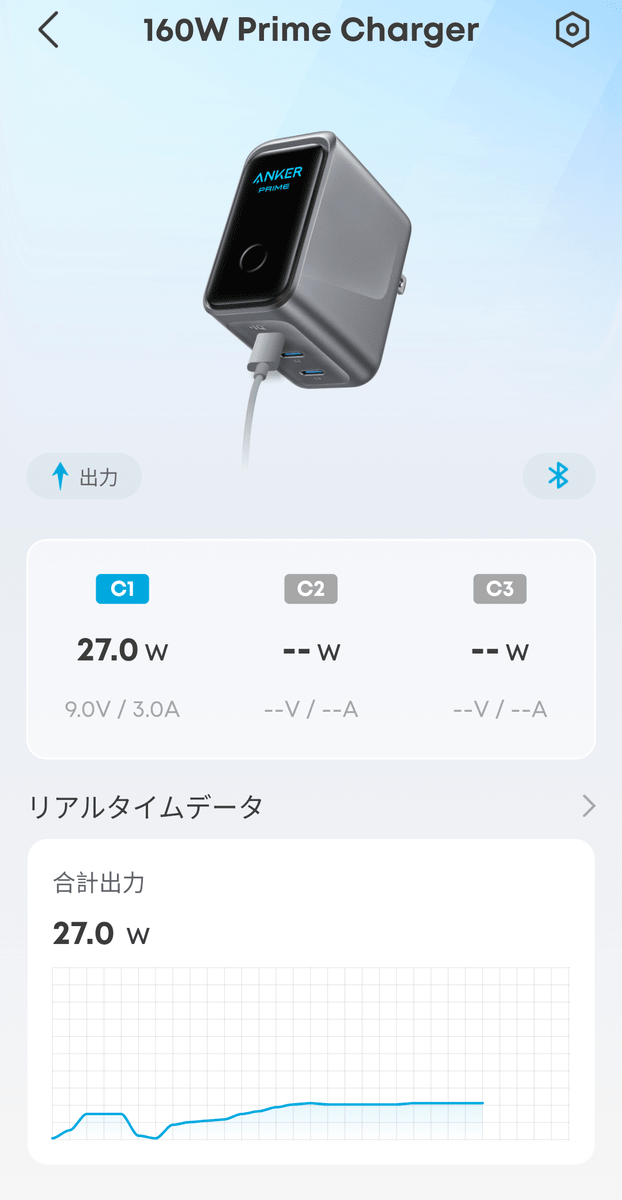
The app allows you to check basic information such as how much power, current, and voltage is being output from each port, as well as 'real-time data' which is recorded every five minutes.
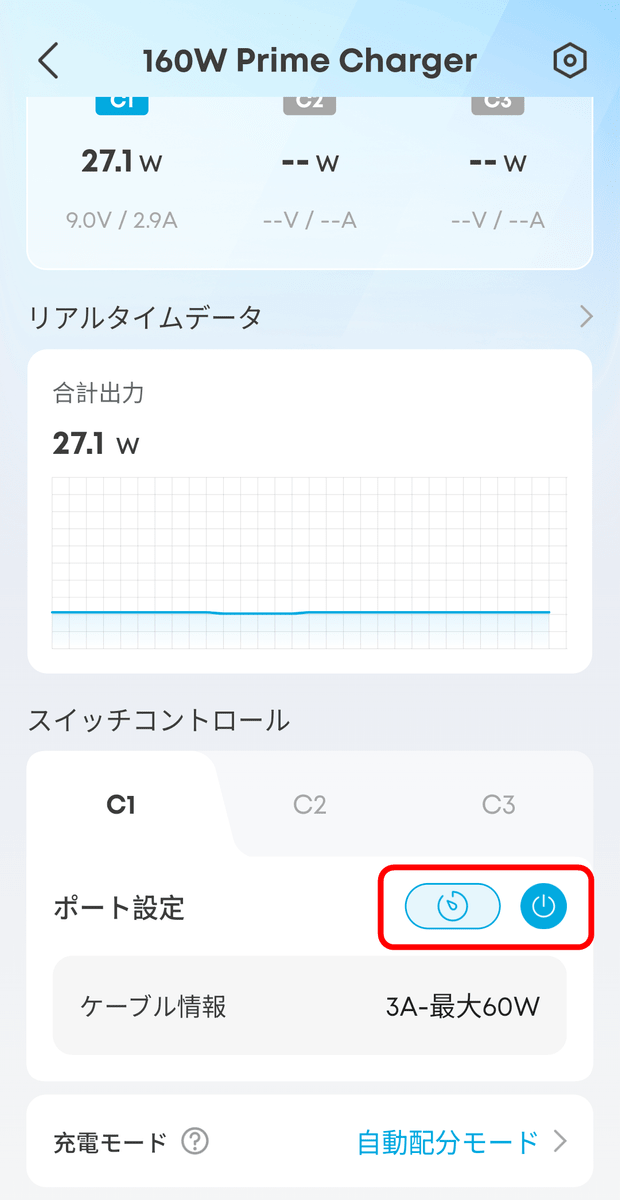
There is also a feature called 'Switch Control' that allows you to adjust the output from each port. In the screen below, the icons to the right of the words 'Port Settings' are, from left to right, 'Timer' and 'Power.'
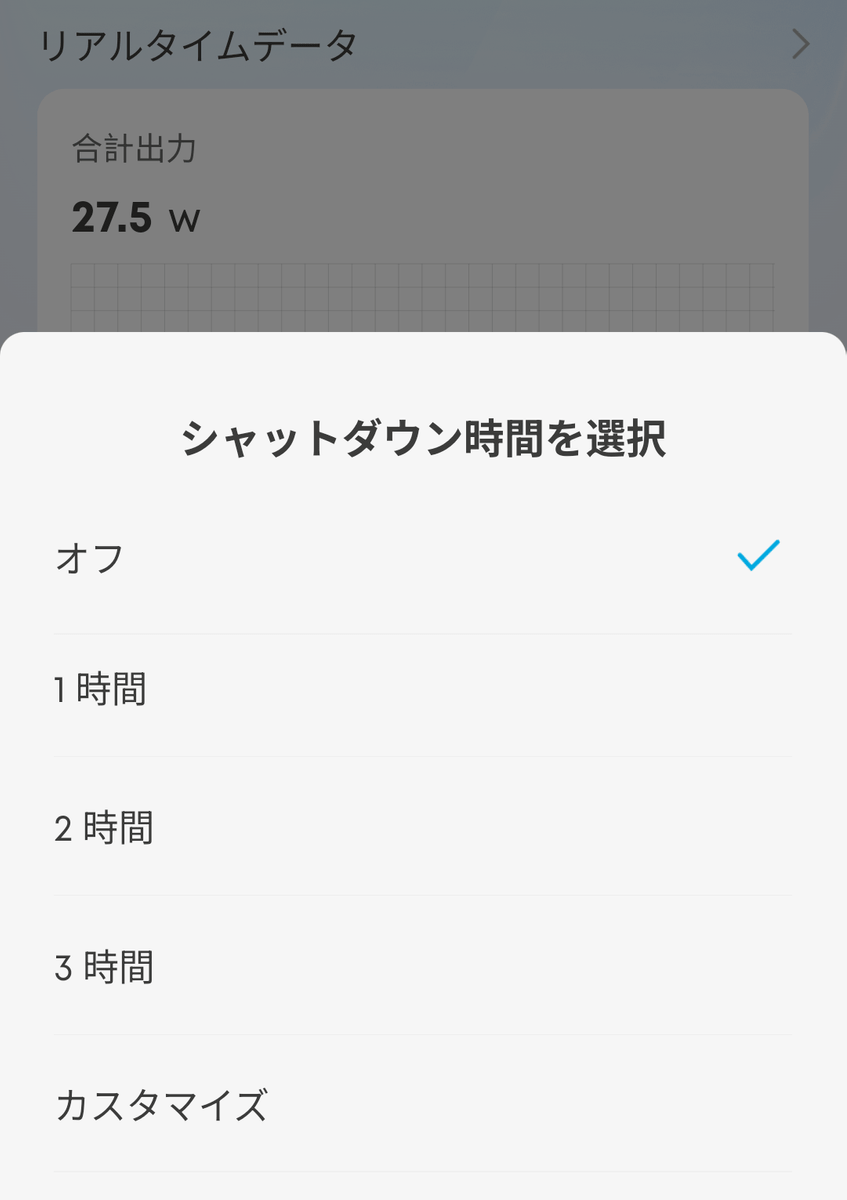
The 'timer' function cuts off the output after a certain period of time.
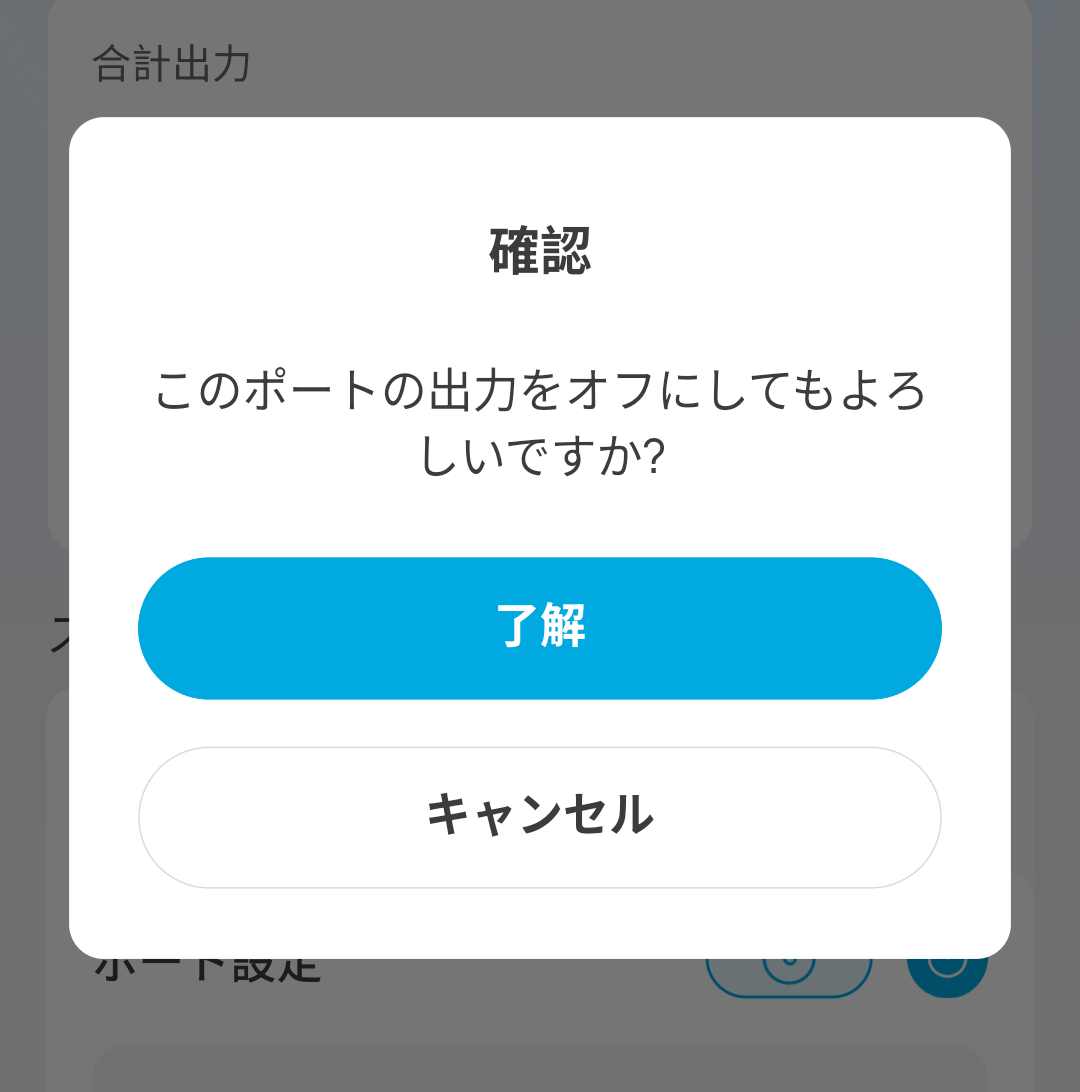
'Power supply' is a function that immediately cuts off the output.
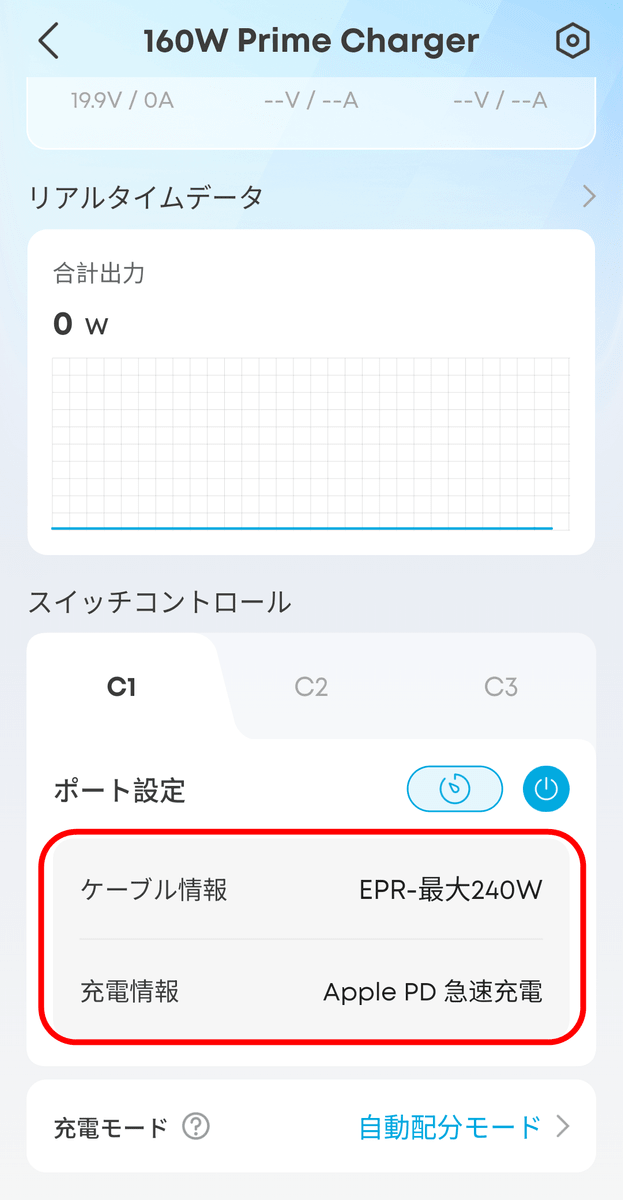
You can also check cable and charging information from the same screen. When I charged my MacBook using the original MacBook cable, the following information was displayed:
You can also switch the charging mode from the app. The default is the optimized 'Automatic Distribution Mode,' but you can also use 'Fixed Distribution Mode' which prioritizes specific ports, or 'Custom Mode' which allows for detailed settings.

The custom mode screen is shown below.
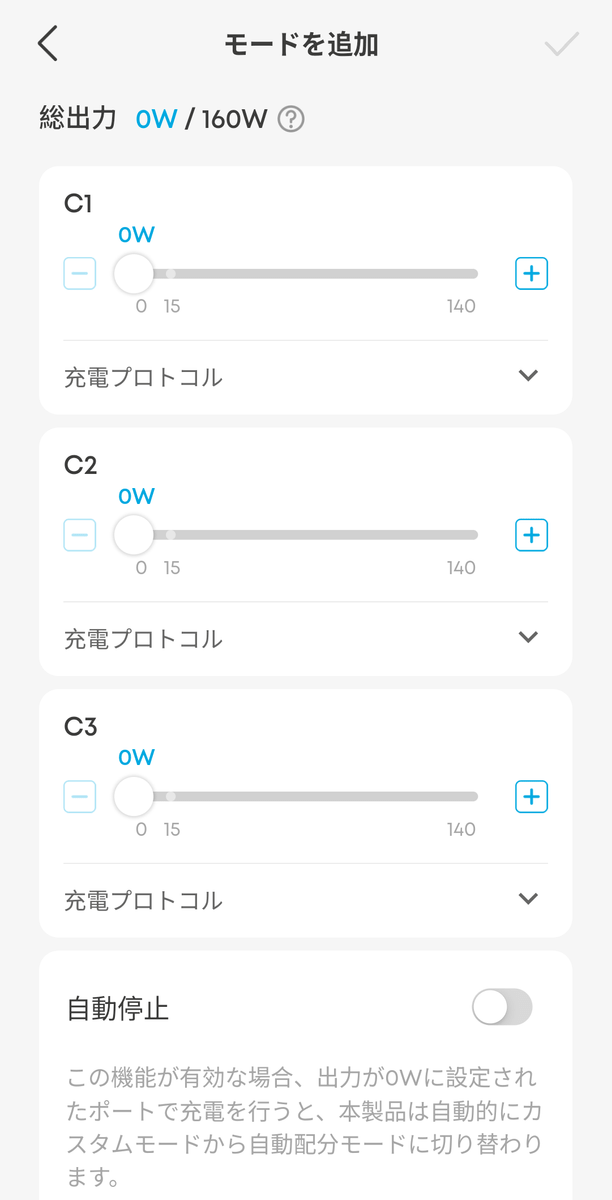
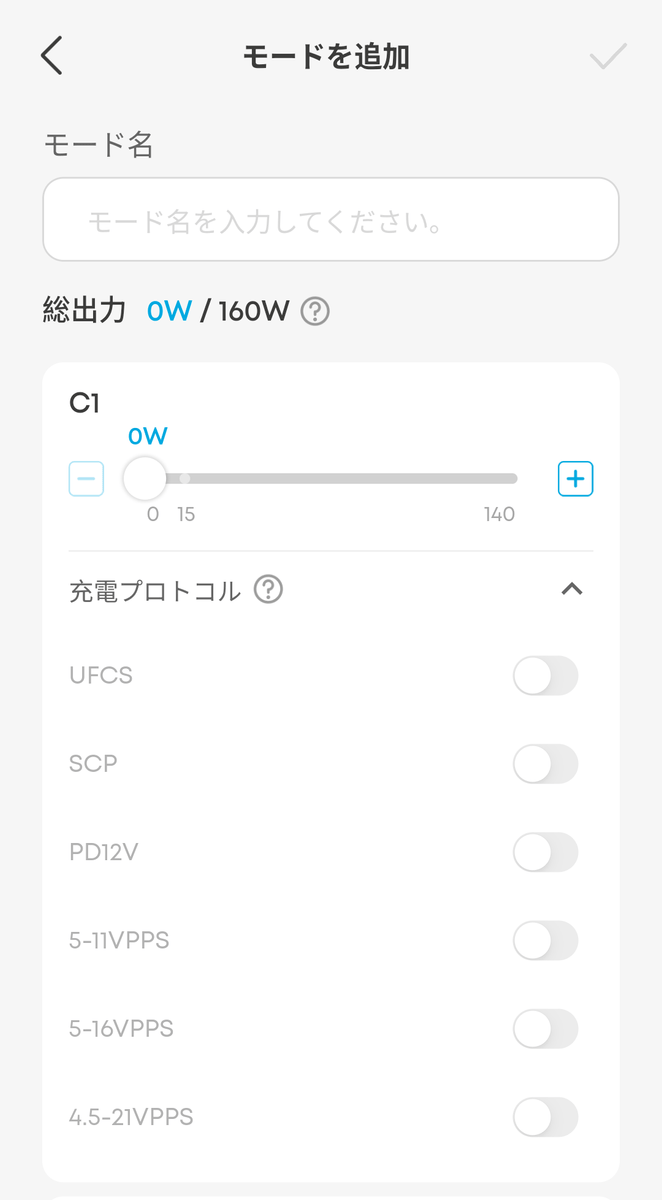
You can also set the maximum output for each port as well as the charging protocol.
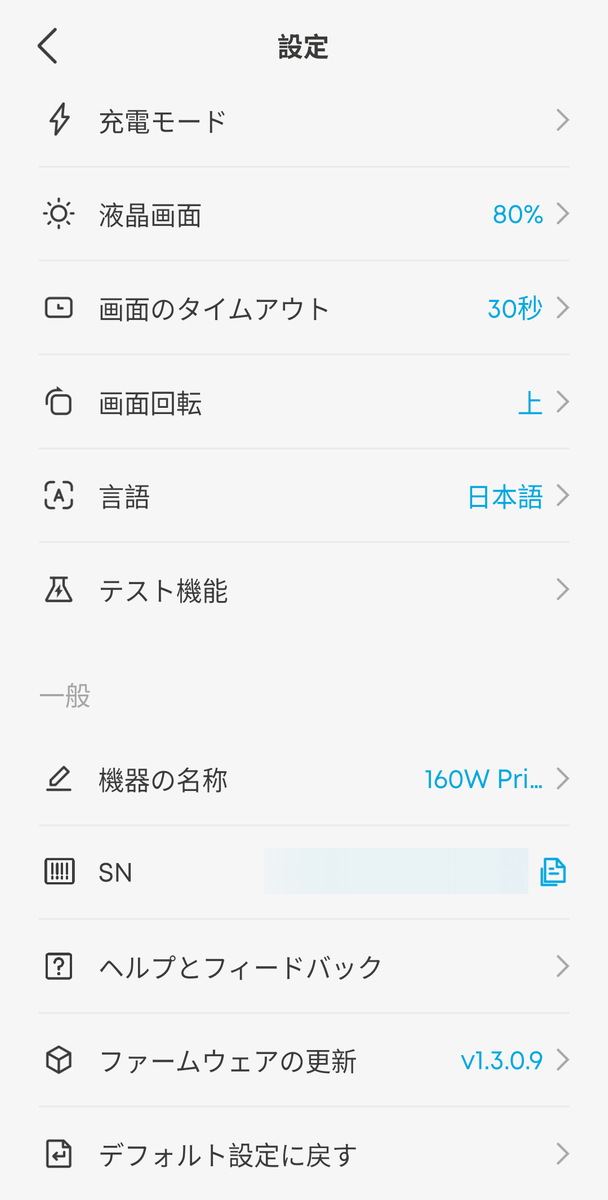
Other settings include changing the brightness of the device's display and timeout period. You can also update the device's firmware from the app.
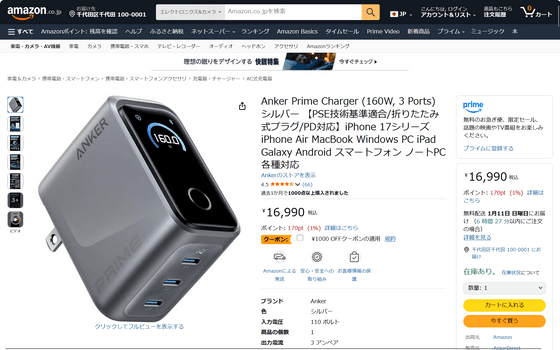
The price of the 'Anker Prime Charger (160W, 3 Ports)' is 16,990 yen including tax. It can be purchased from the Anker official online store or Amazon.co.jp.
You can also get it in the gift article below.
GIGAZINE Winter gift release project 'Answer the questionnaire and take them all!' - GIGAZINE

Related Posts: