Review of the HyperX Alloy Rise 75 Wireless, a 75%-size wireless gaming keyboard with hot-swappable and gasket mounts
Alloy Rise 75 - Wireless Gaming Keyboard
https://row.hyperx.com/en/products/hyperx-alloy-rise-75-wireless-gaming-keyboard
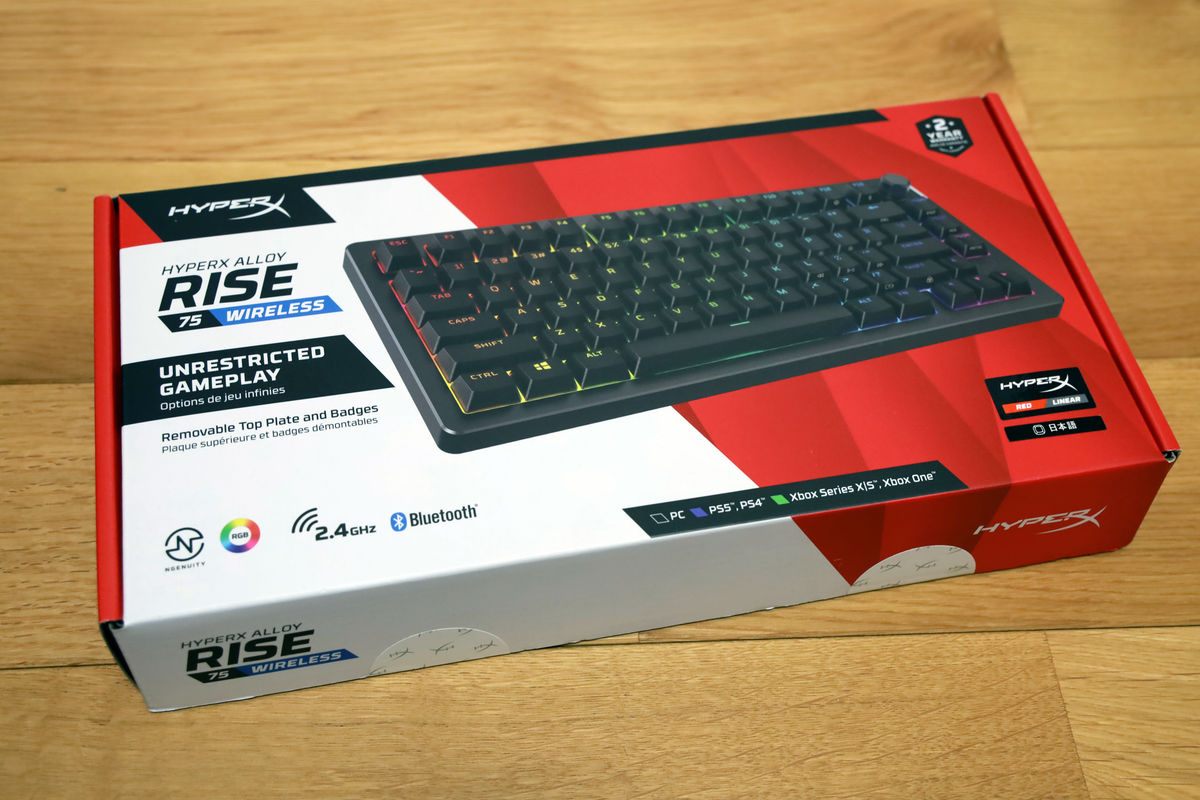
The packaging for the 'HyperX Alloy Rise 75 Wireless' looks like this.
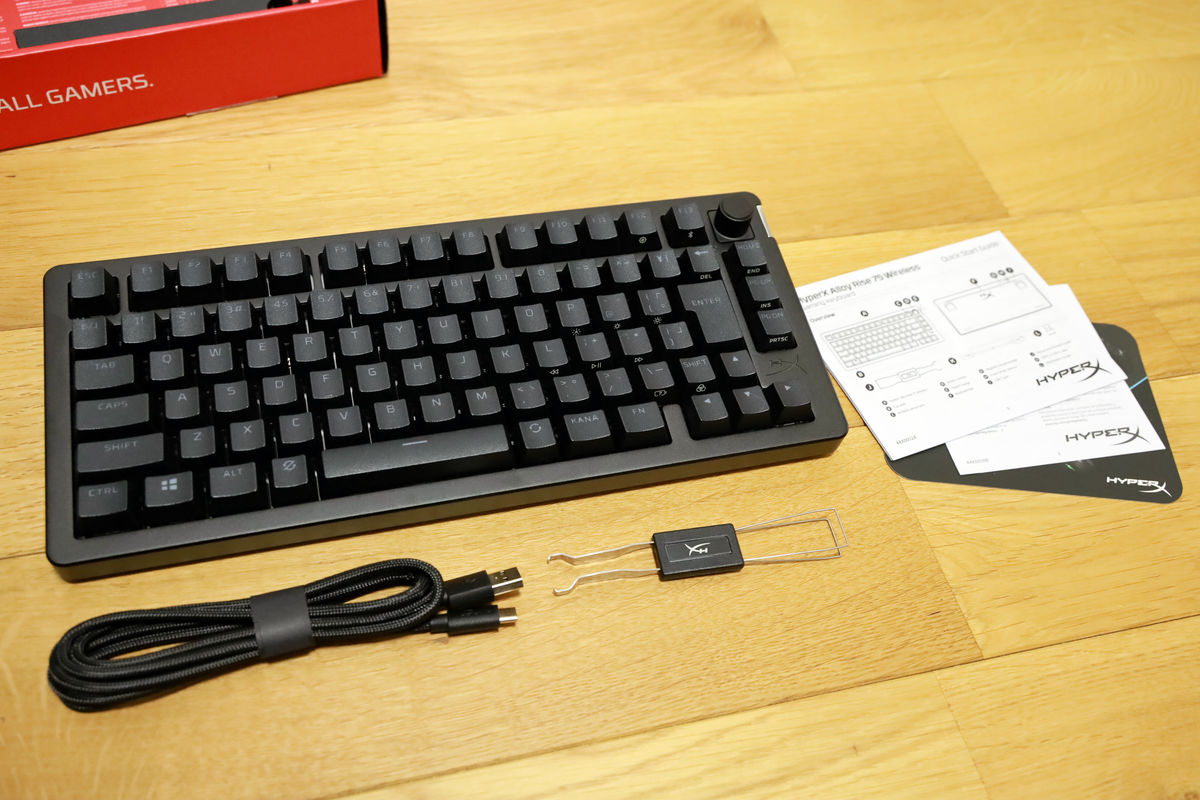
The contents include the HyperX Alloy Rise 75 Wireless keyboard, documents such as a quick start guide, a USB-A to USB-C cable, and a keycap and key switch puller.
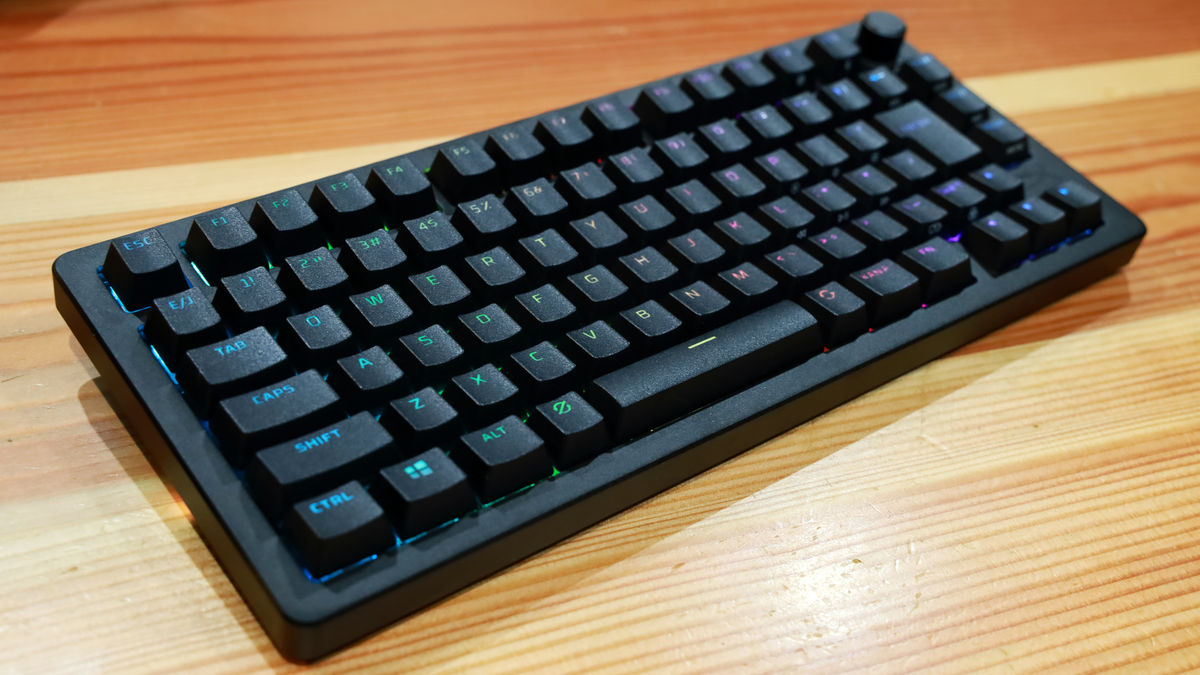
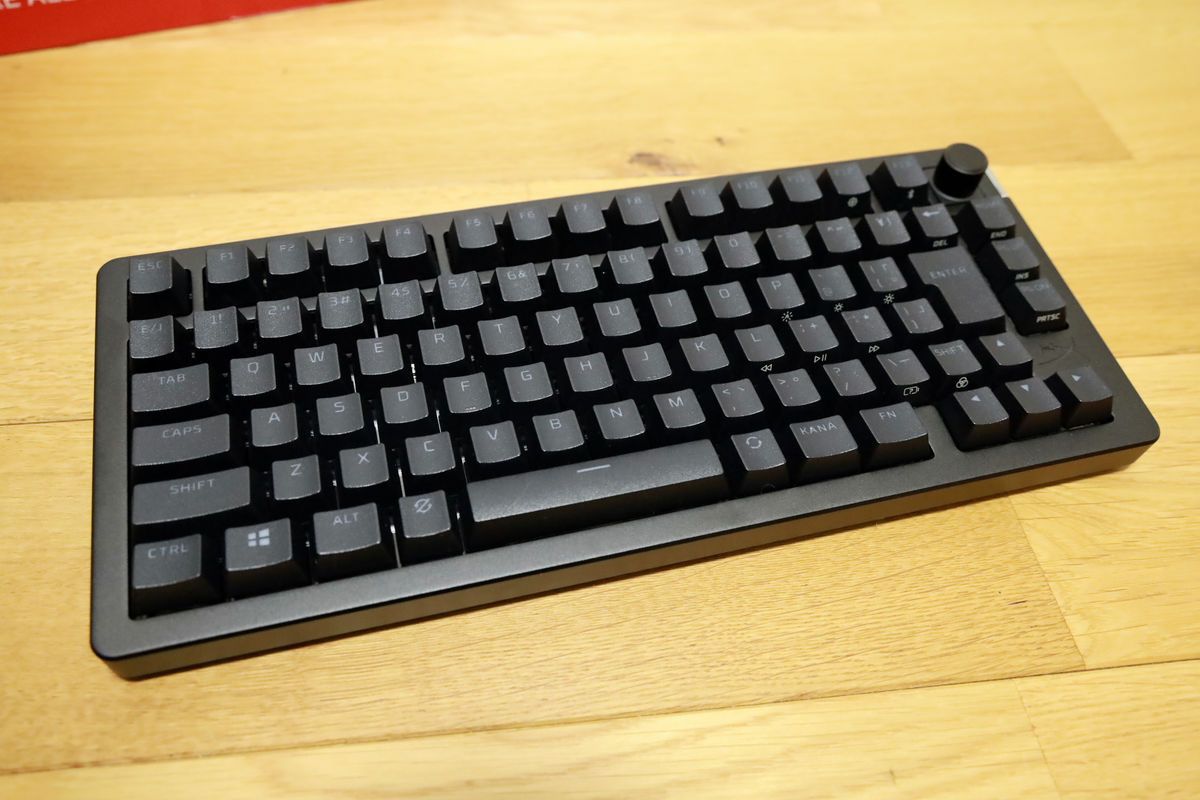
It has a QWERTY layout and simple printing without hiragana. Because it is 75% size, it is tenkeyless, but there are navigation keys such as 'HOME', 'PGUP', and 'PGDN' to the right of the enter key. However, there is no control key to the right of the space bar.
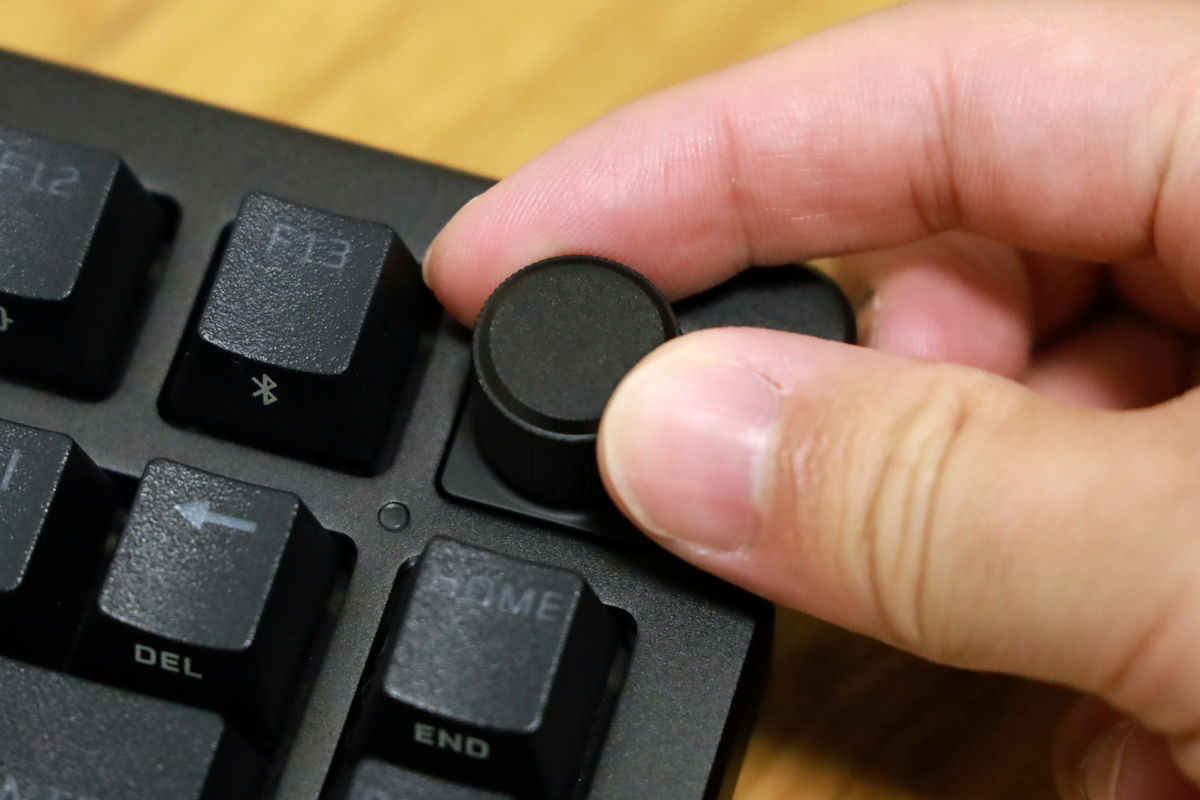
There is also a rotary knob on the top right that allows you to adjust the volume and mute the microphone on and off.
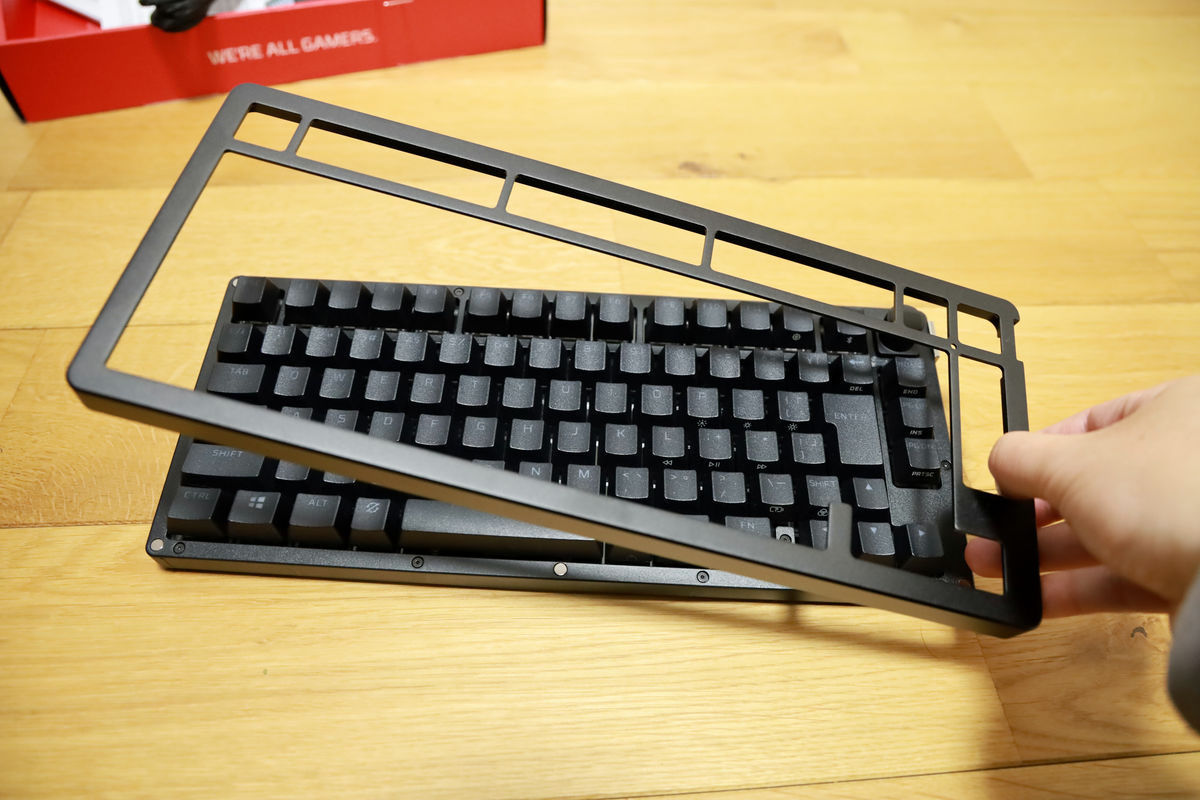
The top plate is attached with magnets and can be easily removed without tools. The default top plate that comes with the keyboard is black, but navy blue and white top plates are available separately, allowing you to completely change the look of your keyboard to match your interior or your mood.
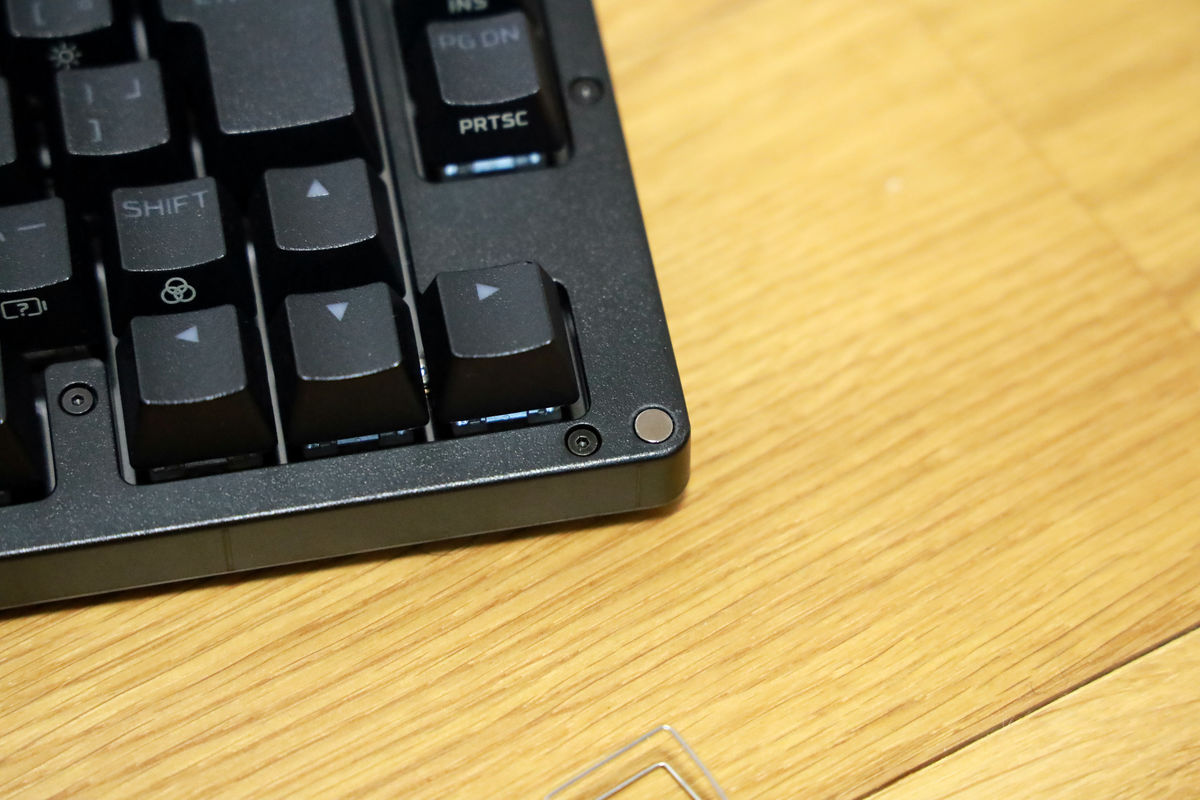
The silver magnets that secure the top plate look like this. They were placed at the four corners and in the center of the long sides.
The keycaps are made of HyperX PBT, which is harder than ABS, and feature a nominal keystroke depth of 4.0mm. The HyperX Alloy Rise 75 Wireless also features an 8000Hz
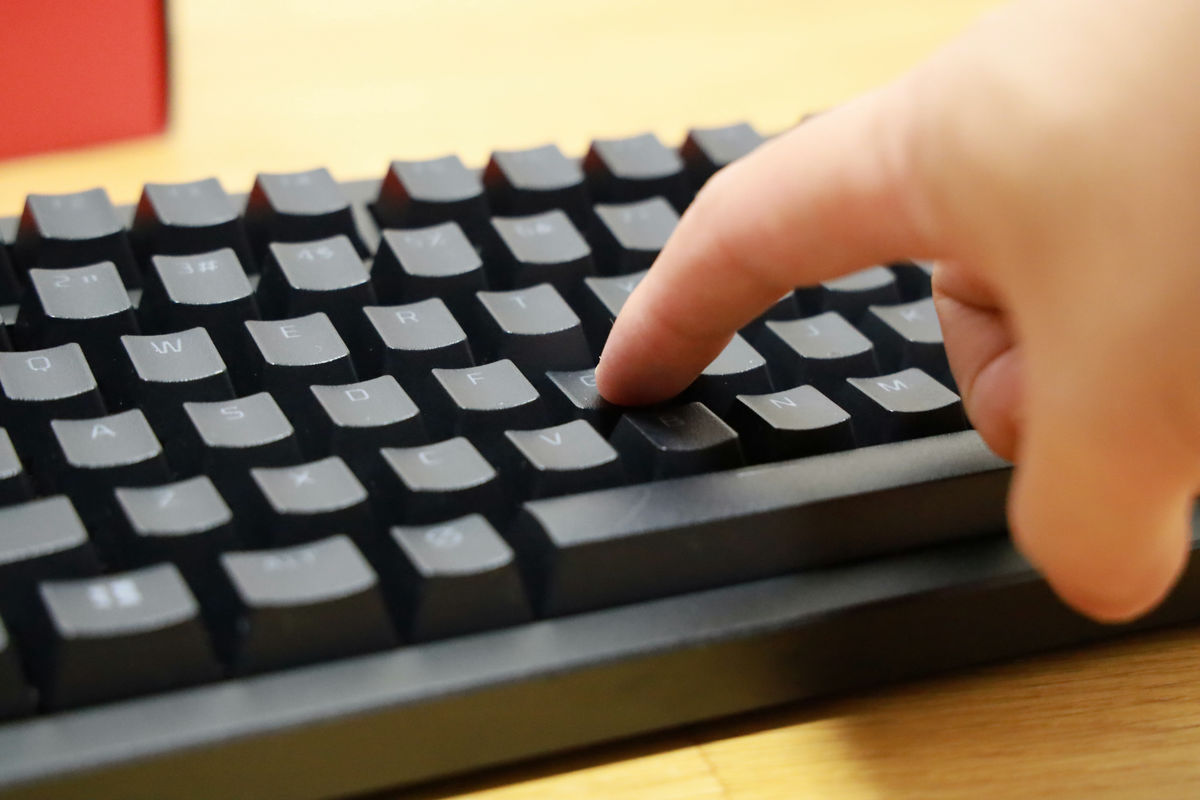
The HyperX Alloy Rise 75 Wireless is a gasket-mounted keyboard that uses a gasket to sandwich the switch plate, absorbing shock when typing, providing a comfortable feel and reducing unnecessary typing noise.
This not only improves durability but also reduces switch noise.
As you can see in the video below, the actual typing sound of the HyperX Alloy Rise 75 Wireless is a slightly lower 'clunking' sound rather than the high-pitched 'clack' sound that is common in gaming keyboards. Therefore, it is especially recommended for those looking for a gaming keyboard with a modest typing sound.
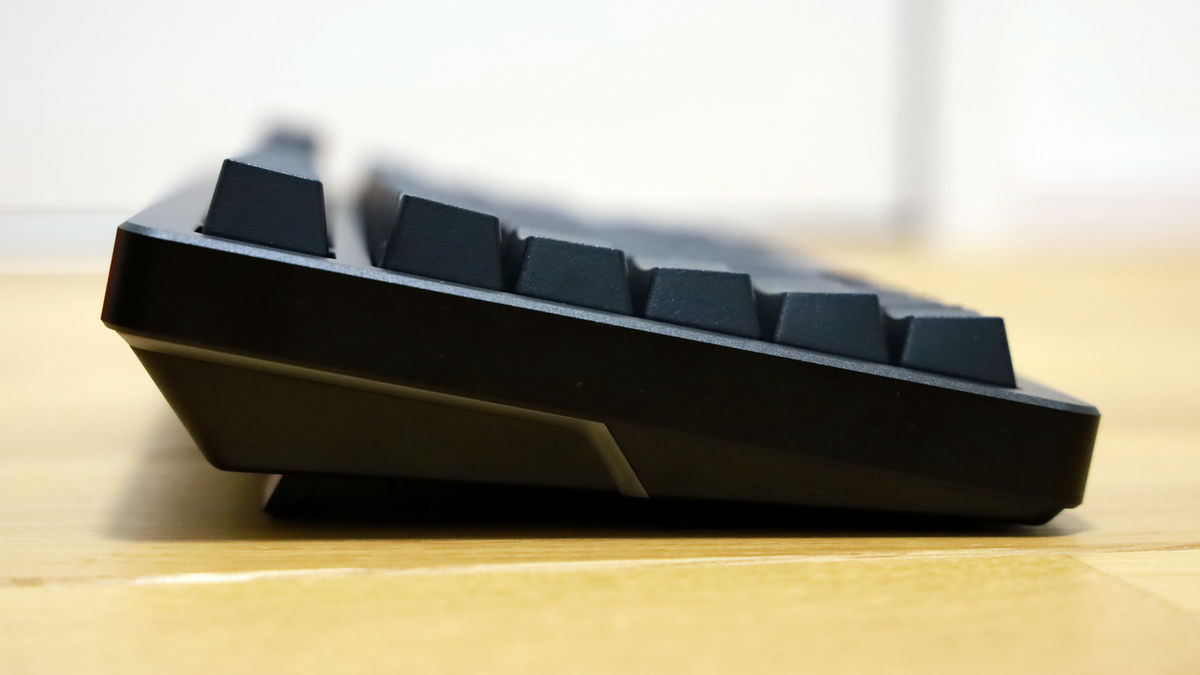
The back side looks like this, with anti-slip pads on all four corners and also a stand.
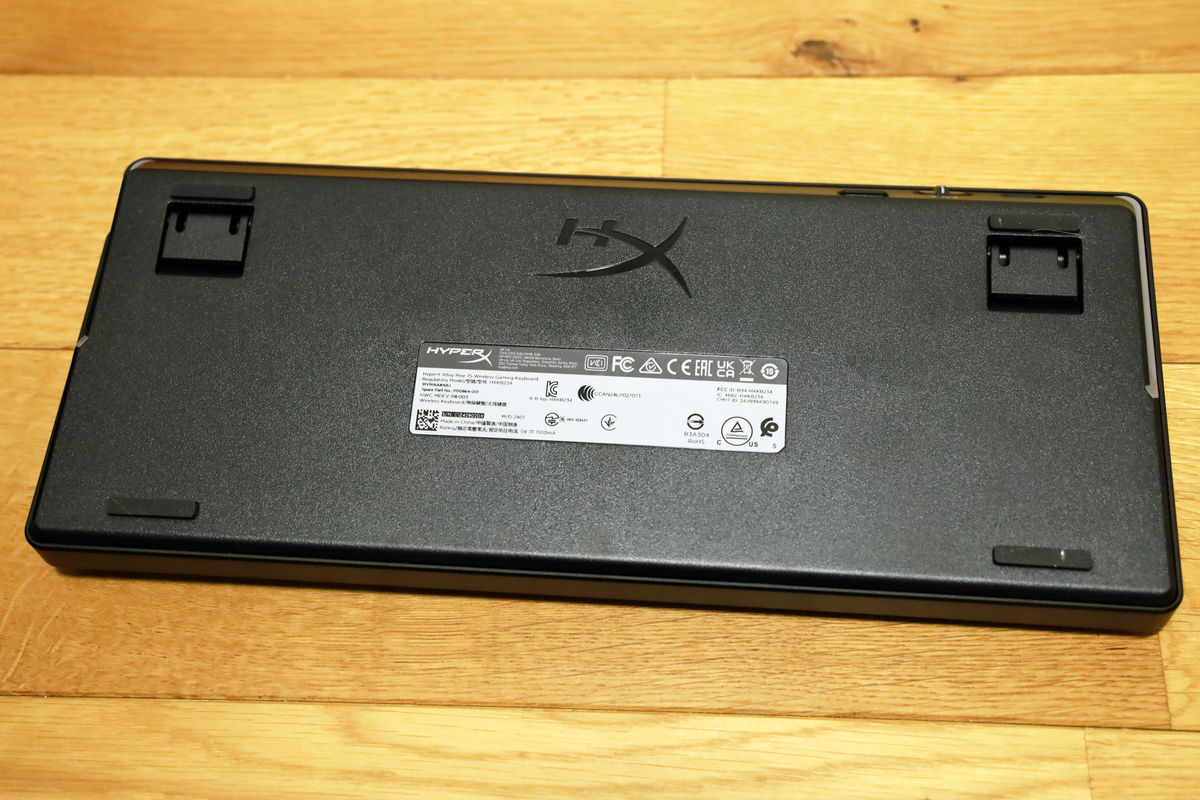
This is the angle when the stand is stored.
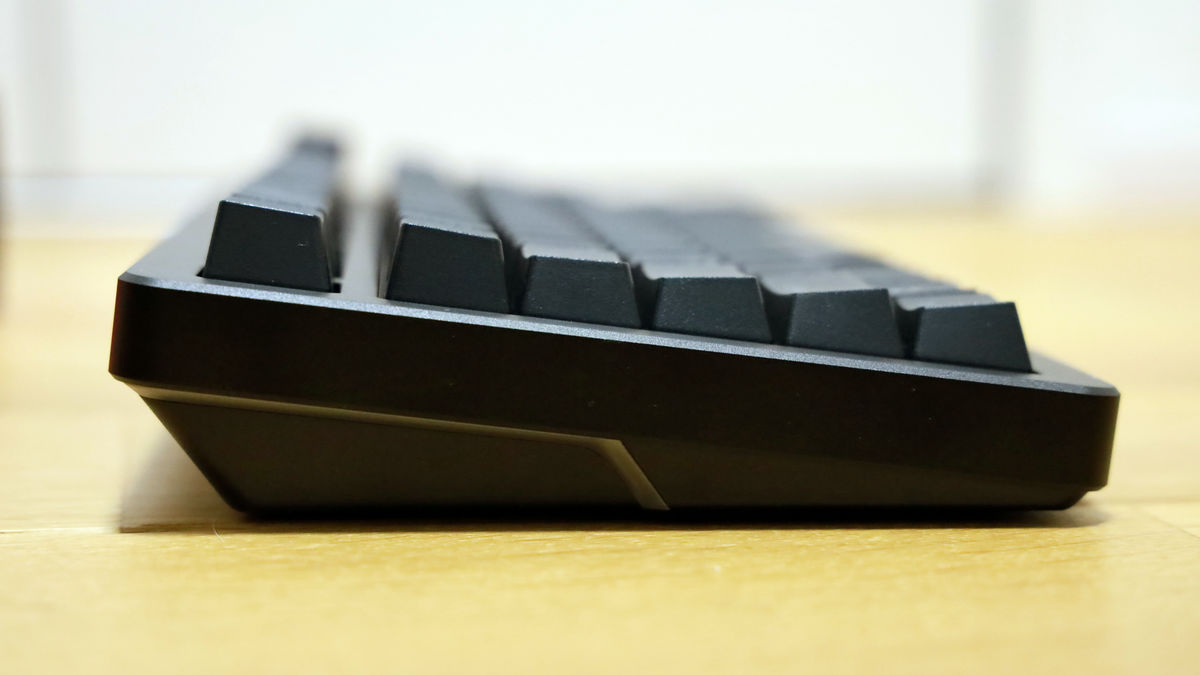
This is how it looks when using the stand.
Top
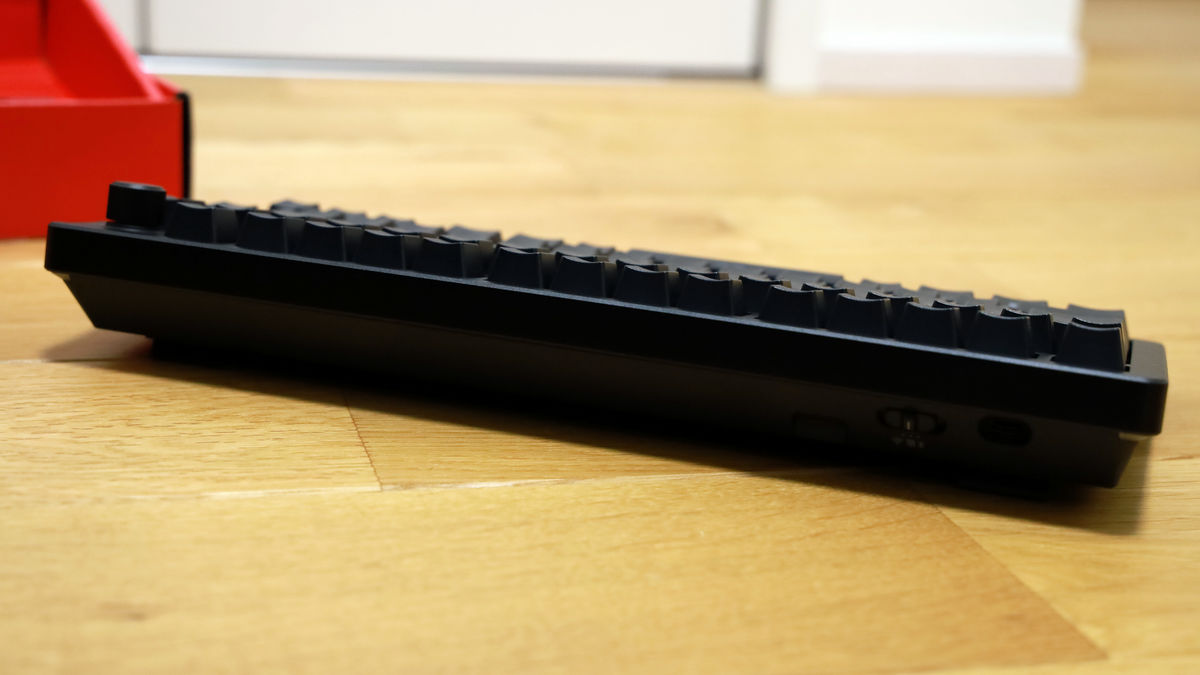
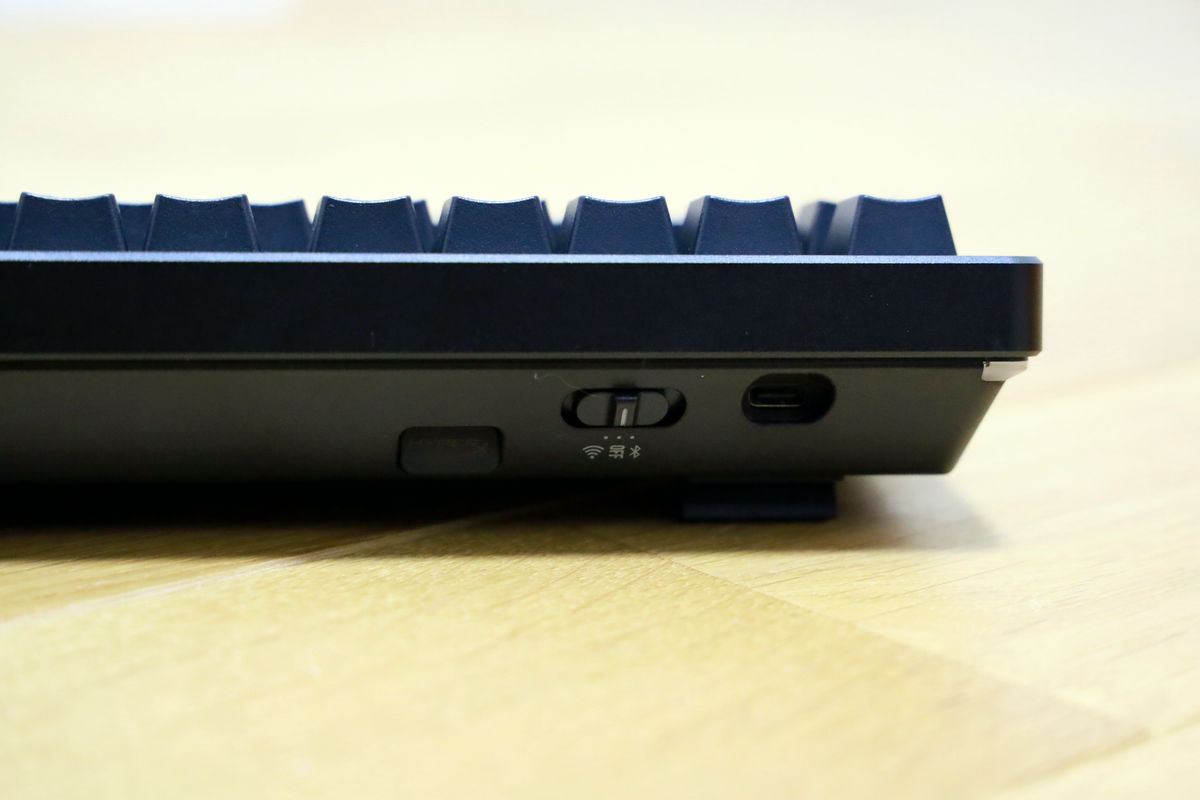
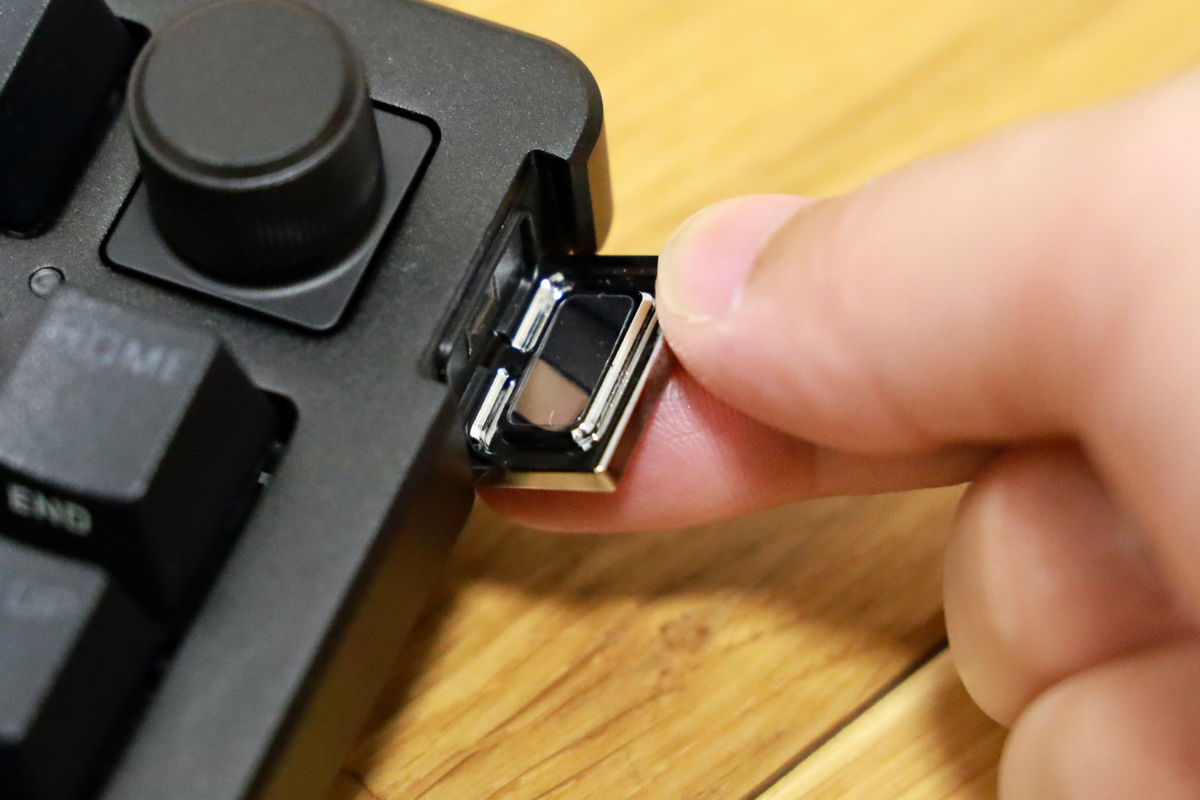
On the right side are the USB dongle, wireless switch, and USB-C port. The storage compartment for the USB dongle has a magnet embedded in it, so when you insert the dongle, it is sucked in and stored.
There's nothing special on the bottom.
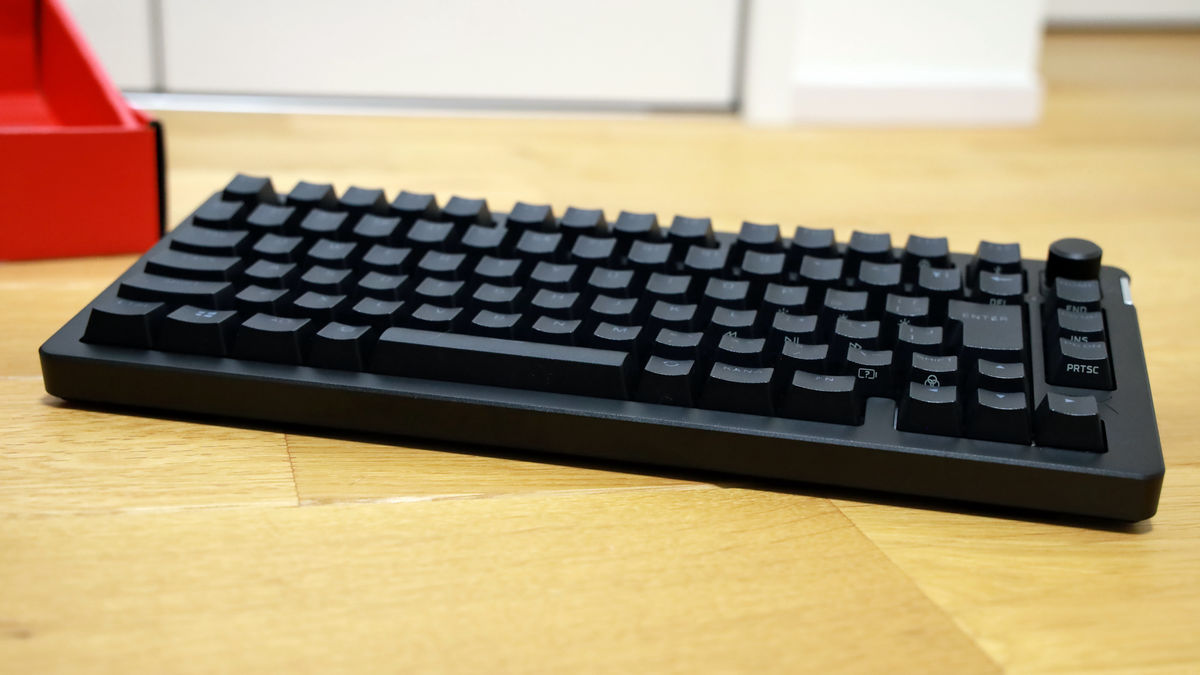
Left side
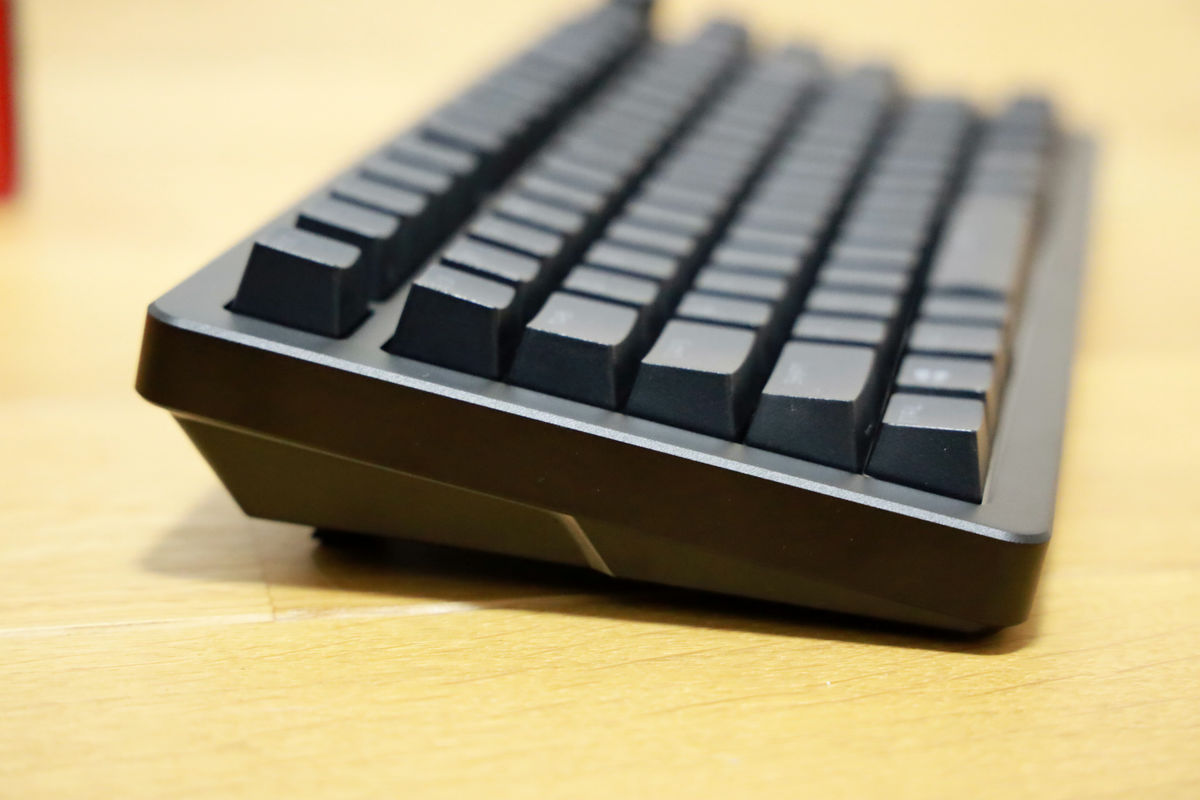
right side
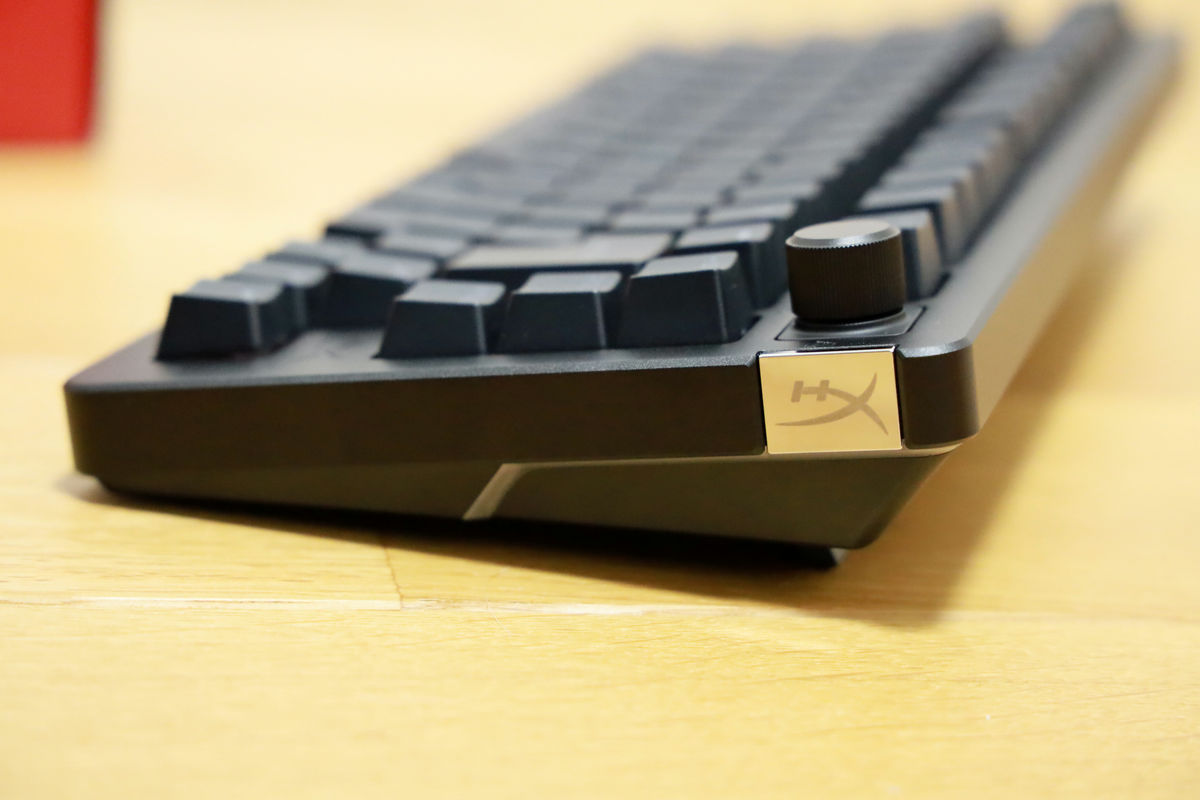
The HyperX logo on the right side is a badge that is attached with a magnet and can be easily removed. In addition to the HyperX logo,
The keycaps can be easily removed using the included keycap and key switch puller.
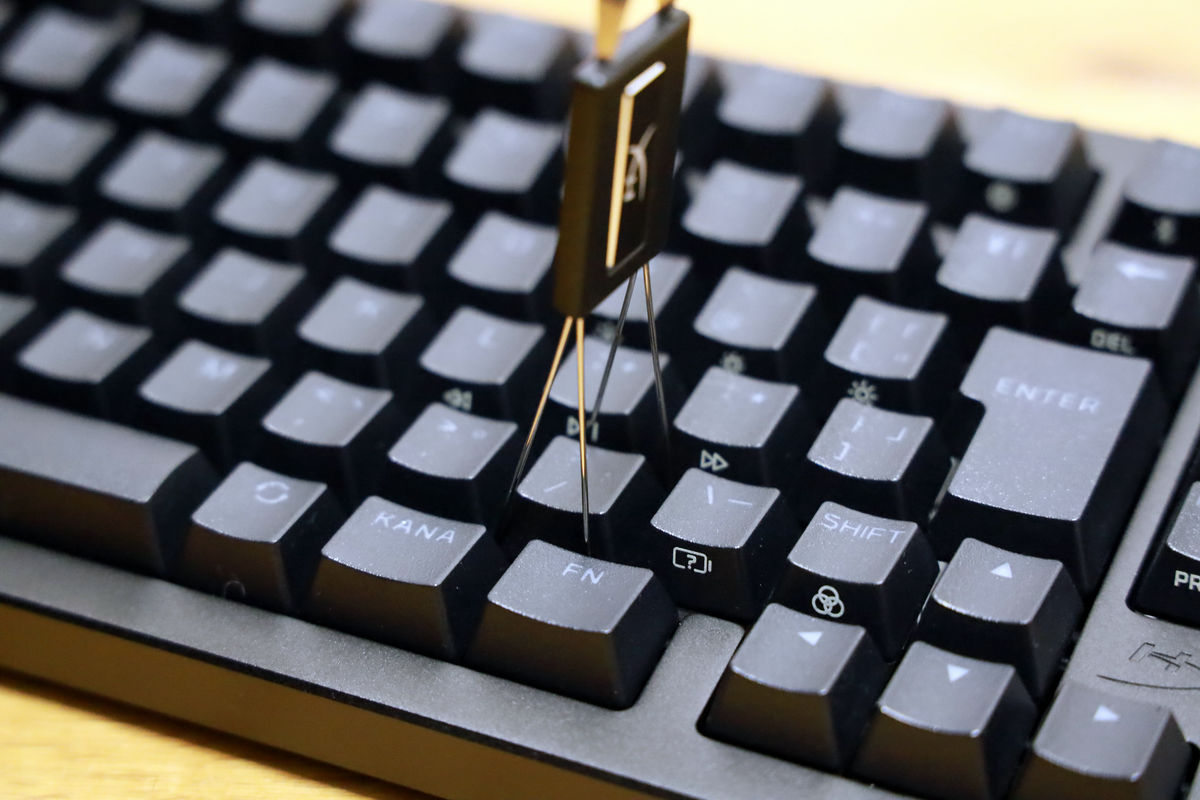
The HyperX Alloy Rise 75 Wireless features HyperX linear switches (red axis) with half-wall stems made from POM, improving the stability of the standard HyperX PBT keycaps. They also ship pre-lubricated for smooth operation and are said to last up to 80 million keystrokes.
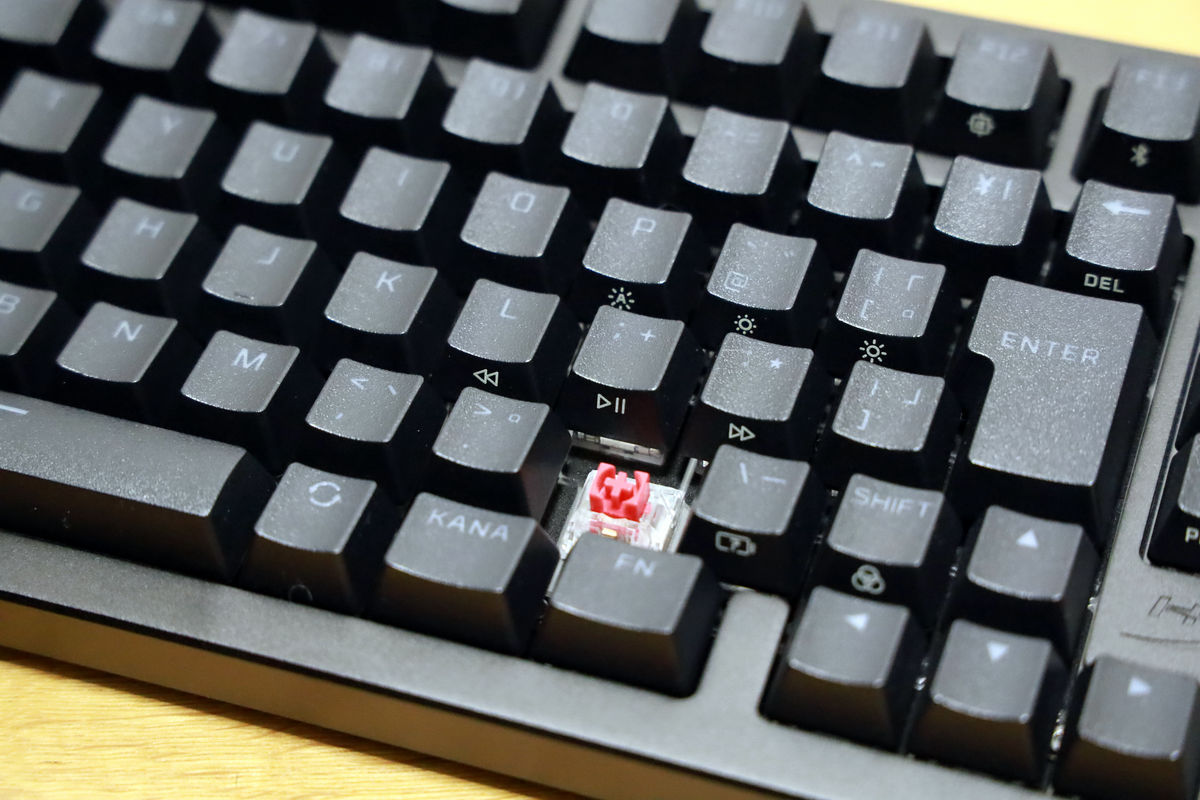
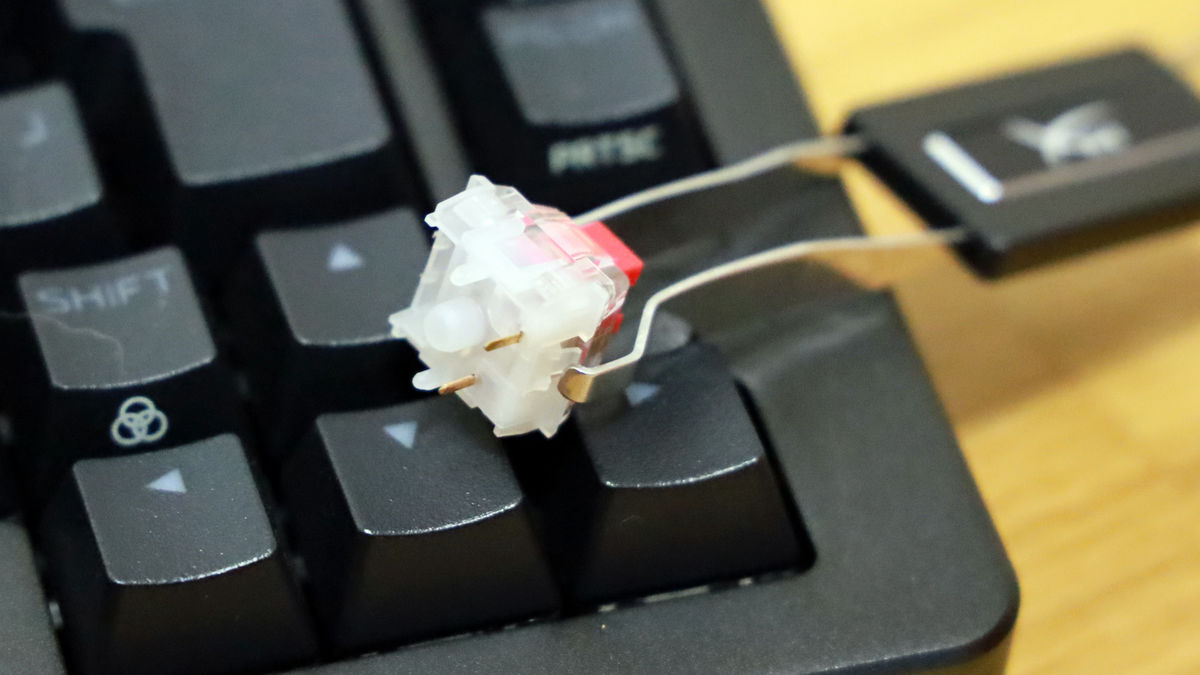
The key switches are hot-swappable, so they can be removed. To remove them, use a keycap and key switch puller to pinch the top and bottom of the key switch as shown below and pull it out.
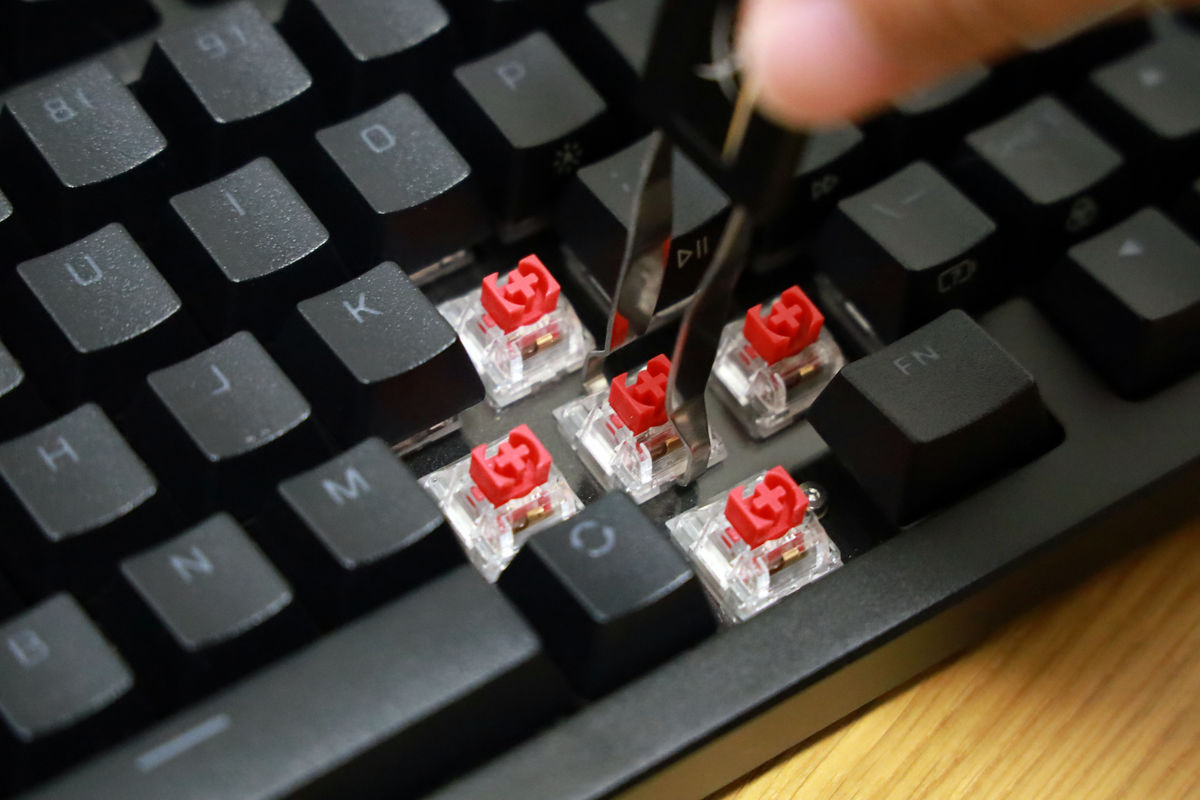
This is what it looks like when it comes out.
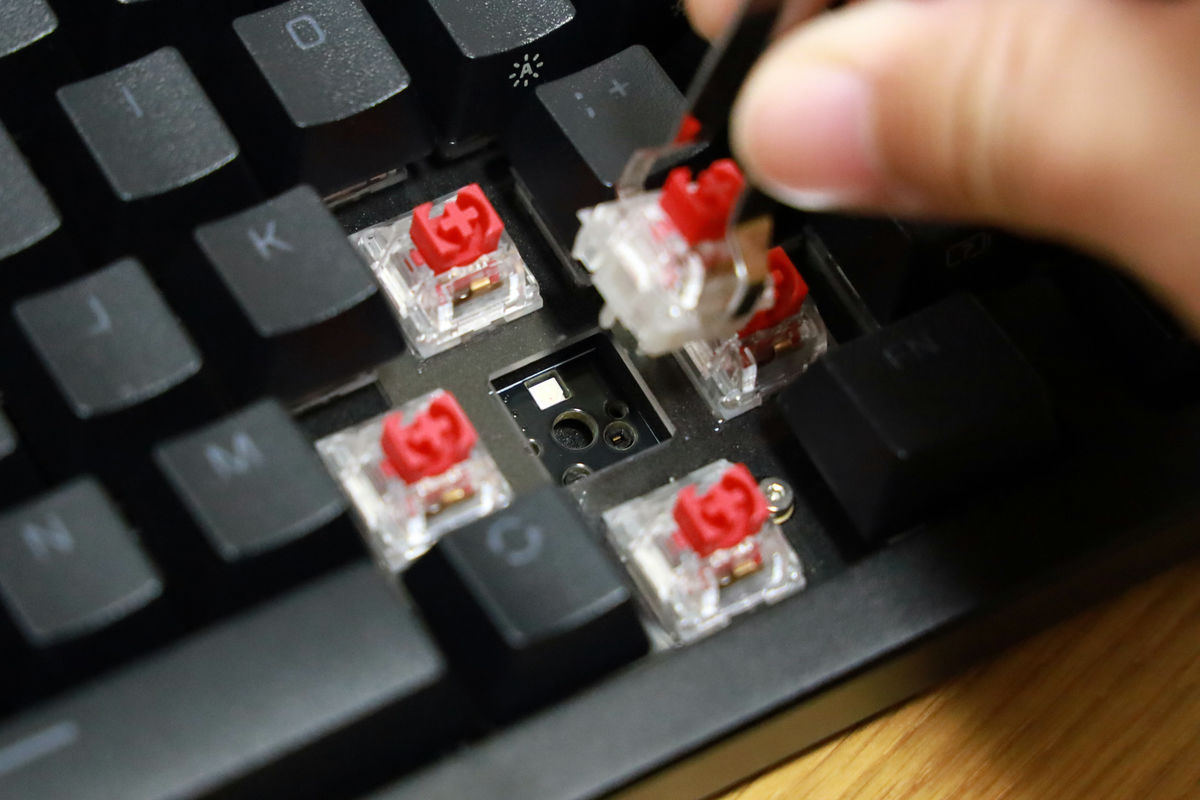
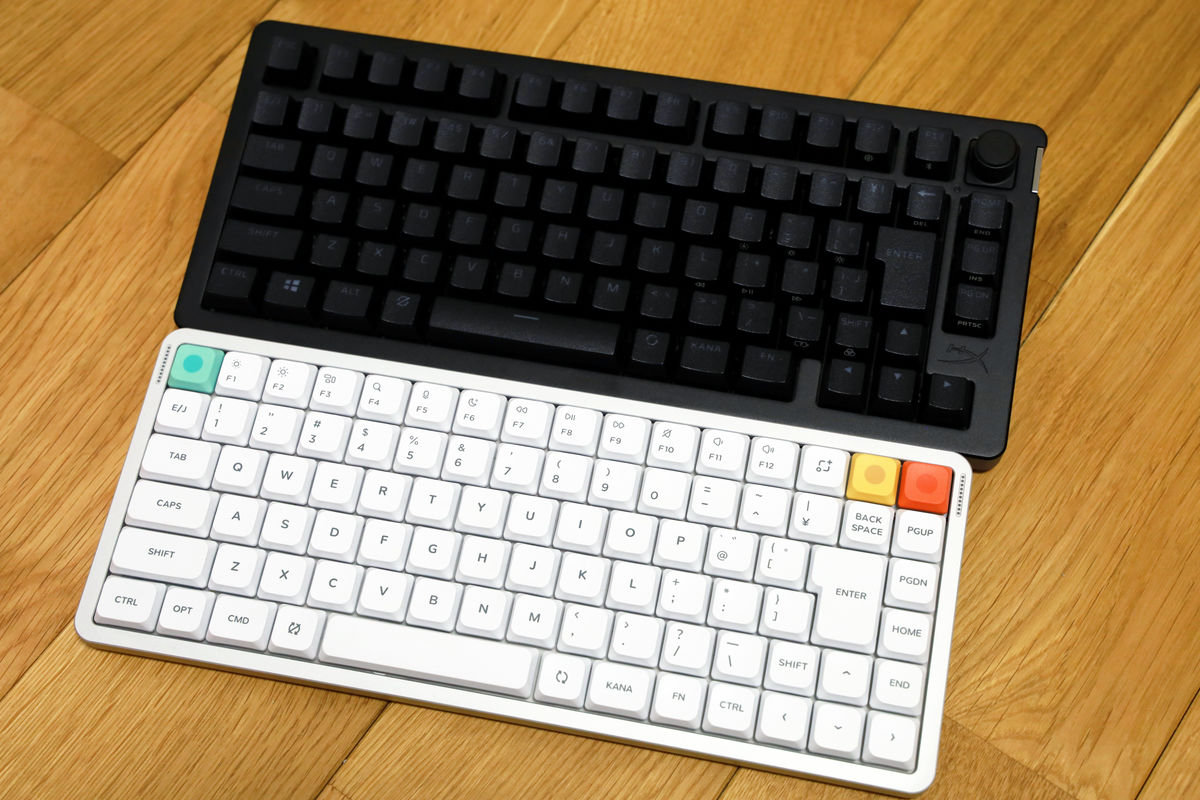
If a specific key switch breaks, you can replace it with a different axis key switch such as
Here's a comparison with
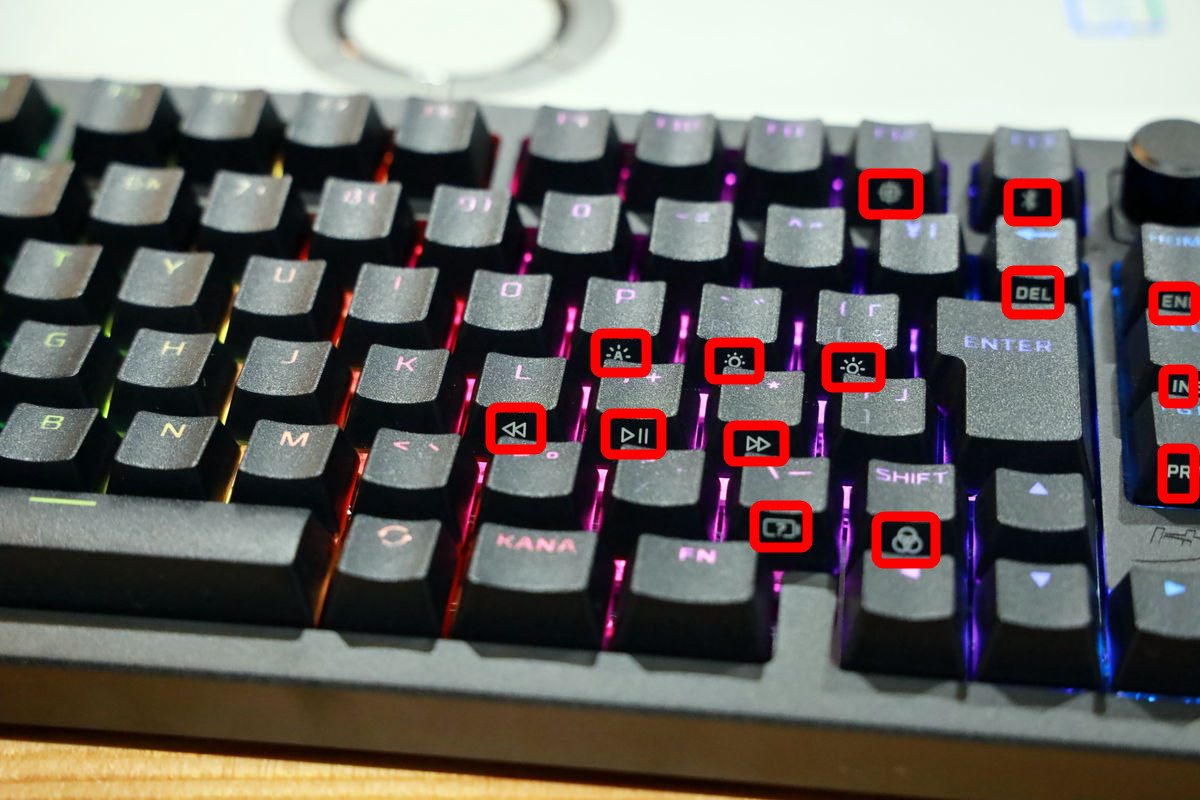
Some keys are assigned 'secondary functions' that activate HyperX-exclusive features. Keys with secondary functions have an icon engraved on the side, as shown in the red box. Secondary functions can be accessed by pressing the function key and the corresponding key, and include functions such as 'disable the Windows key' and 'adjust backlight brightness.'
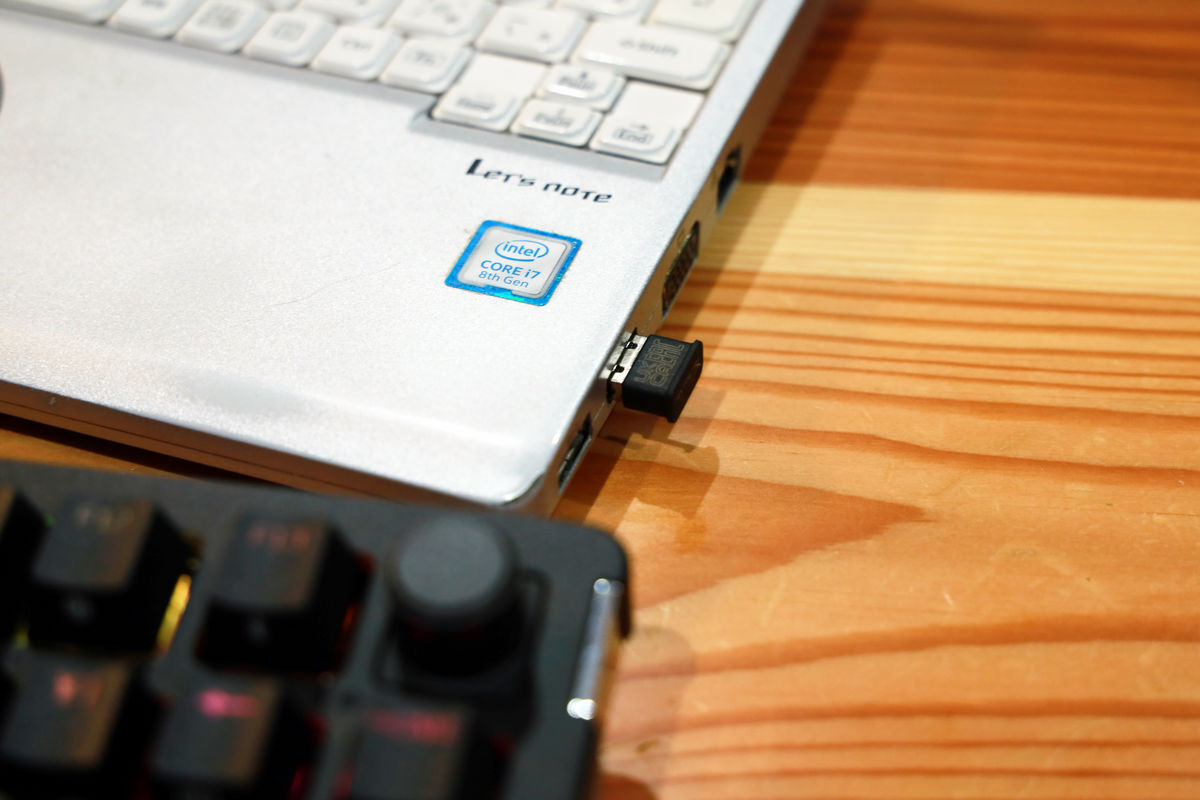
The HyperX Alloy Rise 75 Wireless offers three connection options: wired, 2.4GHz wireless, and Bluetooth. Up to three devices can be registered via wireless connection. It's compatible with PC, PS5, PS4, Xbox Series X/S, and Xbox One, making it an excellent wireless keyboard for consoles.
The 2.4GHz wireless connection is particularly easy to use. Simply flip the wireless switch to the Wi-Fi icon and insert the USB dongle into your device. The connection speed is fast, so you'll never have to worry about the wireless keyboard not connecting when switching modes or starting up your PC.
The HyperX Alloy Rise 75 Wireless also boasts the longest battery life of any backlit dual wireless gaming keyboard on the market, delivering an incredible 80 hours of battery life with the backlight on and 1500 hours with the backlight off.
The 'HyperX Alloy Rise 75 Wireless' is on sale at Amazon.co.jp for 35,000 yen including tax. There are full-size and wired versions available, so you can choose the one that suits your style.
Amazon.co.jp: HyperX Alloy Rise 75 Wireless Mechanical Gaming Keyboard, Japanese Layout, 75% Hot-Swappable, Gasket Mount, HyperX Linear Switches, Up to 80 Hours of Playtime (Backlight On), Dual Wireless (2.4GHz / Bluetooth), Authorized Japanese Distributor, 2-Year Manufacturer's Warranty, 91Y91AA#ABJ: Electronics & Cameras

You can also get the HyperX Alloy Rise 75 Wireless from the gift article below.
GIGAZINE Winter gift release project 'Answer the questionnaire and take them all!' - GIGAZINE

Related Posts: