Review of ELECOM's wireless gaming mouse 'VM800L': Uses UWB communication for low latency
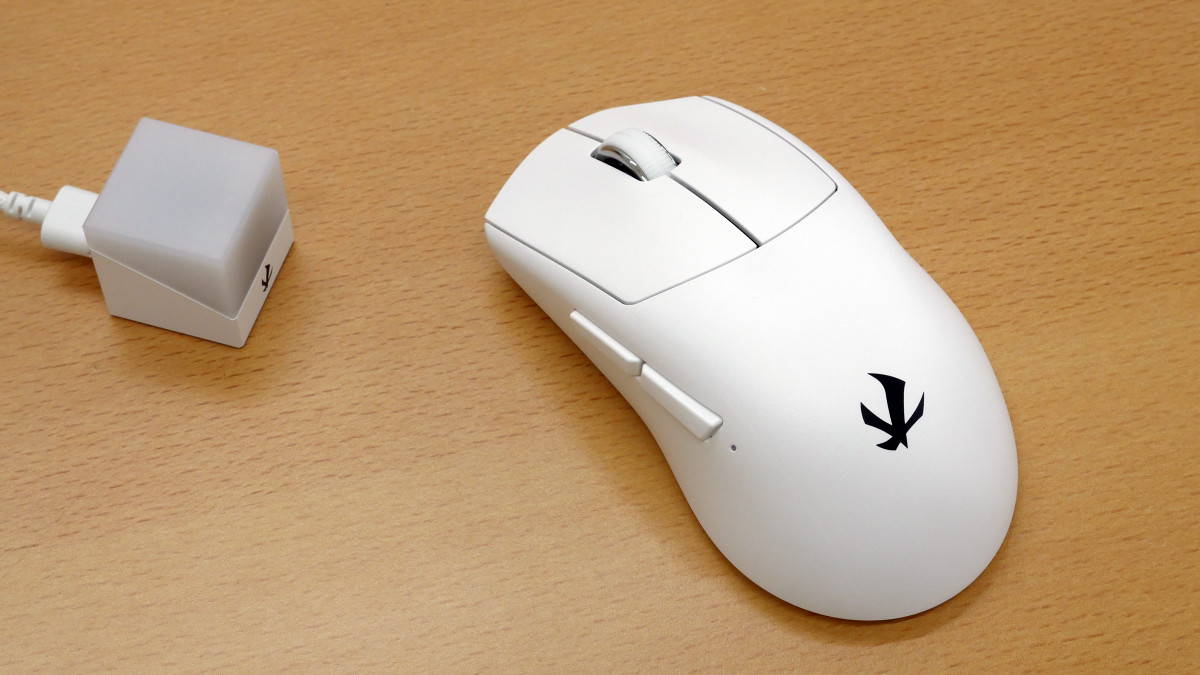
ELECOM's wireless gaming mouse ' VM800L ,' released in September 2025, is the world's first gaming mouse to use ultra-wideband (UWB) communication, enabling low latency and highly stable connections.
MOUSE – vm800 | ELECOM GAMING | V custom - Gaming Mouse
https://www.elecom.co.jp/pickup/v-custom/products/mouse/vm800/
V custom VM800L - M-VM800LBK
https://www.elecom.co.jp/products/M-VM800LBK.html
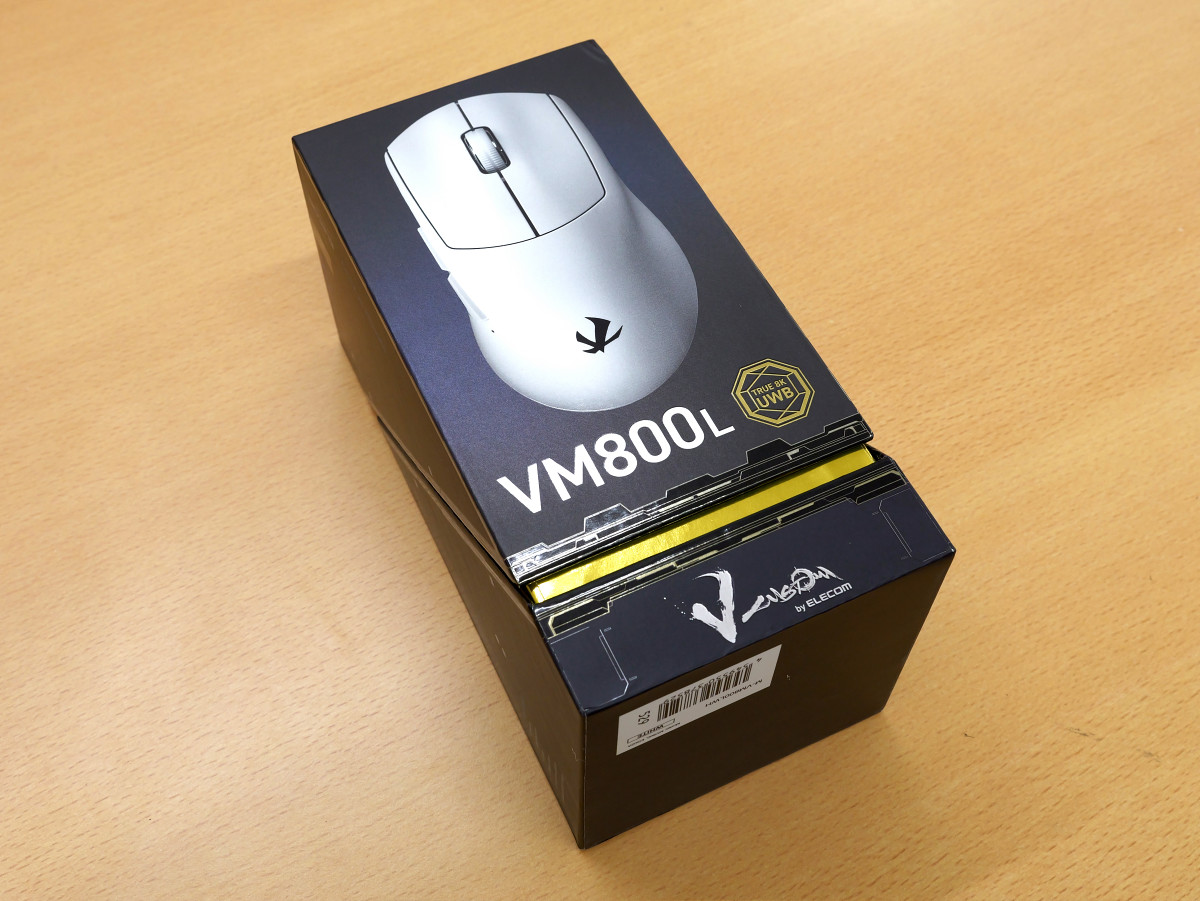
The VM800L's outer box looks like this. It comes in two colors, white and black, and we were provided with the white one.
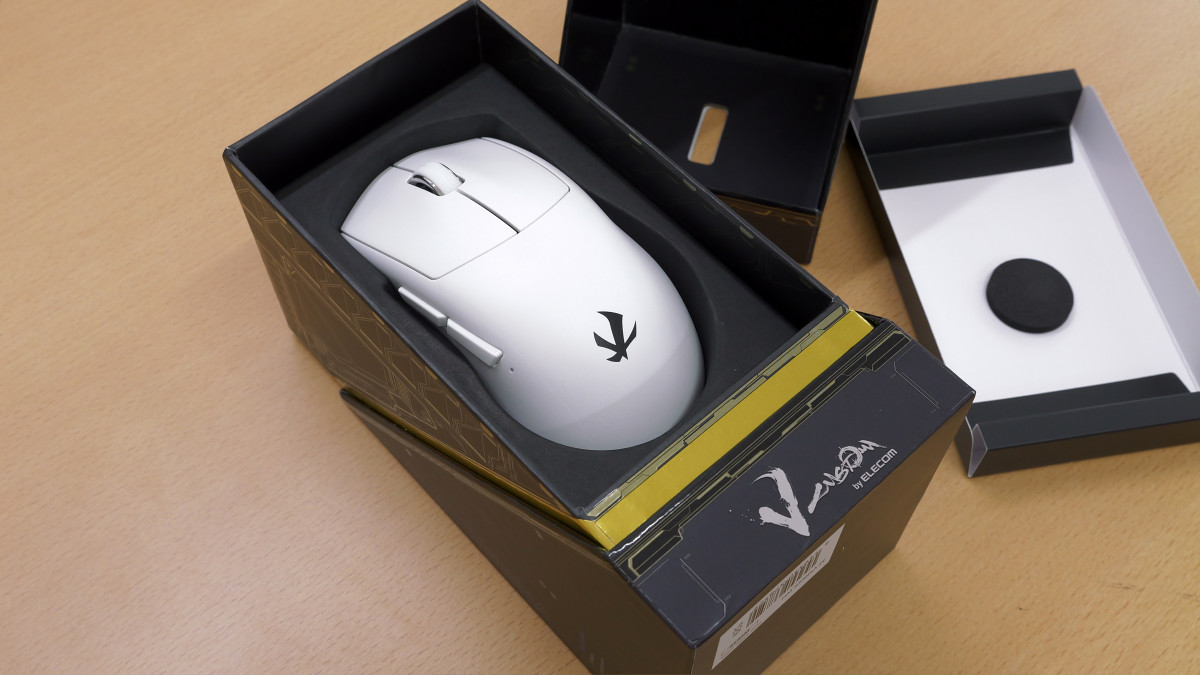
When I opened the box, the main body appeared.
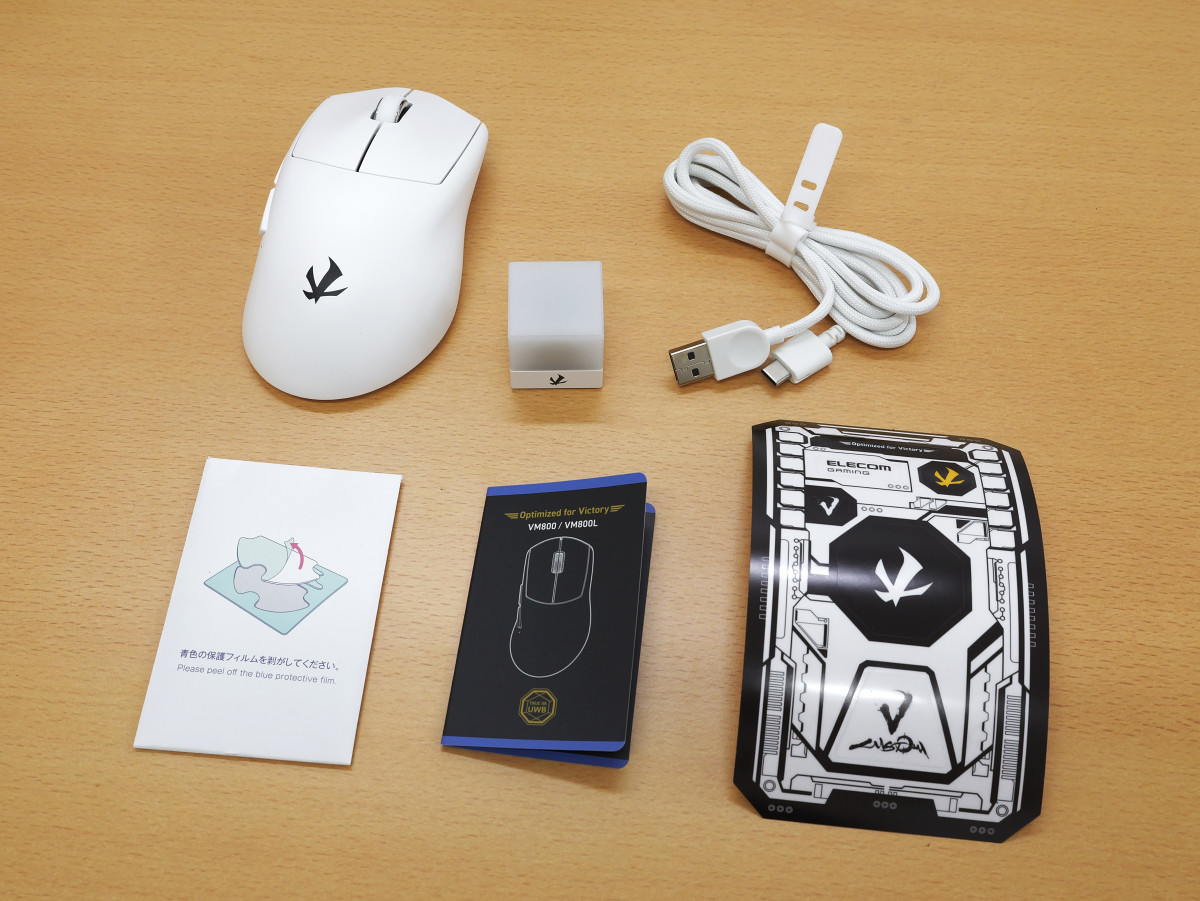
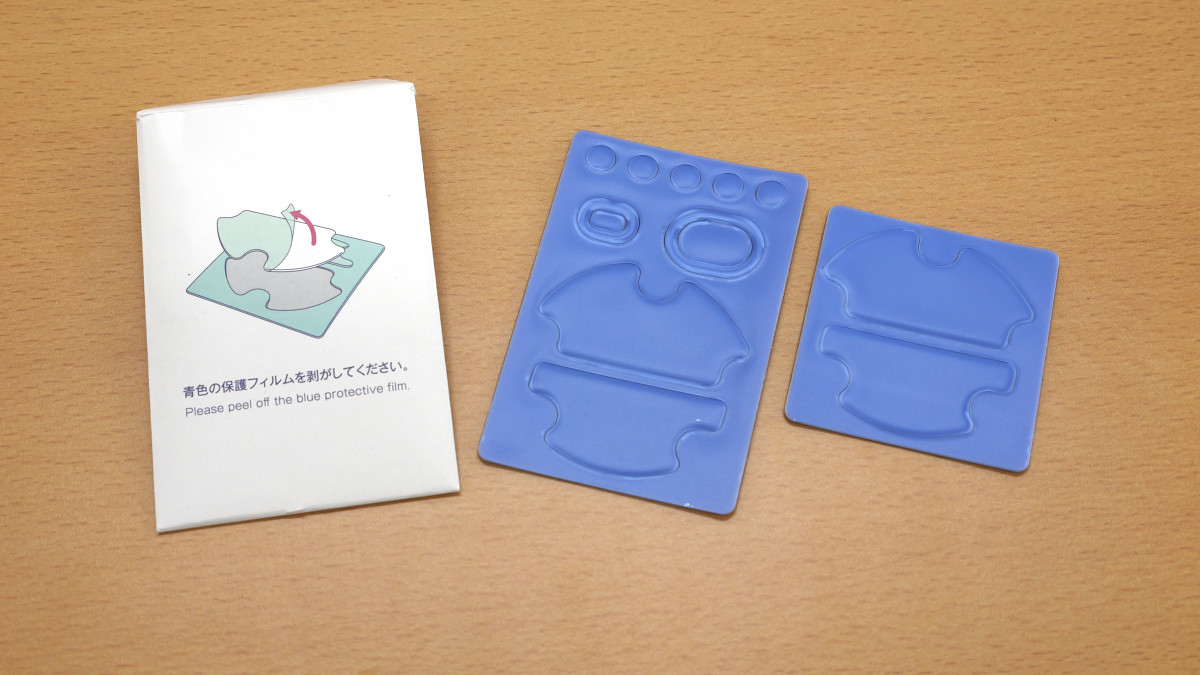
In addition to the VM800L itself, the box contained a wireless receiver, a USB cable, extra mouse feet, a quick start guide, and stickers.
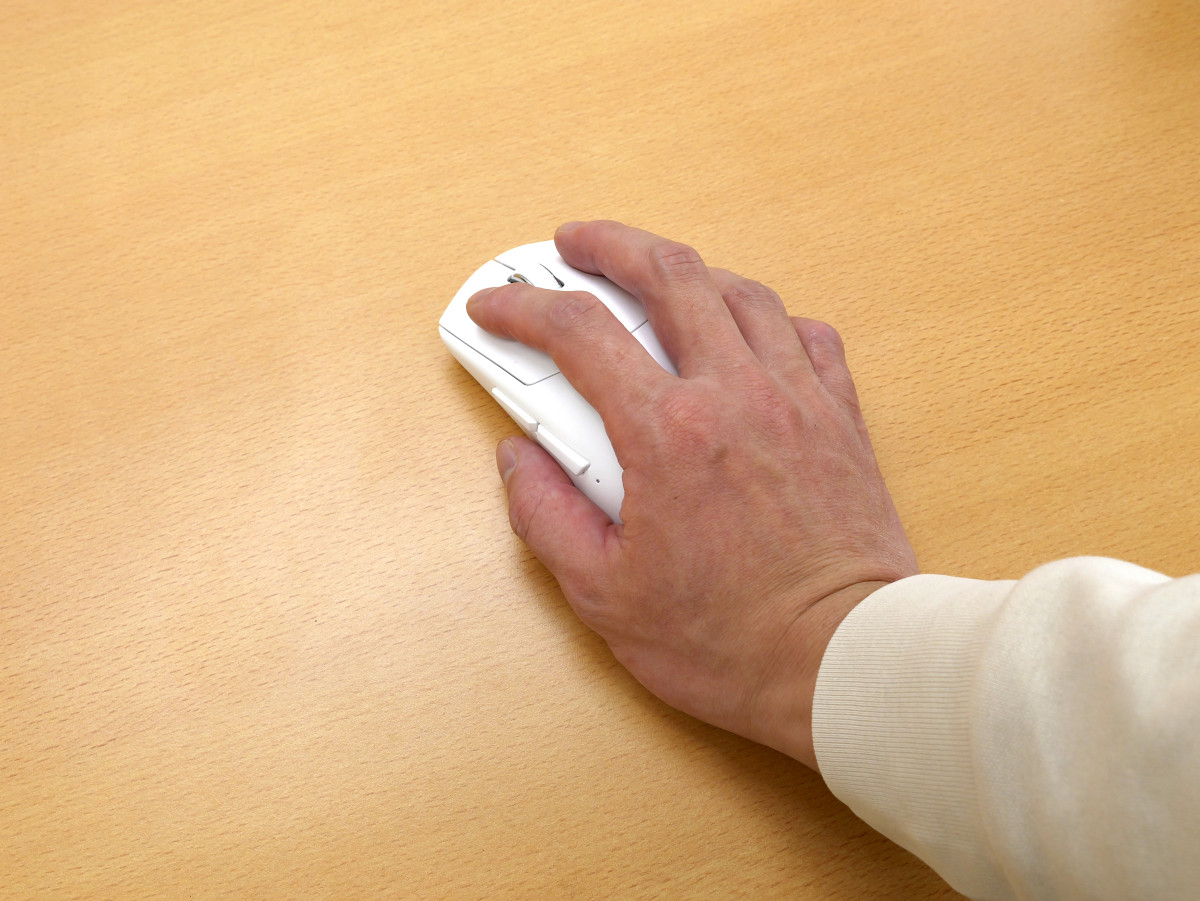
This is the VM800L. The top panel has a standard button configuration with left and right buttons and a mouse wheel, and the surface has a smooth texture.
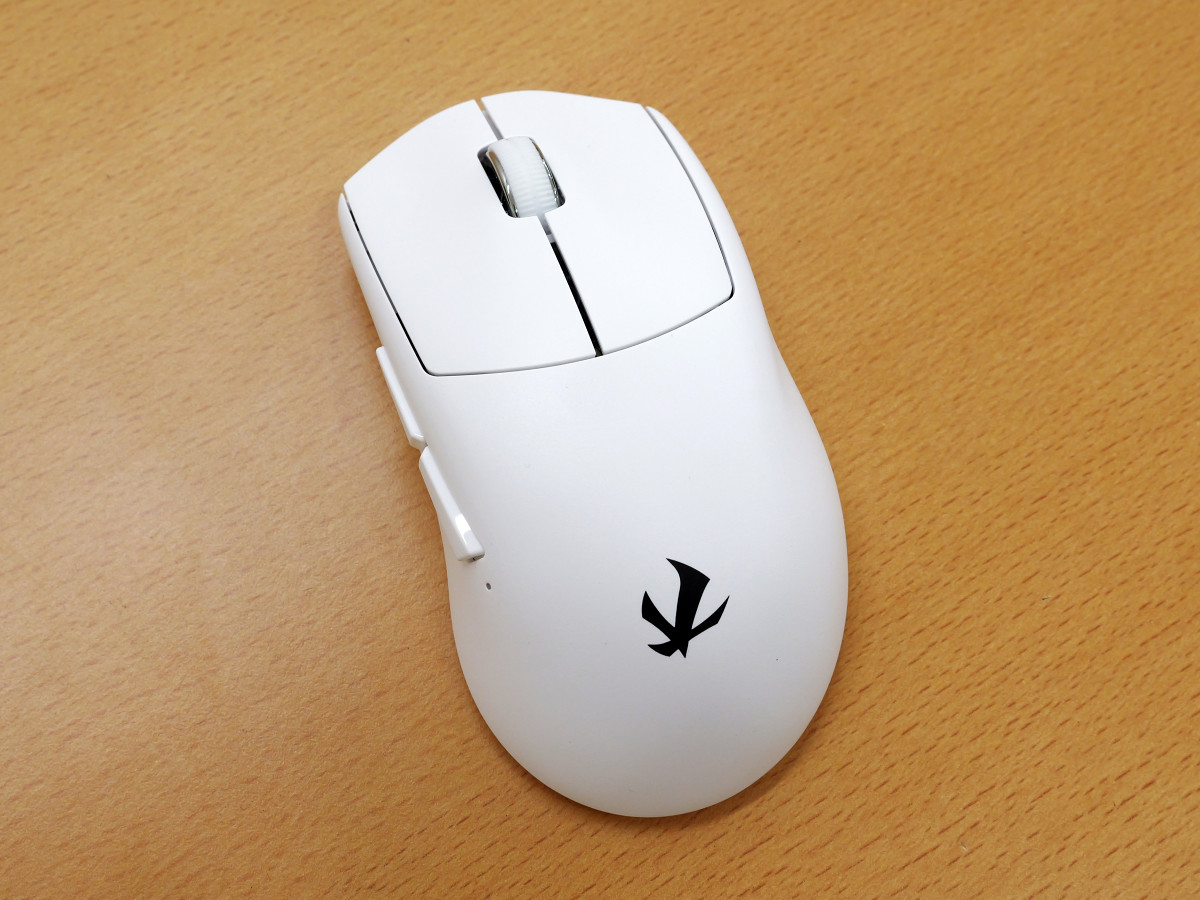
It has an asymmetrical half-ergonomic shape and is optimized for both palm and claw grips.
The left side is equipped with a back button and a forward button.
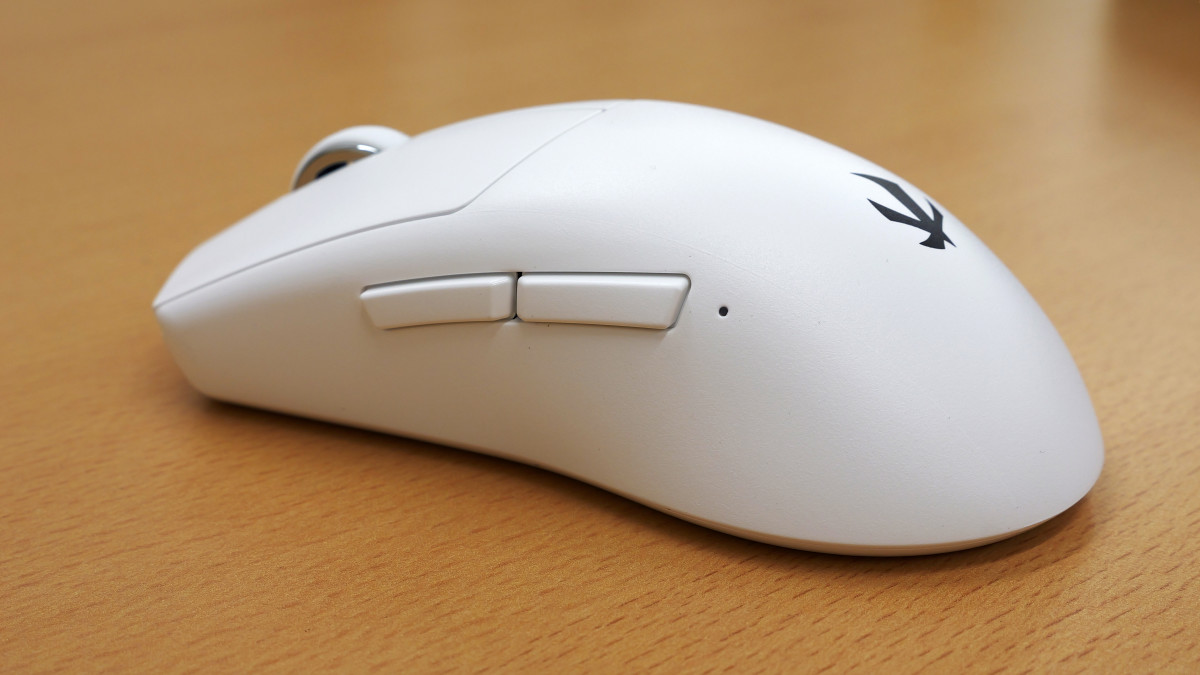
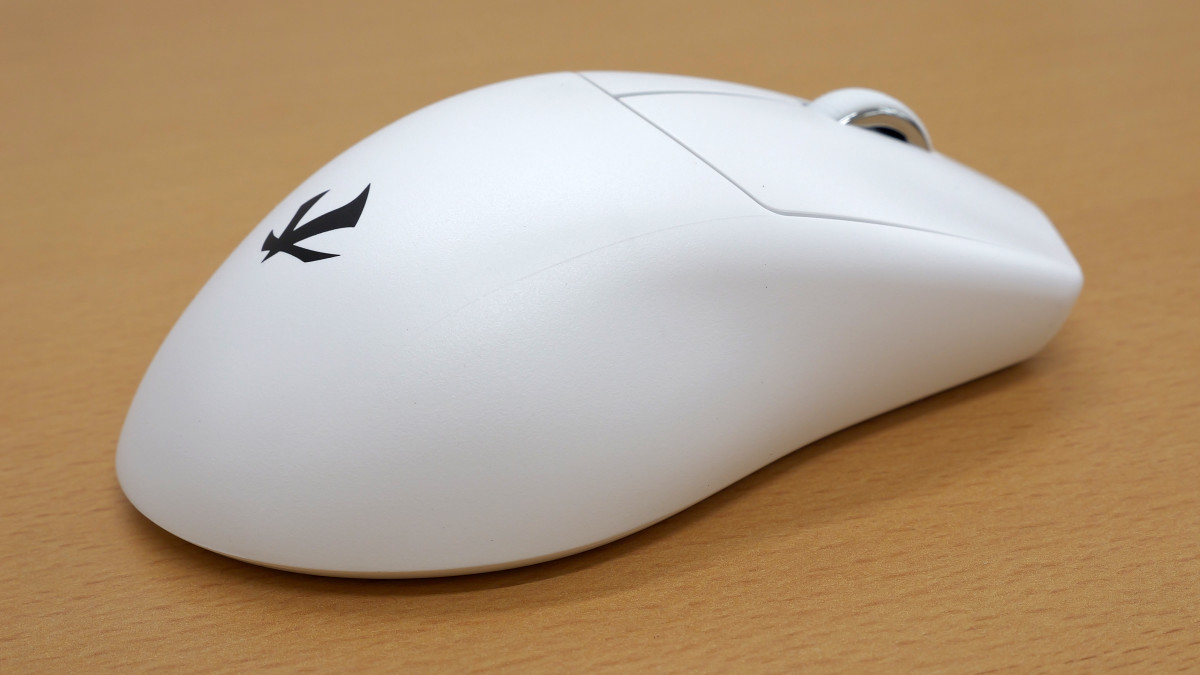
There are no buttons on the right side.
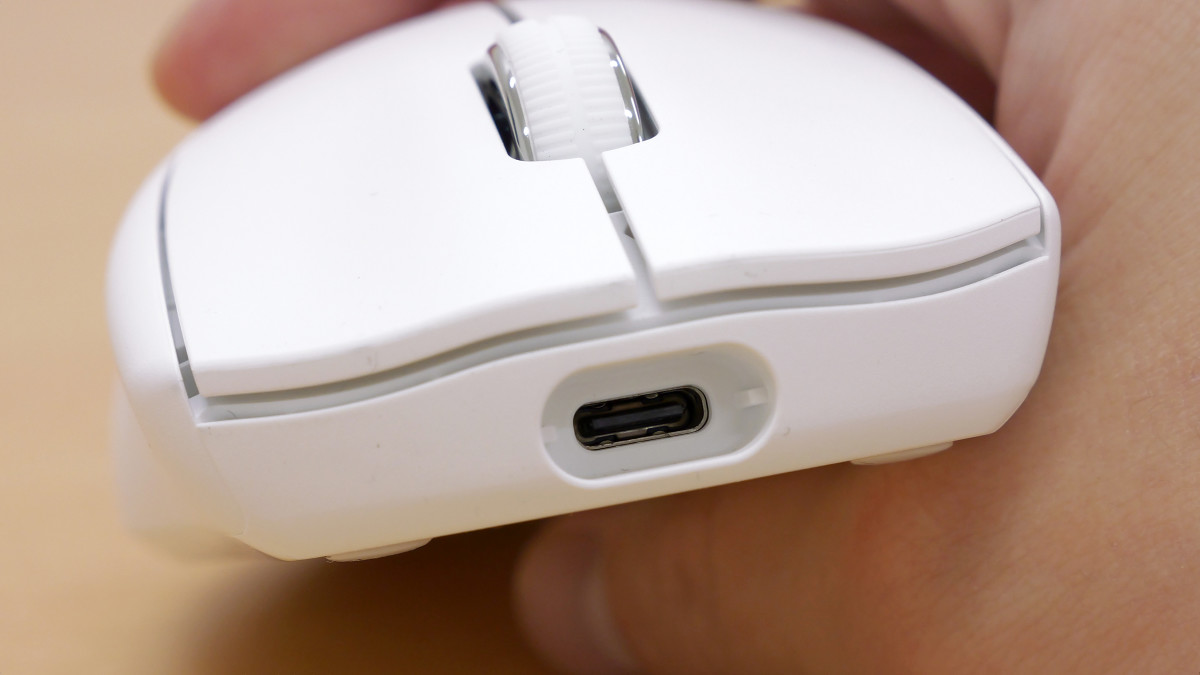
There is a USB Type-C port at the back, which is used for charging and wired connections.
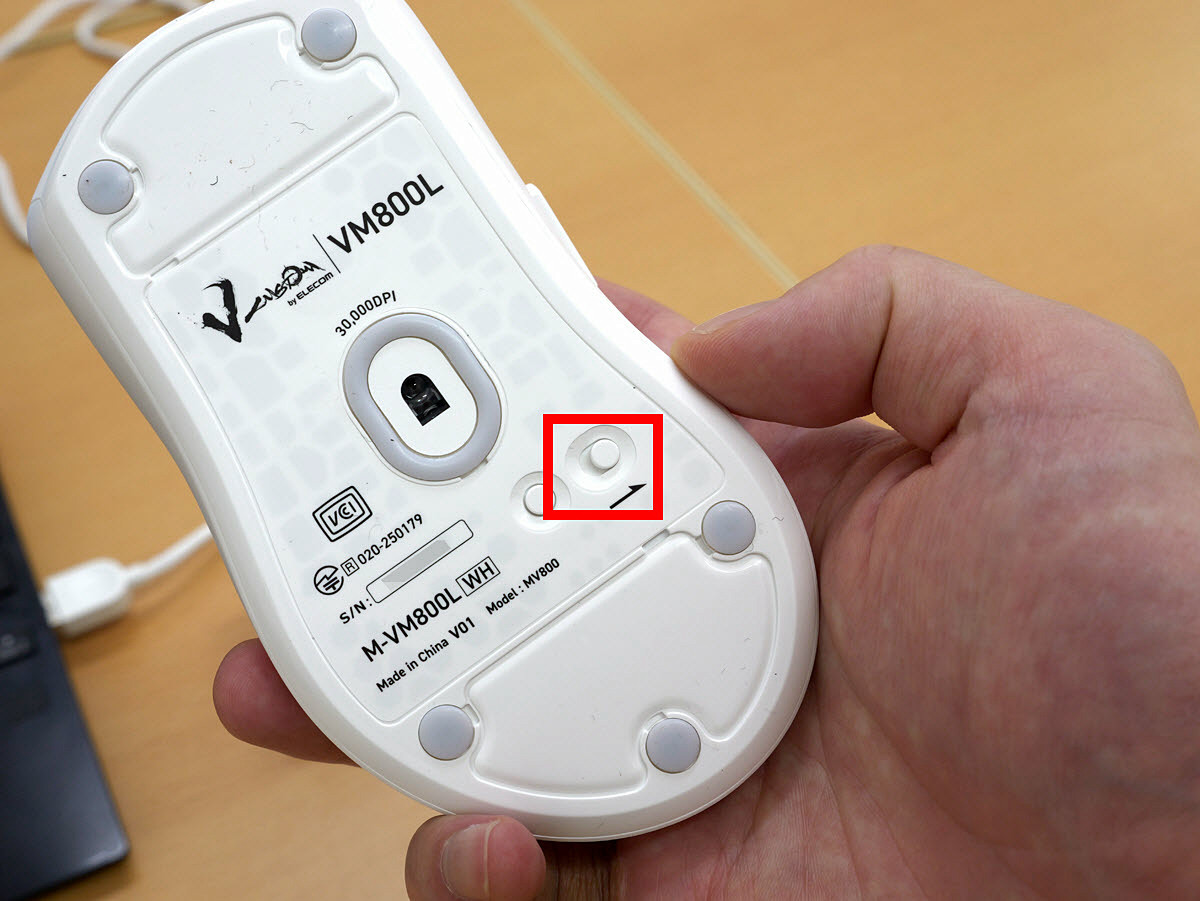
There are five mouse feet on the bottom.
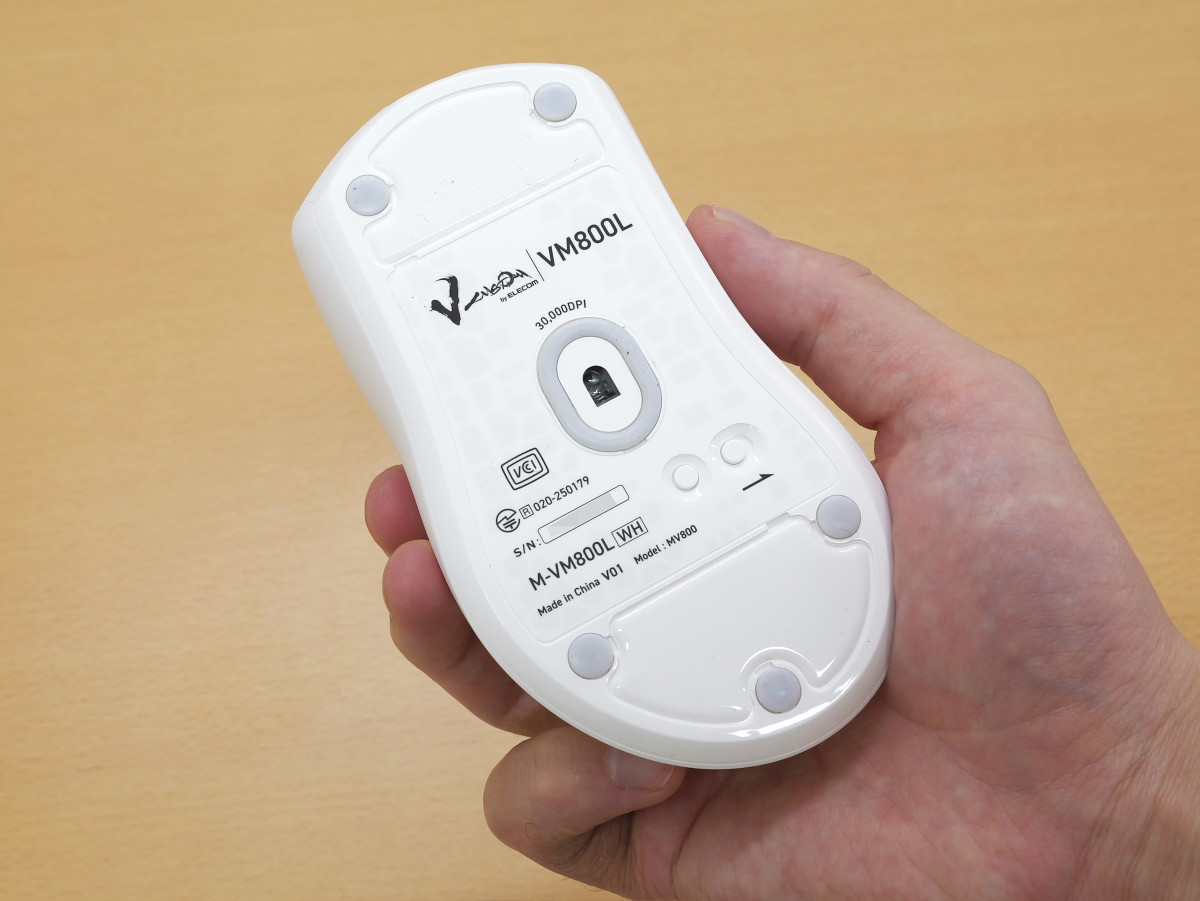
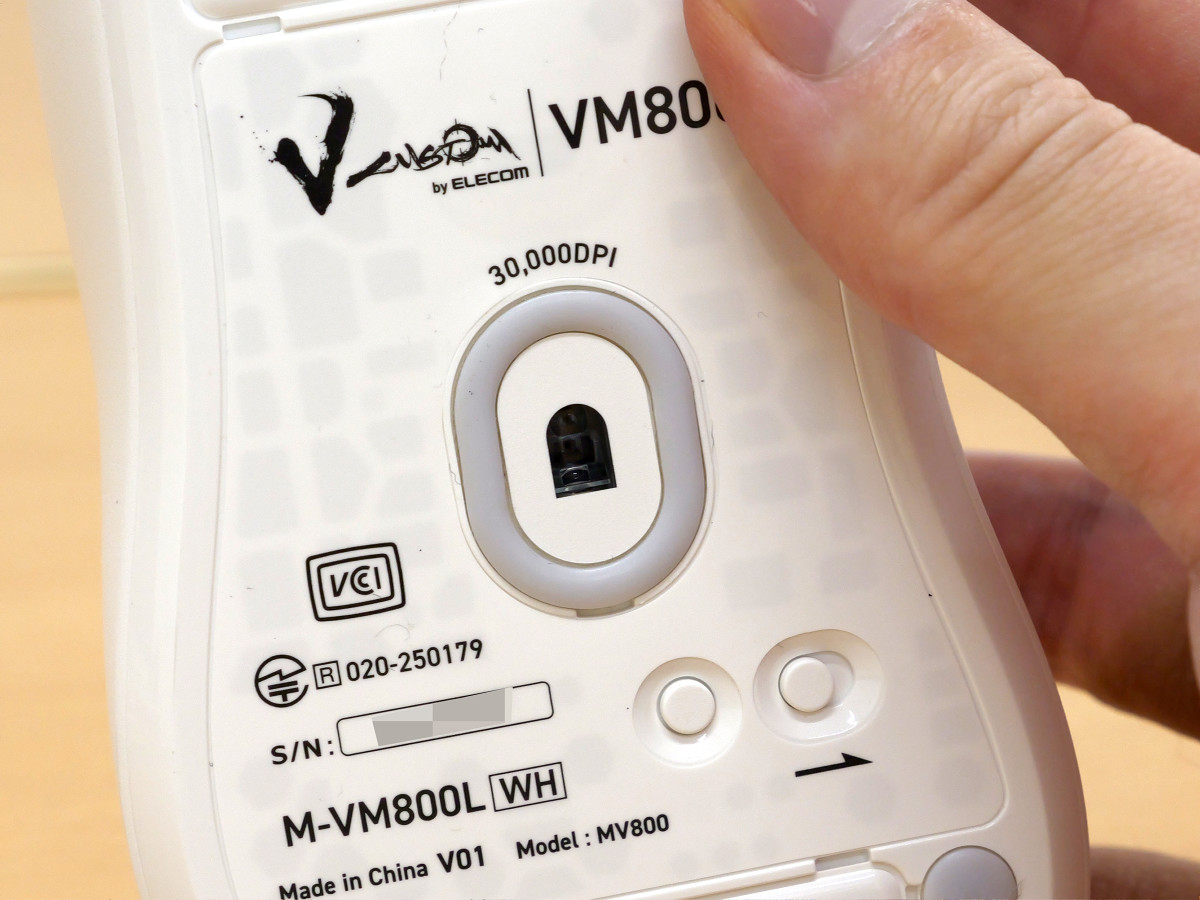
The center is equipped with a sensor with a maximum DPI of 30,000. The bottom buttons are a DPI switch on the left and a power switch on the right.
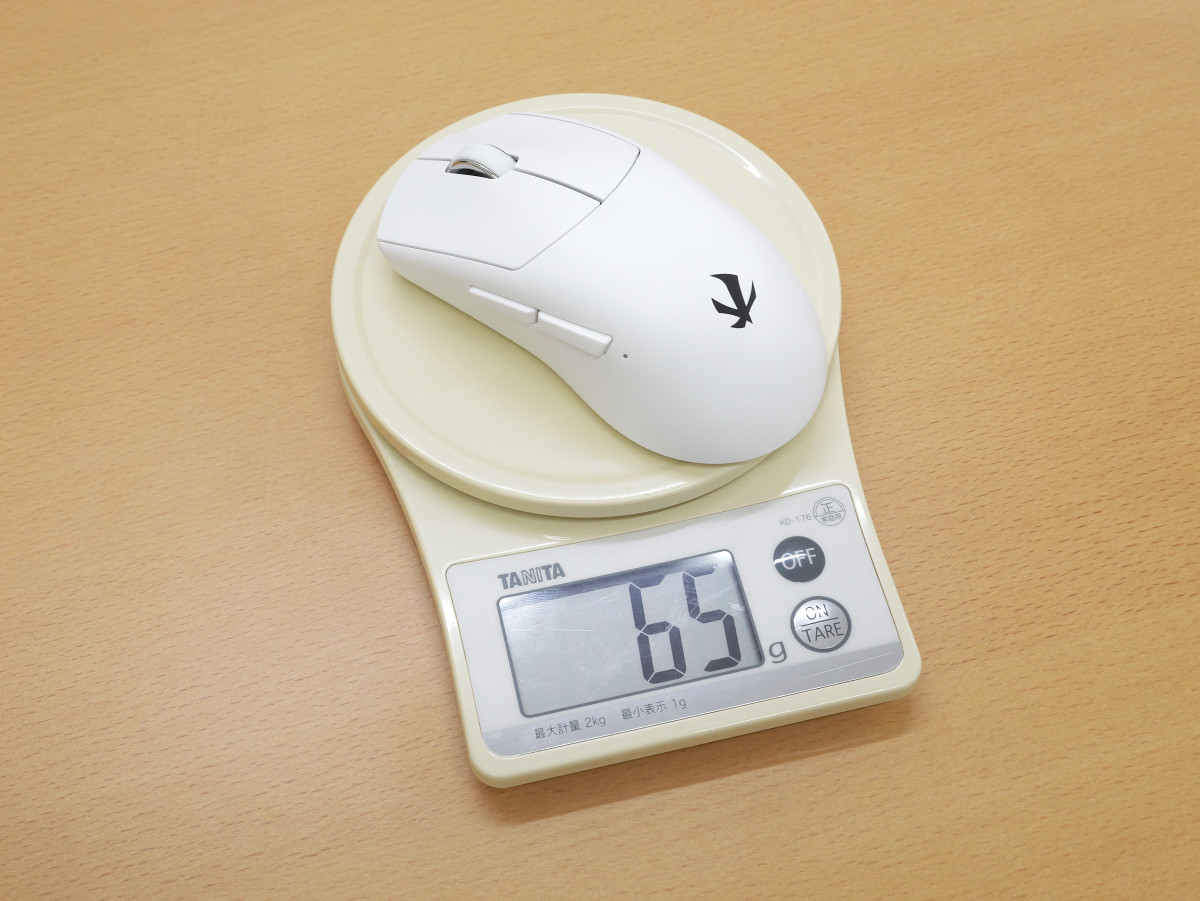
The actual weight is 65g.
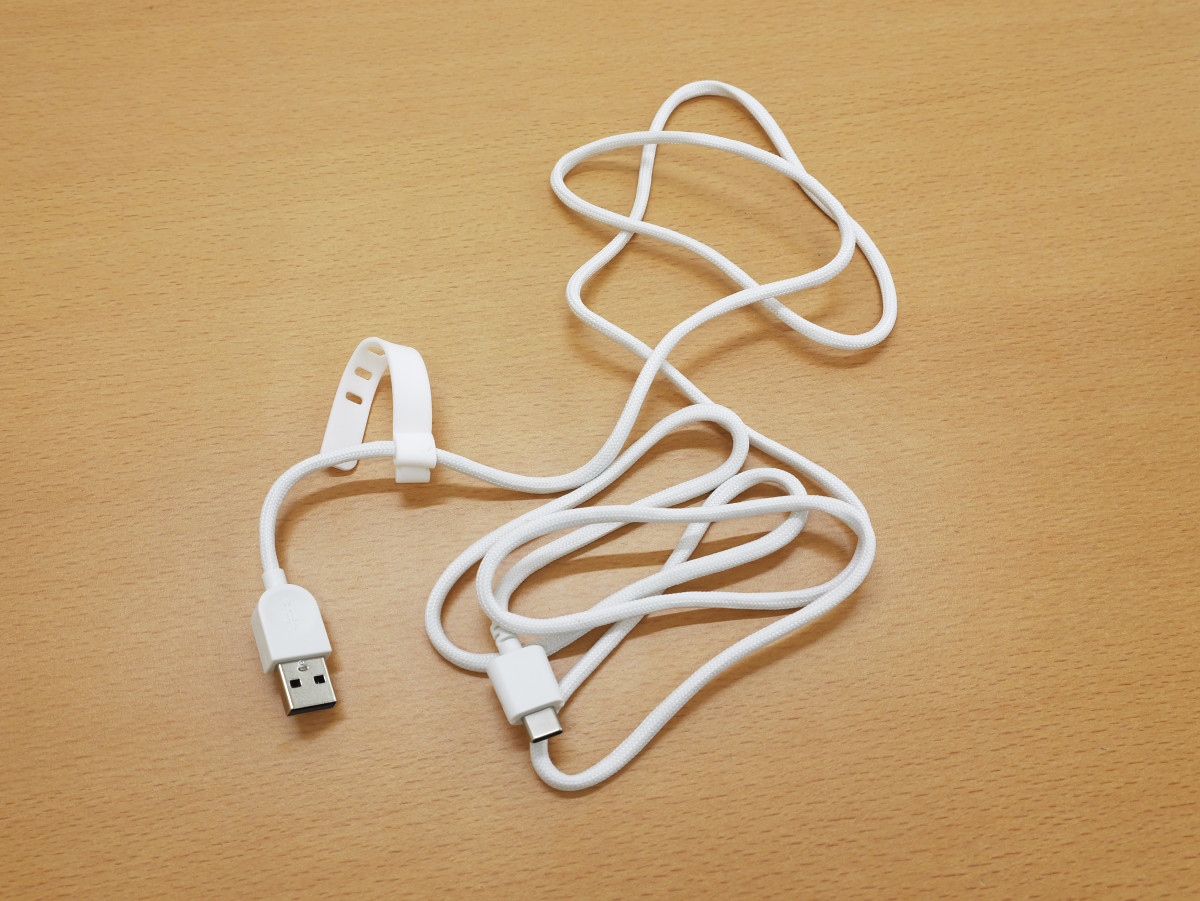
The included USB cable is USB Type-A on the PC end and USB Type-C on the mouse end. It's a flexible cable that's easy to bend.
You can customize the sliding feel by changing the area of the mouse soles using the additional mouse soles.
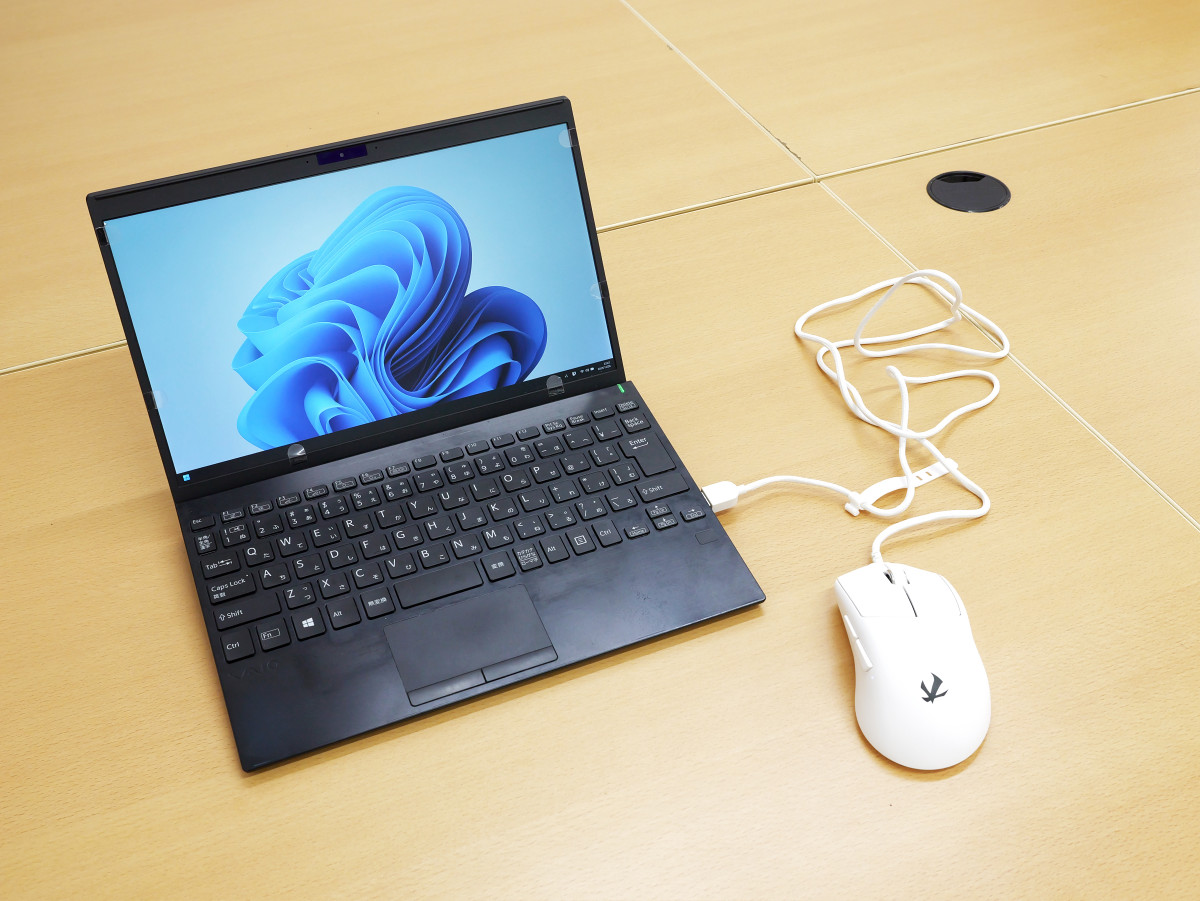
To use it in wired mode, simply connect it to your PC with a USB cable.
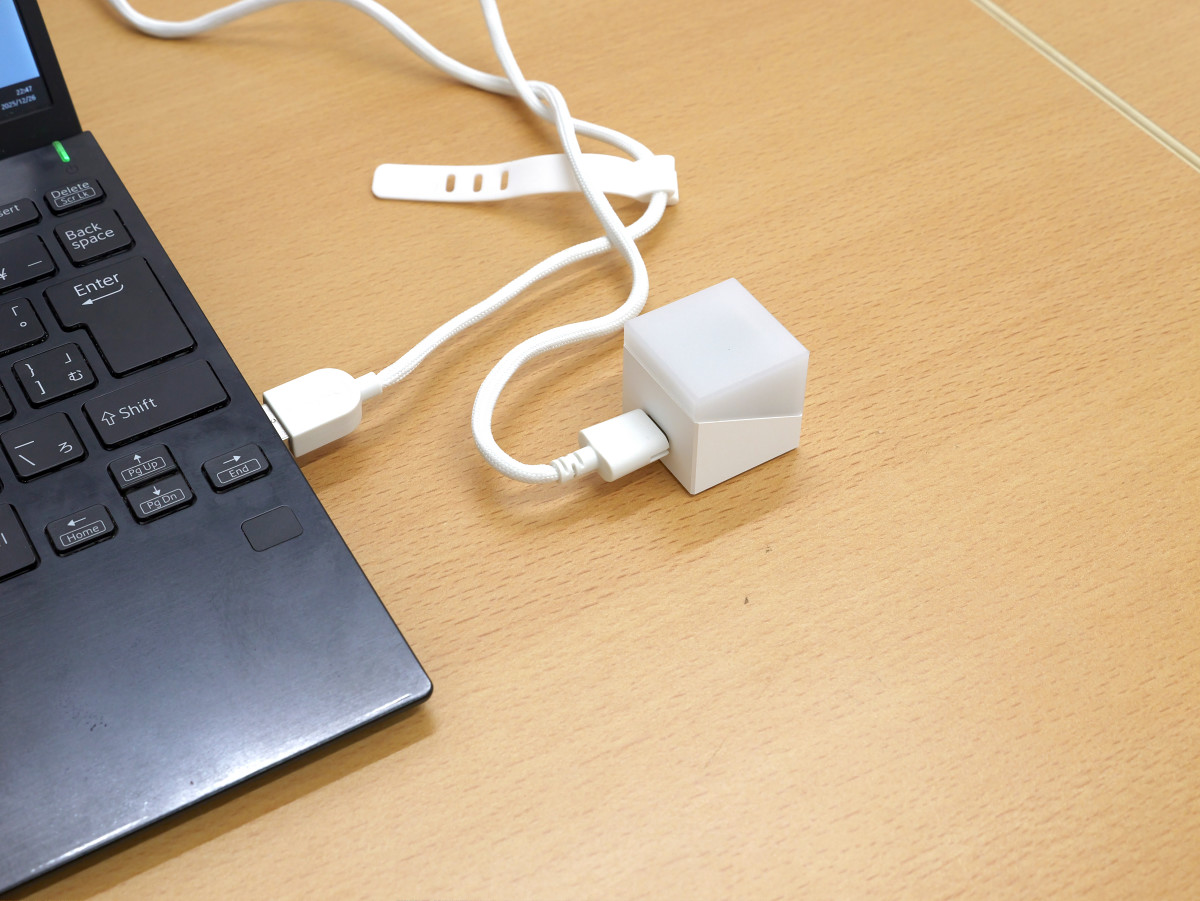
To use it in wireless mode, first connect the cube-shaped receiver to your PC with a USB cable.
Next, turn on the power switch of the VM800L.
Now you can use it as a wireless mouse. No pairing is required.
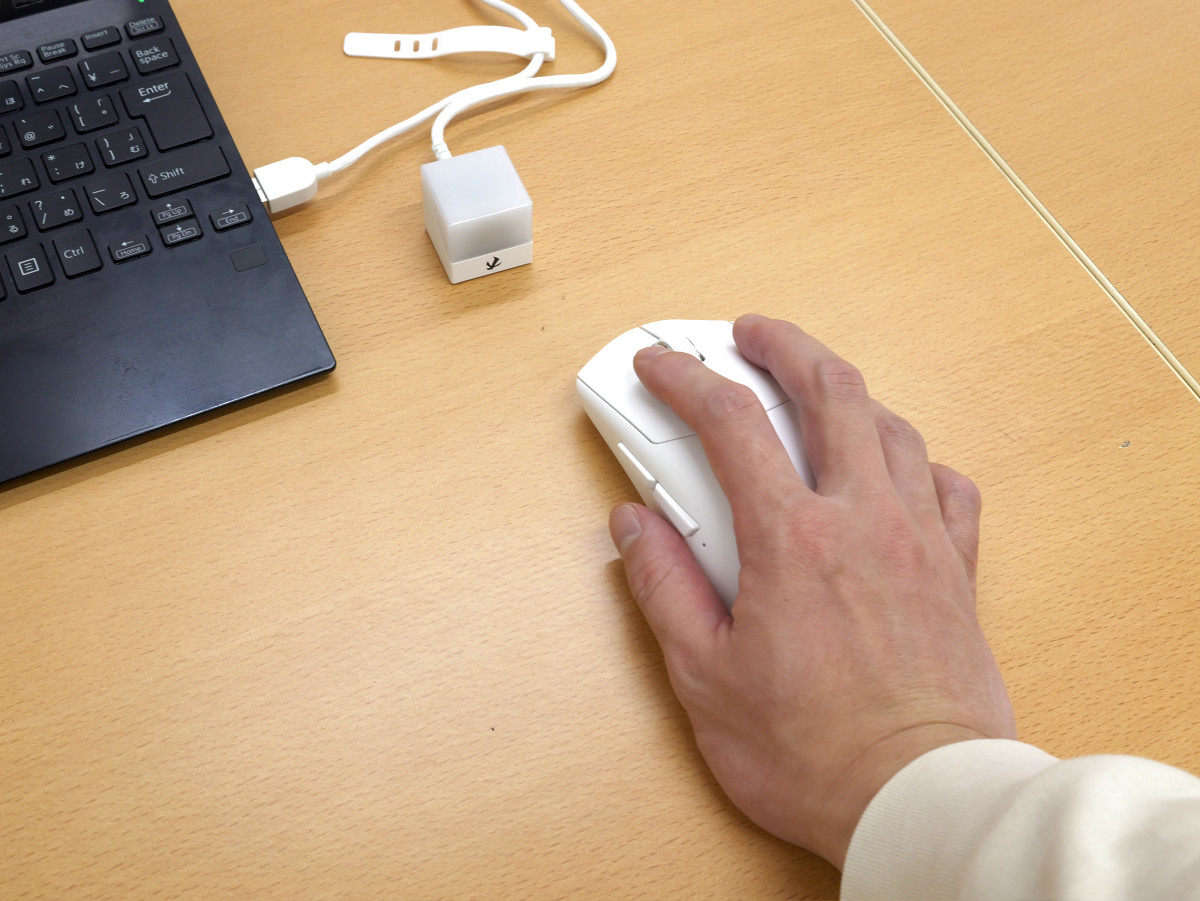
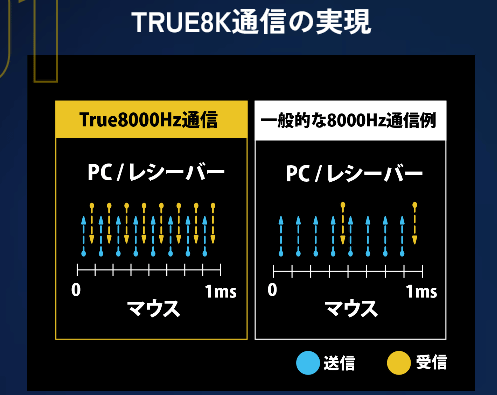
The VM800L is the world's first gaming mouse to use UWB wireless communication, enabling low-latency communication without interference with other wireless devices. It also supports 8000Hz communication. While a typical 8000Hz-compatible mouse transmits at 8000Hz but receives at a different rate from the PC, the VM800L transmits and receives signals at 8000Hz between the mouse, receiver, and PC.
I recorded a video of the VM800L clicking so you can hear the clicking sounds it makes. The left and right buttons and the back and forward buttons make loud clicking sounds. There's also a loud clicking sound when you turn the mouse wheel.
The click sound of ELECOM's gaming mouse 'VM800L' sounds like this - YouTube
The price of the VM800L is open, and you can also get it from the gift article below.
GIGAZINE Winter gift release project 'Answer the questionnaire and take them all!' - GIGAZINE
Related Posts: