'Seafile' allows multiple people to sync and share files, and automatically generates file descriptions using custom properties and AI.
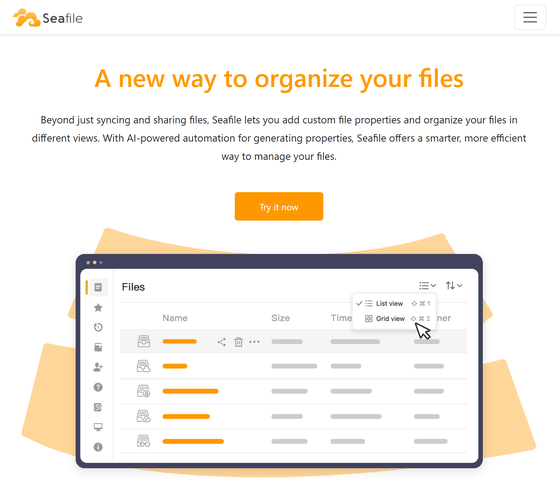
Seafile is an open-source file sharing server that works with AI to create properties such as tags and details.
Seafile - Open Source File Sync and Share Software
This time, we will create an
 mkdir /opt/seafile
 cd /opt/seafile

 wget -O .env https://manual.seafile.com/13.0/repo/docker/ce/env
 wget https://manual.seafile.com/13.0/repo/docker/ce/seafile-server.yml
 wget https://manual.seafile.com/13.0/repo/docker/seadoc.yml
 wget https://manual.seafile.com/13.0/repo/docker/caddy.yml
 wget https://manual.seafile.com/13.0/repo/docker/md-server.yml
 wget https://manual.seafile.com/13.0/repo/docker/seafile-ai.yml
Open the .env file in an editor and set the environment variables. The items that must be changed are as follows. DeepSeek was tested as the AI model.
 #Add the yml file to be read
 COMPOSE_FILE='...,md-server.yml,seafile-ai.yml'

 # Root login password for the database
 INIT_SEAFILE_MYSQL_ROOT_PASSWORD=

 #Database password
 SEAFILE_MYSQL_DB_PASSWORD=

 #Random string of 32 or more characters
 JWT_PRIVATE_KEY=

 #hostname
 SEAFILE_SERVER_HOSTNAME=

 #Timezone
 TIME_ZONE=Asia/Tokyo

 #Administrator address
 INIT_SEAFILE_ADMIN_EMAIL=

 #Admin password
 INIT_SEAFILE_ADMIN_PASSWORD=

 #AI extension
 ENABLE_SEAFILE_AI=true
 SEAFILE_AI_LLM_TYPE=deepseek
 #API key
 SEAFILE_AI_LLM_KEY=
 SEAFILE_AI_LLM_MODEL=deepseek-chat
Start with 'docker compose up -d'.
docker compose up -d
If left as is, the metadata function will not be enabled, so stop it for now.
docker compose down
Edit the seahub_settings.py file.
 nano /opt/seafile-data/seafile/conf/seahub_settings.py

 #Added metadata management function
 ENABLE_METADATA_MANAGEMENT = True
 METADATA_SERVER_URL = 'http://seafile-md-server:8084'
Start again with 'docker compose up -d'.
docker compose up -d
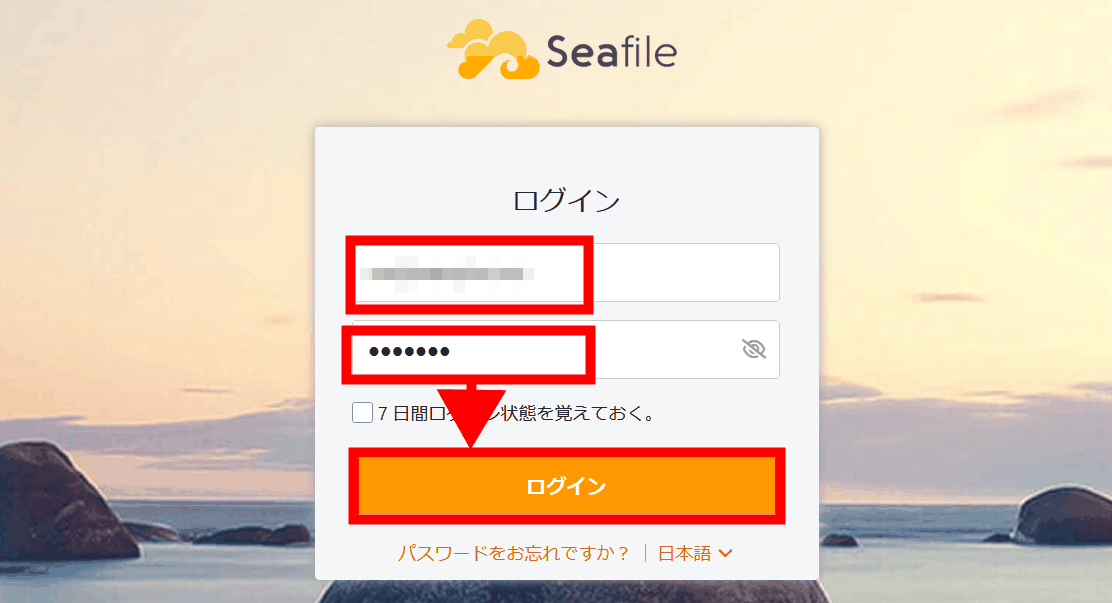
Add the hostname set in SEAFILE_SERVER_HOSTNAME to DNS. Open a browser and access the hostname. The login screen will appear. Enter the administrator address and password and click 'Login.'
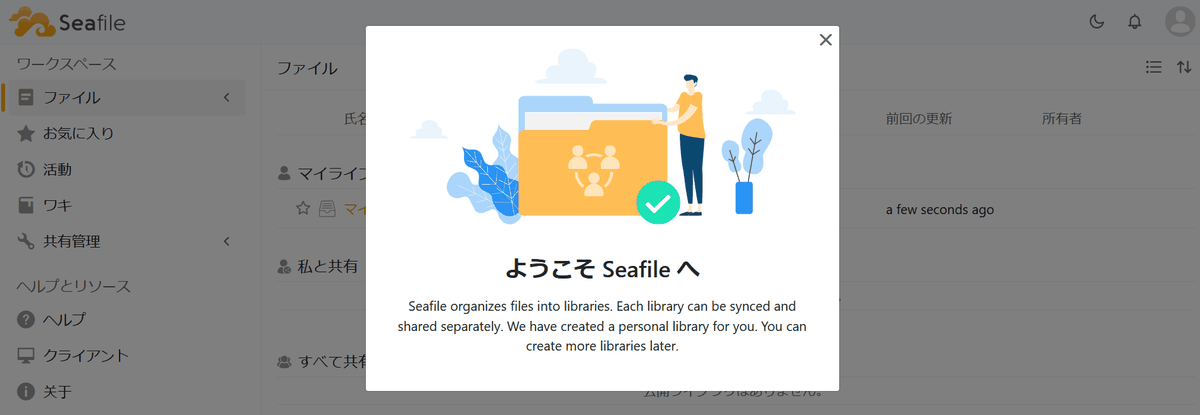
The initial screen will be displayed.
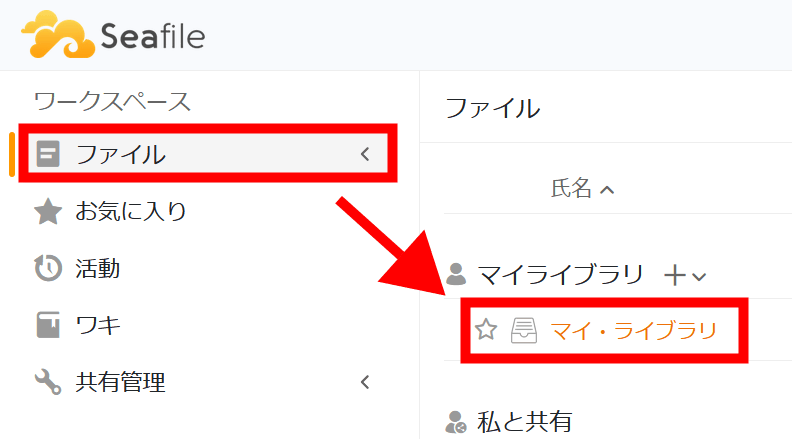
Click 'File' on the menu and then 'My Library.'
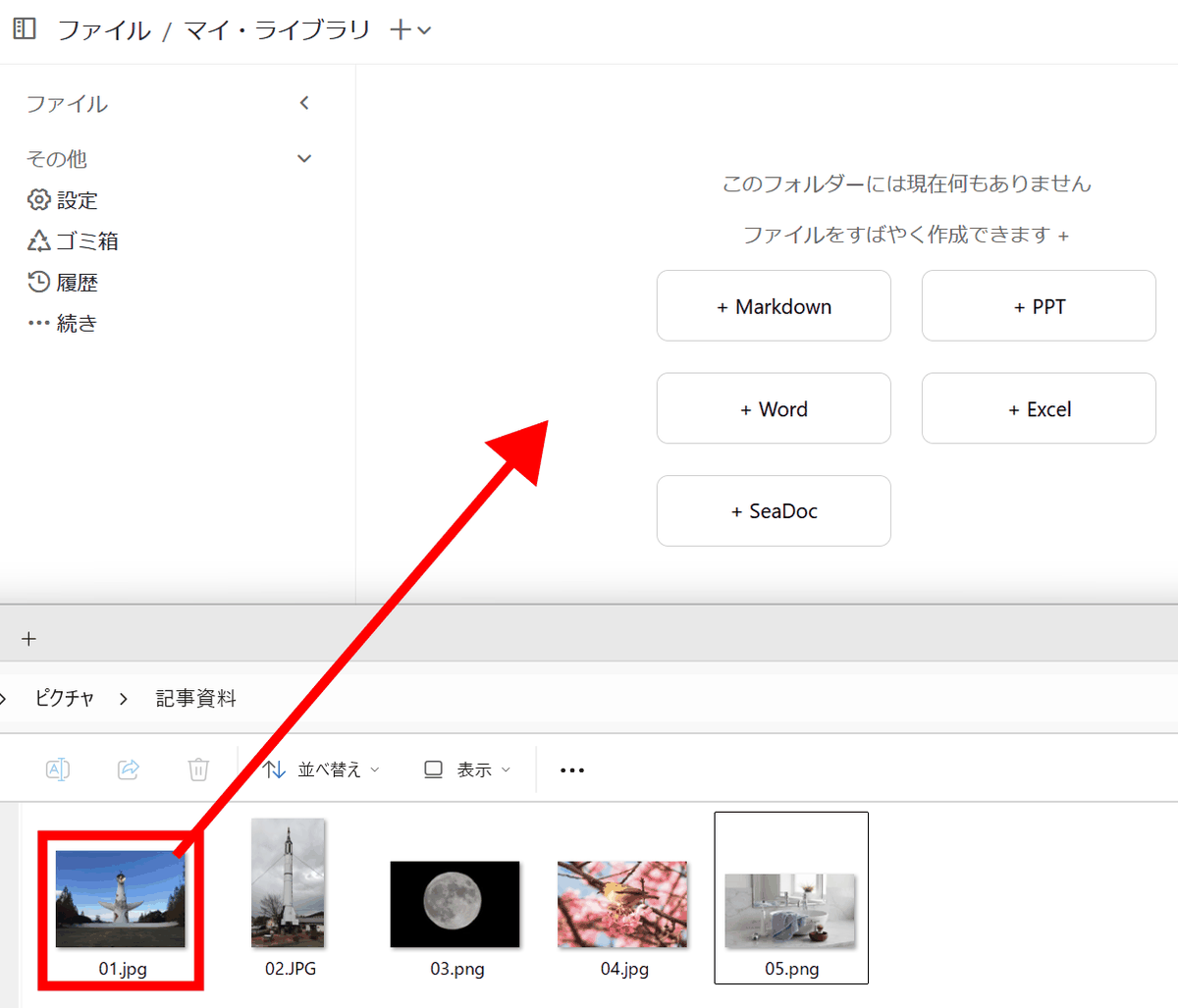
My Library will be displayed, so drag and drop files to upload them.
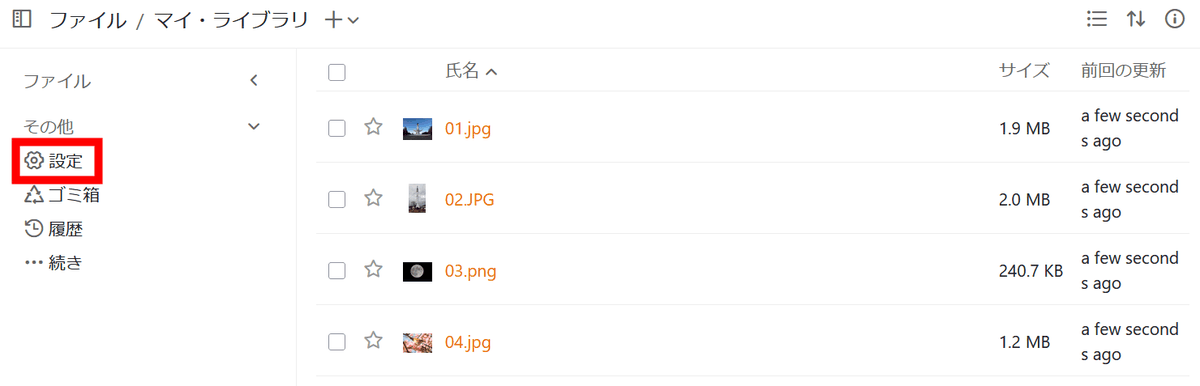
The uploaded file will be displayed. Click 'Settings' to enable the metadata function.
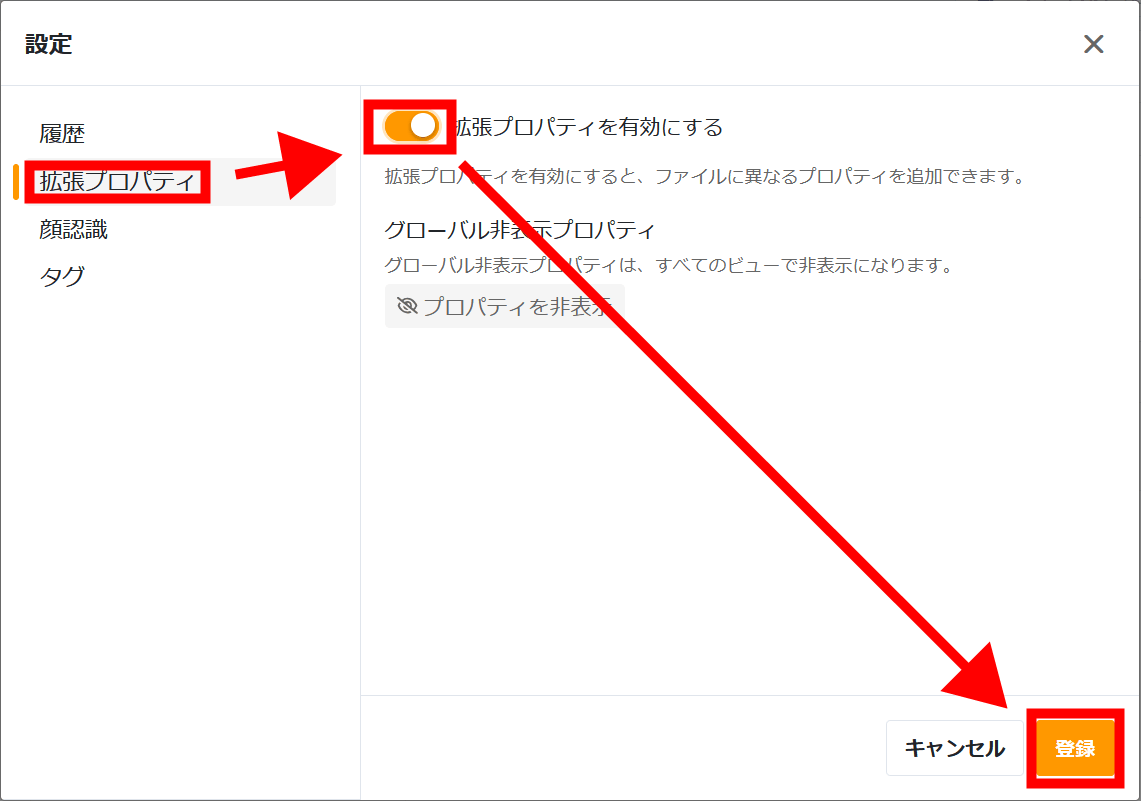
Click the toggle under 'Extended Properties' to enable it and then click 'Register.'
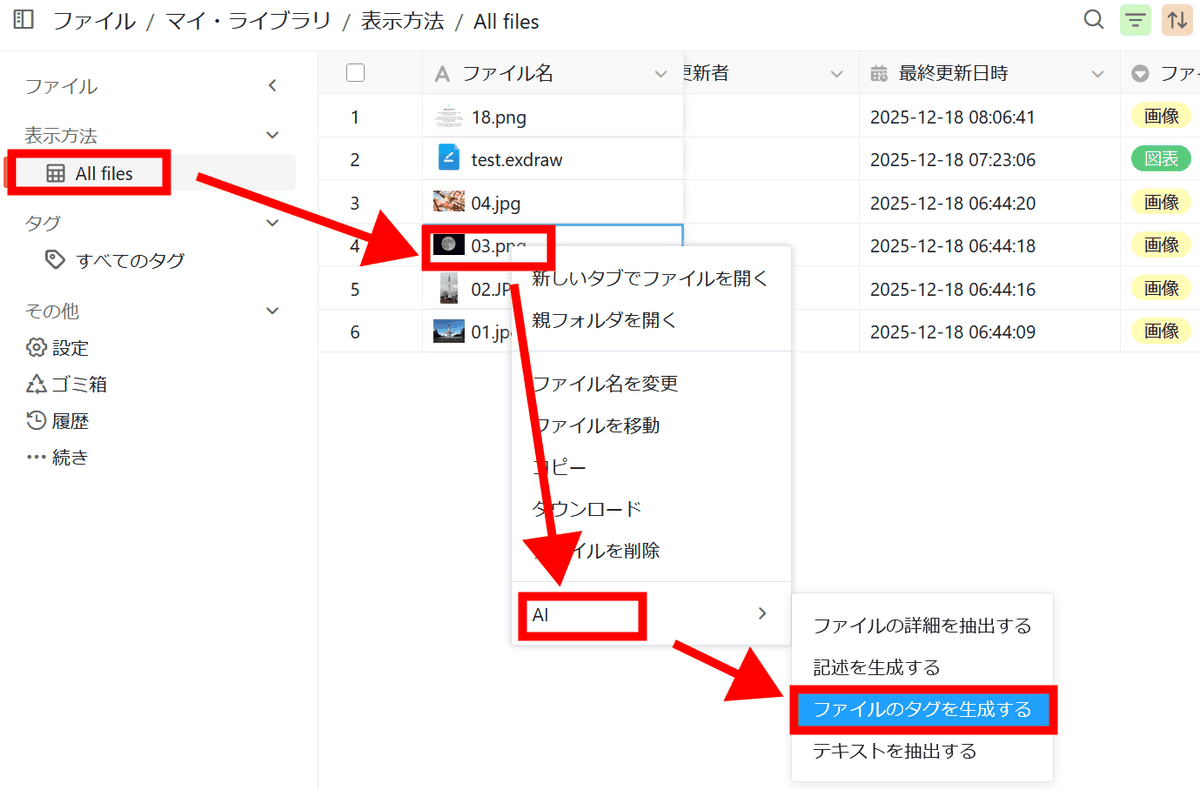
A field for displaying file metadata has been added. To generate tags using AI, click 'All files' to display a list of files, then right-click a file and select 'AI' > 'Generate tags for file.'
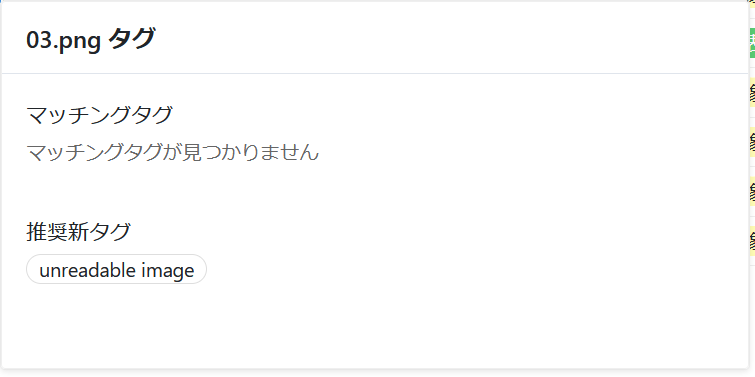
Nothing was detected as a tag. I tried all the other files and nothing was detected as a tag.
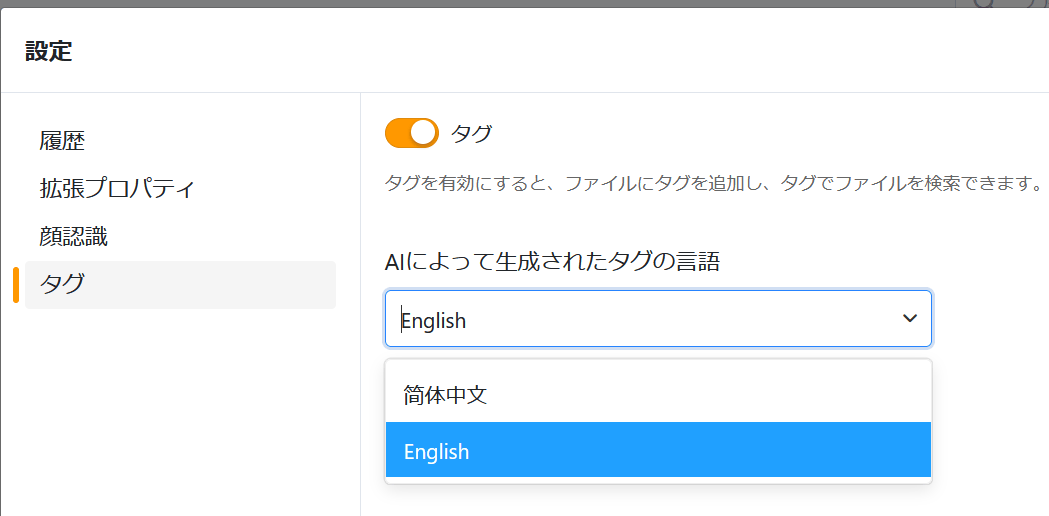
When I check the settings, Japanese is not available as a tag language.
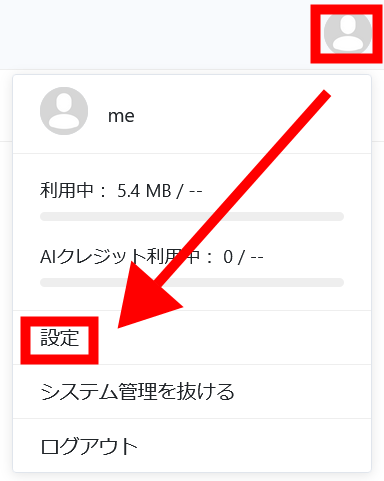
To verify the effect of the language setting, change the language setting. Click 'Settings' from the profile icon.
Select 'Language' and select 'English' as the language setting.
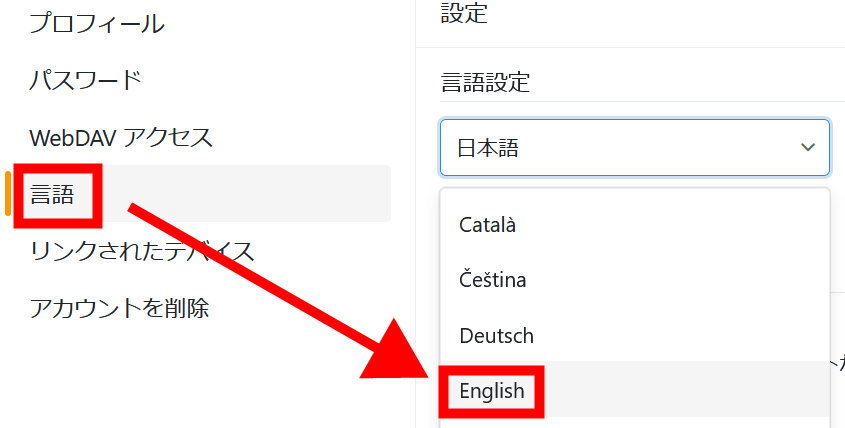
I tested tag generation again, but it didn't work. However, when I selected 'Generate description' to generate more details...
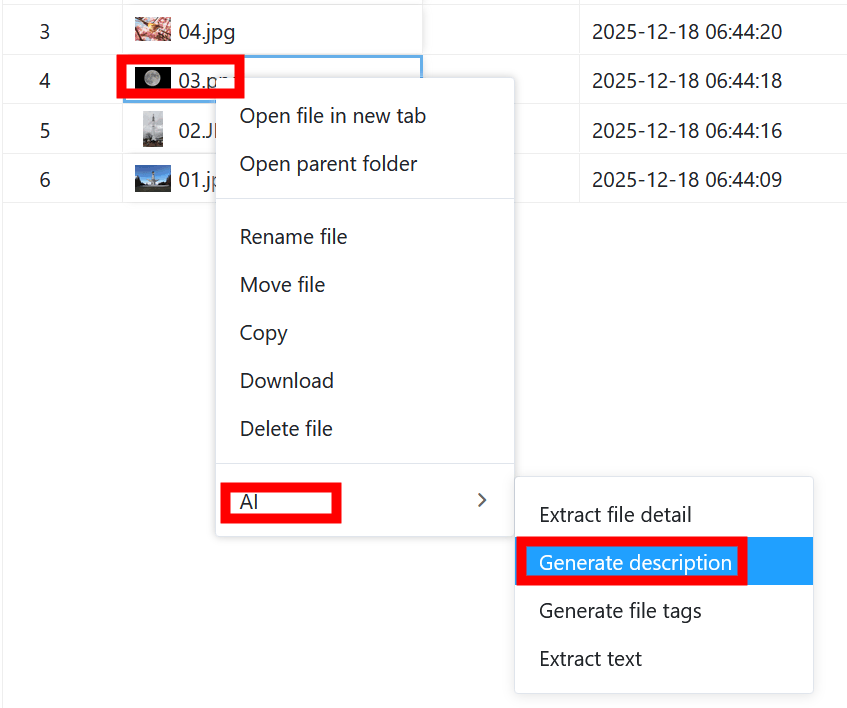
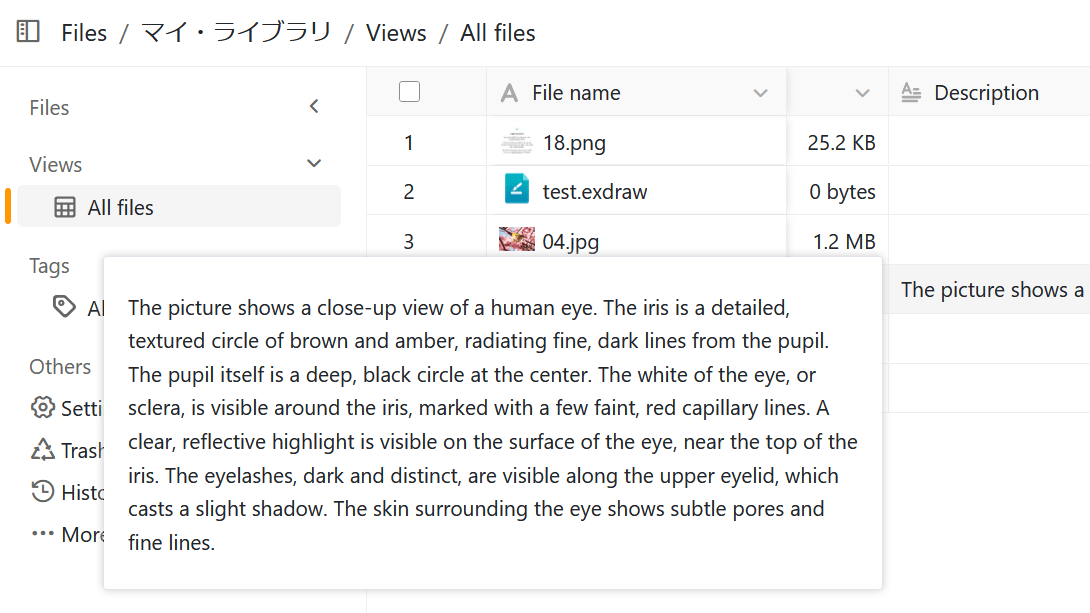
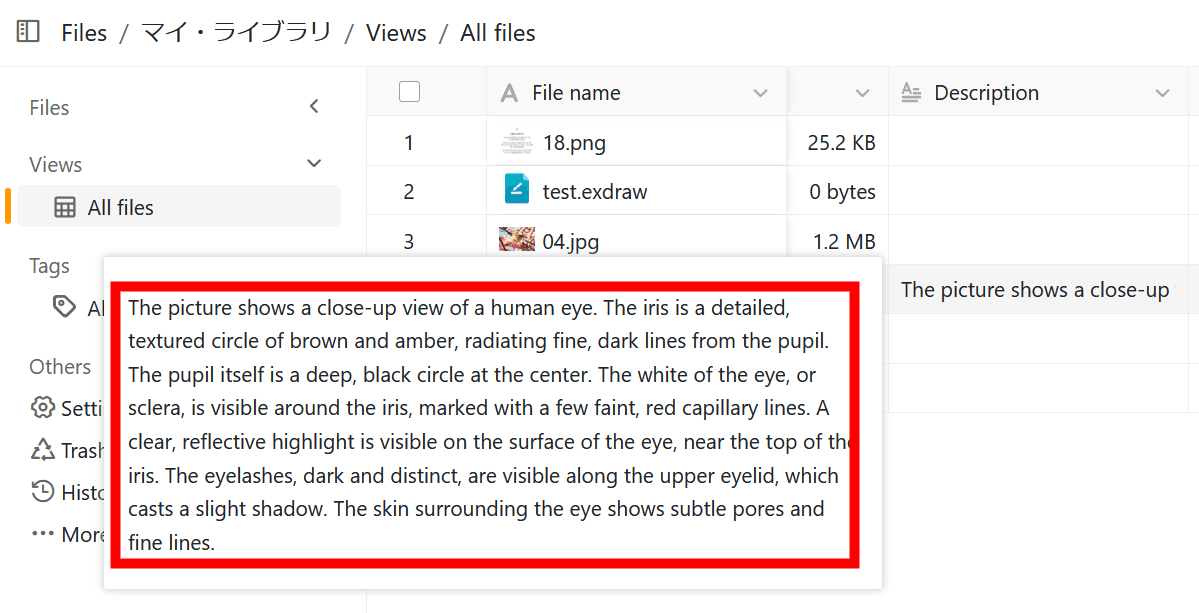
Details have been generated. Although it was a photo of the moon, the analysis appears to have determined it was a human eye. Results may vary depending on the AI model, such as whether tags can be generated and the accuracy of the details.
◆ List of functions
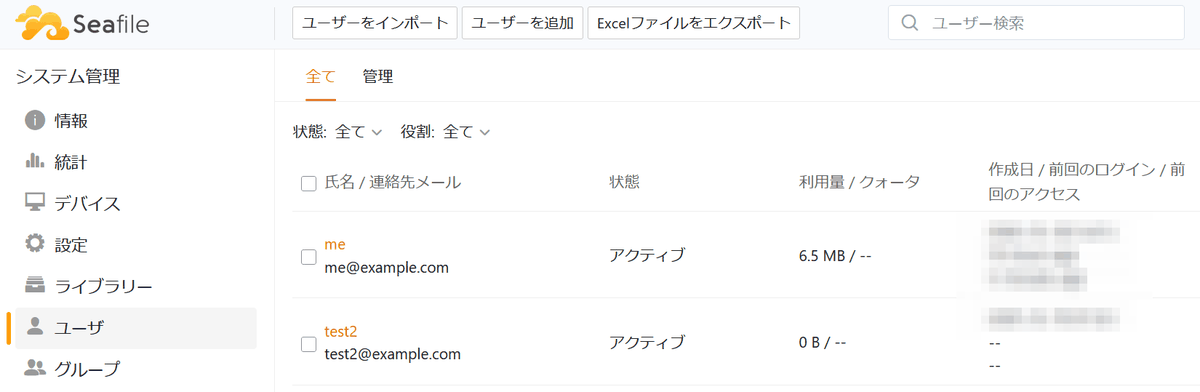
・Use by multiple users
- Organize files by tagging
AI is used to automatically generate file descriptions, summaries, and tags, enabling structured categorization.
・Metadata and custom views
Add structured metadata to files such as owner, status, sensitivity level, and file creation date.
・Strong security
Protect your files with client-side encryption, and ensure compliance and peace of mind with features like two-factor authentication, remote wipe, detailed audit logs, and virus scanning.
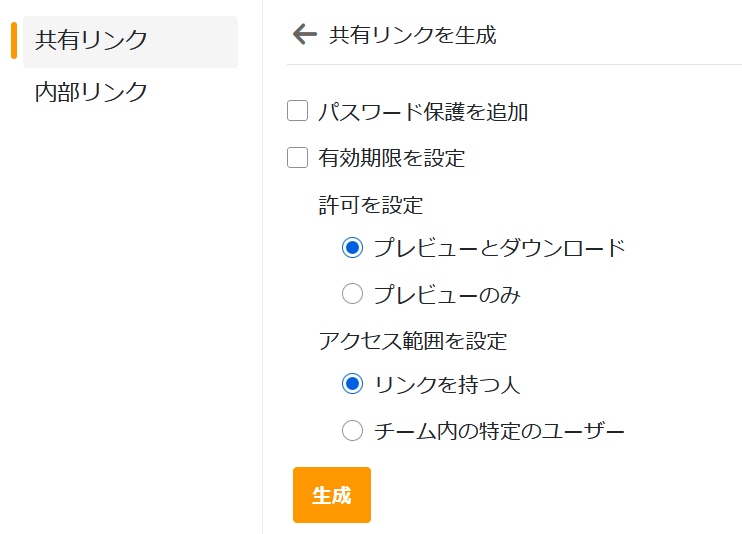
・Secure file sharing
Share folders and subfolders with flexible permissions like read-only, read/write, and preview. Protect shared links with passwords, expiration dates, and email-based authentication, and restore previous versions with version control.
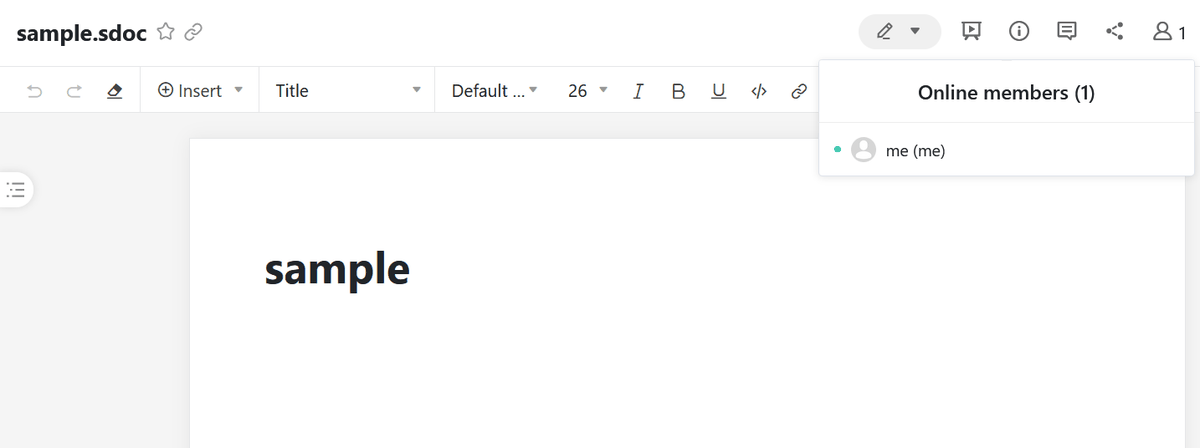
・Collaborative document editing
Collaborate on documents directly in your browser with
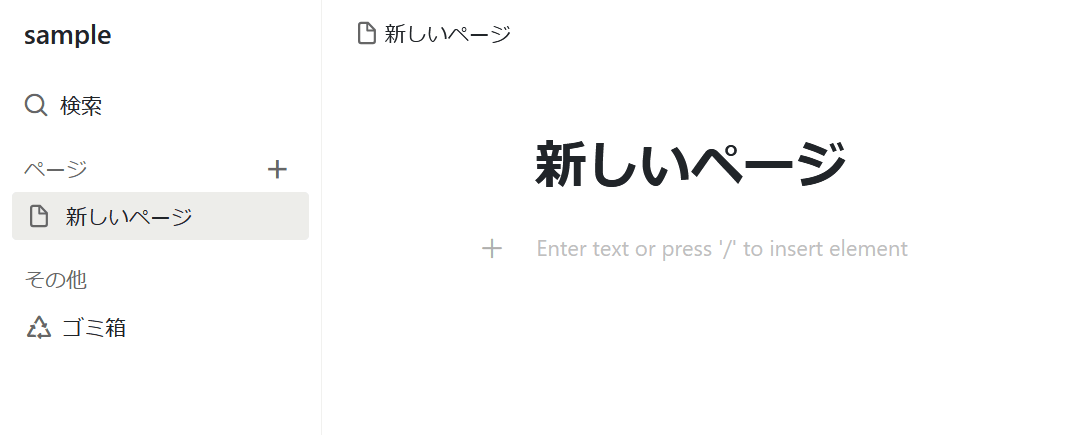
・Wiki
Create a multi-page wiki to organize your knowledge in a structured way.
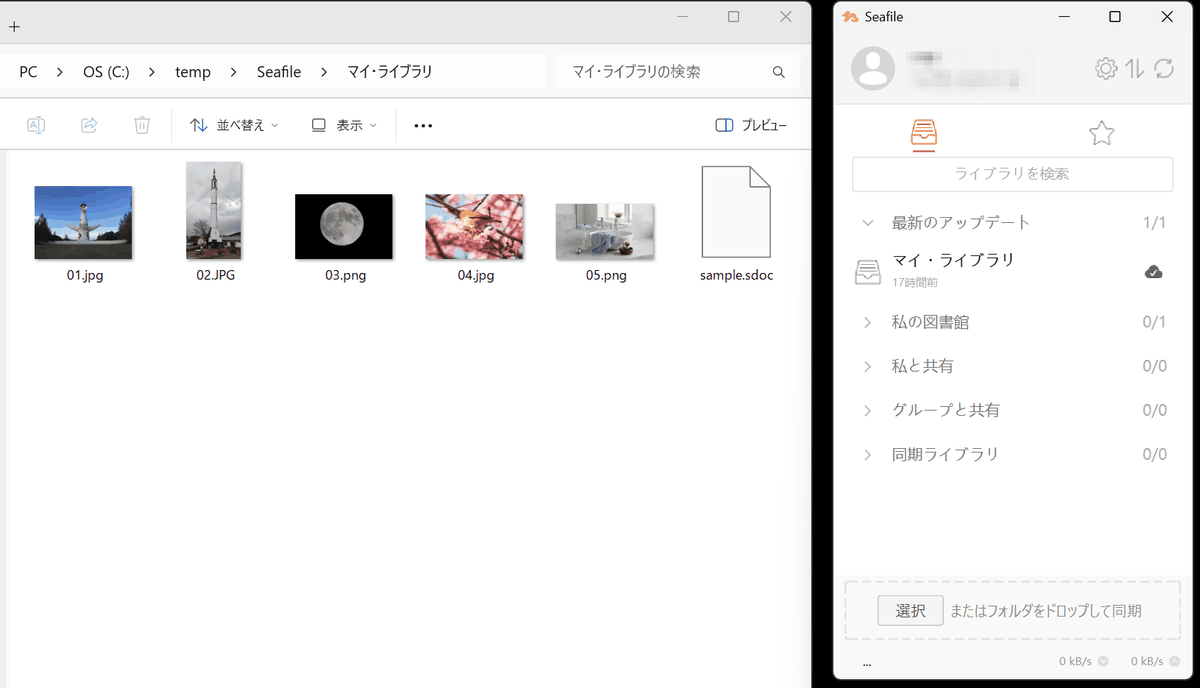
Cross-platform access
There are two types of clients available for Windows, macOS, and Linux: one that retrieves and synchronizes all files in a folder, and one that…
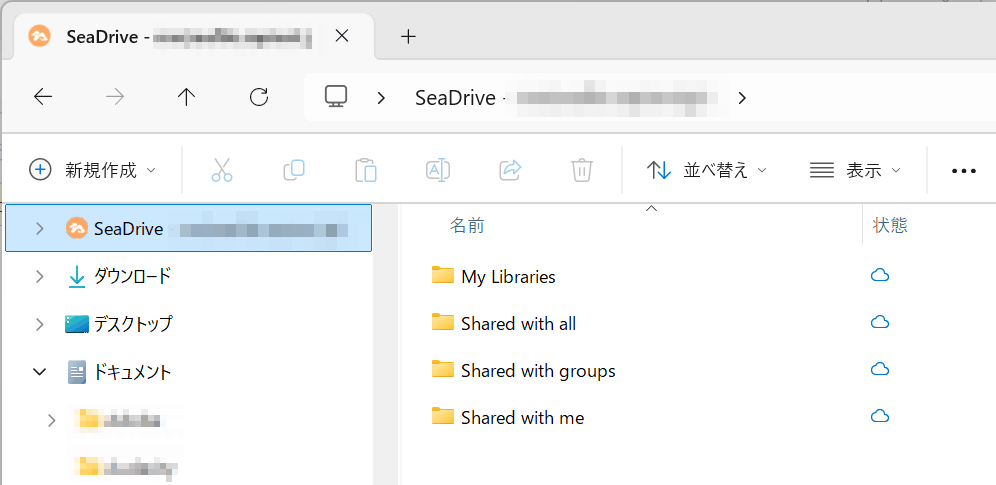
Also available for Android and iOS, it allows you to browse, preview and share files from your smartphone, and automatically backs up photos.
The Pro version allows you to usefull-text search and virus scanning , and a cloud plan is also available that can be built using a cloud service.
Related Posts:
in Software, Review, Web Application, Posted by darkhorse_logmk