Android's file sharing feature 'Quick Share' now supports 'AirDrop,' allowing files to be sent between Android smartphones and iPhones
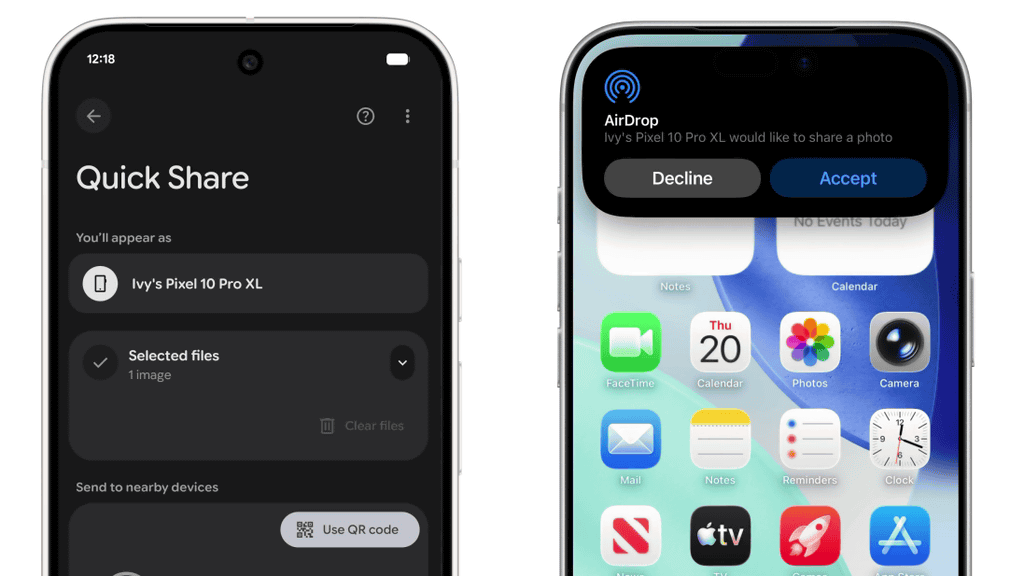
Android's file sharing feature, Quick Share, now supports AirDrop, a feature for sharing files between Apple devices. This means that Android and iOS devices can share files with each other.
Google Online Security Blog: Android Quick Share Support for AirDrop: A Secure Approach to Cross-Platform File Sharing
Android Quick Share can now work with iOS's AirDrop
https://blog.google/products/android/quick-share-airdrop/
Use Quick Share on your Android device - Android Help
https://support.google.com/android/answer/9286773
A video has been released that shows what it would look like if you actually sent files between a Pixel and an iPhone.
The left is a Pixel and the right is an iPhone.
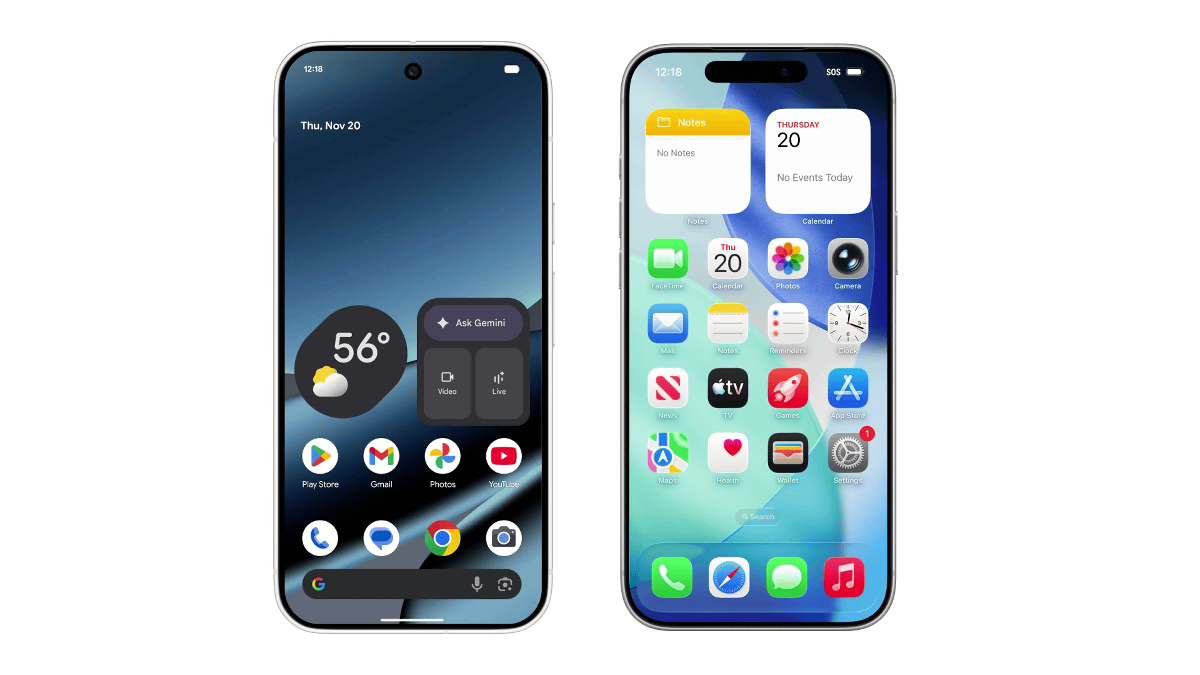
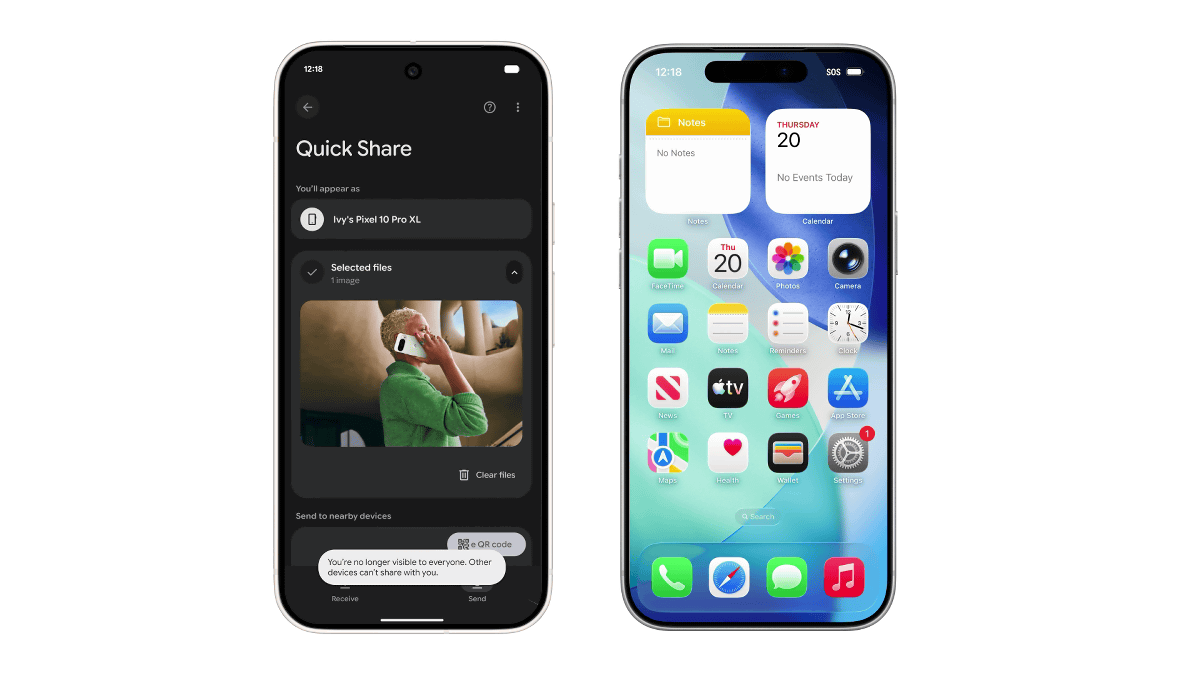
Open Quick Share on the Pixel and select the photo of the woman on the phone.
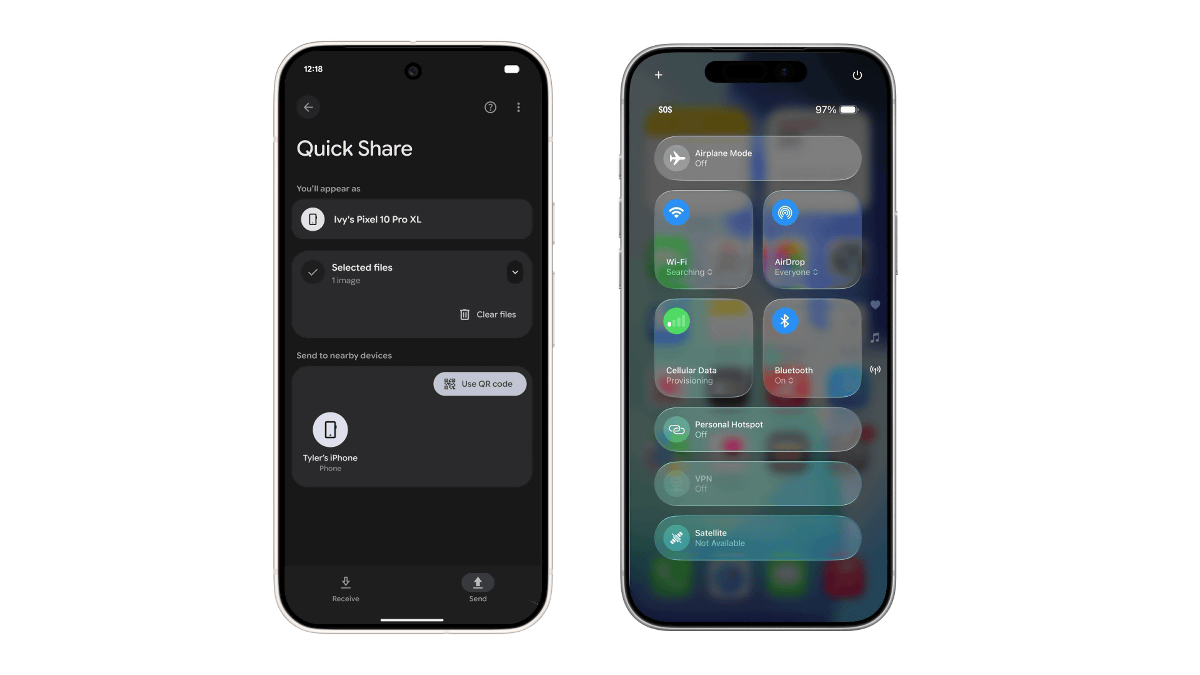
Select 'Tyler's iPhone' from the list of recipients. The iPhone's AirDrop recipients are set to 'Everyone.'
A notification appeared on my iPhone saying that Ivyl's Pixel 10 Pro XL was trying to share a file via AirDrop.
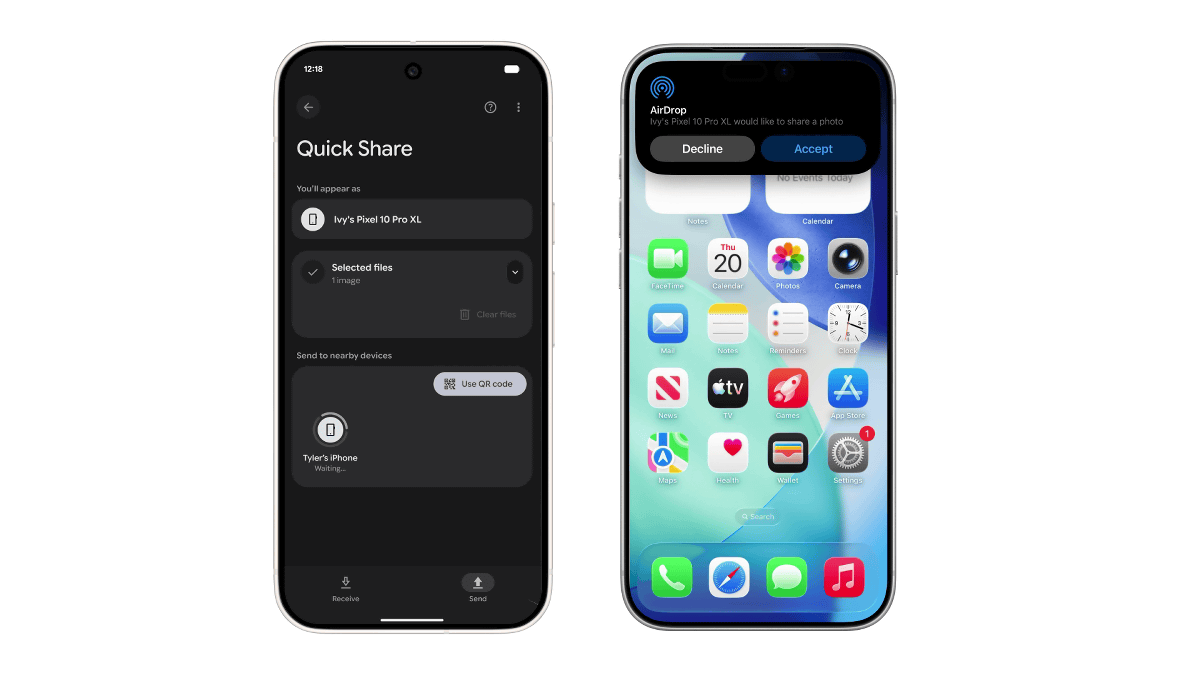
When I accepted, the photo I had selected on my Pixel was sent to me.
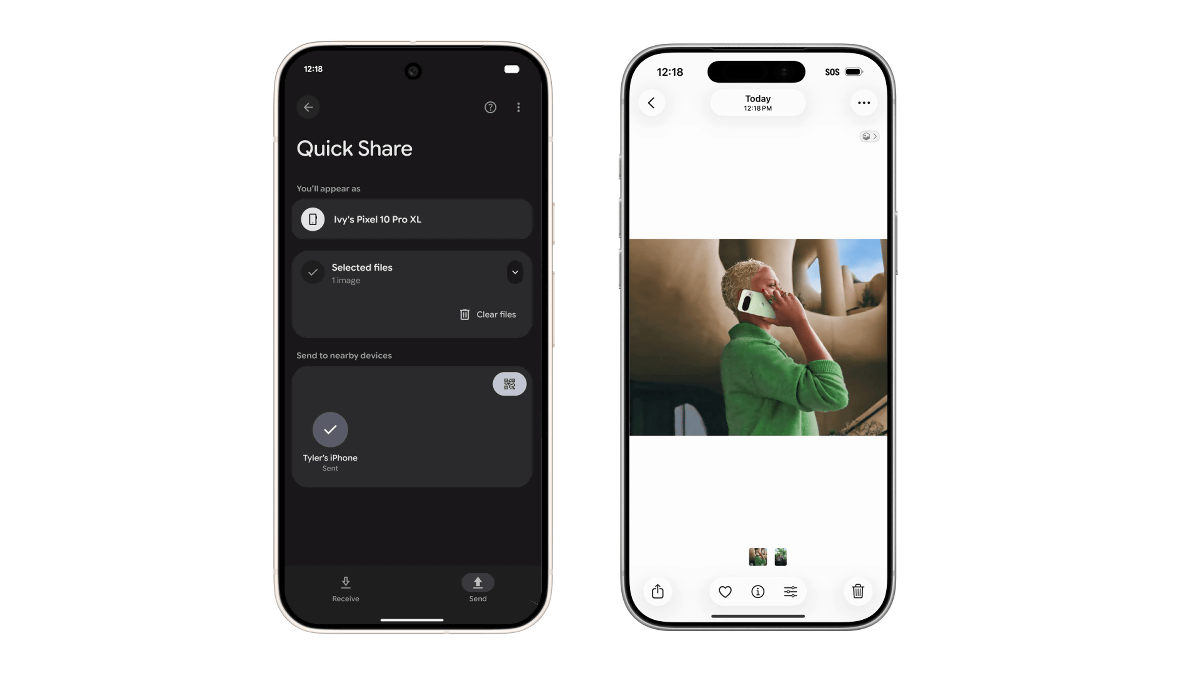
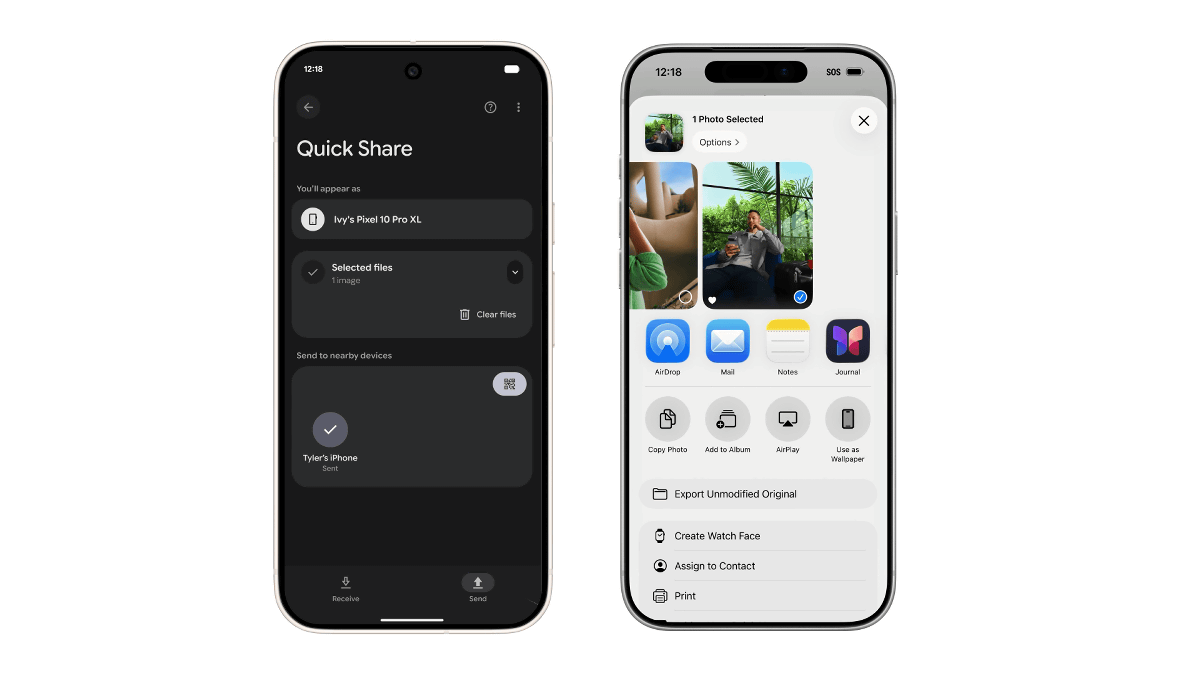
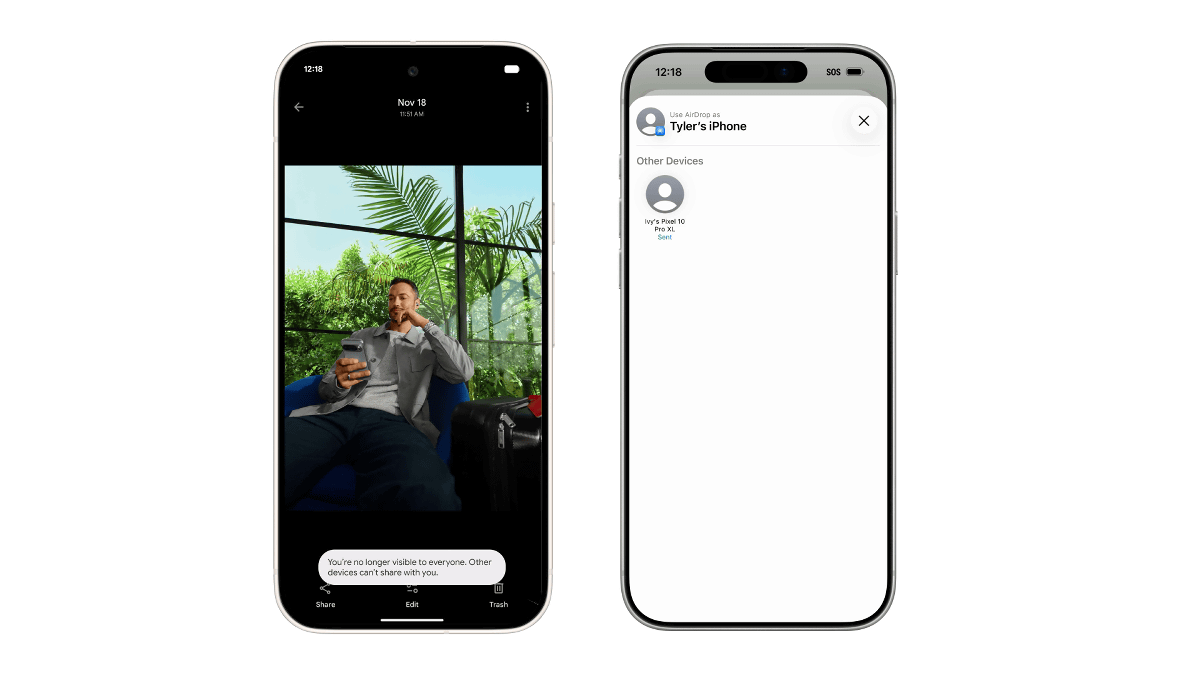
Next, select another photo on your iPhone and share it via AirDrop.
The Pixel displayed a request from the iPhone to send one 0.98MB photo.
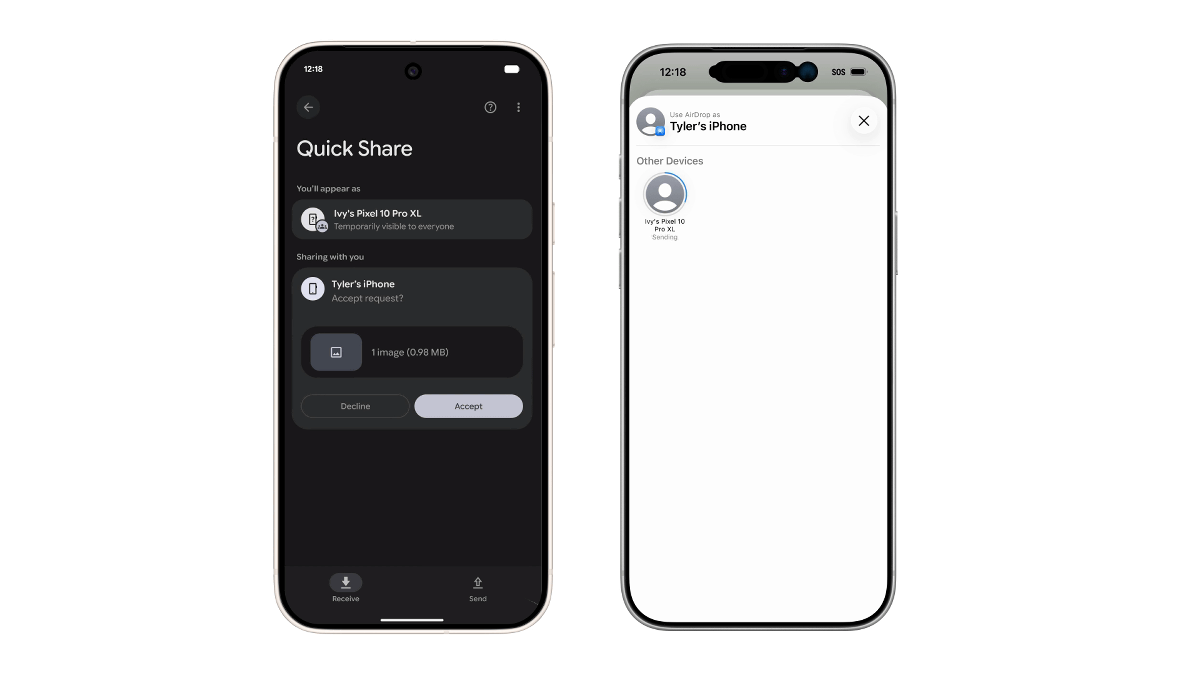
Once you approve, the file will be received.
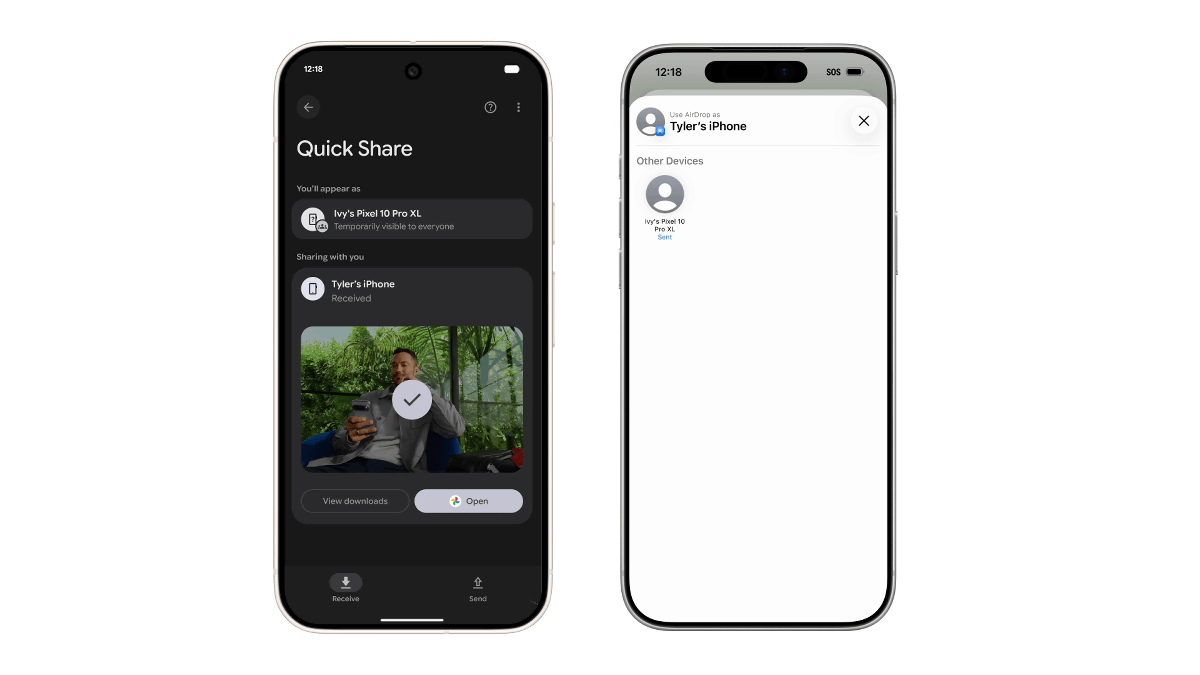
We were able to send files to each other.
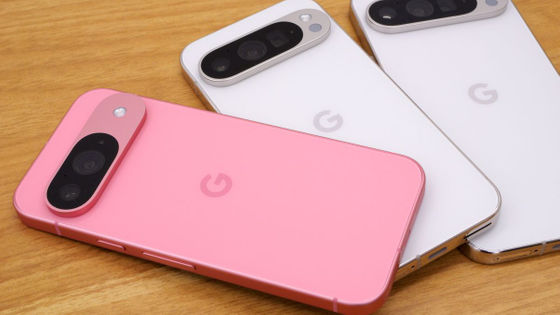
Quick Share's AirDrop support will first be reflected in the Pixel 10 series.
To ensure seamless connectivity across Android and iOS, the current connection mode is 'Everyone (10 minutes only).' However, this implementation is the first step in cross-platform sharing, and Google intends to work with Apple to enable 'Contacts only' in the future.
・Continued
Why is Apple's AirDrop now available on Android? - GIGAZINE
Related Posts:


in Video, Software, Smartphone, Posted by logc_nt