What caused the performance issues in my little homemade RPG?

A game developer encountered performance issues in a small RPG he created, and his explanation of the results of his investigation into the cause became a hot topic. Initially, he had no idea what the cause was, so he asked the community for help, but after investigating the issue himself, he discovered that a combination of unexpected issues was at work.
What Caused Performance Issues in My Tiny RPG
◆Background
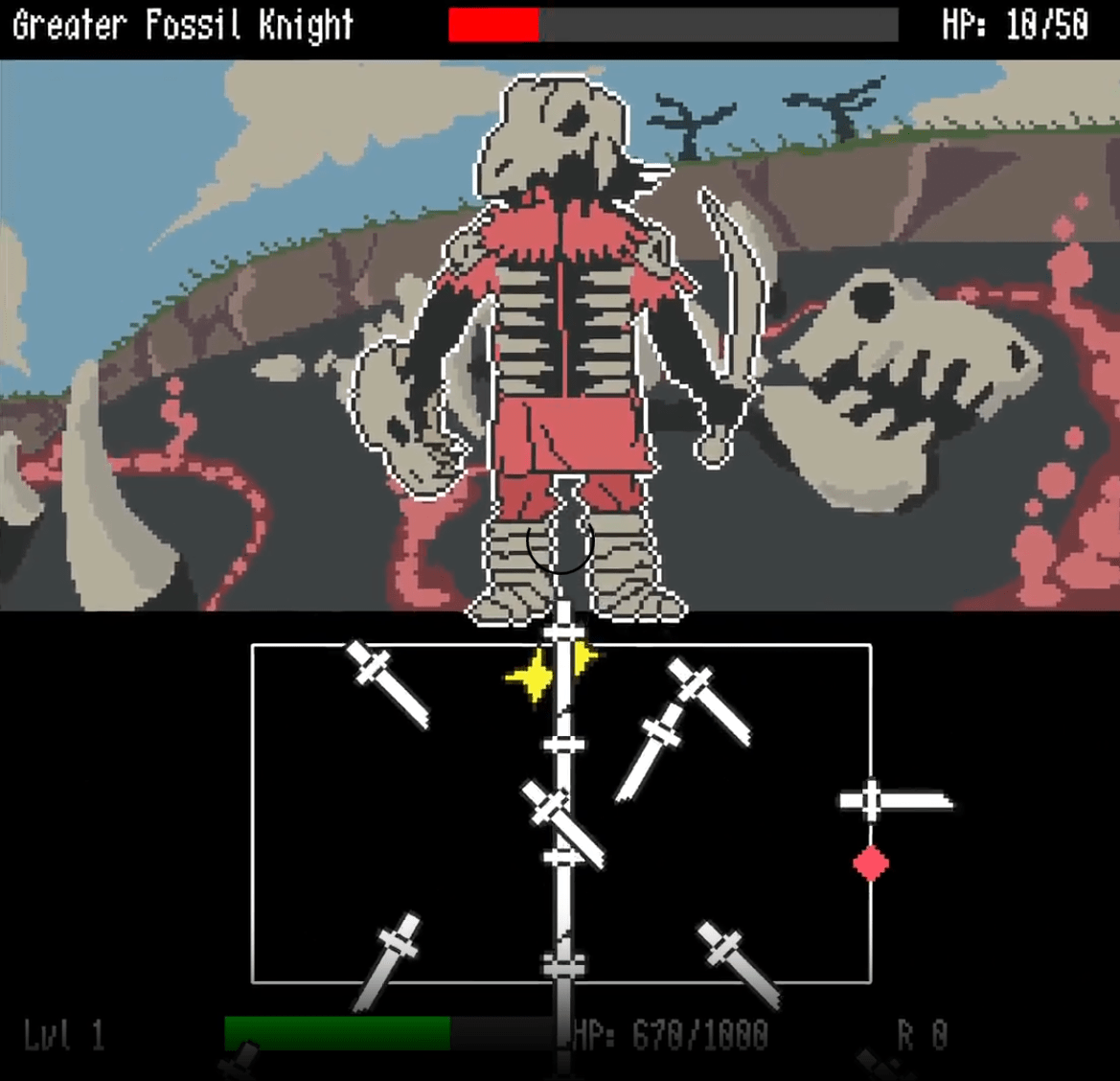
Software developer JSLegendDev was creating a small RPG as a private hobby. He used JavaScript and the KAPLAY game development library. As with most RPGs, the game uses a simple symbol encounter system where you use the directional keys to move your character around the map and touch a star that appears on the map to engage with the enemy and initiate combat.
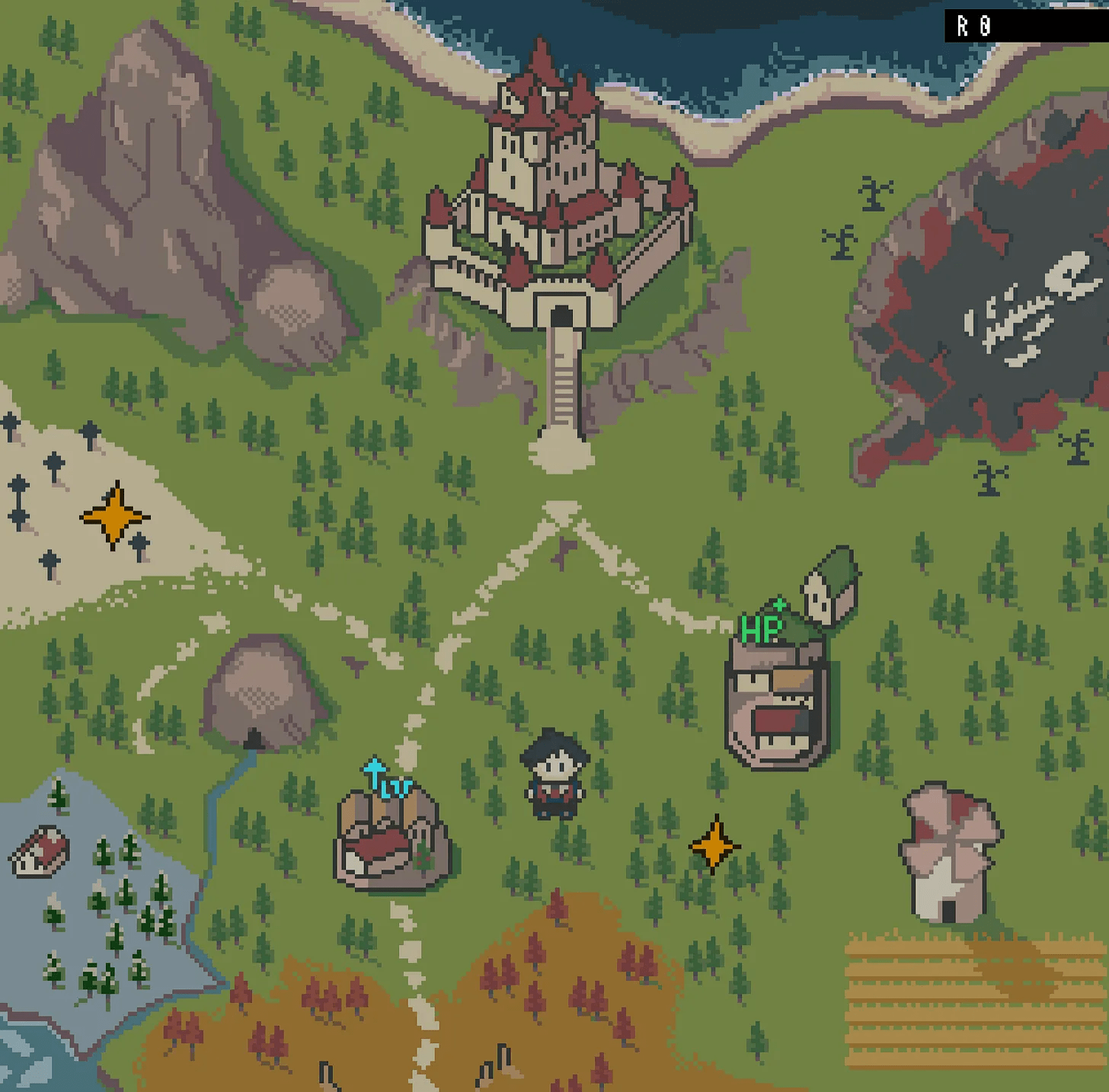
Combat is a simplified
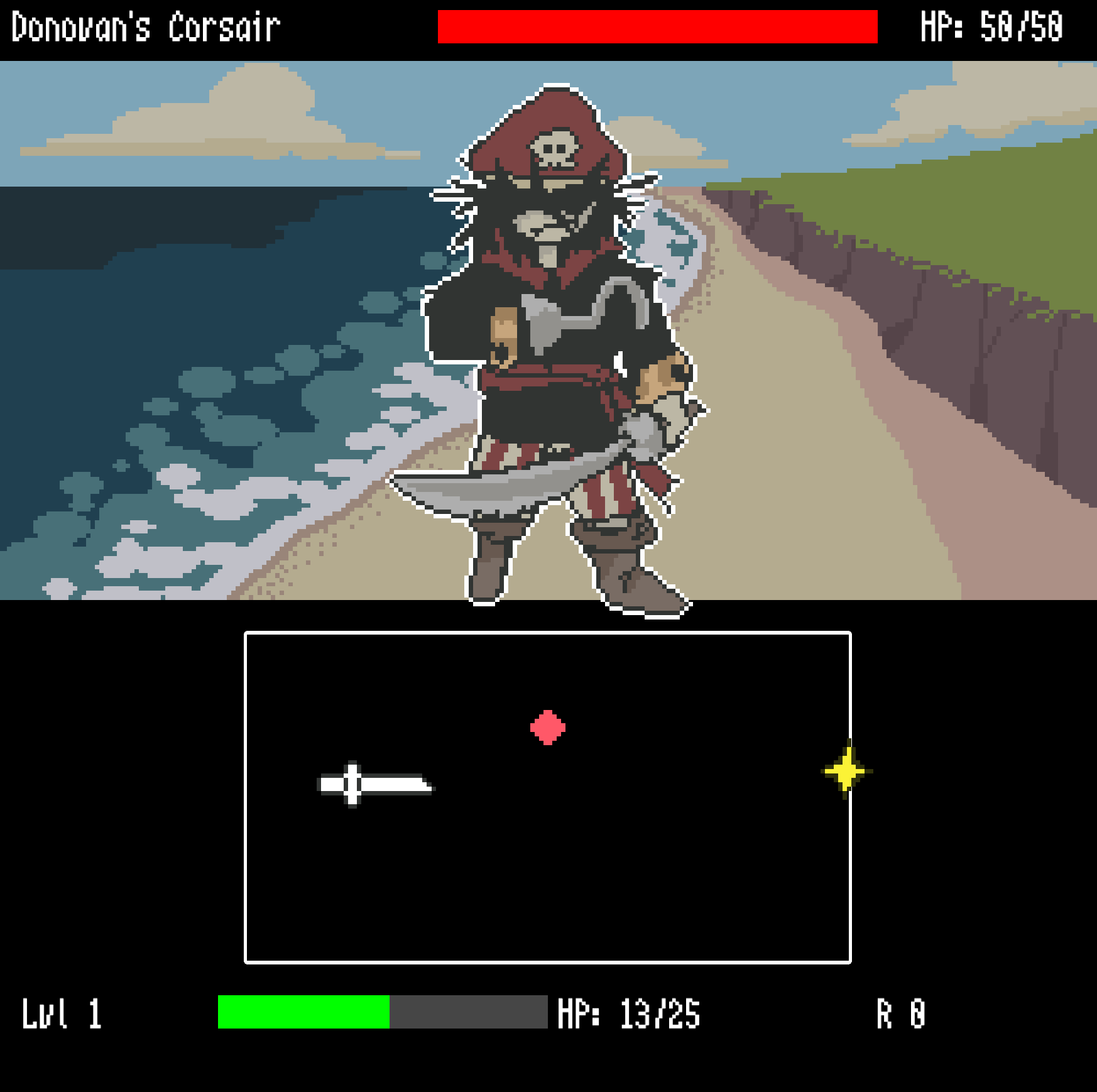
Development of the game was progressing smoothly, but at some point, performance issues began to arise. Specifically, the game's frame rate dropped during battle, causing delays in operation. In order to identify the cause of the problem, JSLegendDev released information about the performance degradation issues when running the game and solicited feedback from the public, while also conducting various investigations himself.
JSLegendDev initially suspected that the issue was related to his development environment. This was because similar issues had not been reported before, and it seemed likely that the issue only occurred on JSLegendDev's machine. However, the machine he was using was a MacBook Air M3 with 16GB of RAM, which had sufficient specs for normal use and for running the game in Firefox. However, JSLegendDev intended to release the game on Steam, so he needed to convert it into a desktop app. However, converting it into an app resulted in a significant drop in performance.
Our next step was to improve performance across the game, and we found that there were three main issues.
Problem 1: Gradual performance degradation
Although the game would run fine immediately after starting, performance would gradually deteriorate over time, eventually resulting in the game barely running at all. This phenomenon was frequently reported by people who actually played the game. After investigating the cause, we discovered that the KAPLAY settings were not being properly reflected.
One of the options when initializing the KAPLAY library is 'maxFps', which limits the FPS to a maximum amount.
[code]
kaplay({
:
[Omitted]
:
maxFps: 60
});
[/code]
This option is intended to maintain smooth gameplay by forcing a consistent frame rate. However, when debug-running the game with a maxFps value of 60, the game eventually became almost motionless, even though the debug FPS count displayed 60 FPS. JSLegendDev hypothesized that the performance degradation was due to the machine running the game no longer being able to consistently maintain 60 FPS or higher. Following this hypothesis, he removed the maxFps setting, which resolved the issue. It turns out that the maxFps option was not functioning correctly in the KAPLAY library, which was one of the causes of the performance degradation.
◆ Problem 2: The Mac version's performance is slower than the Windows version
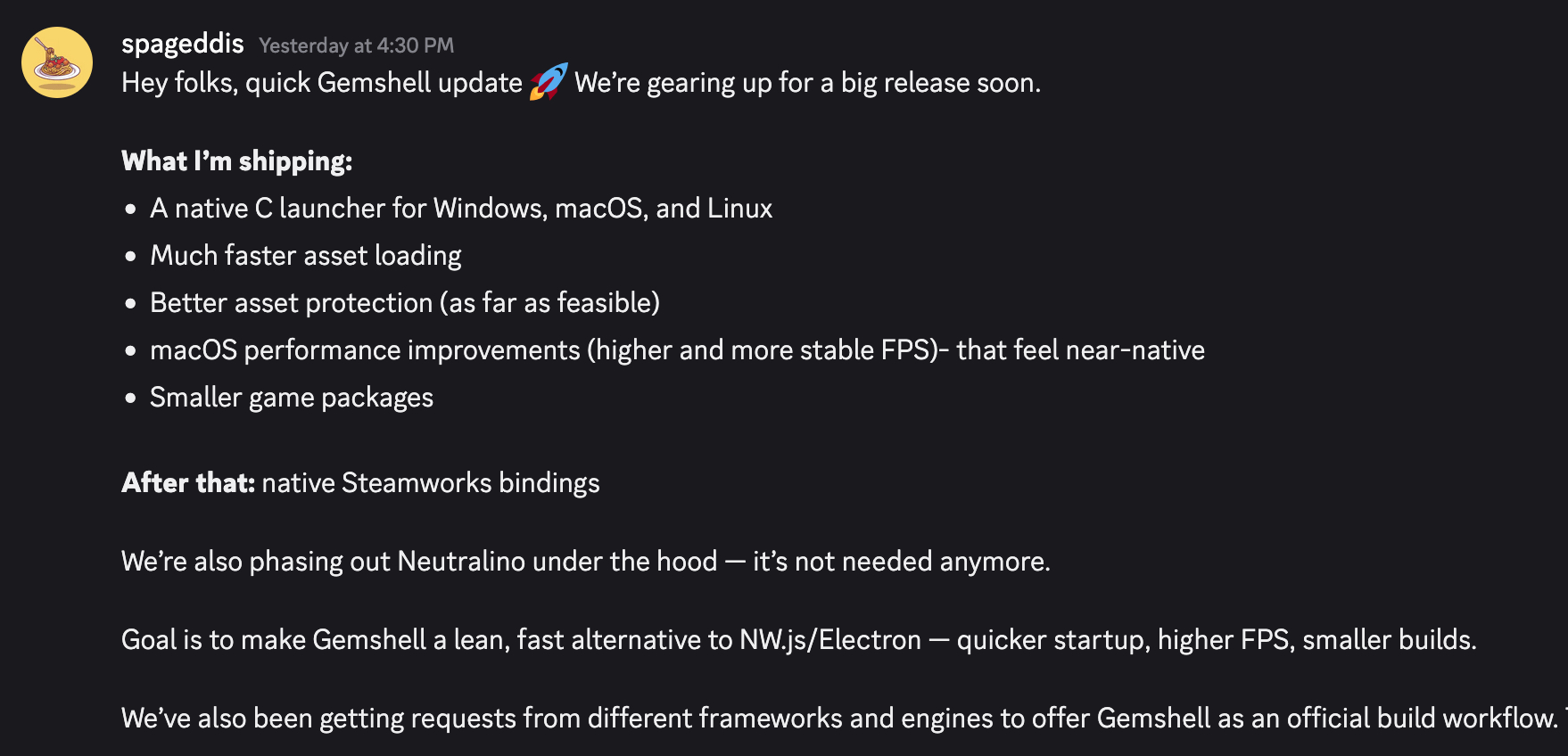
To package the game as a desktop app, JSLegendDev used
As a solution, they considered using NW.js, which uses a Chromium-based rendering engine instead of GemShell, but when they learned that the GemShell developers were trying to improve the situation, they decided to wait and see.
Issue 3: Firefox performed better than Chrome and Safari when it came to browser operations.
JSLegendDev said, 'The strangest performance issue I've ever experienced is that Firefox outperforms Chrome and Safari when running the game in a browser. I expected Safari's performance to be poor because it uses the Webkit engine, but I was surprised that Chrome's performance was worse than Firefox's.
・Excessive generation of KAPLAY game objects
First, we ran performance profiling in Chrome's Developer Tools to find out what was causing the slowdown. We discovered that there was an issue with the way Chrome was rendering text in the game.

If you look at the sample code provided in the playground, you will see that in KAPLAY, to render text, you first need to create a game object with a text component and pass the text to that component.
[code]
// Render 'Hello World!' in the center of the screen
const myTextObj = add([text('Hello World!'), pos(center())]);
[/code]
However, from a performance perspective, creating a GameObject is expensive, so it's inefficient to create one just to render text. If you're just rendering simple text, it's much more efficient to call a function that draws the text directly during the draw loop.
[code]
onDraw(() => {
// Call the function below every time you need to draw to the screen
drawText({
text: 'Hello World',
pos: center()
});
});
[/code]
The same applies when displaying a static image, such as a background. The following example code is clearly inefficient:
[code]
const myImage = add([sprite('someImage'), pos(center())]);
[/code]
The alternative logic is as follows: Note that in your draw loop, you must complete all drawSplite calls before rendering text with drawText to avoid invalidating batching.
[code]
onDraw(() => {
drawSprite({
sprite: 'someImage',
pos: center()
});
// ... call other text rendering operations
});
[/code]
・The need for object reuse
The text rendering performance improvements have significantly improved performance on Chrome and Safari, but JSLegendDev wanted to further improve performance and started implementing object pooling to minimize the creation and destruction of game objects.
Object pooling is a technique for creating a certain number of necessary objects in advance and reusing them as needed. In JSLegendDev's game, a large number of flying sword objects were created and destroyed during battle. Storing these sword objects in an object pool and reusing them was expected to improve performance. Initially, since the number of swords themselves was not that large, this solution was planned to be postponed. However, he suspected that the persistently poor performance in Chrome and Safari might be due to the garbage collector not functioning properly when destroying objects, and so he was forced to take action.
As a result, our predictions were correct, and the game's performance improved significantly in Chrome and Safari. To stress test the pooling system, we ran a massive amount of swords, and the performance remained stable with no frame rate drops.
Summary
In the end, it turned out that the problem wasn't with the game itself, but rather with the libraries and engine they were using, so JSLegendDev was able to get back to development with peace of mind. However, he did consider the worst-case scenario: 'The limitations of the specified tools might force him to abandon efforts to improve the game's performance.' If that were to happen, he could have had to completely rethink the game's implementation or spend time learning alternative tools, which could have significantly delayed development. JSLegendDev says that this experience has reminded him of the importance of learning frameworks and game engines other than the ones he's already familiar with.
Related Posts: