Firefox will have an 'AI window' for AI tasks
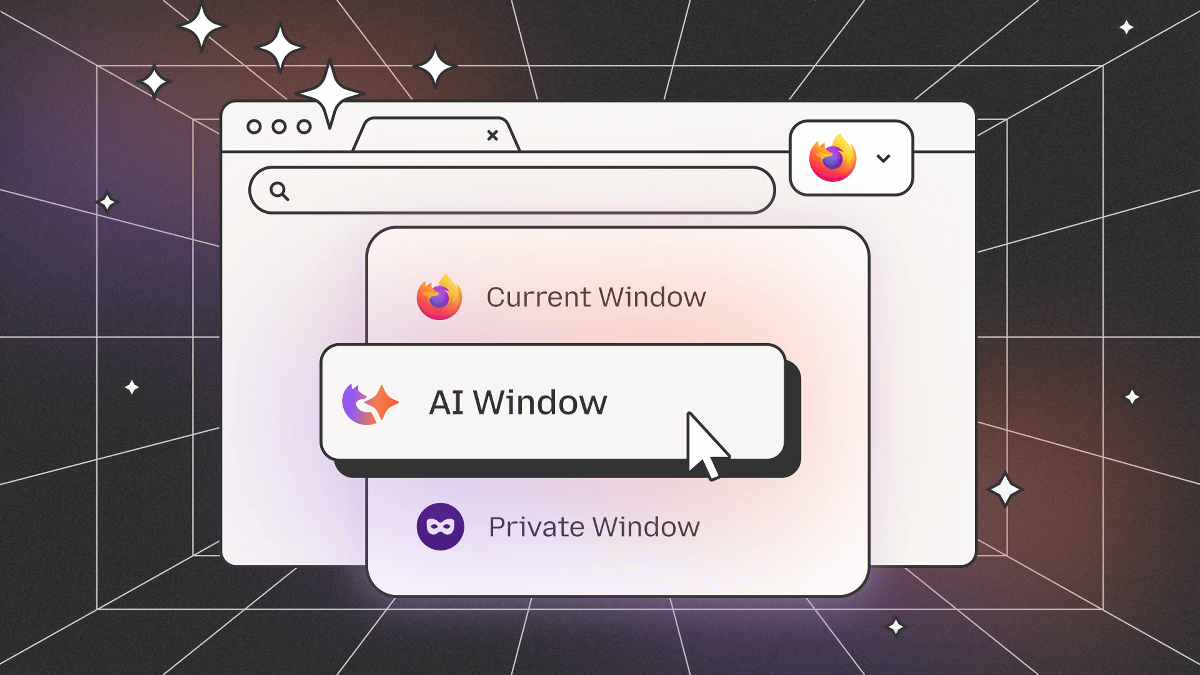
Firefox is planning to add an ' AI window' specifically for browsing with AI. The AI window will have the ability to chat with an AI assistant and receive assistance with browsing.
Introducing AI, the Firefox way: A look at what we're working on and how you can help shape it
The AI window will be rolled out as a window mode, similar to the private window. While specific features have not been revealed, it will be possible to perform operations such as 'chat with an AI assistant' and 'receive help while browsing.'
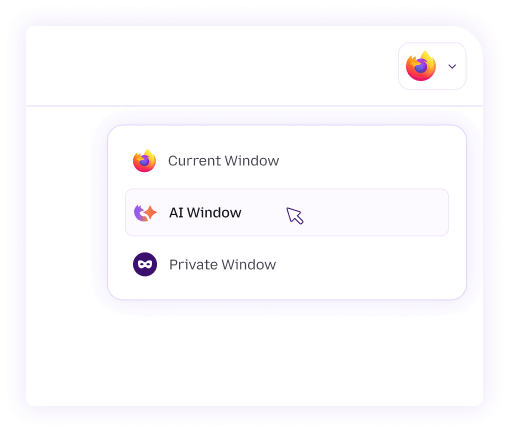
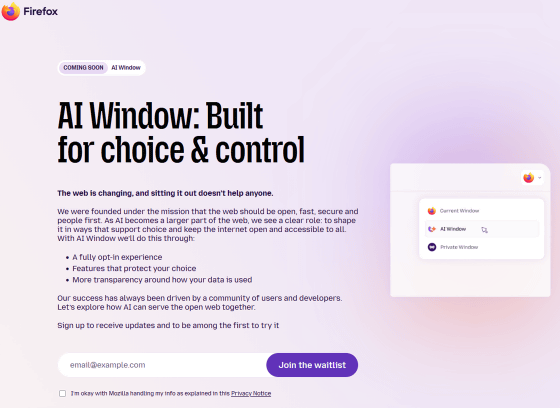
The AI window feature will be offered as an opt-in feature, allowing users to choose whether or not to use it. The Firefox development team points out that 'browsers developed by AI companies force users to make a difficult choice: use AI all the time or not at all,' and emphasizes that Firefox's AI window allows users to use AI only when they want to.
The AI Window is currently under development, and you can stay up to date with the latest information by signing up for the waitlist at the link below.
Coming Soon: AI window — Firefox
At the time of writing, the details of the AI window have not been revealed, but Firefox already has several AI-powered features. Examples of Firefox's AI features include:
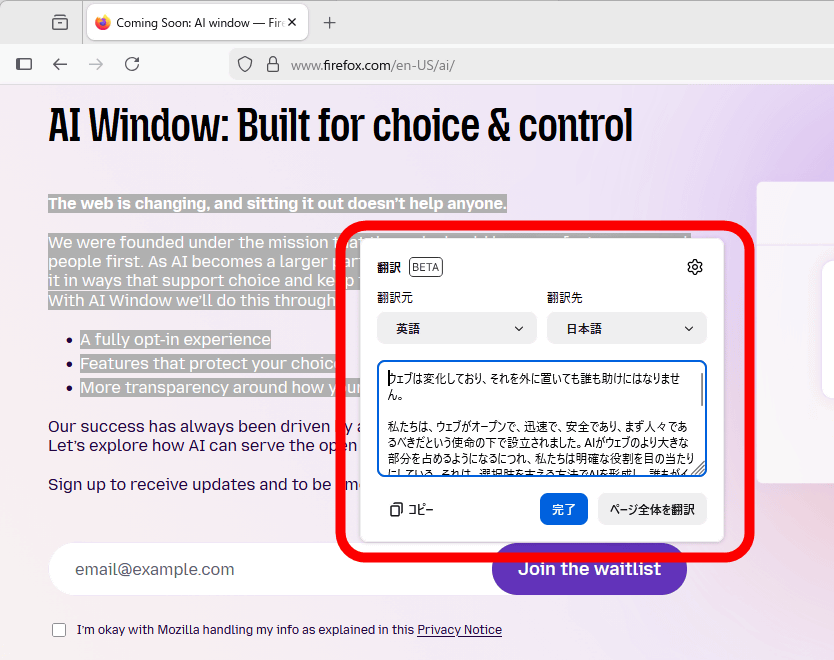
A locally operated AI-powered page translation function. It also supports translation into Japanese, and can translate not only the entire page but also parts of it.
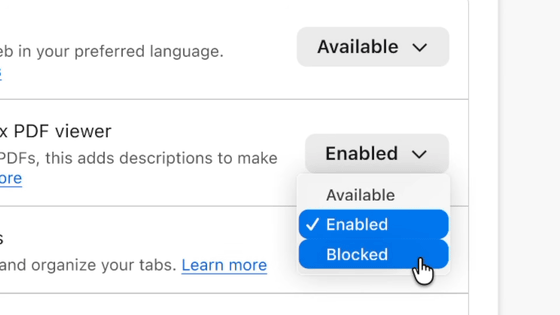
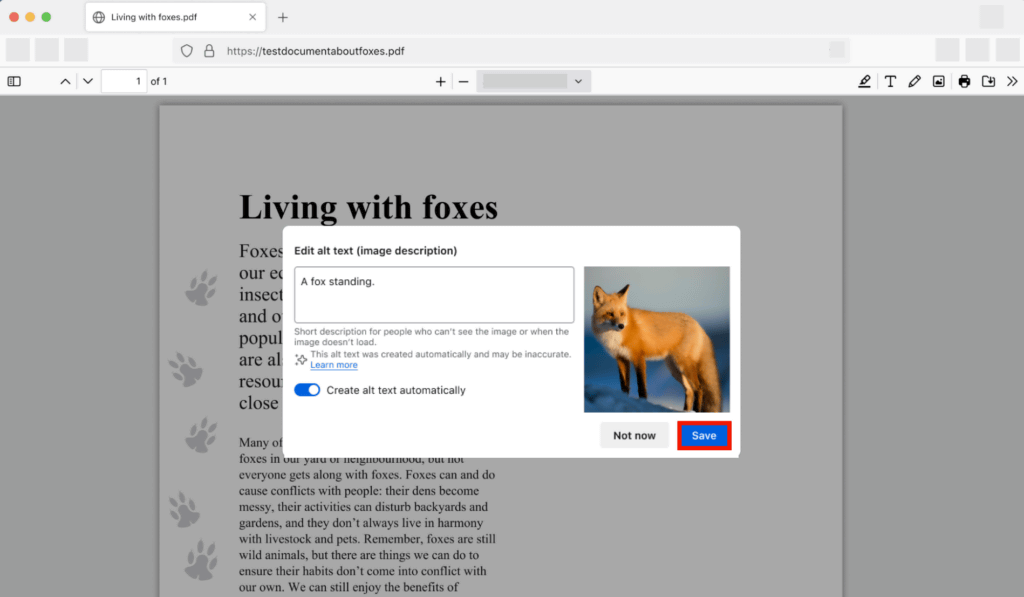
A feature has also been developed that automatically generates image descriptions when adding images to a PDF.
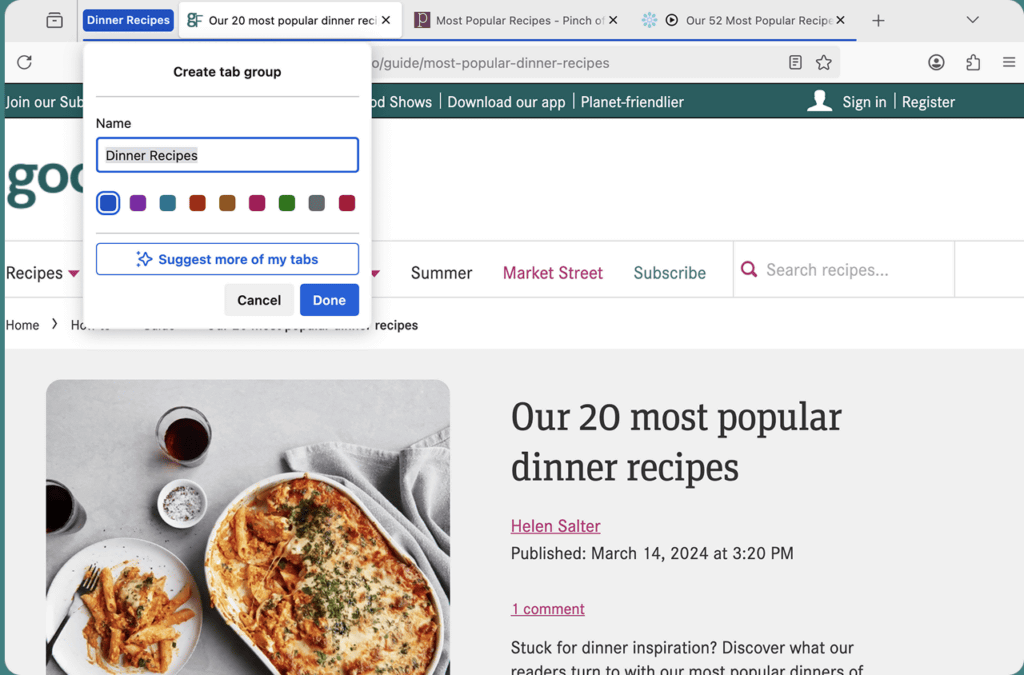
There is also an auto-suggest feature for names of tab groups.
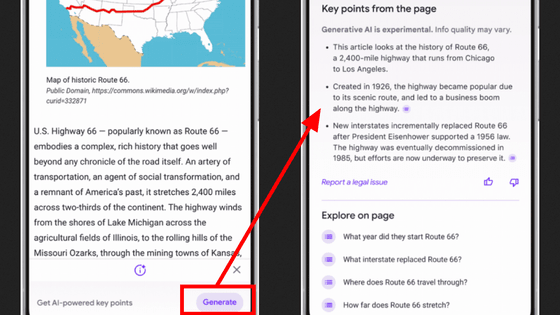
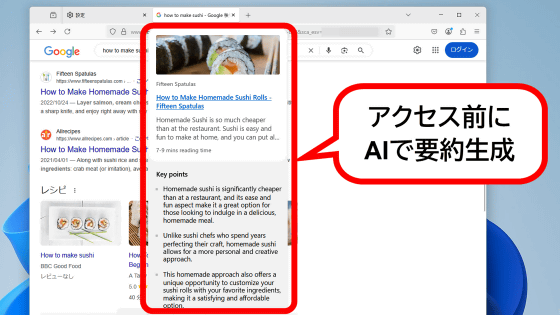
We're also experimenting with generating a summary of the destination of a link before you click on it.
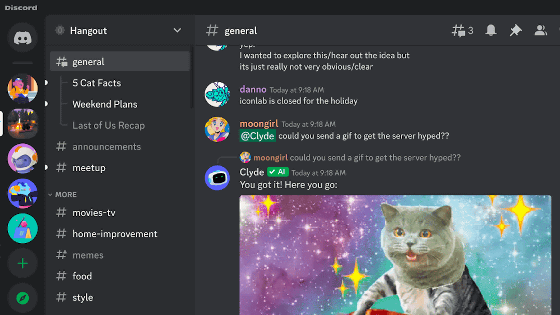
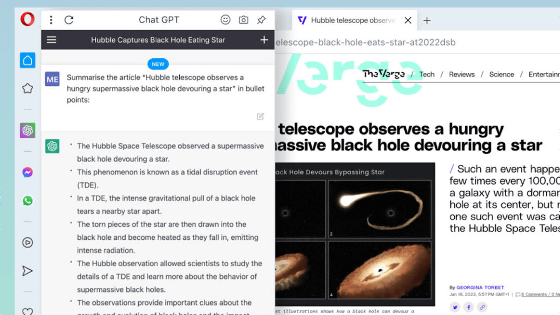
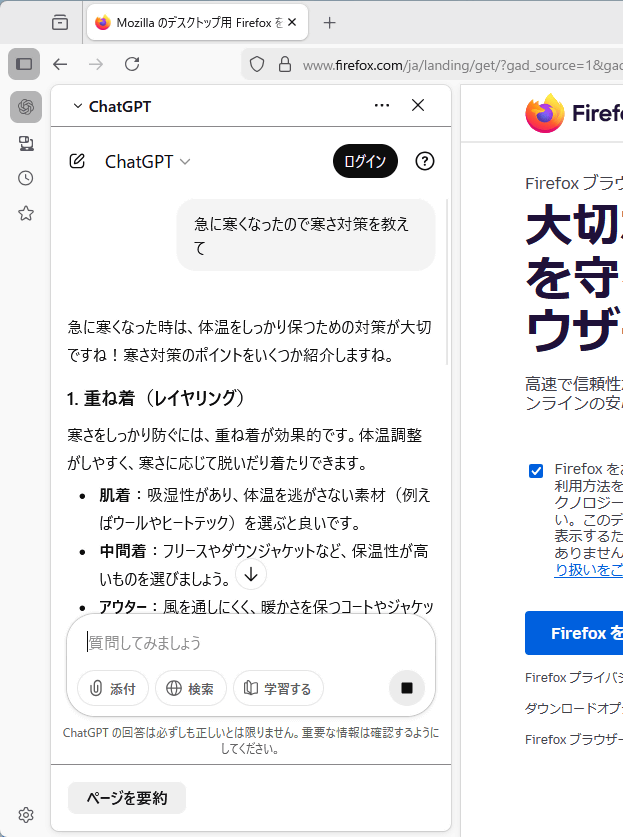
Firefox also offers a sidebar that allows you to use chat AIs such as ChatGPT and Gemini. To open the sidebar, click the sidebar open/close button and then click the AI chatbot button. Or, press the shortcut key 'Ctrl + Alt + X.'
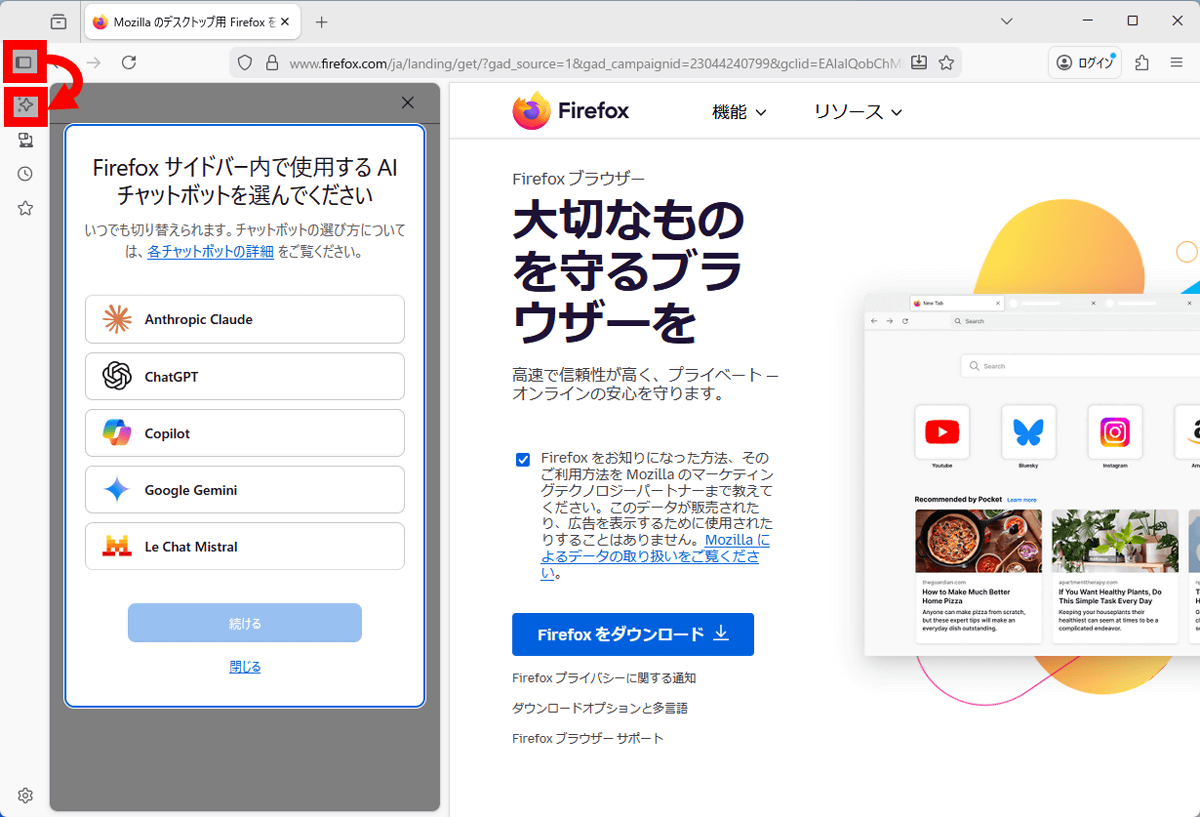
Once you select the AI service you want to use, you'll be able to talk to the AI in the sidebar while you browse.
Related Posts: