Apple releases iOS 26.1, introducing an option to increase Liquid Glass opacity
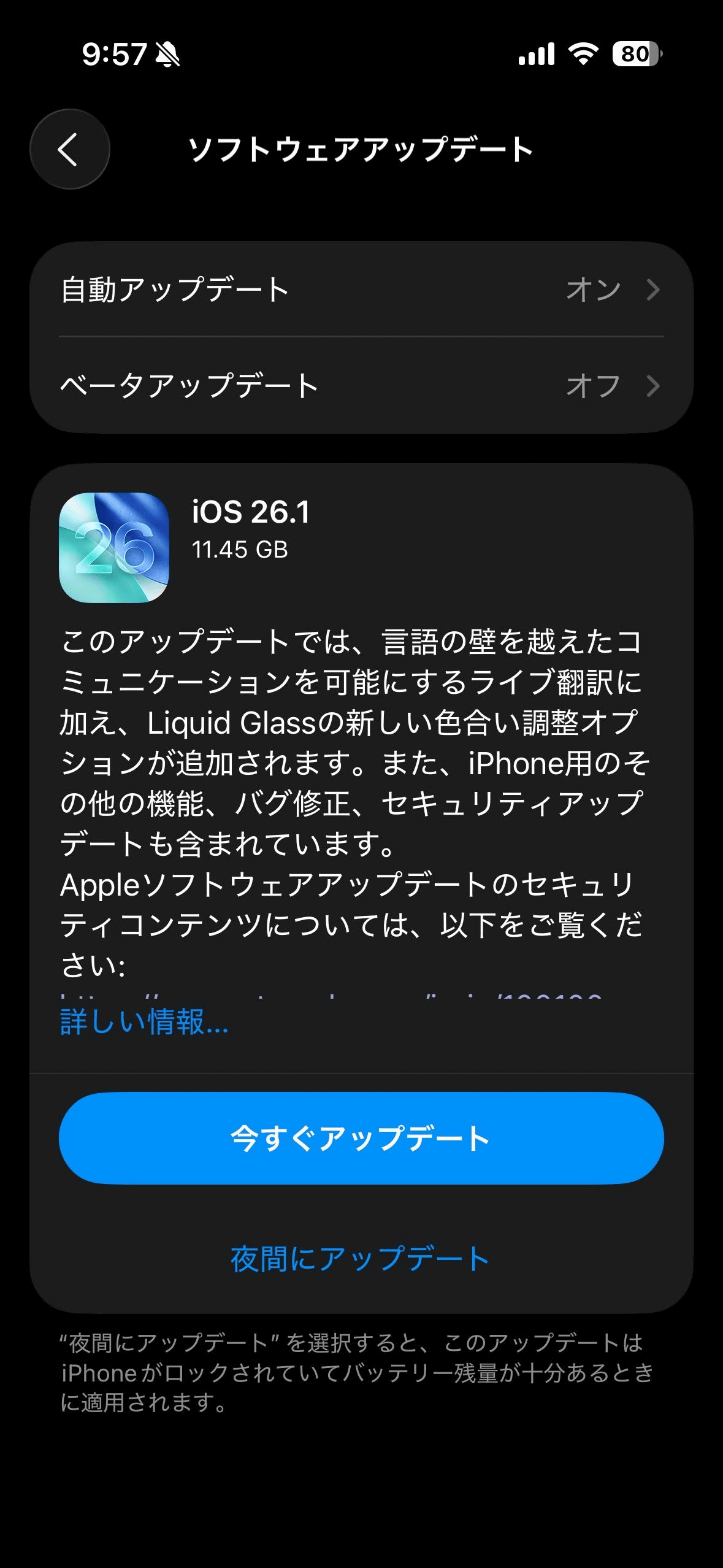
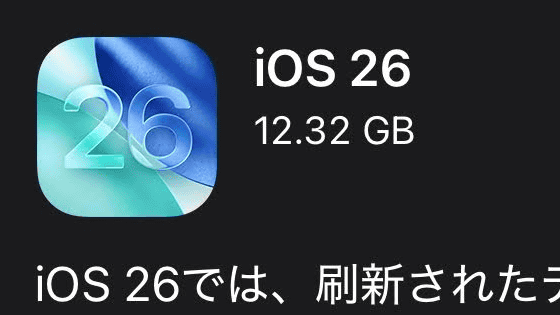
Apple has started distributing iOS 26.1 and iPadOS 26.1 . The file size required to update from the previous version, iOS 26.01, to iOS 26.1 is 11.45GB.
iOS & iPadOS 26.1 Release Notes | Apple Developer Documentation
iOS 26.1: Here are Apple's official release notes - 9to5Mac
https://9to5mac.com/2025/11/03/ios-26-1-here-are-apples-official-release-notes/
iOS 26.1 and iPadOS 26.1 bring multiple critical security fixes - 9to5Mac
https://9to5mac.com/2025/11/03/ios-26-1-ipados-26-1-security-fixes/
Here's how to update to iOS 26.1.
Open the 'Settings' app, tap 'General' → 'Software Update,' and tap 'Update Now.' The file size of iOS 26.1 is 11.45GB.
The release notes for iOS 26.01 are as follows:
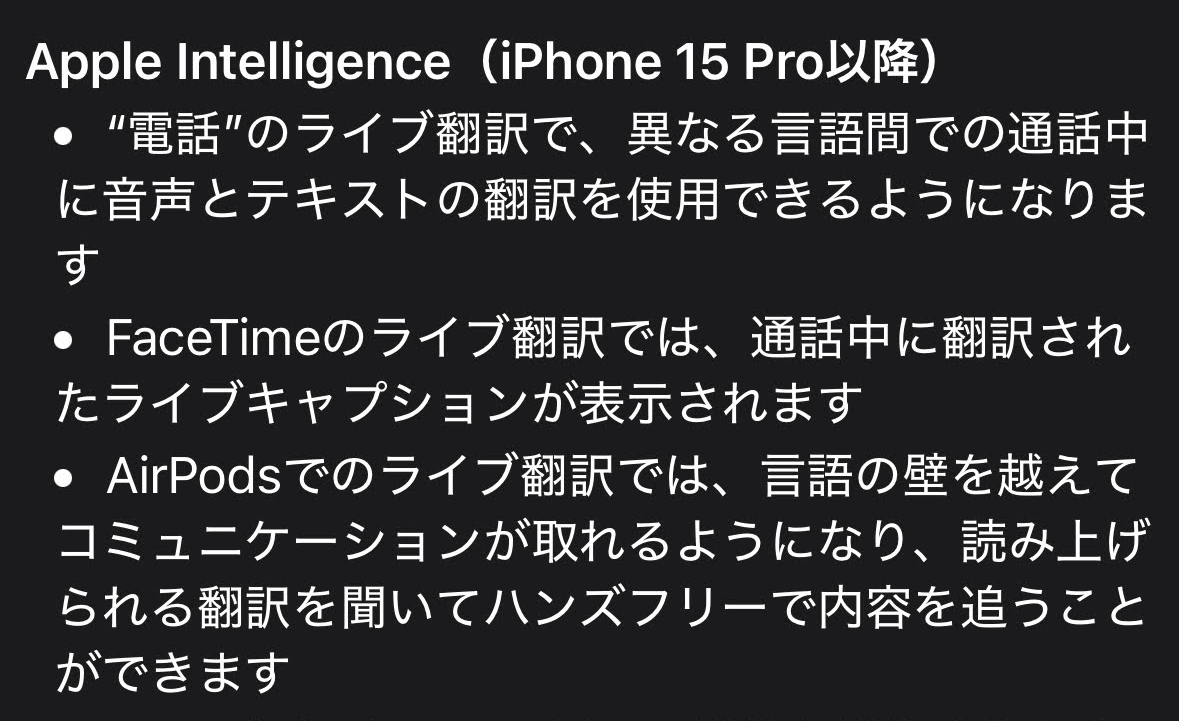
◆Updates related to Apple Intelligence (iPhone 15 Pro and later)
Live translation in the Phone app will enable voice and text translation during calls between different languages.
- Live Translation for FaceTime provides live translated captions during a call.
Live translation on AirPods lets you communicate across language barriers, listening to the translation read aloud and following along hands-free.
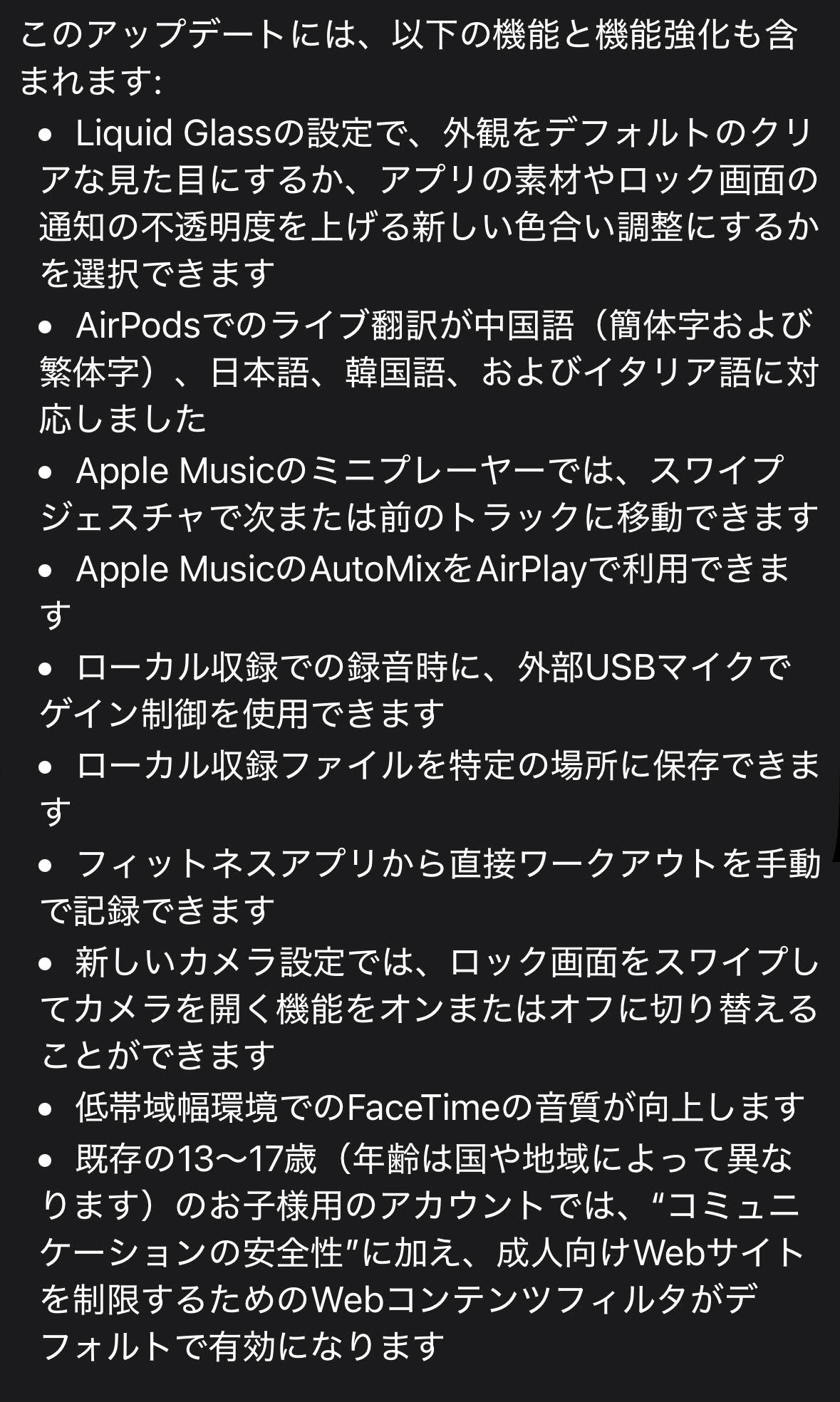
◆Other updates
Liquid Glass settings let you choose between a default clear look or a new tint adjustment that increases the opacity of app materials and lock screen notifications.
Live translation on AirPods now supports Chinese (Simplified and Traditional), Japanese, Korean, and Italian.
- In the Apple Music mini player, you can use swipe gestures to move to the next or previous track.
- Apple Music's AutoMix can be used with AirPlay.
- When recording locally, gain control can be used with external USB microphones.
- Local recording files can be saved to a specific location.
- Manually record workouts directly from your fitness app.
A new Camera setting lets you turn swiping the lock screen to open the camera on or off.
- Improved FaceTime audio quality in low-bandwidth environments.
Existing accounts for children aged 13-17 (ages vary by country or region) will have 'Communication Safety' and a web content filter to restrict adult websites enabled by default.
The option to reduce Liquid Glass transparency can be found by tapping 'Display & Brightness' in the Settings app, then 'Liquid Glass.' The default setting is 'Clear,' and tapping 'Tint' increases the opacity, improving the visibility of icons.
The difference in appearance between 'Clear' (left) and 'Tint Adjustment' (right) is as follows:
Related Posts:

in Software, Smartphone, Posted by logu_ii