'JustSketchMe' allows you to easily create various poses using 3D characters for free and use them as a reference for drawing
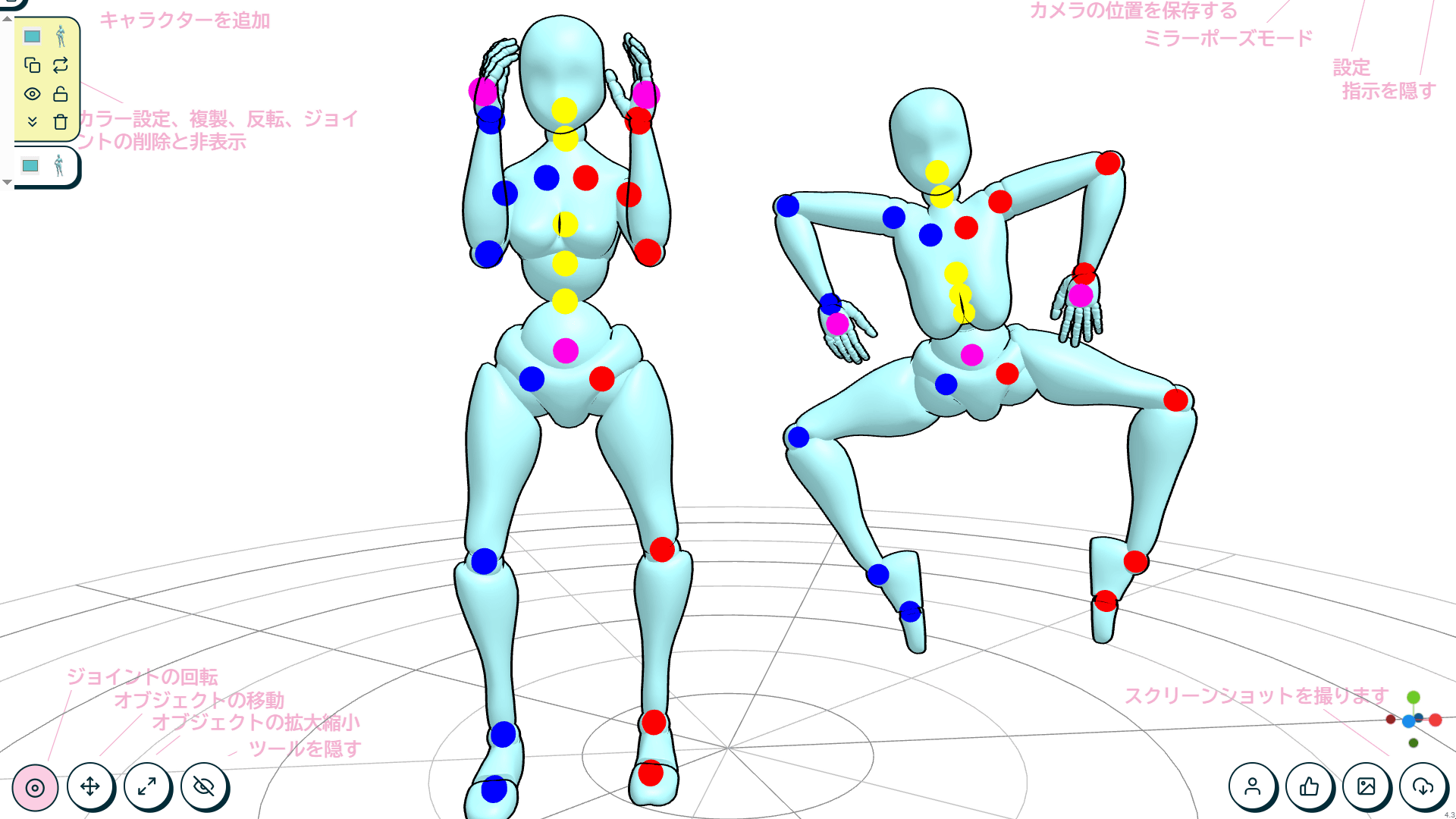
When drawing, it's common to just draw what you like. As a result, there are many artists who say, 'I'm good at drawing faces, but I'm not good at creating dynamic poses.' JustSketchMe is a tool for people like you, which allows you to easily recreate lively poses with 3D characters.
JustSketchMe - EN | JustSketchMe
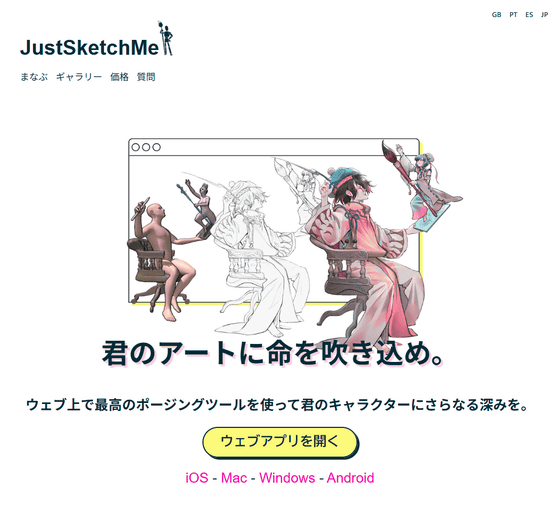
JustSketchMe also has apps for iOS , macOS , Windows , and Android , but you can also use it from your browser, so this time I'll try using the web app. Access JustSketchMe and click 'Open web app'.

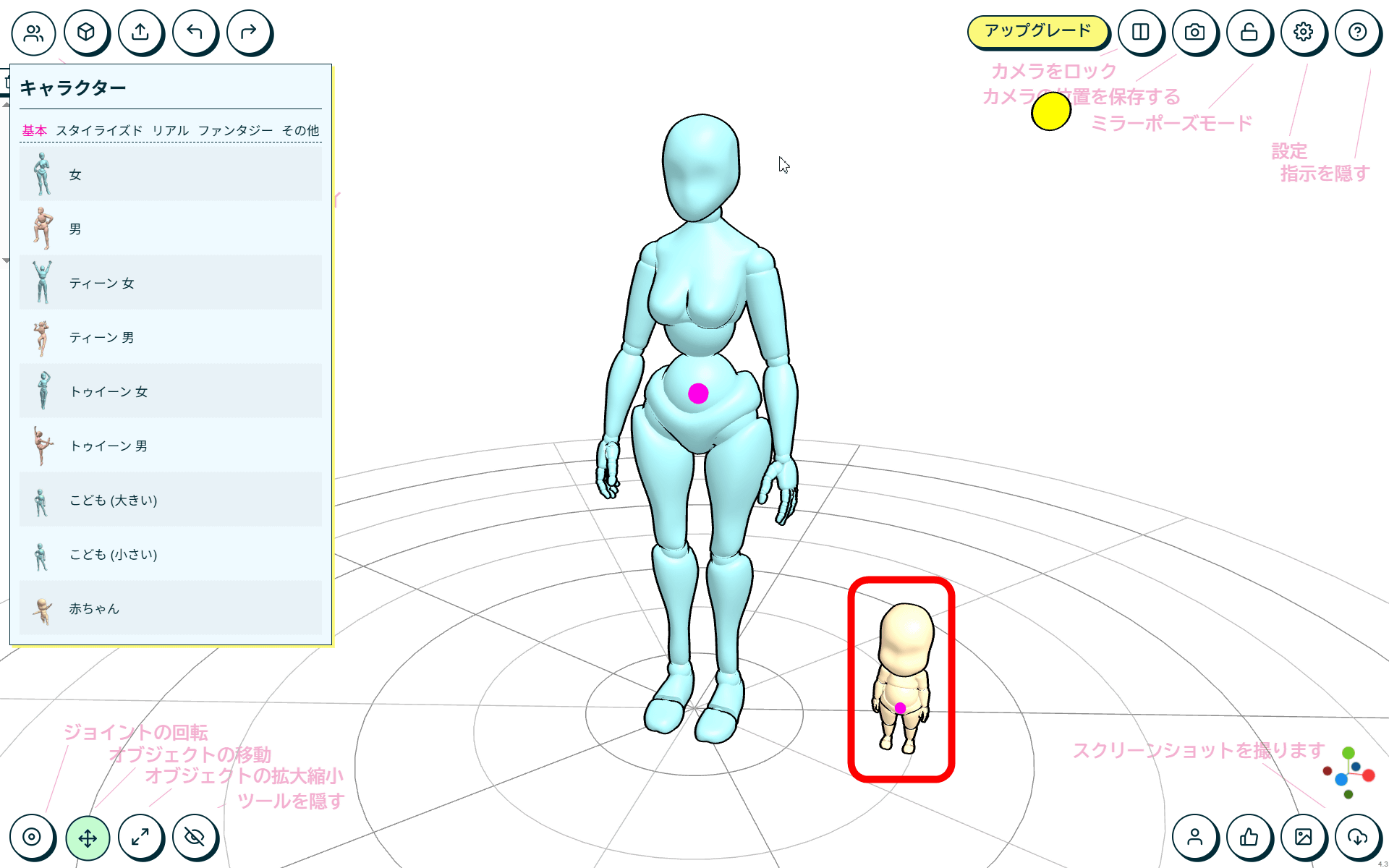
The JustSketchMe screen looks like this. Since it supports Japanese, it is very helpful that the purpose of each tool is explained in Japanese.
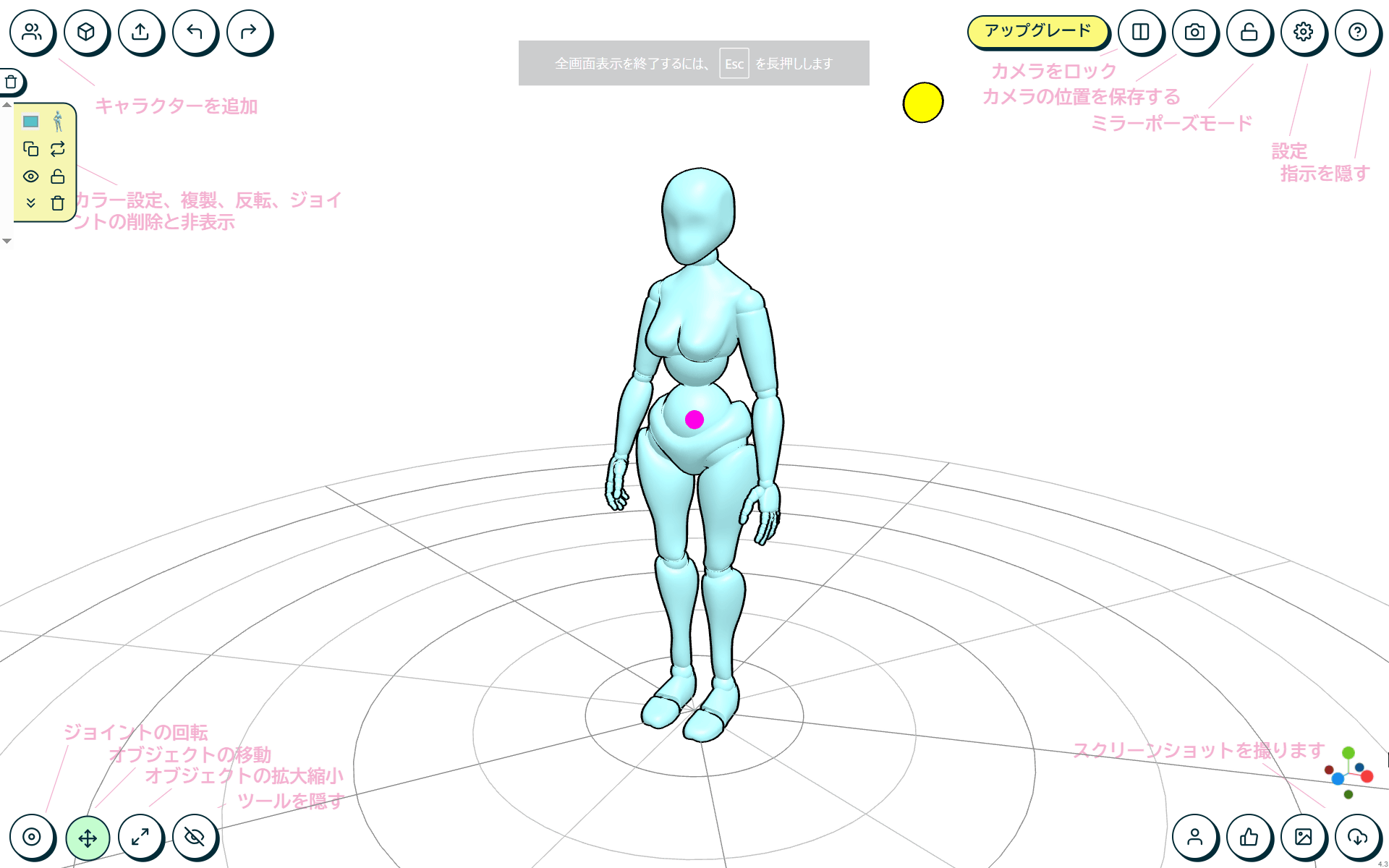
You can add a 3D model by clicking the human icon in the upper left corner of the screen. I selected 'Baby' to try it out.
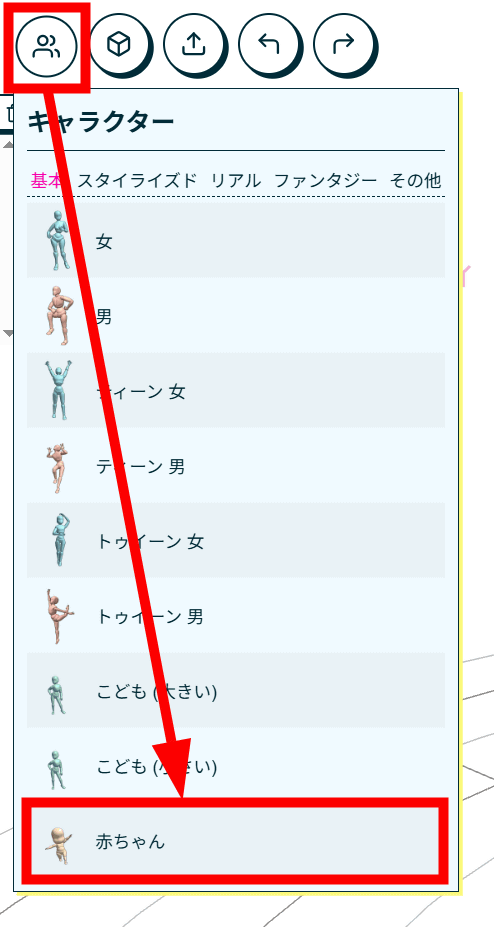
Then, a baby model was added next to the 3D model that was originally placed in the center of the screen.
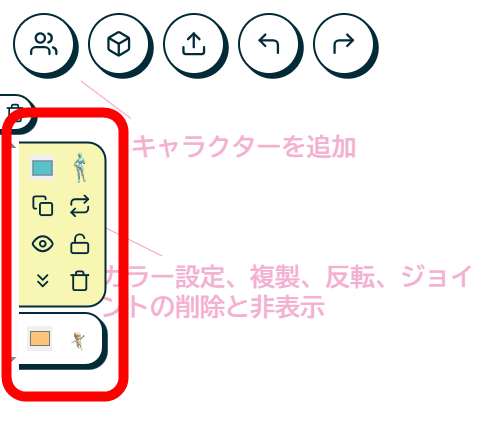
3D models placed on the screen can be changed in color, selected, duplicated, inverted, hidden from view, fixed in position, or deleted from the red frame on the left side of the screen.
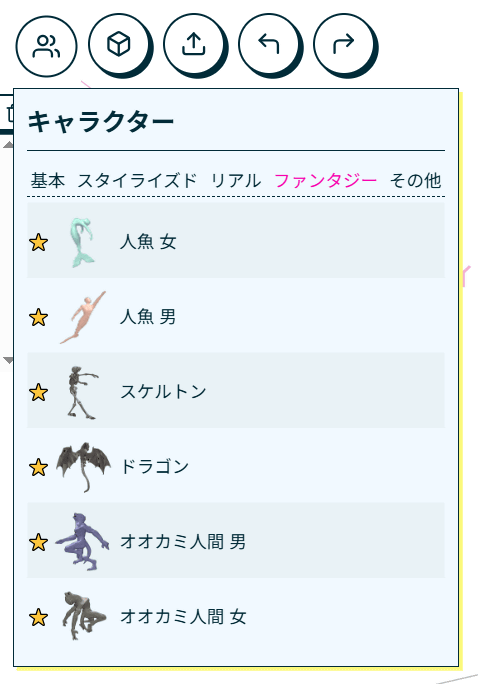
The 3D models you can add include pre-posed models, as well as non-human models such as mermaids, dragons, dogs, and cats, but apart from the basic characters, these options are generally only available to paid
The paid version not only allows you to use various 3D models, but also hundreds of props such as buildings and dinosaurs, backgrounds, and hundreds of pre-set poses. You can also download the poses you created, save them in the cloud, and export the 3D models. The paid version is available for a monthly fee of $12 (approximately 1,800 yen) or $99 (approximately 14,900 yen).
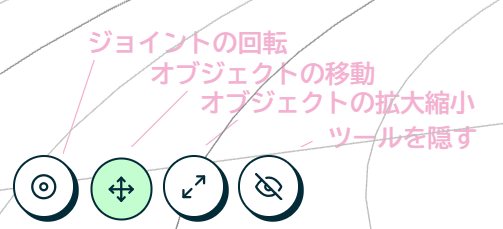
The four tools at the bottom left of the screen are, from left to right, 'Rotate Joints,' 'Move Object,' 'Scale Object,' and 'Hide Tools.' To change the pose of the 3D model, click 'Rotate Joints.'
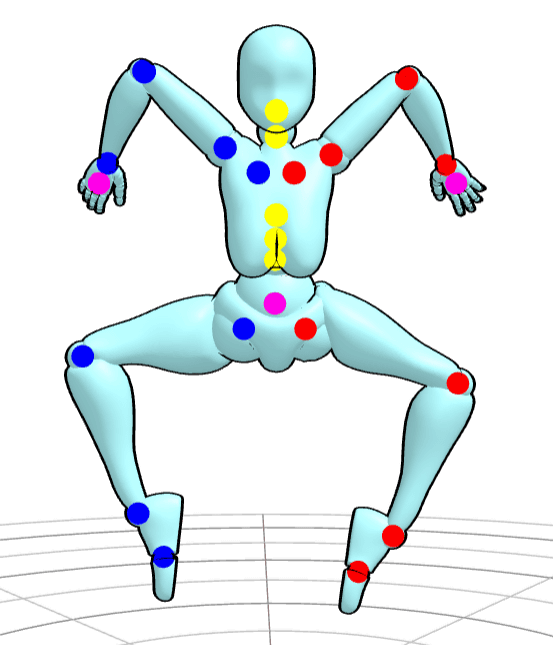
Dots in red, blue, yellow, pink, etc. will then appear at the movable joints of the 3D model.
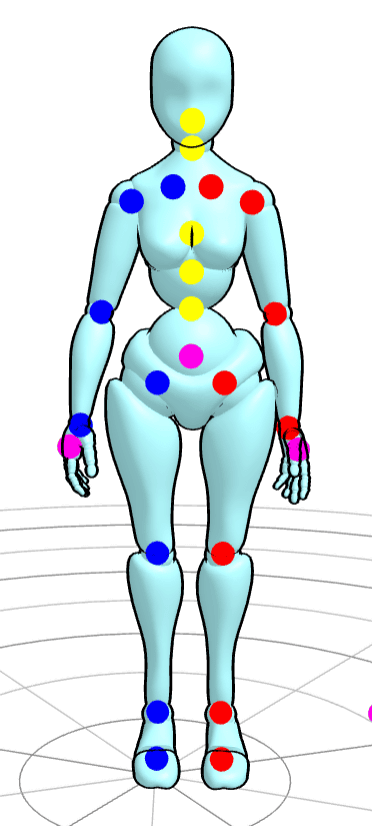
Click the joint you want to move.
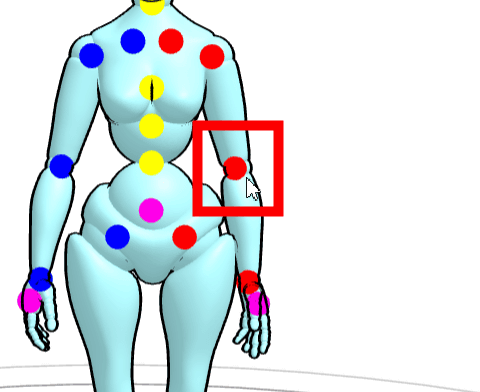
A spherical line will appear around the selected joint. You can move the part by dragging this curve, but this is a very intuitive process and at first, the part often didn't move in the direction you wanted.
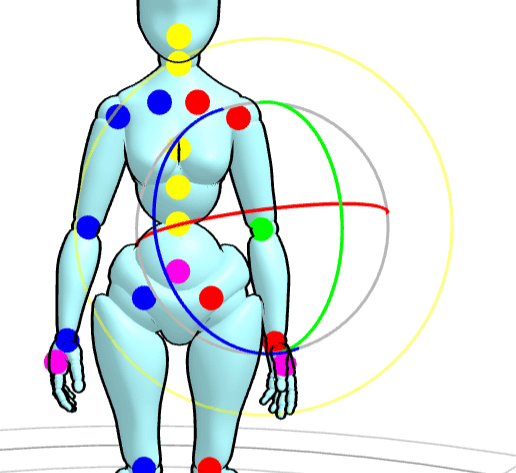
Only parts that can be moved based on the selected joint can move, so you will need to manipulate all the joints in the body to recreate the pose you want.
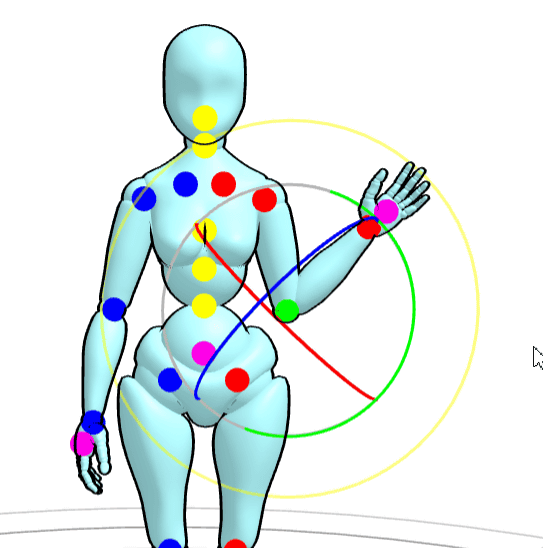
Anyway, I moved various joints and tried out different poses.
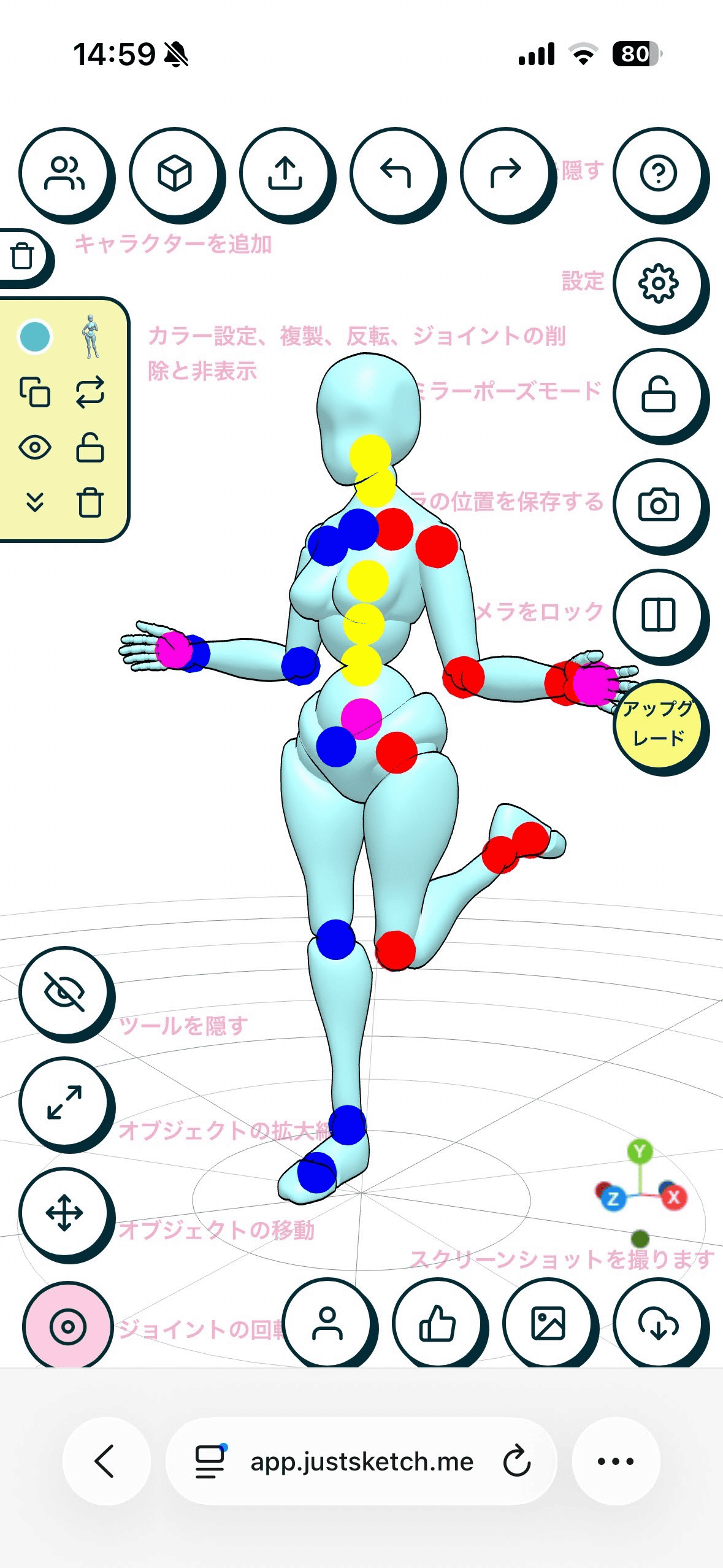
The web app version can be used not only on a PC browser but also on a smartphone browser. On a smartphone, various tool icons are lined up on the screen, but operation is more intuitive than on a PC, which seems good.
In addition, the creator of JustSketchMe commented on the message board, ' You can also export images of the scene and upload them to the generation AI ,' and said that you can have the image generation AI create illustrations based on JustSketchMe's realistic poses.
Related Posts:



in Software, Smartphone, Review, Web Application, Posted by logu_ii