The 'Preview' display on Amazon's e-book store was strange, so I contacted them.
GIGAZINE has been releasing
All e-books based on GIGAZINE articles are eligible for Kindle Unlimited and can be read for free by Kindle Unlimited users. The most popular books are ranked by month, so be sure to check them out. The July 2025 rankings can be seen in the article below.
Xiaomi 15, 'Method Acting' and Writing, Pixel Watch 3, etc. Amazon's Top 10 Best-Selling GIGAZINE Article Ranking July 2025 Edition! - GIGAZINE

Amazon's Kindle e-book store allows you to send free samples to your Kindle app or device, and you can also read previews in your browser by clicking 'Read Sample.'
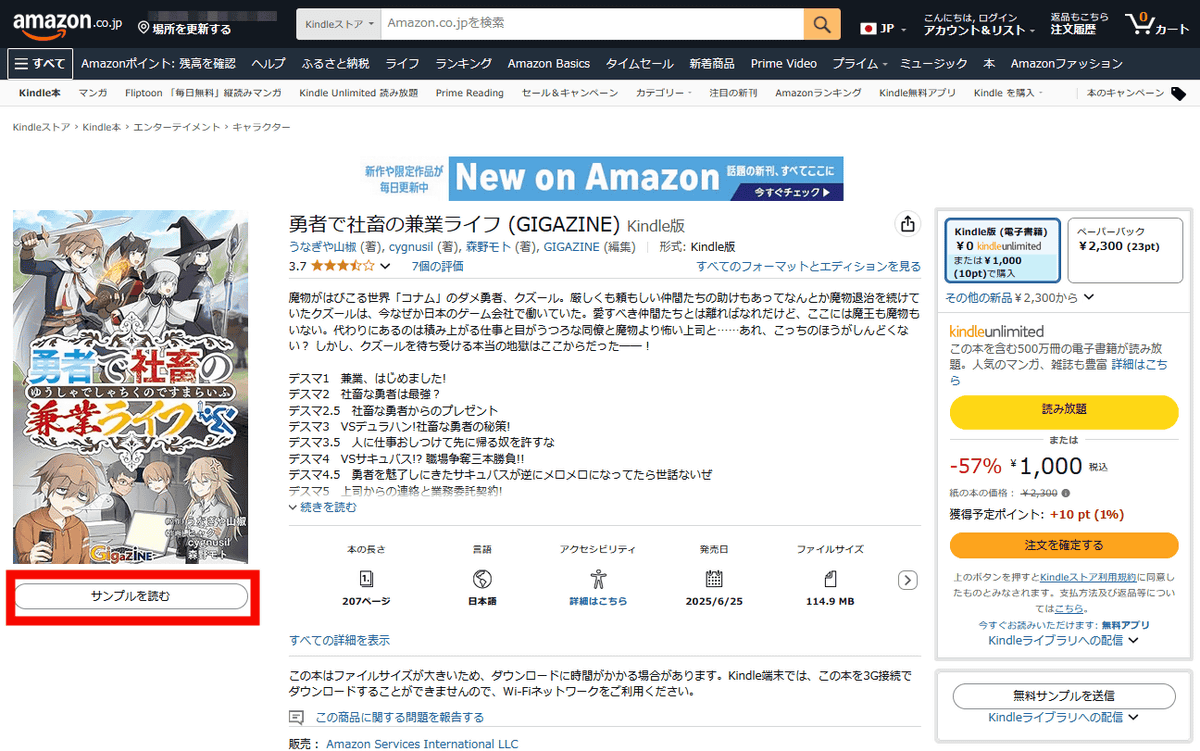
You can open a preview as follows. According to Kindle Direct Publishing
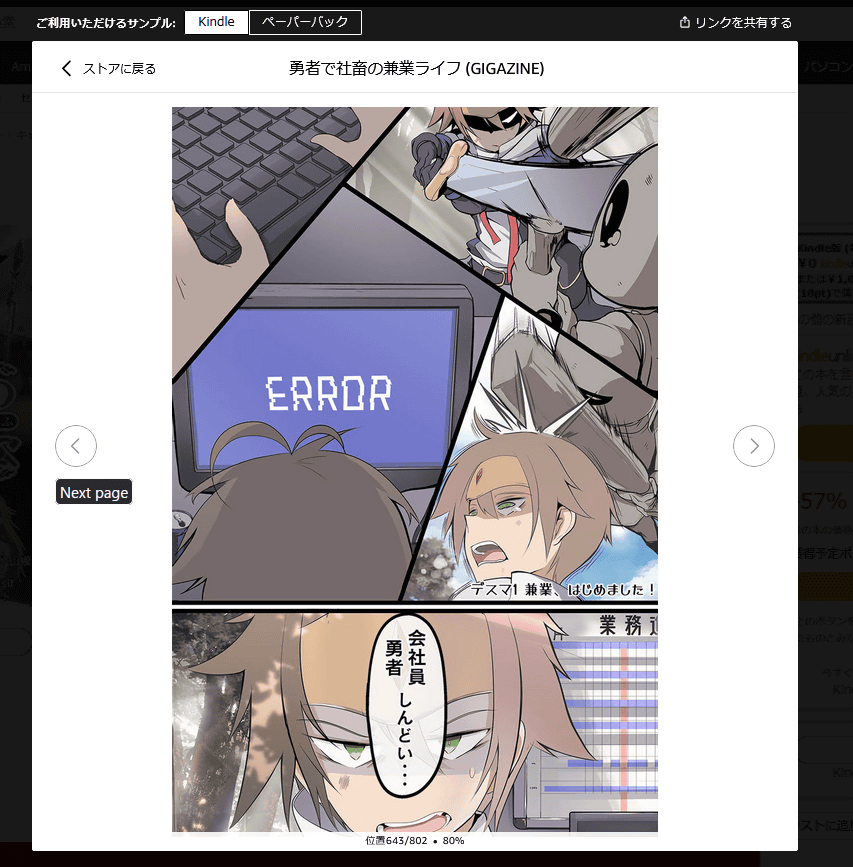
In the case of e-books of GIGAZINE articles, the volume per book is short, at most around 10 pages, so trial reading is usually limited to the first few pages.
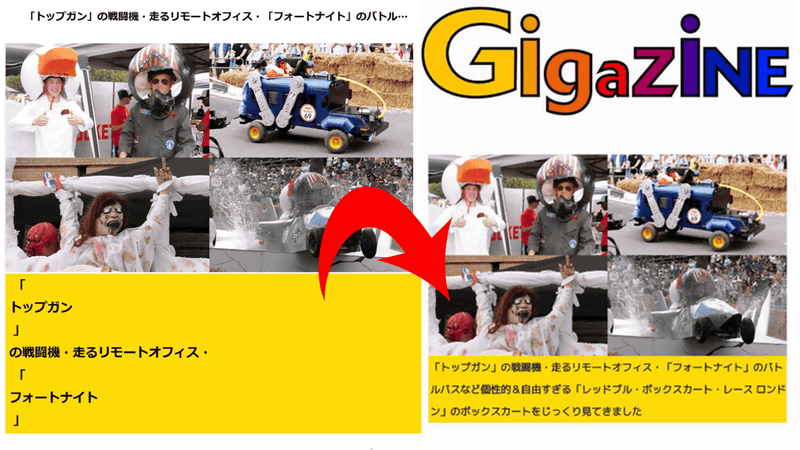
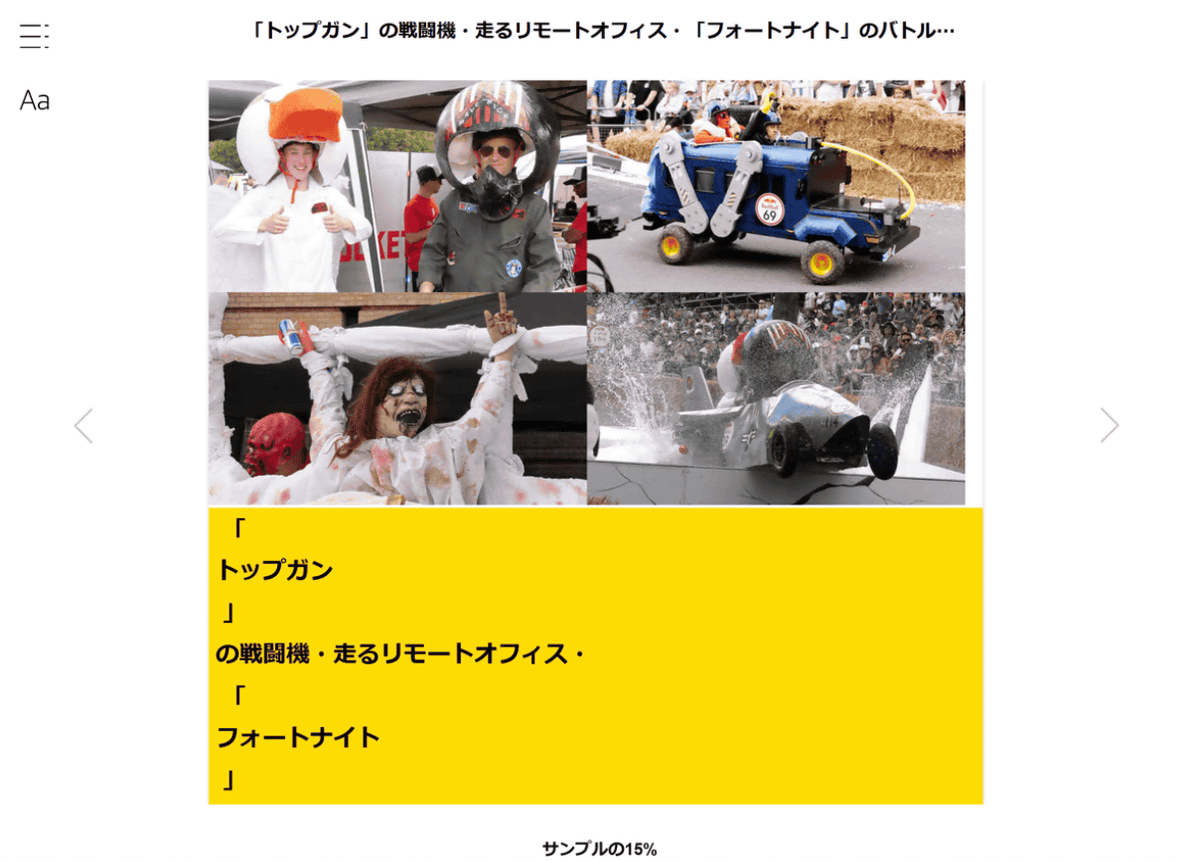
The Kindle's preview feature caused a problem with the display of GIGAZINE articles. Below is the opening page of an e-book version of the 'Red Bull Box Kart Race London' coverage article . Each time a parenthesis is inserted, a new line is inserted, causing the display to become distorted.
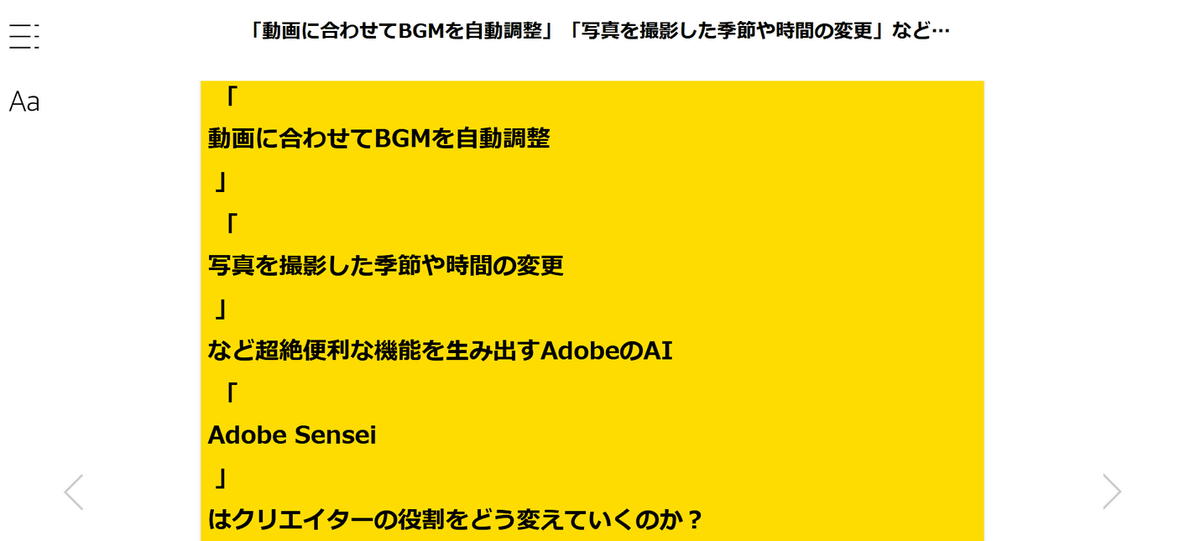
The same problem was also found in other books. After checking whether the problem occurred or not, it seemed that the line breaks always occurred at brackets, question marks, and punctuation marks.
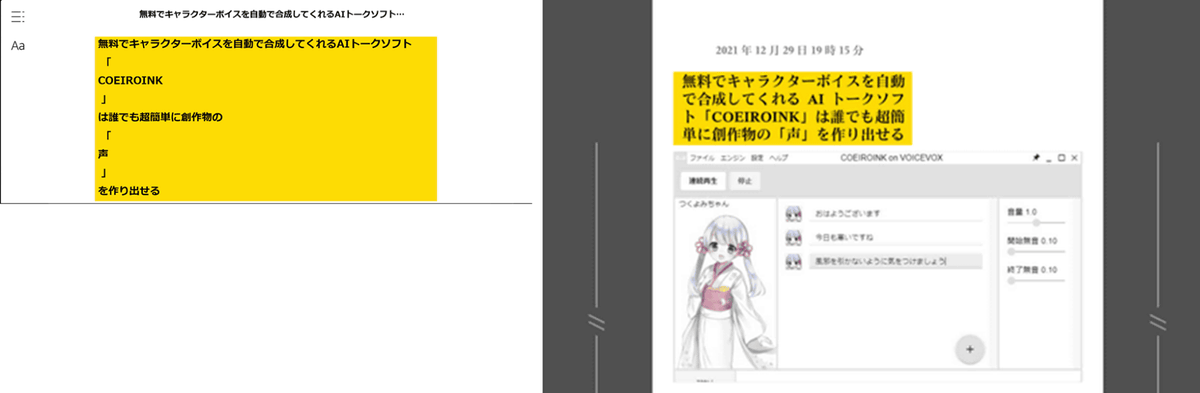
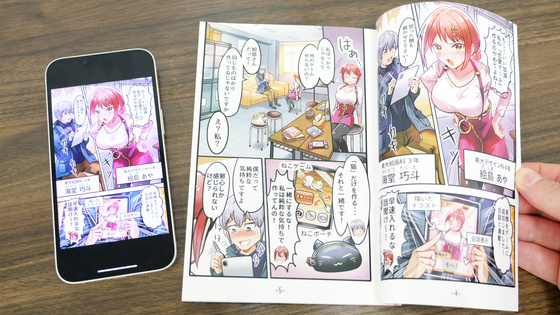
This display error only occurred when previewing a book before it was released or when purchasing and reading it. Below, the display error occurred when previewing a book on the left, and when previewing the same book on
I reviewed the process for creating e-books to find out the cause of this problem, but was unable to find the cause. Therefore, I reported the problem with the preview on the Kindle Direct Publishing help page and contacted Amazon to ask if it was a problem with the preview system or our production format.
The following response was received a few days after the inquiry:
We apologize for the time it has taken us to investigate the issue with the 'Preview' display of your work.
Currently, the investigation between the relevant departments is still ongoing, and we are unable to provide a final answer at this time.
We apologize for the rush, but we will contact you as soon as there is any progress, so please wait for a little while longer. We sincerely apologize for any inconvenience and concern this may have caused.
About a month later, I received a similar message saying, 'We are still investigating, but there has been no progress.' Then, about two months later, I received a message saying, 'The problem is complex, so it may take a long time to resolve,' and 'Republishing may fix the problem, so please try that.' I did try republishing the same book, but the preview display error did not improve.
The problem was first discovered in July 2022, and when the condition had not changed by December, we inquired again to confirm, but were told that 'the problem is complex and we cannot provide a specific timeframe for resolution.'
As the issue remained unresolved by April 2023, we contacted them again, asking questions such as 'Is the problem with the preview or our production side?', 'Are similar issues occurring with other titles or publishers?', and 'Can we suggest any fixes we can address?'. Each question received a response: 'We are currently looking into this issue, but please understand that Amazon cannot provide detailed system information. We can make suggestions based on the facts we have discovered.' While they did not provide any details, they did say, 'We are continuing to investigate this issue, but the responsible department has proposed a workaround that can resolve the preview display issue. Our technical team is currently checking the feasibility of this workaround.' They indicated they had found a potential solution.
After that, we checked the situation in June 2023 and received a reply saying that the issue was being addressed, and we have not received any further contact regarding this matter since then.
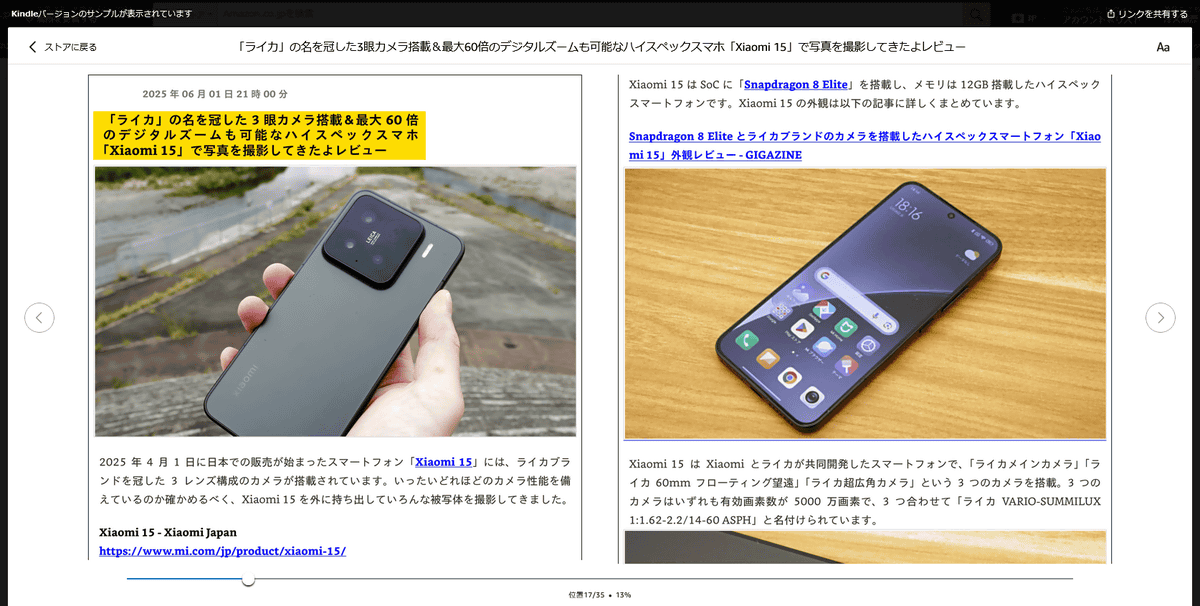
However, when I checked the preview of the book I was having problems with, the problem I had previously noticed was gone. Below is the opening part of the book where the problem of line breaks at quotation marks had previously occurred.
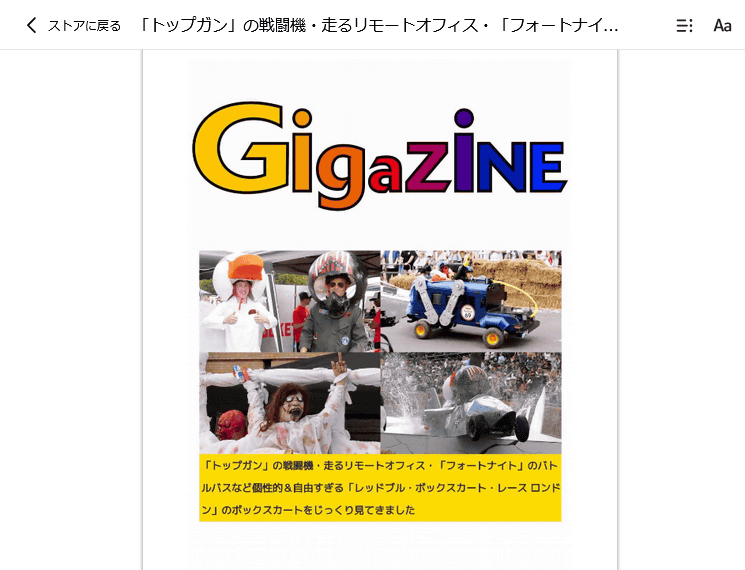
The beginning of the text is also displayed without any problems.
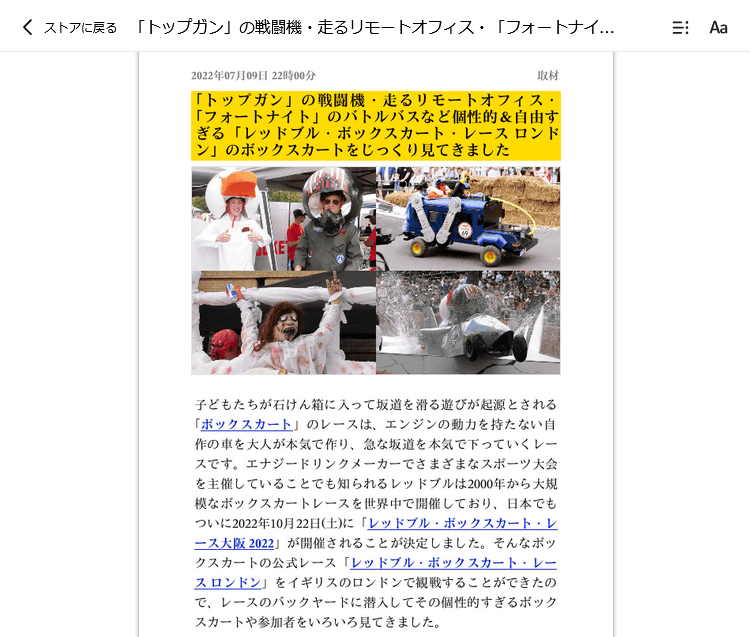
When we contacted Amazon to ask if the display had been improved, we were told that the relevant department had completed the process around July 2023. Furthermore, when we asked whether the issue was a problem with the file we had created or with the preview system, we were told, 'We have determined that this issue was caused by a system issue on Amazon's side, not a problem with the file created and submitted by the publisher.'
Currently, the previews are displayed without any issues on the Kindle Store. If you notice any issues with previews on Kindle or the display of purchased books, please contact us via ' Other Inquiries ' and describe the 'issue you are experiencing' and the 'book in question.'
Related Posts:




in Web Service, Review, Coverage, Posted by log1e_dh