Apple announces new personal AI 'Apple Intelligence,' and partners with OpenAI to bring ChatGPT support to Siri
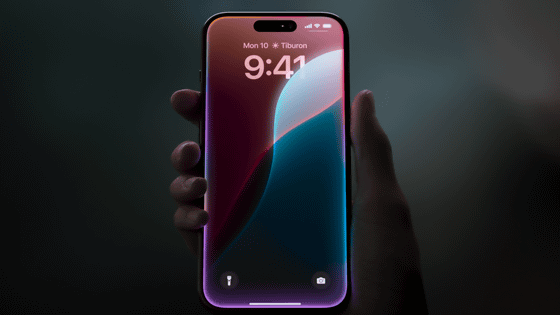
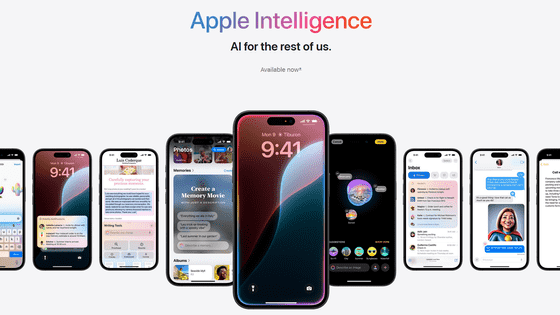
At the keynote address of Apple's annual developer conference, WWDC24 , which will be held from 2:00 PM on June 11, 2024, Apple announced a new personal AI called ' Apple Intelligence ' that can be used on iPhone, iPad, and Mac.
Apple Intelligence arrives on iPhone, iPad and Mac - Apple (UK)
https://www.apple.com/jp/newsroom/2024/06/introducing-apple-intelligence-for-iphone-ipad-and-mac/
Apple Event - Apple (Japan)
https://www.apple.com/jp/apple-events/
WWDC 2024 — June 10 | Apple - YouTube
We have been using artificial intelligence (AI) and machine learning for many years.

Recent advances in generative intelligence and large-scale language models offer powerful capabilities and opportunities to elevate your Apple product experience to new heights.


Apple's AI is powerful enough to help you do what matters most, yet...

It should be intuitive and easy to use.
Furthermore, it must be deeply connected to the user's product experience.
It must be rooted in the user's personal context.
Of course, privacy protection features must be built in from the ground up.
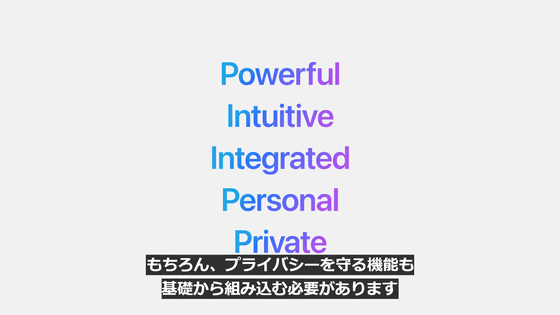
'Apple Intelligence' is a personal AI that meets the above criteria.
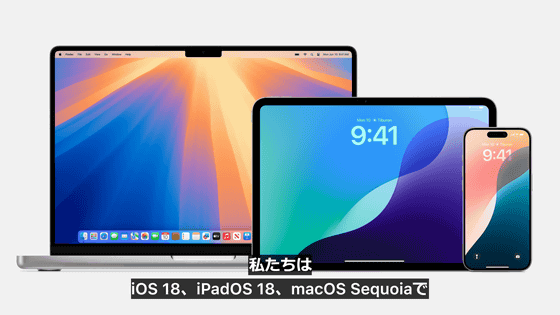
Apple Intelligence will be available on iOS 18, iPadOS 18, and macOS Sequoia.
Apple Intelligence enables iPhone, iPad and Mac to understand your personal context.
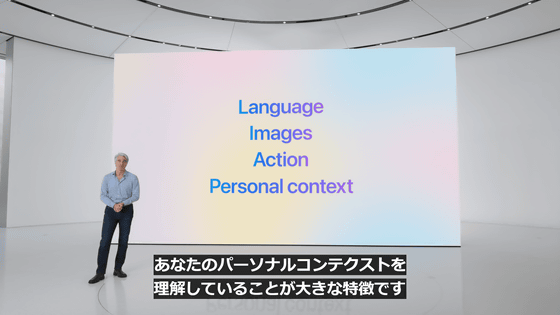
Language and writing are essential for communication and work.

Apple Intelligence's built-in large-scale language models make many everyday tasks easier and faster.

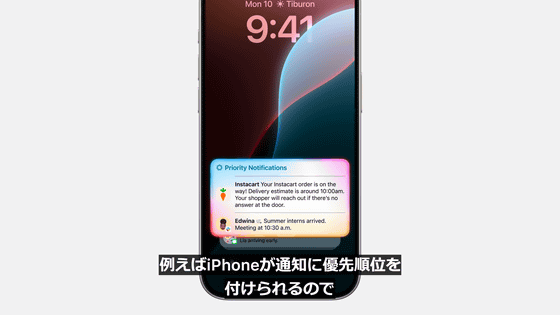
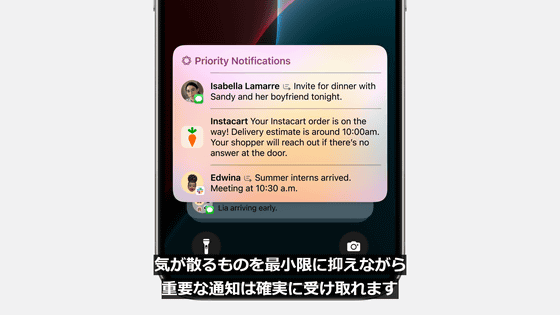
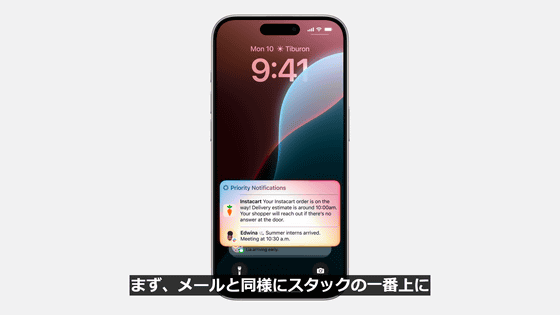
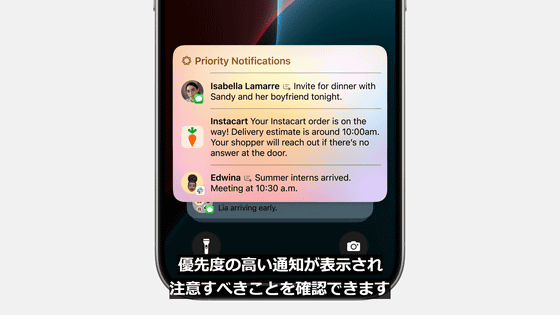
For example, your iPhone can prioritize notifications so you get the important ones while minimizing distractions.
Apple Intelligence also powers all-new writing tools.

You'll have system-wide access to this tool and feel more confident in your writing.
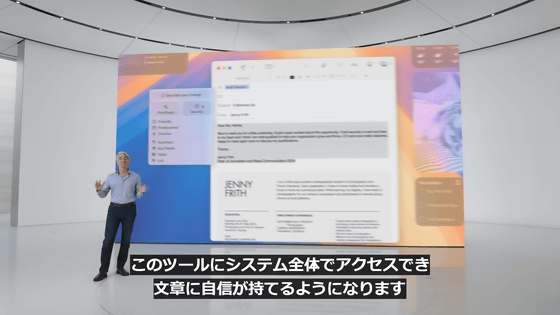
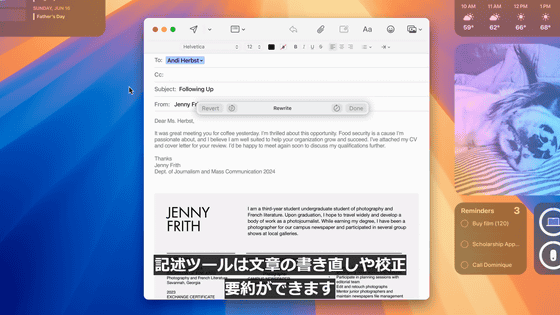
The writing tool allows you to rewrite, proofread, and summarize sentences.
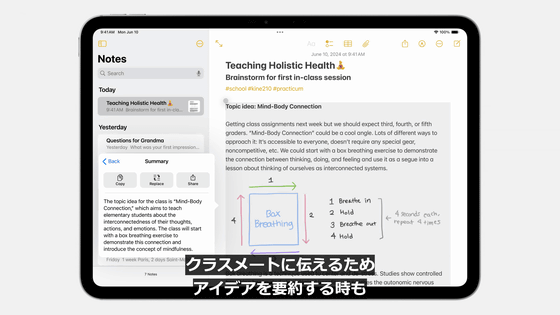
When summarizing ideas to share with classmates...
It will automatically be available in Mail, Notes, Safari, Pages, Keynote, and third-party apps.


Apple Intelligence has many features related to images as well as language.
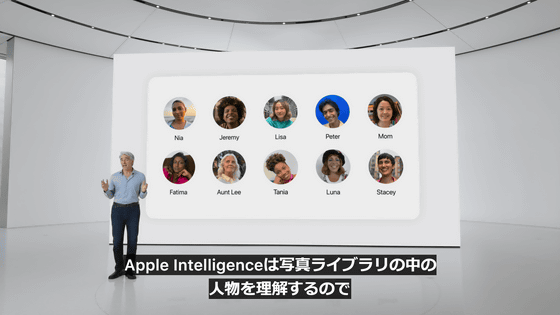
Apple Intelligence understands the people in your Photos library, so it can generate images of friends surrounded by cake, balloons, flowers, or even a hero cape to celebrate their birthday.


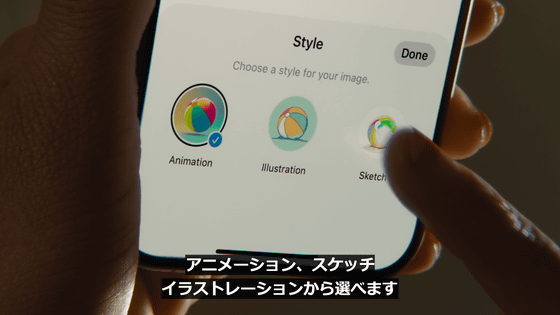
When generating images, you can choose from three unique styles.

There are three styles: sketch, illustration and animation.

This experience will be integrated into apps across the system, not just the messaging app.

For example, it can be used in Notes, Freeboard, Keynote, Pages, etc.

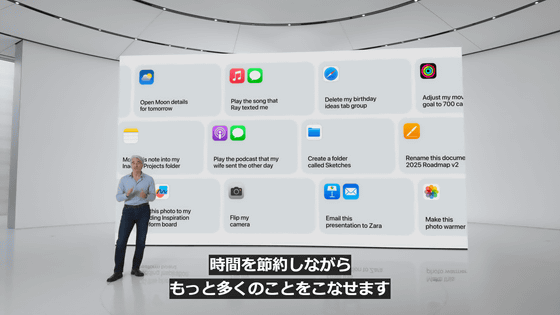
Apple Intelligence has the ability to perform actions across multiple apps.

You can also use multiple tools to perform tasks on your behalf.

This saves you time and lets you get more done.
Apple Intelligence provides a deep understanding of your personal context.

To achieve this, it is designed to find and analyze the most relevant data from across the apps you use, and see what you're looking at on screen.
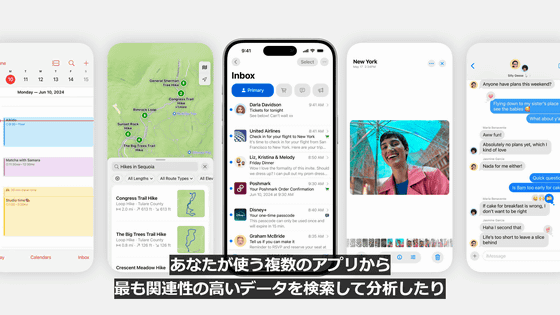
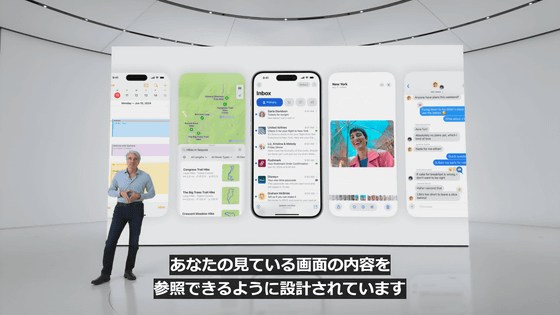
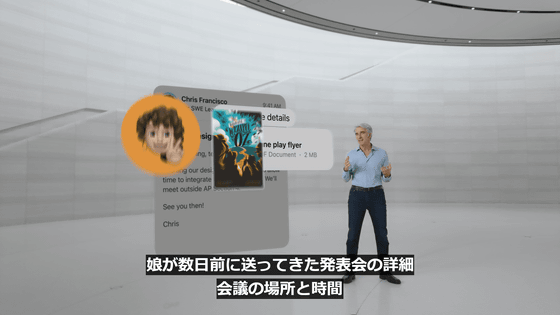
Apple Intelligence processes the relevant personal data to assist the user.
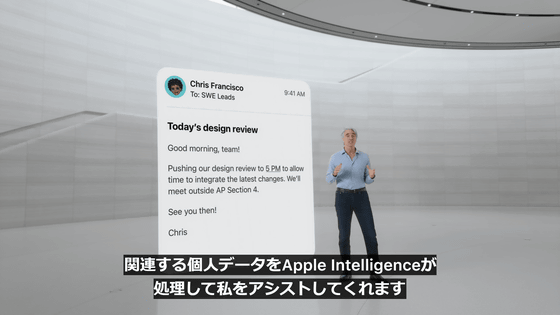
Apple Intelligence helps process all the information, like the details of the recital your daughter sent you a few days ago, or the location and time of the meeting.
Of course, this information should never be stored or analyzed in the cloud.
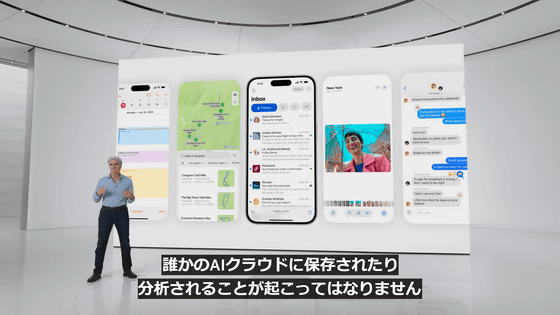
That's why Apple Intelligence is tightly integrated with powerful privacy features.

The foundation of Apple Intelligence is on-device processing.

This is apparently made possible by Apple's unique integration of hardware and software.
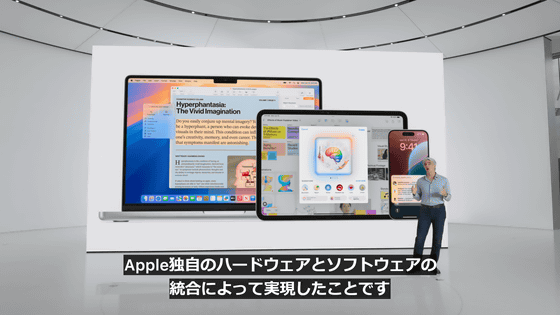
The ability to perform advanced AI processing on-device is the result of Apple's many years of investment in the development of Apple Silicon. Apple Intelligence is compatible with devices equipped with the A17 Pro and M1 or later. This means that at the time of writing, only the iPhone 15 Pro and iPhone 15 Pro Max are compatible.
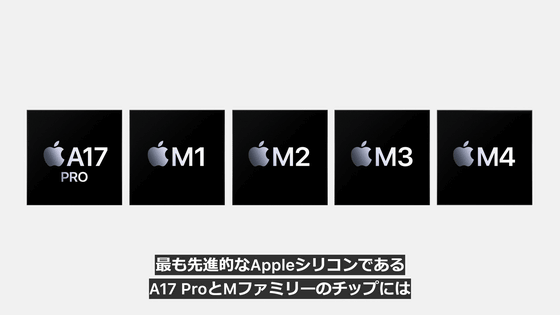
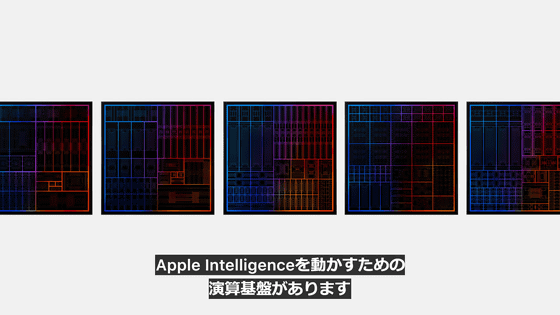
The computing infrastructure powering Apple Intelligence is built on high-performance, large-scale language models and diffusion models, allowing it to dynamically adapt to user activity.


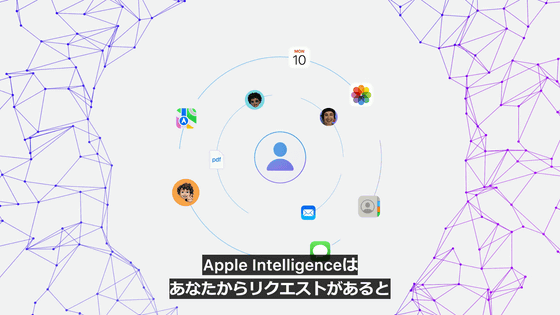
It is also possible to organize and display information from multiple apps.

When a user requests something, Apple Intelligence provides the generative model with the context to best assist the user.

If you need a model that is larger than pocket size (to perform complex tasks that are impossible with on-device processing), use a server.

In such cases, your personal data may be stored on the server and used in ways you did not intend.


In other cases, users may not be able to verify the personal data being handled on the server, or claims about the handling of data on the server may change later.

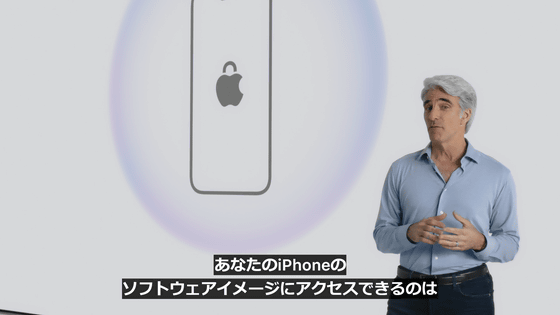
However, ideally, only independent experts would have access to iPhone software images, allowing for ongoing privacy verification.
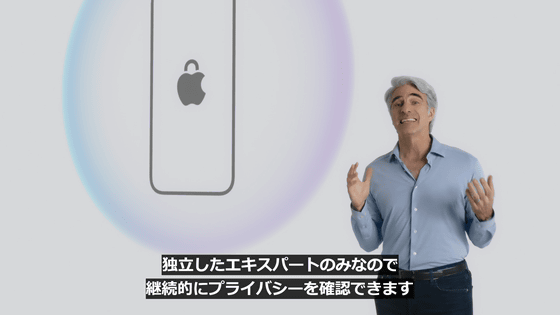
Apple also wants to extend the iPhone's privacy and security features to the cloud and further leverage AI.

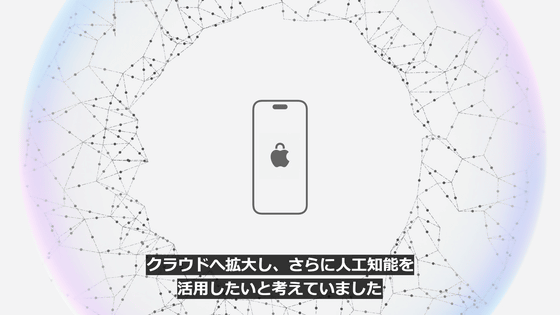
So Apple created Private Cloud Compute.

Private Cloud Compute allows Apple Intelligence to optimize computing power to meet more complex requests while protecting user privacy.


Additionally, Apple Intelligence models will run on specially built servers using Apple silicon.

The Apple silicon server delivers privacy and security features from silicon to iPhone, leveraging the security properties of the Swift programming language to run software transparently.


Apple Intelligence analyzes your request and determines whether it can be fulfilled on your device.
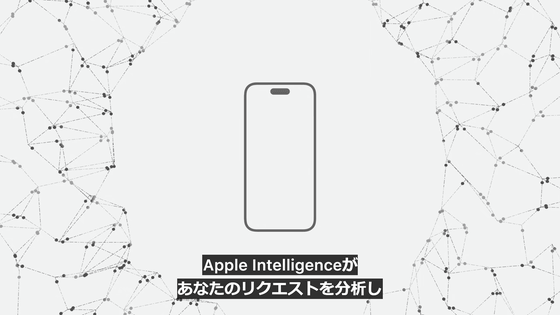
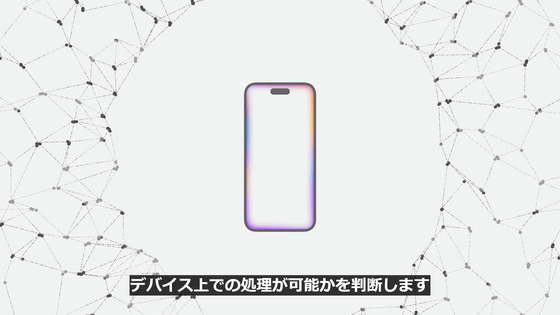
If on-device processing is deemed impossible, only the data relevant to the task will be sent to Apple silicon servers for processing using Private Cloud Compute.
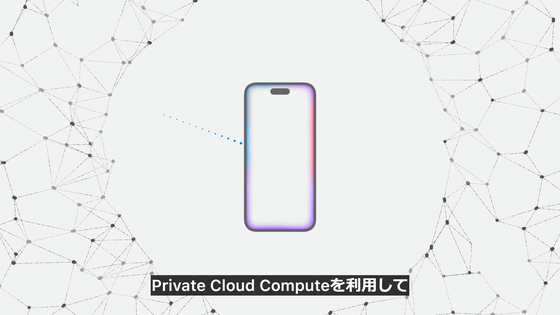
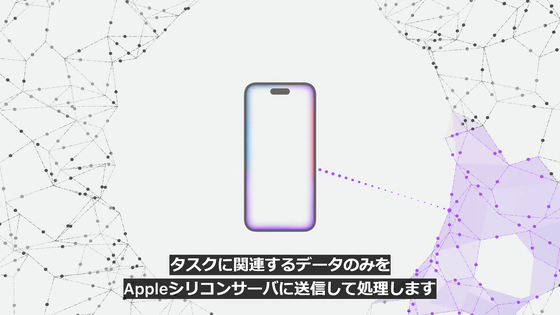
Apple never stores or has access to your data.

Your personal data will only be used to fulfill your request.

As with the iPhone, independent experts review the code that runs on the servers to ensure privacy regulations are adhered to.


Private Cloud Compute uses encryption to ensure your iPhone, iPad, or Mac never reveals data to the server, except to be publicly recorded for investigation.



This creates entirely new standards of AI privacy and unlocks trustworthy AI.


Apple has also released a video clip of the keynote speech explaining how Apple Intelligence will enable privacy features, showing how much importance the company places on privacy protection.
Apple Intelligence | Privacy - YouTube
Next, we'll talk about how Apple Intelligence will transform apps and experiences.

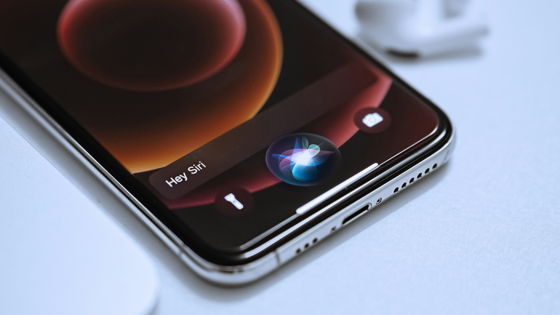
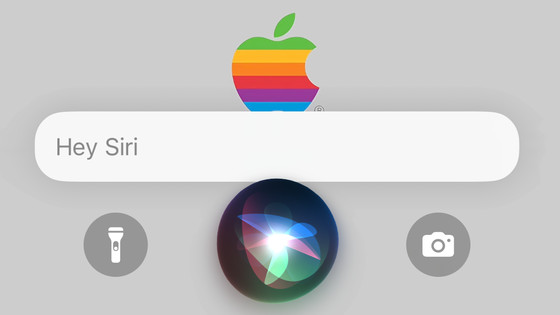
First, let's talk about Siri, which will be reborn with AI.
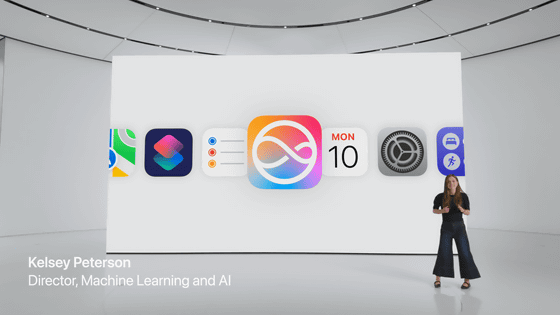
At the time of writing, Apple device users make 1.5 billion voice requests to Siri every day.

Siri, released by Apple in 2011, was one of the earliest AI assistants.

Siri will be reborn with the latest AI.
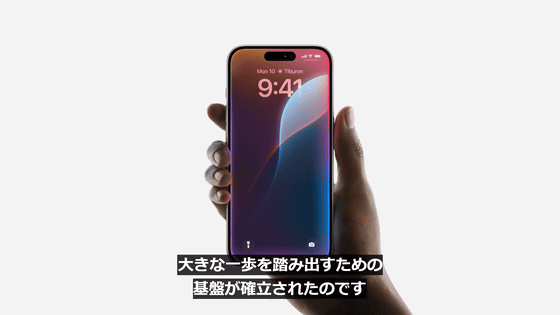
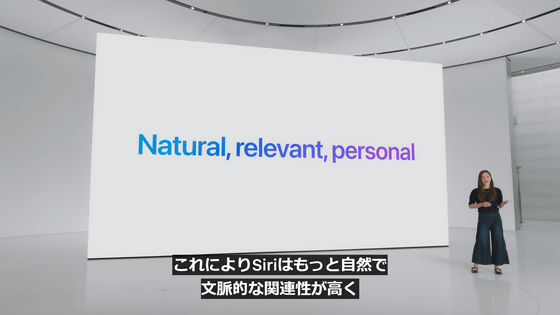
Siri is more natural and contextually relevant.
When you talk to Siri, a beautiful glow surrounds the edges of the screen.
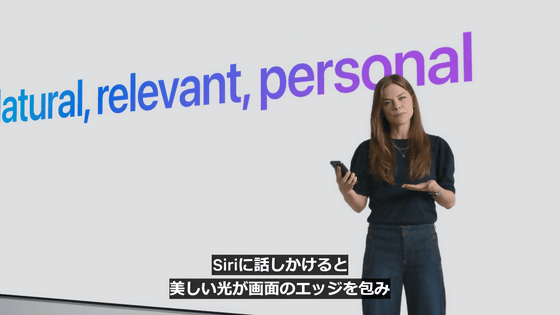
This effect shows Siri being more deeply integrated into the system experience.
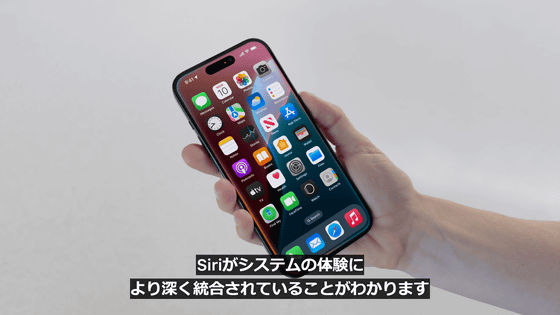
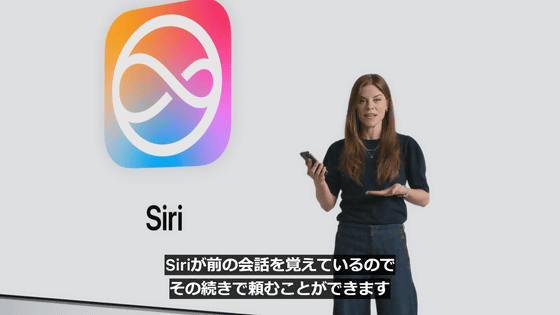
Siri remembers your previous conversations, so you can ask it to continue.
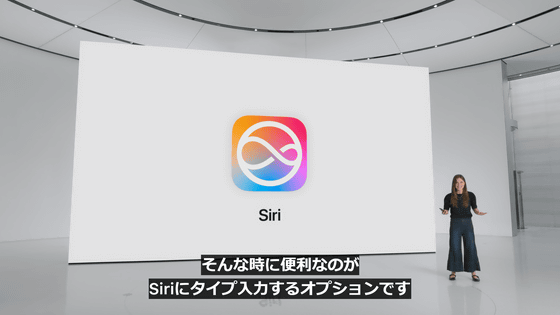
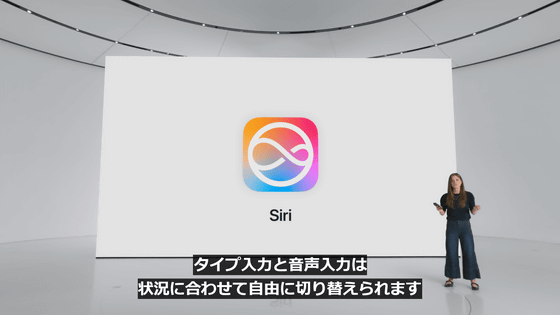
It also adds the option to type to Siri.
Double tap the bottom of the screen to start typing.
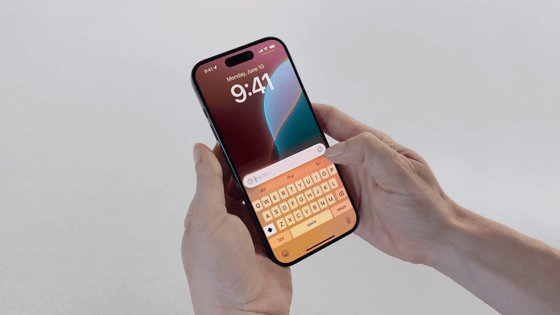
You can freely switch between typing and voice input depending on the situation.
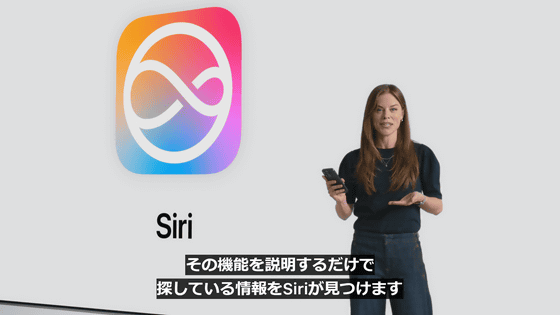
Siri can also tell you how to achieve what you want, even if you don't know the specific function name.
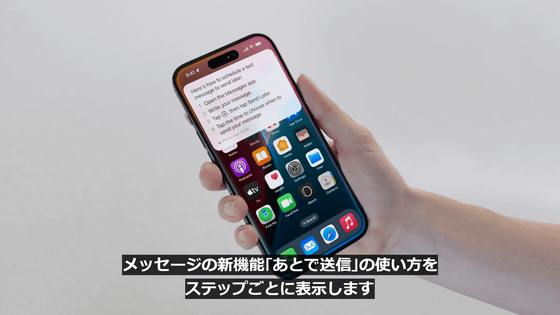
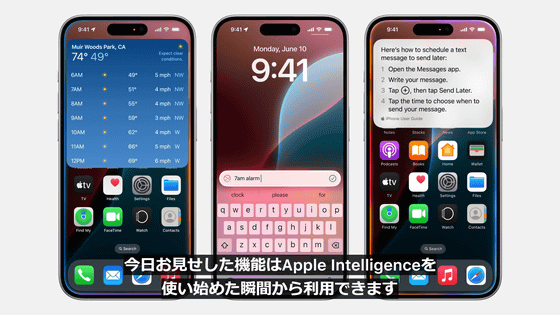
You can also get detailed step-by-step instructions on how to use the new Messages app feature, 'Send Later.'
These features are available from the moment you start using Apple Intelligence.
Additionally, Apple has announced that it will release a number of features through 2025 to make Siri even more personal and powerful.
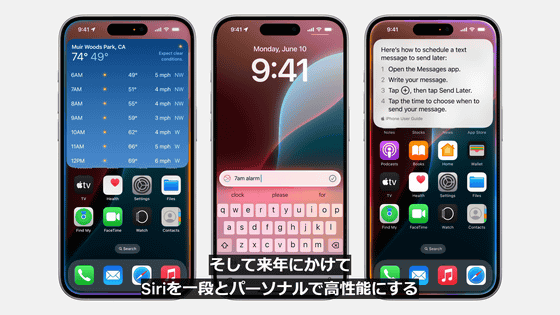
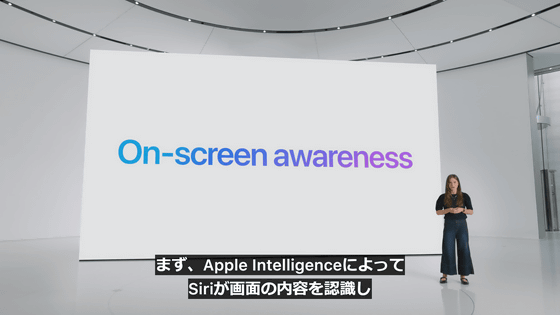
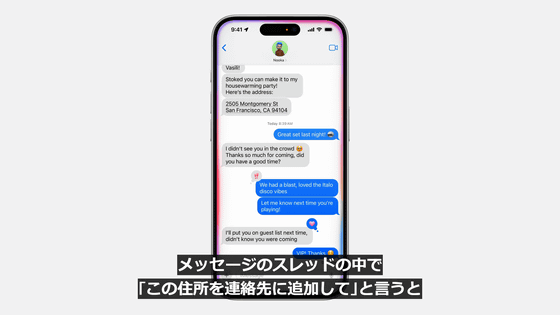
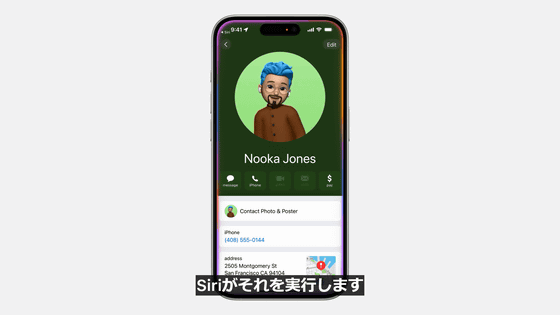
One of the upcoming features is 'On-Screen Awareness,' which uses Apple Intelligence to allow Siri to recognize what's on your screen and take action using what's displayed on the screen.

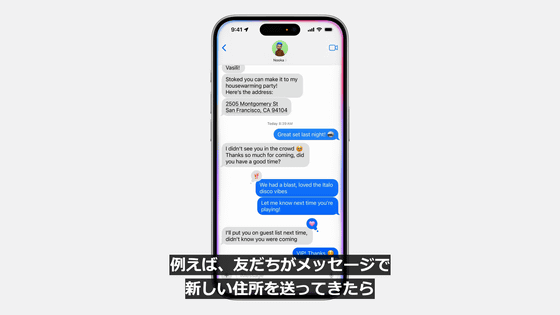
Here's an example of on-screen awareness: If a friend sends you a new address in a message, you can say 'Add this address to my contacts' in the message thread and Siri will do it for you.
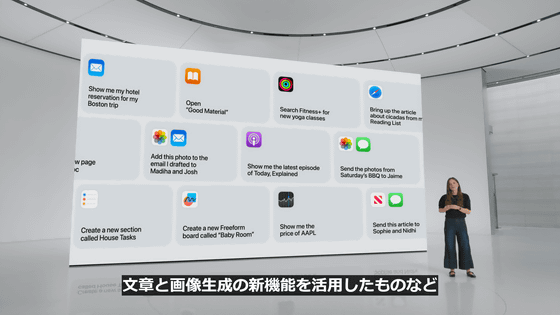
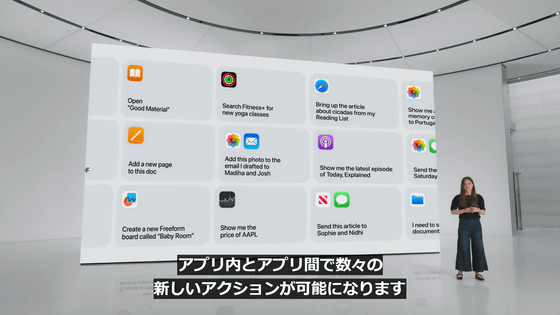
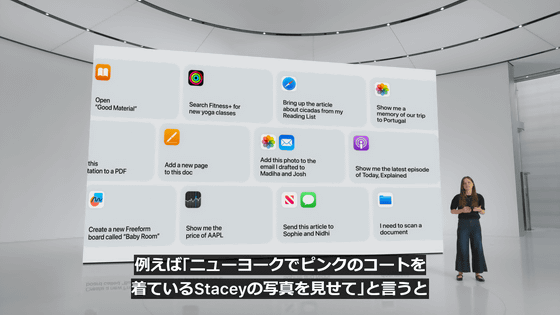
Siri can also take actions on your behalf within apps.

It enables a number of new actions within and between apps, including those that take advantage of new text and image generation capabilities.
For example, say, 'Show me a picture of Stacey in her pink coat in New York,' and Siri will instantly show you the photo.
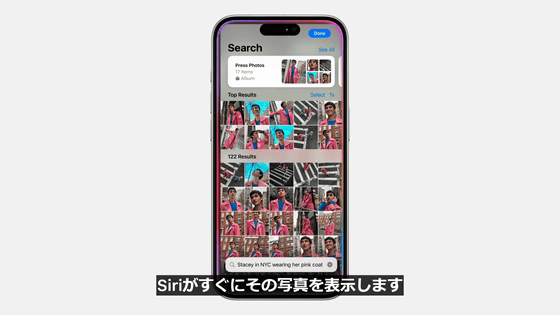
Then, say, 'Brighten this photo,' and Siri will correct the photo.

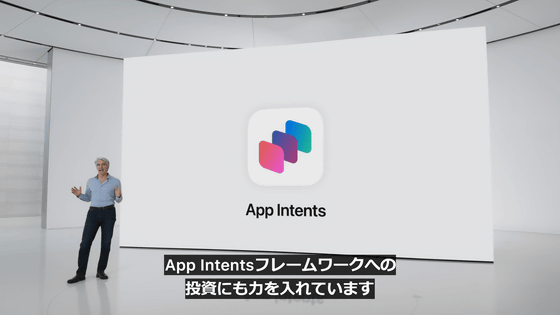
This is due to significant enhancements to the App Intents framework, which allows apps to define actions.


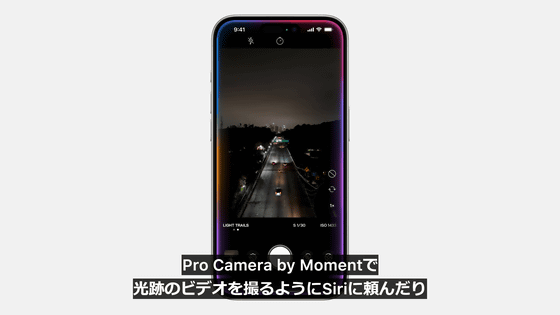
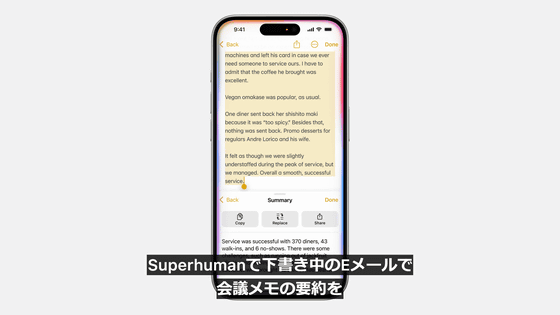
You can also ask Siri to take a video of a light trail with Pro Camera by Moment, or ask Superhuman to create a summary of your meeting notes in an email draft.
Apple Intelligence helps Siri understand your personal context.
By using semantic indexing of photos, calendar events, files, and information like links shared by friends, Siri can discover and understand things that were never possible before.



Apple Intelligence has strong privacy protections that help protect your privacy even when Siri uses your information to complete tasks.
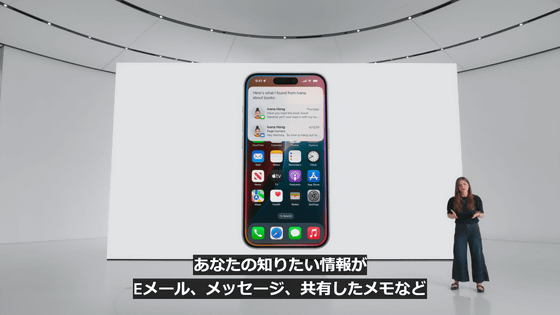
If you can't find the information you want in an email, message, or shared note, Siri can help.
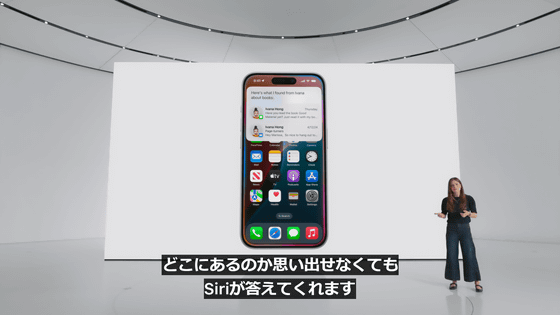
Siri will extract your license number from a photo of your license and enter it directly into the form.

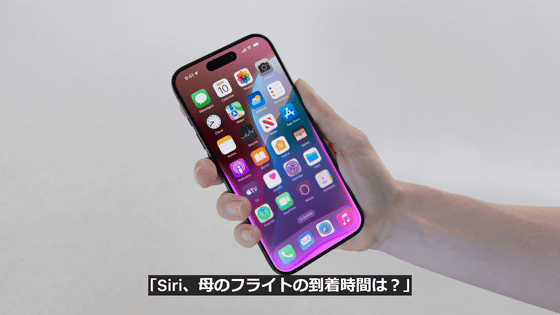
'Siri, what time is my mom's flight arriving?'
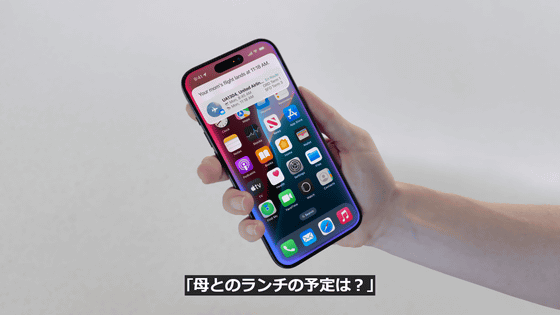
Siri can also answer questions like, 'What are your plans for lunch with Mom?'
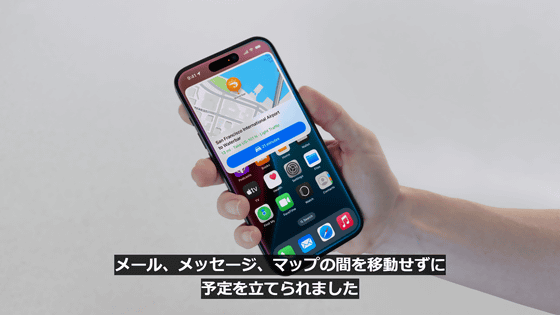
You can also plan your schedule without switching between multiple apps like Mail, Messages, and Maps.
Apple Intelligence also brings groundbreaking ways to improve your writing.

Let's take a look at how Apple Intelligence can help streamline communication using the Mail app.

One of the new features enabled by Apple Intelligence is 'Rewrite,' which allows Apple Intelligence to rewrite text written by the user.
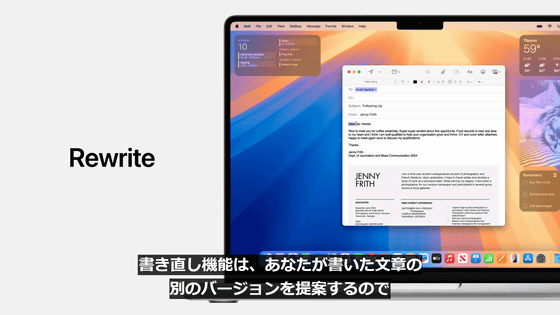
It supports a variety of language styles, from friendly to professional, allowing you to choose the one you like best.
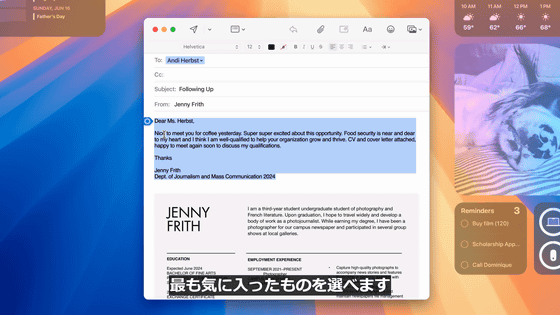
Users can choose the style and wording combination that best suits them.

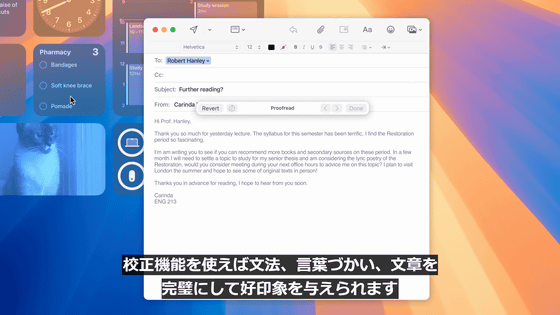
Use proofreading to perfect your grammar, language, and writing to make a good impression.
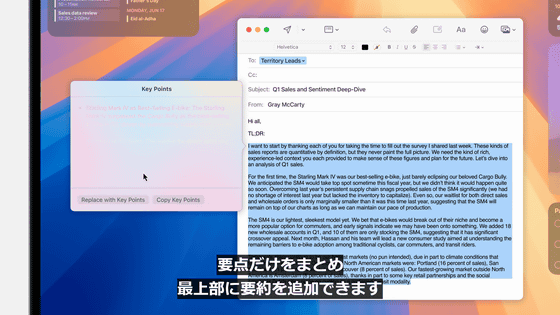
Additionally, Apple Intelligence will create a summary for you.
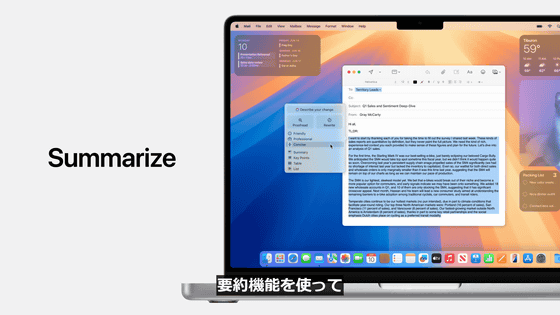
You can also add a summary to the top of your email by summarizing the main points of the text you typed.
Apple Intelligence brings Smart Reply to the Mail app.

For example, when responding to an event invitation, we'll suggest a response based on your email.

When you choose 'Join,' the Mail app will identify the question in the invitation and suggest reasonable answers so you can quickly choose and reply.


The reply draft incorporates the user's response, allowing you to create a detailed and accurate response with just a few taps.


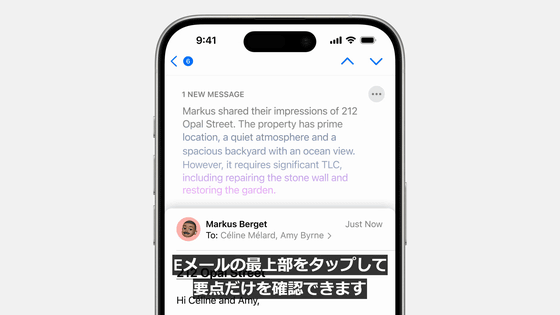
Additionally, you will be able to view the summary on your email list.

You can also tap the top of the email to see just the main points.
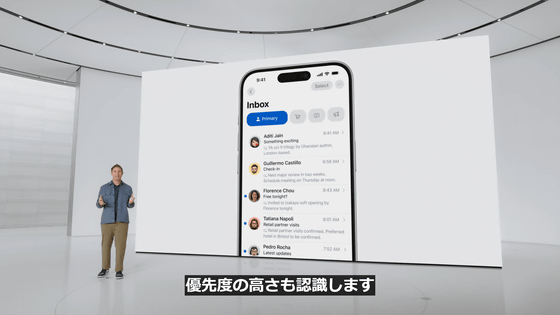
It also recognizes priority, so you can identify urgent emails and display them at the top of your email list.
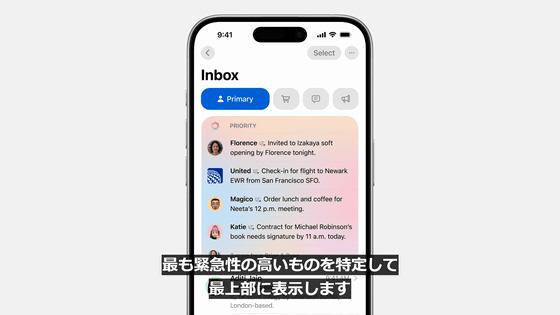
Just like email, you can also display high-priority notifications on the notification screen.
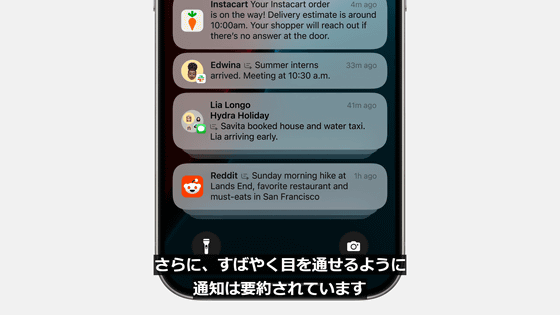
Additionally, notifications are scheduled so that you can quickly scan through them.
A new distraction mode, enabled by Apple Intelligence, also helps reduce distractions.
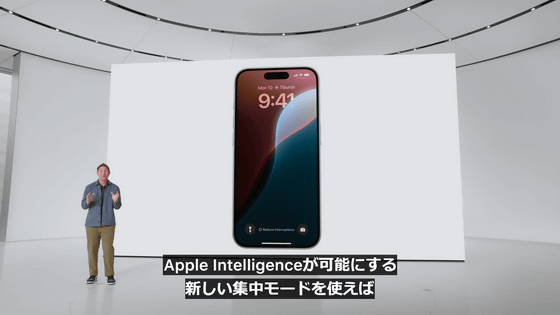
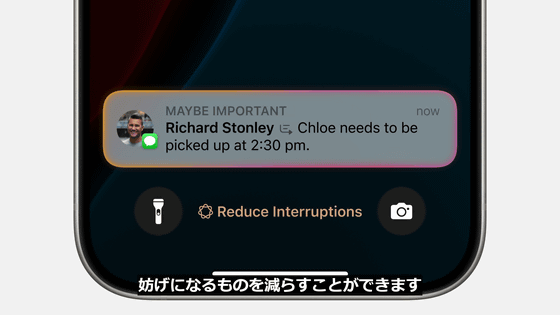
You'll only see the information you need to check immediately.
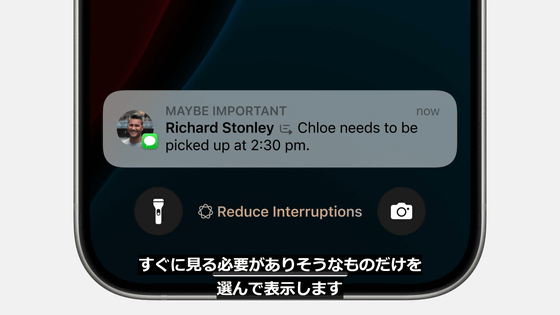
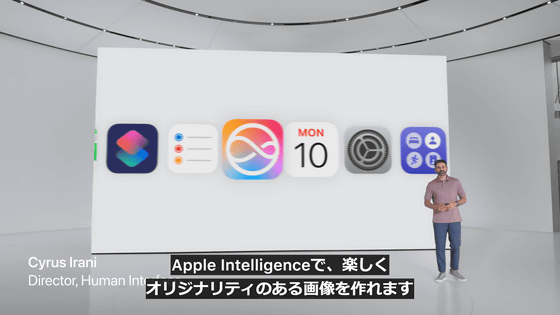
Image generation is also possible with Apple Intelligence.
You can freely generate an appropriate image that expresses the emotion of that moment.
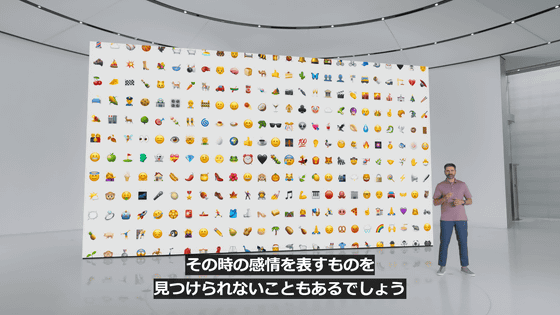
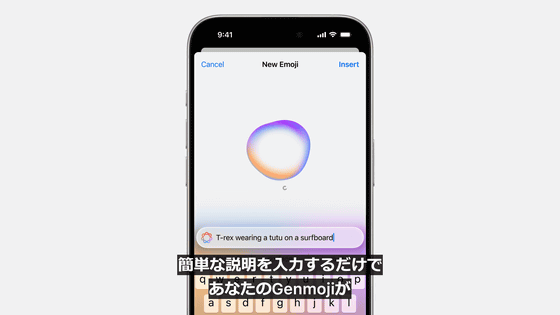
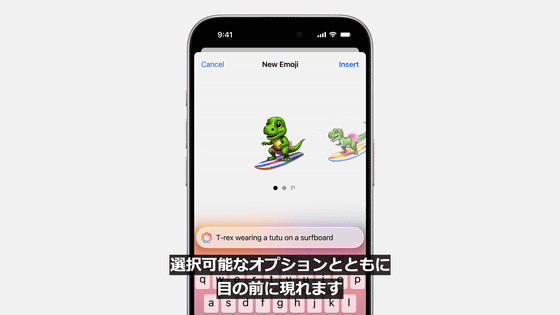
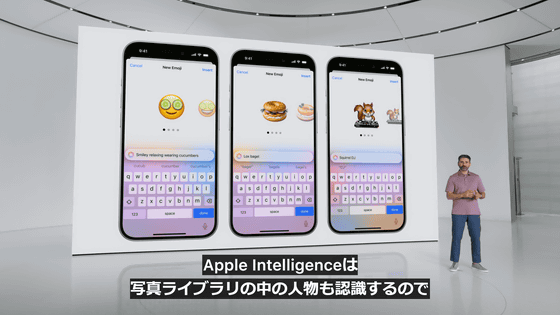
One of the new features that incorporates this image generation technology is 'Genmoji.'

Simply enter a short description and your Genmoji will appear with options to choose from.
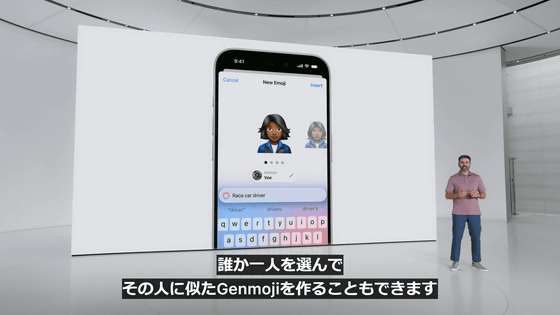
Apple Intelligence also recognizes people in your photo library, so you can choose one person and create a Genmoji that looks like them.
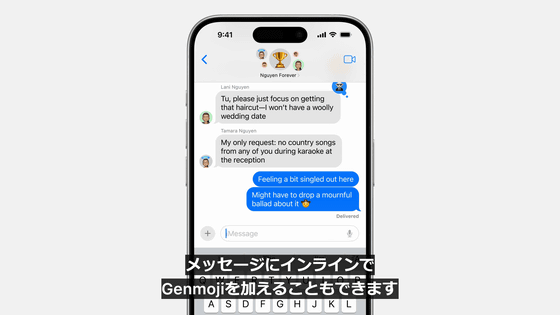
You can also add Genmoji inline to your messages.
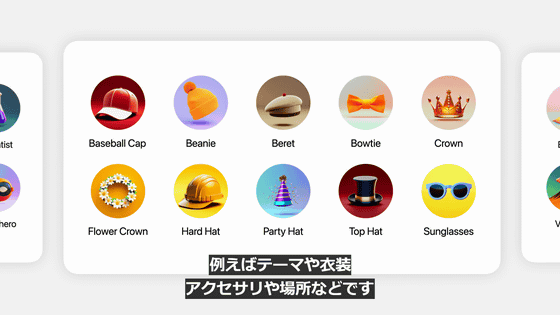
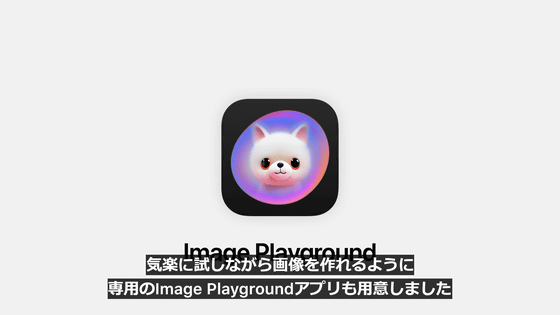
Another image generation feature is 'Image Playground.'

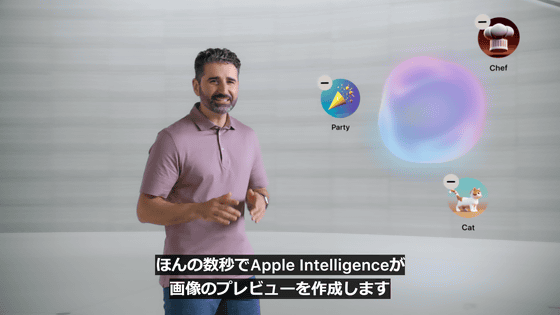
First, choose a concept such as a theme, costume, and accessories.
Apple Intelligence will then create a preview of your image in just a few seconds.
All of this is done on-device.

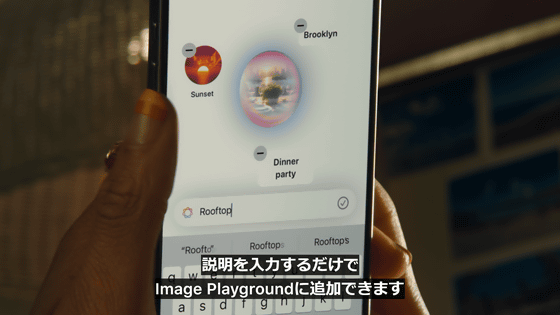
You can also create images that go along with the conversation and send them to your friends.

Just enter a description and Image Playground will generate an image for you.
Generated images can be created in three styles: animation, sketch, and illustration.
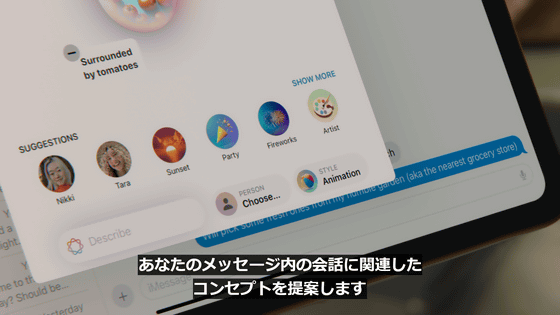
Apple Intelligence understands your personal context and suggests concepts relevant to your conversations within Messages.

It is also possible to add people to the images you are creating.
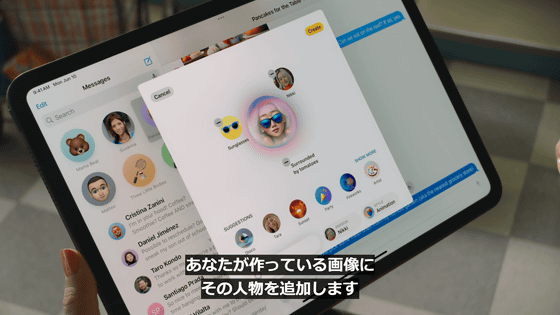
Image Playground allows you to easily enjoy creating images not only in Apple's native apps such as Keynote, Pages, and Freeboard, but also in dedicated Image Playground apps.

In addition, an Image Playground API will be released to allow third-party apps and social networking apps to easily use this feature.
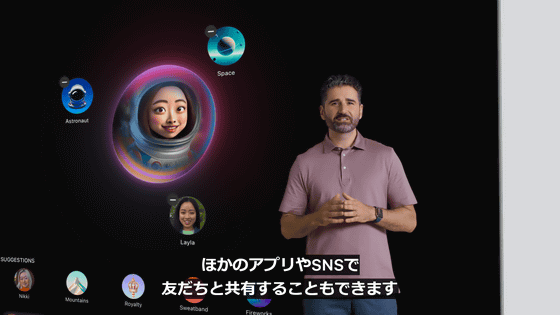
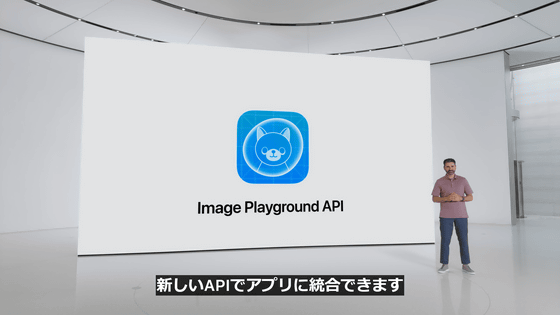
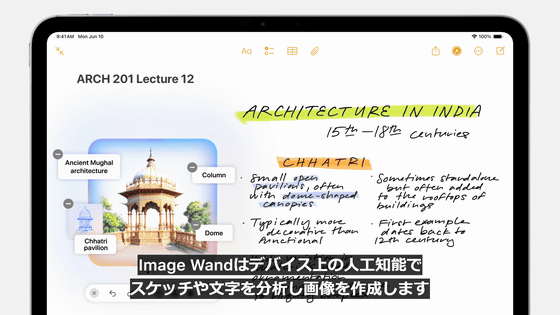
Image Wand, a new tool in the Notes app, also uses Apple Intelligence.

Image Wand turns a rough sketch into a polished image. To use it, simply circle your sketch in Notes with your Apple Pencil.
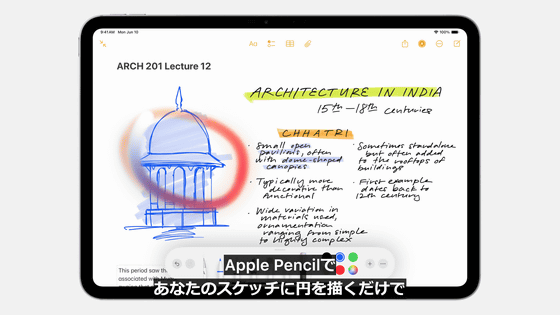
The image is automatically generated after recognizing the sketch and surrounding text.
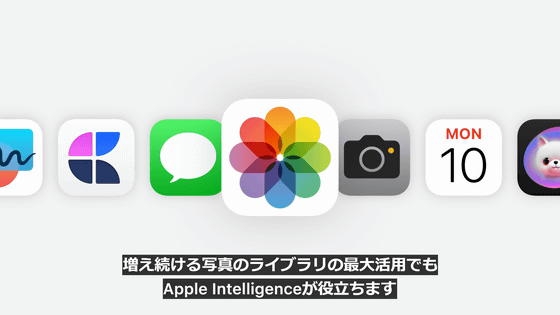
Apple Intelligence will also be applied to the Photos app.
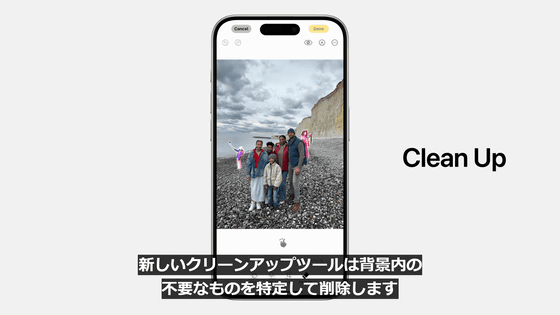
When editing a photo, you can simply circle and remove any unwanted parts.
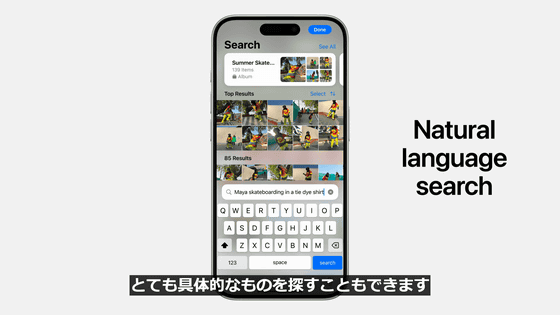
You can also search for photos and videos by entering text.
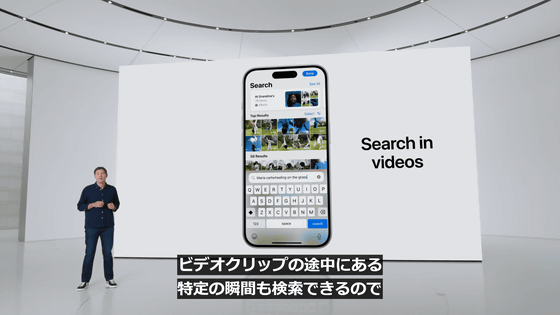
You can even search for moments within a video, so you can create a storyline and create memories.
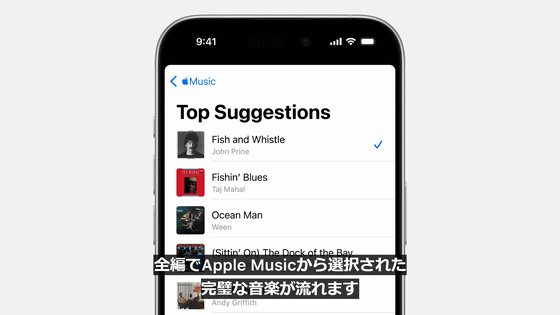
AI automatically adds background music and narration.

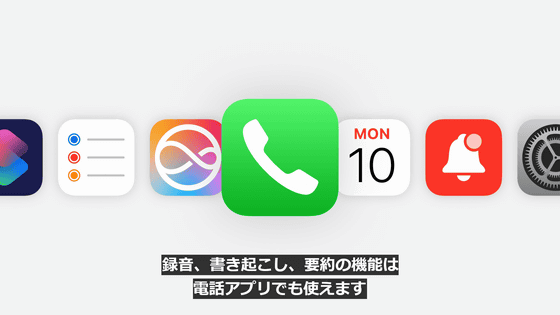
Additionally, Memo can also record audio, transcribe it, and summarize it.

This function can also be used by phone.
If you start recording during a call, a notification will be displayed to the other party.
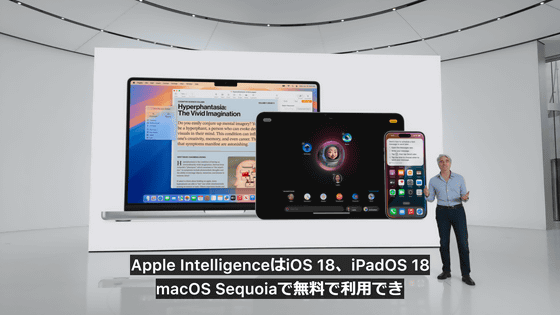
Apple Intelligence is available for free on iOS 18, iPadOS 18, and macOS Sequoia.
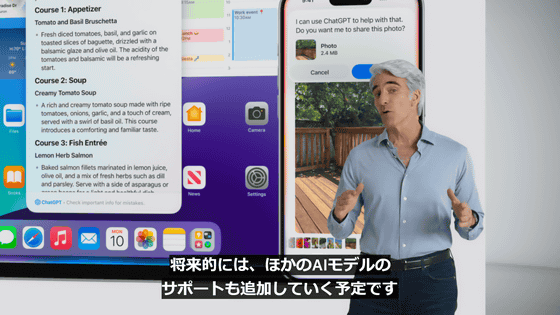
Apple also announced that it will make OpenAI's ChatGPT and GPT-4o available in Apple Intelligence.
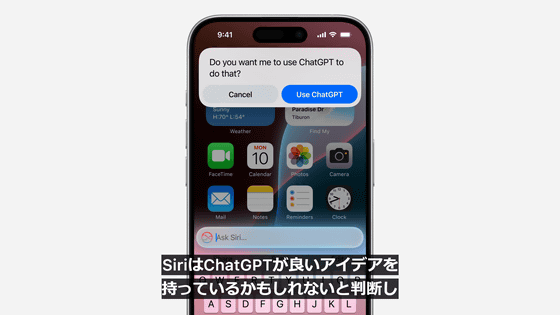
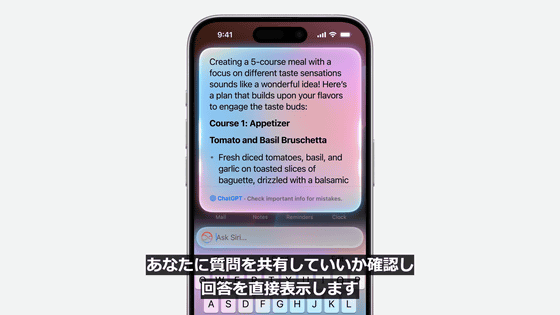
For example, when you ask Siri a question, Siri will ask you if you want to share the question with ChatGPT and then show you the answer.
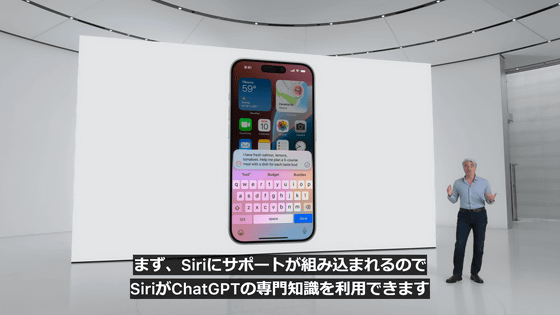
It supports the multimodal model GPT-4o, so it can answer questions about the contents of photos, documents, and PDF files.
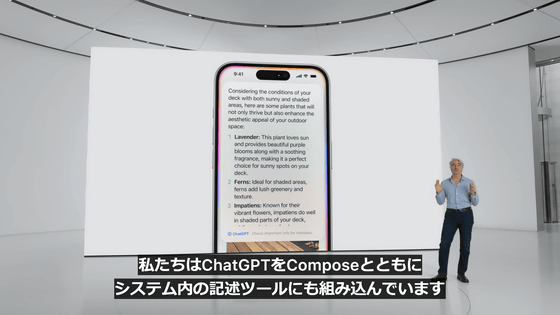
ChatGPT is also integrated into Siri as well as the writing tools within the system.
Access to ChatGPT is free, no account is required, and requests and information are not logged.
Additionally, if you have an OpenAI account, you can log in and use paid features directly.
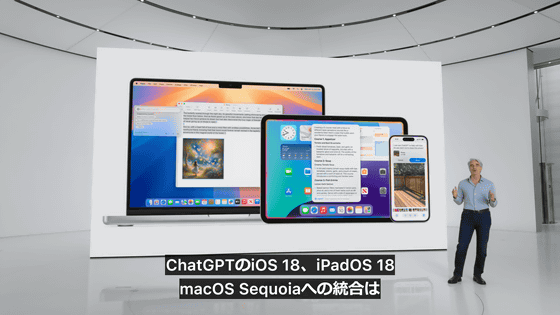
ChatGPT and GPT-4o are scheduled to be integrated into iOS 18, iPadOS 18, and macOS Sequoia by the end of 2024.
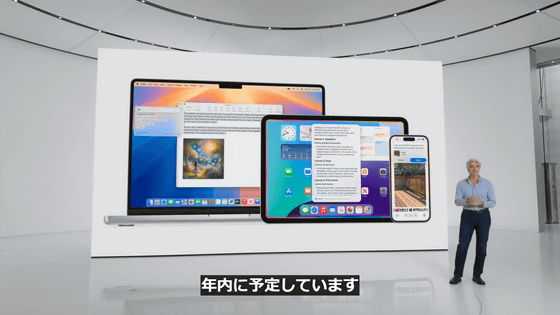
Support for other AI models will be added in the future.
The updated SDK will provide new APIs and frameworks for using these Apple Intelligence features.
This means that app developers can also use the features of Apple Intelligence.

If you already have SiriKit installed, many of the new Siri features will become available immediately with no additional work required.
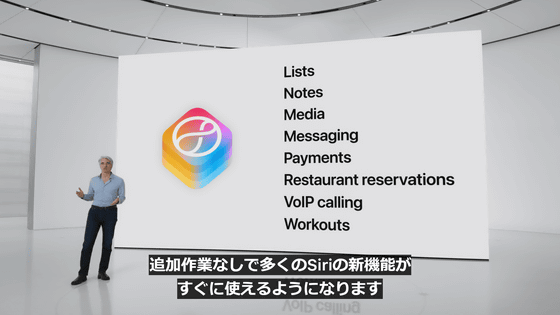
The intents in the Apple Intents framework are pre-defined and have been thoroughly trained and tested.
Xcode will also integrate generative AI to automate Swift coding and add an assistant feature that answers questions about Swift coding.

Apple Intelligence will be available on a trial basis in the US starting in the summer of 2024.

It will be available in beta in Fall 2024.

Other languages and platforms will be added through 2025.

Apple has also released a five-minute video summarizing the Apple Intelligence presentation.
Apple Intelligence in 5 minutes - YouTube
Related Posts: